|
User Manuals for Lens GearsYou have selected the product series Photography - Underwater Photography - Lenses, Lens Ports & Lens Gears - Lens Gears. Now choose the brand, model or product code you are looking for. If it is not available, you can request it from customer support.Manufacturers – select a brand:
Amphibico - AquaTech - Aquatica - Fantasea Line - Ikelite - Light & Motion - Nikon - Nimar - Olympus - Sea & Sea - Seacam
| Showing: 251-260 products | Total: 357 products | | 1 ... 24 | 25 | 26 | 27 | 28 ... 36 |
|
Sea & Sea Focus Gear for |

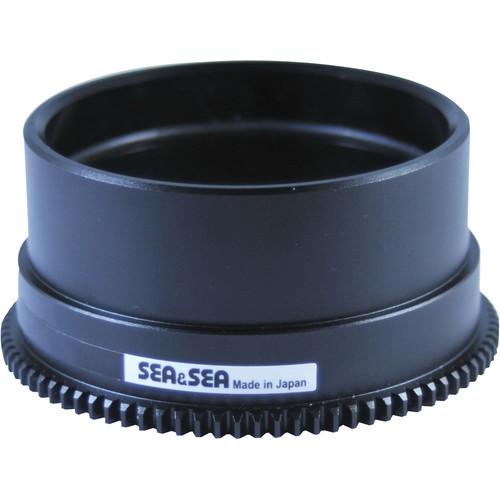 Use this Focus Gear from Sea & Sea to control manual focusing with your Nikon AF-S NIKKOR 18-35mm f/3.5-4.5G ED lens in a compatible lens port, which mounts onto a Sea & Sea MDX underwater camera housing. For compatibility, see MDX System Chart. The gear mounts onto the focus ring of the lens and is controlled by the housing's focus/zoom dial or a...
|
|
Sea & Sea Focus Gear for |

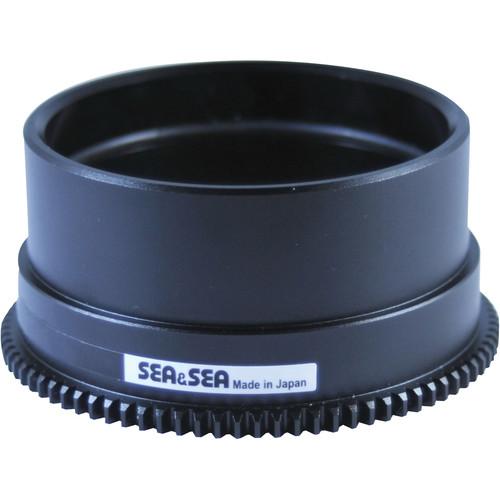 Use this Focus Gear from Sea & Sea to control manual focusing with your Canon EF 8-15mm f/4L Fisheye USM lens in a compatible lens port, which mounts onto a Sea & Sea MDX underwater camera housing. For compatibility, see MDX System Chart. The gear mounts onto the focus ring of the lens and is controlled via the focus/zoom dial on the housing. It i...
|
|
Sea & Sea Focus Gear for |

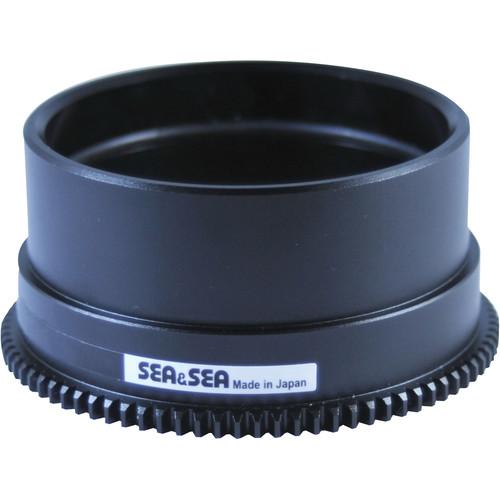 Use this Focus Gear from Sea & Sea to control manual focusing with your Canon EF 17-40mm f/4L USM lens in a compatible lens port, which mounts onto a Sea & Sea MDX underwater camera housing. For compatibility, see MDX System Chart. The gear mounts onto the focus ring of the lens and is controlled via the required extension ring with focus knob. It...
|
|
Sea & Sea Zoom Gear for |

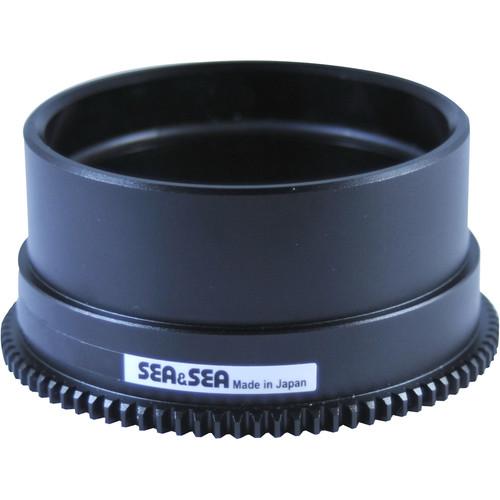 This Zoom Gear from Sea & Sea is used to zoom the Olympus M.ZUIKO Digital ED 12 to 40mm f/2.8 Pro lens when used in a Sea & Sea housing for Olympus mirrorless interchangeable-lens cameras. This zoom gear is also compatible with ML Extension Ring 25 and ML Dome Port. Compatibility Olympus M.ZUIKO Digital ED 12 to 40mm f/2.8 Pro lens Olympus mirr...
|
|
Ikelite Control Ring Gear for Underwater |
 Place this Ikelite Control Ring Gear over the front control ring on your Canon S120 camera before installing it in Ikelite's dedicated #6242.12 underwater housing. The gear is pressed into position around the lens, and can be programmed to control aperture, shutter, focus, and other functions. It is held in place by the three nylon hex head set sc...
|
|
Ikelite 5515.42 Zoom Sleeve for Sony |
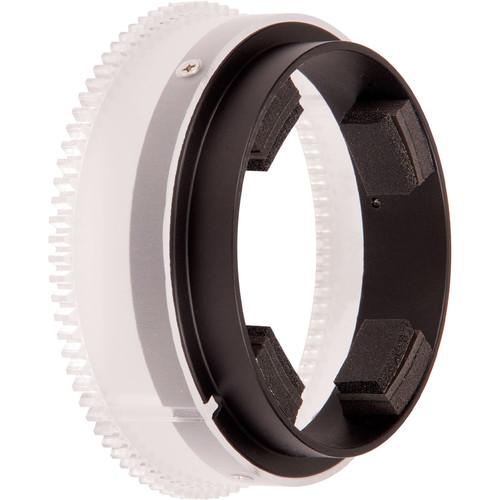 By connecting Ikelite's 5515.42 Zoom Sleeve to the zoom ring of your Sony E-mount 18-55mm f/3.5-5.6 OSS E lens, you will enable zoom control when the lens is inside Ikelite's 5516.15 Underwater DLM Dome Port. Place the required clamp around the ring and slide the sleeve over the clamp. Make sure that the teeth at the edge of the sleeve mesh with t...
|
|
Aquatica Focus Selector Gear for Nikon |
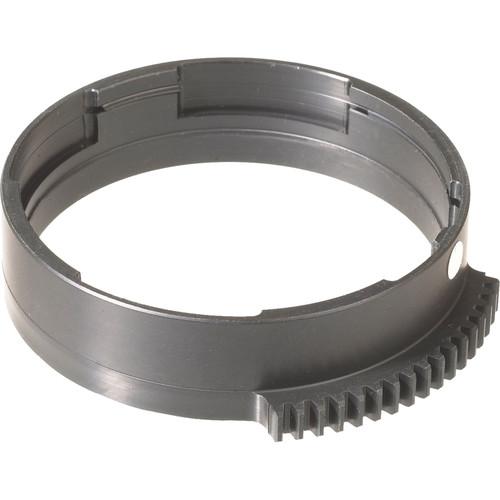 This Aquatica Focus Selector Gear is for the Nikon 60mm f/2.8 AF micro lens when used in the Aquatica housings. The gear allows you to switch between auto and manual focus underwater. UPC: 018208186822 In the Box Aquatica Focus Selector Gear for Nikon 60mm f/2.8 AF Lens 1 Year Warranty Table of Contents ...
|
|
Ikelite Control Ring Gear for Underwater |
 Place this Ikelite Control Ring Gear over the front control ring on your Canon S90 camera before installing it in Ikelite's dedicated #6242.90 underwater housing. The gear is pressed into position around the lens, and can be programmed to control aperture, shutter, focus, and other functions. It is held in place by the three nylon hex head set scr...
|
|
AquaTech 10959 NZ 16-35mm Zoom Gear |
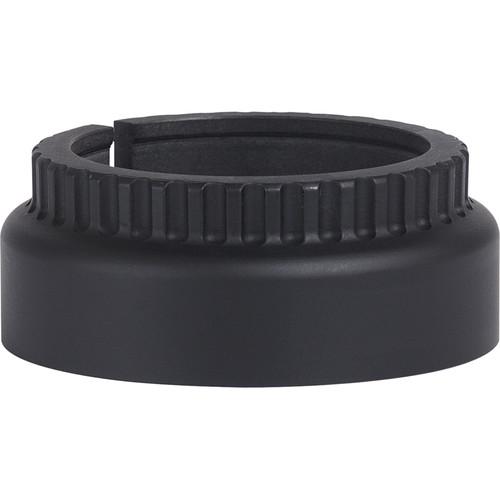 Enjoy smooth, seamless lens operation underwater when using AquaTech's 10959 NZ 16-35mm Zoom Gear for the Nikon 16-35mm f/4 Lens. Mount the gear on your lens's zoom ring, then connect it to the zoom control knob of your AquaTech Delphin or Elite Sport Housing. When you're ready to shoot, you'll be able to zoom the lens back and forth from outside ...
|
|
AquaTech 10912 CZ 17-40mm Zoom Gear |
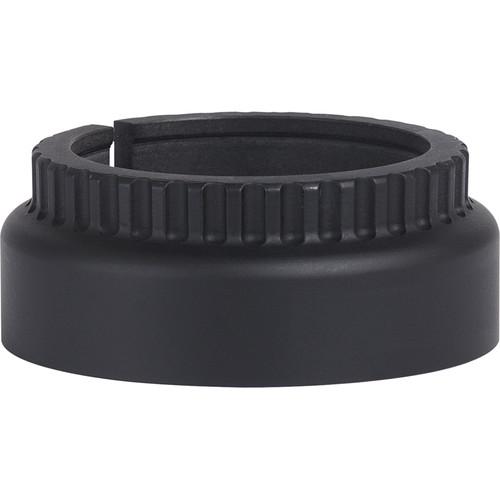 Enjoy smooth, seamless lens operation underwater when using AquaTech's 10912 CZ 17-40mm Zoom Gear for the Canon 17-40mm f/4 Lens. Mount the gear on your lens's zoom ring, then connect it to the zoom control knob of your AquaTech Delphin or Elite Sport Housing. When you're ready to shoot, you'll be able to zoom the lens back and forth from outside ...
|
|
| 1 ... 24 | 25 | 26 | 27 | 28 ... 36 | | Showing: 251-260 products | Total: 357 products |
|
|
| Request for user manual |
You can’t find the operation manual you are looking for? Let us know and we will try to add the missing manual:
I’m looking for a manual / Request for manual
Current requests for instruction manuals:
Call Of Duty World War Two For Xbox...
controller stratus XL...
stratus XL...
smart whatch serie S11 42mm...
Allen & Heath SQ-6 manual...
|
| Discussion |
Latest contributions to the discussion:
AEW R 4100
Name: MAURICIO ANGARITA
Audio-Technica AEW-R4100 UHF Diversity Receiver for
AEW R 4100 has the mute function blocked and does not allow audio to pass. I tried several times to turn off the mute from the transmitter but it does nothing, the mute stays on. Solution?
Thank you...
Instructions for assembling the 2015 Forecast Image Master Consoles GC3-A
Name: mike elam
Forecast Consoles GC3-A ImageMaster Editing Console
Looking for instructions for assembling this console. ...
EMPTY TONER ERROR MESSAGE AFTER REPLACING TONER
Name: LINDA BAD YELLOW EYES
Brother TN223BK Standard-Yield Toner
I HAD TO CHANGE OUT ALL THREE TONERS DUE TO LEAKS IN THE YELLOW AND CYAN. AFTER I REPLACED THEM, THE MACHINE KEEPS GIVING ME AN EMPTY TONER ERROR MESSAGE. HELP!!...
PS480D 20/24 pin Switching 480W Power Supply
Name: swkargo
Logisys 480W Power Supply
This item states in can run -5vdc .It is NOT listed on the board or I beleive is r4 is missing the resitior. Any body have thid issue. Shawn
...
Help needed
Name: Ann Carter
SanDisk 1TB Extreme Portable USB 3.1
When I click the link to download the user manual for my Sandisk Extreme external hard drive, it gives me the manual for the LG Cricket. Can you please change the link so I can download the Sandisk manual and begin using this drive? Thank you....
|
|
