|
User Manuals for Wireless Lens Control CablesYou have selected the product series Professional Video - Lenses & Lens Accessories - Wireless Lens Control Cables. Now choose the brand, model or product code you are looking for. If it is not available, you can request it from customer support.Manufacturers – select a brand:
Angenieux - ARRI - Chrosziel - CINEGEARS - DJI - HEDEN - ikan - Laird Digital Cinema - Movcam - RED DIGITAL CINEMA - Redrock Micro - Teradek - Tilta - VariZoom
| Showing: 381-390 products | Total: 434 products | | 1 ... 37 | 38 | 39 | 40 | 41 ... 44 |
|
Chrosziel ALADIN Mark II Breakout Cable |

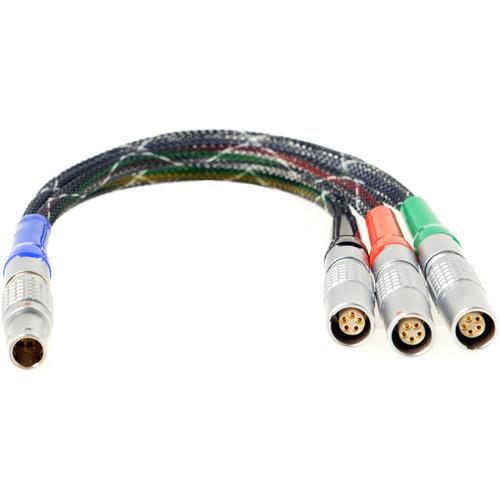 The Chrosziel ALADIN Mark II Breakout Cable features a 5-pin LEMO connector at one end and three 5-pin LEMO connectors for timecode, power/start/stop, and start/stop at the other end. In the Box Chrosziel ALADIN Mark II Breakout Cable with 3 x 5-Pin LEMO Coupling Limited 1-Year Warranty Table of Contents ...
|
|
Chrosziel ALADIN Mark II Breakout Cable |

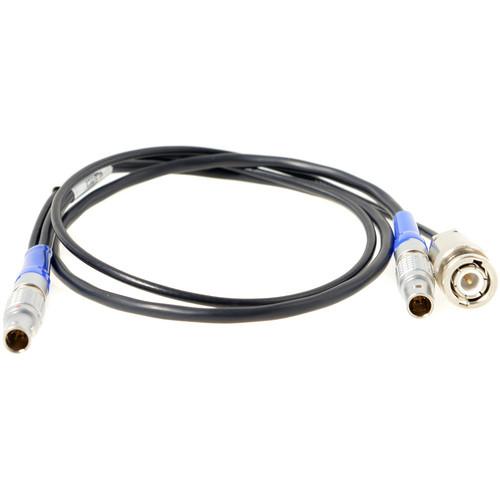 The Chrosziel ALADIN Mark II Breakout Cable features a 5-pin LEMO connector at one end and Lockit 5-pin LEMO and BNC connectors at the other end. In the Box Chrosziel ALADIN Mark II Breakout Cable with 2x 5-Pin LEMO and a BNC Connector Limited 1-Year Warranty Table of Contents ...
|
|
Chrosziel Adapter Cable for Fujinon Analog |

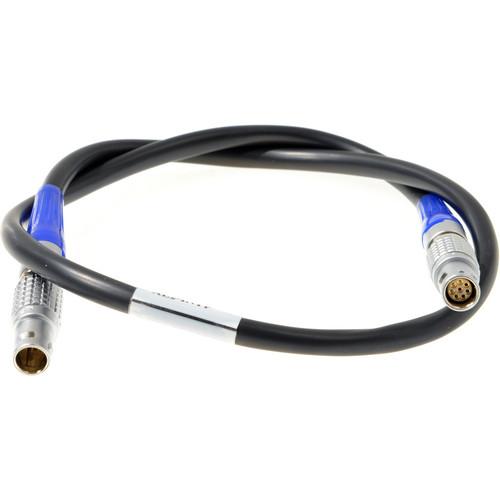 The Chrosziel Adapter Cable connects the extension module of the ALADIN Mark II Lens Control System to a Fujinon Analog Zoom Servo Motor. It features a Hirose 12-pin connector at one end and a Hirose 20-pin connector at the other end. In the Box Chrosziel Adapter Cable for Fujinon Analog Zoom Servo Motor Limited 1-Year Warranty Table of Content...
|
|
Redrock Micro powerPack to microRemote Power |
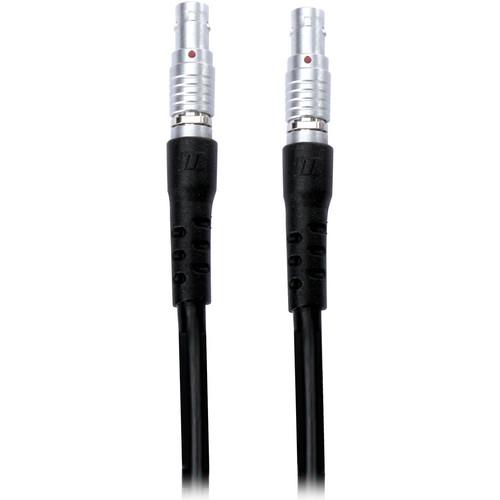 The 18" Redrock powerPack to microRemote Power Cable is used to supply power from the 3-pin output of the powerPack to the 2-pin input of the microRemote basestation. It is only designed to work with the microRemote Basestation and should not be used to power other devices. When used in conjunction with the powerPack Universal or powerPack for EO...
|
|
Chrosziel 2-Pin Lemo to 3-Pin XLR |
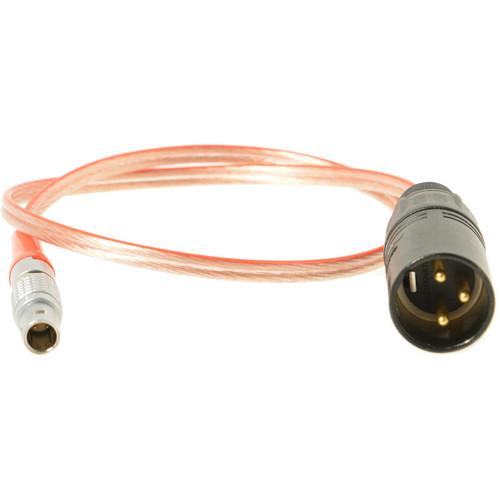 This 24V Power Cable from Chrosziel is designed for use with the Aladin Mark II Lens Controller. It features 3-pin XLR and 2-pin LEMO connectors. In the Box Chrosziel 2-Pin Lemo to 3-Pin XLR Power Cable for Aladin Mark II Lens Controller (24V) Limited 1-Year Warranty Table of Contents ...
|
|
Chrosziel C-AL2-PC-AX2 ALADIN Mark II Serial |

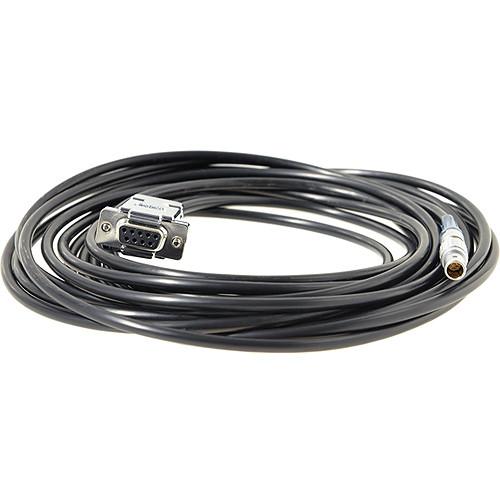 The Chrosziel C-AL2-PC-AX2 ALADIN Mark II Serial Cable connects the ALADIN Mark II lens control system to a PC via the AUX2 port. It features a LEMO 7-pin connector that attaches to the AUX2 port of ALADIN Mark II and a DB9 connector. In the Box Chrosziel C-AL2-PC-AX2 ALADIN Mark II Serial Cable for PC Application Limited 1-Year Warranty Table ...
|
|
Chrosziel C-AL2-PC-AX1 ALADIN Mark II Serial |
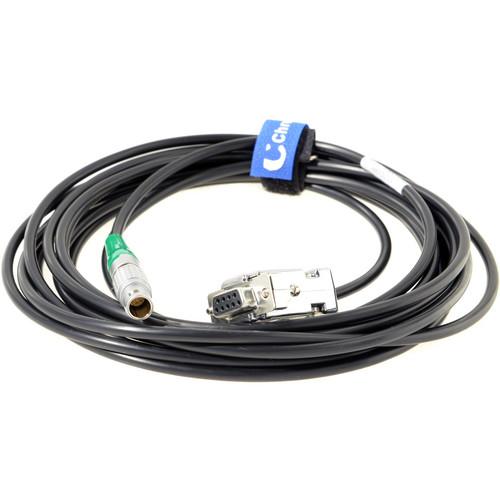 The Chrosziel C-AL2-PC-AX1 ALADIN Mark II Serial Cable connects the ALADIN Mark II lens control system to a PC via the AUX1 port. It features a LEMO 10-pin connector that attaches to the AUX1 port of ALADIN Mark II and a DB9 connector. In the Box Chrosziel C-AL2-PC-AX1 ALADIN Mark II Serial Cable for PC Application Limited 1-Year Warranty Table...
|
|
Chrosziel ALADIN Mark II DigiFox Motor |

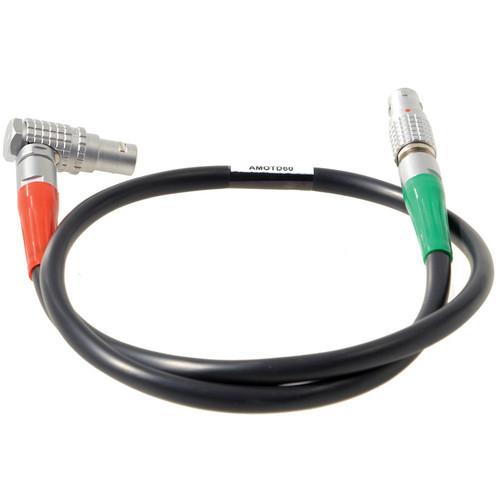 The 23.6" ALADIN Mark II / DigiFox Motor Cable from Chrosziel connects a digital motor and the receiver unit of the lens control system. It features one angled and one straight LEMO 7-pin plug. It is designed to be used with digital motors like Heden M26VE, BTM, Scorpio SB92, and Preston DM2. In the Box Chrosziel ALADIN Mark II / DigiFox Motor Cab...
|
|
Chrosziel Steadicam Lemo 3-Pin to MagNum |
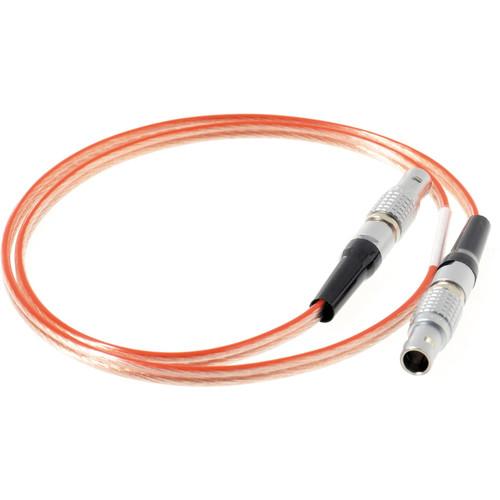 The Steadicam Lemo 3-Pin to MagNum Lemo 5-Pin 12V Power Cable from Chrosziel is designed for use with the MagNum camera and lens remote control. The Steadicam Ultra, Archer, or Clipper Lemo 3-pin connects to the MagNum Power Lemo 5-pin. In the Box Chrosziel Steadicam Lemo 3-Pin to MagNum Lemo 5-Pin 12V Power Cable Limited 1-Year Warranty Table ...
|
|
Chrosziel Steadicam Lemo 2-Pin to MagNum |
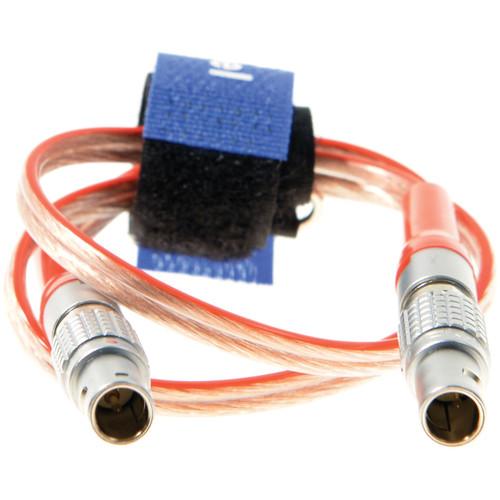 The Steadicam Lemo 2-Pin to MagNum Lemo 5-Pin 12V Power Cable from Chrosziel is designed for use with the MagNum camera and lens remote control. The Steadicam Master Lemo 2-pin connects to the MagNum Power Lemo 5-pin. In the Box Chrosziel Steadicam Lemo 2-Pin to MagNum Lemo 5-Pin 12V Power Cable Limited 1-Year Warranty Table of Contents ...
|
|
| 1 ... 37 | 38 | 39 | 40 | 41 ... 44 | | Showing: 381-390 products | Total: 434 products |
|
|
| Request for user manual |
You can’t find the operation manual you are looking for? Let us know and we will try to add the missing manual:
I’m looking for a manual / Request for manual
Current requests for instruction manuals:
Call Of Duty World War Two For Xbox...
controller stratus XL...
stratus XL...
smart whatch serie S11 42mm...
Allen & Heath SQ-6 manual...
|
| Discussion |
Latest contributions to the discussion:
AEW R 4100
Name: MAURICIO ANGARITA
Audio-Technica AEW-R4100 UHF Diversity Receiver for
AEW R 4100 has the mute function blocked and does not allow audio to pass. I tried several times to turn off the mute from the transmitter but it does nothing, the mute stays on. Solution?
Thank you...
Instructions for assembling the 2015 Forecast Image Master Consoles GC3-A
Name: mike elam
Forecast Consoles GC3-A ImageMaster Editing Console
Looking for instructions for assembling this console. ...
EMPTY TONER ERROR MESSAGE AFTER REPLACING TONER
Name: LINDA BAD YELLOW EYES
Brother TN223BK Standard-Yield Toner
I HAD TO CHANGE OUT ALL THREE TONERS DUE TO LEAKS IN THE YELLOW AND CYAN. AFTER I REPLACED THEM, THE MACHINE KEEPS GIVING ME AN EMPTY TONER ERROR MESSAGE. HELP!!...
PS480D 20/24 pin Switching 480W Power Supply
Name: swkargo
Logisys 480W Power Supply
This item states in can run -5vdc .It is NOT listed on the board or I beleive is r4 is missing the resitior. Any body have thid issue. Shawn
...
Help needed
Name: Ann Carter
SanDisk 1TB Extreme Portable USB 3.1
When I click the link to download the user manual for my Sandisk Extreme external hard drive, it gives me the manual for the LG Cricket. Can you please change the link so I can download the Sandisk manual and begin using this drive? Thank you....
|
|
