|
User Manuals for Voice RecordersYou have selected the product series Audio Visual Presentation - Voice Recorders. Now choose the brand, model or product code you are looking for. If it is not available, you can request it from customer support.
Sub-categories – select a sub-category:
Handheld Voice Recorder Accessories - Handheld Voice Recorders
| Showing: 41-50 products | Total: 85 products | | 1 ... 3 | 4 | 5 | 6 | 7 ... 9 |
|
Philips USB Transcription Foot Control |

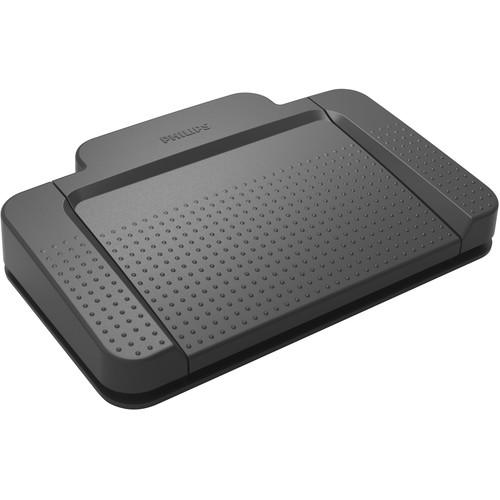 The USB Transcription Foot Control from Philips allows you to work fast and more accurately by using your foot to start and pause the playback of audio files. While using it, you don't need to lift your foot; a slightly pressing with the foot tip is enough. Both of your hands are always free for typing, allowing you to transcribe efficiently even ...
|
|
Philips LFH2210 Transcription Foot Pedal for |

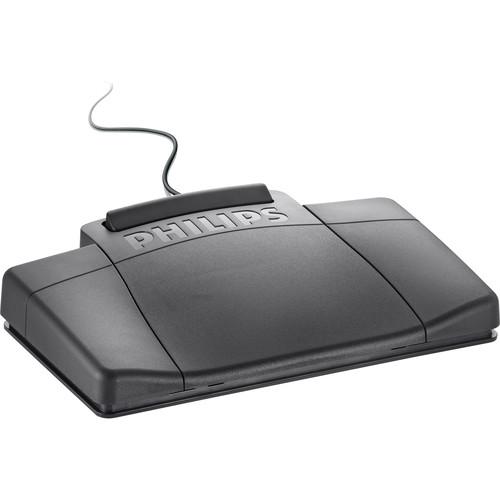 Take control of your transcriptions with the Philips LFH2210 Transcription Foot Pedal for analog systems. This pedal connects to your analog transcription unit with a built-in 3.5mm connector and features play/pause, fast forward, and fast rewind buttons. Transcriptionists can stop and start playback with only a slight movement of the heel, and wi...
|
|
Philips Pocket Memo Docking Station for |
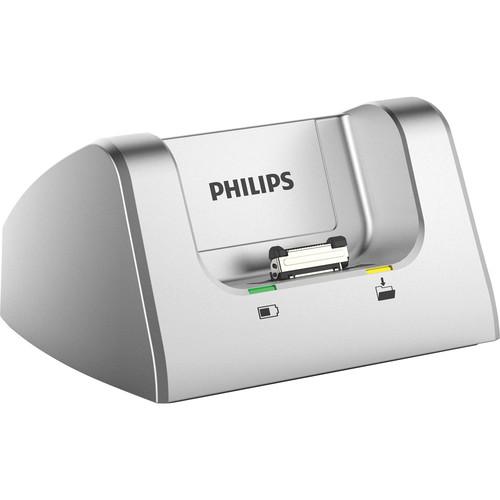 The Philips Pocket Memo docking station allows you to easily transfer all your dictations to your computer as well as quickly charge your device so you are always ready to go. Combined with the optional foot pedal, it is possible to record hands-free and transcribe without a computer. Easy File Transfer Just dock your Pocket Memo dictation reco...
|
|
Philips ACC8100 Rechargeable Li-ion Battery for |

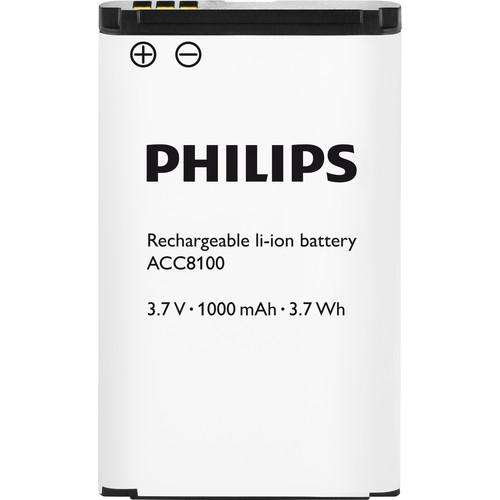 With the ACC8100 Philips Rechargeable Li-ion Battery you can record even longer on your Philips DPM8000, DPM7000, or DPM6000 series dictation recorder. No more buying of disposable batteries is needed. Li-ion batteries can store a large amount of energy in a small, lightweight package. A li-ion battery can be re-energized fully up to 1000 times ...
|
|
Olympus RS-27H 3-Button Footswitch with Keyboard |

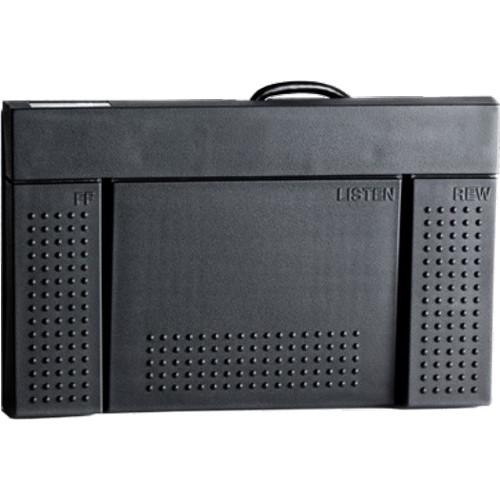 The RS-27H 3-Button Footswitch with Keyboard Function from Olympus is a suitable for dictation and transcription systems. This HID footswitch has two operation modes: one that supports the ODMS software, and a second mode that supports standard USB keyboard operation. A free downloadable application, the Olympus Footswitch Configuration Tool, enab...
|
|
Philips Classic 488 Mini-Cassette Recorder |

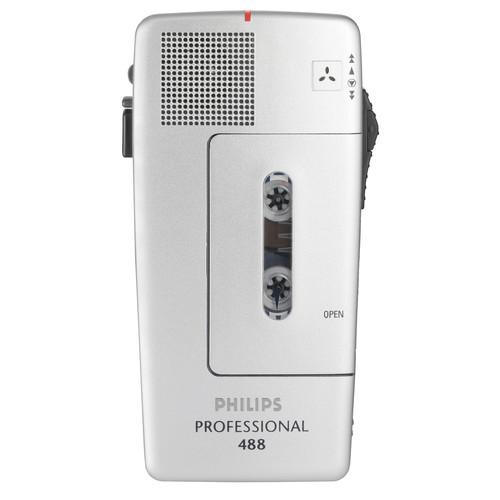 The Classic 488 Mini-Cassette Recorder from Philips is designed for obtaining superior audio quality through an automatic gain control which adjusts for the optimal recording level. There is also a sensitivity switch for conference or close-range recording. You can professionally edit a recording by using the slide switch, and a turbo wind option ...
|
|
Philips USB Transcription Foot Control |
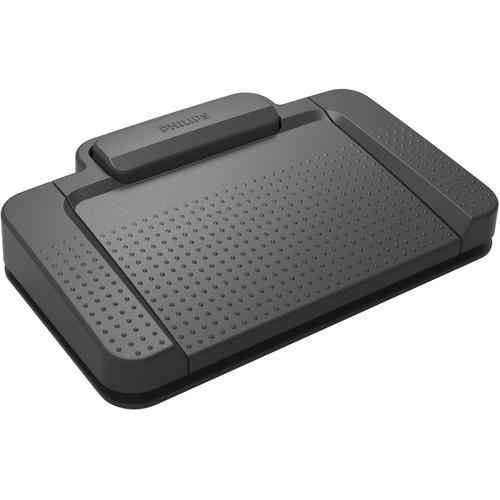 The USB Transcription Foot Control from Philips allows you to work fast and more accurately by using your foot to start and pause the playback of audio files. While using it, you don't need to lift your foot; a slightly pressing with the foot tip is enough. Both of your hands are always free for typing, allowing you to transcribe efficiently even ...
|
|
Olympus Digital Voice Recorder VP-10 |
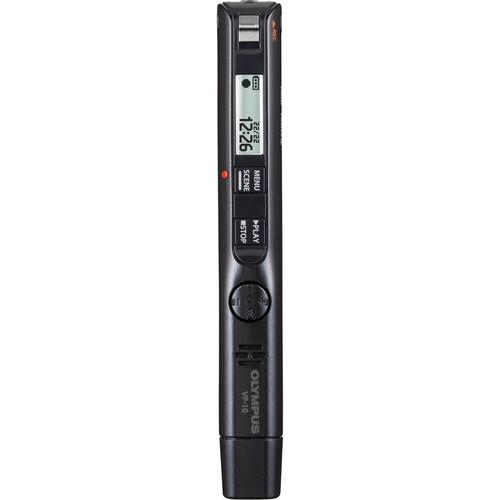 The Olympus Digital Voice Recorder VP-10 is a pen-sized digital recorder intended for capturing lectures, conferences, and business meetings. Powered by a single AAA rechargeable nickel-metal hydride battery, the device offers up to 50 hours of recording time or 29 hours of playback. An integrated 4GB USB flash drive on one end of the devices make...
|
|
Philips Classic 388 Mini-Cassette Recorder |
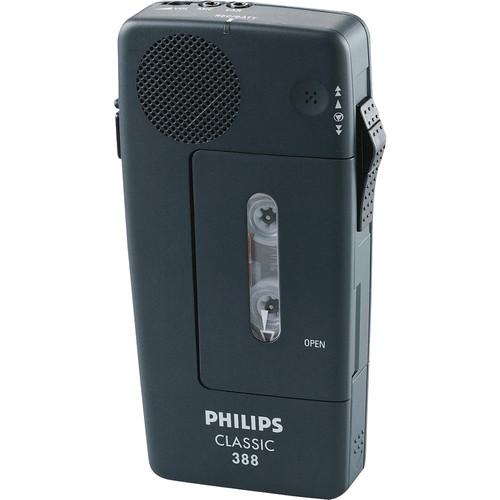 The Classic 388 Mini-Cassette Recorder from Philips is designed for obtaining superior audio quality through an automatic gain control which adjusts for the optimal recording level. You can professionally edit a recording by using the slide switch, and a turbo wind option allows fast access to any part of the tape. An end-of-letter index tone indi...
|
|
Philips USB Transcription Foot Control |
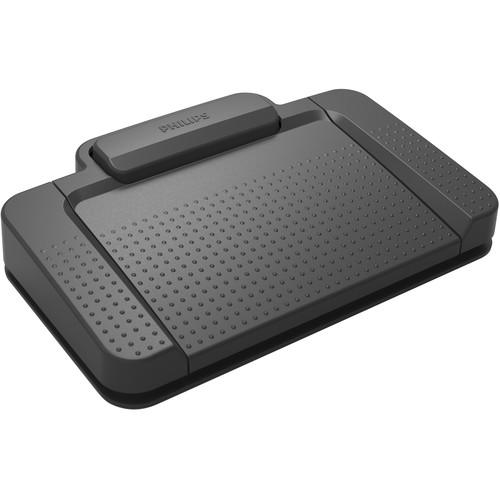 The USB Transcription Foot Control from Philips allows you to work fast and more accurately by using your foot to start and pause the playback of audio files. While using it, you don't need to lift your foot; a slightly pressing with the foot tip is enough. Both of your hands are always free for typing, allowing you to transcribe efficiently even ...
|
|
| 1 ... 3 | 4 | 5 | 6 | 7 ... 9 | | Showing: 41-50 products | Total: 85 products |
|
|
| Request for user manual |
You can’t find the operation manual you are looking for? Let us know and we will try to add the missing manual:
I’m looking for a manual / Request for manual
Current requests for instruction manuals:
Call Of Duty World War Two For Xbox...
controller stratus XL...
stratus XL...
smart whatch serie S11 42mm...
Allen & Heath SQ-6 manual...
|
| Discussion |
Latest contributions to the discussion:
AEW R 4100
Name: MAURICIO ANGARITA
Audio-Technica AEW-R4100 UHF Diversity Receiver for
AEW R 4100 has the mute function blocked and does not allow audio to pass. I tried several times to turn off the mute from the transmitter but it does nothing, the mute stays on. Solution?
Thank you...
Instructions for assembling the 2015 Forecast Image Master Consoles GC3-A
Name: mike elam
Forecast Consoles GC3-A ImageMaster Editing Console
Looking for instructions for assembling this console. ...
EMPTY TONER ERROR MESSAGE AFTER REPLACING TONER
Name: LINDA BAD YELLOW EYES
Brother TN223BK Standard-Yield Toner
I HAD TO CHANGE OUT ALL THREE TONERS DUE TO LEAKS IN THE YELLOW AND CYAN. AFTER I REPLACED THEM, THE MACHINE KEEPS GIVING ME AN EMPTY TONER ERROR MESSAGE. HELP!!...
PS480D 20/24 pin Switching 480W Power Supply
Name: swkargo
Logisys 480W Power Supply
This item states in can run -5vdc .It is NOT listed on the board or I beleive is r4 is missing the resitior. Any body have thid issue. Shawn
...
Help needed
Name: Ann Carter
SanDisk 1TB Extreme Portable USB 3.1
When I click the link to download the user manual for my Sandisk Extreme external hard drive, it gives me the manual for the LG Cricket. Can you please change the link so I can download the Sandisk manual and begin using this drive? Thank you....
|
|
