|
User Manuals for Tablet AccessoriesYou have selected the product series Computers - Tablet Accessories. Now choose the brand, model or product code you are looking for. If it is not available, you can request it from customer support.
Sub-categories – select a sub-category:
Mobile Photo & Video Accessories - Tablet Mounts & Stands - Tablet Peripherals - Tablet Robotics
| Showing: 741-750 products | Total: 771 products | | 1 ... 73 | 74 | 75 | 76 | 77 | 78 |
|
Matthews Universal Tablet Mount - Basic |

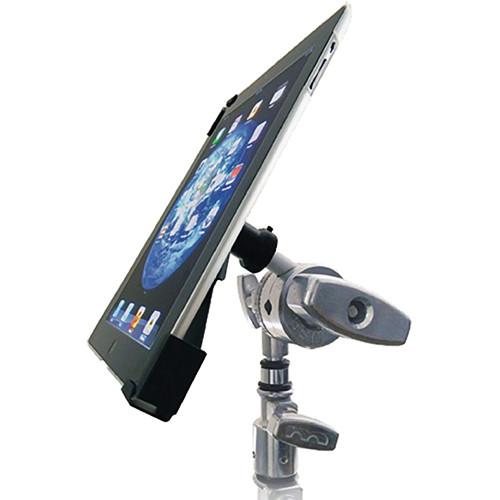 The Matthews Universal Tablet Mount - Basic Kit is designed to be a simple and reliable mounting solution, so you can lock down your tablet on a variety of surfaces. The 'Mut' (Matthews Universal Tablet Mount) allows you to mount your tablet or iPad with or without a protective case, since it will adjust from 9 to 13" long for devices that ar...
|
|
PANAVISE Standard AMPS Window Mount |

 The Standard AMPS Window Mount from PanaVise is a great way to mount most electronics weighing up to 3 pounds. The mount features an industry-standard rectangular AMPS pattern. Use the powerful suction pad to mount it to your windshield, window, or any other smooth, flat, non-porous surface that your needs require. You'll benefit from a full range...
|
|
Tether Tools Wallee Pivot |
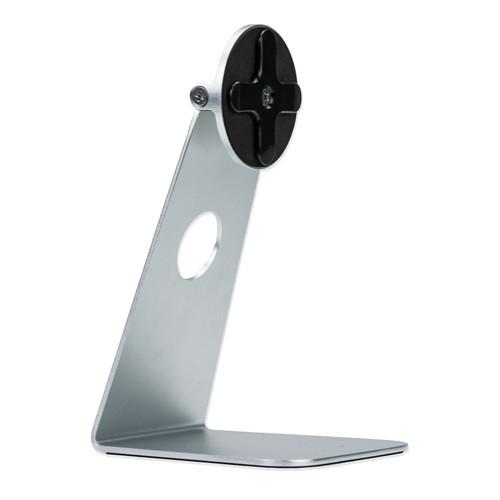 Designed from brushed silver aluminum, the Tether Tools Studio Proper Wallee Pivot is a stand that holds your iPad and allows it to swivel. With the stand, you can view your iPad in either a portrait or a landscrape orientation. In order to use this stand, you will also need the separately sold Wallee Case. Wallee's patented locking mechanism ...
|
|
Tether Tools Wallee Kick |
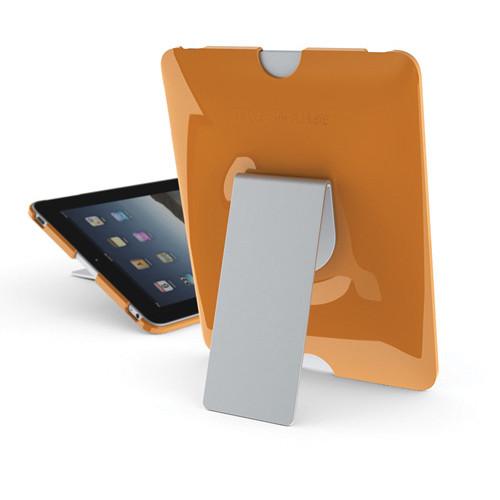 Designed with brushed aluminum, the Tether Tools Studio Proper Wallee Kick is an excellent way to prop up your iPad for use on your desktop. Once you've attached the separately sold Wallee Case to your iPad, you can snap it into the Wallee Kick. The Wallee Kick functions as a kickstand so that you can either view and work on your tablet in an upri...
|
|
The Joy Factory Tournez Retractable Wall |

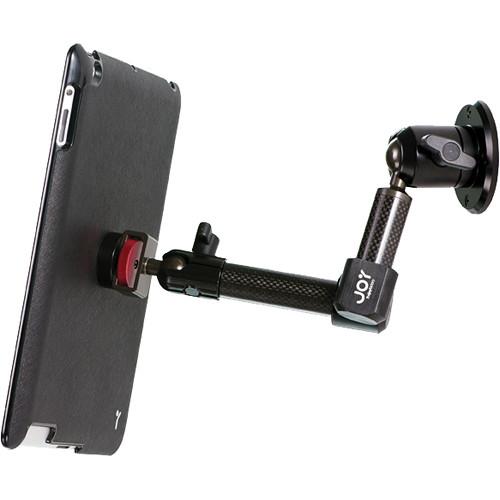 The Tournez Retractable Wall/Cabinet Mount - MagConnect for iPad 2nd, 3rd, and 4th Generation from The Joy Factory attaches securely to flat surfaces for permanent installation. Whether you're monitoring patient records at a shared workstation or following recipes in the kitchen, this provides a secure way to keep your tablet in play and fold awa...
|
|
The Joy Factory Tournez Clamp Mount |
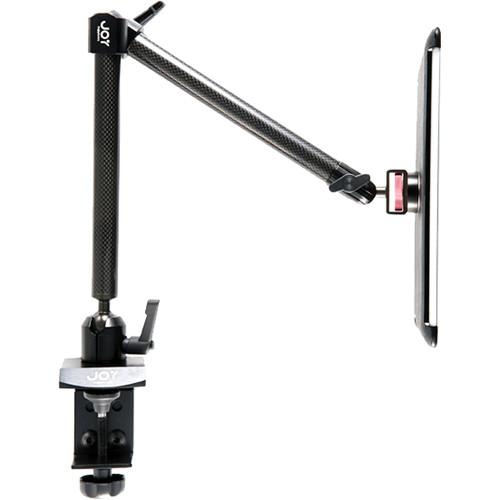 The highly adjustable Tournez Clamp Mount - MagConnect for iPad 2nd, 3rd, and 4th Generation from The Joy Factory attaches to flat surfaces, and extends two 8 inch carbon fiber arms to mount your tablet in a wide variety of settings. It's great for watching movies in bed, impressing clients in meetings, or keeping your favorite apps nearby during ...
|
|
The Joy Factory Tournez Tripod Mic |
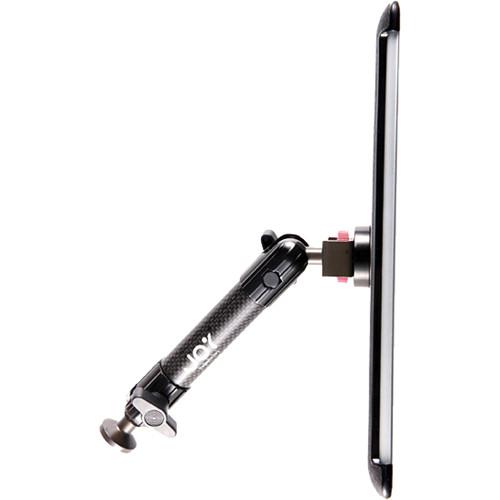 The Tournez Tripod/Mic Stand Mount - MagConnect for iPad 2nd, 3rd, and 4th Generation from The Joy Factory provides a secure way to mount your new 2nd, 3rd, or 4th Generation iPad on a standard tripod or mic stand. This allows you to use your tablet to take steady images or use it with sheet music while keeping the tablet at a comfortable height a...
|
|
Tether Tools Connect for X Lock |
 The Tether Tools Connect is a bracket designed to be used with the Tether Tools X Lock Systems to allow for unlimited mounting options of an Apple iPad or iPad 2. The tablet can be mounted to any tripod, light stand, SuperClamp, arm or any other versatile support attachments used in the photography or film industry. Once installed, apps and softwa...
|
|
Premier Mounts IPM-730 iPad Mounting Frame |
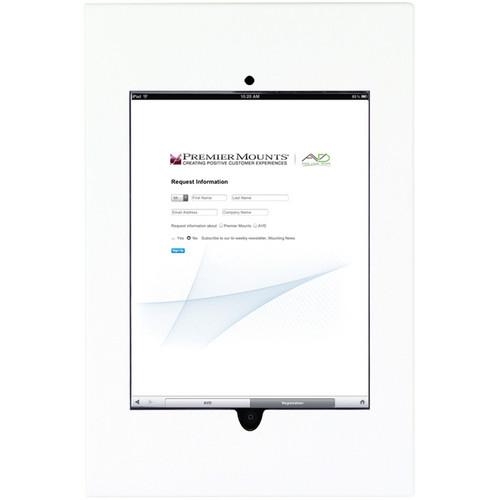 The Premier Mounts IPM-730 iPad Mounting Frame (White) mounts any flat surface with an iPad securely inset, and both its Home button and camera exposed and available for access. The frame mounts easily with four screws and removes for maintenance by way of just two. It has ventilation openings for airflow, and a knockout opening for the iPad's po...
|
|
Premier Mounts IPM-730 iPad Mounting Frame |

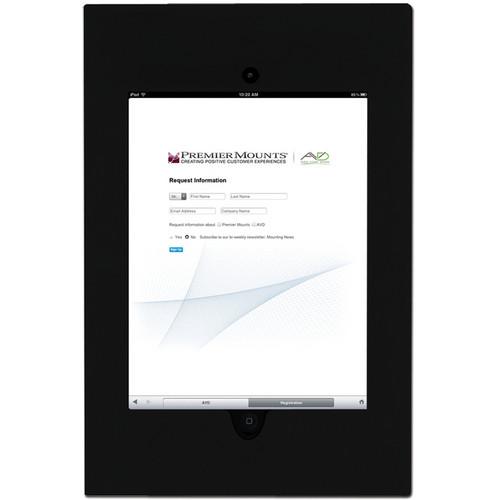 The Premier Mounts IPM-730 iPad Mounting Frame (Black) mounts any flat surface with an iPad securely inset, and both its Home button and camera exposed and available for access. The frame mounts easily with four screws and removes for maintenance by way of just two. It has ventilation openings for airflow, and a knockout opening for the iPad's po...
|
|
| 1 ... 73 | 74 | 75 | 76 | 77 | 78 | | Showing: 741-750 products | Total: 771 products |
|
|
| Request for user manual |
You can’t find the operation manual you are looking for? Let us know and we will try to add the missing manual:
I’m looking for a manual / Request for manual
Current requests for instruction manuals:
Call Of Duty World War Two For Xbox...
controller stratus XL...
stratus XL...
smart whatch serie S11 42mm...
Allen & Heath SQ-6 manual...
|
| Discussion |
Latest contributions to the discussion:
AEW R 4100
Name: MAURICIO ANGARITA
Audio-Technica AEW-R4100 UHF Diversity Receiver for
AEW R 4100 has the mute function blocked and does not allow audio to pass. I tried several times to turn off the mute from the transmitter but it does nothing, the mute stays on. Solution?
Thank you...
Instructions for assembling the 2015 Forecast Image Master Consoles GC3-A
Name: mike elam
Forecast Consoles GC3-A ImageMaster Editing Console
Looking for instructions for assembling this console. ...
EMPTY TONER ERROR MESSAGE AFTER REPLACING TONER
Name: LINDA BAD YELLOW EYES
Brother TN223BK Standard-Yield Toner
I HAD TO CHANGE OUT ALL THREE TONERS DUE TO LEAKS IN THE YELLOW AND CYAN. AFTER I REPLACED THEM, THE MACHINE KEEPS GIVING ME AN EMPTY TONER ERROR MESSAGE. HELP!!...
PS480D 20/24 pin Switching 480W Power Supply
Name: swkargo
Logisys 480W Power Supply
This item states in can run -5vdc .It is NOT listed on the board or I beleive is r4 is missing the resitior. Any body have thid issue. Shawn
...
Help needed
Name: Ann Carter
SanDisk 1TB Extreme Portable USB 3.1
When I click the link to download the user manual for my Sandisk Extreme external hard drive, it gives me the manual for the LG Cricket. Can you please change the link so I can download the Sandisk manual and begin using this drive? Thank you....
|
|
