|
User Manuals for Camera AccessoriesYou have selected the product series Surveillance - Surveillance Video - Camera Accessories. Now choose the brand, model or product code you are looking for. If it is not available, you can request it from customer support.
Sub-categories – select a sub-category:
Additional Accessories - Cables - Connectors & Adapters - Mounts & Housings - Power
| Showing: 3041-3050 products | Total: 3346 products | | 1 ... 303 | 304 | 305 | 306 | 307 ... 335 |
|
PANAVISE T-Bar Clip |

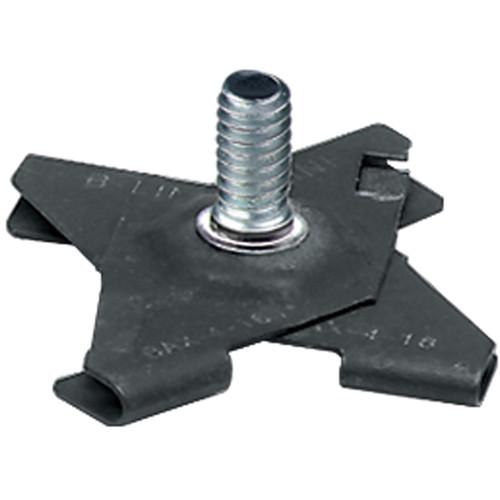 The black T-Bar Clip from PanaVise allows you to mount a CCTV camera with a 1/4"-20 female threading to a T-bar drop ceiling rail. UPC: 729315863017 In the Box PANAVISE T-Bar Clip (Black) Limited Lifetime Warranty Table of Contents ...
|
|
PANAVISE 6" Pass-Through J-Box Standard Mount |

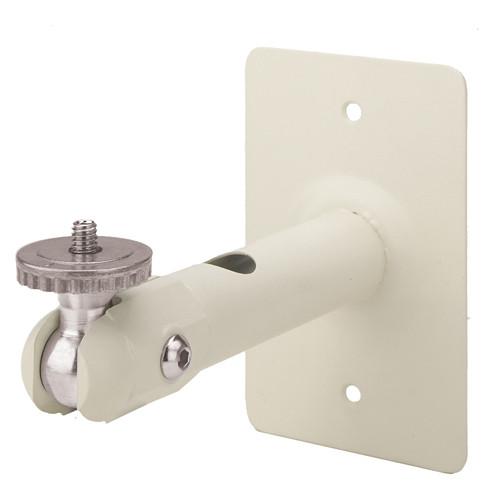 The cream 6" Pass-Through J-Box Standard Mount from Panavise is a junction box mount that is designed to mount CCTV cameras securely onto a solid surface. Cables can be wired through the built-in conduit hole to protect it while also maintaining a clean installation. The camera's angle can be adjusted thanks to the mount's ability to tilt up to 21...
|
|
PANAVISE Pass Thru J-Box Micro Mount |
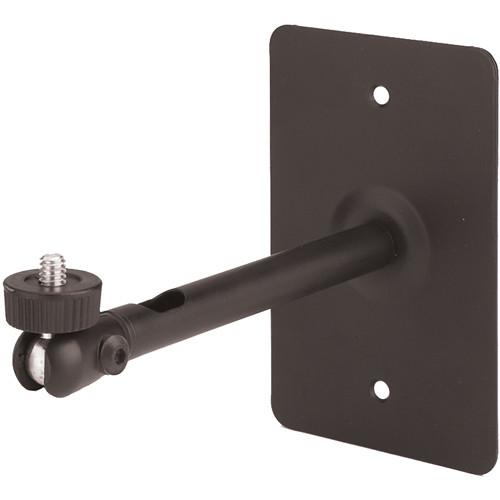 The Panavise Pass Thru J-Box Micro Mount (6" / Black) is a smaller J-Box mount that is designed to mount CCTV cameras securely onto a wall. You can pass the video cable through the hollow shaft to protect it while also maintaining a clutter-free installation. Camera positioning is simple thanks to the mount's ability to tilt up to 190° and tur...
|
|
PANAVISE 6" Dual Option Mount |

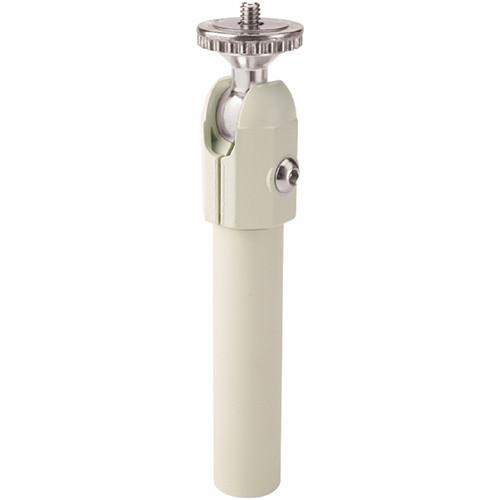 The Panavise 6" Dual Option Mount (Cream) includes 2 mount bases that offer you the flexibility of mounting your CCTV cameras. Using the tri-foot base, you can install your camera on a wall, while the T-bar clip is handy for mounting it on to drop ceiling rails. Camera positioning is simple and quick thanks to the mount's ability to tilt up to 210...
|
|
PANAVISE Corner Pipe Base |

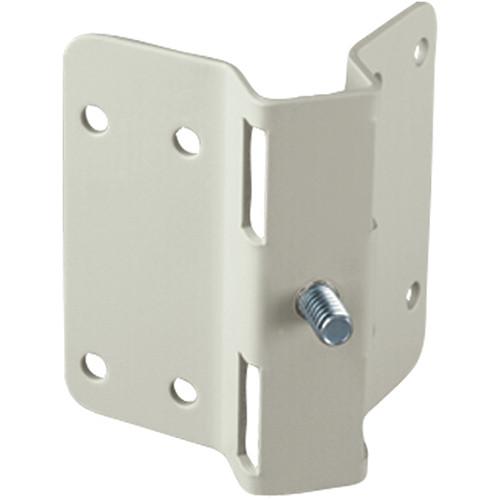 The PanaVise Corner / Pipe Base (White) is ideal for mounting your CCTV equipment on the external corner of a wall joint. It can also be strapped to a pipe with a diameter of at least 1.25" (31.8mm). Note: Straps not included. Corner clamp slots support 0.75" (19mm) straps (width) and 0.2" (5mm) diameter holes UPC: 729315865028 In the Box...
|
|
PANAVISE Electrical J-Box Base |

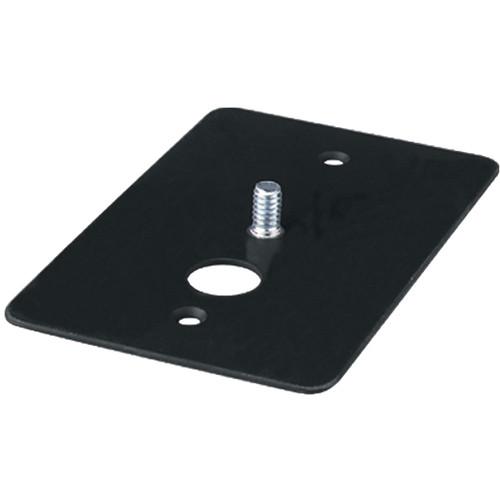 The black Electrical J-Box Base from Panavise is designed to offer support to a CCTV camera setup. Using the 1/4-20 mounting stud, it can be easily attached to a telescopic shaft or an adjusting knuckle. You can pass the video cable through the cable pass thru hole for an easy, clutter-free installation. 1/4-20 mounting stud for firm attachment ...
|
|
PANAVISE Custom Shaft |
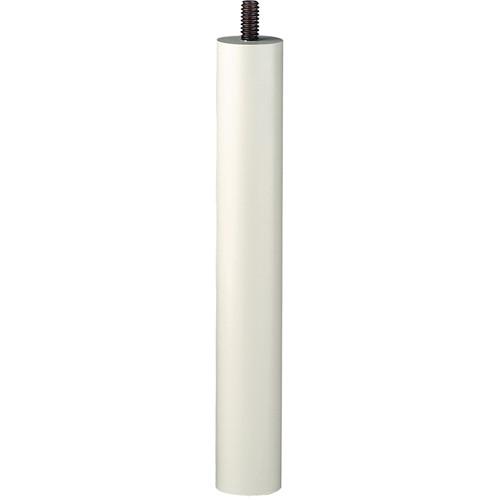 The cream Custom Shaft from PANAVISE is an extension shaft built from solid machined aluminum alloy. This 6" shaft features a male 1/4"-20 thread on one end and a female 1/4"-20 thread at the other end. Solid machined aluminum alloy construction 0.88" in diameter Features a 1/4"-20 mounting stud on one end and an internal 1/4"-20 thread at t...
|
|
PANAVISE 854-1 2 Standard Mount for |
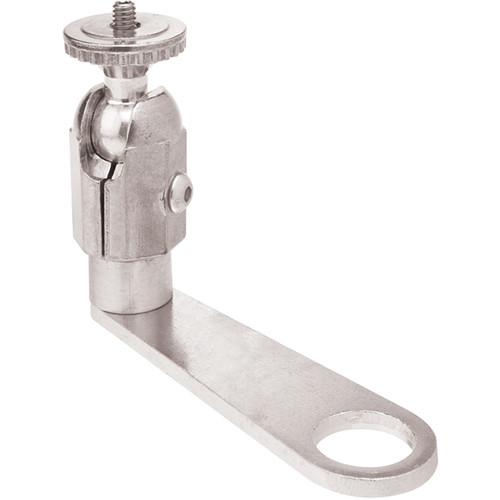 The Panavise 854-1/2 Standard Mount for 1/2" Conduit allows you to mount your CCTV camera weighing up to 5 lb (2.3 kg) on to a conduit or a pipe of any length. The standard mount is designed for long drops and is suitable for use in warehouses, convention centers, auditoriums, etc.Camera positioning is simple thanks to the mount's ability to tilt ...
|
|
PANAVISE Pass Thru Micro Mount |
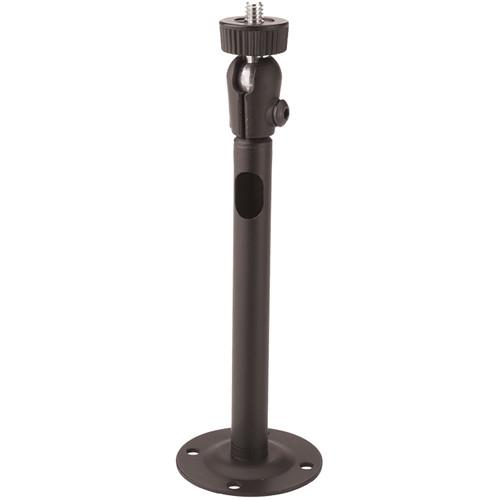 The Panavise Pass Thru Micro Mount (Black) features a hollow aluminum shaft that allows for crisp, clean installation of CCTV cameras onto a solid surface. You can pass the video cable through the hollow shaft to protect it while also maintaining a clutter-free installation. Camera positioning is simple thanks to the mount's ability to tilt up to ...
|
|
PANAVISE Deluxe Camera Mount |
 The white Deluxe Camera Mount from Panavise is a versatile camera mount that offers two positioning points for quick installation of the camera on a solid surface. Camera positioning is simple thanks to the mount's ability to tilt up to 210° and turn and rotate up to 360° at both adjusting points, while a lock-ring securely holds the camer...
|
|
| 1 ... 303 | 304 | 305 | 306 | 307 ... 335 | | Showing: 3041-3050 products | Total: 3346 products |
|
|
| Request for user manual |
You can’t find the operation manual you are looking for? Let us know and we will try to add the missing manual:
I’m looking for a manual / Request for manual
Current requests for instruction manuals:
Call Of Duty World War Two For Xbox...
controller stratus XL...
stratus XL...
smart whatch serie S11 42mm...
Allen & Heath SQ-6 manual...
|
| Discussion |
Latest contributions to the discussion:
AEW R 4100
Name: MAURICIO ANGARITA
Audio-Technica AEW-R4100 UHF Diversity Receiver for
AEW R 4100 has the mute function blocked and does not allow audio to pass. I tried several times to turn off the mute from the transmitter but it does nothing, the mute stays on. Solution?
Thank you...
Instructions for assembling the 2015 Forecast Image Master Consoles GC3-A
Name: mike elam
Forecast Consoles GC3-A ImageMaster Editing Console
Looking for instructions for assembling this console. ...
EMPTY TONER ERROR MESSAGE AFTER REPLACING TONER
Name: LINDA BAD YELLOW EYES
Brother TN223BK Standard-Yield Toner
I HAD TO CHANGE OUT ALL THREE TONERS DUE TO LEAKS IN THE YELLOW AND CYAN. AFTER I REPLACED THEM, THE MACHINE KEEPS GIVING ME AN EMPTY TONER ERROR MESSAGE. HELP!!...
PS480D 20/24 pin Switching 480W Power Supply
Name: swkargo
Logisys 480W Power Supply
This item states in can run -5vdc .It is NOT listed on the board or I beleive is r4 is missing the resitior. Any body have thid issue. Shawn
...
Help needed
Name: Ann Carter
SanDisk 1TB Extreme Portable USB 3.1
When I click the link to download the user manual for my Sandisk Extreme external hard drive, it gives me the manual for the LG Cricket. Can you please change the link so I can download the Sandisk manual and begin using this drive? Thank you....
|
|
