|
User Manuals for Lens CapsYou have selected the product series Photography - Lens Accessories - Lens Caps & Hoods - Lens Caps. Now choose the brand, model or product code you are looking for. If it is not available, you can request it from customer support.Manufacturers – select a brand:
AquaTech - B W - Bower - Breakthrough Photography - BRNO - Canon - CapBuckle - Capturing Couture - DeluxGear - Don Zeck - Dot Line - FotodioX - FUJIFILM - Gary Fong - General Brand - GoWing - GVB Gear - Hasselblad - Hoya - HUFA - Incase Designs Corp - IRIX - Kaiser - Kalt - Kood - Leica - Lensbaby - LenzBuddy - Linhof - Mamiya - MegaGear - Nikon - Nisha - Olympus - OP/TECH USA - Panasonic - Pentax - ReadyCap - Ricoh - Rimmzz - Schneider - SeaLife - Sensei - Sigma - Sony - Tamron - XUME - ZEISS
| Showing: 1-10 products | Total: 791 products | | 1 | 2 | 3 ... 80 |
|
Hoya 49mm Push-On Lens Cap |

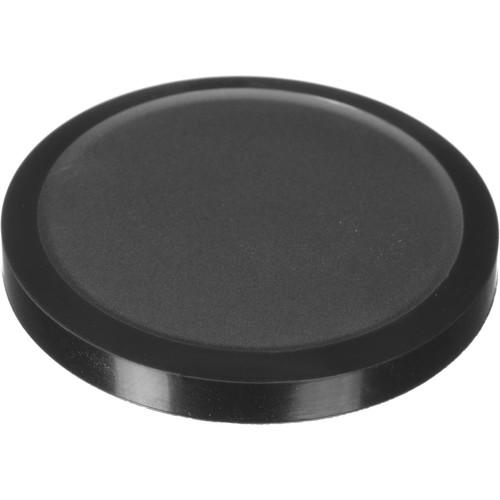 Protect the front element of a lens or a filter with this Push-On Lens Cap from Hoya. It is designed to slide over the front of a 49mm filter. UPC: 024066017161 Table of Contents ...
|
|
Hoya 62mm Push-On Lens Cap |

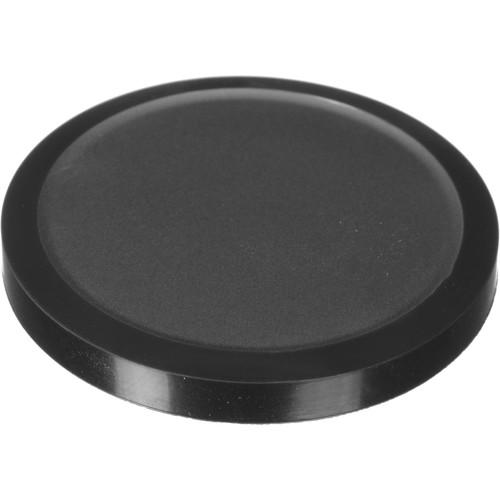 Protect the front element of a lens or a filter with this Push-On Lens Cap from Hoya. It is designed to slide over the front of a 62mm filter. UPC: 024066017208 Table of Contents ...
|
|
Olympus LC-51A Auto Open Lens Cap |
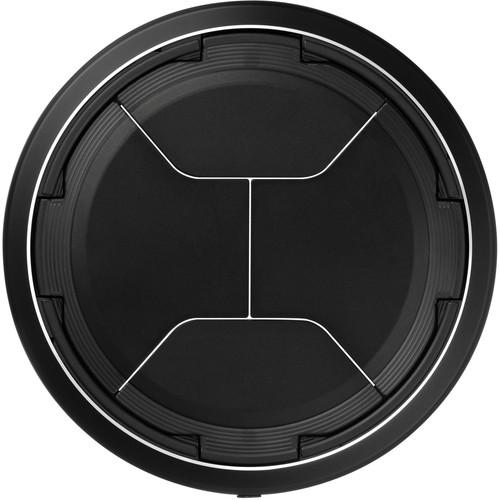 Dedicated to the Olympus Stylus 1 digital camera, the LC-51A Auto Open Lens Cap is a spare or replacement cap for the one originally included with the camera. Featuring a unique automatic opening design, this cap opens and closes when the camera is turned on or off, alleviating the need to physically remove the cap from the lens when shooting. Whe...
|
|
CapBuckle Lens Cap Holder |

 This Lens Cap Holder from Capbuckle holds 62mm, 49mm, and 40.5mm lens caps, and provides you with a secure and out-of-the-way system to hold your lens cap. The design copies the front of your lens and is sized to hold the cap. The Capbuckle threads to your shoulder strap eliminating the need for any dangling cap holder that might swing in front of...
|
|
Leica Lens Cap for D-Lux 4 |
 Safeguard the front element of your Leica D-Lux 4 or D-Lux 5 digital camera's lens against scratches, dirt, dust, fingerprints, and light impact with this snap-on Lens Cap. The simple accessory has a retaining string that allows it to hang below the camera, so you can keep it attached during shooting to make sure you don't misplace or lose it. Lei...
|
|
Leica Lens Cap for D-Lux 4 |
 Safeguard the front element of your Leica D-Lux 4 Safari digital camera's lens against scratches, dirt, dust, fingerprints, and light impact with this snap-on Lens Cap. The simple accessory has a retaining string that allows it to hang below the camera, so you can keep it attached during shooting to make sure you don't misplace or lose it. Leica's...
|
|
AquaTech ASCN-3 Soft Cap for Select |

 Serving as a slimmer alternative to the manufacturer's original lens cover, the ASCN-3 Soft Cap from AquaTech is compatible with the Nikon AF-S NIKKOR 200mm f/2G ED VR II, AF-S NIKKOR 300mm f/2.8G ED VR II, and AF-S NIKKOR 200-400mm f/4G ED VR II lenses. It protects the front element from dust, dirt, and scratches when the lens is not in use. The ...
|
|
B W 55mm Pro Snap-On Lens |
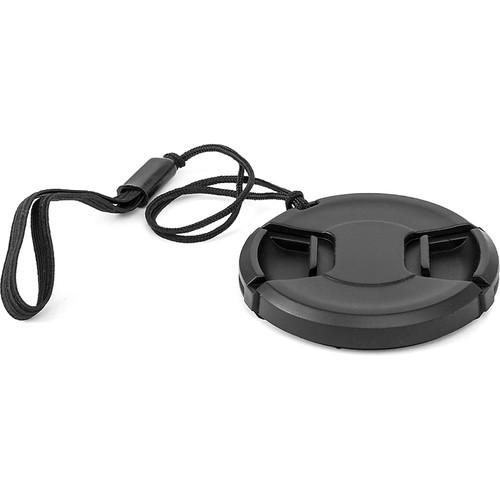 This B+W Pro Lens Cap is designed to fit on any lens or filter with a 55mm front diameter that can accommodate a snap-on lens cap. It utilizes a squeeze, spring, and snap-on mechanism for easy installation or removal. Lens caps protect your lens or filter from scratches, fingerprints, and the elements when the lens is not in use. To help ensure th...
|
|
B W 77mm Pro Snap-On Lens |
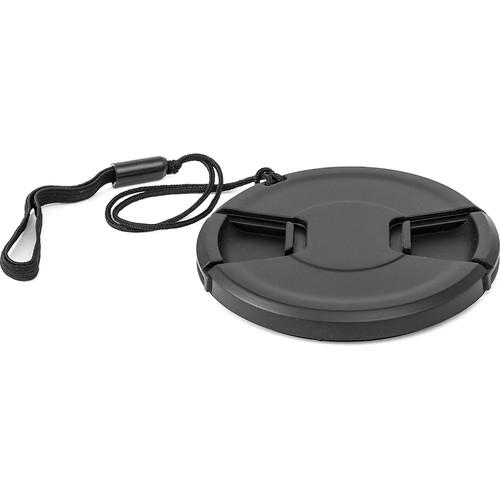 This B+W Pro Lens Cap is designed to fit on any lens or filter with a 77mm front diameter that can accommodate a snap-on lens cap. It utilizes a squeeze, spring, and snap-on mechanism for easy installation or removal. Lens caps protect your lens or filter from scratches, fingerprints, and the elements when the lens is not in use. To help ensure th...
|
|
B W 49mm Pro Snap-On Lens |

 This B+W Pro Lens Cap is designed to fit on any lens or filter with a 49mm front diameter that can accommodate a snap-on lens cap. It utilizes a squeeze, spring, and snap-on mechanism for easy installation or removal. Lens caps protect your lens or filter from scratches, fingerprints, and the elements when the lens is not in use. To help ensure th...
|
|
| 1 | 2 | 3 ... 80 | | Showing: 1-10 products | Total: 791 products |
|
|
| Request for user manual |
You can’t find the operation manual you are looking for? Let us know and we will try to add the missing manual:
I’m looking for a manual / Request for manual
Current requests for instruction manuals:
Call Of Duty World War Two For Xbox...
controller stratus XL...
stratus XL...
smart whatch serie S11 42mm...
Allen & Heath SQ-6 manual...
|
| Discussion |
Latest contributions to the discussion:
AEW R 4100
Name: MAURICIO ANGARITA
Audio-Technica AEW-R4100 UHF Diversity Receiver for
AEW R 4100 has the mute function blocked and does not allow audio to pass. I tried several times to turn off the mute from the transmitter but it does nothing, the mute stays on. Solution?
Thank you...
Instructions for assembling the 2015 Forecast Image Master Consoles GC3-A
Name: mike elam
Forecast Consoles GC3-A ImageMaster Editing Console
Looking for instructions for assembling this console. ...
EMPTY TONER ERROR MESSAGE AFTER REPLACING TONER
Name: LINDA BAD YELLOW EYES
Brother TN223BK Standard-Yield Toner
I HAD TO CHANGE OUT ALL THREE TONERS DUE TO LEAKS IN THE YELLOW AND CYAN. AFTER I REPLACED THEM, THE MACHINE KEEPS GIVING ME AN EMPTY TONER ERROR MESSAGE. HELP!!...
PS480D 20/24 pin Switching 480W Power Supply
Name: swkargo
Logisys 480W Power Supply
This item states in can run -5vdc .It is NOT listed on the board or I beleive is r4 is missing the resitior. Any body have thid issue. Shawn
...
Help needed
Name: Ann Carter
SanDisk 1TB Extreme Portable USB 3.1
When I click the link to download the user manual for my Sandisk Extreme external hard drive, it gives me the manual for the LG Cricket. Can you please change the link so I can download the Sandisk manual and begin using this drive? Thank you....
|
|
