User Manual for Accusonus ERA Bundle Standard Audio Repair Plug-Ins Click to enlarge the picture
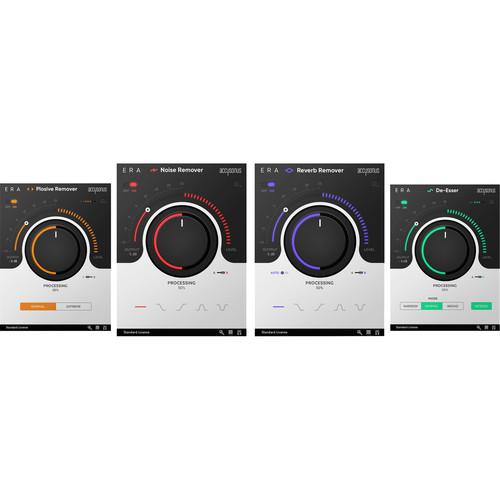 Contents of the user manual for the Accusonus ERA Bundle Standard Audio Repair
- Product category: Virtual Processor Plug-Ins Accusonus
- Brand: Accusonus
- Description and content of package
- Technical information and basic settings
- Frequently asked questions – FAQ
- Troubleshooting (does not switch on, does not respond, error message, what do I do if...)
- Authorized service for Accusonus Virtual Processor Plug-Ins
 |
User manual for the Accusonus ERA Bundle Standard Audio Repair contain basic instructions
that need to be followed during installation and operation.
Before starting your appliance, the user manual should be read through carefully.
Follow all the safety instructions and warnings, and be guided by the given recommendations.
User manual is an integral part of any Accusonus product,
and if it is sold or transferred, they should be handed over jointly with the product.
Following the instructions for use is an essential prerequisite for protecting
health and property during use, as well as recognition of liability on the part of the manufacturer
for possible defects should you make a warranty claim. Download an official Accusonus user manual in which you will find instructions on how to install, use, maintain and service your product.
And do not forget – unsuitable use of a Accusonus product will considerably shorten its lifespan!
|
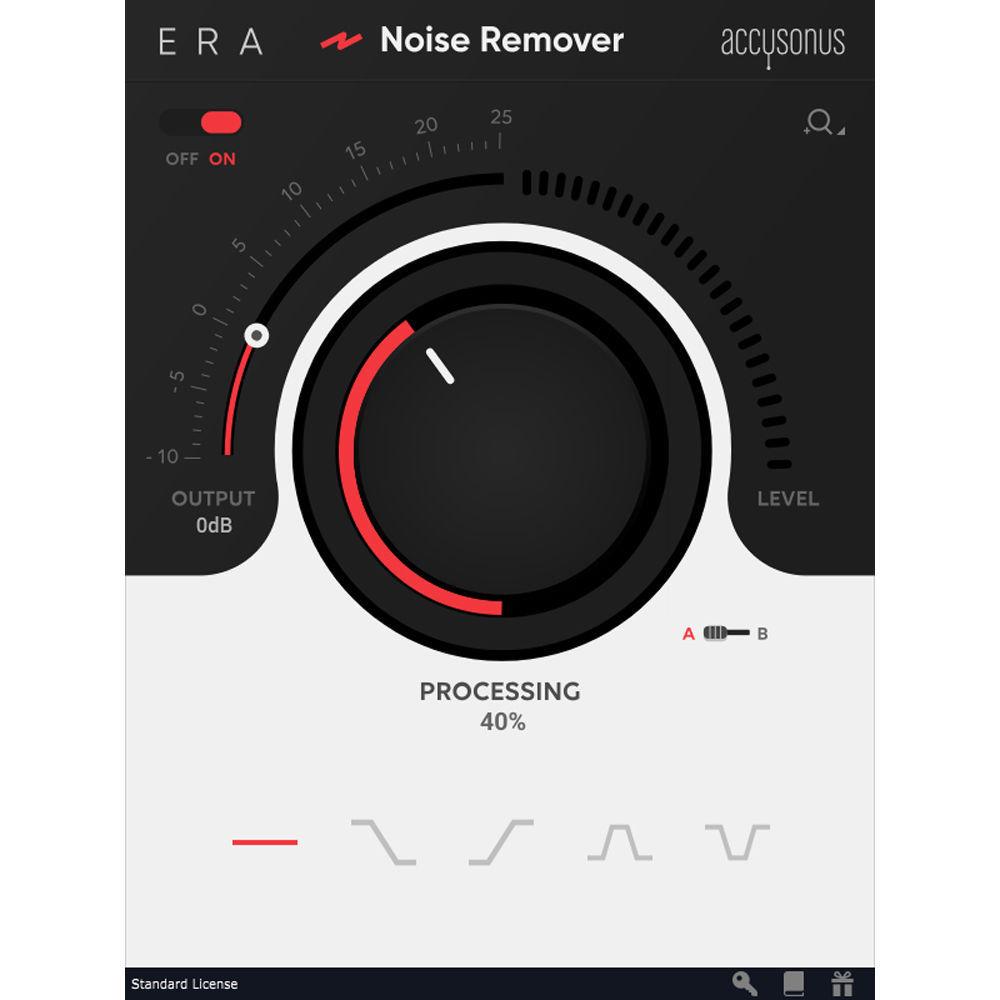
Product description Accusonus ERA Bundle Standard is a collection of four audio-repair plug-ins, which includes ERA Noise Remover, ERA Reverb Remover, ERA De-Esser, and ERA Plosive Remover. The bundle allows musicians, post-production engineers, and podcasters to easily repair common audio problems such as unwanted background noise, excessive reverb, loud vocal pops, and harsh sibilances, and to produce high-quality audio with the simple turn of a knob. - ERA Noise Remover Audio Repair Plug-In (Download) Accusonus ERA Noise Remover is an audio-repair plug-in that allows you to easily reduce or completely remove unwanted fans, air-conditioners, electric hum and hiss, or any other background noise.Great for music, post-production, podcast applications, and more, it uses a single-knob operation and a simple user interface to efficiently clean up your sound with low latency and low CPU usage, while preserving the full quality of your audio.
- Key Features
-
- Automatic noise suppression of the most common unwanted noise sources
- Great for musicians, producers, post-production engineers, sound designers, podcasters, and more
- Single-knob operation
- Preserves sound quality
- Simple and streamlined user interface
- Minimal CPU usage
- Low latency
- Resizable UI
- Proprietary audio-restoration technology
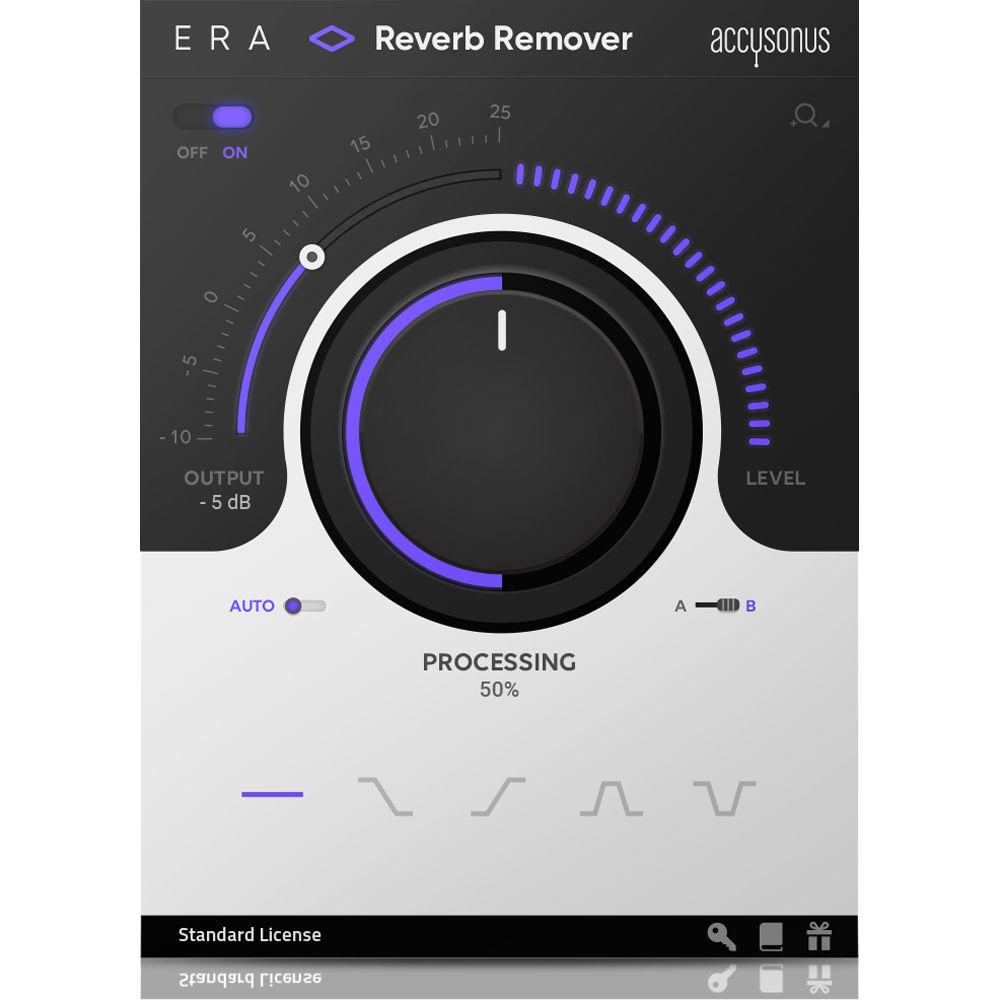
- ERA Reverb Remover - Automatic Audio-Repair Plug-In (Download) Accusonus ERA Reverb Remover is an automatic audio-repair plug-in designed to easily reduce excessive reverb that makes your recordings sound "echoey" or distant. Great for adding presence to your music or clarity to your dialog in music, post-production, podcast applications, and more, it uses a single-knob operation and a simple user interface to efficiently cleans up your sound with low latency and low CPU usage, while preserving the full quality of your audio.
- Key Features
-
- Automatic de-reverberation
- Great for musicians, producers, post-production engineers, sound designers, podcasters, and more
- Add clarity to dialogs
- Add presence to your sound
- Single-knob operation to adjust reverb amount
- Preserves sound quality
- Simple and streamlined user interface
- Minimal CPU usage
- Low latency
- Resizable UI
- Proprietary audio-restoration technology
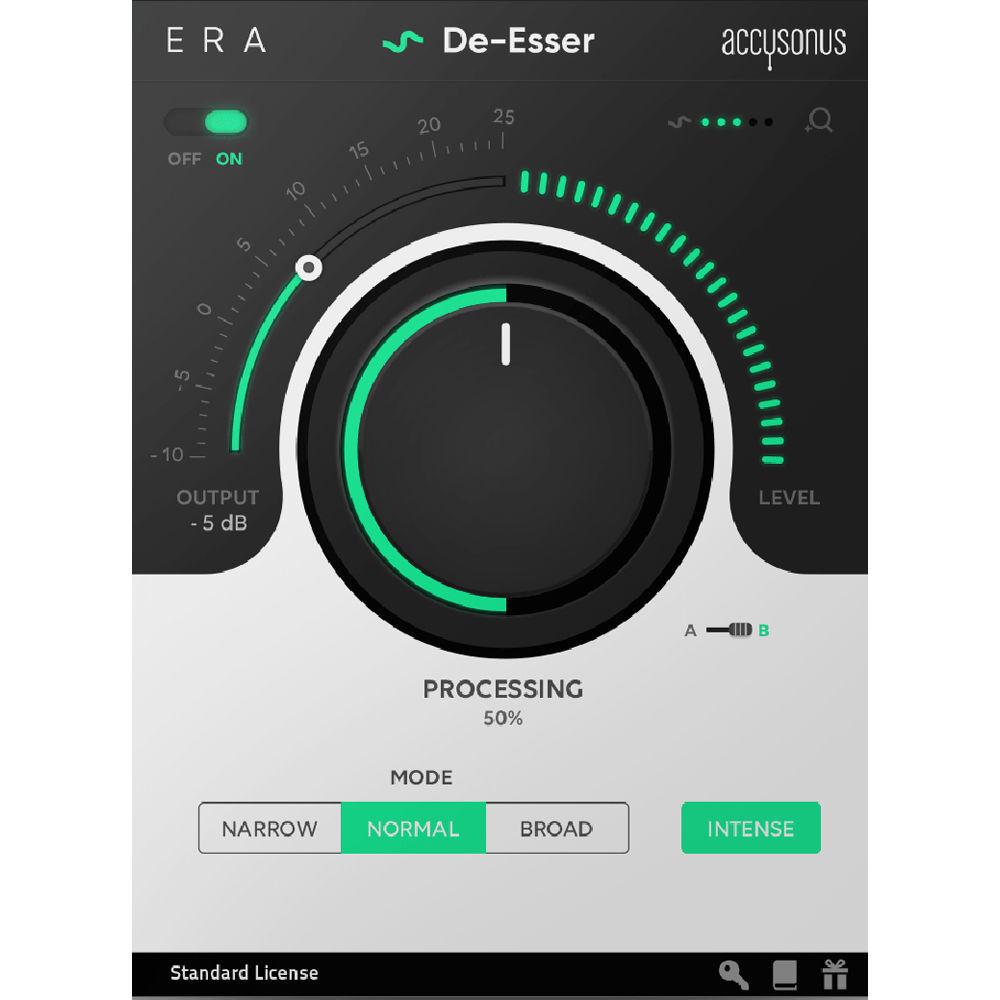
- ERA De-Esser Audio Repair Plug-In (Download) The Accusonus ERA De-Esser is an automatic audio repair plug-in that allows you to easily remove excessive sibilant consonants (s, z, ch, j, sh) from audio recordings.Great for music, post-production, podcast applications, and more, it uses a single-knob operation and a simple user interface to efficiently clean up your sound with low latency and low CPU usage, while preserving the full quality of your audio.
- Key Features
-
- Automatic sibilance removal from audio recordings (s, z, ch, j, sh)
- Great for musicians, producers, post-production engineers, sound designers, podcasters, and more
- Single-knob operation
- Preserves sound quality
- Simple and streamlined user interface
- Minimal CPU usage
- Low latency
- Resizable UI
- Proprietary audio-restoration technology
- ERA Plosive Remover - Automatic Audio-Repair Plug-In (Download) The Accusonus ERA Plosive Remover is an audio-repair plug-in that allows you to automatically remove distracting plosive thumps (such as "p", "t", "b") from audio recordings. Great for music, post-production, podcast applications, and more, it uses a single-knob operation and a simple user interface to efficiently clean up your sound with low latency and low CPU usage, while preserving the full quality of your audio.
- Key Features
-
- Automatic removal of plosive sounds from audio recordings ("p", "t", "b")
- Great for musicians, producers, post-production engineers, sound designers, podcasters, and more
- Single-knob operation
- Preserves sound quality
- Simple and streamlined user interface
- Minimal CPU usage
- Low latency
- Resizable UI
- Proprietary audio-restoration technology
In the Box Bundle Items ERA Noise Remover Audio Repair Plug-In (Download) ERA Reverb Remover - Automatic Audio-Repair Plug-In (Download) ERA De-Esser Audio Repair Plug-In (Download) ERA Plosive Remover - Automatic Audio-Repair Plug-In (Download) Table of Contents
|
Upload User Manual
Have you got an user manual for the Accusonus ERA Bundle Standard Audio Repair Plug-Ins in electronic form? Please send it to us and help us expand our library of instruction manuals.
Thank you, too, on behalf of other users.
To upload the product manual, we first need to check and make sure you are not a robot. After that, your "Submit Link" or "Upload File" will appear.
Technical parameters - ERA Noise Remover Audio Repair Plug-In (Download)
| System Requirements | Mac OS 10.9 or later
Windows 7 (SP1) or later
RAM: 2 GB, minimum
Free Disk Space: 50 MB, minimum
Screen Resolution: 800 x 600 pixels, minimum | | Sample Rates | 44.1, 48, 88.2, 96 kHz | | Plug-In Compatibility | AU (32- / 64-bit), VST (32- / 64-bit), AAX Native (64-bit)
Mono or stereo plug-in formats | - ERA Reverb Remover - Automatic Audio-Repair Plug-In (Download)
| System Requirements | Mac OS 10.9 or later
Windows 7 (SP1) or later
RAM: 2 GB, minimum
Free Disk Space: 50 MB, minimum
Screen Resolution: 800 x 600 pixels, minimum | | Sample Rates | 44.1, 48, 88.2, 96 kHz | | Plug-In Compatibility | AU (32-/64-bit), VST (32-/64-bit), AAX Native (64-bit)
Mono or stereo plug-in formats | - ERA De-Esser Audio Repair Plug-In (Download)
| System Requirements | Mac OS 10.9 or later
Windows 7 (SP1) or later
RAM: 2 GB, minimum
Free Disk Space: 50 MB, minimum
Screen Resolution: 800 x 600 pixels, minimum | | Sample Rates | 44.1, 48, 88.2, 96 kHz | | Plug-In Compatibility | AU (32- / 64-bit), VST (32- / 64-bit), AAX Native (64-bit)
Mono or stereo plug-in formats | - ERA Plosive Remover - Automatic Audio-Repair Plug-In (Download)
| System Requirements | Mac OS 10.9 or later
Windows 7 (SP1) or later
RAM: 2 GB, minimum
Free Disk Space: 50 MB, minimum
Screen Resolution: 800 x 600 pixels, minimum | | Sample Rates | 44.1, 48, 88.2, 96 kHz | | Plug-In Compatibility | AU (32-/64-bit), VST (32-/64-bit), AAX Native (64-bit)
Mono or stereo plug-in formats |
Rating90% users recommend this product to others. And what about you?

This product has already been rated by 93 owners. Add your rating and experience with the product.
Discussion
 Ask our technicians if you have a problem with your settings,
or if anything is unclear in the user manual you have downloaded.
You can make use of our moderated discussion.
The discussion is public and helps other users of our website who may be encountering similar problems.
Ask our technicians if you have a problem with your settings,
or if anything is unclear in the user manual you have downloaded.
You can make use of our moderated discussion.
The discussion is public and helps other users of our website who may be encountering similar problems.
The discussion is empty - enter the first post
Post a new topic / query / comment:
|
|


