User Manual for AG Neovo 22" Full HD LED-Backlit Dental Display Click to enlarge the picture
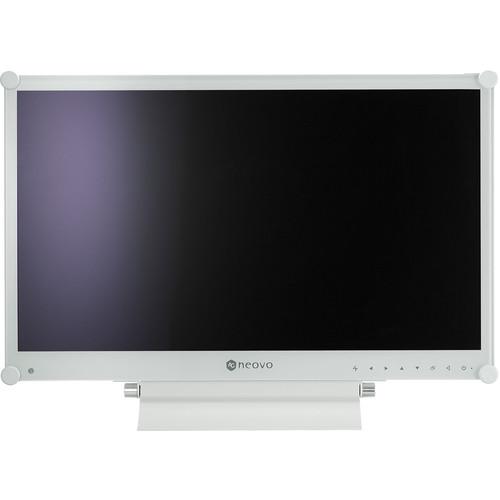 Contents of the user manual for the AG Neovo 22" Full HD LED-Backlit
- Product category: Commercial Monitors AG Neovo
- Brand: AG Neovo
- Description and content of package
- Technical information and basic settings
- Frequently asked questions – FAQ
- Troubleshooting (does not switch on, does not respond, error message, what do I do if...)
- Authorized service for AG Neovo Commercial Monitors
 |
User manual for the AG Neovo 22" Full HD LED-Backlit contain basic instructions
that need to be followed during installation and operation.
Before starting your appliance, the user manual should be read through carefully.
Follow all the safety instructions and warnings, and be guided by the given recommendations.
User manual is an integral part of any AG Neovo product,
and if it is sold or transferred, they should be handed over jointly with the product.
Following the instructions for use is an essential prerequisite for protecting
health and property during use, as well as recognition of liability on the part of the manufacturer
for possible defects should you make a warranty claim. Download an official AG Neovo user manual in which you will find instructions on how to install, use, maintain and service your product.
And do not forget – unsuitable use of a AG Neovo product will considerably shorten its lifespan!
|
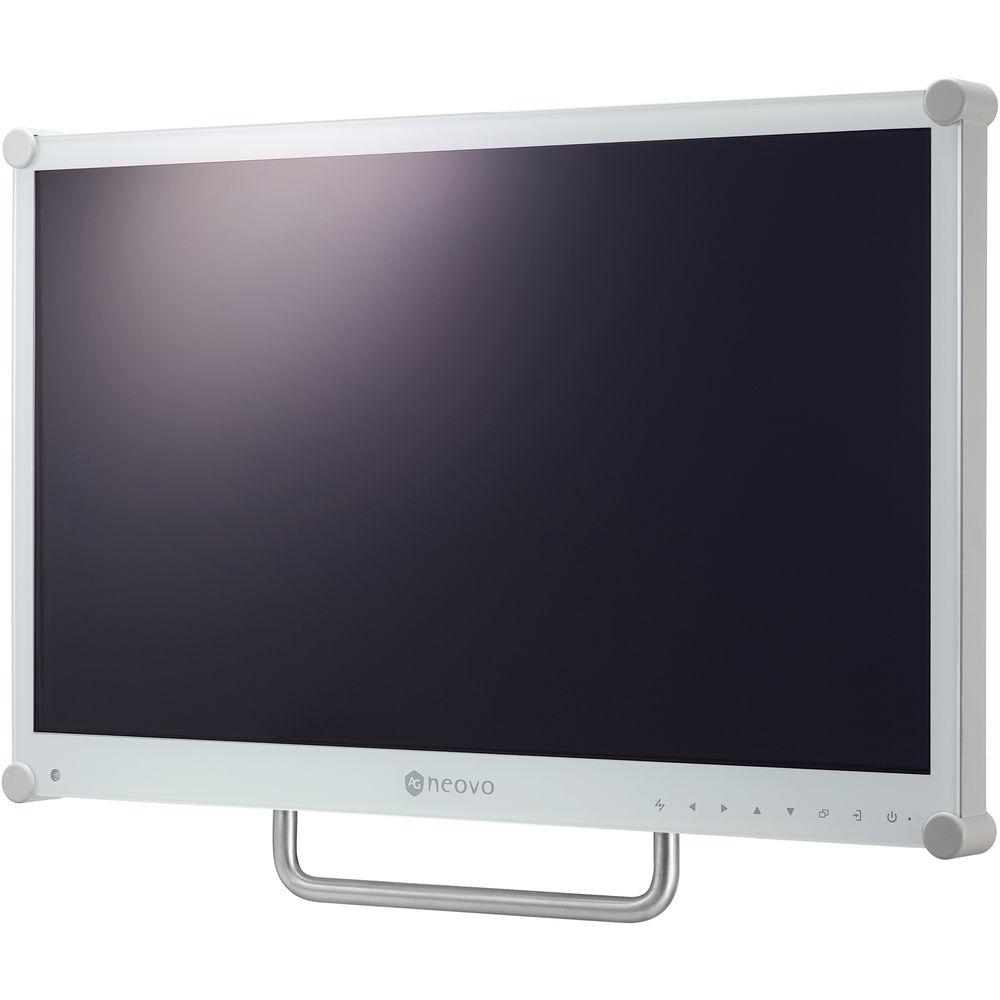
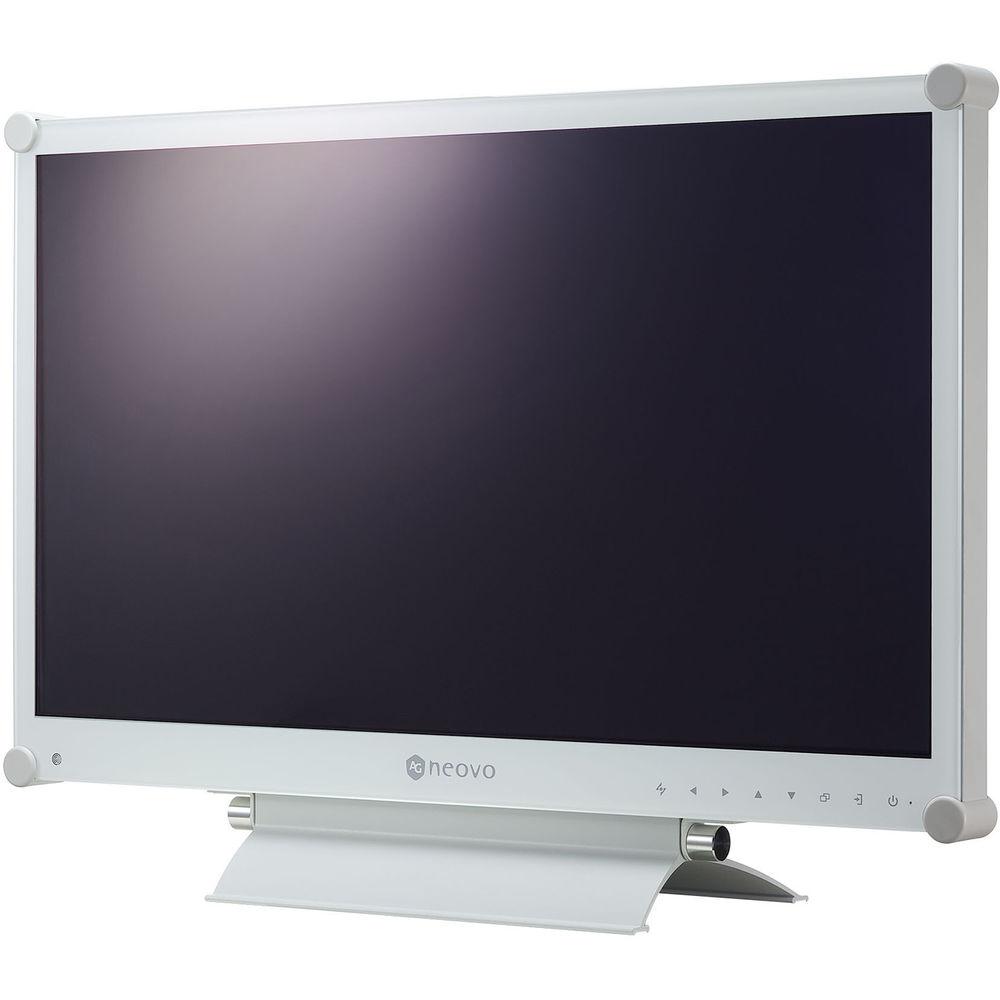
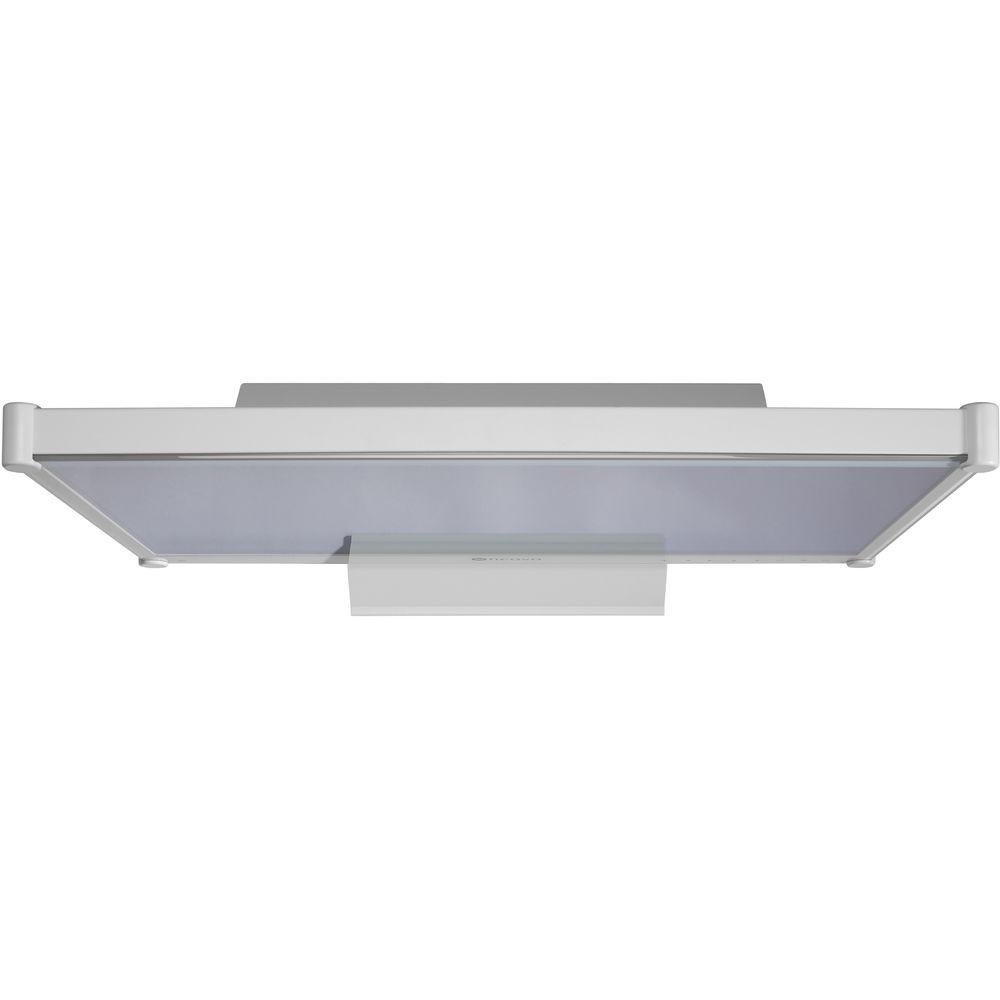
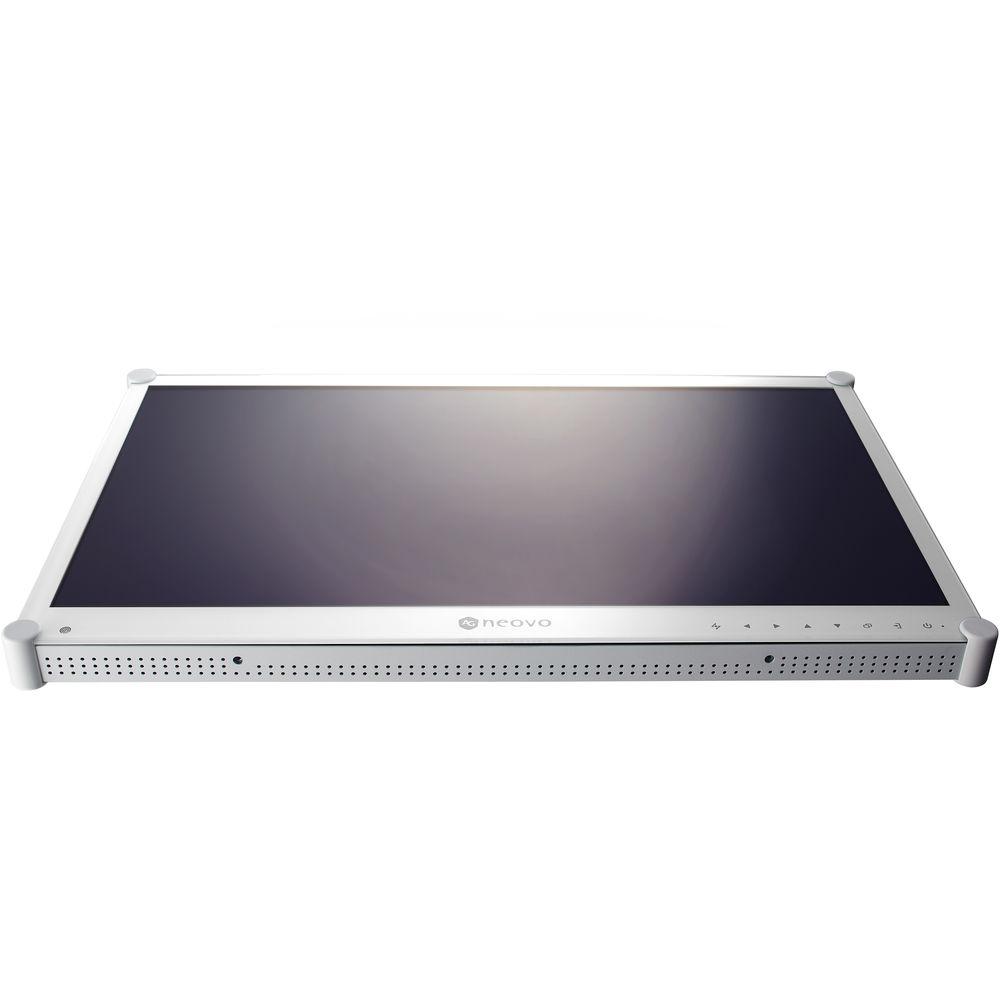
Product description The 22" Full HD LED-Backlit Dental Display from AG Neovo is specially designed for dental settings. Its image optimization capability allows dentists to get across patient diagnosis and treatment data more effectively, and its appealing white exterior and NeoV Optical Glass attests to the EN/IEC 60601-1-certified display's excellence in form as well as in function. Durable and versatile, it meets every need over the course of dental consultation and treatment. - Versatility and Adaptability
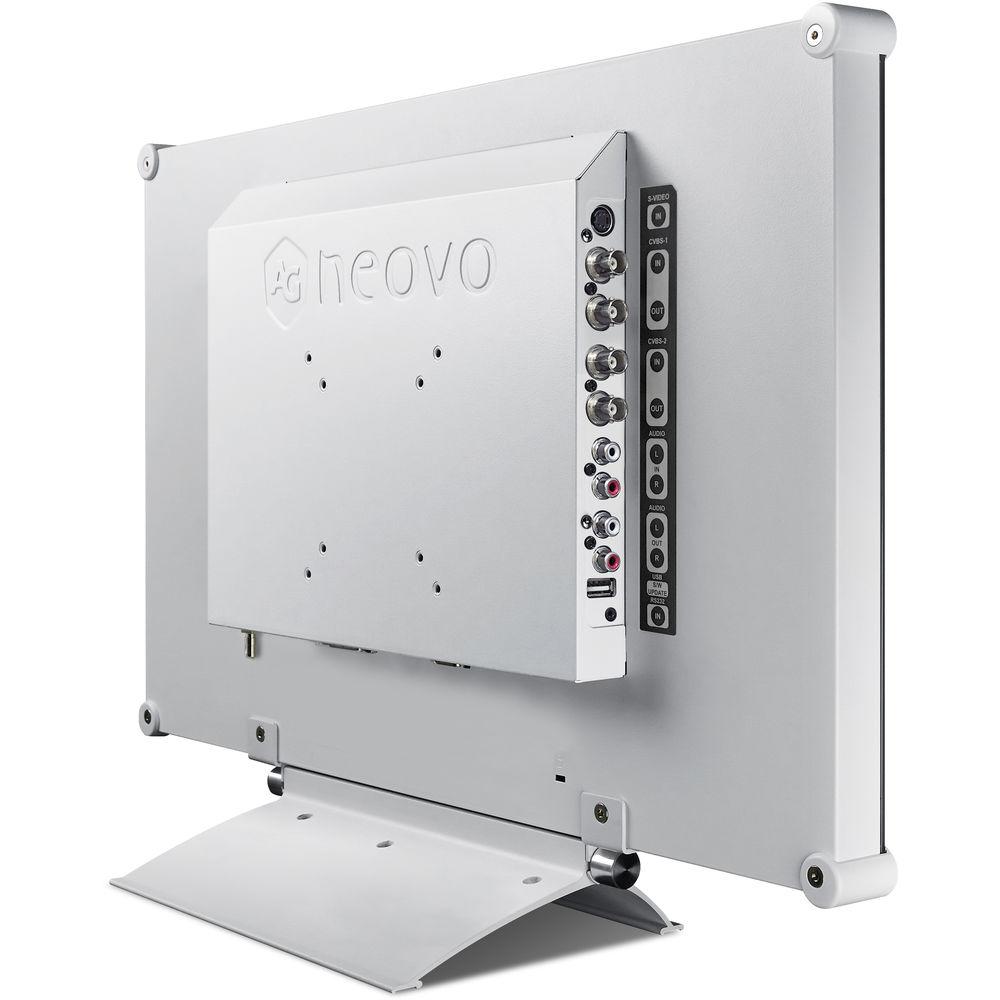
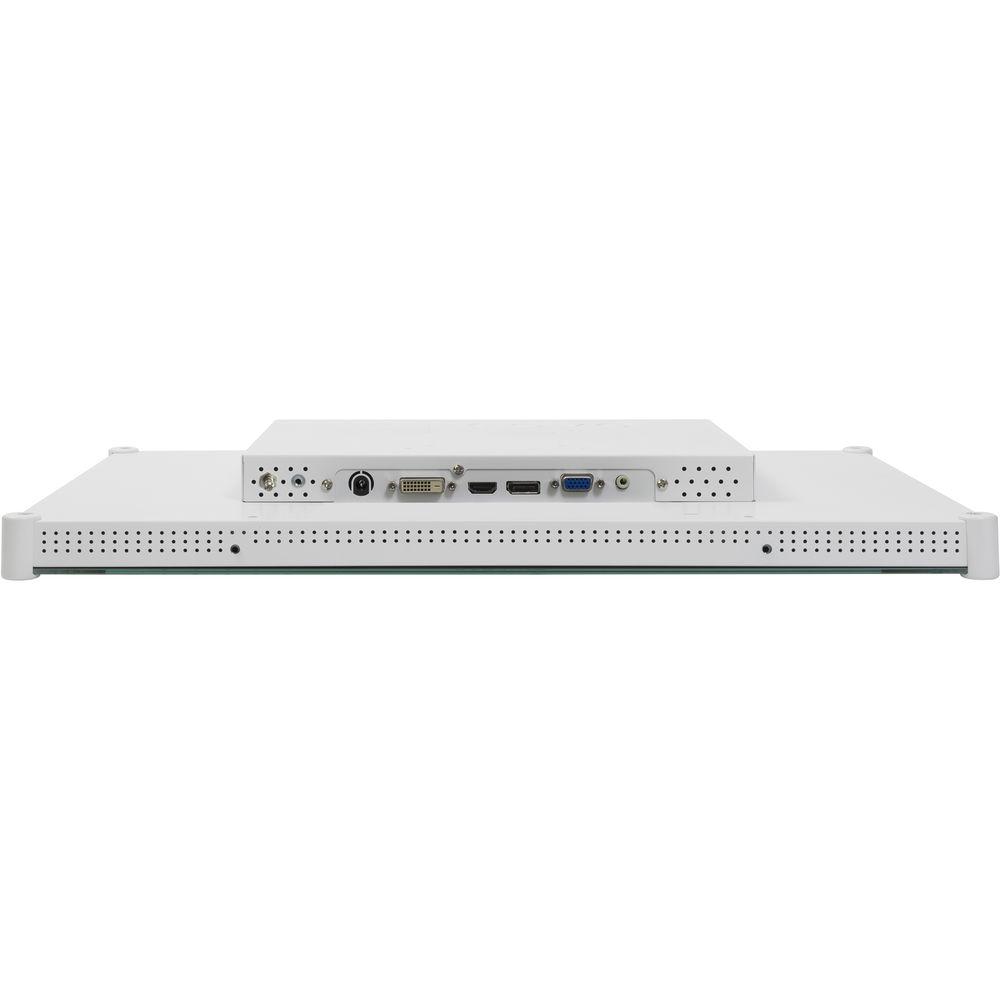
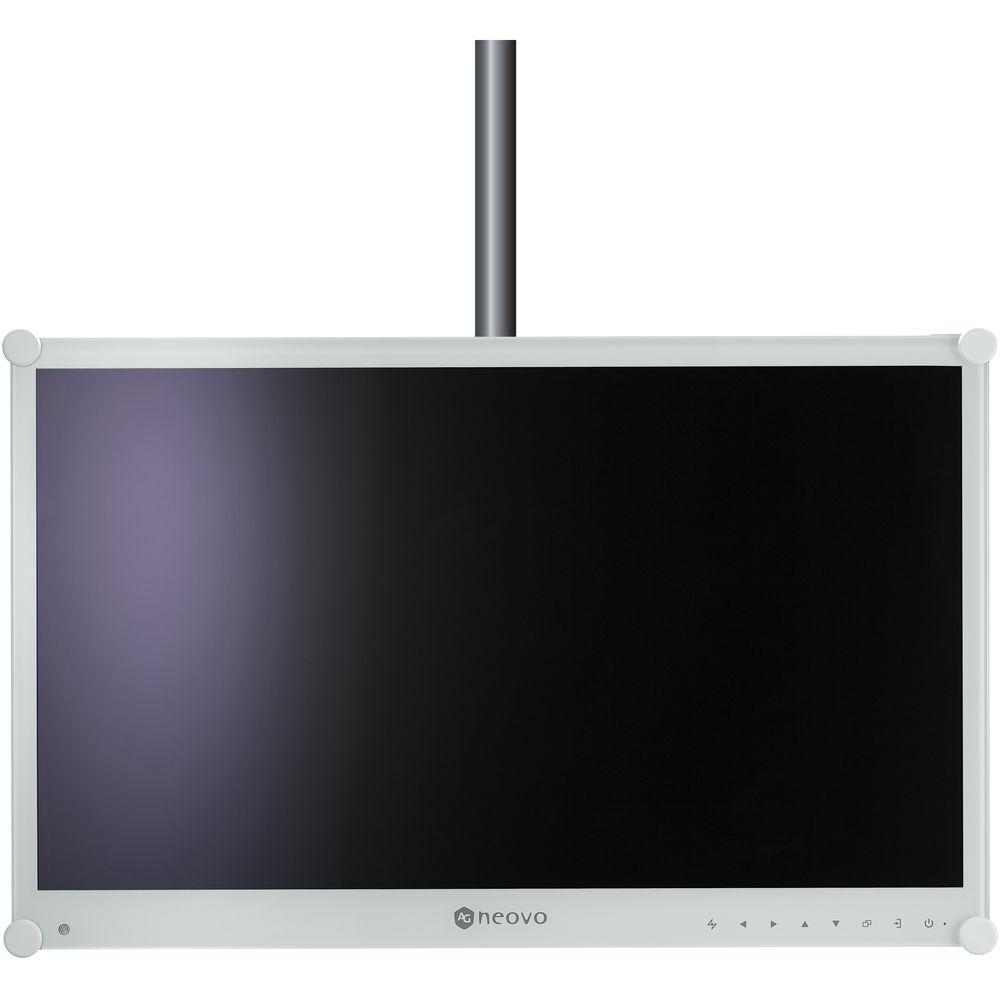
- The display is adaptable to fit every conceivable dental environment. Besides being mounted on the VESA mounting stand, the display can be installed with a VESA stand, on the dentist's desk or mounted on a rotatable arm with handles for easy movement. Multiple connectivity options, including HDMI and DisplayPort, are provided for connecting to different types of devices and showing video content.
- Enhanced Color Reproduction and Image Clarity
- Displays with exceptionally clear images help dentists communicate more effectively with patients. With gamma correction, black-level alignment adjustment, and high contrast ratio, the display can capture darker details and deliver premium images, thereby enhancing treatment quality.
- Easy to Clean and Reliable Design
- The anti-acid and anti-alkali coating treatment of NeoV Optical Glass ensures that the display withstand cleaning and disinfection. Bolstered by the metal casing and equipped with 24 VDC medical-grade power supply, the display is durable, safe, and reliable.
- Other Features
- • Compliant with EN60601-1 and IEC60601-1 medical certifications
• NeoV Optical Glass & metal housing for protection and easy cleaning
• 24 VDC medical-grade power adapter allows a longer distance connection
• Equipotential terminal connector
• Illuminator mode for easy X-ray film viewing
• Black-level alignment for presenting the delicate dark details
• 3D Comb Filter / Deinterlace / Noise Reduction
• Optional handle for easy movement of display
• EcoSmart Sensor allows brightness adjustment by ambient light
• VESA mount compatibility for easy arm, wall, or cart mounting
• Flicker-free backlight for eye comfort UPC: 190695001441 In the Box AG Neovo 22" Full HD LED-Backlit Dental Display Power Cord Power Adapter 15-Pin Sub-D Cable Audio Cable Limited 3-Year Warranty Table of Contents
|
Upload User Manual
Have you got an user manual for the AG Neovo 22" Full HD LED-Backlit Dental Display in electronic form? Please send it to us and help us expand our library of instruction manuals.
Thank you, too, on behalf of other users.
To upload the product manual, we first need to check and make sure you are not a robot. After that, your "Submit Link" or "Upload File" will appear.
Technical parametersAG Neovo DR-22E Specs | | | Screen Size (Diagonal) | 21.5" | | Native Resolution | 1920 x 1080 | | Panel Type | TFT LCD | | Bit Depth / Color Support | 8-Bit (16.7 Million Colors) | | Brightness | 250 cd/m
Rating90% users recommend this product to others. And what about you?

This product has already been rated by 86 owners. Add your rating and experience with the product.
Discussion
 Ask our technicians if you have a problem with your settings,
or if anything is unclear in the user manual you have downloaded.
You can make use of our moderated discussion.
The discussion is public and helps other users of our website who may be encountering similar problems.
Ask our technicians if you have a problem with your settings,
or if anything is unclear in the user manual you have downloaded.
You can make use of our moderated discussion.
The discussion is public and helps other users of our website who may be encountering similar problems.
The discussion is empty - enter the first post
Post a new topic / query / comment:
|
|
|
| Request for user manual |
You can’t find the operation manual you are looking for? Let us know and we will try to add the missing manual:
I’m looking for a manual / Request for manual
Current requests for instruction manuals:
Call Of Duty World War Two For Xbox...
controller stratus XL...
stratus XL...
smart whatch serie S11 42mm...
Allen & Heath SQ-6 manual...
|
| Discussion |
Latest contributions to the discussion:
AEW R 4100
Name: MAURICIO ANGARITA
Audio-Technica AEW-R4100 UHF Diversity Receiver for
AEW R 4100 has the mute function blocked and does not allow audio to pass. I tried several times to turn off the mute from the transmitter but it does nothing, the mute stays on. Solution?
Thank you...
Instructions for assembling the 2015 Forecast Image Master Consoles GC3-A
Name: mike elam
Forecast Consoles GC3-A ImageMaster Editing Console
Looking for instructions for assembling this console. ...
EMPTY TONER ERROR MESSAGE AFTER REPLACING TONER
Name: LINDA BAD YELLOW EYES
Brother TN223BK Standard-Yield Toner
I HAD TO CHANGE OUT ALL THREE TONERS DUE TO LEAKS IN THE YELLOW AND CYAN. AFTER I REPLACED THEM, THE MACHINE KEEPS GIVING ME AN EMPTY TONER ERROR MESSAGE. HELP!!...
PS480D 20/24 pin Switching 480W Power Supply
Name: swkargo
Logisys 480W Power Supply
This item states in can run -5vdc .It is NOT listed on the board or I beleive is r4 is missing the resitior. Any body have thid issue. Shawn
...
Help needed
Name: Ann Carter
SanDisk 1TB Extreme Portable USB 3.1
When I click the link to download the user manual for my Sandisk Extreme external hard drive, it gives me the manual for the LG Cricket. Can you please change the link so I can download the Sandisk manual and begin using this drive? Thank you....
|
|


