User Manual for ARRI 9.5-18mm T2.9 F Ultra Wide Zoom Lens Click to enlarge the picture
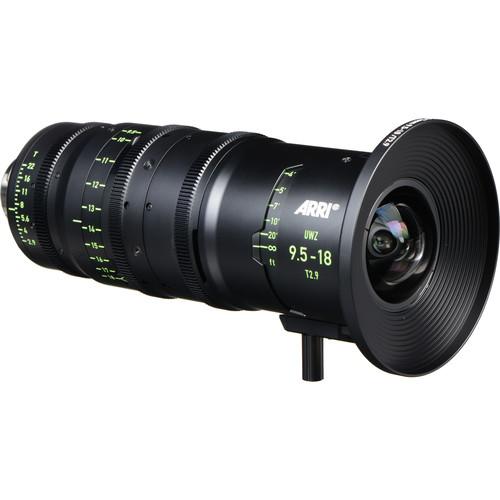 Contents of the user manual for the ARRI 9.5-18mm T2.9 F Ultra Wide
- Product category: Digital Cine Lenses ARRI
- Brand: ARRI
- Description and content of package
- Technical information and basic settings
- Frequently asked questions – FAQ
- Troubleshooting (does not switch on, does not respond, error message, what do I do if...)
- Authorized service for ARRI Digital Cine Lenses
 |
User manual for the ARRI 9.5-18mm T2.9 F Ultra Wide contain basic instructions
that need to be followed during installation and operation.
Before starting your appliance, the user manual should be read through carefully.
Follow all the safety instructions and warnings, and be guided by the given recommendations.
User manual is an integral part of any ARRI product,
and if it is sold or transferred, they should be handed over jointly with the product.
Following the instructions for use is an essential prerequisite for protecting
health and property during use, as well as recognition of liability on the part of the manufacturer
for possible defects should you make a warranty claim. Download an official ARRI user manual in which you will find instructions on how to install, use, maintain and service your product.
And do not forget – unsuitable use of a ARRI product will considerably shorten its lifespan!
|
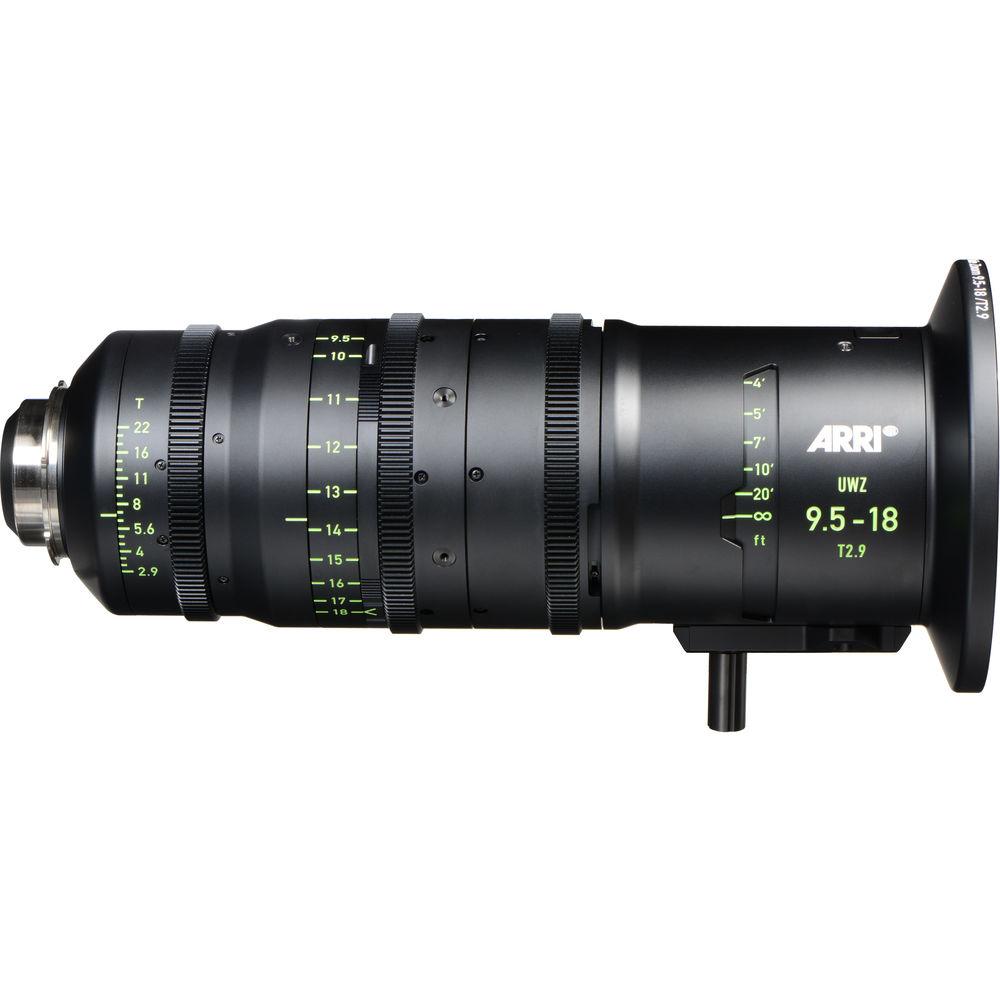
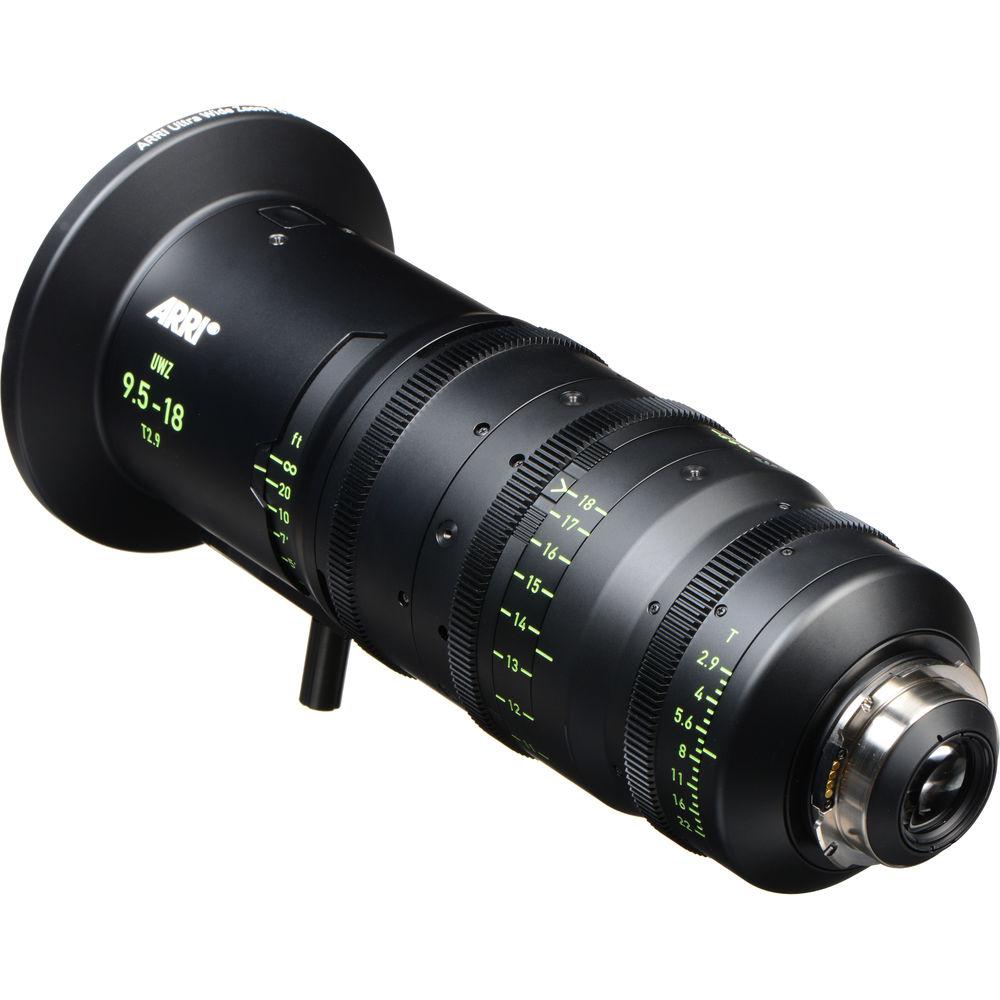
Product description ARRI Lensesthe Current Professional Standard in Cinema Read More The 9.5-18mm T2.9 Ultra Wide Zoom Lens from ARRI has been designed for both current and future large-sensor HD cameras. This super-wide angle, near-telecentric zoom delivers optimal image quality, suiting it for plate shots and other VFX applications. It covers large formats up to the current ARRI Open Gate 33.6 mm image circle and is future-proofed for image circles ranging up to 34.5 mm.The UWZ 9.5-18mm has a fixed entrance pupil position for the entire range of the zoom, and its very low distortion rate ensures straight lines even at its close focus of 21.6". Its stainless steel PL mount includes an Lens Data System (LDS) interface for transmitting the lens data key to so many FX shots. Frame illumination remains uniform to the very corners of the image, and there is virtually no breathing when focusing the lens.A multi-layer lens coating minimizes flares and glare, helping to provide the accurate color rendition, resolution, and skin tones for which ARRI/Zeiss is known and matching other lenses in the ARRI spectrum. Additional UWZ 9.5-18mm features include focus marks in feet, an integrated support foot, a clickless aperture for smooth iris pulls, exchangeable matte box interfaces, and a 112mm-maximum barrel diameter. Key Features - Covers up to current Open Gate sensor size, future-proofing with image circle of 34.5 mm
- PL mount with LDS interface for lens data transfer
- One fixed entrance pupil over the whole zoom range and extremely low distortion, even at close focus
- Uniform illumination across the entire image frame
- Optimal image quality and color rendition match those of other ARRI/Zeiss lenses
- Virtually no breathing when focusing
In the Box ARRI 9.5-18mm T2.9 F Ultra Wide Zoom Lens (PL, Feet) Limited 1-Year Warranty Cinema Lens Care and Maintenance Mary Latvis 03/29/2017 Table of Contents
|
Upload User Manual
Have you got an user manual for the ARRI 9.5-18mm T2.9 F Ultra Wide Zoom Lens in electronic form? Please send it to us and help us expand our library of instruction manuals.
Thank you, too, on behalf of other users.
To upload the product manual, we first need to check and make sure you are not a robot. After that, your "Submit Link" or "Upload File" will appear.
Technical parametersARRI Ultra Wide Zoom 9.5-18mm T2.9 (ft) Specs | Angle of View | Sensor: 23.76 X 13.37 mm
Image Circle: 27.26
Camera: ALEXA HD
9.5mm: V=70.3°, H=103.0°, D=110.6°
12mm: V=58.3°, H=89.5°, D=97.4°
14mm: V=51.1°, H=80.6°, D=88.5°
16mm: V=45.3°, H=73.1°, D=80.8°
18mm: V=40.8°, H=66.8°, D=74.2°
Sensor: 22 X 16 mm
Image Circle: 27.20
Camera: Standard 35
9.5mm: V=80.3°, H=98.6°, D=110.5°
12mm: V=67.4°, H=85.1°, D=97.3°
14mm: V=59.5°, H=76.3°, D=88.3°
16mm: V=53.1°, H=68.9°, D=80.6°
18mm: V=47.9°, H=62.8°, D=74.1°
Sensor: 24 X 18 mm
Image Circle: 30.00
Camera: DIN Super 35
9.5mm: V=87.0°, H=103.5°, D=115.7°
12mm: V=73.8°, H=90.1°, D=102.9°
14mm: V=65.5°, H=81.2°, D=94.0°
16mm: V=58.7°, H=73.6°, D=86.2°
18mm: V=53.1°, H=67.3°, D=79.5°
Sensor: 24.9 X 18.7 mm
Image Circle: 31.14
Camera: ANSI Super 35
9.5mm: V=89.2°, H=105.6°, D=117.6°
12mm: V=75.9°, H=92.2°, D=105.0°
14mm: V=67.5°, H=83.3°, D=96.1°
16mm: V=60.5°, H=75.7°, D=88.3°
18mm: V=54.9°, H=69.3°, D=81.6°
Sensor: 28.25 X 18.17 mm
Image Circle: 33.59
Camera: ALEXA SXT & ALEXA Mini Open Gate
9.5mm: V= 87.4°, H=112.4°, D=121.2°
12mm: V=74.2°, H=99.3°, D=109.0°
14mm: V=65.8°, H=90.3°, D=100.3°
16mm: V=59.0°, H=82.6°, D=92.5°
18mm: V=53.5°, H=76.0°, D=85.9°
Entrance Pupil Position:
9.5mm: 12.22" (310.4 mm), 12mm: 12.20" (309.9 mm), 14mm: 12.18" (309.4 mm), 16mm: 12.15" (308.7 mm), 18mm: 12.13" (308.0 mm) | | Lens Mount | PL with LDS, stainless steel | | Focal Length | 9.5 to 18mm | | Coverage | ARRI Open Gate | | Aperture Range | T2.9 to 22 | | Close Focus | 21.6" (0.55 m) | | Magnification Ratio | 1:10.7 | | Front Diameter | Matte Box Interfaces: 5.3" (134 mm), 6.1" (156 mm) | | Maximum Barrel Diameter | Excluding Front & Gear: 4.4" (112 mm) | | Length | Lens Mount to Front of Housing: 13.2" (335.5 mm)
Including Flange Focal Distance: 15.3" (387.5 mm) | | Weight | 10.6 lb (4.8 kg) | | | | Package Weight | 15.5 lb | | Box Dimensions (LxWxH) | 21.5 x 11.5 x 10.7" |
Rating60% users recommend this product to others. And what about you?

This product has already been rated by 19 owners. Add your rating and experience with the product.
Discussion
 Ask our technicians if you have a problem with your settings,
or if anything is unclear in the user manual you have downloaded.
You can make use of our moderated discussion.
The discussion is public and helps other users of our website who may be encountering similar problems.
Ask our technicians if you have a problem with your settings,
or if anything is unclear in the user manual you have downloaded.
You can make use of our moderated discussion.
The discussion is public and helps other users of our website who may be encountering similar problems.
The discussion is empty - enter the first post
Post a new topic / query / comment:
|
|


