User Manual for Artesia DG-55F Digital Micro Grand Piano with Fatar Hammer Action Click to enlarge the picture
 Contents of the user manual for the Artesia DG-55F Digital Micro Grand Piano
- Product category: Digital Pianos Artesia
- Brand: Artesia
- Description and content of package
- Technical information and basic settings
- Frequently asked questions – FAQ
- Troubleshooting (does not switch on, does not respond, error message, what do I do if...)
- Authorized service for Artesia Digital Pianos
 |
User manual for the Artesia DG-55F Digital Micro Grand Piano contain basic instructions
that need to be followed during installation and operation.
Before starting your appliance, the user manual should be read through carefully.
Follow all the safety instructions and warnings, and be guided by the given recommendations.
User manual is an integral part of any Artesia product,
and if it is sold or transferred, they should be handed over jointly with the product.
Following the instructions for use is an essential prerequisite for protecting
health and property during use, as well as recognition of liability on the part of the manufacturer
for possible defects should you make a warranty claim. Download an official Artesia user manual in which you will find instructions on how to install, use, maintain and service your product.
And do not forget – unsuitable use of a Artesia product will considerably shorten its lifespan!
|
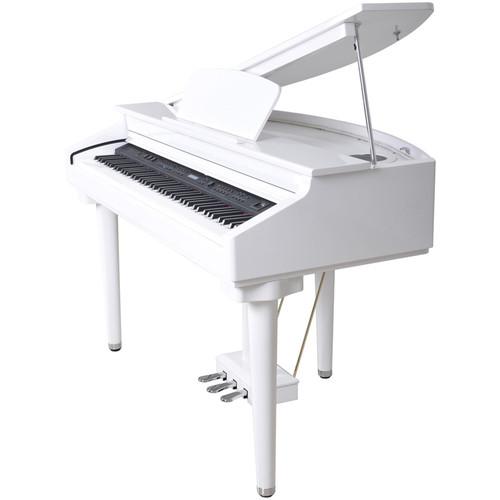
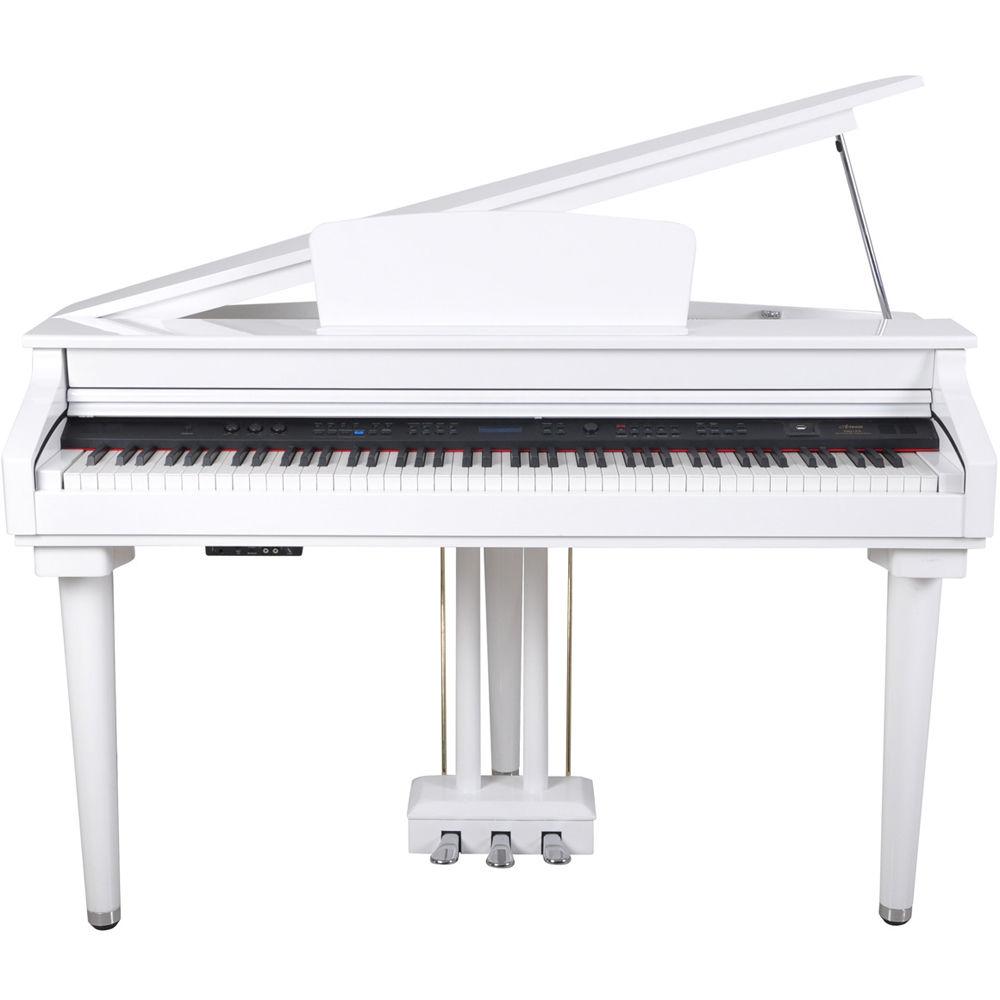
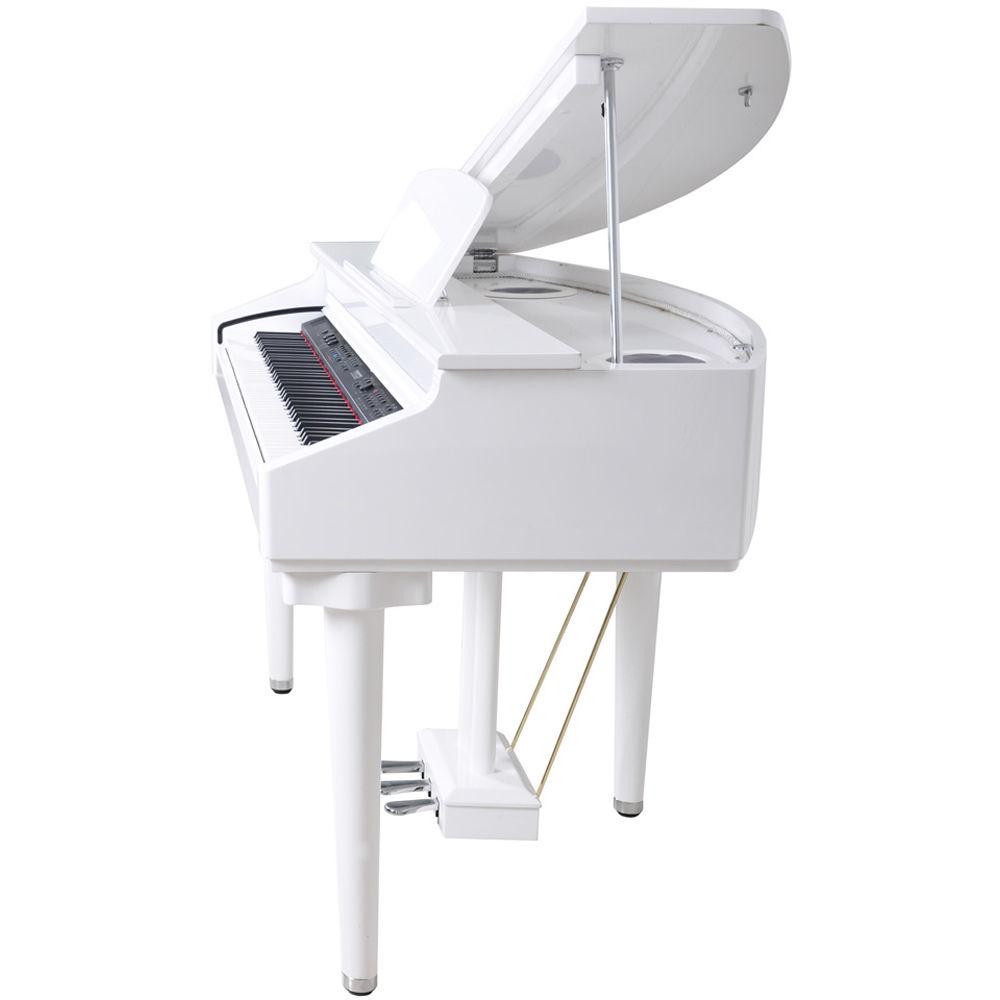
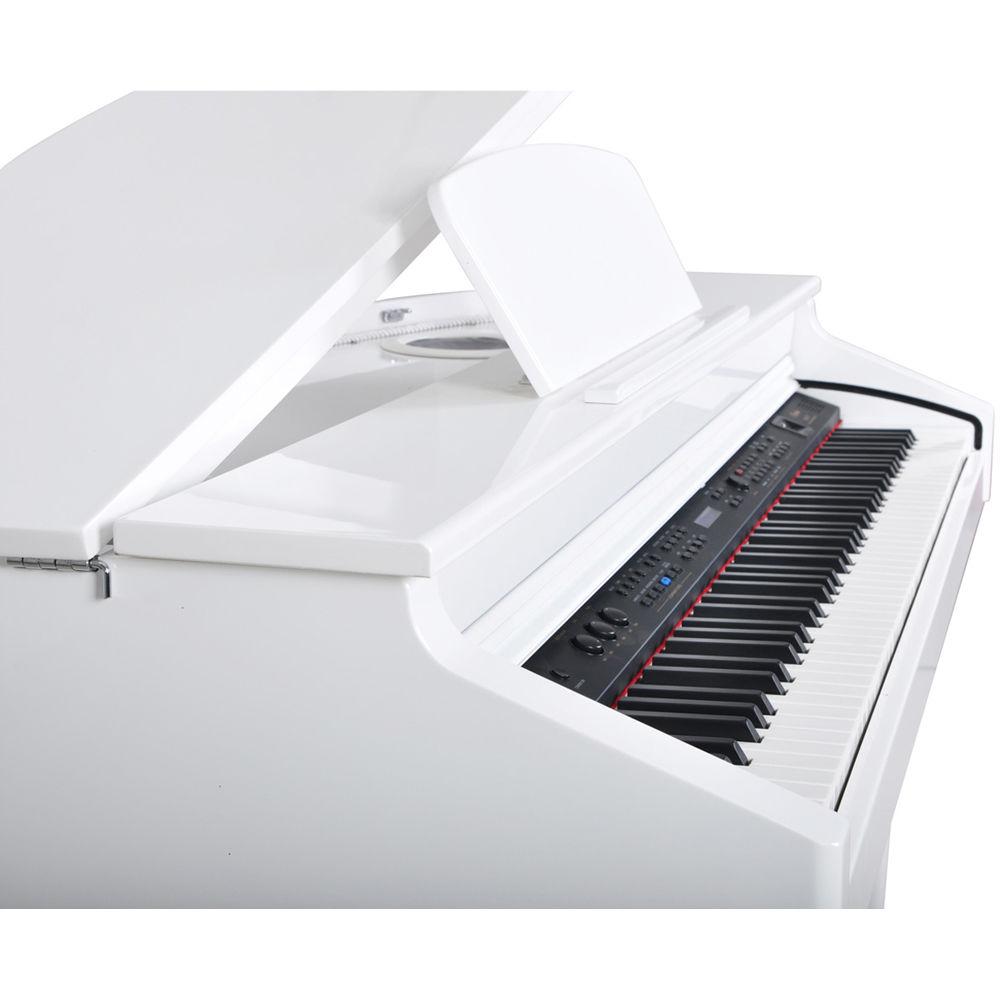
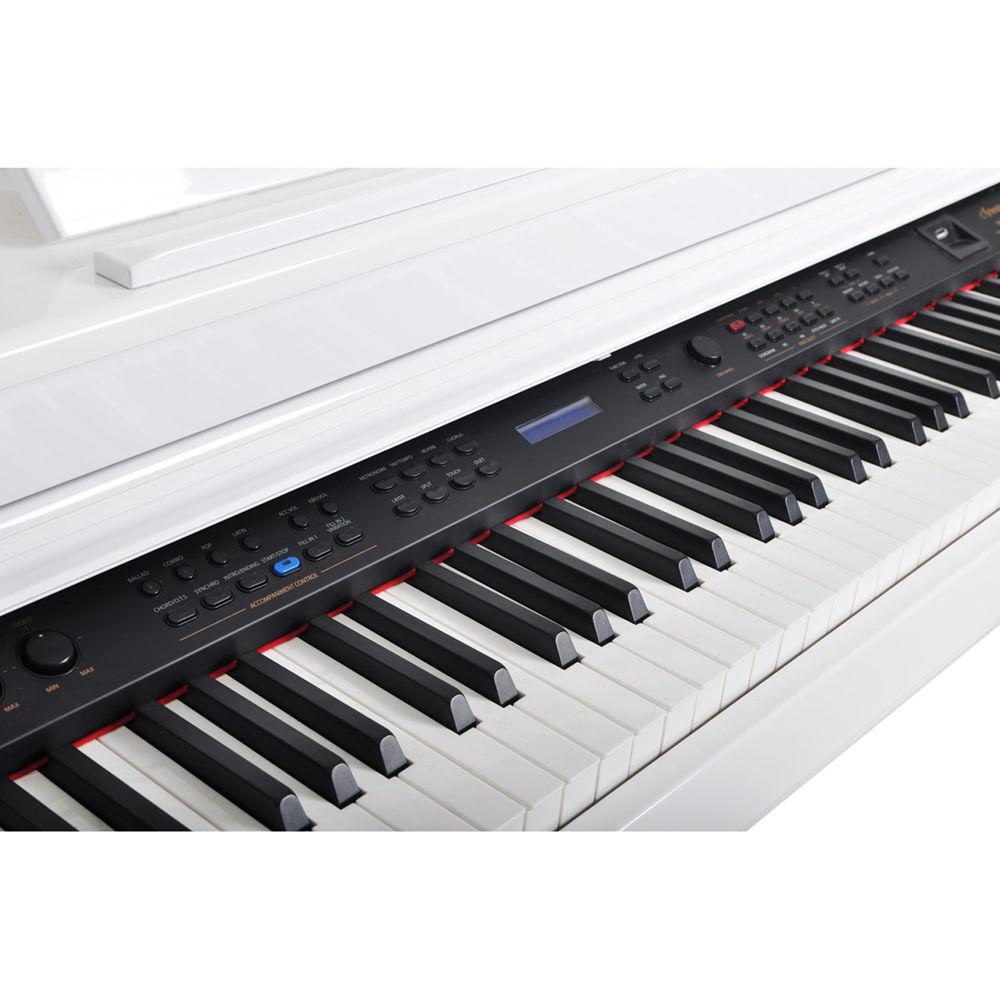
Product description The gloss black DG-55F Digital Micro Grand Piano from Artesia is packed with dynamic voices as well as 100 professionally produced accompaniment styles. It features a simple to use song recorder along with a multi-track recorder for more advanced projects. In addition to its original, expressive, 3D sampled acoustic grand piano, the instrument includes over 100 additional sounds including organs, synths, brass, drums, guitar, bass, sound effects and more. The Fatar weighted hammer-action keybed simulates the feel of a real acoustic piano. - Digital Advantage
-
- No tuning required
- You can play with headphones without disturbing others around you
- Built-in metronome and music-recorder function to let you practice recording with a programmed time reference and listen back to your performances
- Stereo Line-In and Line-Out jacks allow you to attach powered speaker monitors to enhance your current sound-delivery system or listen to your MP3 player or other audio device through the piano’s speakers
- MIDI-Out jack and USB port offer expanded capabilities for future enhancements
- Building your Playing Style
-
- Over 50 play-along songs allow you to first practice by playing with your left and right hands separately, then use both hands simultaneously
- Familiar standard songs sharpen your playing skills
- Polished Ivory-Gloss Cabinet
-
- Features a crafted enclosure with a polished seven-layer hand-rubbed ivory-gloss finish to give a deep & rich luster
- Fallboard design completely hides panel controls, making the instrument appear like a real acoustic grand piano
- Matching duet padded bench is wide enough for two to sit and play together
- Hammer-Action Keyboard
-
- The Fatar weighted hammer-action keybed simulates the feel of a real acoustic piano
- Realistic Sounds
-
- Offers sound realism with its acoustic sound-sample processing
- Records the actual acoustic instrument capturing its remarkable depth, expression, and essence
- Instruments voices with high dynamic response including pianos, guitars, woodwinds and brass instruments, drums, percussion, synthesizers, and many more
- Play-Along Accompaniment
-
- Automatically produces full backing parts with 100 styles to choose from
UPC: 859974004565 In the Box Artesia DG-55F Digital Micro Grand Piano with Fatar Hammer Action (33.9" Depth, Gloss Black) - Padded Bench
- Music Rest
- Play-Along Song Book
- Preloaded Kingston USB Flash Drive
- Bluetooth BT-1 Wireless Receiver
- Limited 1-Year Warranty
Table of Contents
|
Upload User Manual
Have you got an user manual for the Artesia DG-55F Digital Micro Grand Piano with Fatar Hammer Action in electronic form? Please send it to us and help us expand our library of instruction manuals.
Thank you, too, on behalf of other users.
To upload the product manual, we first need to check and make sure you are not a robot. After that, your "Submit Link" or "Upload File" will appear.
Technical parametersArtesia DG-55F-GB Specs | Keyboard | 88, weighted, standard-size keys (A1 - C7) with touch response | | Touch Response | Settings: Soft, normal, hard, fixed | | Display | 2 x 16 character LCD display | | Polyphony | 64 notes | | Voices | 128 PCM voices and 9 drum kits | | Voice Control | Modes: Layer (dual), split (lower), duet
Overall Control: Transpose, tempo | | Pedals | Soft, sostenuto, sustain | | Effects | 8 reverb types, 8 chorus types, EQ bass and treble levels | | Rhythm | 100 auto-accompaniment styles | | Style Controls | Synchronised Start, Intro, Ending, Fill In, Variation, Accompaniment, Volume, One Touch, Metronome | | Recording | Local two tracks real-time recording | | Registration Memory Recorder | 5 x 6 per registration file | | Functions | Reverb level, chorus level, touch sensitivity, split point for voice, split point for auto accompaniment,chord Type, metronome type and volume, pan, transpose, tune, octave, play along songs grading and volume, MIDI, half-sustain, Bluetooth, reset, auto power off time | | Demo | 16 demo songs | | Lesson | 55 lessons with left- and right-hand option and scoring system | | Other Functions | Bluetooth, User voice settings, USB MIDI, USB Audio | | Auxiliary Connectors | AC, Aux In, Line Out, USB, MIDI Out, pedal, 2 x headphones | | Amplifier | 2 x 20 W | | Voltage | 120 VAC | | Dimensions | 54.2 x 20.0 x 33.9" / 137.7 x 51.0 x 86.2 cm | | Weight | 154.3 lb / 70 kg |
Rating90% users recommend this product to others. And what about you?

This product has already been rated by 96 owners. Add your rating and experience with the product.
Discussion
 Ask our technicians if you have a problem with your settings,
or if anything is unclear in the user manual you have downloaded.
You can make use of our moderated discussion.
The discussion is public and helps other users of our website who may be encountering similar problems.
Ask our technicians if you have a problem with your settings,
or if anything is unclear in the user manual you have downloaded.
You can make use of our moderated discussion.
The discussion is public and helps other users of our website who may be encountering similar problems.
The discussion is empty - enter the first post
Post a new topic / query / comment:
|
|


