|
User Manual for Arturia KeyLab 88 Hybrid 88-Key Controller Click to enlarge the picture
 Contents of the user manual for the Arturia KeyLab 88 Hybrid 88-Key Controller
- Product category: Keyboard Controllers Arturia
- Brand: Arturia
- Description and content of package
- Technical information and basic settings
- Frequently asked questions – FAQ
- Troubleshooting (does not switch on, does not respond, error message, what do I do if...)
- Authorized service for Arturia Keyboard Controllers
 |
User manual for the Arturia KeyLab 88 Hybrid 88-Key Controller contain basic instructions
that need to be followed during installation and operation.
Before starting your appliance, the user manual should be read through carefully.
Follow all the safety instructions and warnings, and be guided by the given recommendations.
User manual is an integral part of any Arturia product,
and if it is sold or transferred, they should be handed over jointly with the product.
Following the instructions for use is an essential prerequisite for protecting
health and property during use, as well as recognition of liability on the part of the manufacturer
for possible defects should you make a warranty claim. Download an official Arturia user manual in which you will find instructions on how to install, use, maintain and service your product.
And do not forget – unsuitable use of a Arturia product will considerably shorten its lifespan!
|
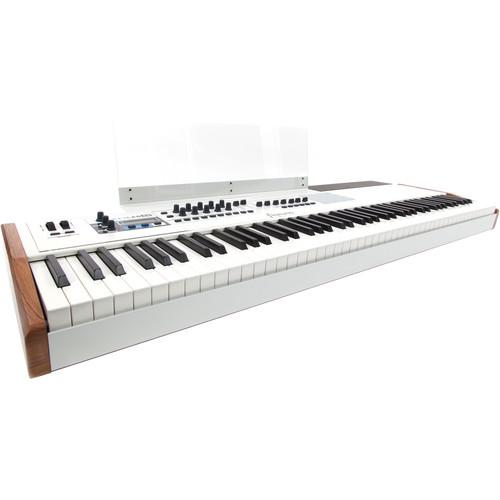
Product description - Arturia announces KeyLab 88
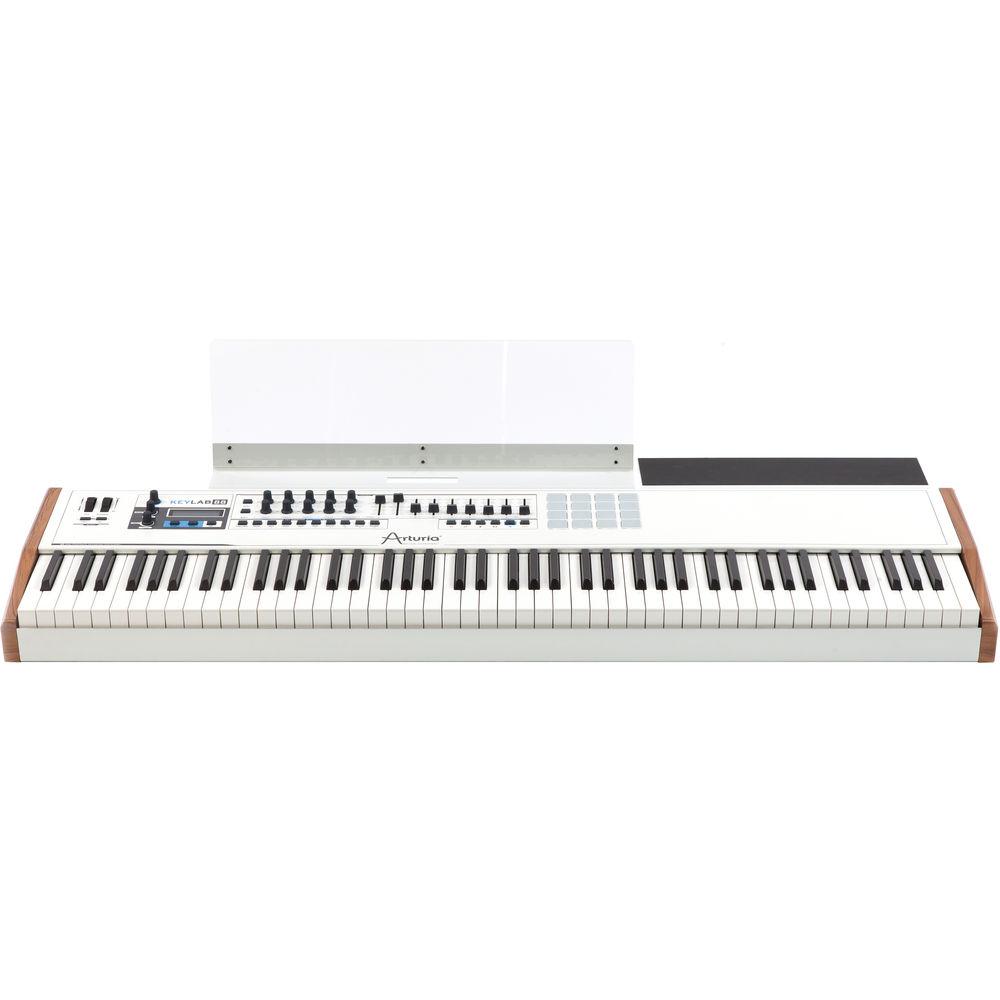
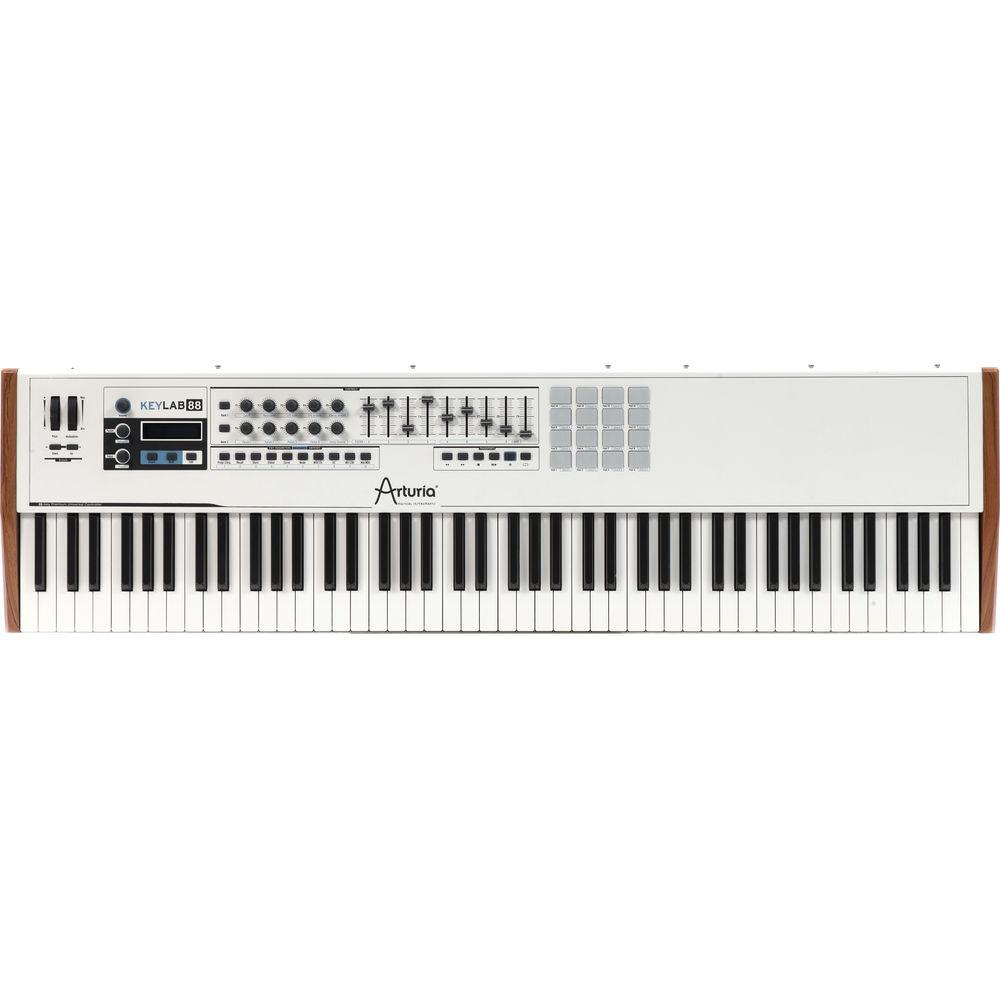
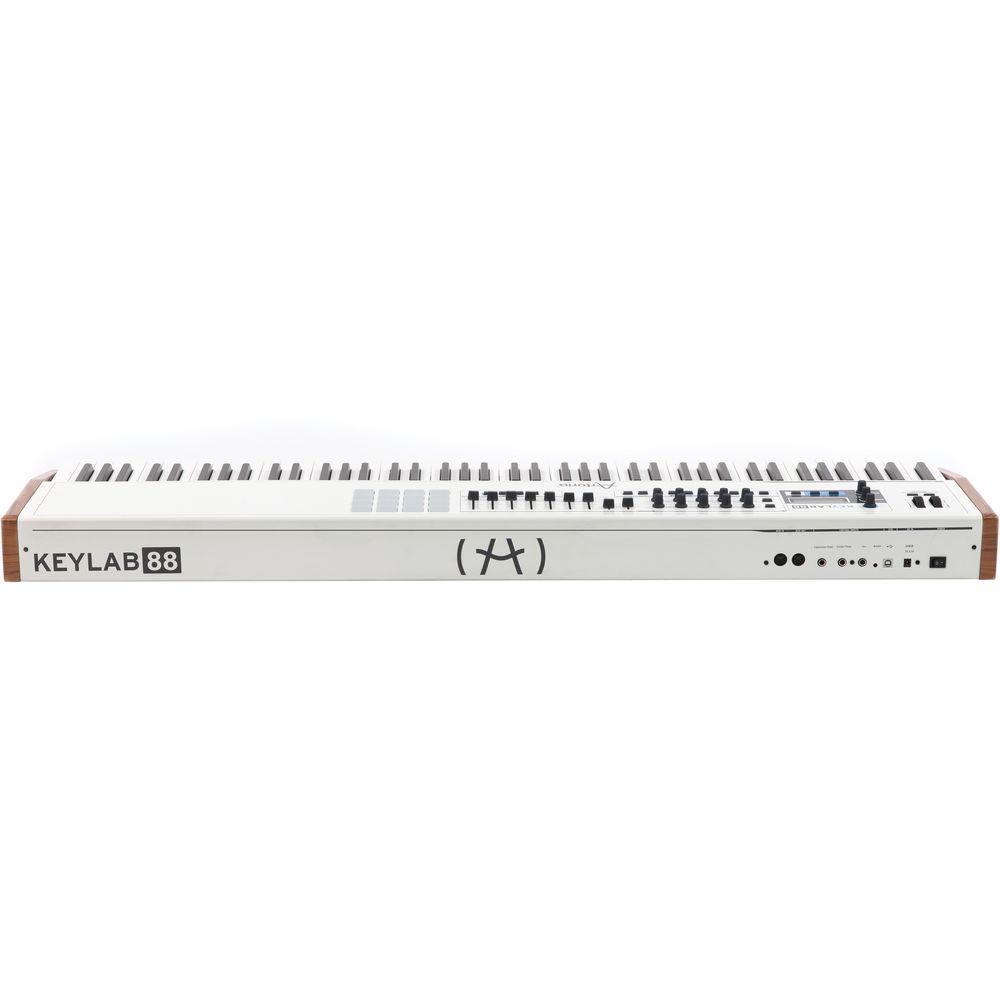
Designed with the working musician in mind, the KeyLab 88 Hybrid 88-Key Controller from Arturia features an 88-key hammer-weighted Fatar keybed with velocity and aftertouch and deep integration with the included Analog Lab software. In addition, the KeyLab 88 gives you 2 clickable encoders, 6 transport switches, modulation and pitch bend wheels, 20 encoders, 9 sliders, a volume encoder, 10 assignable switches, and 16 pads.
The included Analog Lab software gives you access to over 5,000 synthesizer sounds from Arturia's analog recreations of classic synths. The KeyLab 88 provides hands-on control over the software's parameters, allowing you to keep your hands on the keyboard and off your mouse to make adjustments. Not limited to working with Analog Lab, the controller has both USB and 5-pin DIN MIDI connections for use with other software and hardware units. - KeyLab Under the Hood
- The KeyLab 88 keyboard controller is made for performance and expression. Designed with the modern musician in mind, the KeyLab 88 is a companion for the professional musician who uses a laptop or iPad.
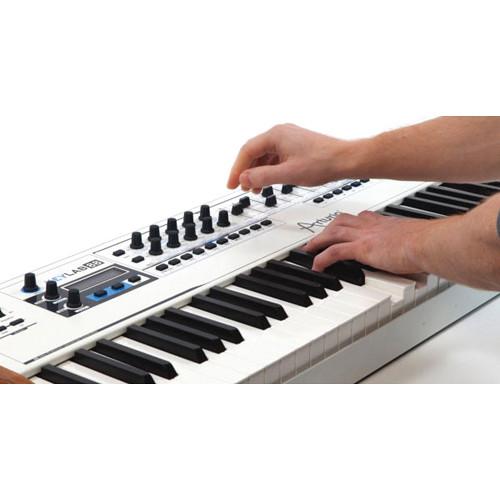
This controller features a hammer action keybed from Fatar and gives full access to Arturia's Analog Lab software. Its pre-assigned controls make a solution for plug-and-play sound creation. Once the software is connected to the keyboard, you can put your mouse away and experience the same workflow as on a traditional hardware synthesizer
With KeyLab 88, discover a new depth of access to the synth patches so you can really get in and customize the huge library of internationally designed presets. A new Multi mode allows several sounds to be played at the same time with the addition of effects, layer/split functions and a Chord mode.
In addition, the keyboard (like all of the KeyLab series) can be used in any other software context - More Than Just Another Keyboard
- The foundation of the KeyLab is built on its hammer-action keybed from Fatar, to give you the response and feel that a true musician needs. Then Arturia added transport controls to work with your favorite DAW, along with plenty of knobs, sliders, and assignable buttons to give you hands on control of your favorite plug-ins and workstations. To top it off they included 16 velocity and pressure sensitive drum pads
- Mission Control
- Arturia understands the needs that keyboard players have and with the size of an 88-note keyboard in your workspace, you need to have some kind of access to the devices you use to create with. They expanded the real-world usability with some simple but useful additions. They have added a music stand that can not only hold your favorite book of 10,000 songs, but it also work as an iPad stand either in landscape mode for using with your favorite iOS synths and DAWS or in portrait mode for the user who has 'gone green' and is using sheet music apps. They also have an extension shelf for the right rear section that creates a large work surface that will allow you to place your laptop or small synth (like a MicroBrute) on top of the KeyLab 88, giving you unsurpassed access without resorting to other stands or awkward working solutions
- MIDI Control Center
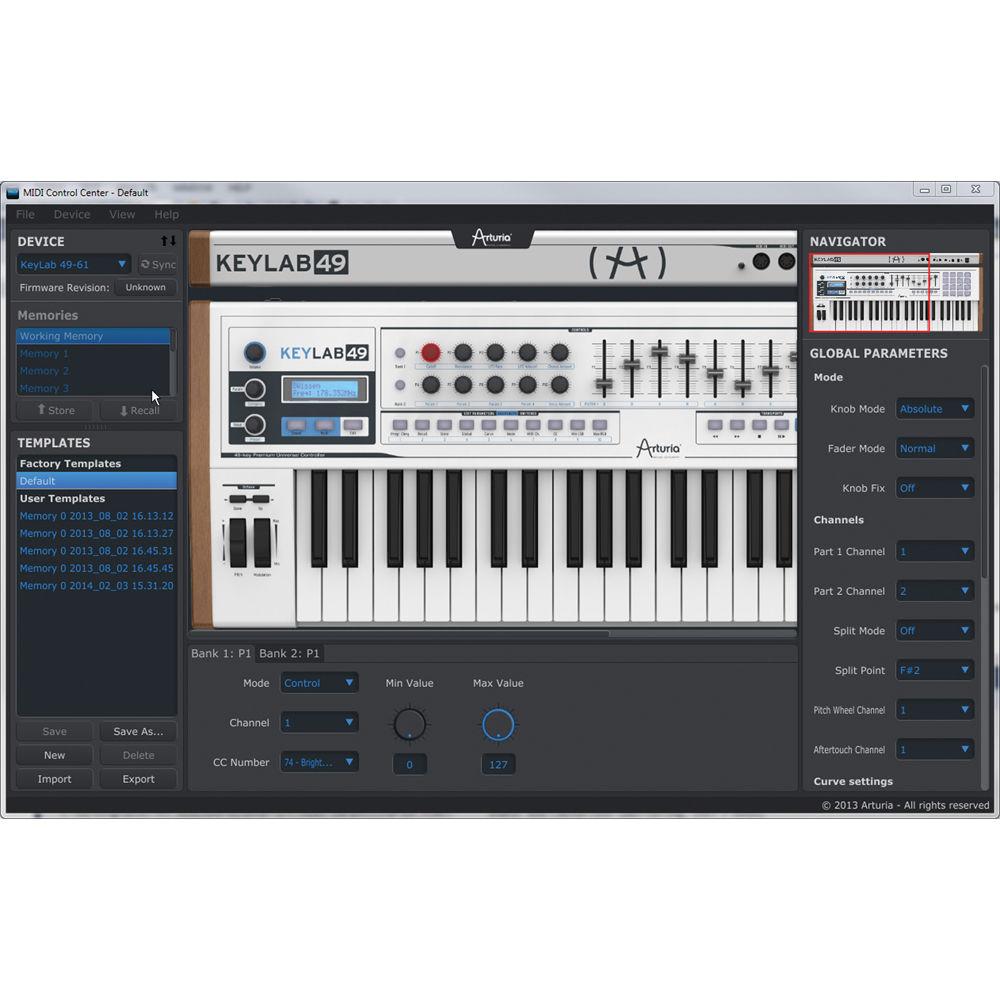
- The MIDI Control Center software allows you to quickly edit your preset parameters. With an easy to use graphical interface and a nice 1:1 screen image of your hardware, you can tailor the controls of your KeyLab keyboard to match your favorite plug-ins and DAWS settings
- Analog Lab Software
- Analog Lab is a powerful software synthesizer solution with over 5,000 classic synthesizer sounds from Arturia's vintage analog recreations at your fingertips.
Analog Lab offers the ability for fast and simple editing and customizing of your presets, but it doesn't stop there; owners of the original individual synthesizer software products or the V Collection can open an Analog Lab sound and edit it in the original software, save it and then add it to their library.
The new Multi mode allows you to create layers and splits as well as warping and twisting your sounds with 17 high quality effects - Software Integration
- Analog Lab is a virtual instrument, which means that sounds are processed within the computer. It can be used as a stand-alone application or as a plug-in within the main sequencer programs: Steinberg Cubase, Digidesign Pro Tools, Ableton Live, Apple Logic Audio, MOTU Digital Performer, Cakewalk Sonar, etc
- Hardware Integration
- The user customizable MIDI mapping allows you to control the parameters you want to control with your favorite keyboard. Better than that, use an Arturia Keyboard controller and the interface will automatically change to show the knob and slider layouts so that you get a 1:1 user interface
- TAE Powered Sounds
- All presets in Analog Lab have been carefully selected from the Arturia Classic Synths and keyboards : Mini V, Modular V, CS-80 V, ARP2600 V, Jupiter-8V, Prophet 5, Prophet VS, Oberheim SEM V and Wurlitzer V
In the Box Arturia KeyLab 88 Hybrid 88-Key Controller Analog Lab Software Limited 1-Year Warranty Table of Contents
|
Upload User Manual
Have you got an user manual for the Arturia KeyLab 88 Hybrid 88-Key Controller in electronic form? Please send it to us and help us expand our library of instruction manuals.
Thank you, too, on behalf of other users.
To upload the product manual, we first need to check and make sure you are not a robot. After that, your "Submit Link" or "Upload File" will appear.
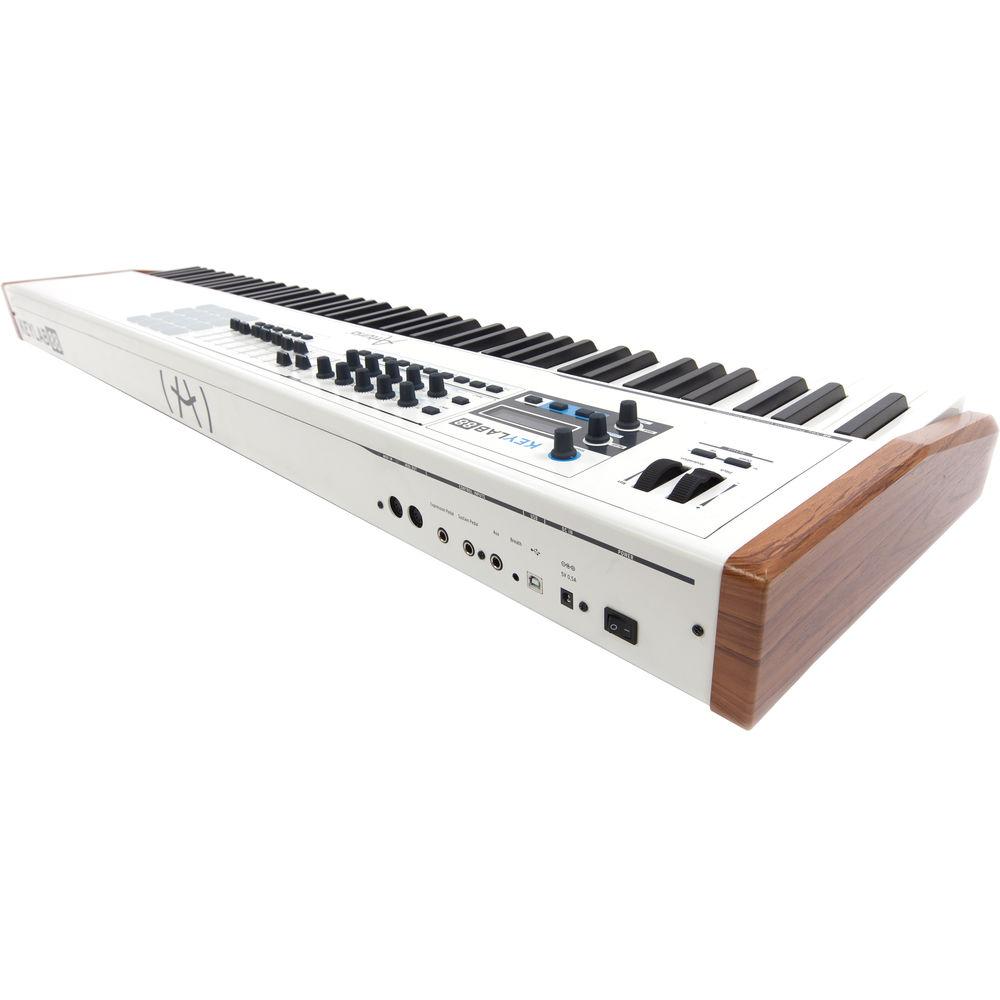
Technical parametersArturia 230441 Specs | | | Keyboard | 88 Piano Keys, Hammer Action with Aftertouch and Velocity | | MIDI Control Surfaces | 1 x Wheel (Pitch-Bend)
1 x Wheel (Modulation)
2 x Rotary Encoders (Clickable)
10 x Rotary Encoders
9 x Sliders
10 x Buttons (Assignable) | | Performance Functions | Transport Controls | | | | I/O | 1 x 5-Pin MIDI Input
1 x 5-Pin MIDI Output
1 x USB Type-B
1 x 1/4" (6.3 mm) TS Sustain Input
1 x 1/4" (6.3 mm) TRS Expression Pedal Input
1 x 1/4" (6.3 mm) TS Footswitch Input
1 x 1/8" (3.5 mm) TRS Breath/Bite Controller Input | | OS Compatibility | Windows 7 or Later
macOS 10.7 or Later | | | | Display | LCD | | Dimensions (W x D x H) | 50.9 x 13.7 x 4.3" / 129.5 x 34.9 x 10.8 cm | | Weight | 32.4 lb / 14.7 kg | | | | Package Weight | 51.5 lb | | Box Dimensions (LxWxH) | 54.0 x 19.0 x 7.0" |
Rating90% users recommend this product to others. And what about you?

This product has already been rated by 39 owners. Add your rating and experience with the product.
Discussion
 Ask our technicians if you have a problem with your settings,
or if anything is unclear in the user manual you have downloaded.
You can make use of our moderated discussion.
The discussion is public and helps other users of our website who may be encountering similar problems.
Ask our technicians if you have a problem with your settings,
or if anything is unclear in the user manual you have downloaded.
You can make use of our moderated discussion.
The discussion is public and helps other users of our website who may be encountering similar problems.
The discussion is empty - enter the first post
Post a new topic / query / comment:
|
|
|
| Request for user manual |
You can’t find the operation manual you are looking for? Let us know and we will try to add the missing manual:
I’m looking for a manual / Request for manual
Current requests for instruction manuals:
Call Of Duty World War Two For Xbox...
controller stratus XL...
stratus XL...
smart whatch serie S11 42mm...
Allen & Heath SQ-6 manual...
|
| Discussion |
Latest contributions to the discussion:
AEW R 4100
Name: MAURICIO ANGARITA
Audio-Technica AEW-R4100 UHF Diversity Receiver for
AEW R 4100 has the mute function blocked and does not allow audio to pass. I tried several times to turn off the mute from the transmitter but it does nothing, the mute stays on. Solution?
Thank you...
Instructions for assembling the 2015 Forecast Image Master Consoles GC3-A
Name: mike elam
Forecast Consoles GC3-A ImageMaster Editing Console
Looking for instructions for assembling this console. ...
EMPTY TONER ERROR MESSAGE AFTER REPLACING TONER
Name: LINDA BAD YELLOW EYES
Brother TN223BK Standard-Yield Toner
I HAD TO CHANGE OUT ALL THREE TONERS DUE TO LEAKS IN THE YELLOW AND CYAN. AFTER I REPLACED THEM, THE MACHINE KEEPS GIVING ME AN EMPTY TONER ERROR MESSAGE. HELP!!...
PS480D 20/24 pin Switching 480W Power Supply
Name: swkargo
Logisys 480W Power Supply
This item states in can run -5vdc .It is NOT listed on the board or I beleive is r4 is missing the resitior. Any body have thid issue. Shawn
...
Help needed
Name: Ann Carter
SanDisk 1TB Extreme Portable USB 3.1
When I click the link to download the user manual for my Sandisk Extreme external hard drive, it gives me the manual for the LG Cricket. Can you please change the link so I can download the Sandisk manual and begin using this drive? Thank you....
|
|


