|
User Manual for Arturia V Collection 6 - Software Instruments Bundle Click to enlarge the picture
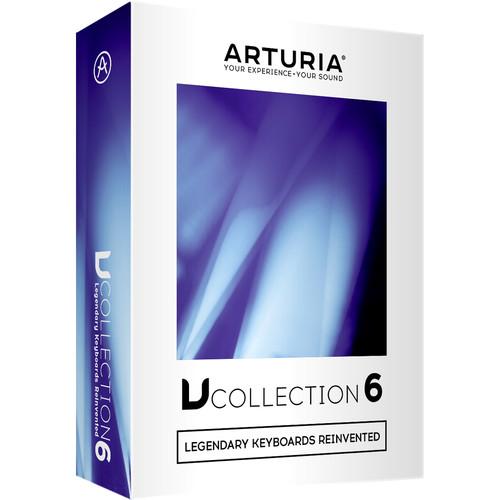 Contents of the user manual for the Arturia V Collection 6 - Software
- Product category: Virtual Instruments Arturia
- Brand: Arturia
- Description and content of package
- Technical information and basic settings
- Frequently asked questions – FAQ
- Troubleshooting (does not switch on, does not respond, error message, what do I do if...)
- Authorized service for Arturia Virtual Instruments
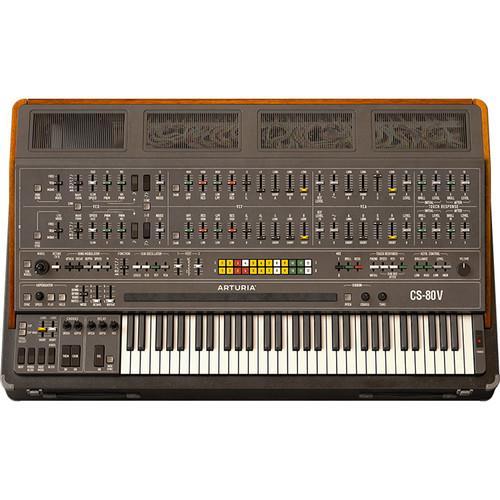
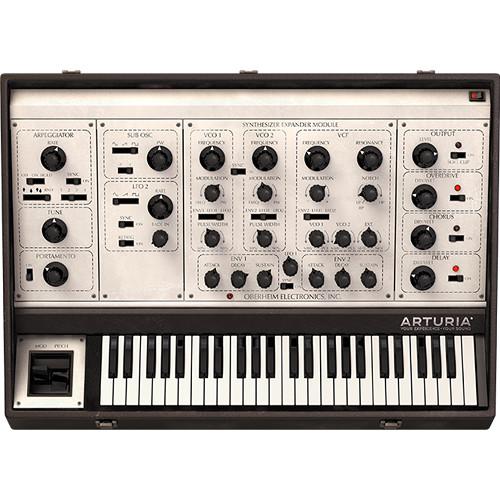 |
User manual for the Arturia V Collection 6 - Software contain basic instructions
that need to be followed during installation and operation.
Before starting your appliance, the user manual should be read through carefully.
Follow all the safety instructions and warnings, and be guided by the given recommendations.
User manual is an integral part of any Arturia product,
and if it is sold or transferred, they should be handed over jointly with the product.
Following the instructions for use is an essential prerequisite for protecting
health and property during use, as well as recognition of liability on the part of the manufacturer
for possible defects should you make a warranty claim. Download an official Arturia user manual in which you will find instructions on how to install, use, maintain and service your product.
And do not forget – unsuitable use of a Arturia product will considerably shorten its lifespan!
|
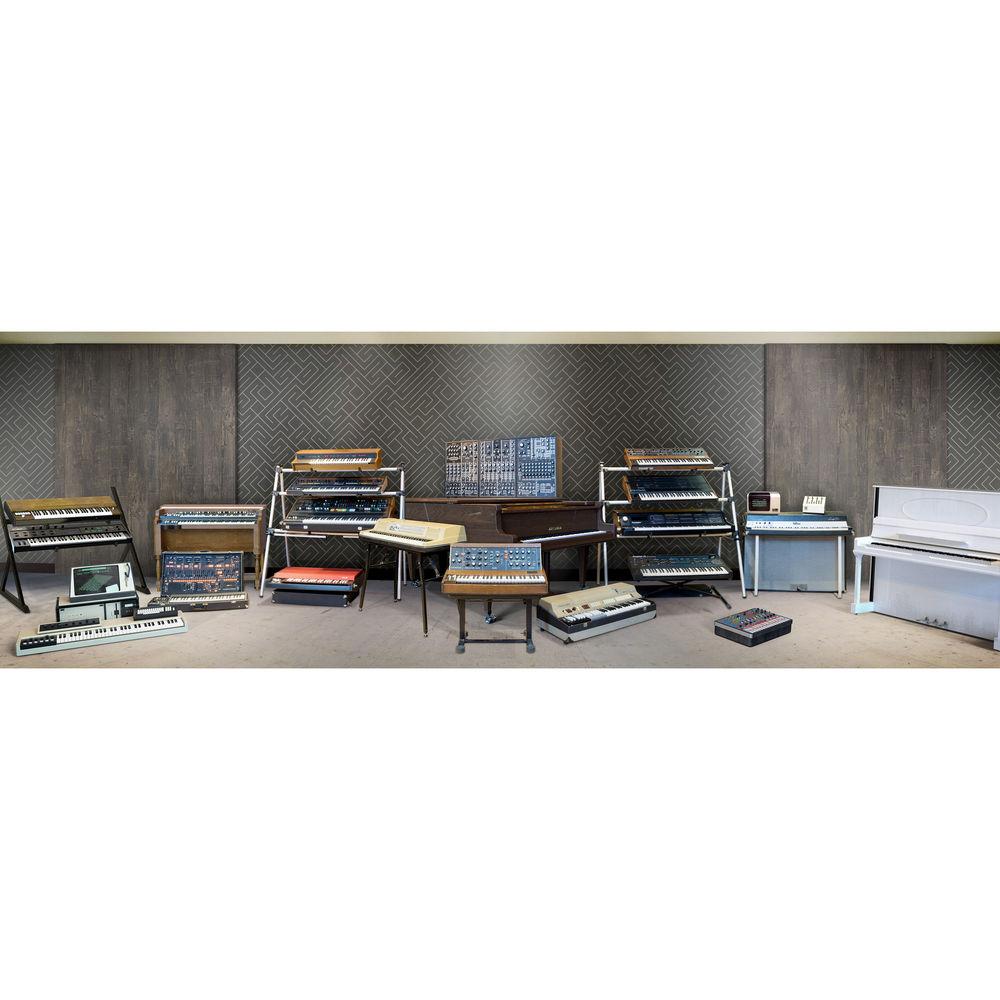
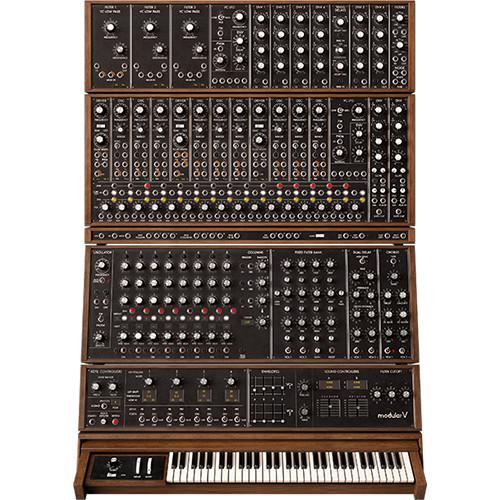
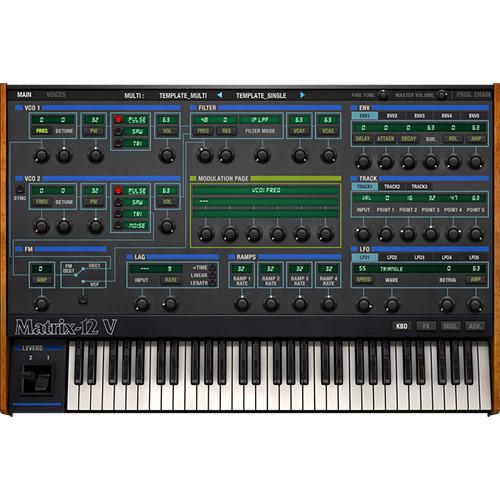
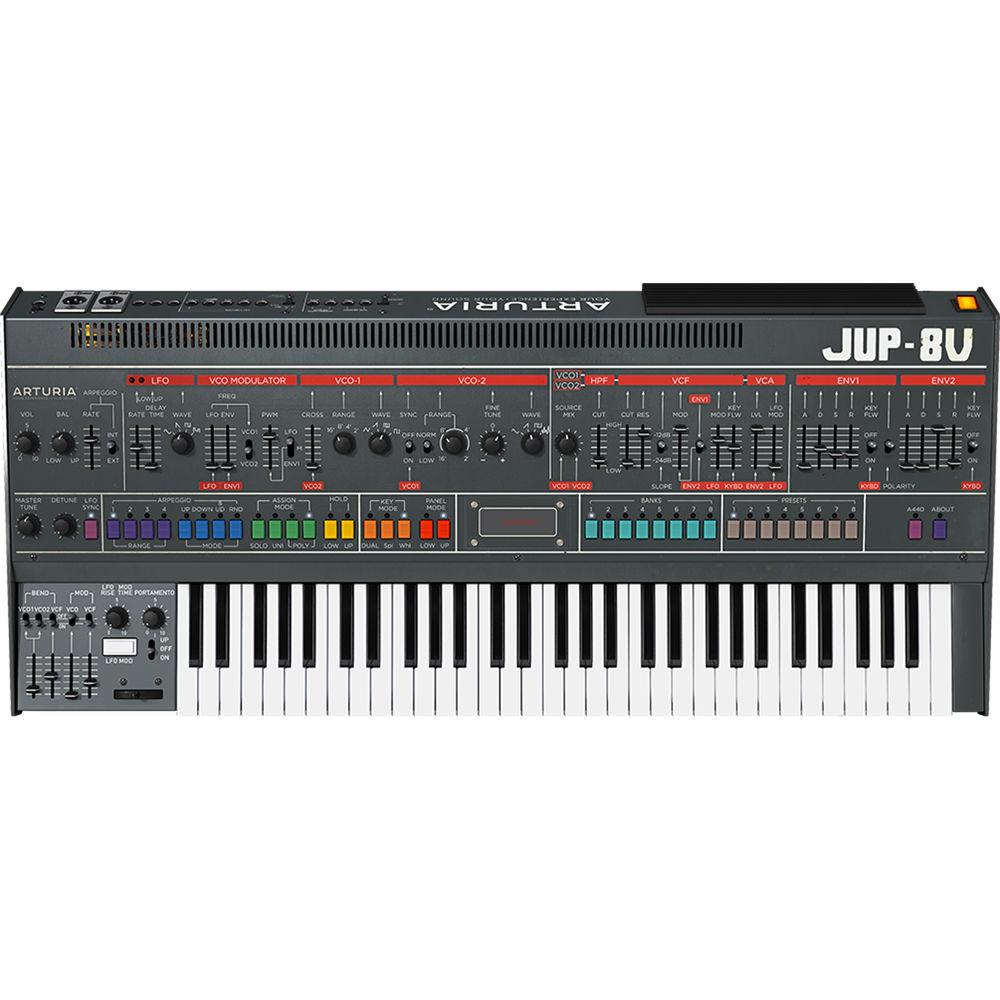
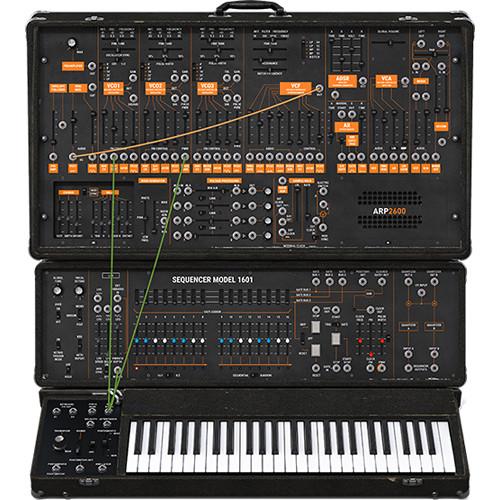
Product description The Arturia V Collection 6 features 21 virtual instruments, comprising eight analog synthesizers, four digital synthesizers, three classic electric pianos, a world-famous string machine, three vintage organs, and an acoustic modeled piano. Each virtual instrument can be used as a standalone application or as a plug-in within a preferred DAW.
Analog Lab is the command central for the collection, housing all 6000+ sounds from the included synthesizers. It allows for sorting, filtering and combining them in many ways to quickly help you find the exact sound needed for a project.
Simple MIDI mapping to any keyboard controller is available, along with the ability to work at up to 32-bit / 96 kHz resolution. The Arturia Software Center (ASC) is an application that is used to authorize the Arturia software, making the activation process simple. - What's New in Version 6
-
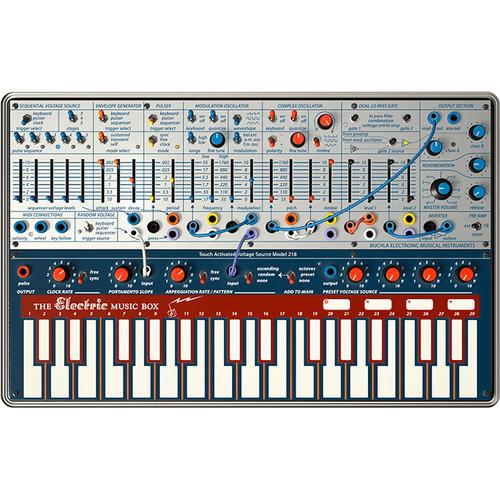
- Buchla Easel V
- Recreating Don Buchla’s leftfield analog synth from 1973, the Music Easel changed the way people created sounds with performance-focused parameters, putting the focus on the artistry of being a recording artist. Well suited for exploring alternative sound design, creating ambient, widescreen textures, and unfamiliar sequences. Taking Buchla’s experimental vision one step further, Arturia have incorporated Gravity, a physics-based synth engine into their software recreation, letting you take your music where no one has gone before
- DX7 V
- The Yamaha DX-7 needs no introduction, and its legacy is felt in charts around the world to this day. If you’ve ever listened to the radio, watched a film, or owned any 80s records, you’ll have heard the DX-7. Notoriously tricky to program, Arturia’s recreation simplifies the process by vastly improving the interface, and expands its synth capabilities with a mod matrix, customizable envelopes, extra waveforms, a 2nd LFO, effects, sequencer, arpeggiator, and more
- CMI V
- Known fondly as the mother of all samplers, and a groundbreaking additive synth, the Fairlight CMI truly redefined pop music production following its release in 1979. Arturia’s recreation builds on the features of the original by providing 10 multitimbral, polyphonic slots to design your sound, real-time waveform shaping, effects, a sequencer, and even a brand new spectral synth that can scan and mix sections of audio, letting you create your own wavetable synth sounds
- Clavinet V
- Arguably the most famous, influential electric keyboard of all time, the legacy of the Clavinet is everywhere. Released by Hohner in the mid-60s, its funky, energetic tone gave life to myriad genres over the decades. From disco to R&B, prog rock to pure, unadulterated pop, the percussive, soulful sound of this legendary performance keyboard is reborn in Clavinet V. Arturia’s physically modelled recreation lets you dig deeper into the instrument, changing the physical properties of the instrument, and adding classic amp and effects combos into the mix
- Main Features
-
- Includes 21 Software Titles:
- Analog Lab
- Clavinet V
- CMI V
- DX7 V
- Buchla Easel V
- Synclavier V
- B-3 V
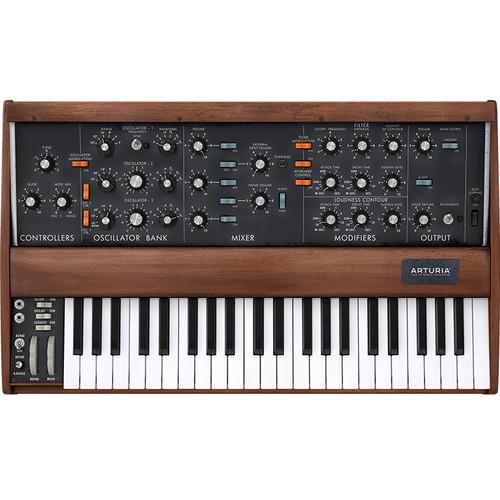
- Mini V
- Piano V
- Stage-73 V
- Matrix-12 V
- Farfisa V
- Solina V
- SEM V
- Wurli V
- Jup-8 V
- ARP 2600 V
- CS-80 V
- Prophet V
- VOX Continental V
- Modular V
- Each virtual instrument in the V Collection can be used as a standalone application or as a VST, AU, or AAX plug-in
- Redesigned browser for fast access to sounds
- High-resolution graphic interfaces, compatible with very large displays
- All instruments share a common interface for browsing, editing (save, import, export, etc)
- Easy MIDI mapping to any keyboard controller
- More than 6000 high-quality sound presets
- Analog Lab: All presets of the V Collection 6 can be browsed and edited from a single interface
- True Analog Emulation (TAE) Technology
-
- True Analog Emulation (TAE): Technology that accurately reproduces the defining sonic qualities of analog synthesizers
- Recreates the characteristics of analog oscillators in precise detail, transparency and clarity, as well as the exact properties of the analog filters that give each classic instrument its unique sound
- Includes soft clipping for even more punch and presence
- TAE is primarily what makes each virtual instrument indistinguishable from the originals
- Phi-Powered
-
- To reproduce acoustic and electro-acoustic instruments found within V Collection 6, Arturia used state-of-the-art physical modelling technology
- By analyzing how each instrument creates its own unique sound, Arturia's engineers use advanced mathematical algorithms that recreate every aspect of the original
- Arturia Software Center (ASC)
-
- ASC: The central software that manages all your Arturia software licenses
- Activates your licenses and synchronizes them across multiple devices (you get five instances with each instrument license)
- Notification of updates and downloads
- Learn about new products, download demos versions, and purchase the full products
Table of Contents
|
Upload User Manual
Have you got an user manual for the Arturia V Collection 6 - Software Instruments Bundle in electronic form? Please send it to us and help us expand our library of instruction manuals.
Thank you, too, on behalf of other users.
To upload the product manual, we first need to check and make sure you are not a robot. After that, your "Submit Link" or "Upload File" will appear.
Technical parametersArturia 220701 Specs | Windows Requirements | Windows 7 (64-bit) or later
4 GB RAM; 2.5 GHz CPU
12 GB free hard disk space
OpenGL 2.0 compatible GPU
| | Mac Requirements | Mac OS X 10.10 or later
4 GB RAM; 2.5 GHz CPU
12 GB free hard-disk space
OpenGL 2.0 compatible GPU | | Compatibility | Standalone:, VST 2.4, VST 3, AAX, Audio Unit, NKS* (64-bit DAWs only)
* NKS compatibility currently unavailable for Analog Lab 3, CMI V, Clavinet V, Buchla Easel V and DX7 V |
Rating90% users recommend this product to others. And what about you?

This product has already been rated by 43 owners. Add your rating and experience with the product.
Discussion
 Ask our technicians if you have a problem with your settings,
or if anything is unclear in the user manual you have downloaded.
You can make use of our moderated discussion.
The discussion is public and helps other users of our website who may be encountering similar problems.
Ask our technicians if you have a problem with your settings,
or if anything is unclear in the user manual you have downloaded.
You can make use of our moderated discussion.
The discussion is public and helps other users of our website who may be encountering similar problems.
The discussion is empty - enter the first post
Post a new topic / query / comment:
|
|
|
| Request for user manual |
You can’t find the operation manual you are looking for? Let us know and we will try to add the missing manual:
I’m looking for a manual / Request for manual
Current requests for instruction manuals:
Call Of Duty World War Two For Xbox...
controller stratus XL...
stratus XL...
smart whatch serie S11 42mm...
Allen & Heath SQ-6 manual...
|
| Discussion |
Latest contributions to the discussion:
AEW R 4100
Name: MAURICIO ANGARITA
Audio-Technica AEW-R4100 UHF Diversity Receiver for
AEW R 4100 has the mute function blocked and does not allow audio to pass. I tried several times to turn off the mute from the transmitter but it does nothing, the mute stays on. Solution?
Thank you...
Instructions for assembling the 2015 Forecast Image Master Consoles GC3-A
Name: mike elam
Forecast Consoles GC3-A ImageMaster Editing Console
Looking for instructions for assembling this console. ...
EMPTY TONER ERROR MESSAGE AFTER REPLACING TONER
Name: LINDA BAD YELLOW EYES
Brother TN223BK Standard-Yield Toner
I HAD TO CHANGE OUT ALL THREE TONERS DUE TO LEAKS IN THE YELLOW AND CYAN. AFTER I REPLACED THEM, THE MACHINE KEEPS GIVING ME AN EMPTY TONER ERROR MESSAGE. HELP!!...
PS480D 20/24 pin Switching 480W Power Supply
Name: swkargo
Logisys 480W Power Supply
This item states in can run -5vdc .It is NOT listed on the board or I beleive is r4 is missing the resitior. Any body have thid issue. Shawn
...
Help needed
Name: Ann Carter
SanDisk 1TB Extreme Portable USB 3.1
When I click the link to download the user manual for my Sandisk Extreme external hard drive, it gives me the manual for the LG Cricket. Can you please change the link so I can download the Sandisk manual and begin using this drive? Thank you....
|
|


