|
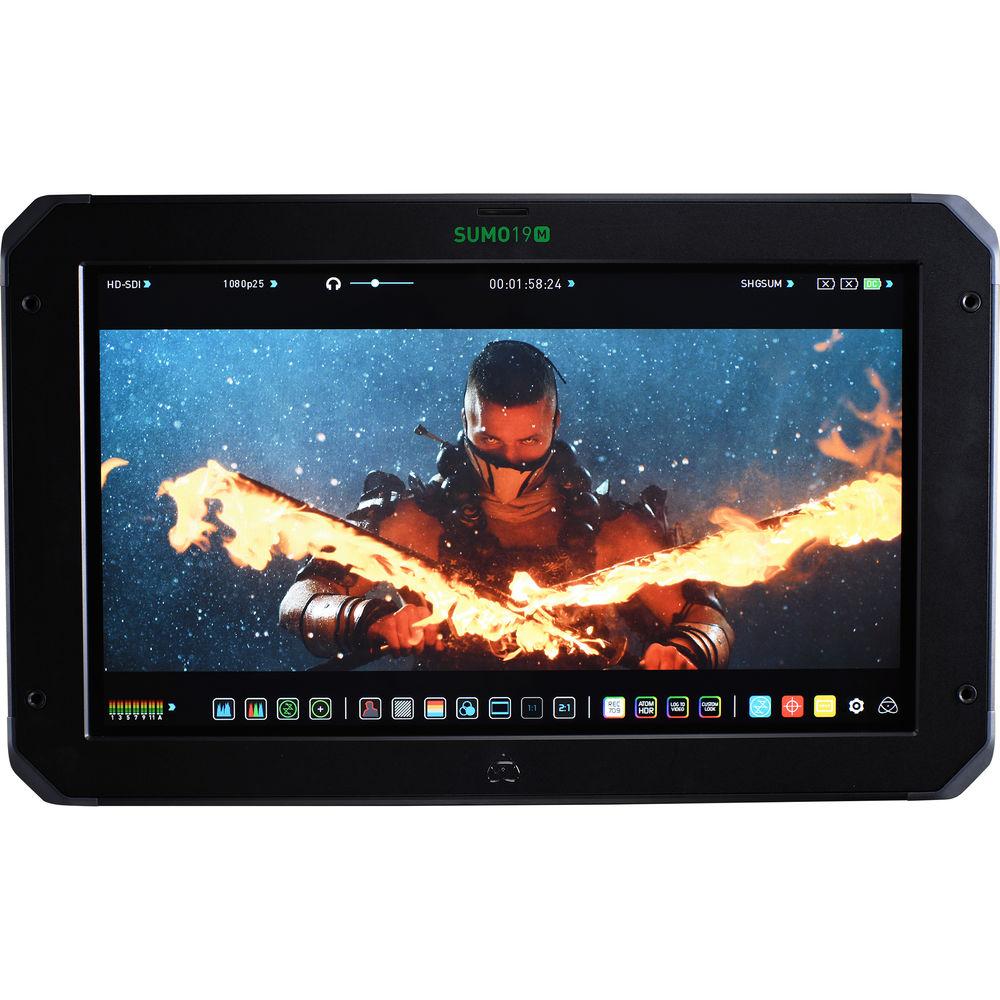
User Manual for Atomos SUMO19M 19" HDR High-Brightness Monitor Click to enlarge the picture
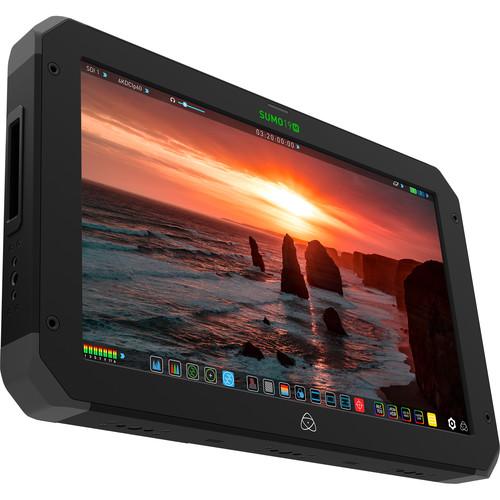 Contents of the user manual for the Atomos SUMO19M 19" HDR High-Brightness Monitor
- Product category: Production Monitors Atomos
- Brand: Atomos
- Description and content of package
- Technical information and basic settings
- Frequently asked questions – FAQ
- Troubleshooting (does not switch on, does not respond, error message, what do I do if...)
- Authorized service for Atomos Production Monitors
 |
User manual for the Atomos SUMO19M 19" HDR High-Brightness Monitor contain basic instructions
that need to be followed during installation and operation.
Before starting your appliance, the user manual should be read through carefully.
Follow all the safety instructions and warnings, and be guided by the given recommendations.
User manual is an integral part of any Atomos product,
and if it is sold or transferred, they should be handed over jointly with the product.
Following the instructions for use is an essential prerequisite for protecting
health and property during use, as well as recognition of liability on the part of the manufacturer
for possible defects should you make a warranty claim. Download an official Atomos user manual in which you will find instructions on how to install, use, maintain and service your product.
And do not forget – unsuitable use of a Atomos product will considerably shorten its lifespan!
|
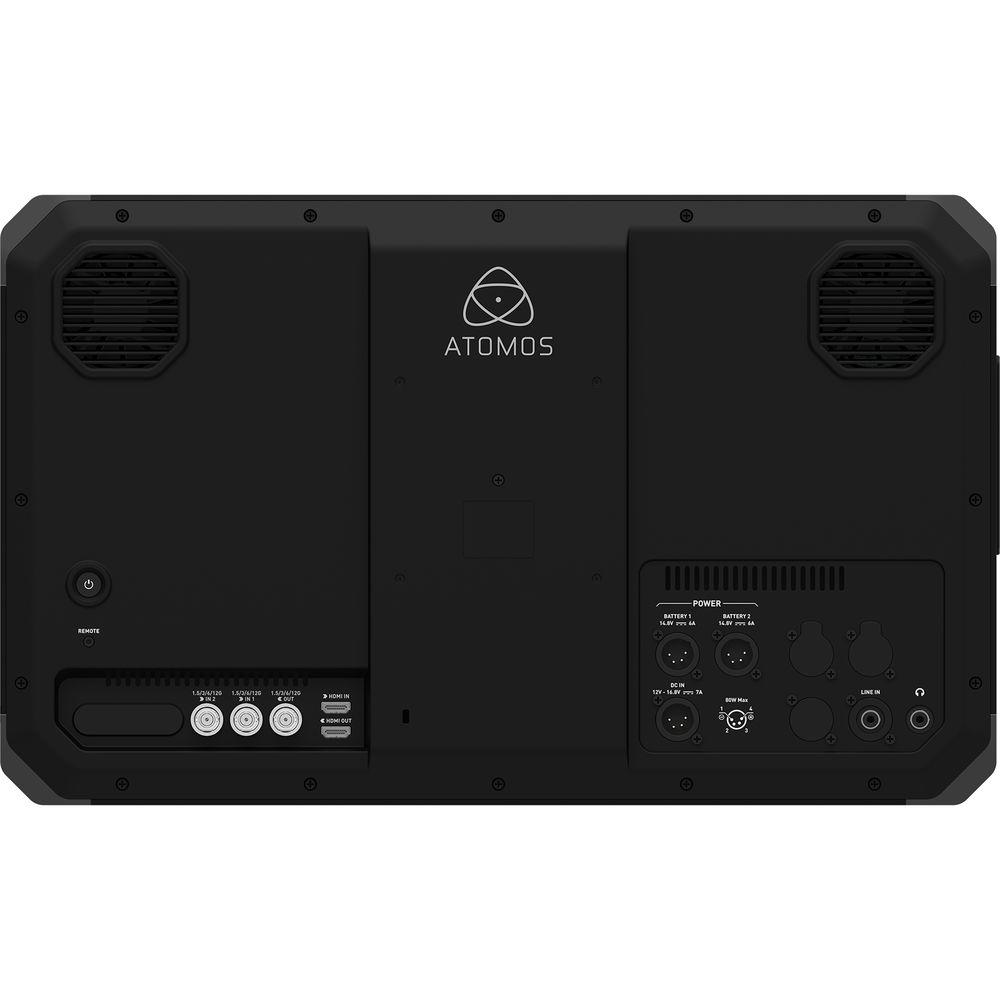
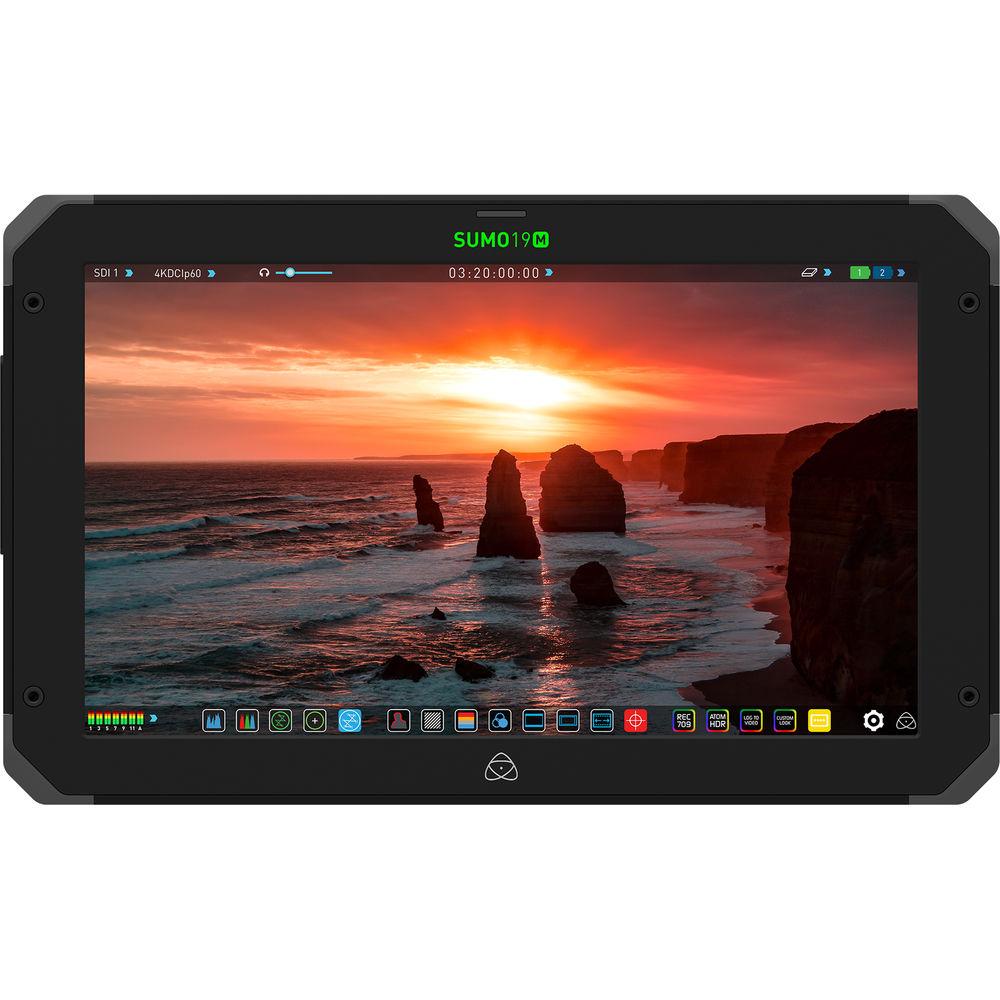
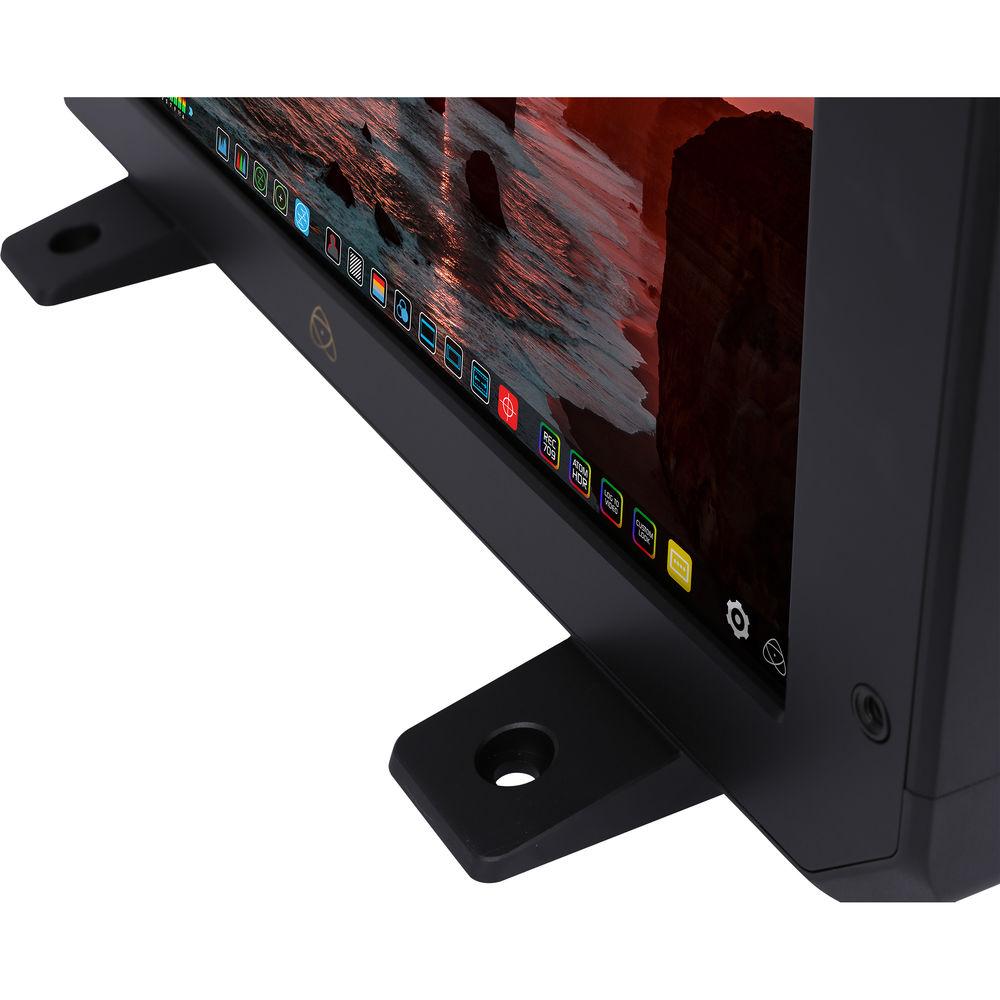
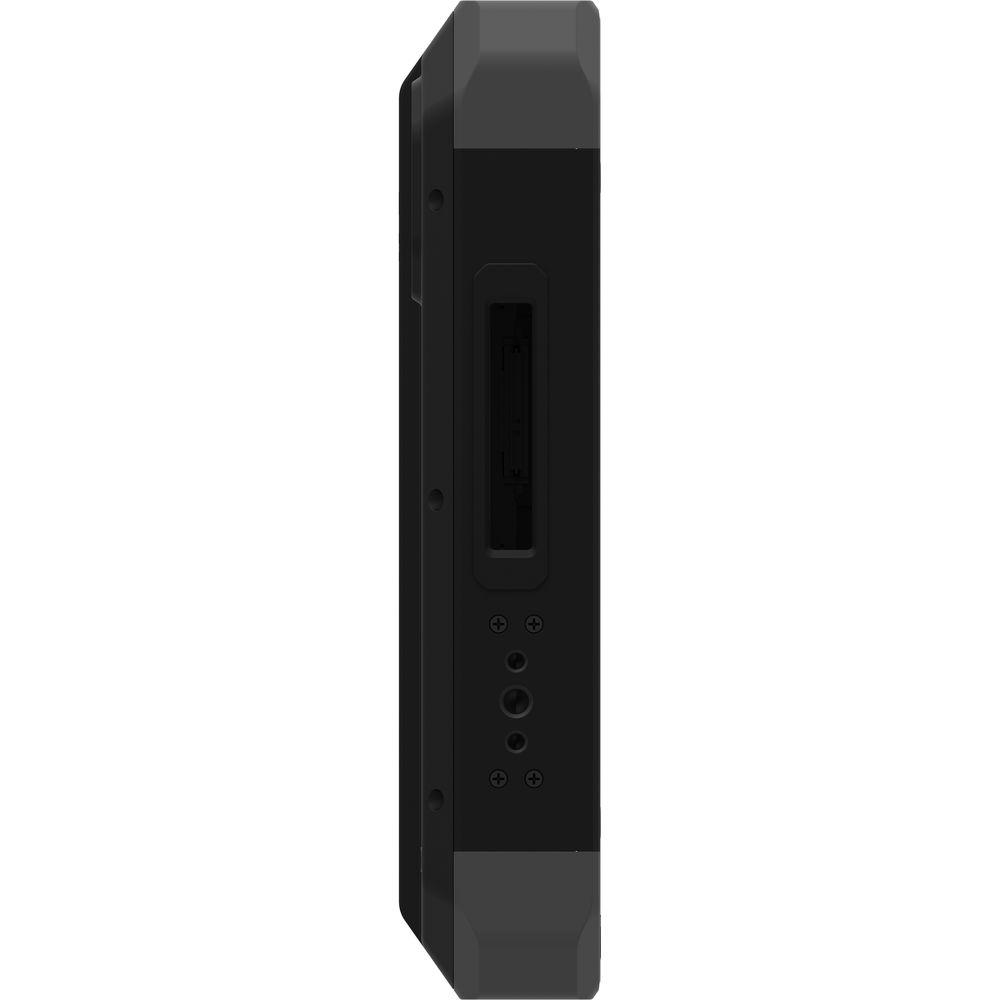
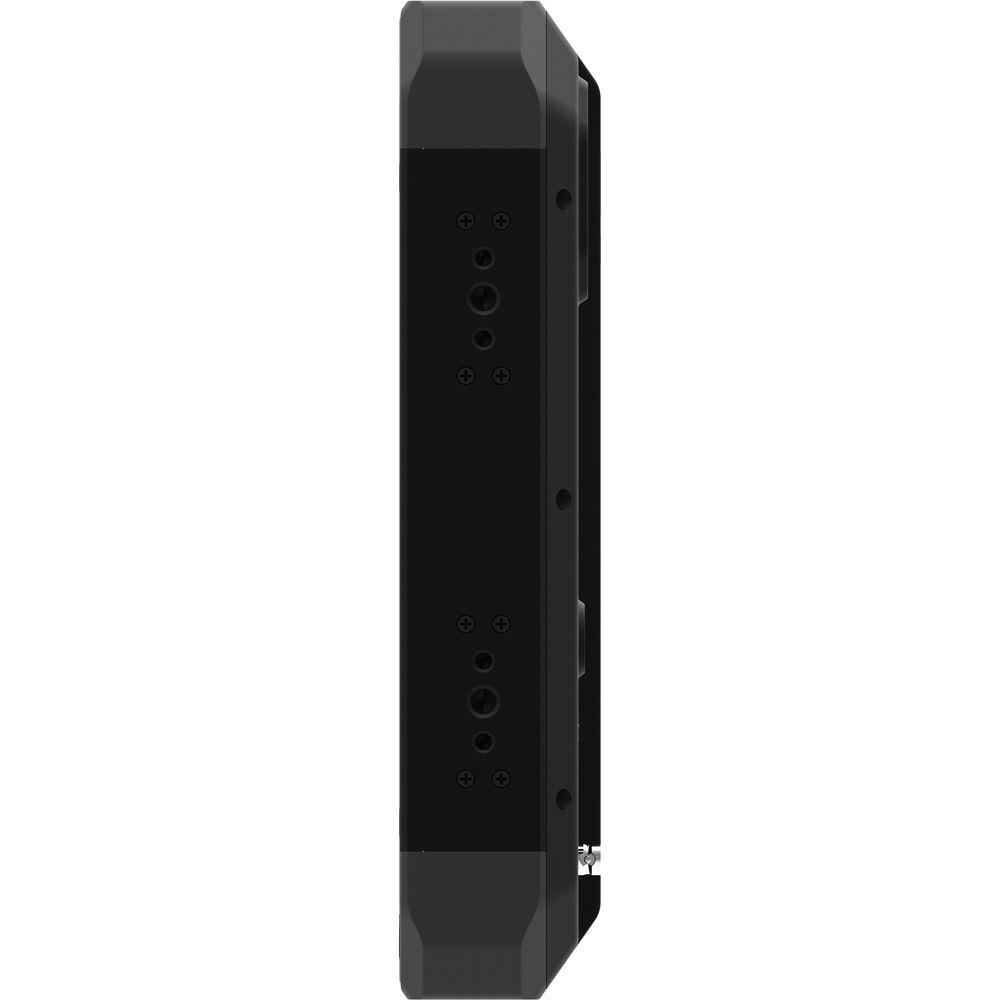
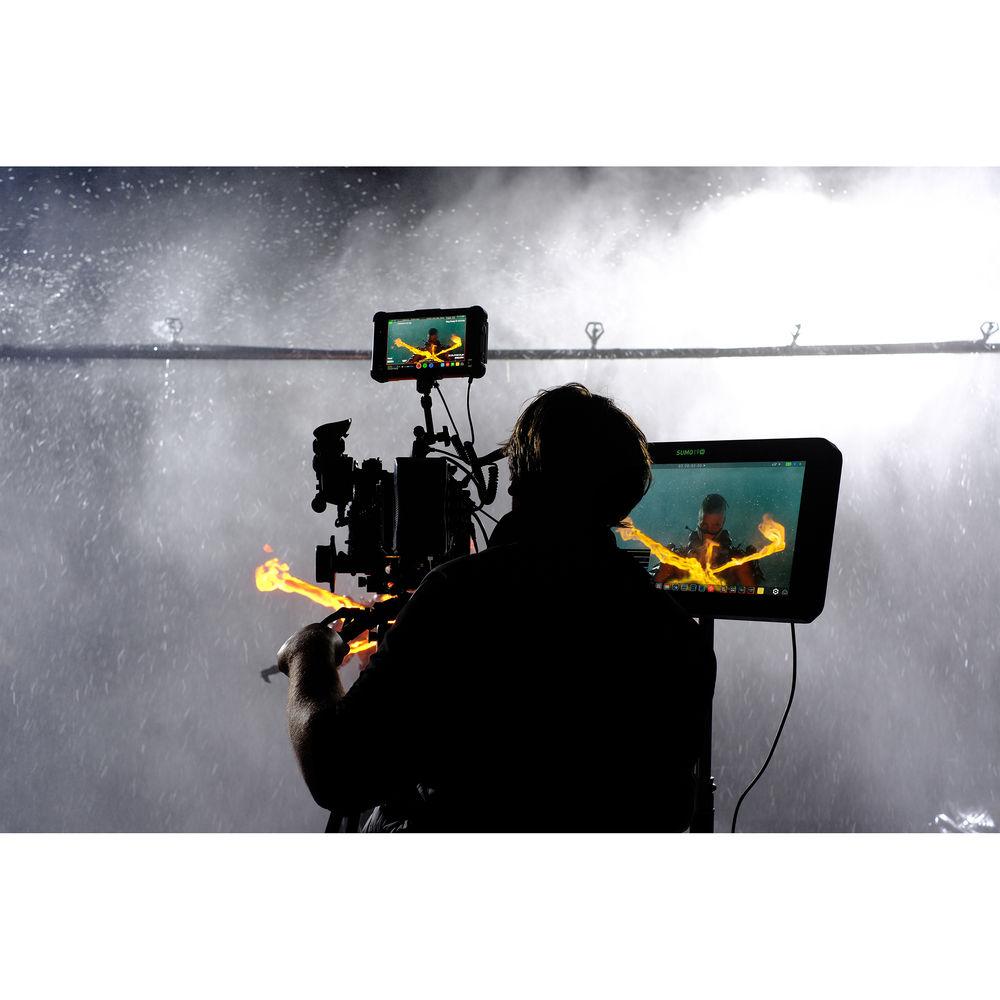
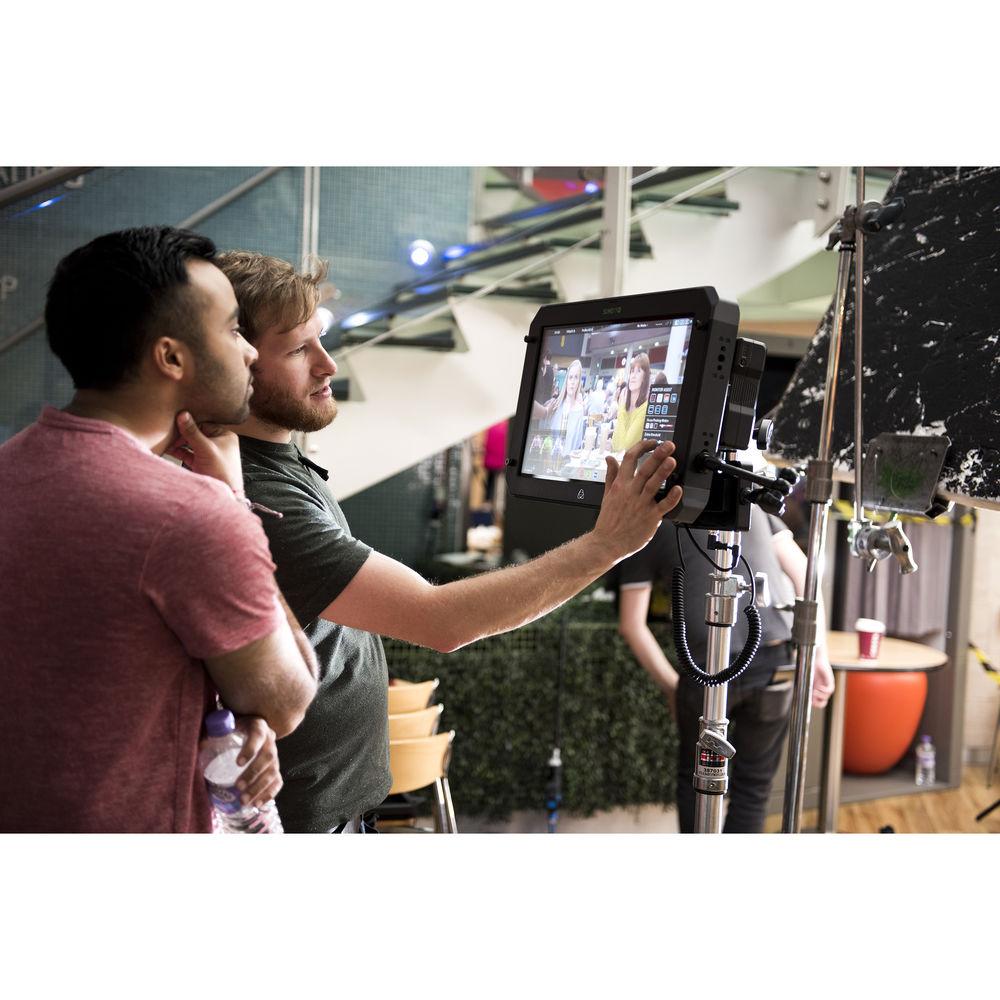
Product description With its bright 1200 cd/m² panel and advanced AtomHDR processing, the Atomos SUMO19M 19" HDR/High-Brightness Monitor is designed to be instrumental in modern video workflows. On the rear panel, HDMI and SDI inputs can accept UHD and DCI 4K video signals. Depending on your workflow, both SDI and HDMI inputs can be cross converted to one another, allowing the SUMO19M to act as an interface between consumer-grade HDMI and professional SDI equipment.On set, the SUMO19M can function as a director's or client monitor. LUTs imported from a separately available SSD installed on a Master Caddy (a single Master Caddy is included in the box) to display a look that can be referenced further down the production pipeline to the final output. If HDR is your goal, the AtomHDR processing uses the entire brightness range of the SUMO19M, allowing the entire latitude of log-encoded videos to be displayed without the washed-out colors or clipping that can sometimes be brought about by SDR (Standard Dynamic Rage) displays.During post-production, the SUMO19M can function as a color-accurate studio monitor. Its ability to reproduce a wide color gamut allows you to master your footage for current SDR standards like REC. 709, and HDR standards like HLG and PQ, without having to switch displays. Clients can also view the content with a LUT to see a more pleasing image than what flat or log profiles usually provide. While on set, you may want to take advantage of the 1/4"-20 and 3/8"-16 mounting options provided around the panel. Two feet are included for desktop placement in your editing or grading suite. Use Cases - On the DIT Cart
- Get HDR on set in real time with on-the-fly log to HDR and PQ (Perceptual Quantizer)/HLG (Hybrid Log-Gamma) playback, complete with mission-critical monitoring tools such as waveform, focus peaking, false color, and vectorscope on the calibrated screen.
- Client/Director's Monitor
- Remap incoming flat-looking log footage to HDR for a more exciting and true-to-life preview of the footage. Compatible LUTs can be brought from Master Caddy media. You can choose to view both log and standard gamma images with or without looks applied, with quick toggling between them for ease of comparison. Images will pop off the bright 1200 cd/m² LCD panel, even in conditions with lots of ambient light.
- Studio Monitor
- In the studio, you can leverage the HDR capabilities of the Sumo for accurate monitoring. With a 10-stop dynamic range and 10-bit processing combined with X-Rite calibration, you can be sure that your color-corrected images will translate through the post-production pipeline.
Features - Production-Grade Build Quality
- The aluminum alloy chassis houses 10 mounting points around the top, bottom, and side, a rear panel VESA mount, and an included stand for a variety of mounting configurations.
- Versatile I/O Options
- Seamlessly connect an SDI or HDMI device and convert between HDMI 2.0 and SDI. The SUMO19M accepts up to 4K at up to 60 fps, or HD at up to 240 fps over HDMI, or the dual SDI inputs. Additionally, there are dedicated input selection buttons on the user interface to make A/B comparison between sources simple and simultaneous HDMI and SDI output of the corresponding input for routing to other monitors, recorders, or switchers.
- HDR Processing
- The SUMO19M's 19" 1920 x 1080 10-bit LCD panel is driven by the AtomHDR engine which precisely maps log, PQ, or HLG video feeds from popular cameras, game consoles, or TV manufacturers to resolve 10 stops of HDR in real time. The brightness range and vivid colors of HDR bring scenes to life, either on the monitor itself or when outputting to larger HDR/REC. 709 displays for on-set review. It can also be used with popular editing software programs or grading suites for affordable HDR/SDR editing or grading in the studio.
- Daylight-Viewable LCD Screen
- The bright 1200 cd/m² display means you can accurately monitor SDR signals, even when outside in full daylight. If additional light control is required, an optional sun hood is available separately.
- X-Rite Calibration
- Like many high-end video and computer monitors, the SUMO19M can be calibrated to compensate for the natural color and brightness drift that monitors exhibit over time. The Sumo's calibration input lets you use X-Rite's separately available i1Display Pro to always ensure accurate HDR and REC. 709 monitoring.
- Continuous Power
- Dual 4-pin XLR inputs for power means that the SUMO19M can automatically switch power sources should one stop providing power. In the field, a separate power bracket can be used to supply the SUMO19M with power from V-Mount or Gold Mount batteries. When one battery dries up, you can hot swap it for a fresh one without interrupting the shoot.
UPC: 814164020848 In the Box Atomos SUMO19M 19" HDR/High-Brightness Monitor Master Caddy II BattWing Mounting Bracket 2 x Desktop Feet Power Supply Limited 1-Year Warranty (Extends to 3 years with registration) Table of Contents
|
Upload User Manual
Have you got an user manual for the Atomos SUMO19M 19" HDR High-Brightness Monitor in electronic form? Please send it to us and help us expand our library of instruction manuals.
Thank you, too, on behalf of other users.
To upload the product manual, we first need to check and make sure you are not a robot. After that, your "Submit Link" or "Upload File" will appear.
Technical parametersAtomos SUMO19M Specs | | | Panel Type | IPS-Type LCD | | Display Size | 19.0" / 48.0 cm | | Screen Resolution | 1920 x 1080 | | Aspect Ratio | 16:9 | | Touchscreen | Yes | | Maximum Brightness | 1200 cd/m2 | | Bit Depth / Color Support | 8-Bit+FRC (1.07 Billion Colors) | | Real-Time LUT Monitoring | SDR | | Image Controls | Blue Only, False Color, Focus Peaking, Pixel-to-Pixel Zoom, Screen Markers, Waveform | | | | Video | 1 x HDMI Type A (HDMI 2.0) Output
1 x BNC (12G-SDI) Output
1 x HDMI Type A (HDMI 2.0) Input
2 x BNC (12G-SDI) Input | | Embedded Audio | HDMI: 8-Channel
SDI: 12-Channel | | Audio | 1 x 3.5 mm Line Input
1 x 3.5 mm Headphone Output | | Built-In Speaker | None | | Card Slot | None | | | | Video Format | SDI (8/10-Bit 4:2:2)
DCI 4K: 24/25/30/50/60
UHD 4K: 24/25/30/50/60
1080p: 24/25/30/50/60/120
1080i: 50/60
720p: 50/60
HDMI (8/10-Bit 4:2:2)
DCI 4K: 24/25/30/50/60
UHD 4K: 24/25/30/50/60
1080p: 24/25/30/50/60/120
1080i: 50/60
720p: 50/60 | | Video Signal Conversion | HDMI to SDI
DCI 4K: 24/25/30/50/60
UHD 4K: 24/25/30/50/60
1080p: 24/25/30/50/60/120
1080i: 50/60
720p: 50/60
SDI to HDMI
DCI 4K: 24/25/30/50/60
UHD 4K: 24/25/30/50/60
1080p: 24/25/30/50/60/120
1080i: 50/60
720p: 50/60 | | | | DC Input Power | 14.4 VDC | | Battery Type | None | | Power Consumption | 75 W | | | | Mounting | 10 x 1/4"-20 Female
5 x 3/8"-16 Female | | | | Dimensions (W x H x D) | 19.8 x 12.2 x 2.5" / 50.4 x 31 x 6.3 cm
19.8 x 13 x 7.1" / 50.4 x 33 x 18 cm, Including Stand | | Weight | 11.8 lb / 5.4 kg
13 lb / 5.9 kg, Including Stand | | | | Package Weight | 18.0 lb | | Box Dimensions (LxWxH) | 22.0 x 15.0 x 7.0" |
Rating66% users recommend this product to others. And what about you?

This product has already been rated by 25 owners. Add your rating and experience with the product.
Discussion
 Ask our technicians if you have a problem with your settings,
or if anything is unclear in the user manual you have downloaded.
You can make use of our moderated discussion.
The discussion is public and helps other users of our website who may be encountering similar problems.
Ask our technicians if you have a problem with your settings,
or if anything is unclear in the user manual you have downloaded.
You can make use of our moderated discussion.
The discussion is public and helps other users of our website who may be encountering similar problems.
The discussion is empty - enter the first post
Post a new topic / query / comment:
|
|
|
| Request for user manual |
You can’t find the operation manual you are looking for? Let us know and we will try to add the missing manual:
I’m looking for a manual / Request for manual
Current requests for instruction manuals:
Call Of Duty World War Two For Xbox...
controller stratus XL...
stratus XL...
smart whatch serie S11 42mm...
Allen & Heath SQ-6 manual...
|
| Discussion |
Latest contributions to the discussion:
AEW R 4100
Name: MAURICIO ANGARITA
Audio-Technica AEW-R4100 UHF Diversity Receiver for
AEW R 4100 has the mute function blocked and does not allow audio to pass. I tried several times to turn off the mute from the transmitter but it does nothing, the mute stays on. Solution?
Thank you...
Instructions for assembling the 2015 Forecast Image Master Consoles GC3-A
Name: mike elam
Forecast Consoles GC3-A ImageMaster Editing Console
Looking for instructions for assembling this console. ...
EMPTY TONER ERROR MESSAGE AFTER REPLACING TONER
Name: LINDA BAD YELLOW EYES
Brother TN223BK Standard-Yield Toner
I HAD TO CHANGE OUT ALL THREE TONERS DUE TO LEAKS IN THE YELLOW AND CYAN. AFTER I REPLACED THEM, THE MACHINE KEEPS GIVING ME AN EMPTY TONER ERROR MESSAGE. HELP!!...
PS480D 20/24 pin Switching 480W Power Supply
Name: swkargo
Logisys 480W Power Supply
This item states in can run -5vdc .It is NOT listed on the board or I beleive is r4 is missing the resitior. Any body have thid issue. Shawn
...
Help needed
Name: Ann Carter
SanDisk 1TB Extreme Portable USB 3.1
When I click the link to download the user manual for my Sandisk Extreme external hard drive, it gives me the manual for the LG Cricket. Can you please change the link so I can download the Sandisk manual and begin using this drive? Thank you....
|
|


