|
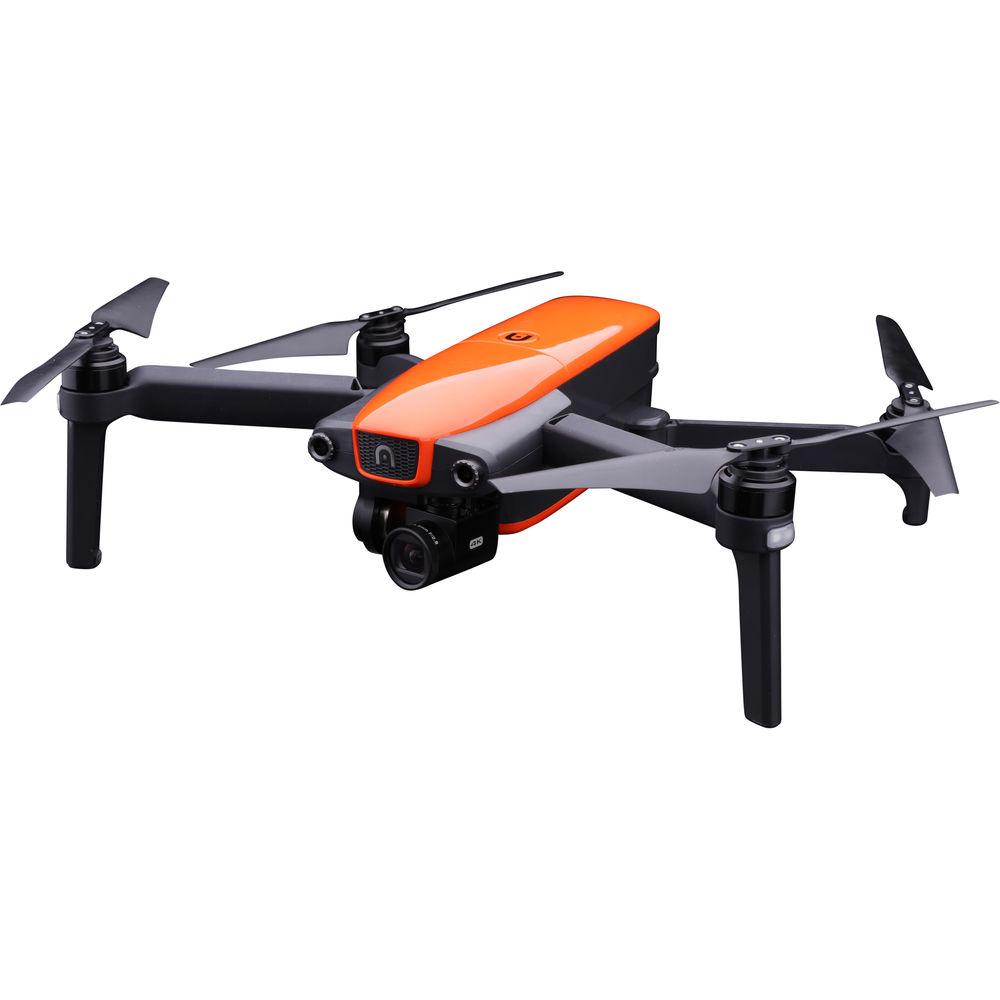
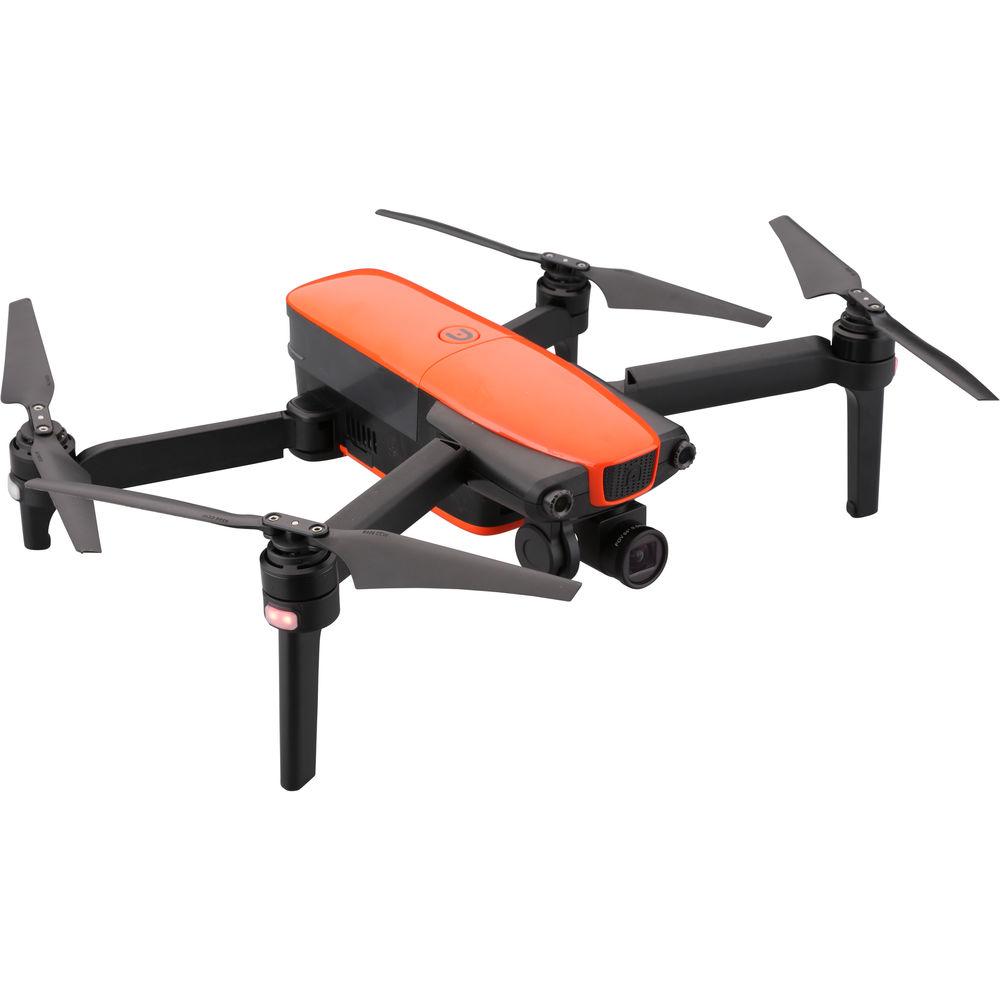
User Manual for Autel Robotics EVO Quadcopter Click to enlarge the picture
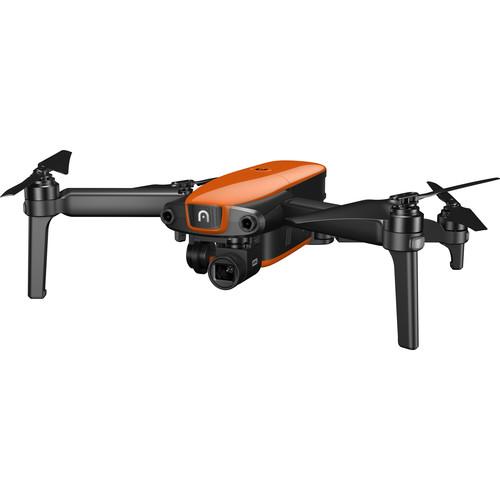 Contents of the user manual for the Autel Robotics EVO Quadcopter
- Product category: See All Drones Autel Robotics
- Brand: Autel Robotics
- Description and content of package
- Technical information and basic settings
- Frequently asked questions – FAQ
- Troubleshooting (does not switch on, does not respond, error message, what do I do if...)
- Authorized service for Autel Robotics See All Drones
 |
User manual for the Autel Robotics EVO Quadcopter contain basic instructions
that need to be followed during installation and operation.
Before starting your appliance, the user manual should be read through carefully.
Follow all the safety instructions and warnings, and be guided by the given recommendations.
User manual is an integral part of any Autel Robotics product,
and if it is sold or transferred, they should be handed over jointly with the product.
Following the instructions for use is an essential prerequisite for protecting
health and property during use, as well as recognition of liability on the part of the manufacturer
for possible defects should you make a warranty claim. Download an official Autel Robotics user manual in which you will find instructions on how to install, use, maintain and service your product.
And do not forget – unsuitable use of a Autel Robotics product will considerably shorten its lifespan!
|
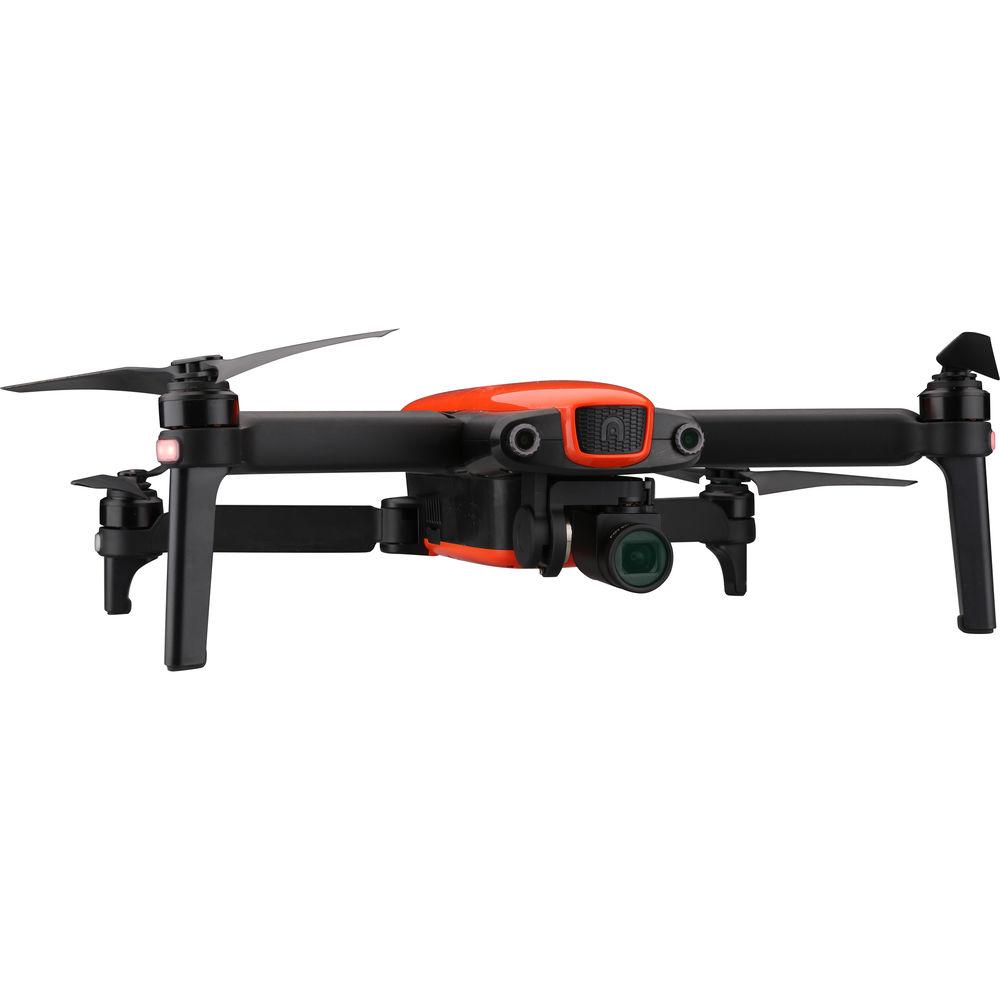
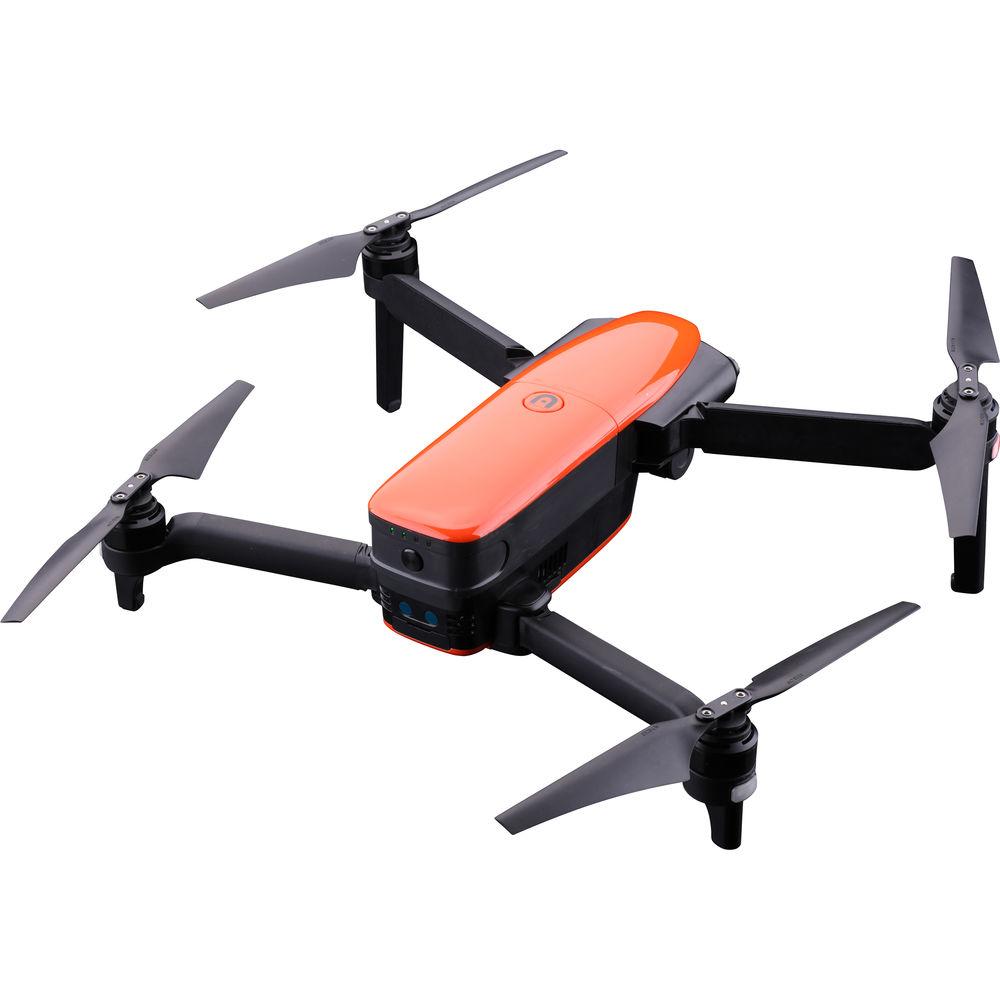
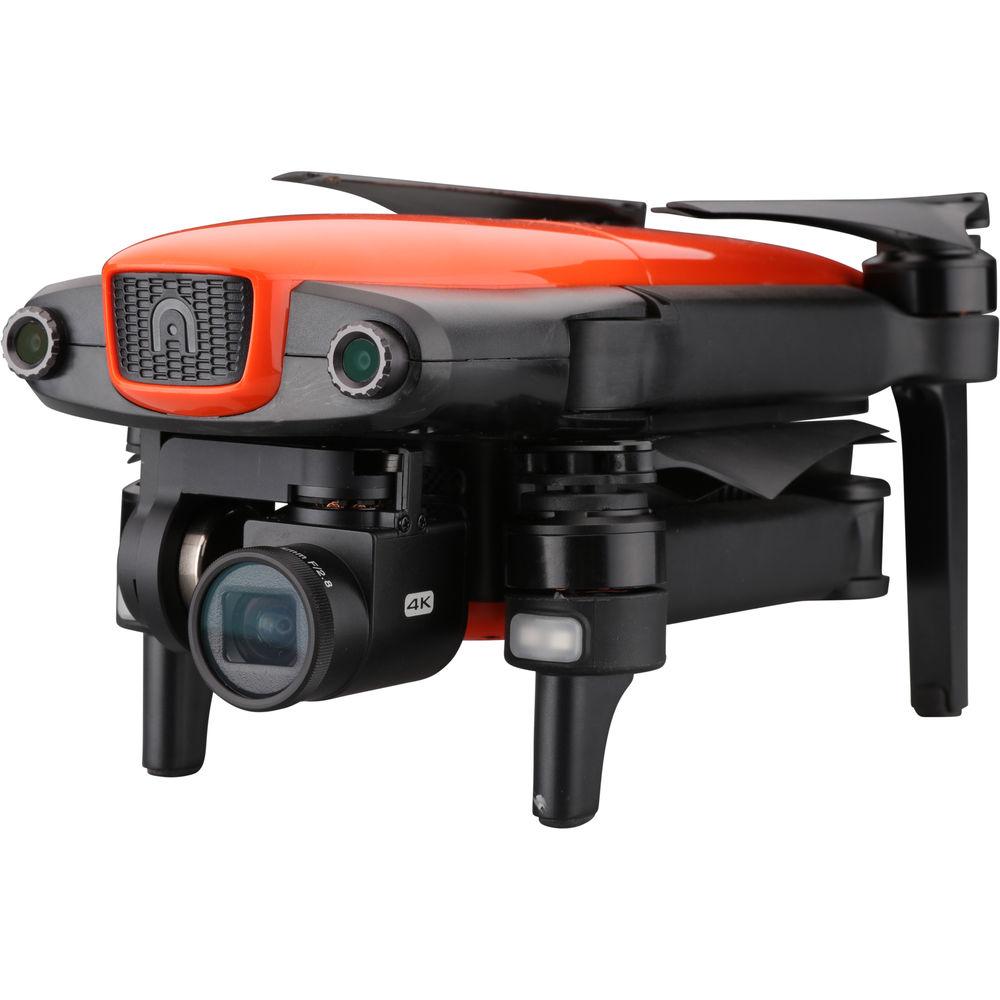
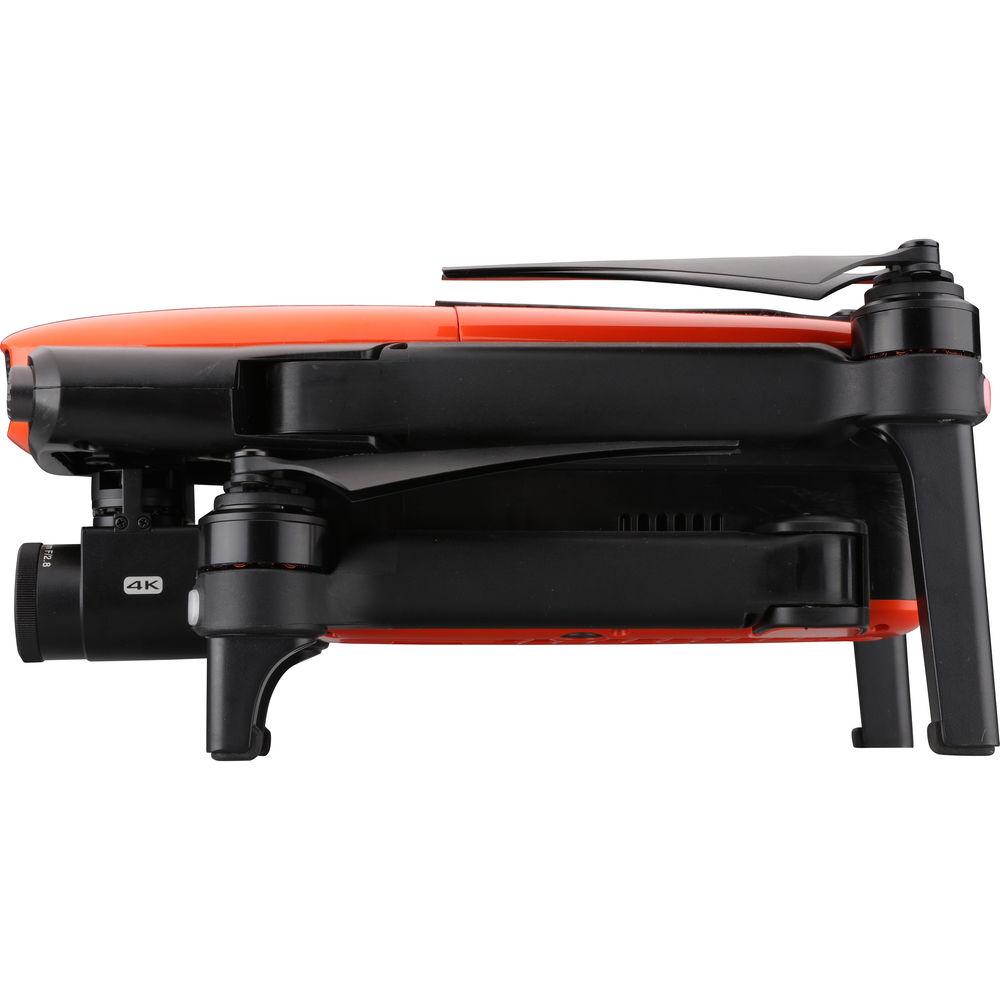
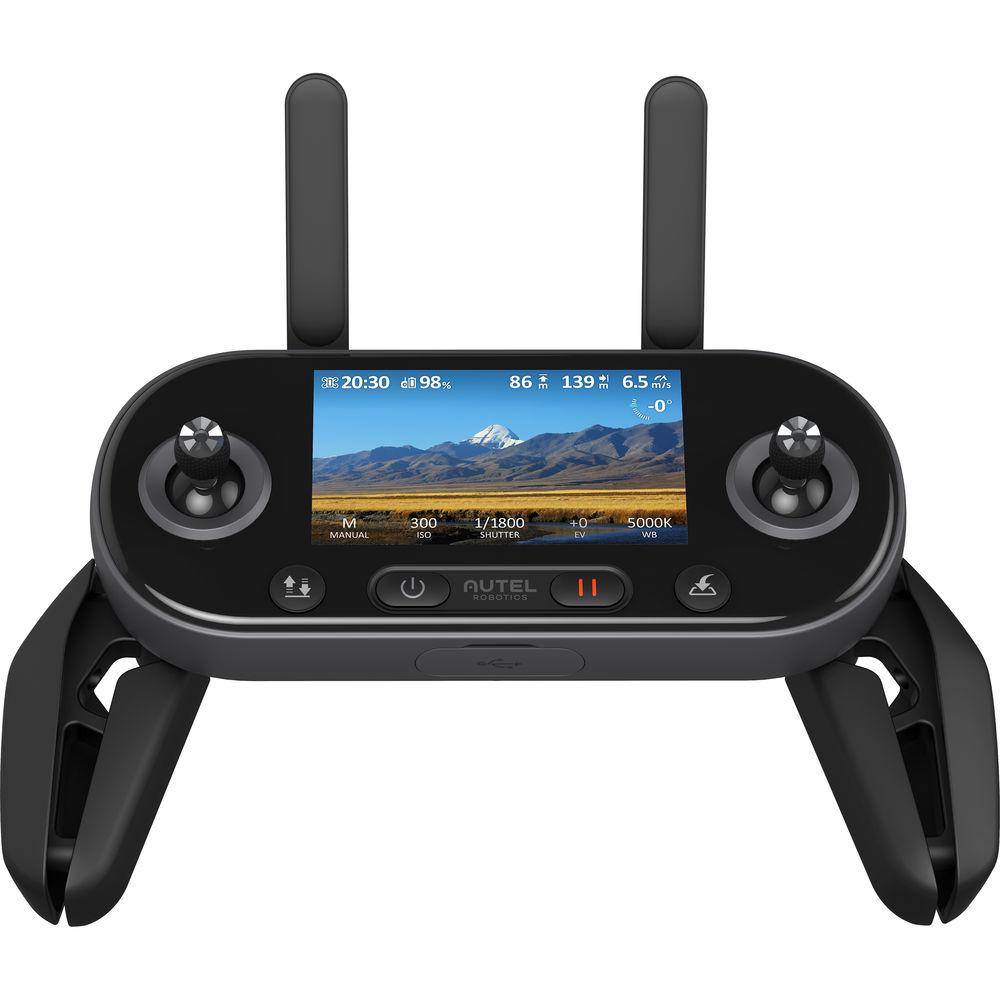
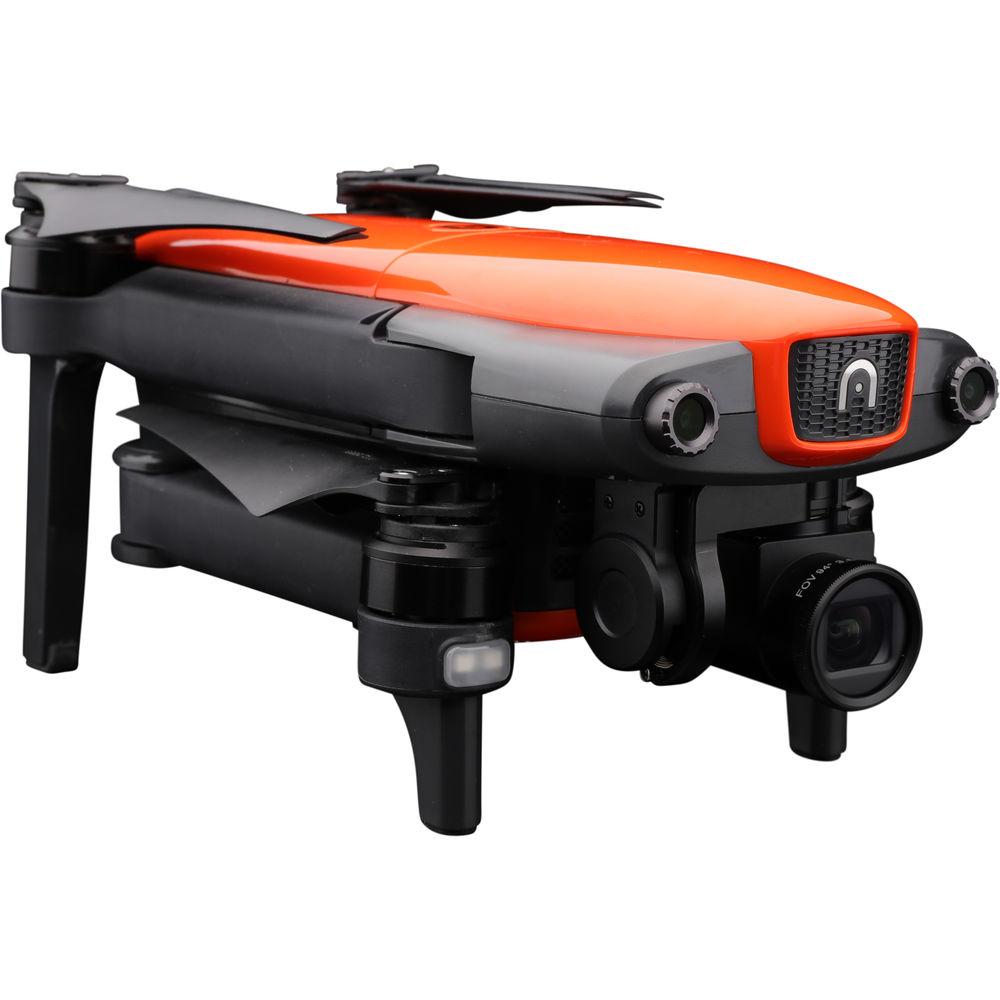
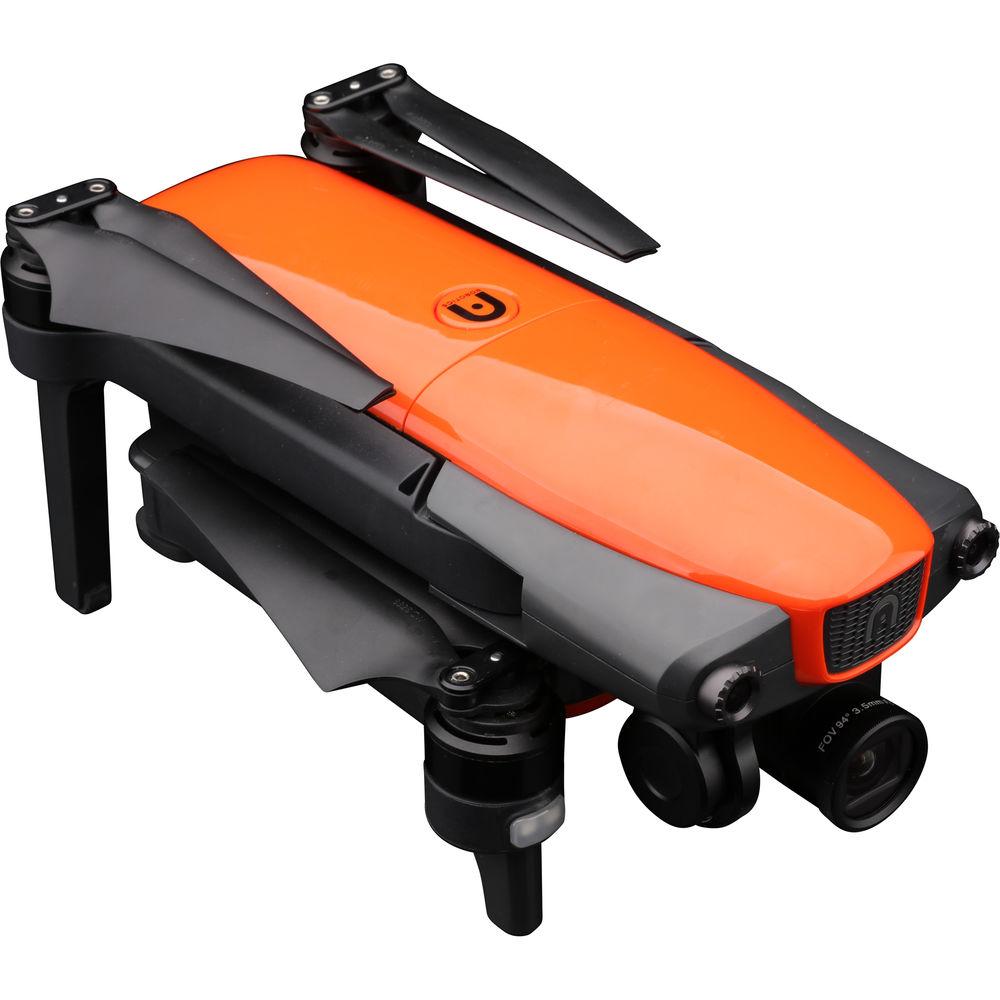
Product description Aerial Photography and Drone Glossary Read More Capture steady and sharp aerial videos and photos with the foldable Autel Robotics EVO Quadcopter. The built-in gimbal camera can record 12MP raw or JPEG photos or 4K video up to 60 fps in the H.264 or H.265 format to the included microSD card. Since the camera is balanced on a motorized 3-axis gimbal, videos will have a smooth, professional look to them, and the camera can be remote controlled to point wherever you need it.The included remote controller can direct the EVO from up to 4.4 miles away and has a built-in 3.3" 720p OLED display for monitoring video. If you attach your Android or iOS smartphone running the free Autel Explorer app, you can take control of the EVO's advanced functionality and intelligence to automatically follow subjects and orchestrate flight patterns.Using dual cameras at the front and bottom plus downward-facing ultrasonic sensors and rearward IR sensors, the EVO knows to avoid obstacles and can reroute based on built-in 3D mapping technology. Take the EVO for a flight and capture dynamic footage of moving subjects or fly it over epic vistas with ease. General Features - 4K Gimbal Camera
- The EVO's camera is built on a 3-axis stabilized gimbal capable of up to 4K60 video and 12MP still image capture. Glass optics provide a 94° FOV, and an Ambarella H2 image processor encodes sharp photos and videos with a wide dynamic range.
- Autel Explorer App
- Compatible with both iOS and Android operating systems, the free Autel Explorer app provides a 1080p live view, flight telemetry access to advanced settings and intelligent flight modes. Available app functions include:
- Dynamic Track: Using advanced algorithms, EVO can autonomously follow an object easily by drawing a box around it
- Viewpoint: Send EVO to a new viewpoint during flight by simply tapping on the screen of your mobile device
- Orbit: Select a point of interest and EVO will fly a perfect circle, making cinematic shots easy
- Waypoint: Set waypoints to program autonomous flight routes; EVO can save multiple waypoint missions, making it easy for surveying
- VR: Take a seat in the cockpit with a virtual reality heads-up display (compatible VR headset sold separately)
- Remote Controller
- With a built-in 3.3" OLED screen, easily view critical flight information or a live 720p HD video feed without the need to connect to a mobile device. You can also access and change camera settings, turn on or off obstacle avoidance, or format the MicroSD card with the navigation wheel. Easy one-touch action buttons allow you to command EVO to return home, automatically take off or land and capture photos and video without taking your hands off the controller.
Safety Features - Satellite Guidance
- EVO is equipped with dual GPS and GLONASS systems allowing for hands-free hovering. Built-in fail-safe features such as Return to Home call the aircraft back to its home point if the battery is low or the remote control signal is interrupted.
- Front Cameras
- Utilizing two cameras on the front which give it binocular vision, EVO creates a 3D environment and reacts to obstacles in the way. Intelligent algorithms are constantly running during autonomous flight, making long-range decisions for path planning around obstacles.
- Downward Cameras and Ultrasonic Sensors
- Two ultrasonic sensors paired with two more computer vision cameras on the bottom of EVO help protect the aircraft from landing on uneven surfaces. Using the precision landing feature, the cameras on the bottom of EVO will capture reference images and use them during the return to home providing pinpoint precision during the landing sequence.
- Rear IR Sensor
- The rear of the EVO is equipped with a near IR sensor protecting you when flying backwards autonomously.
UPC: 869028000207 In the Box Autel Robotics EVO Quadcopter Remote Controller Power Cable Micro-USB Cable USB-C Cable Remote Controller Cable Intelligent Battery 3 x Spare Propeller Pairs microSD Card Limited 1-Year Warranty Camera in the Sky: Using Drones in Wedding Photography and Videos Peter Ward_1 02/29/2016 wyyzxczbrwbesbrxdfyxru Some Good News for Photographers and Filmmakers Who Use Drones Peter Ward_1 02/23/2015 Guides & Manuals Table of Contents
|
Upload User Manual
Have you got an user manual for the Autel Robotics EVO Quadcopter in electronic form? Please send it to us and help us expand our library of instruction manuals.
Thank you, too, on behalf of other users.
To upload the product manual, we first need to check and make sure you are not a robot. After that, your "Submit Link" or "Upload File" will appear.
Download User ManualThe user manual for the Autel Robotics EVO Quadcopter can be downloaded in PDF format at the link stated below.
Technical parametersAutel Robotics EVO Specs | | | Maximum Horizontal Speed | 44.7 mph / 20 m/s | | Maximum Ascent Speed | 16.4 ft/s / 5 m/s | | Maximum Descent Speed | 9.8 ft/s / 3 m/s | | Maximum Flight Time | 30 Minutes | | Hovering Accuracy | ±4.92' / 1.5 m Horizontal with GPS
±0.66' / 0.2 m Vertical with GPS
±0.33' / 0.1 m Horizontal with Vision Positioning
±0.33' / 0.1 m Vertical with Vision Positioning | | | | GNSS Support | GPS, GLONASS | | | | Vision System | Downward, Forward, Backward | | | | Operating Frequency | 2.4 GHz (902.000 - 928.000) | | Maximum Operating Distance | 4.35 mi / 7000 m at 2.4 G | | Transmitter Power | 26 dBm (2.4 G) | | Battery Type | 1 x Built-In | | Battery Chemistry | Lithium-Ion | | Battery Capacity | 6700 mAh | | Battery Configuration | 1 S / 3.6 V | | App Operating System Requirements | Android
iOS | | Built-In Display Size | 3.3" | | Display Resolution | 1280 x 720 | | Display Brightness | 330 cd/m² | | Storage Temperature | <3 months: -4 to 113°f > | | Operating Temperature | 32 to 104°F / 0 to 40°C | | | | Sensor | 1/2.3" | | Effective Pixels | 12 MP | | Lens Field of View | 94° | | Photo Format | JPEG, DNG | | Video Format | 3840 x 2160 at 60 fps (MP4)
2704 x 1520 at 60 fps (MP4)
1920 x 1080p at 120 fps
1280 x 720p at 240 fps (MP4) | | Recording Media | microSD (Up to 128 GB) | | Photo Modes | Auto-Exposure Bracketing (AEB), Burst Shooting, Interval, Single Shot | | | | Number of Axes | 3 (Pitch, Roll, Yaw) | | | | Battery Chemistry | Lithium-Ion Polymer (LiPo) | | Capacity | 4300 mAh / 49 Wh | | Battery Configuration | 3 S / 11.4 V | | Charging Temperature | 50 to 113°F / 10 to 45°C | | Storage Temperature | <3 months: 14 to 104°f > | | | | Number of Rotors | 4 | | Operating Temperature | 32 to 104°F / 0 to 40°C | | Weight | 1.9 lb / 862 g (Including Propellers, Battery) | | | | Package Weight | 5.05 lb | | Box Dimensions (LxWxH) | 10.1 x 10.0 x 5.3" |
Rating94% users recommend this product to others. And what about you?

This product has already been rated by 54 owners. Add your rating and experience with the product.
Discussion
 Ask our technicians if you have a problem with your settings,
or if anything is unclear in the user manual you have downloaded.
You can make use of our moderated discussion.
The discussion is public and helps other users of our website who may be encountering similar problems.
Ask our technicians if you have a problem with your settings,
or if anything is unclear in the user manual you have downloaded.
You can make use of our moderated discussion.
The discussion is public and helps other users of our website who may be encountering similar problems.
The discussion is empty - enter the first post
Post a new topic / query / comment:
|
|
|
| Request for user manual |
You can’t find the operation manual you are looking for? Let us know and we will try to add the missing manual:
I’m looking for a manual / Request for manual
Current requests for instruction manuals:
Call Of Duty World War Two For Xbox...
controller stratus XL...
stratus XL...
smart whatch serie S11 42mm...
Allen & Heath SQ-6 manual...
|
| Discussion |
Latest contributions to the discussion:
AEW R 4100
Name: MAURICIO ANGARITA
Audio-Technica AEW-R4100 UHF Diversity Receiver for
AEW R 4100 has the mute function blocked and does not allow audio to pass. I tried several times to turn off the mute from the transmitter but it does nothing, the mute stays on. Solution?
Thank you...
Instructions for assembling the 2015 Forecast Image Master Consoles GC3-A
Name: mike elam
Forecast Consoles GC3-A ImageMaster Editing Console
Looking for instructions for assembling this console. ...
EMPTY TONER ERROR MESSAGE AFTER REPLACING TONER
Name: LINDA BAD YELLOW EYES
Brother TN223BK Standard-Yield Toner
I HAD TO CHANGE OUT ALL THREE TONERS DUE TO LEAKS IN THE YELLOW AND CYAN. AFTER I REPLACED THEM, THE MACHINE KEEPS GIVING ME AN EMPTY TONER ERROR MESSAGE. HELP!!...
PS480D 20/24 pin Switching 480W Power Supply
Name: swkargo
Logisys 480W Power Supply
This item states in can run -5vdc .It is NOT listed on the board or I beleive is r4 is missing the resitior. Any body have thid issue. Shawn
...
Help needed
Name: Ann Carter
SanDisk 1TB Extreme Portable USB 3.1
When I click the link to download the user manual for my Sandisk Extreme external hard drive, it gives me the manual for the LG Cricket. Can you please change the link so I can download the Sandisk manual and begin using this drive? Thank you....
|
|



