User Manual for AVODA 10-in-1 Smartphone Lens Kit with Remote Shutter Click to enlarge the picture
 Contents of the user manual for the AVODA 10-in-1 Smartphone Lens Kit with
- Product category: Add-On Lenses & Filters AVODA
- Brand: AVODA
- Description and content of package
- Technical information and basic settings
- Frequently asked questions – FAQ
- Troubleshooting (does not switch on, does not respond, error message, what do I do if...)
- Authorized service for AVODA Add-On Lenses & Filters
 |
User manual for the AVODA 10-in-1 Smartphone Lens Kit with contain basic instructions
that need to be followed during installation and operation.
Before starting your appliance, the user manual should be read through carefully.
Follow all the safety instructions and warnings, and be guided by the given recommendations.
User manual is an integral part of any AVODA product,
and if it is sold or transferred, they should be handed over jointly with the product.
Following the instructions for use is an essential prerequisite for protecting
health and property during use, as well as recognition of liability on the part of the manufacturer
for possible defects should you make a warranty claim. Download an official AVODA user manual in which you will find instructions on how to install, use, maintain and service your product.
And do not forget – unsuitable use of a AVODA product will considerably shorten its lifespan!
|
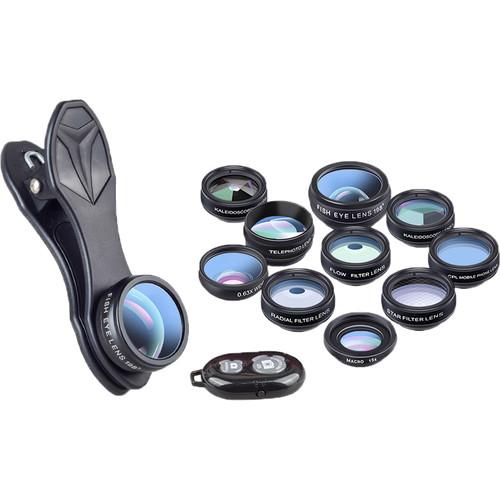
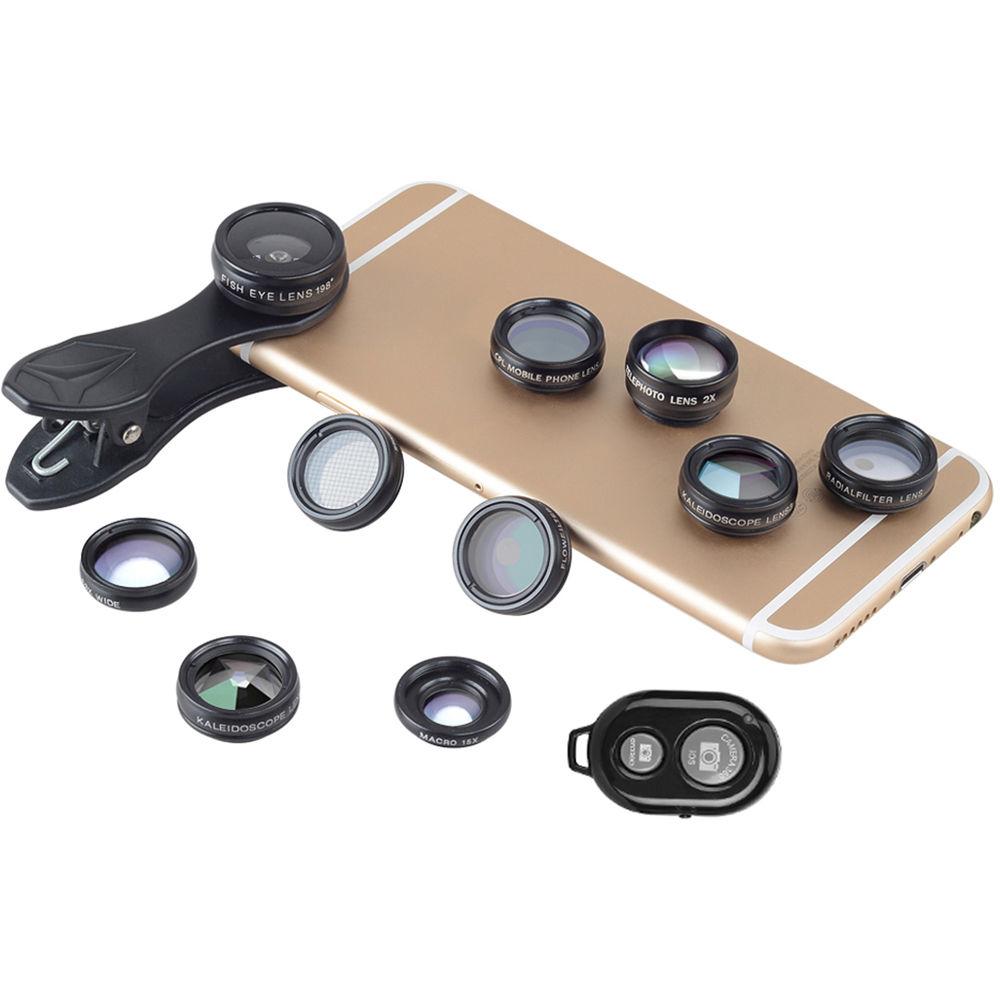
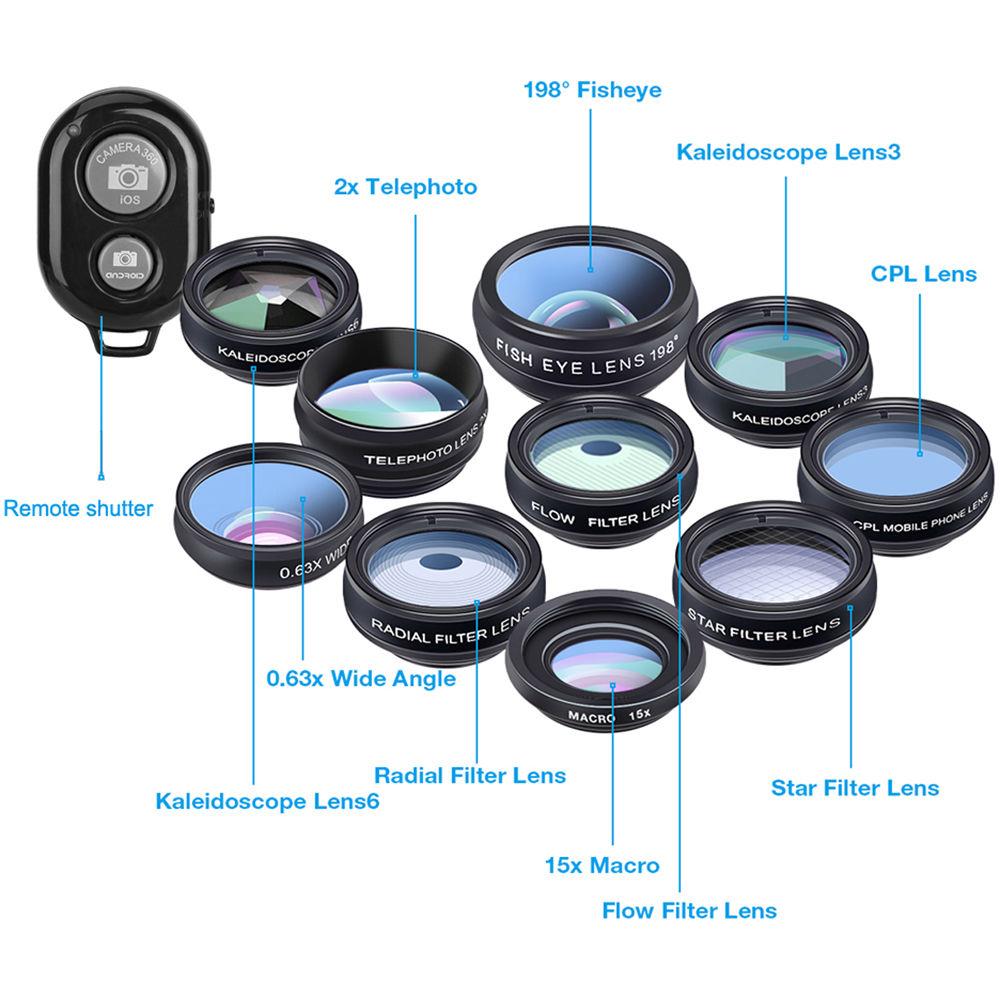
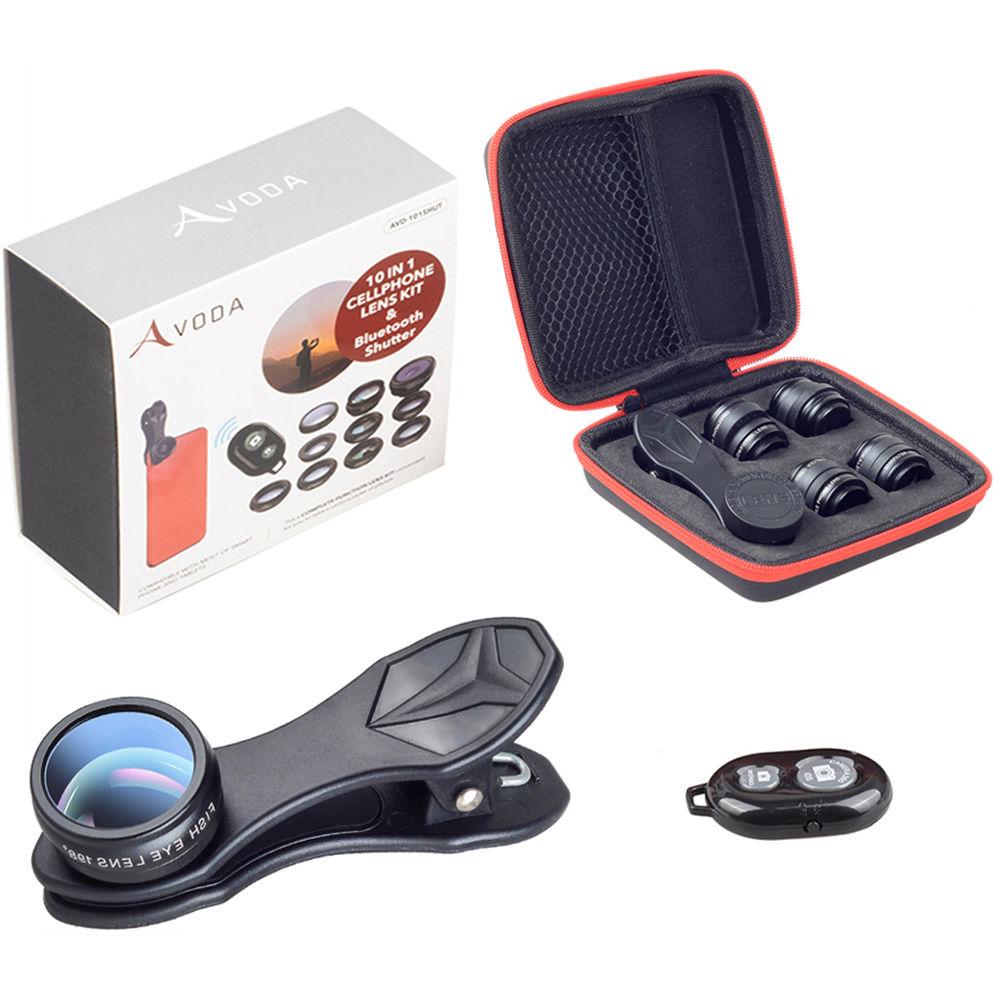
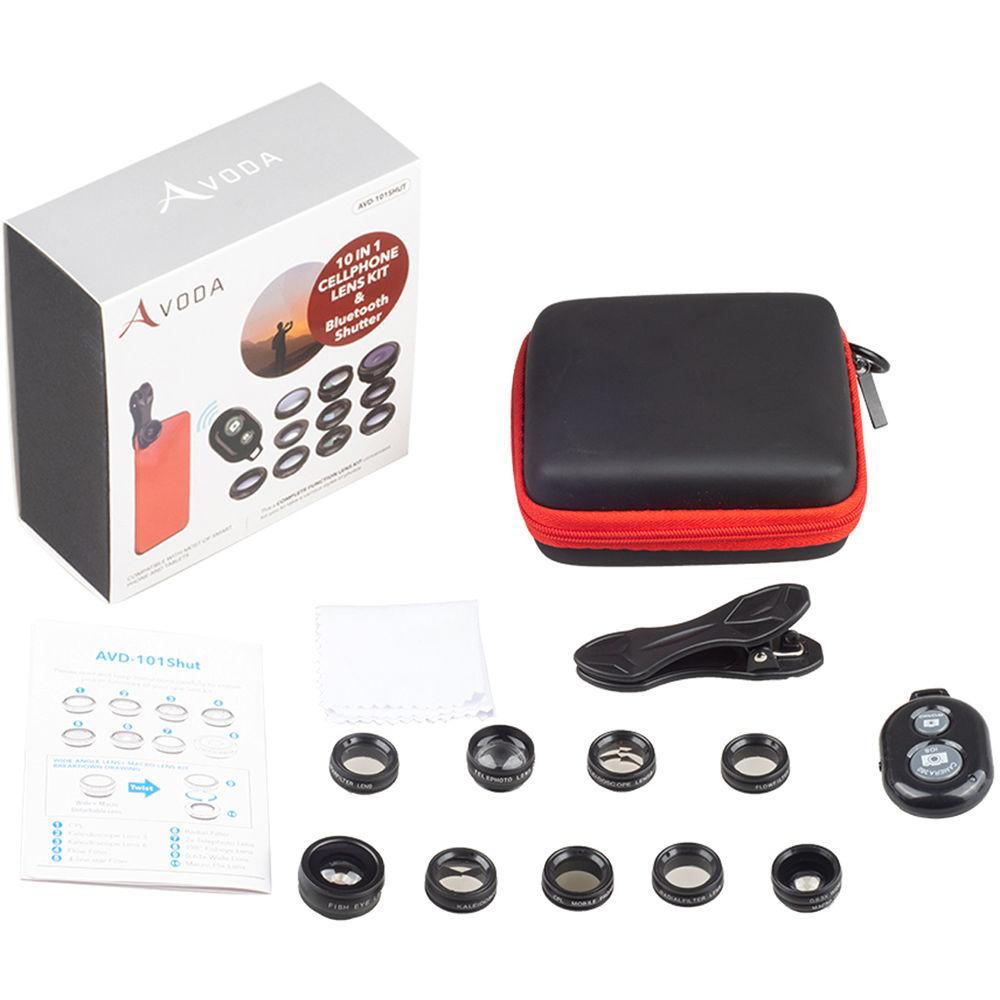
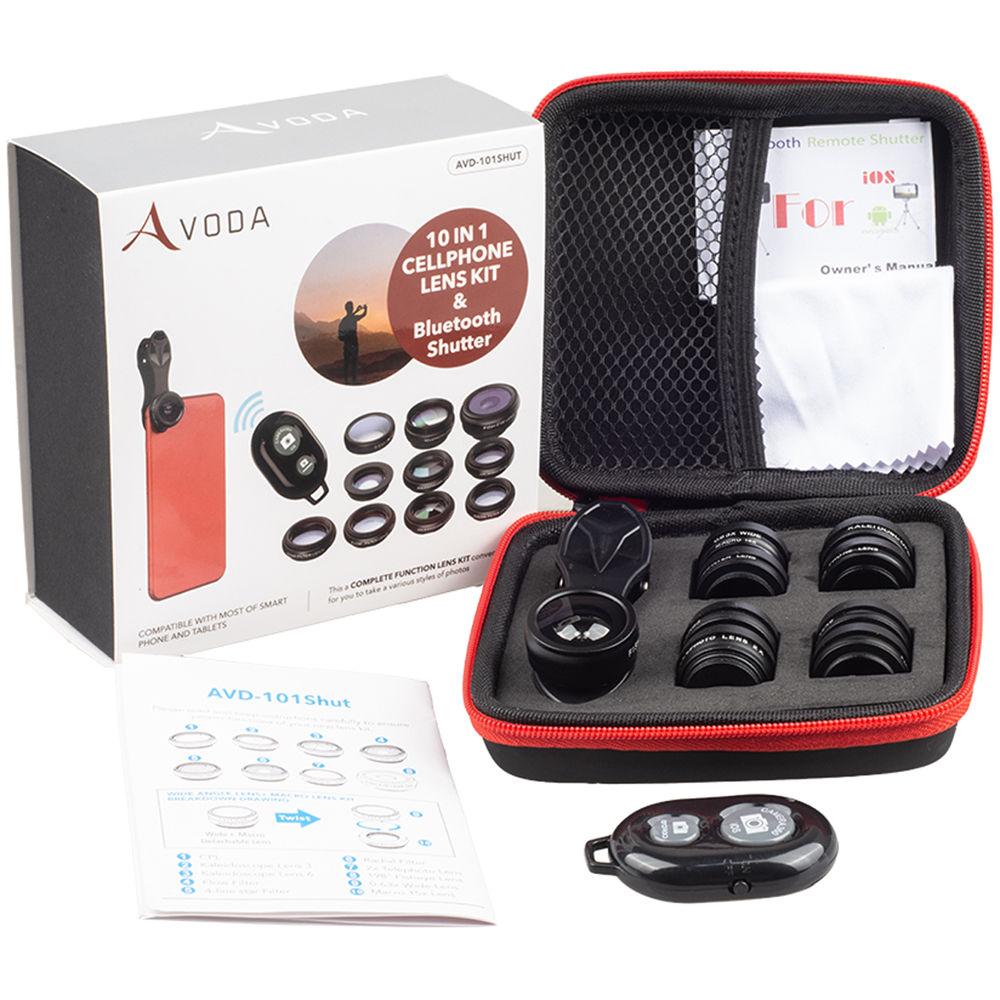
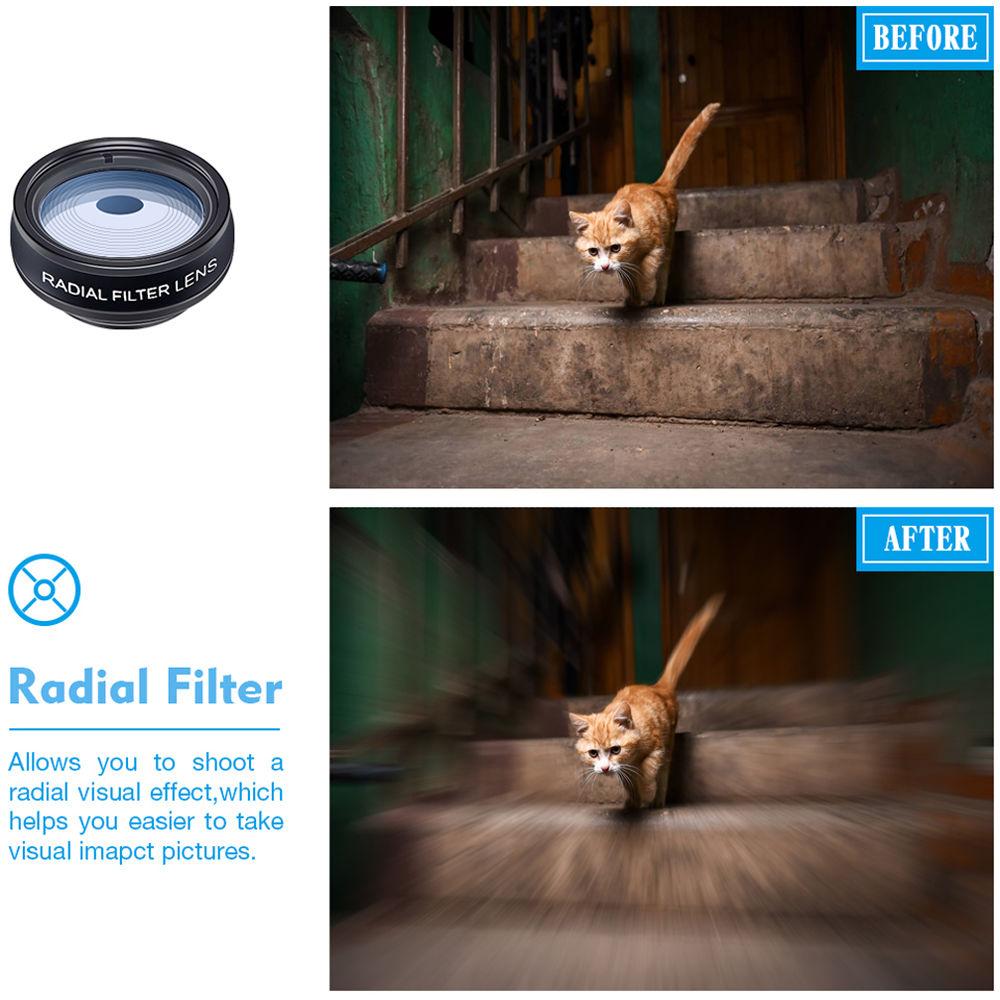
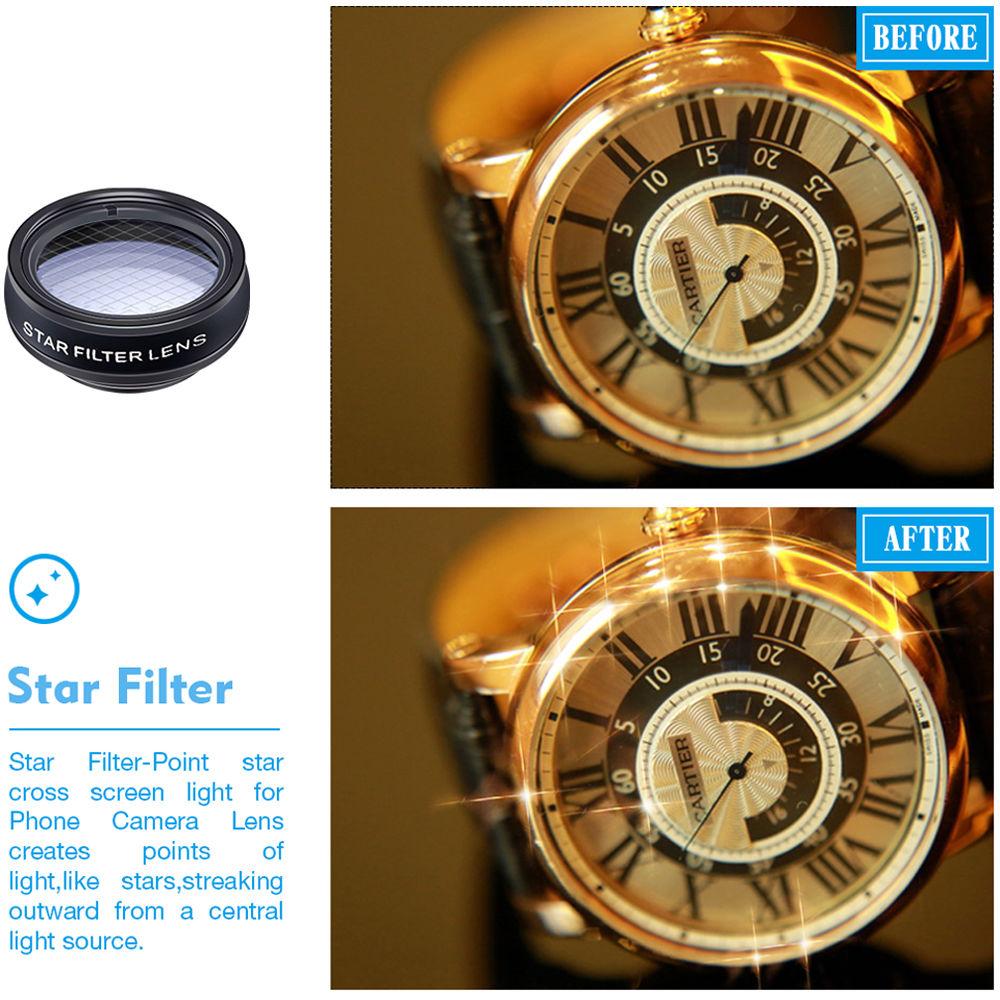
Product description Designed for smartphones, including models from Apple, Samsung, Google, LG, Huawei, and more, the 10-in-1 Smartphone Lens Kit from Avoda is a manufacturer's bundle that includes a 2-in-1 0.63x wide-angle lens and 15x macro lens, a fisheye lens with a 198° angle of view, a 2x telephoto/telescope zoom lens, and two kaleidoscope lenses with lens 3 and lens 5 frames. There is also a circular polarizing filter (CPL), a star filter, a flow filter, and a radial filter. Each lens attached to your smartphone using an included clip-on lens attachment that has a soft rubber lining to help protect your device's screen. Also included is a Bluetooth wireless remote shutter, a portable zipper bag, and a cleaning cloth. General Features - Included Lenses
- This 10-in-1 cell phone camera lens kit is fun and compact, with a wide variety of gear, and serves as an efficient substitute to a bulky and pricey digital camera. This lens kit has a 0.63x wide-angle lens, a 15x macro lens, a 2x telephoto lens, a 198° fisheye lens, two kaleidoscope lenses, a circular polarizing filter, a flow filter, a radial filter, and a star filter.
- Enhanced Photography
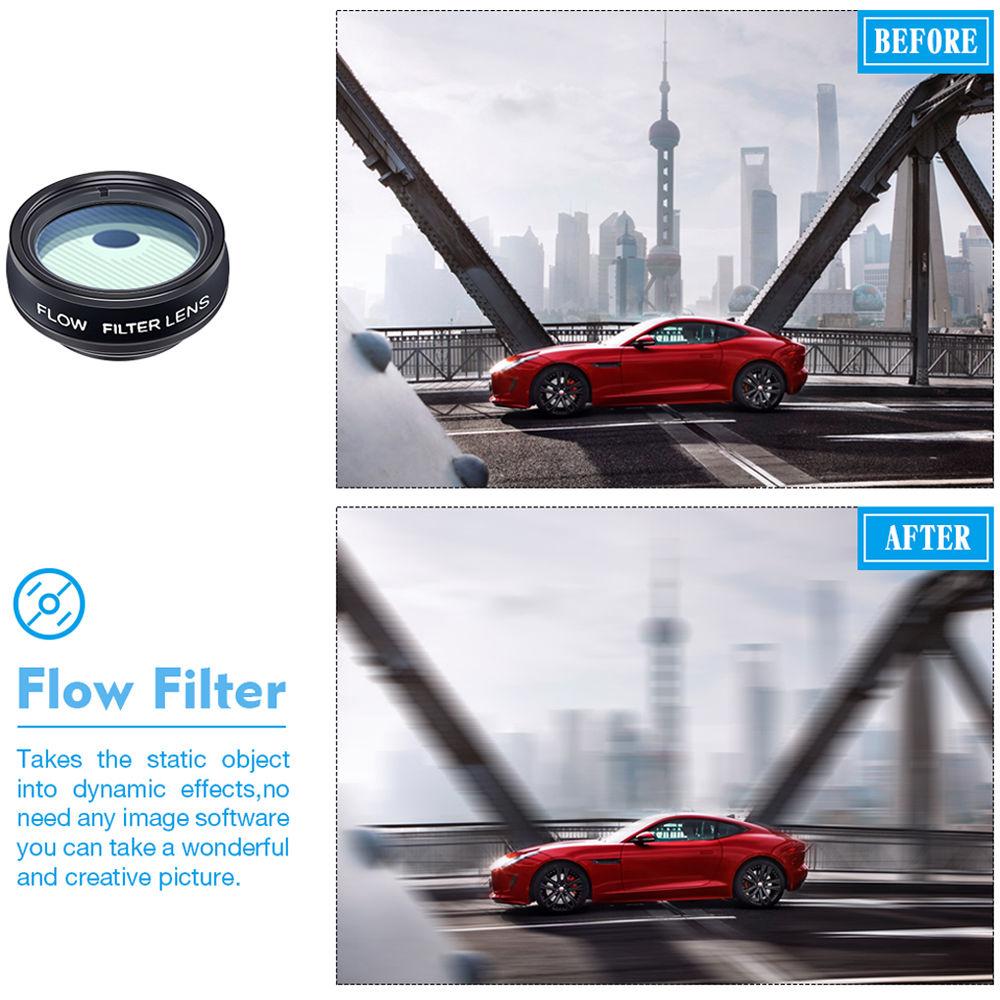
- Fisheye lenses create funny circular pictures, wide-angle lenses allow you to capture larger scenes and group shots, macro lenses capture extreme close-ups, kaleidoscope lenses show you an overlapping vision, and telephoto lenses are made for shooting distant scenes. Circular polarizing filters helps eliminate reflected light and create beautiful colors, while other included filters, such as the flow, radial, and star filters, create photos with a visual impact.
- Wireless Remote Shutter
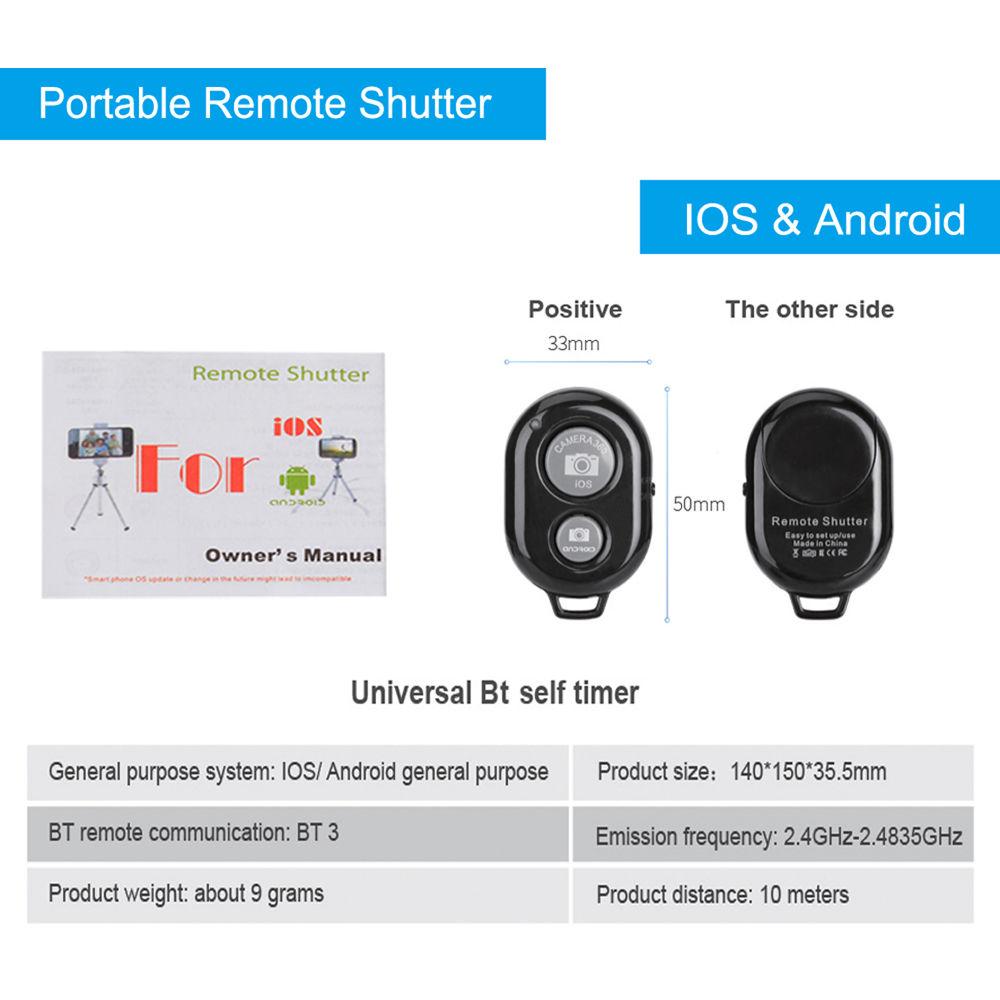
- For those who like to use self-timers, a Bluetooth remote shutter is included, which is well-suited for taking group shots. Just set the phone in one position and then press the controller to take your shot using the wireless trigger.
- Compatibility
- These lenses will work with Apple's iPhone XR, XS, XS Max, X, 8, 7, 6S, 6, and 5, Samsung's Galaxy S9, S8 and Note 8, and Google's Nexus, plus devices from LG, Huawei, and other numerous phone brands. It will work with iPhone's dual camera lens systems, but more care is required in aligning the clip and lenses.
- Wide-Angle & Macro Lenses
- The wide-angle and macro lenses arrive screwed together for easy storage. To use the wide-angle lens, simply attach both lenses to the clip that is provided. To use the macro lens, simply unscrew the wide-angle lens. Make sure you keep each lens clean with the included cleaning cloth.
UPC: 655881617559 In the Box AVODA 10-in-1 Smartphone Lens Kit with Remote Shutter 2-in-1 Wide-Angle / Macro Lens Fisheye Lens Telephoto Lens 2 x Kaleidoscope Lenses Circular Polarizing Filter Flow Filter Radial Filter Star Filter Clip-On Lens Attachment Bluetooth Wireless Remote Shutter Portable Zipper Bag Cleaning Cloth Limited 30-Day Warranty Table of Contents
|
Upload User Manual
Have you got an user manual for the AVODA 10-in-1 Smartphone Lens Kit with Remote Shutter in electronic form? Please send it to us and help us expand our library of instruction manuals.
Thank you, too, on behalf of other users.
To upload the product manual, we first need to check and make sure you are not a robot. After that, your "Submit Link" or "Upload File" will appear.
Technical parametersAVODA AVD-101SHUT Specs | Dimensions | Not specified by manufacturer | | Weight | Not specified by manufacturer | | | | Package Weight | 0.35 lb | | Box Dimensions (LxWxH) | 4.5 x 4.5 x 2.5" |
Rating90% users recommend this product to others. And what about you?

This product has already been rated by 55 owners. Add your rating and experience with the product.
Discussion
 Ask our technicians if you have a problem with your settings,
or if anything is unclear in the user manual you have downloaded.
You can make use of our moderated discussion.
The discussion is public and helps other users of our website who may be encountering similar problems.
Ask our technicians if you have a problem with your settings,
or if anything is unclear in the user manual you have downloaded.
You can make use of our moderated discussion.
The discussion is public and helps other users of our website who may be encountering similar problems.
The discussion is empty - enter the first post
Post a new topic / query / comment:
|
|


