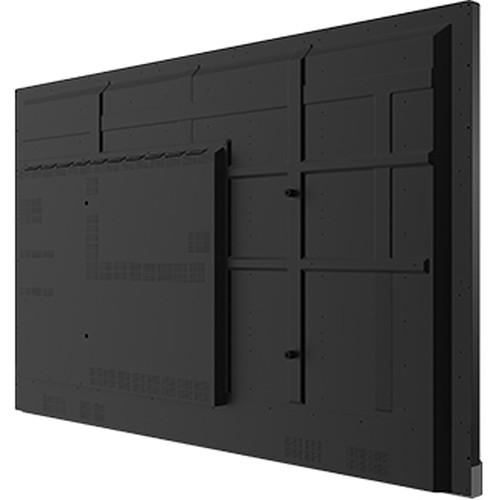
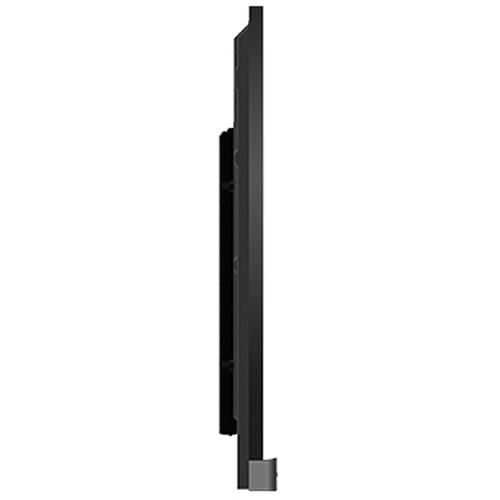
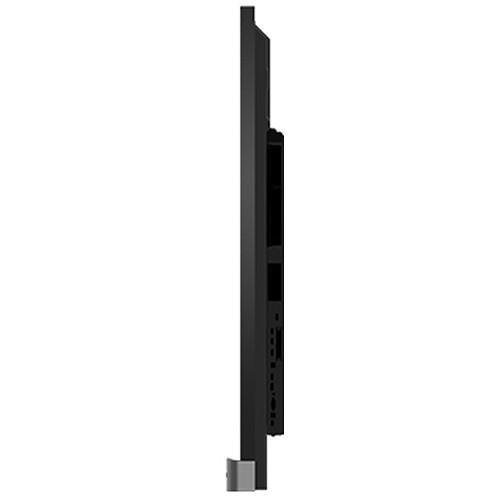
User Manual for BenQ RP704K 4K UHD 70'' Corporate Interactive Flat Panel Display Click to enlarge the picture
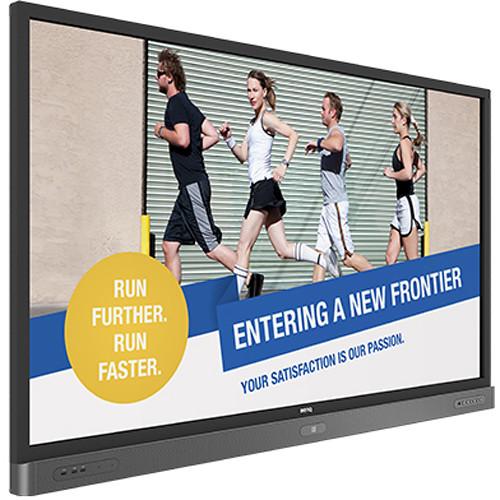 Contents of the user manual for the BenQ RP704K 4K UHD 70'' Corporate
- Product category: Commercial Monitors BenQ
- Brand: BenQ
- Description and content of package
- Technical information and basic settings
- Frequently asked questions – FAQ
- Troubleshooting (does not switch on, does not respond, error message, what do I do if...)
- Authorized service for BenQ Commercial Monitors
 |
User manual for the BenQ RP704K 4K UHD 70'' Corporate contain basic instructions
that need to be followed during installation and operation.
Before starting your appliance, the user manual should be read through carefully.
Follow all the safety instructions and warnings, and be guided by the given recommendations.
User manual is an integral part of any BenQ product,
and if it is sold or transferred, they should be handed over jointly with the product.
Following the instructions for use is an essential prerequisite for protecting
health and property during use, as well as recognition of liability on the part of the manufacturer
for possible defects should you make a warranty claim. Download an official BenQ user manual in which you will find instructions on how to install, use, maintain and service your product.
And do not forget – unsuitable use of a BenQ product will considerably shorten its lifespan!
|
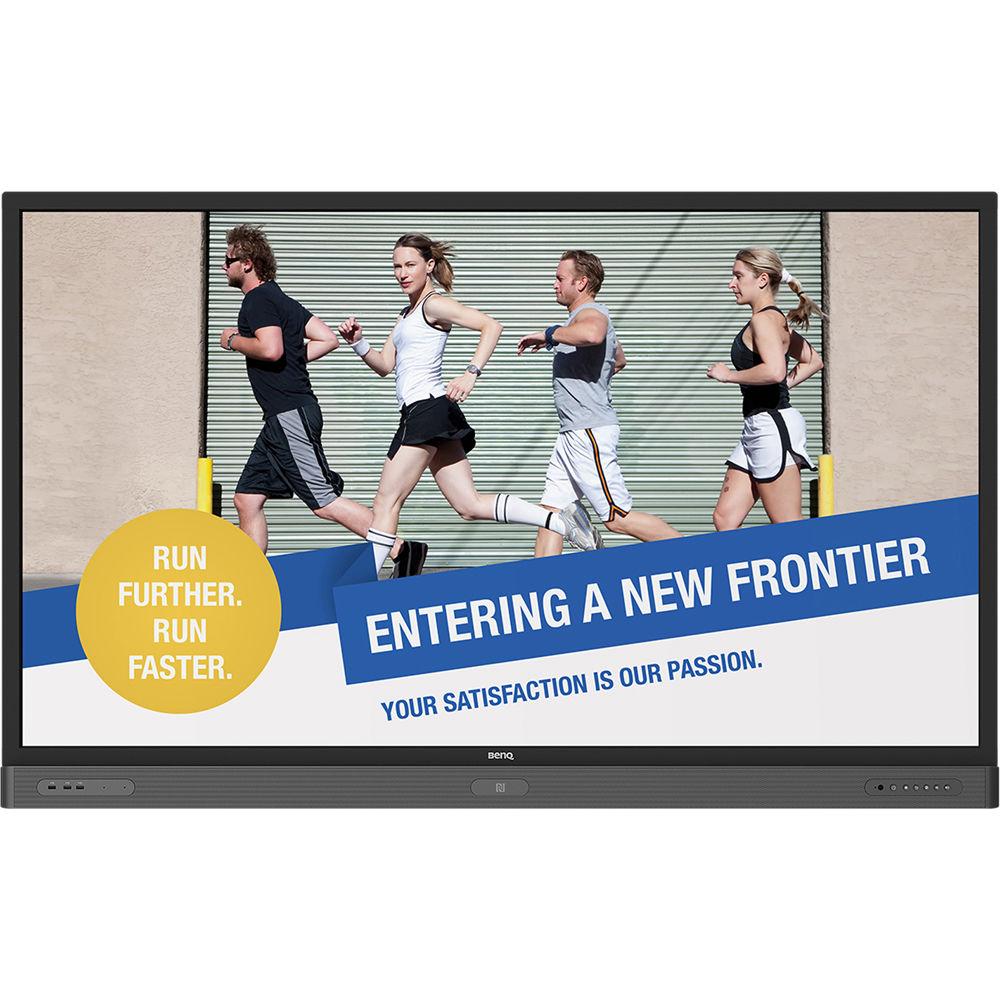
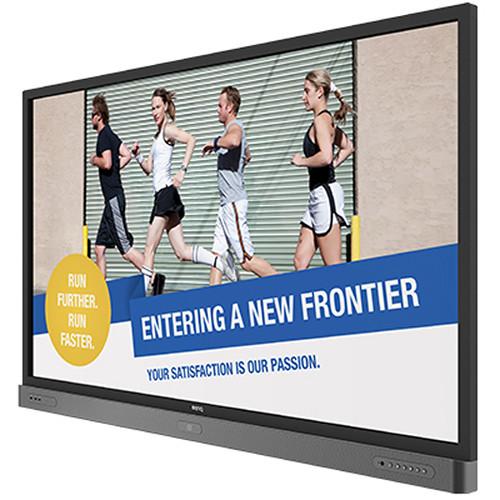
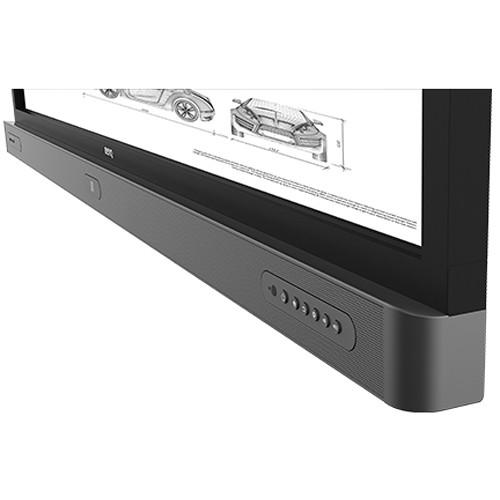
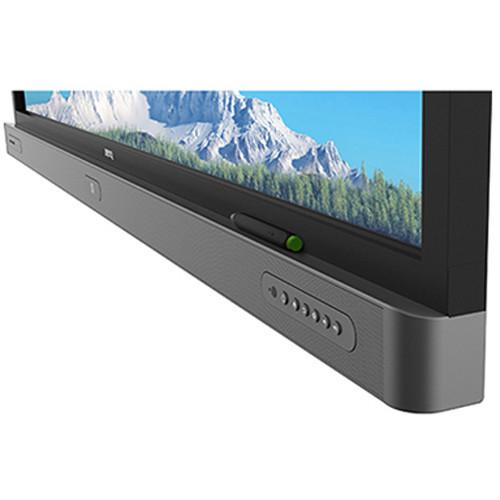
Product description The RP704K 4K UHD 70'' Corporate Interactive Flat Panel Display from BenQ is suitable for meeting spaces from small to medium sized, incorporating two frontal speakers and integrated pen trays. It includes 20-point multi-touch, 4K resolution, Smart Eye-Care, and Smart AMS (Smart Account Management System). It delivers intuitive collaboration and display interactivity with the ease of wireless presentation, open-platform software compatibility, and hassle-free maintenance. In addition, the display features an advanced anti-glare screen that minimizes distracting reflections and glare for optimal productivity and comfort. - Intelligent Handwriting Recognition
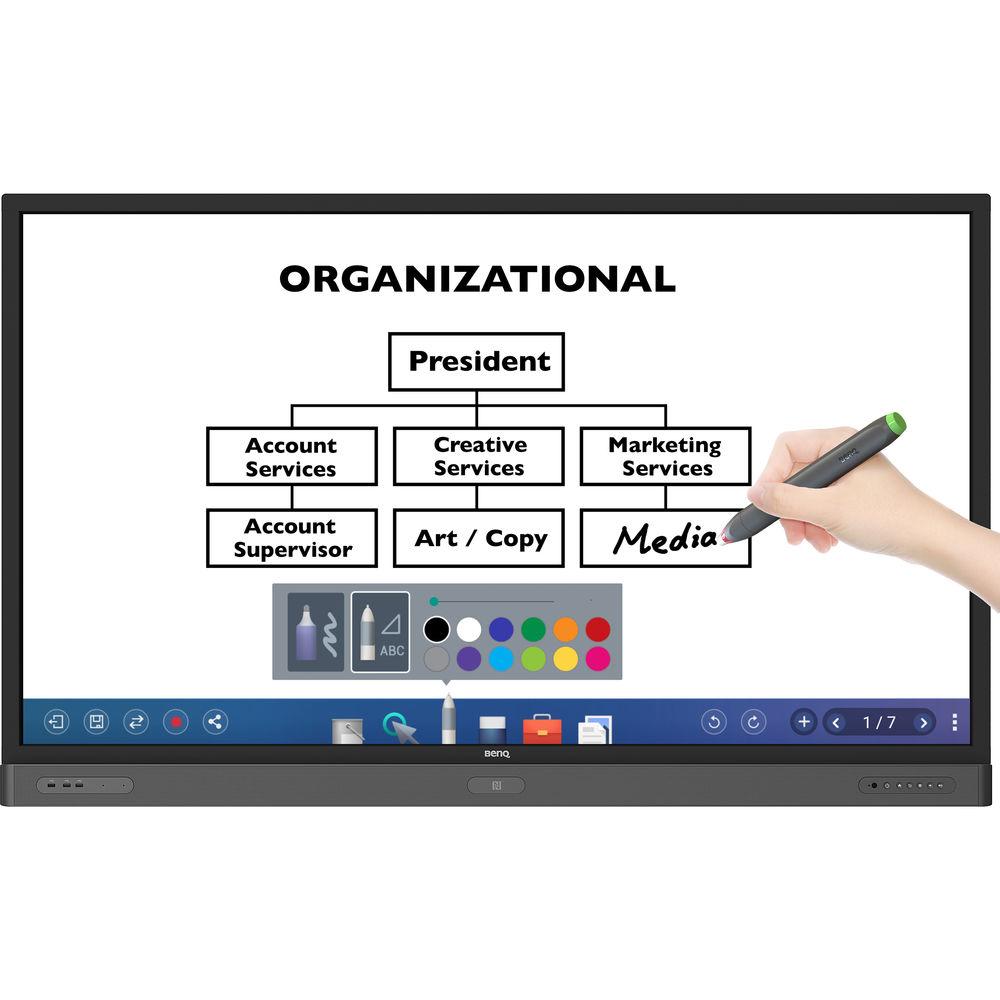
- The RP704K's handwriting recognition feature allows you to simultaneously convert written text, numbers, forms, and drawings into legible materials without having to switch modes, while performing calculation and geometric functions for efficient professional meetings.
- Access Diverse Files on the Fly
- EZWrite 4.0 directly opens a wide range of files, from Microsoft documents to image files for convenient annotations in productive meetings without the need for external PCs.
- Floating Toolbar
- A floating on-screen menu works on any input source including Android apps, allowing participants to quickly access frequently used tools such as EZWrite 4.0's whiteboard mode, annotation tools, eraser, color selection, video recording, and print sharing.
- Data-to-Go
- All meeting results and progress can be saved in .pdf or .png format and shared via email or by scanning a QR code, which remains available for 30 minutes to avoid information leakage. For added convenience, meeting data can be printed from any printer on the network or saved on a USB flash drive for easy information access anytime, anywhere.
- Tap-and-Write Annotation and Simple Color Switching
- Tapping the NFC pen can activate EZWrite 4.0 and allows you to start writing on the display, which come with two NFC pens featuring dual color tips for a total of four colors: red, green, blue, and black. Requiring virtually zero maintenance, NFC pen is water-resistant and built to last with battery-free NFC technology as well as no need for IFP pairing.
- Tool Box
- Dynamic tool box include features such as calculator, geometry recognition, timer, buzzer, team post, score board, and draw lots.
- Smart Account Management System (Smart AMS)
- For multi-account management via NFC technology, which allows you to directly access personal system setting and folders, as well as bring up customized presentation settings on the display simply by tapping an ID card on its front-bezel sensor. Additionally, Smart AMS also offers instant access to major cloud storage services such as Google Drive and Dropbox after logging in without having to enter password on the display.
- Wireless Solution for Seamless Collaboration
- The integrated InstaQShare app enables simple wireless presentation and collaboration by screen mirroring. Simply by launching the InstaQShare host app on the IFP and downloading the client app onto an Android, iOS, Mac, or Windows device, up to 16 meeting participants can instantly stream photos, music, presentations, and Full HD videos smoothly. In addition, the InstaShow wireless presentation system and QCast Wi-Fi dongle accommodates diverse BYOD needs. With zero software, InstaShow can simply be plugged into a laptop for instant wireless collaboration at the touch of a button with enterprise-class security.
- Efficient Real-Time Video Conference
- With the pre-installed Zoom video conferencing software, RP704K facilitates effective communication for international corporations without external PCs, training, or complicated server setup. Zoom enables high-quality video conferencing across multiple devices, connecting teams across the globe at minimal cost with a quick click on the invitation URL and meeting ID input. Zoom enables powerful screen and content sharing across devices including BenQ IFPs, PCs, Macs, tablets, and smartphones. Employees can even annotate on the shared screen for interactive discussions.
- Smart Eye-Care Solution
- Designed for eyesight protection, RP704K provides proprietary eye-care technology with zero-flicker performance and ultra-low blue light emission that can be activated automatically when participants are close to the displays, preventing eyestrain, eye fatigue and macular degeneration caused by extended sessions in front of a display. With the help of embedded motion sensors, the smart eye-care solution can function intuitively.
- Energy-Saving Operation through Power Saving Mode
- Utilizing a smart sensor, power saving mode activates when no presenters are standing in front of the screen, which intelligently reduces power consumption when not in use.
- Germ-Resistant Screen
- Germ-Resistant Screen with a multilayer coating of non-toxic, long-lasting ionic silver nano agent to kill most bacteria on contact while effectively blocking the spread of germs at work.
- Integrated Front-Facing Speaker and Pen Tray
- The seamless integration of two front-facing speakers and pen tray makes multimedia content more engaging while enhancing the overall productivity during meetings.
- Multi-Platform Compatibility
- Compatible with Windows, Mac, Linux, and Chrome.
- Multiple Connectivity
- Media USB and Slot-in-PC ports are integrated into the bezel for maximum connectivity and a user-friendly experience. The HDMI out port allows users to extend their home screen across multiple displays, while the Slot-in-PC port accepts x86 and Windows systems to enhance IFP functionality. For maximum versatility, RP704K also features ports for Wi-Fi dongles and HDMI 2.0.
- Driver-Free Touch Technology for Instant Plug and Play
- By connecting the RP704K to a PC via USB, employees can instantly touch the screen to start presenting.
- Multiple Display Administrator (MDA) Software
- Multiple Display Administrator (MDA) software enables remote management of a full array of BenQ RP704K and a wide range of third-party displays. Through Ethernet or serial connection, MDA provides centralized control for IT personnel to schedule on/off times and monitor real-time display status to minimize cost, time, and effort associated with adjusting and maintaining individual units.
- Corporate Internet Security Control
- To avoid possible corporate internet security breach caused by accessing websites containing inappropriate content, the display allows corporate IT personnel to block access to certain websites by configuring proxy server settings.
- Easy Setting
- Easy Setting is a utility software that allows you to upload, download and install Android apps onto your displays automatically through BenQ's cloud server.
- OTA (Over-the-Air) Update
- The OTA tool is designed to install the latest firmware onto your displays through the internet without complex physical access.
UPC: 840046036942 In the Box BenQ RP704K 4K UHD 70'' Corporate Interactive Flat Panel Display Remote Controller 4 x 5.9' Power Cords (By Region) 16.4' Audio Cable 16.4' VGA Cable 33' USB Cable for Touch 2 x NFC Touch Pen (Stylus) Software License Card Table of Contents
|
Upload User Manual
Have you got an user manual for the BenQ RP704K 4K UHD 70'' Corporate Interactive Flat Panel Display in electronic form? Please send it to us and help us expand our library of instruction manuals.
Thank you, too, on behalf of other users.
To upload the product manual, we first need to check and make sure you are not a robot. After that, your "Submit Link" or "Upload File" will appear.
Technical parametersBenQ RP704K Specs | | | Screen Size (Diagonal) | 70" | | Resolution | 3840 x 2160 | | Bit Depth / Color Support | 10-Bit (1.07 Billion Colors) | | Brightness | 330 cd/m
Rating80% users recommend this product to others. And what about you?

This product has already been rated by 80 owners. Add your rating and experience with the product.
Discussion
 Ask our technicians if you have a problem with your settings,
or if anything is unclear in the user manual you have downloaded.
You can make use of our moderated discussion.
The discussion is public and helps other users of our website who may be encountering similar problems.
Ask our technicians if you have a problem with your settings,
or if anything is unclear in the user manual you have downloaded.
You can make use of our moderated discussion.
The discussion is public and helps other users of our website who may be encountering similar problems.
The discussion is empty - enter the first post
Post a new topic / query / comment:
|
|
|
| Request for user manual |
You can’t find the operation manual you are looking for? Let us know and we will try to add the missing manual:
I’m looking for a manual / Request for manual
Current requests for instruction manuals:
Call Of Duty World War Two For Xbox...
controller stratus XL...
stratus XL...
smart whatch serie S11 42mm...
Allen & Heath SQ-6 manual...
|
| Discussion |
Latest contributions to the discussion:
AEW R 4100
Name: MAURICIO ANGARITA
Audio-Technica AEW-R4100 UHF Diversity Receiver for
AEW R 4100 has the mute function blocked and does not allow audio to pass. I tried several times to turn off the mute from the transmitter but it does nothing, the mute stays on. Solution?
Thank you...
Instructions for assembling the 2015 Forecast Image Master Consoles GC3-A
Name: mike elam
Forecast Consoles GC3-A ImageMaster Editing Console
Looking for instructions for assembling this console. ...
EMPTY TONER ERROR MESSAGE AFTER REPLACING TONER
Name: LINDA BAD YELLOW EYES
Brother TN223BK Standard-Yield Toner
I HAD TO CHANGE OUT ALL THREE TONERS DUE TO LEAKS IN THE YELLOW AND CYAN. AFTER I REPLACED THEM, THE MACHINE KEEPS GIVING ME AN EMPTY TONER ERROR MESSAGE. HELP!!...
PS480D 20/24 pin Switching 480W Power Supply
Name: swkargo
Logisys 480W Power Supply
This item states in can run -5vdc .It is NOT listed on the board or I beleive is r4 is missing the resitior. Any body have thid issue. Shawn
...
Help needed
Name: Ann Carter
SanDisk 1TB Extreme Portable USB 3.1
When I click the link to download the user manual for my Sandisk Extreme external hard drive, it gives me the manual for the LG Cricket. Can you please change the link so I can download the Sandisk manual and begin using this drive? Thank you....
|
|


