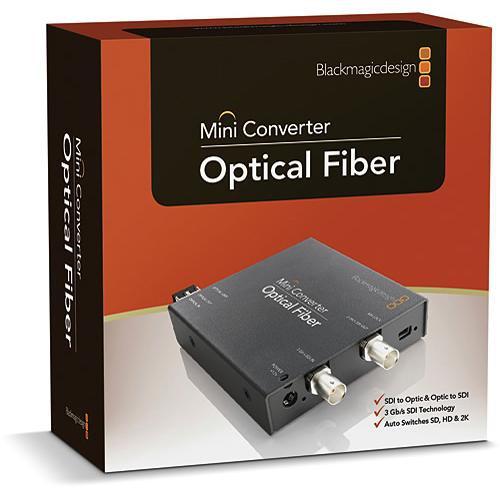
User Manual for Blackmagic Design Mini Converter Optical Fiber Click to enlarge the picture
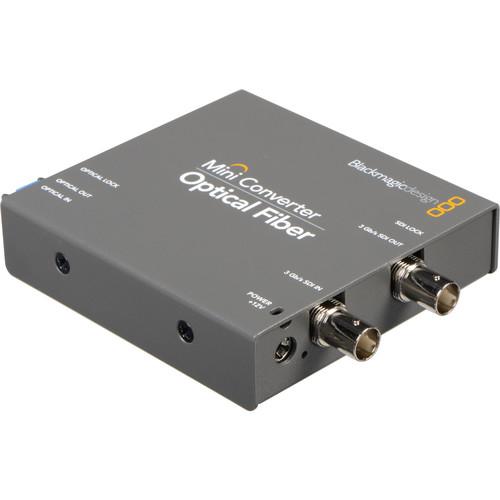 Contents of the user manual for the Blackmagic Design Mini Converter Optical Fiber
- Product category: Signal Converters Blackmagic Design
- Brand: Blackmagic Design
- Description and content of package
- Technical information and basic settings
- Frequently asked questions – FAQ
- Troubleshooting (does not switch on, does not respond, error message, what do I do if...)
- Authorized service for Blackmagic Design Signal Converters

 |
User manual for the Blackmagic Design Mini Converter Optical Fiber contain basic instructions
that need to be followed during installation and operation.
Before starting your appliance, the user manual should be read through carefully.
Follow all the safety instructions and warnings, and be guided by the given recommendations.
User manual is an integral part of any Blackmagic Design product,
and if it is sold or transferred, they should be handed over jointly with the product.
Following the instructions for use is an essential prerequisite for protecting
health and property during use, as well as recognition of liability on the part of the manufacturer
for possible defects should you make a warranty claim. Download an official Blackmagic Design user manual in which you will find instructions on how to install, use, maintain and service your product.
And do not forget – unsuitable use of a Blackmagic Design product will considerably shorten its lifespan!
|
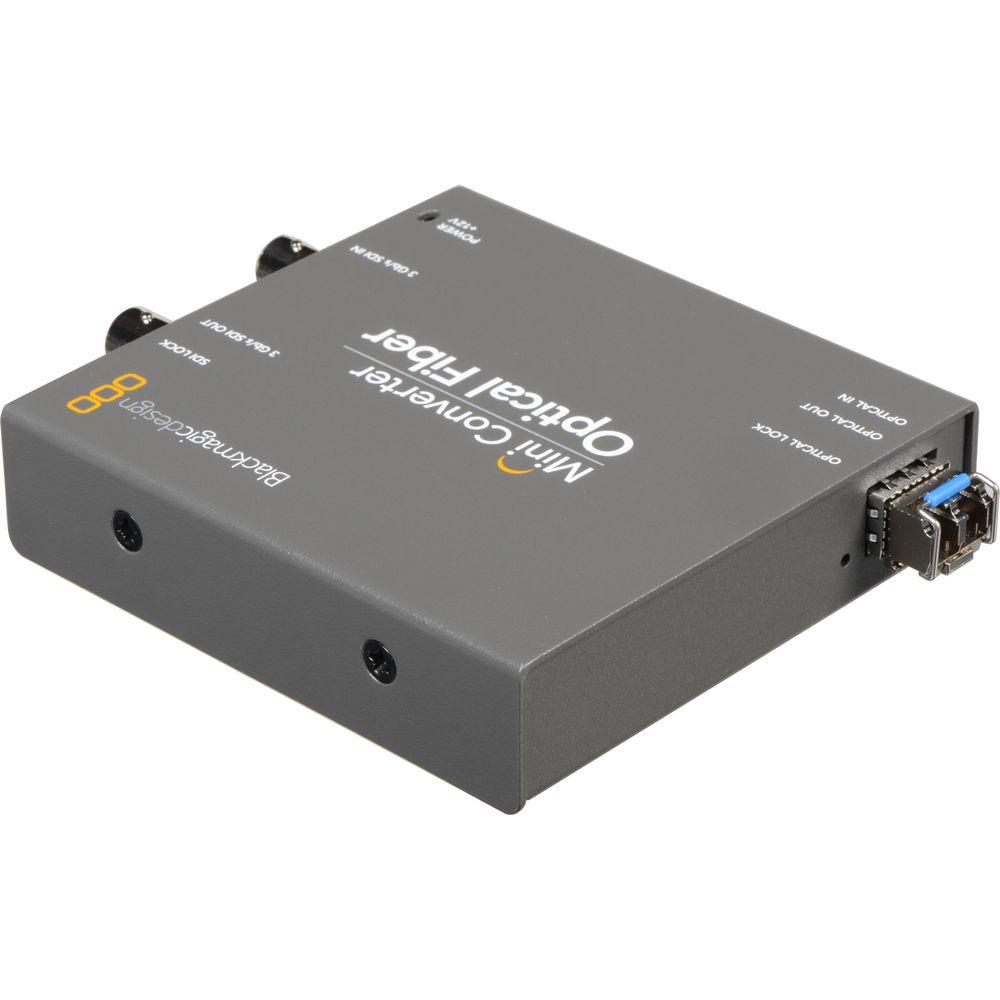
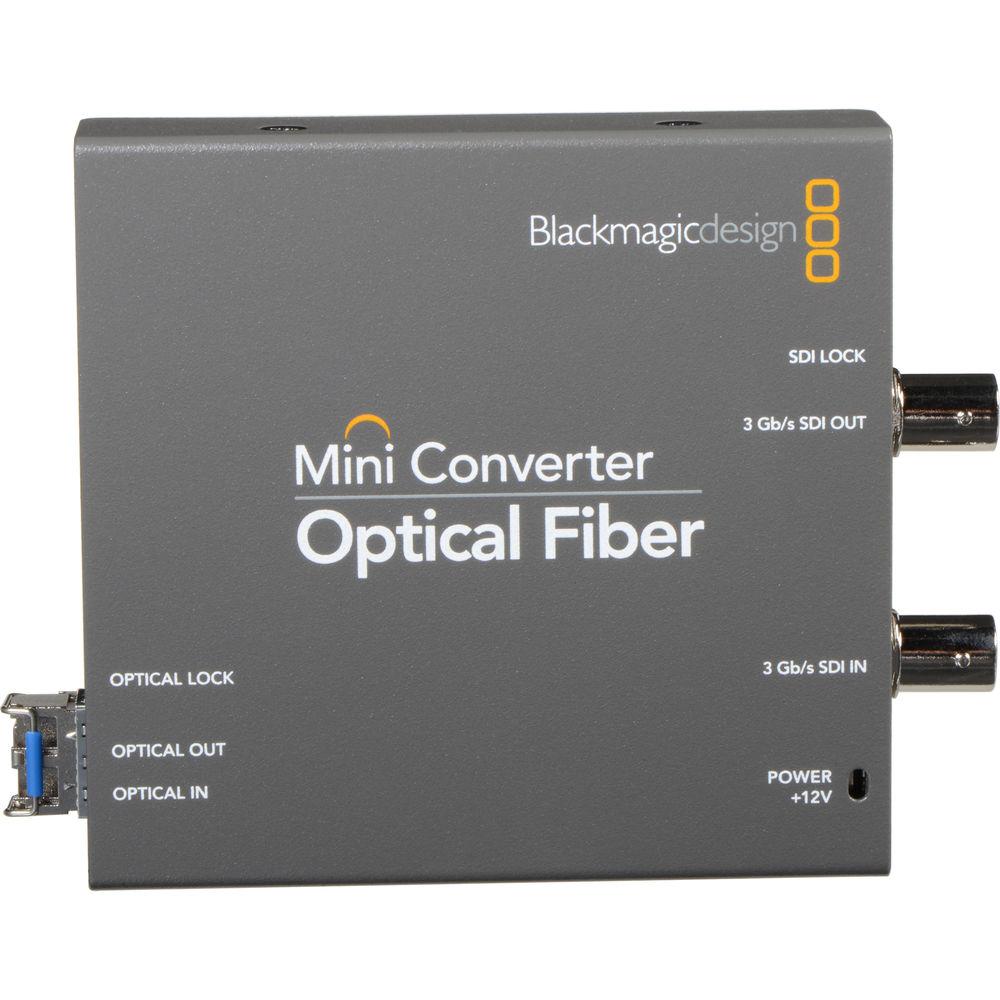
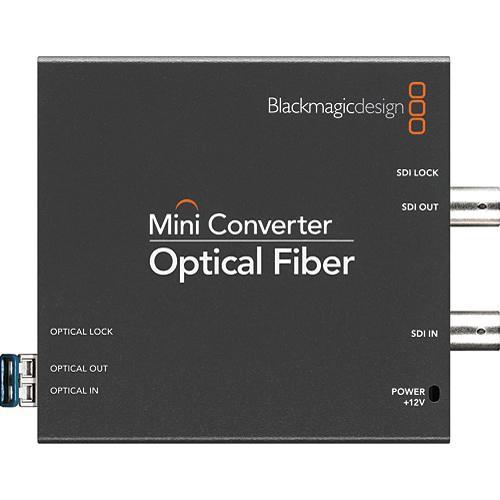
Product description With its continued excellence in advanced broadcast conversion capabilities, Blackmagic introduces its Mini Converter Optical Fiber. Designed and built with both video broadcasters and studio facility insatllation pundits in mind, this high-quality, cost effective conversion box offers bi-directional SDI to optical fiber conversion capabilities; and each direction can be completely independent of each other.
This Mini Converter is capable of switching between SD, HD and 3G-SDI video formats; and with optical fiber input/output LC type connections at a 10-bit rate, enjoy long cable runs up to 147,000 ft (44,805 m) in SD, and up to 82,000 ft (24,993 m) at 3G-SDI. Moreover, 3G-SDI technology is fully compatible with all your studio and field SD and HD-SDI equipment.
Due to its identical bit-stream as conventional SDI, the Mini Converter's optical conversion provides future proof data speed protection; upgrades can be loaded via its built-in high speed USB 2.0 connection. The advantage of converting SDI to optical fiber is when SDI data speeds increase in the future, you will ensure the longevity of the optical fiber cable install as existing cables will easily handle much higher SDI data speeds. - Future Proof Data Speed Protection
- The Mini Converter Optical Fiber box eliminates the need of replacing SDI cables in your studio or facility every time a new higher-quality video standard is introduced, which will require higher data speeds - converting SDI to optical fiber ensures longer cabling distances without sacrificing quality. In addition, this box uses a SMPTE standard 1310nm optical fiber laser driver while utilizing standard LC type connectors.
- Optical Fiber Conversion Advantages
- Optical fiber SDI easily switches between SD, HD and 2K, as it has an identical bit-stream to conventional SDI.
- High-Speed USB 2.0 Port
- This box offers a USB 2.0 port for future software upgrades via Mac OS X and Windows.
- Universal Power Supply
- Included is a universal power supply with international plug adapters for international usage.
- Added Protection
- The Blackmagic mini converter features a cable tie point that secures the power supply connection, thus preventing an accidental power disruption.
In the Box Blackmagic Design Mini Converter Optical Fiber Universal Power Supply Limited 3-Year Warranty Table of Contents
|
Upload User Manual
Have you got an user manual for the Blackmagic Design Mini Converter Optical Fiber in electronic form? Please send it to us and help us expand our library of instruction manuals.
Thank you, too, on behalf of other users.
To upload the product manual, we first need to check and make sure you are not a robot. After that, your "Submit Link" or "Upload File" will appear.
Technical parametersBlackmagic Design CONVMOF Specs | Type | Converter | | Supports | Optical Fiber, SD, HD and 3G-SDI
Only single-mode LC type fiber optic cables are recommended for all fiber optic connections below | | Bit Rate | 10-bit | | SDI Format Support | 625/25 PAL, 525/23.98 NTSC, 525/29.97 NTSC, 720p50, 720p59.94, 720p60, 1080PsF23.98, 1080PsF24, 1080PsF25, 1080p23.98, 1080p24, 1080p25, 1080p29.97, 1080p30, 1080p50, 1080p59.94, 1080p60, 1080i50, 1080i59.94, 1080i60, 2048 x 1080PsF23.98, 2048 x 1080p23.98, 2048 x 1080PsF24, 2048 x 1080p24, 2048 x 1080PsF25, 2048 x 1080p25 | | SDI Compliance | SMPTE 259M, SMPTE 292M, SMPTE 296M, SMPTE 424M‐B, ITU‐R BT.656, ITU‐R BT.601 and SMPTE 297M for Optical Fiber SDI | | Sampling | 4:2:2 (SDI) | | Analog Format Support | 525/29.97 NTSC, 625/25 PAL, 1080PsF23.98, 1080PsF24, 1080i50, 1080i59.94, 1080i60, 720p50, 720p59.94 and 720p60 | | Input | SDI (BNC/switchable between SD, HD and 3G-SDI): x1
Optical Fiber (switchable): x1 LC | | Output | SDI (BNC/switchable between SD, HD and 3G-SDI): x1
Optical Fiber (switchable): x1 LC | | Other | 1 x USB 2.0 | | Audio | 8-Channel Embedded (Optical Fiber LC) | | Power | 12 VDC (supplied power supply) | | Dimensions (LxWxH) | 3.8 x 3.6 x 0.8" (96.5 x 91.4 x 20.3 mm) | | Shipping Weight | 6.6 lbs (3 kg) | | Color | Black | | | | Package Weight | 1.05 lb | | Box Dimensions (LxWxH) | 5.7 x 5.4 x 2.6" |
Rating98% users recommend this product to others. And what about you?

This product has already been rated by 27 owners. Add your rating and experience with the product.
Discussion
 Ask our technicians if you have a problem with your settings,
or if anything is unclear in the user manual you have downloaded.
You can make use of our moderated discussion.
The discussion is public and helps other users of our website who may be encountering similar problems.
Ask our technicians if you have a problem with your settings,
or if anything is unclear in the user manual you have downloaded.
You can make use of our moderated discussion.
The discussion is public and helps other users of our website who may be encountering similar problems.
The discussion is empty - enter the first post
Post a new topic / query / comment:
|
|


