|
User Manual for Boris FX Sapphire 11 Stylize Unit Click to enlarge the picture
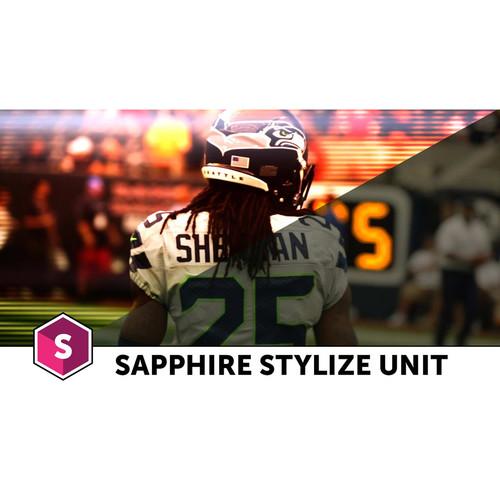 Contents of the user manual for the Boris FX Sapphire 11 Stylize Unit
- Product category: Video Editing Plug-Ins Boris FX
- Brand: Boris FX
- Description and content of package
- Technical information and basic settings
- Frequently asked questions – FAQ
- Troubleshooting (does not switch on, does not respond, error message, what do I do if...)
- Authorized service for Boris FX Video Editing Plug-Ins
 |
User manual for the Boris FX Sapphire 11 Stylize Unit contain basic instructions
that need to be followed during installation and operation.
Before starting your appliance, the user manual should be read through carefully.
Follow all the safety instructions and warnings, and be guided by the given recommendations.
User manual is an integral part of any Boris FX product,
and if it is sold or transferred, they should be handed over jointly with the product.
Following the instructions for use is an essential prerequisite for protecting
health and property during use, as well as recognition of liability on the part of the manufacturer
for possible defects should you make a warranty claim. Download an official Boris FX user manual in which you will find instructions on how to install, use, maintain and service your product.
And do not forget – unsuitable use of a Boris FX product will considerably shorten its lifespan!
|
Product description Boris Sapphire 11 Stylize Unit lets you build color grades, damage looks, and other high-quality video treatments. The Stylize Unit is is a multi-host plug-in compatible with After Effects, Premiere, Media Composer, and several OFX applications. It can be used in all host applications at the same time as long as they are on the same computer.
Version 11 adds an integrated Mocha planar tracking and masking feature, which can be launched right from most of the included effects to create and track a mask. This tool offers multiple ways of applying masks, including simple isolation and full rotoscoping. Note: This upgrade is valid for existing owners of Sapphire 10 Stylize Unit, the previous version. Effect - FilmEffect
- Make your video footage look like it was shot on film with realistic film exposure and processing looks.
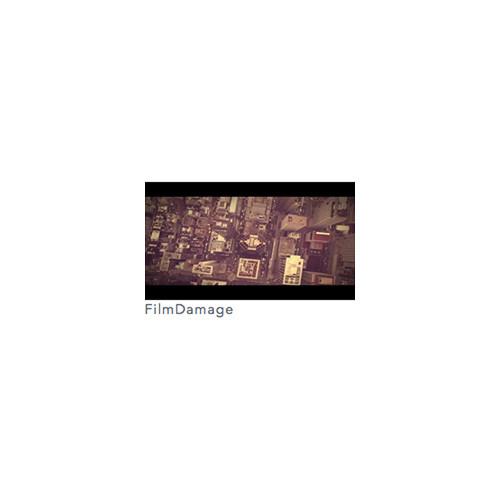
- FilmDamage
- Give your video a nostalgic archival film look by adding many different damage elements.
- TVDamage
- Give your video a retro television look by applying a variety of transmission issues.
- DigitalDamage
- Add a glitchy, digital transmission error look to your videos.
- ScanLines
- Add a scan line pattern to your video to create a retro TV look.
- BleachBypass
- Simulate a film processing technique in which silver is not removed from the negative.
- StripSlide
- Cut your video into strips that slide off the screen to reveal a background image.
- RomanTile
- Add a slate textured mosaic overlay of hexagons or squares to your footage.
- Brush
- Transform your video footage into a stylish hand-painted work of art.
- MuzzleFlash
- Accurately simulate the flash and smoke of a variety of different caliber guns.
- VintageColor2Strip
- Simulate the warm vintage two-strip film process from the 1920s.
- VintageColor3Strip
- Simulate the color 3-strip film process from 1935 through 1955.
- Grain
- Add colored or black and white grain to give your video a shot-on-film look.
- EdgeDetect
- Create looks like chalk outlines, cartoons, or even neon lights.
- Vignette
- Adjust the border areas of your video to create a vignette effect.
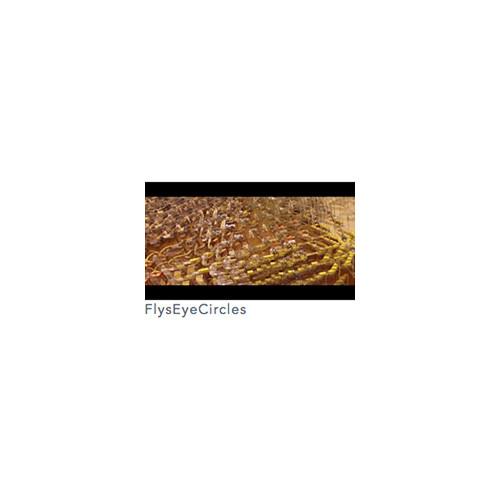
- FlysEyeCircles
- Breaks the image into circle shaped tiles and transforms the image within each shape to create a fly's eye view effect.
- AutoPaint
- Generates a 'paint-brushed' version of the source clip. Use the Frequency and Stroke Length parameters to adjust the density and shape of the brush strokes.
- Kaleido
- Reflects the source clip into a kaleidoscopic pattern of triangles, squares, diamonds, or octagonal shapes.
- KaleidoPolar
- Warps the source clip around in a disk shape and reflects radially as if viewed through a reflecting cylinder.
- KaleidoRadial
- Simulates a traditional 2 or 3-mirror kaleidoscope.
- ZebrafyColor
- Modulates the brightness of the source clip with sinusoids for each color channel to give a color striped effect.
- Zebrafy
- Modulates the brightness of the source clip with a sinusoid to give a black and white solarized look.
- TileScramble
- Breaks the image into rectangular tiles and shifts the image within each tile to create an effect like a wall of small randomly oriented mirrors reflecting the source image.
- ScanLinesMono
- Monochrome version of ScanLines. Creates a version of the source clip with a scan lines pattern resembling a black and white TV monitor.
- PsykoStripes
- Combines the source clip with a stripe pattern and then passes them through a colorization process.
- PsykoBlobs
- Combines the source clip with a field of 'blob' shapes and then passes them through a colorization process.
- PseudoColor
- Colorizes the source image.
- Posterize
- Generates a posterized version of the input by limiting the number of colors in the source, and replacing detailed texture and noise with solid colors.
- Mosaic
- Generates a pixelated version of the source clip.
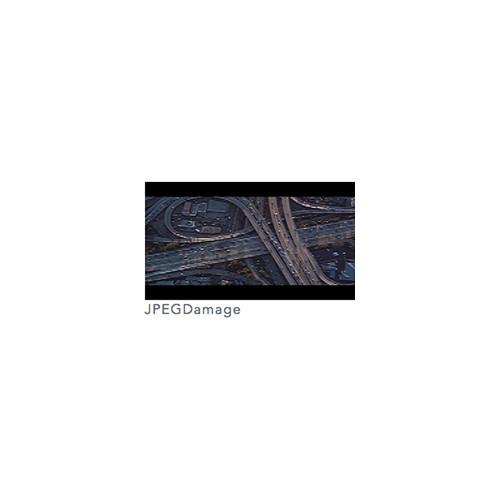
- JPEGDamage
- Creates a version of the source input that is subjected to JPEG compression artifacts and errors.
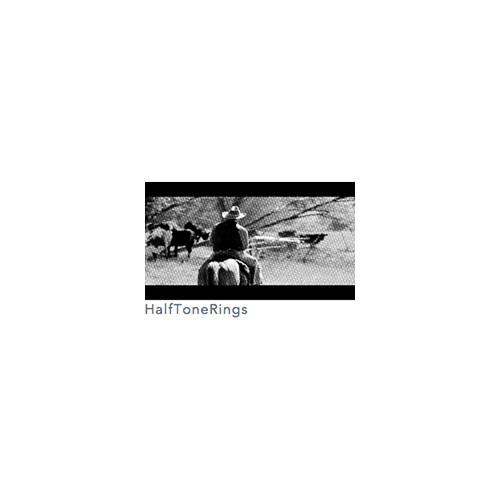
- HalfToneRings
- Generates a duotone version of the source clip using a repeating pattern of concentric rings.
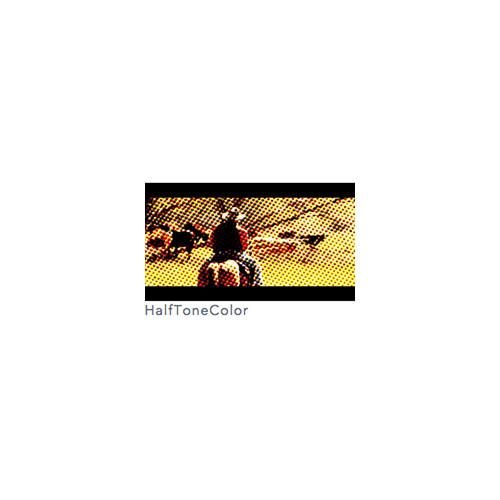
- HalfToneColor
- Generates a version of the source clip using a colored dot pattern.
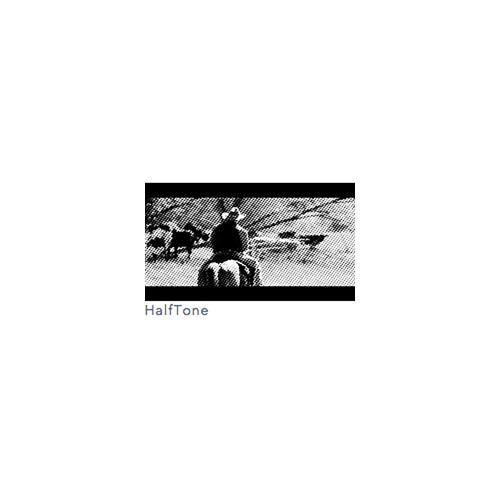
- HalfTone
- Generates a halftone version of the source clip using a black and white pattern of dots.
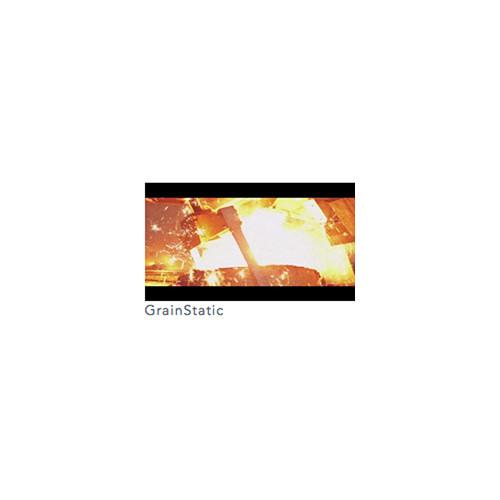
- GrainStatic
- Adds color and/or monochrome random noise of given amplitudes to every pixel of the source clip.
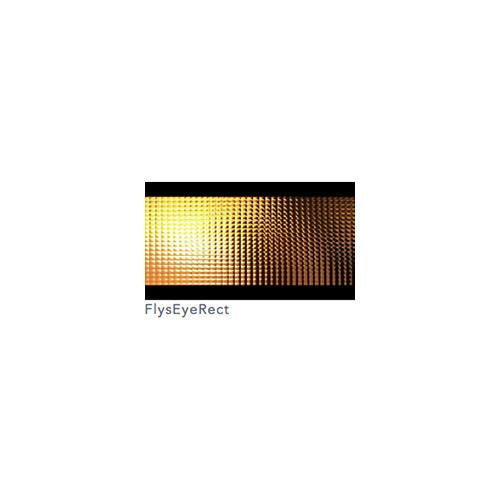
- FlysEyeRect
- Breaks the image into rectangle shaped tiles and transforms the image within each shape, to create a fly's eye view effect.
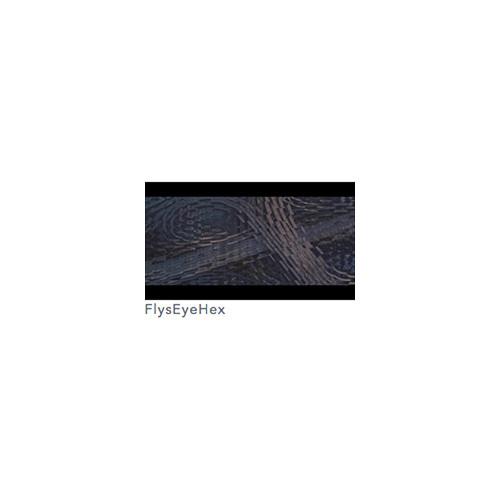
- FlysEyeHex
- Breaks the image into hexagon shaped tiles and transforms the image within each shape, to create a fly's eye view effect.
- Etching
- Generates a version of the source clip using two sets of black and white lines of varying thickness to give an 'etching' or 'lithograph' look.
- EmbossShiny
- Embosses the source clip using the Bumps input as a relief map.
- EmbossGlass
- Embosses and warps the source image using the bumps input as a relief map and lens image.
- EmbossDistort
- Embosses and warps the source clip using the bumps input as a relief map and also distorts the result using the bumps as a 'lens' image.
- EdgeColorize
- Assigns different colors to the edges of the source clip depending on their direction.
- DogVision
- Generates a dual color-channel version of the input image, as might be perceived by the limited color vision system of dogs.
- CartoonPaint
- Auto-generates a version of the source clip with a cartoon paint-brushed look.
- Cartoon
- Generates a version of the source clip with a cartoon look.
- BandPass
- Generates an X-ray-like effect using a band-pass filter.
- Solarize
- Inverts the colors of the input clip that are brighter than the threshold value, to create a 'solarization' effect.
- Sketch
- Generates a version of the input with a hand drawn sketched look.
- Crosshatch
- Simulates a pen-sketch crosshatched look using overlapping strokes.
Table of Contents
|
Upload User Manual
Have you got an user manual for the Boris FX Sapphire 11 Stylize Unit in electronic form? Please send it to us and help us expand our library of instruction manuals.
Thank you, too, on behalf of other users.
To upload the product manual, we first need to check and make sure you are not a robot. After that, your "Submit Link" or "Upload File" will appear.
Technical parametersBoris FX Sapphire Stylize Unit Specs | | | Delivery Method | Download | | Version | Upgrade | | License Type | Perpetual License | | Number of Users Supported | 1 |
Rating80% users recommend this product to others. And what about you?

This product has already been rated by 62 owners. Add your rating and experience with the product.
Discussion
 Ask our technicians if you have a problem with your settings,
or if anything is unclear in the user manual you have downloaded.
You can make use of our moderated discussion.
The discussion is public and helps other users of our website who may be encountering similar problems.
Ask our technicians if you have a problem with your settings,
or if anything is unclear in the user manual you have downloaded.
You can make use of our moderated discussion.
The discussion is public and helps other users of our website who may be encountering similar problems.
The discussion is empty - enter the first post
Post a new topic / query / comment:
|
|
|
| Request for user manual |
You can’t find the operation manual you are looking for? Let us know and we will try to add the missing manual:
I’m looking for a manual / Request for manual
Current requests for instruction manuals:
Call Of Duty World War Two For Xbox...
controller stratus XL...
stratus XL...
smart whatch serie S11 42mm...
Allen & Heath SQ-6 manual...
|
| Discussion |
Latest contributions to the discussion:
AEW R 4100
Name: MAURICIO ANGARITA
Audio-Technica AEW-R4100 UHF Diversity Receiver for
AEW R 4100 has the mute function blocked and does not allow audio to pass. I tried several times to turn off the mute from the transmitter but it does nothing, the mute stays on. Solution?
Thank you...
Instructions for assembling the 2015 Forecast Image Master Consoles GC3-A
Name: mike elam
Forecast Consoles GC3-A ImageMaster Editing Console
Looking for instructions for assembling this console. ...
EMPTY TONER ERROR MESSAGE AFTER REPLACING TONER
Name: LINDA BAD YELLOW EYES
Brother TN223BK Standard-Yield Toner
I HAD TO CHANGE OUT ALL THREE TONERS DUE TO LEAKS IN THE YELLOW AND CYAN. AFTER I REPLACED THEM, THE MACHINE KEEPS GIVING ME AN EMPTY TONER ERROR MESSAGE. HELP!!...
PS480D 20/24 pin Switching 480W Power Supply
Name: swkargo
Logisys 480W Power Supply
This item states in can run -5vdc .It is NOT listed on the board or I beleive is r4 is missing the resitior. Any body have thid issue. Shawn
...
Help needed
Name: Ann Carter
SanDisk 1TB Extreme Portable USB 3.1
When I click the link to download the user manual for my Sandisk Extreme external hard drive, it gives me the manual for the LG Cricket. Can you please change the link so I can download the Sandisk manual and begin using this drive? Thank you....
|
|


