User Manual for BOSS GT-001 Desktop Guitar Effects Processor Click to enlarge the picture
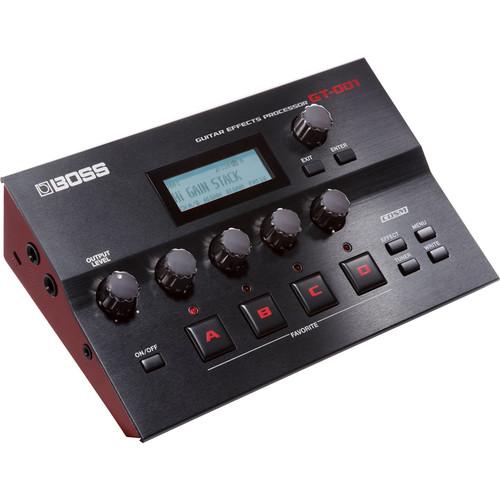 Contents of the user manual for the BOSS GT-001 Desktop Guitar Effects Processor
- Product category: Processors, Trainers & Synths BOSS
- Brand: BOSS
- Description and content of package
- Technical information and basic settings
- Frequently asked questions – FAQ
- Troubleshooting (does not switch on, does not respond, error message, what do I do if...)
- Authorized service for BOSS Processors, Trainers & Synths
 |
User manual for the BOSS GT-001 Desktop Guitar Effects Processor contain basic instructions
that need to be followed during installation and operation.
Before starting your appliance, the user manual should be read through carefully.
Follow all the safety instructions and warnings, and be guided by the given recommendations.
User manual is an integral part of any BOSS product,
and if it is sold or transferred, they should be handed over jointly with the product.
Following the instructions for use is an essential prerequisite for protecting
health and property during use, as well as recognition of liability on the part of the manufacturer
for possible defects should you make a warranty claim. Download an official BOSS user manual in which you will find instructions on how to install, use, maintain and service your product.
And do not forget – unsuitable use of a BOSS product will considerably shorten its lifespan!
|
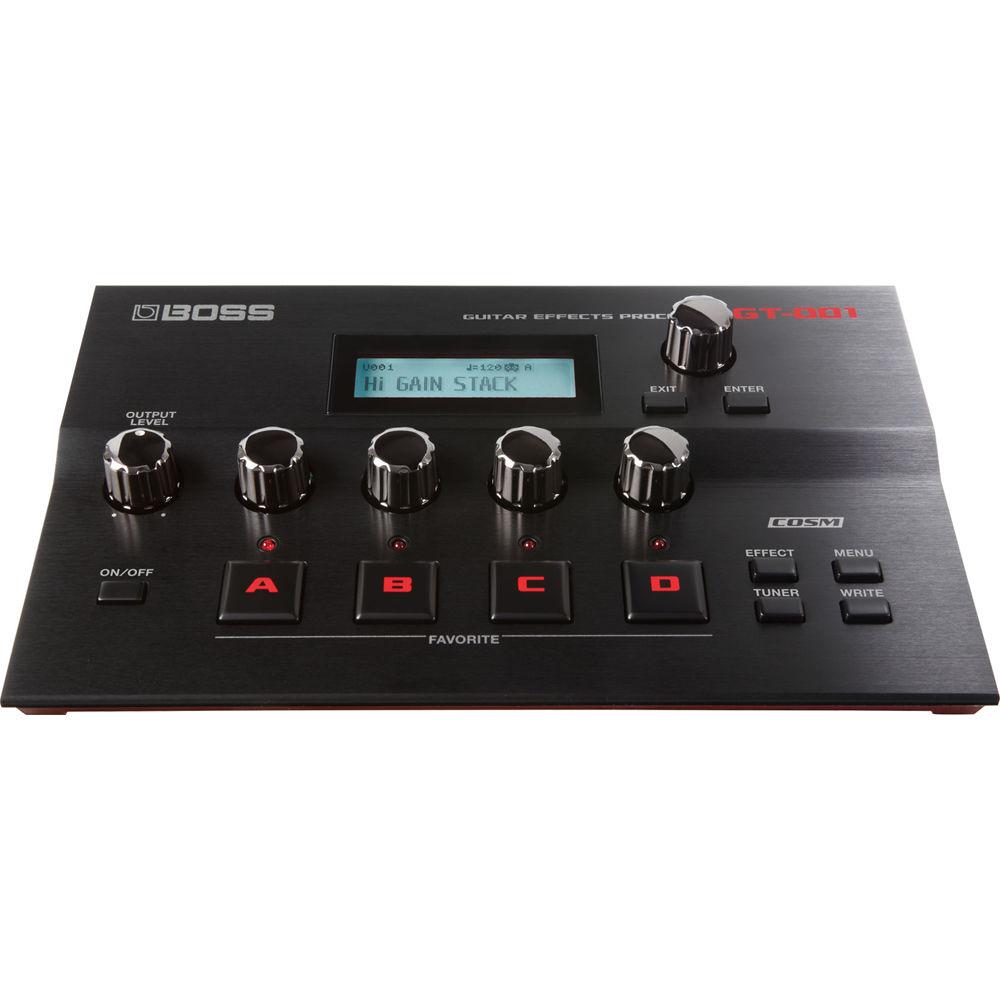
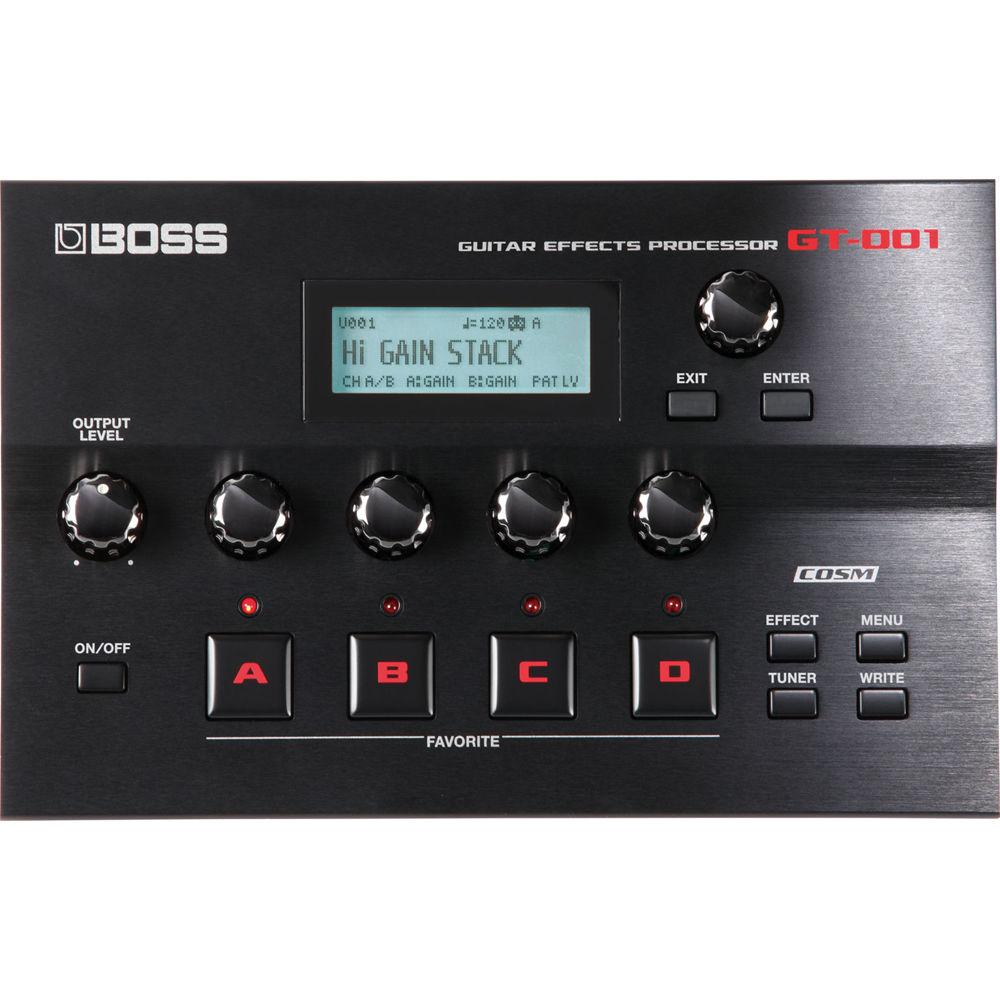
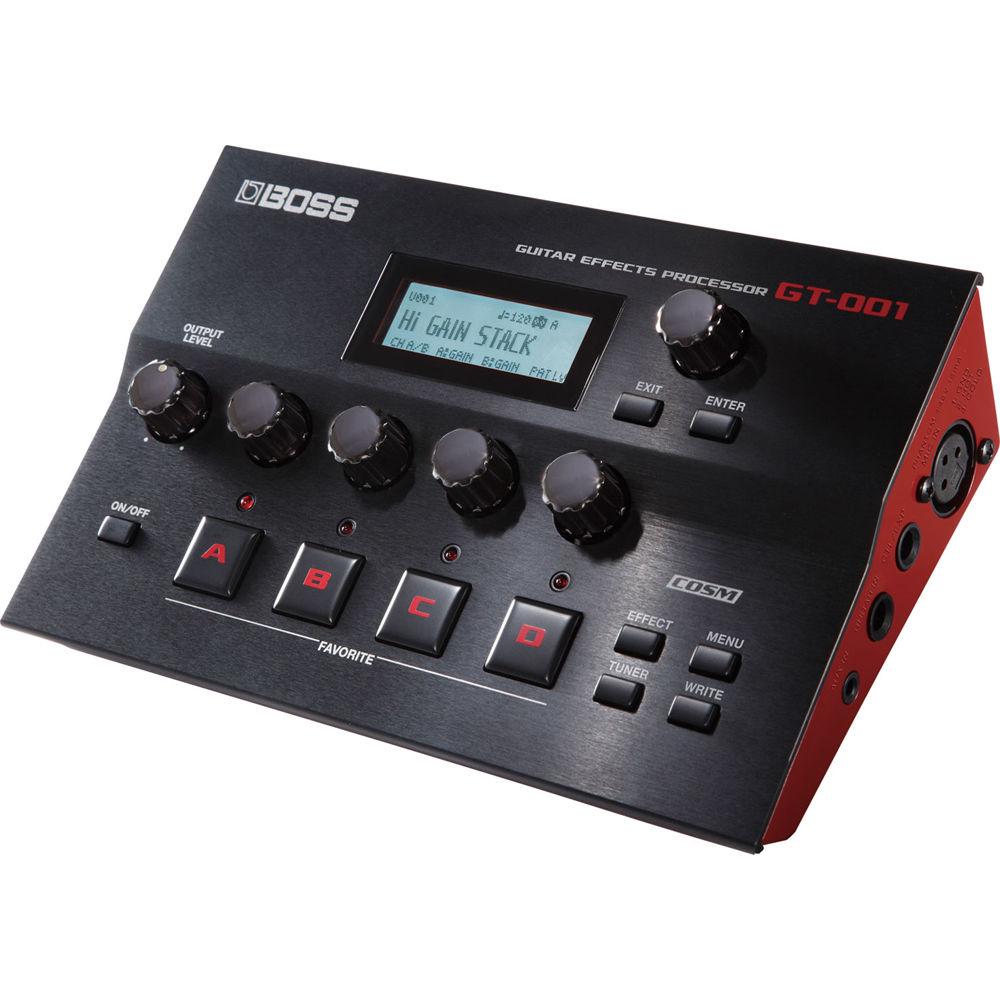
Product description The GT-001 from BOSS is an advanced guitar effects processor in a stylish desktop format. The GT-001 is based on the flagship GT-100 Version 2.0 processor and offers powerful sound creation possibilities with dual amps, and effects chains with flexible routing options. The processor also features a guitar-to-MIDI function that allows for the connection to Guitar Friend Jam and other computer programs from a normal guitar input without the need for a special pickup.
The GT-001 can operate as a multi-channel USB audio/MIDI interface for flexible recording and re-amping, while the free BOSS Tone Studio editor/librarian gives you access to hundreds of custom patches online. The XLR input is designed for microphones with specially made patches for vocals and acoustic guitars. - Pro-Level Sound for Recording and Jamming
-
- Under the hood of the GT-001’s stylish, streamlined body is a full-featured BOSS multi-effects processor with premium tone. Its COSM amps and effects are equivalent to the GT-100 with Version 2.0 software—BOSS’ top-of-the-line processor for stage performers—and patch data can be shared between the two units. Dual effects chains allow you to create sophisticated tones with two amps and series/parallel effects routings, providing pro-level performance for all your music productions. Advanced parameters include a channel divide function that lets you switch effects chains manually or according to frequency or playing dynamics, and adjustable left/right mixing for flexible audio capture in your DAW
- A Powerful Tool for DAW Music Production
-
- Via a single USB cable, the GT-001 functions as a high-quality audio interface for your Mac or Windows computer. It’s easy to capture great amp and effects tones directly into your DAW, and four audio channels provide lots of flexibility for recording, re-amping, and mixing. For example, you can listen to the GT-001’s amps and effects while capturing an unprocessed signal in your DAW, simultaneously record processed and dry tones on separate tracks, and listen to your mix while re-amping and adjusting guitar tones through the GT-001. In addition, the ability to power the GT-001 with either the included AC adapter or a computer’s USB bus offers great convenience for home setups, studio sessions, and mobile recording with a laptop PC
- XLR Mic Input and Patches Designed for Vocals and Acoustic Guitars
-
- The GT-001 is not just a guitar processor—you can also connect a mic to capture vocal and acoustic instrument performances into your DAW. The XLR mic input is equipped with phantom power, allowing you to use a condenser mic for top recording quality. Specially designed patches for vocals and acoustic guitars are included, providing great sound for monitoring and tracking. The GT-001 also has a stereo aux input, perfect for connecting a smart phone or drum machine for jamming when you’re not connected to your computer
- Enjoy Computer-Based MIDI Instruments from Your Normal Guitar
-
- The GT-001 includes a monophonic guitar-to-MIDI function that allows you to play soft synths and other MIDI instruments in your computer from your normal axe, with no special pickup required. Powered by newly developed BOSS technology, this cool and convenient function is great fun when working with Roland’s free Guitar Friend Jam software, and also lets you experiment with using your guitar to create MIDI sequences in music production software
- Edit and Organize Sounds with BOSS TONE STUDIO
-
- Available as a free download for Mac or Windows, BOSS TONE STUDIO gives you an intuitive graphical interface for creating and editing GT-001 effects patches from your computer via USB. The software also makes it easy to organize and archive patches, and to load them as needed for different songs and styles. If your computer has Internet access, BOSS TONE STUDIO provides an integrated connection to the BOSS TONE CENTRAL website, where you can preview and download free patches created by top guitar pros directly into the GT-001. These premium patches also work with the GT-100 Version 2.0, and can be easily customized with the editing tools available in BOSS TONE STUDIO
UPC: 761294504635 In the Box BOSS GT-001 Desktop Guitar Effects Processor Power Adapter Limited 1-Year Warranty Table of Contents
|
Upload User Manual
Have you got an user manual for the BOSS GT-001 Desktop Guitar Effects Processor in electronic form? Please send it to us and help us expand our library of instruction manuals.
Thank you, too, on behalf of other users.
To upload the product manual, we first need to check and make sure you are not a robot. After that, your "Submit Link" or "Upload File" will appear.
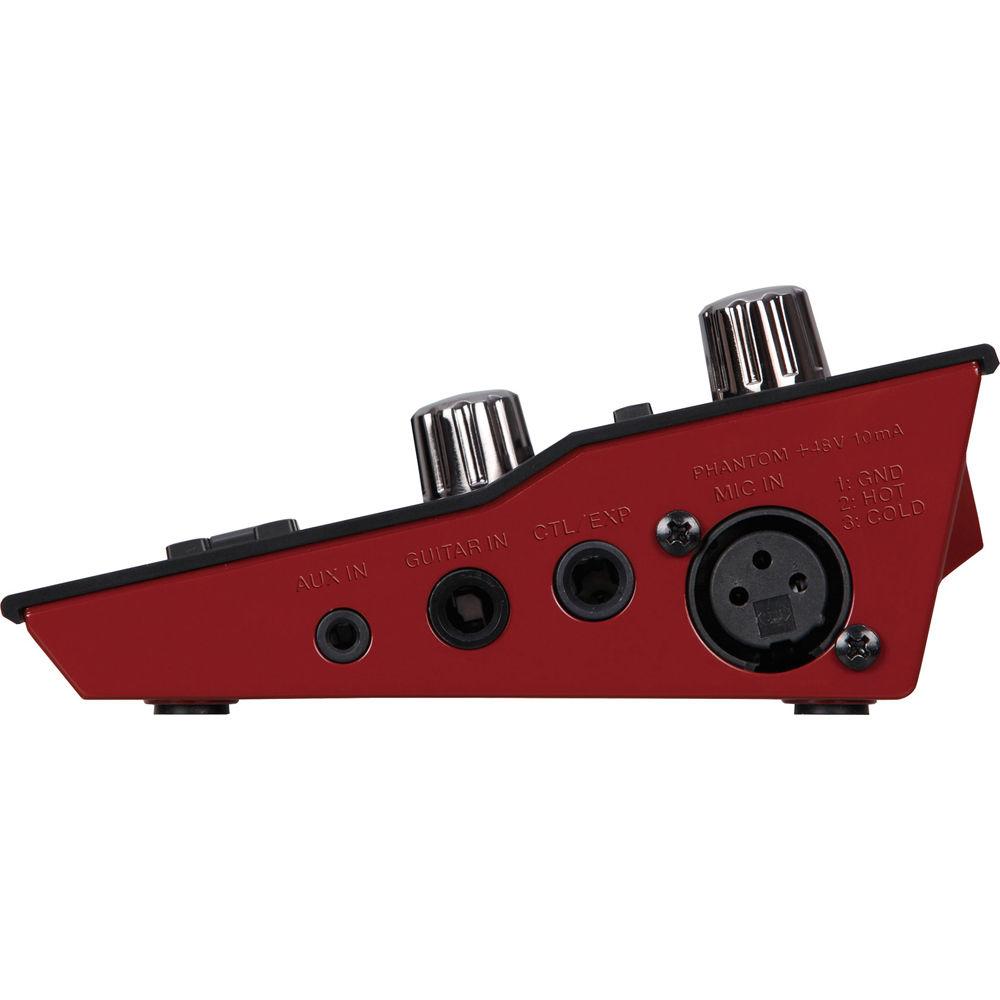
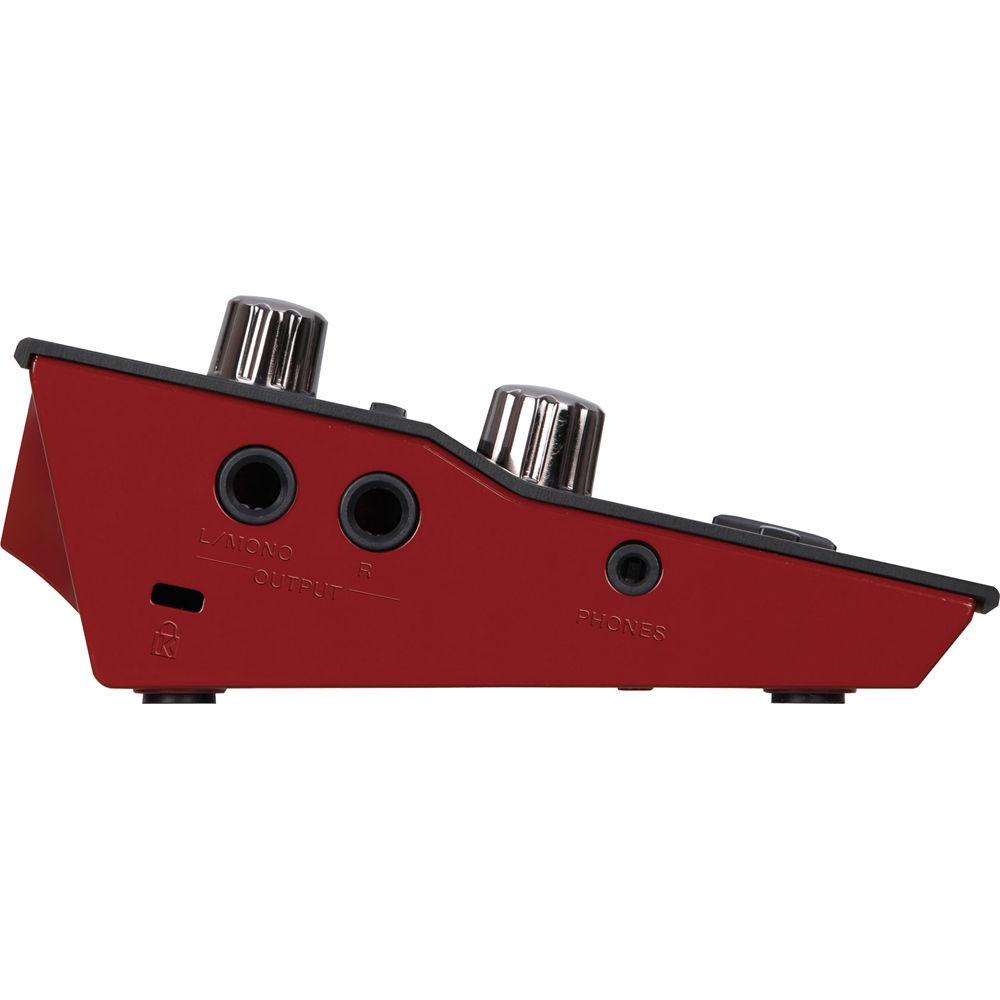
Technical parametersBOSS GT-001 Specs | Connections | Guitar In Jack: 1/4" / 6.35 mm (TS)
Mic In Jack: XLR type, balanced, phantom power (DC 48 V, 10 mA max)
Aux In Jack: Stereo 1/8" / 3.5 mm (TRS)
Output (L/Mono, R) Jacks: 1/4" / 6.35 mm (TS)
Phones Jack: Stereo 1/8" / 3.5 mm (TRS)
CTL/EXP Jack: 1/4" / 6.35 mm (TRS)
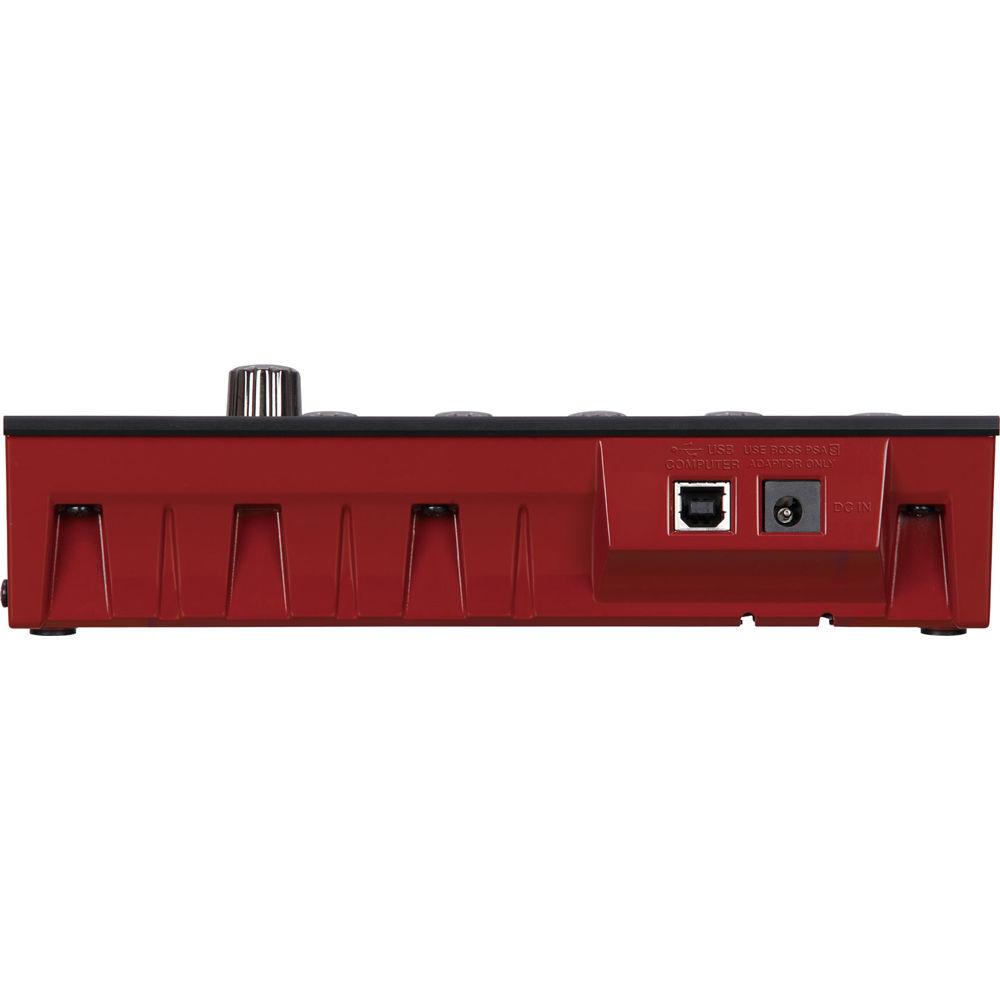
USB Computer Port: USB type B
DC In Jack | | AD Conversion | 24-bits + AF method
* AF method (Adaptive Focus method): This is a proprietary method from Roland & BOSS that vastly improves the signal-to-noise (SN) ratio of the AD and DA converters. | | DA Conversion | 24-bits | | Sample Frequency | 44.1 kHz | | Patches | 200 (user) + 200 (preset) | | Effect Type | Comp, Preamp(*1), OD/DS(*2), EQ, FX1/FX2(*3), Delay, Chorus, Reverb, Pedal FX, NS1/NS2, Accel FX
*1 Preamp
Natural Clean, Full Range, Combo Crunch, Stack Crunch, HiGain Stack, Power Drive, Extreme Lead, Core Metal, JC-120, Clean Twin, Pro Crunch, Tweed, Deluxe Crunch, VO Drive, VO Lead, Match Drive, BG Lead, BG Drive, MS1959 I, MS1959 I+II, R-Fier Vintage, R-Fier Modern, T-Amp Lead, SLDN, 5150 Drive, BGNR UB Metal, ORNG Rock Reverb, Custom
*2 OD/DS
Mid Boost, Clean Boost, Treble Boost, Crunch, Natural OD, Warm OD, Fat DS, Lead DS, Metal DS, Oct Fuzz, A-Dist, Blues OD, OD-1, T-Scream, Turbo OD, Dist, Rat, GUV DS, DST+, Metal Zone, '60S Fuzz, Muff Face, Custom
*3 FX1/FX2
T.Wah, Auto Wah, Sub Wah, Adv. Comp, Limiter, Sub OD/DS, Graphic EQ, Para EQ, Tone Modify, Guitar Sim., Ac.Guitar Sim, Slow Gear, Defretter, Wave Synth, Sitar Sim., Octave, Pitch Shifter, Harmonist, Overtone, Sound Hold, Ac. Processor, Phaser, Flanger, Tremolo, Rotary1, Rotary2, Uni-V, Pan, Slicer, Vibrato, Ring Mod., Humanizer, 2X2 Chorus, Sub Delay, Tera Echo
* A-Dist is available in OD/DS and in Sub OD/DS of FX2
* Overtone and Tera Echo are only available in FX2 | | Nominal Input Level | Guitar In: -10 dBu
Mic In: -40 dBu
Aux In: -20 dBu | | Input Impedance | Guitar In: 1 MOhm
Mic In: 4 kOhms
Aux In: 27 kOhms | | Nominal Output Level | Output L/Mono, R: -10 dBu
Phones: -10 dBu | | Output Impedance | Output L/Mono, R: 2 kOhms
Phones: 44 ohms | | Recommended Load Impedance | Output L/Mono, R: 10 kOhms or greater
Phones: 44 ohms or greater | | Display | Graphic LCD (132 x 32 dots, backlit LCD) | | Power | Power Supply: AC adapter or obtained via USB port (USB bus power)
Current Draw: 240 mA | | Dimensions (W x D x H) | 8.3 x 5.3 x 2.3" / 21.1 x 13.5 x 5.8 cm | | Weight | 1.2 lb / 0.5 kg | | | | Package Weight | 2.45 lb | | Box Dimensions (LxWxH) | 11.496 x 7.559 x 4.488" |
Rating60% users recommend this product to others. And what about you?

This product has already been rated by 59 owners. Add your rating and experience with the product.
Discussion
 Ask our technicians if you have a problem with your settings,
or if anything is unclear in the user manual you have downloaded.
You can make use of our moderated discussion.
The discussion is public and helps other users of our website who may be encountering similar problems.
Ask our technicians if you have a problem with your settings,
or if anything is unclear in the user manual you have downloaded.
You can make use of our moderated discussion.
The discussion is public and helps other users of our website who may be encountering similar problems.
The discussion is empty - enter the first post
Post a new topic / query / comment:
|
|


