|
User Manual for BOSS Katana-50 - 50W 1x12 Combo Amplifier for Electric Guitar Click to enlarge the picture
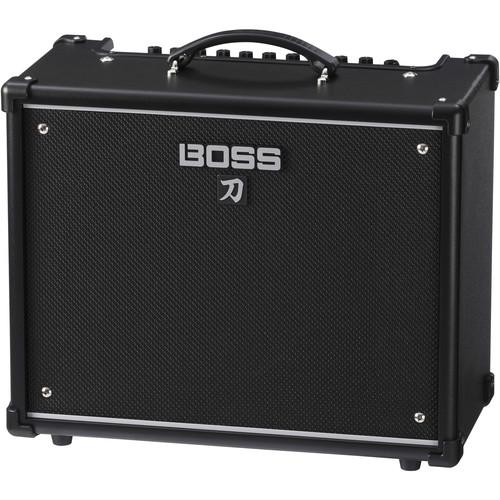 Contents of the user manual for the BOSS Katana-50 - 50W 1x12 Combo
- Product category: Guitar Amplifiers BOSS
- Brand: BOSS
- Description and content of package
- Technical information and basic settings
- Frequently asked questions – FAQ
- Troubleshooting (does not switch on, does not respond, error message, what do I do if...)
- Authorized service for BOSS Guitar Amplifiers
 |
User manual for the BOSS Katana-50 - 50W 1x12 Combo contain basic instructions
that need to be followed during installation and operation.
Before starting your appliance, the user manual should be read through carefully.
Follow all the safety instructions and warnings, and be guided by the given recommendations.
User manual is an integral part of any BOSS product,
and if it is sold or transferred, they should be handed over jointly with the product.
Following the instructions for use is an essential prerequisite for protecting
health and property during use, as well as recognition of liability on the part of the manufacturer
for possible defects should you make a warranty claim. Download an official BOSS user manual in which you will find instructions on how to install, use, maintain and service your product.
And do not forget – unsuitable use of a BOSS product will considerably shorten its lifespan!
|
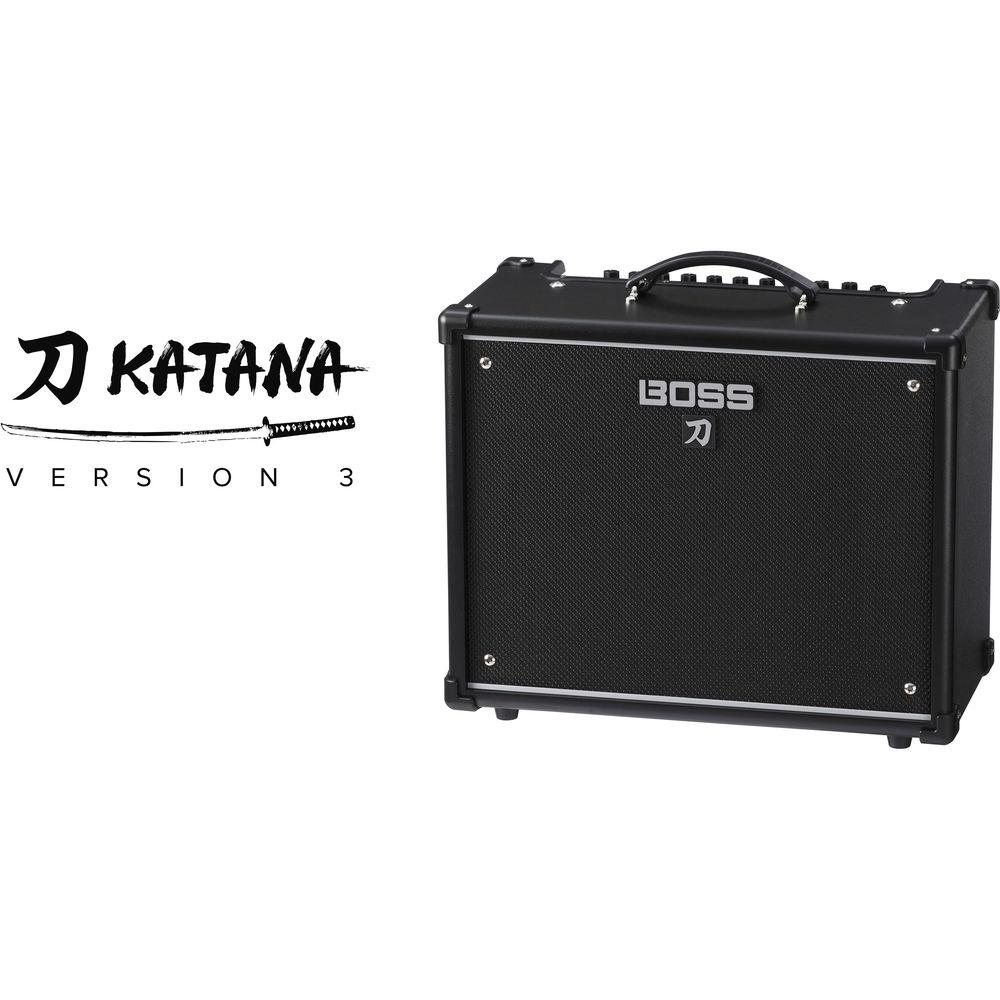
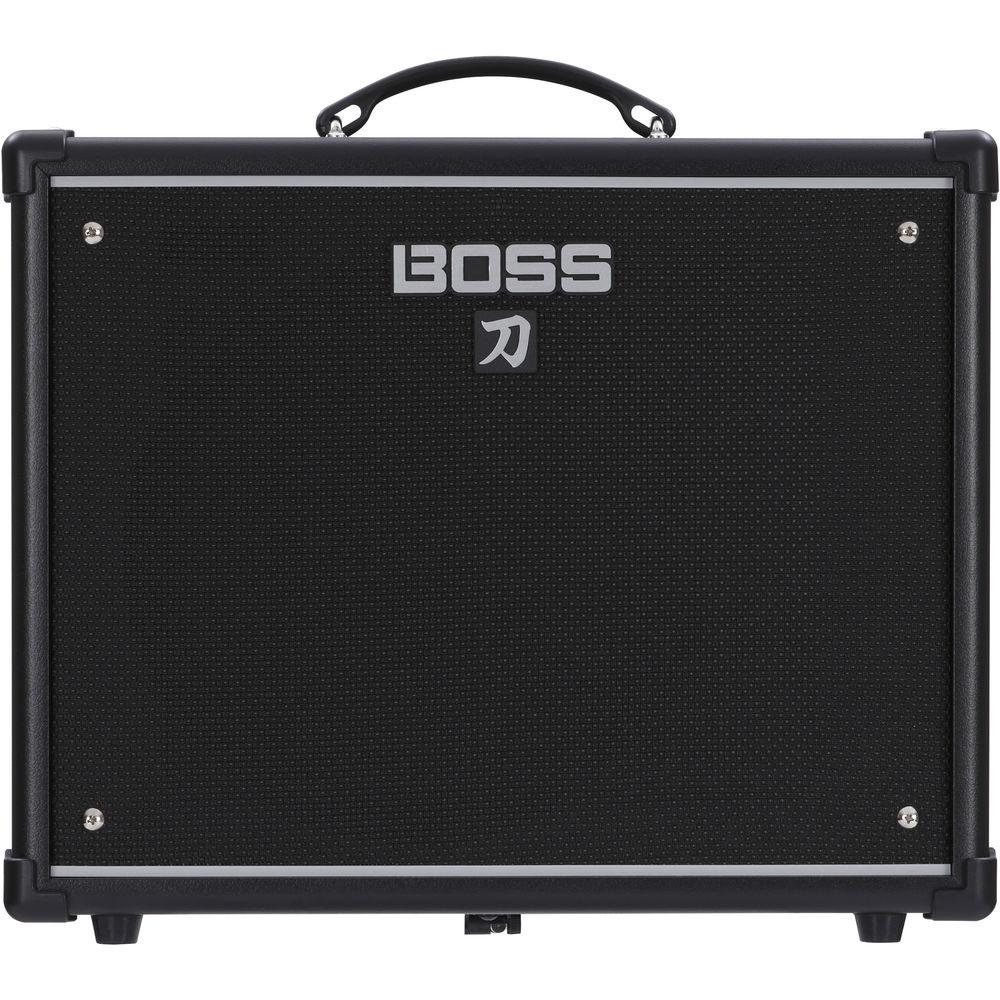
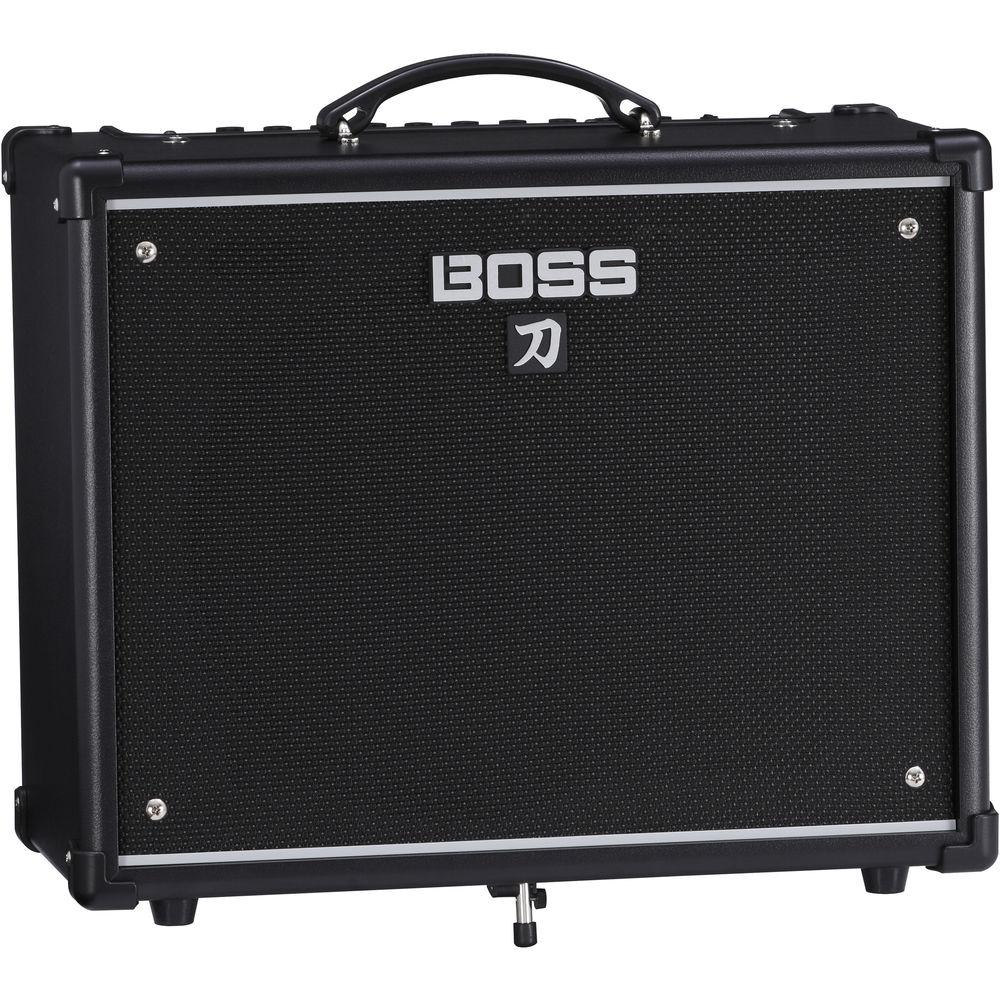
Product description Designed to provide you with gig-ready rock tones while minimizing your reliance on a pedalboard, the Katana-50 Combo Amplifier from BOSS delivers 50W into a 1x12" speaker cabinet, making it suitable for use in small venues and practicing at home. The amp gives you access to 61 BOSS effects via BOSS's Tone Central. Using a USB connection, you can port any 15 effects into the amplifier at any one time, with three separate effects available for simultaneous usage. Once you select among these effects—as well as among five different onboard amp character types and EQ controls—you can store your tone into one of two recallable Tone Settings memories. In this manner, you can easily change your tonal array onstage without a complicated tap dance routine.
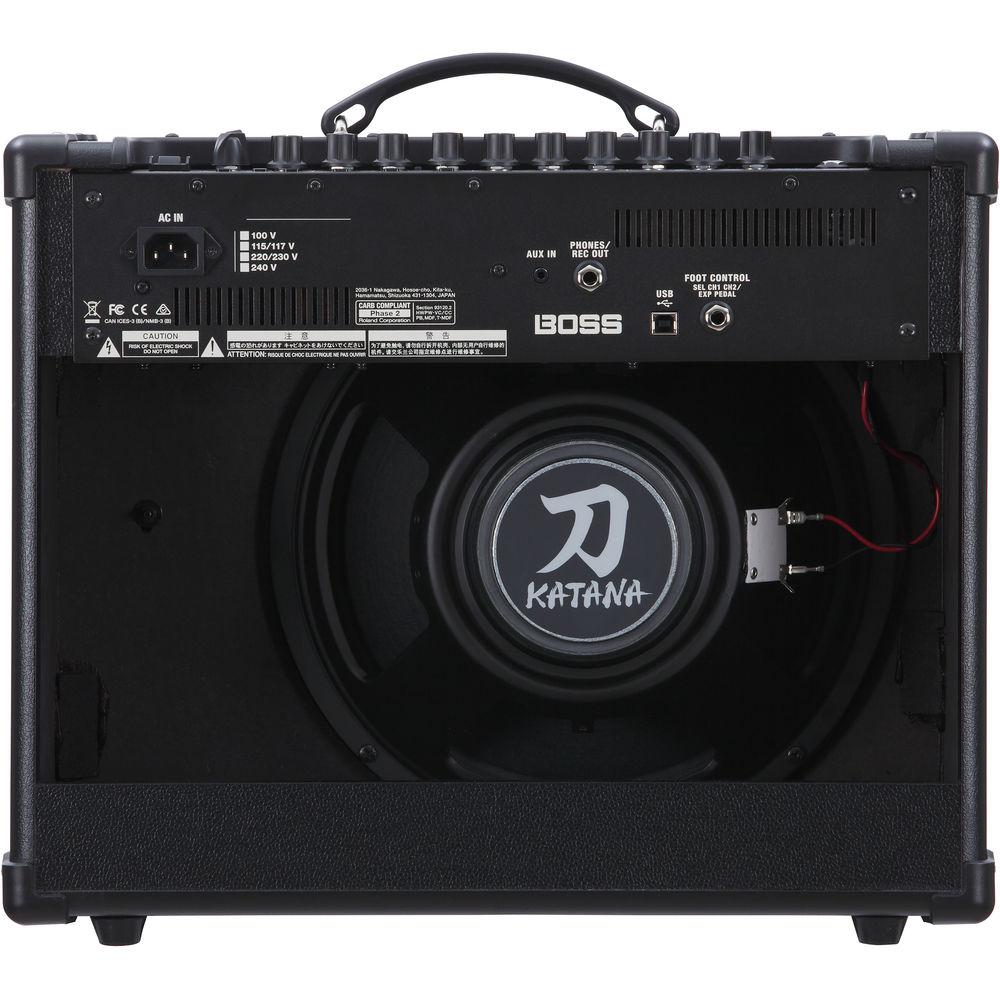
Turn your attention to the rear of the amplifier chassis, and you'll notice a headphones/recording output, giving you the ability to direct your sound to headphones and recording devices with a minimal amount of maneuvering. An auxiliary input jack lets you play audio from compatible players through the amplifier. A footswitch input allows you to select between the two Tone Settings channels or to implement an expression pedal without turning your back on the audience. In addition, a built-in tilt stand allows you to angle the amp for monitoring or simply adjust the direction of sound projection. - Five Distinct Amp Characters
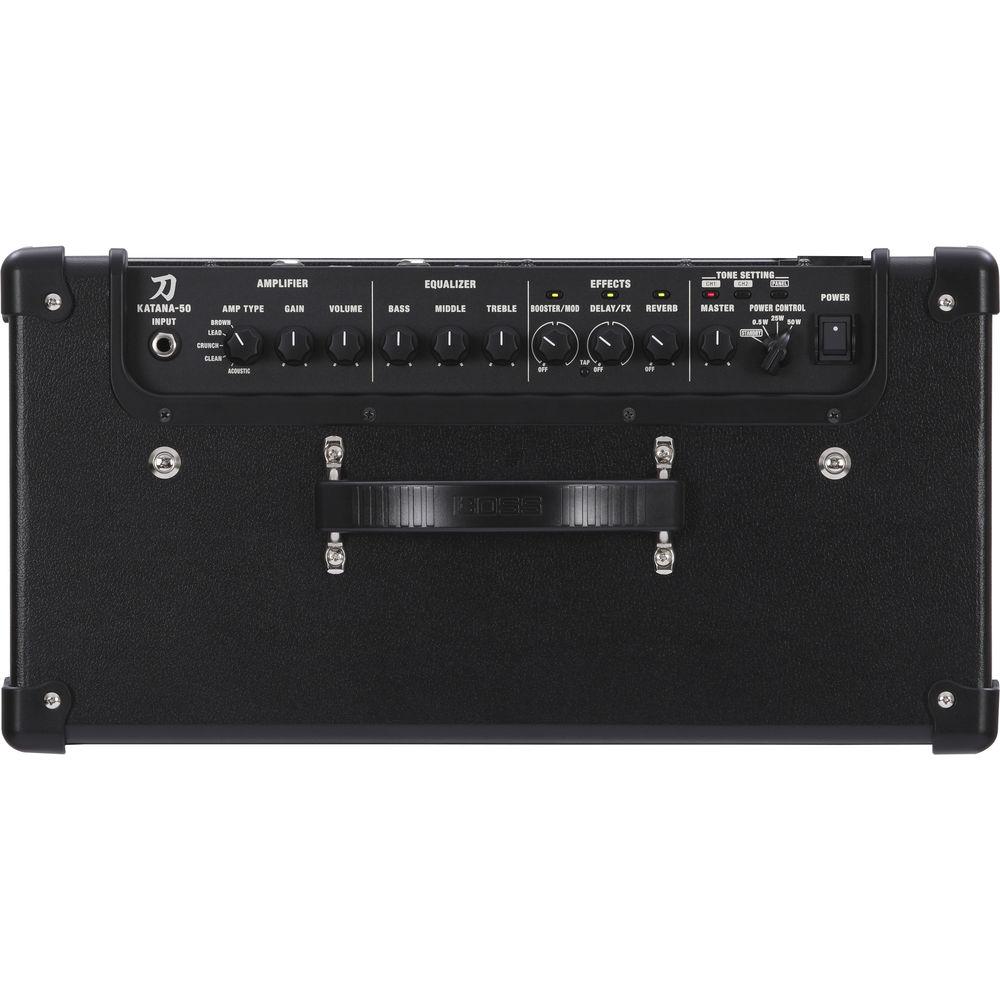
- The Katana offers five amp characters with tones ranging from organic vintage to modern high gain; Clean is natural and transparent, Crunch offers a small amount of grit, Lead has a wide gain range to suit many styles, Brown delivers a refined high-gain tone, and the Acoustic character provides a tonality geared toward acoustic/electric guitars
- Pedalboard Sounds without the Pedalboard
- Via BOSS's Tone Central, you can choose from 61 effects—the Katana Version 3 update brings the Roland DC-30 Analog Chorus-Echo, the BOSS GE-10 Graphic Equalizer, and the 95E pedal wah—to load 15 different modules into the amp at any one time, using three of them simultaneously; two Tone Settings let you store custom amp and effects setups for instant recall, and you can always jump to the current panel settings at the touch of a button
- Footswitching Possibilities
- External control of specific parameters is possible with an input for an optional footswitch and expression pedal
- Intuitive Operation
- Dedicated knobs for multiple gain stages and the three-band EQ allow you to dial in tones by ear, just as you would with a standard tube amp; essential effects parameters are adjusted with a simple knob twist, and Tone Setting memories can be stored with a brief button hold
- Power Control
- A Power Control selector lets you reduce wattage, allowing you to lower the volume for home-playing without sacrificing tone
- Computer Connectivity
- You can send mix-ready, true stereo sound with Katana's effects to your DAW via the USB port, recording directly to your computer, without having to take an analog DI
- Tone Central & Tone Studio
- The Katana gives you access to Tone Central and Tone Studio; Tone Central provides a plethora of free amp and effect setups created by seasoned professionals and downloadable by you, while Tone Studio gives you a convenient way to organize your Katana presets for different gigs, recordings, and practice sessions
- Notable Features
-
- 50W combo amplifier
- 1x12" speaker
- Five distinct amp characters: Clean, Crunch, Lead, Brown (derived from the Waza amp), and Acoustic (for acoustic/electric guitars)
- Full-time channel and global parametric EQs for refined tone shaping
- Three Cabinet Resonance types adjust the interaction between the amp’s output section and speaker, enabling you to fine-tune the feel and tone of the amp
- Cabinet simulation on the line, USB, and phones/recording outputs enhanced with three Air Feel settings for adding depth and dimension to direct tones
- Reverb section supports delay and delay-plus-reverb, in addition to reverb only
- Choose from 61 customizable effects with BOSS Tone Studio editor software
- Store 15 different effects on board, with three effects available at once
- Dedicated gain, EQ, and effects controls for adjusting sounds quickly
- Assign parameters to the front-panel effects knobs
- Four Tone Setting memories for storing and recalling all amp and effect settings
- Power Control for achieving cranked-up tones at low volumes
- USB jack provides mix-ready tones with effects intact
- Preset effects available at the BOSS Tone Central website
- Built-in tilt stand
UPC: 761294509296 In the Box BOSS Katana-50 - 50W 1x12 Combo Amplifier for Electric Guitar Power Cable Limited 1-Year Warranty on Parts Limited 90-Day Warranty on Labor Table of Contents
|
Upload User Manual
Have you got an user manual for the BOSS Katana-50 - 50W 1x12 Combo Amplifier for Electric Guitar in electronic form? Please send it to us and help us expand our library of instruction manuals.
Thank you, too, on behalf of other users.
To upload the product manual, we first need to check and make sure you are not a robot. After that, your "Submit Link" or "Upload File" will appear.
Technical parametersBOSS Katana-50 Specs | | | Amplifier Type | Modeling | | Output Power | 50 W RMS | | Channels | 2 | | Built-In Effects | Delay, Digital Reverb, Distortion/Overdrive | | Master Volume | Yes | | Inputs | 1 x 1/4" Mono Instrument
1 x 1/4" Stereo Footswitch
1 x 1/8" Series Aux | | Outputs | 1 x 1/4" Stereo Headphone
1 x USB Stereo Interface | | Tone Section | Channel 1: Bass, Channel Volume, Gain, Mid, Treble
Channel 2: Bass, Channel Volume, Gain, Mid, Treble | | | | Configuration | 1 x 12" Speaker(s) | | Cabinet Type | Straight Open Mono | | Power Rating | 50 W RMS | | | | Dimensions (WxHxD) | 18.5 x 15.7 x 11.1" / 470.0 x 398.0 x 283.0 mm Combo | | Weight | 25.57 lb / 11.6 kg Combo | | | | Package Weight | 29.0 lb | | Box Dimensions (LxWxH) | 21.8 x 18.5 x 12.8" |
Rating100% users recommend this product to others. And what about you?

This product has already been rated by 91 owners. Add your rating and experience with the product.
Discussion
 Ask our technicians if you have a problem with your settings,
or if anything is unclear in the user manual you have downloaded.
You can make use of our moderated discussion.
The discussion is public and helps other users of our website who may be encountering similar problems.
Ask our technicians if you have a problem with your settings,
or if anything is unclear in the user manual you have downloaded.
You can make use of our moderated discussion.
The discussion is public and helps other users of our website who may be encountering similar problems.
The discussion is empty - enter the first post
Post a new topic / query / comment:
|
|
|
| Request for user manual |
You can’t find the operation manual you are looking for? Let us know and we will try to add the missing manual:
I’m looking for a manual / Request for manual
Current requests for instruction manuals:
Call Of Duty World War Two For Xbox...
controller stratus XL...
stratus XL...
smart whatch serie S11 42mm...
Allen & Heath SQ-6 manual...
|
| Discussion |
Latest contributions to the discussion:
AEW R 4100
Name: MAURICIO ANGARITA
Audio-Technica AEW-R4100 UHF Diversity Receiver for
AEW R 4100 has the mute function blocked and does not allow audio to pass. I tried several times to turn off the mute from the transmitter but it does nothing, the mute stays on. Solution?
Thank you...
Instructions for assembling the 2015 Forecast Image Master Consoles GC3-A
Name: mike elam
Forecast Consoles GC3-A ImageMaster Editing Console
Looking for instructions for assembling this console. ...
EMPTY TONER ERROR MESSAGE AFTER REPLACING TONER
Name: LINDA BAD YELLOW EYES
Brother TN223BK Standard-Yield Toner
I HAD TO CHANGE OUT ALL THREE TONERS DUE TO LEAKS IN THE YELLOW AND CYAN. AFTER I REPLACED THEM, THE MACHINE KEEPS GIVING ME AN EMPTY TONER ERROR MESSAGE. HELP!!...
PS480D 20/24 pin Switching 480W Power Supply
Name: swkargo
Logisys 480W Power Supply
This item states in can run -5vdc .It is NOT listed on the board or I beleive is r4 is missing the resitior. Any body have thid issue. Shawn
...
Help needed
Name: Ann Carter
SanDisk 1TB Extreme Portable USB 3.1
When I click the link to download the user manual for my Sandisk Extreme external hard drive, it gives me the manual for the LG Cricket. Can you please change the link so I can download the Sandisk manual and begin using this drive? Thank you....
|
|


