|
User Manual for BOSS Katana-Air 30W Stereo Combo Amplifier with Wireless Transmitter & Bluetooth Connectivity Click to enlarge the picture
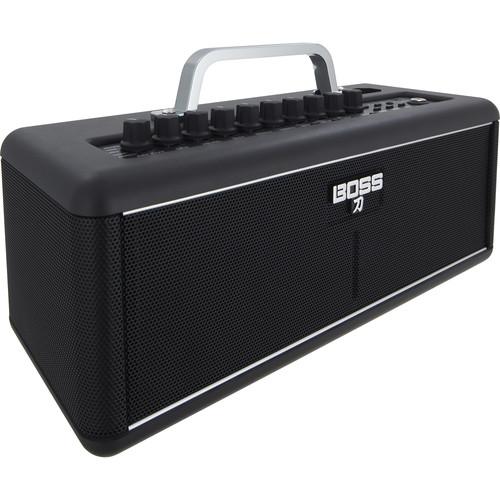 Contents of the user manual for the BOSS Katana-Air 30W Stereo Combo Amplifier
- Product category: Guitar Amplifiers BOSS
- Brand: BOSS
- Description and content of package
- Technical information and basic settings
- Frequently asked questions – FAQ
- Troubleshooting (does not switch on, does not respond, error message, what do I do if...)
- Authorized service for BOSS Guitar Amplifiers
 |
User manual for the BOSS Katana-Air 30W Stereo Combo Amplifier contain basic instructions
that need to be followed during installation and operation.
Before starting your appliance, the user manual should be read through carefully.
Follow all the safety instructions and warnings, and be guided by the given recommendations.
User manual is an integral part of any BOSS product,
and if it is sold or transferred, they should be handed over jointly with the product.
Following the instructions for use is an essential prerequisite for protecting
health and property during use, as well as recognition of liability on the part of the manufacturer
for possible defects should you make a warranty claim. Download an official BOSS user manual in which you will find instructions on how to install, use, maintain and service your product.
And do not forget – unsuitable use of a BOSS product will considerably shorten its lifespan!
|
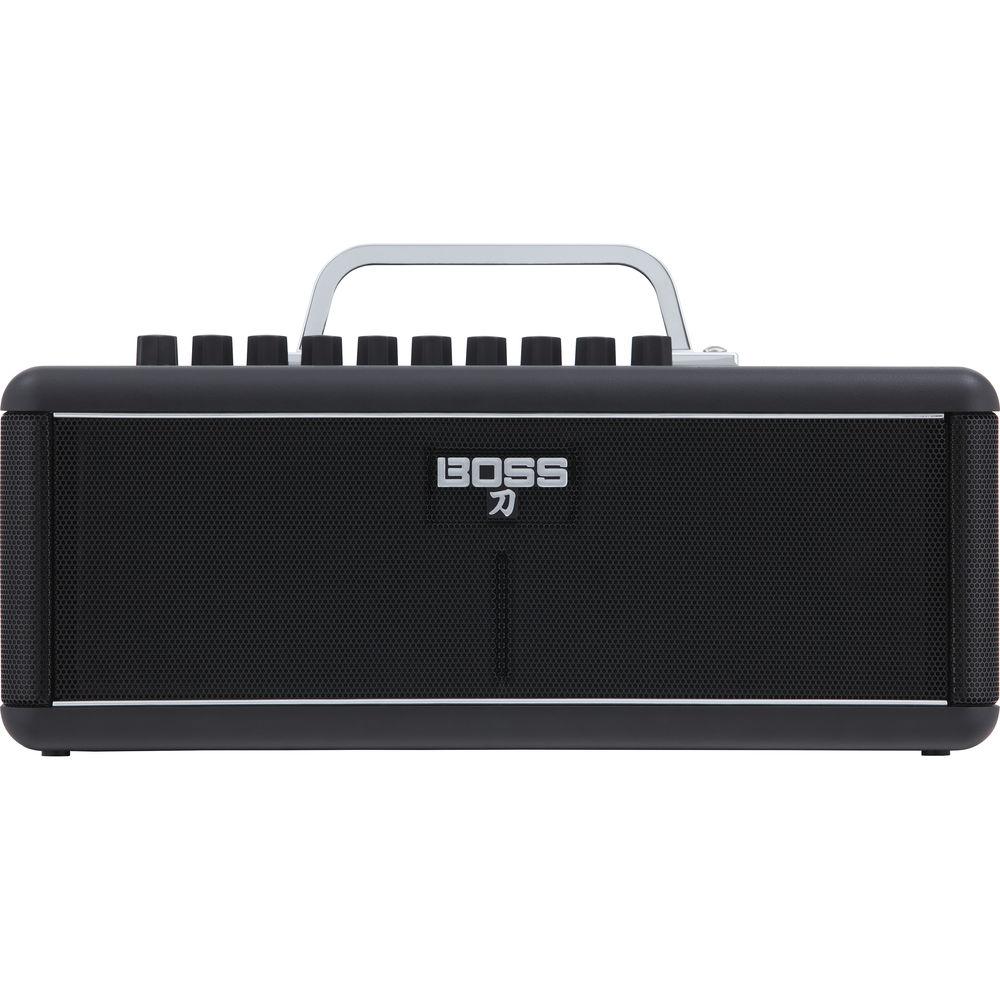
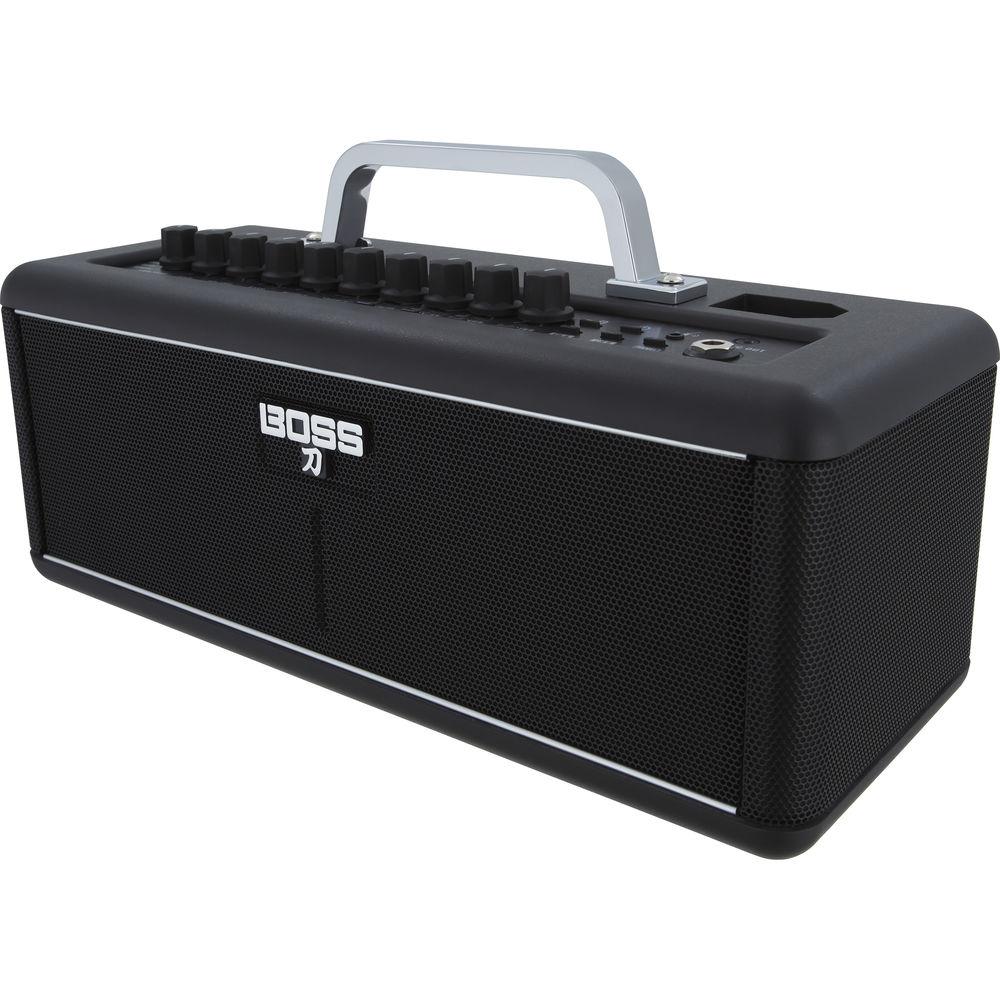
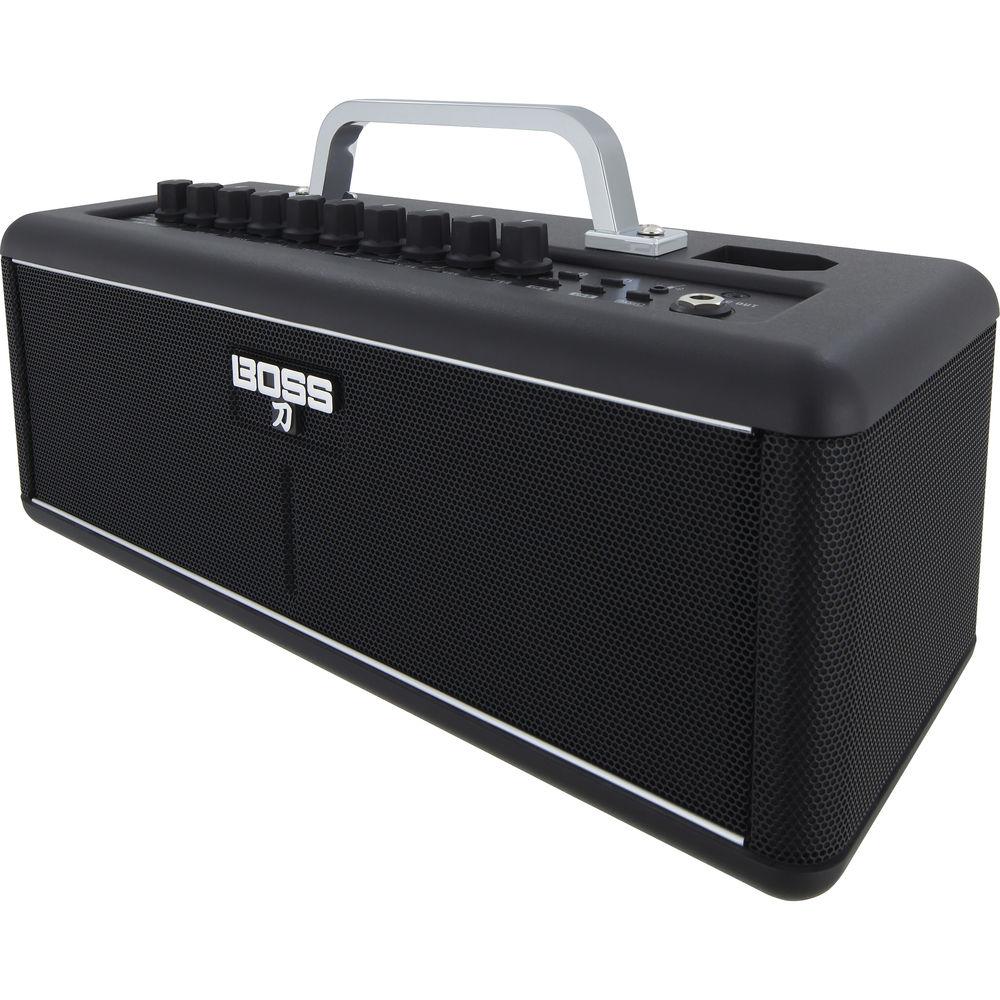
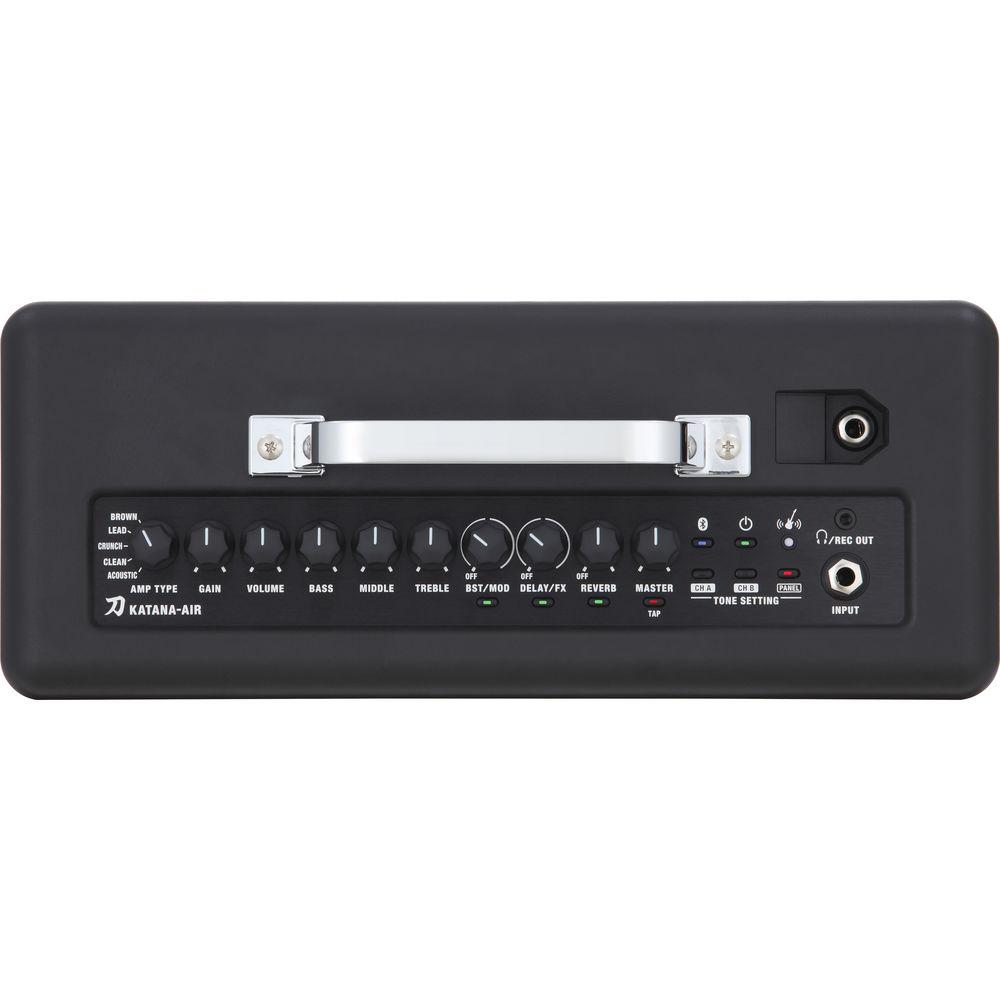
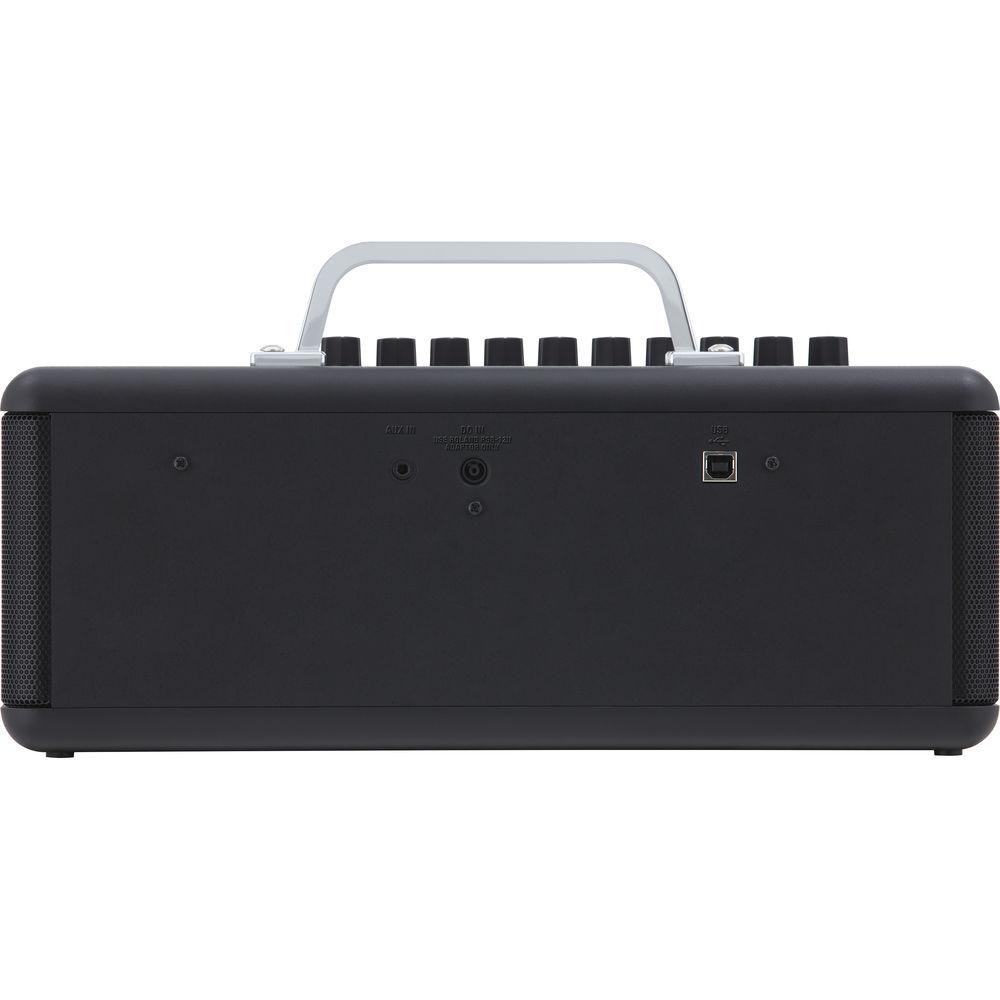
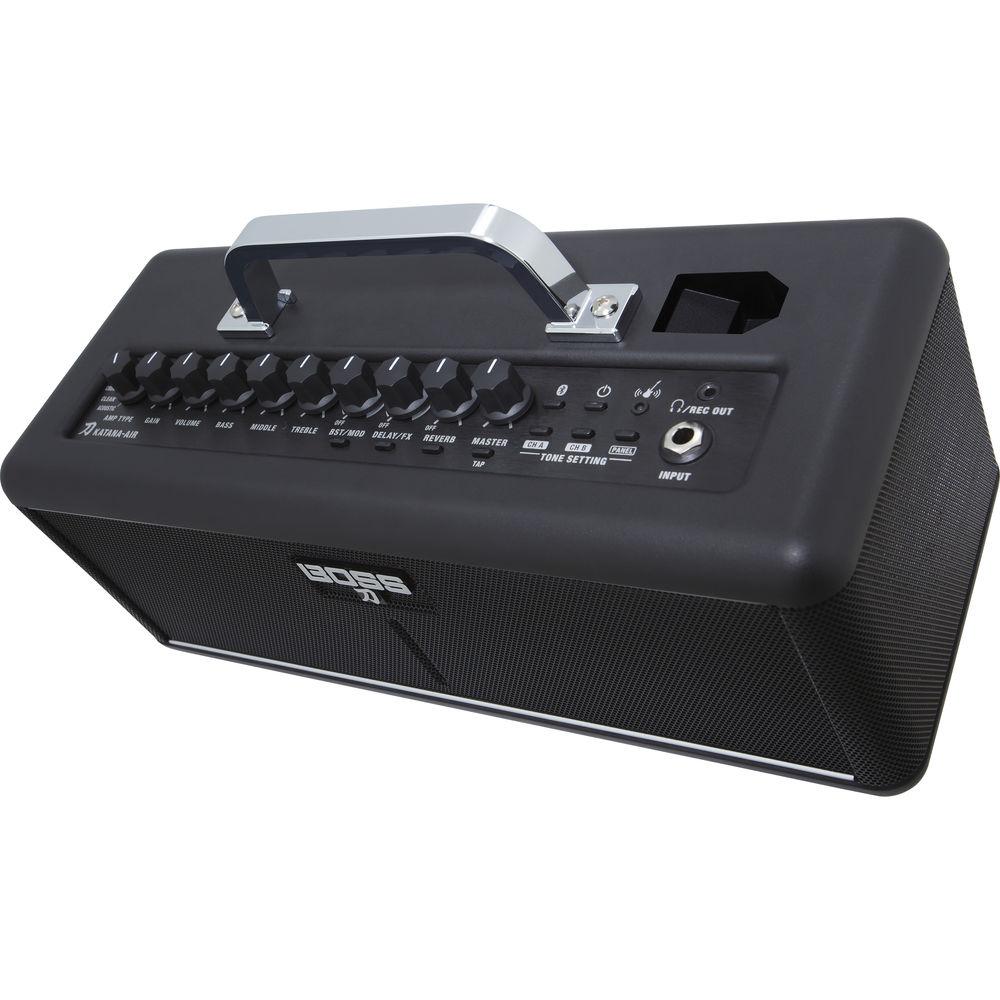
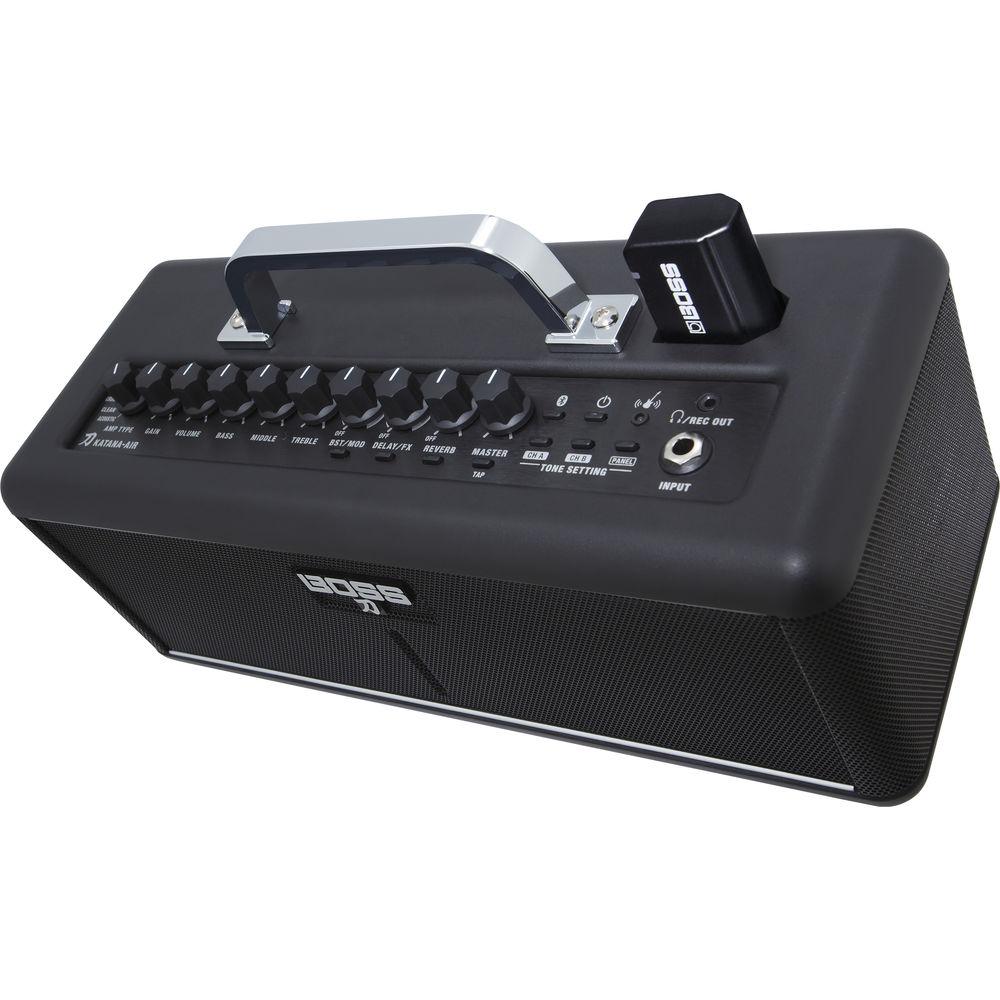
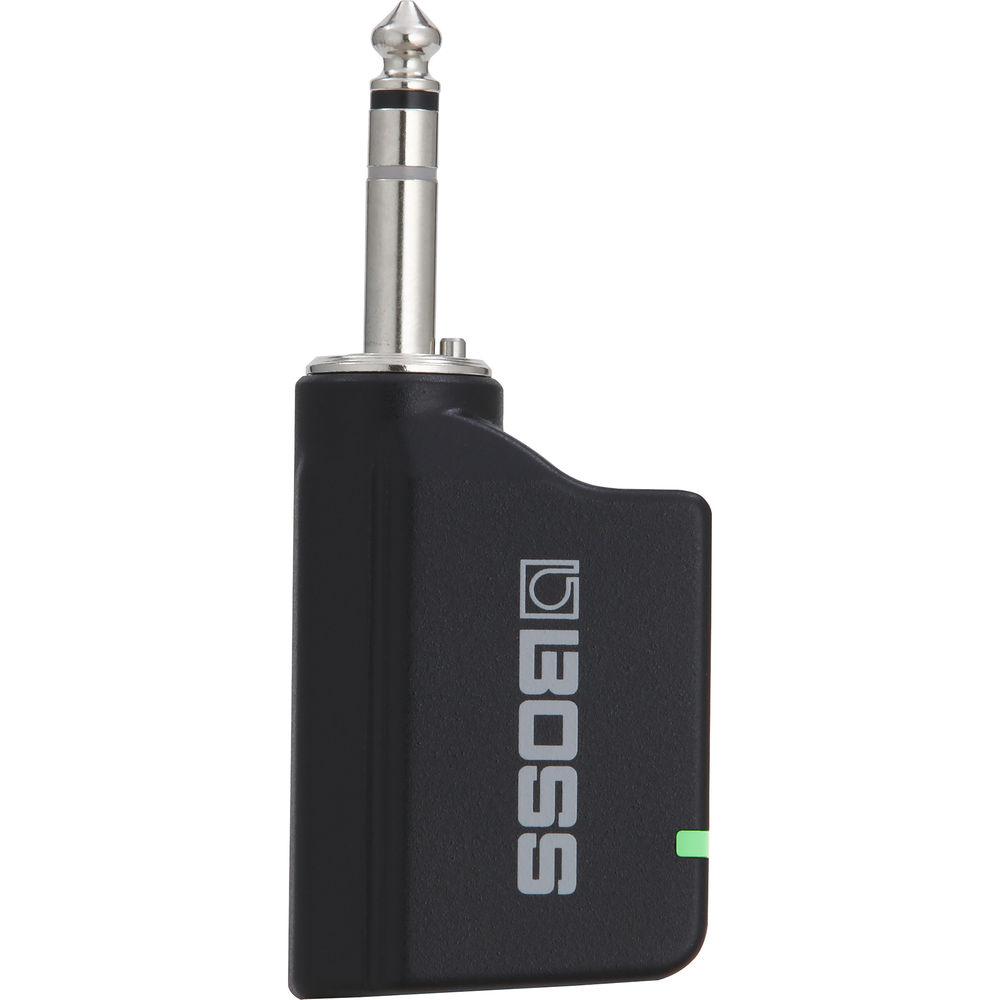
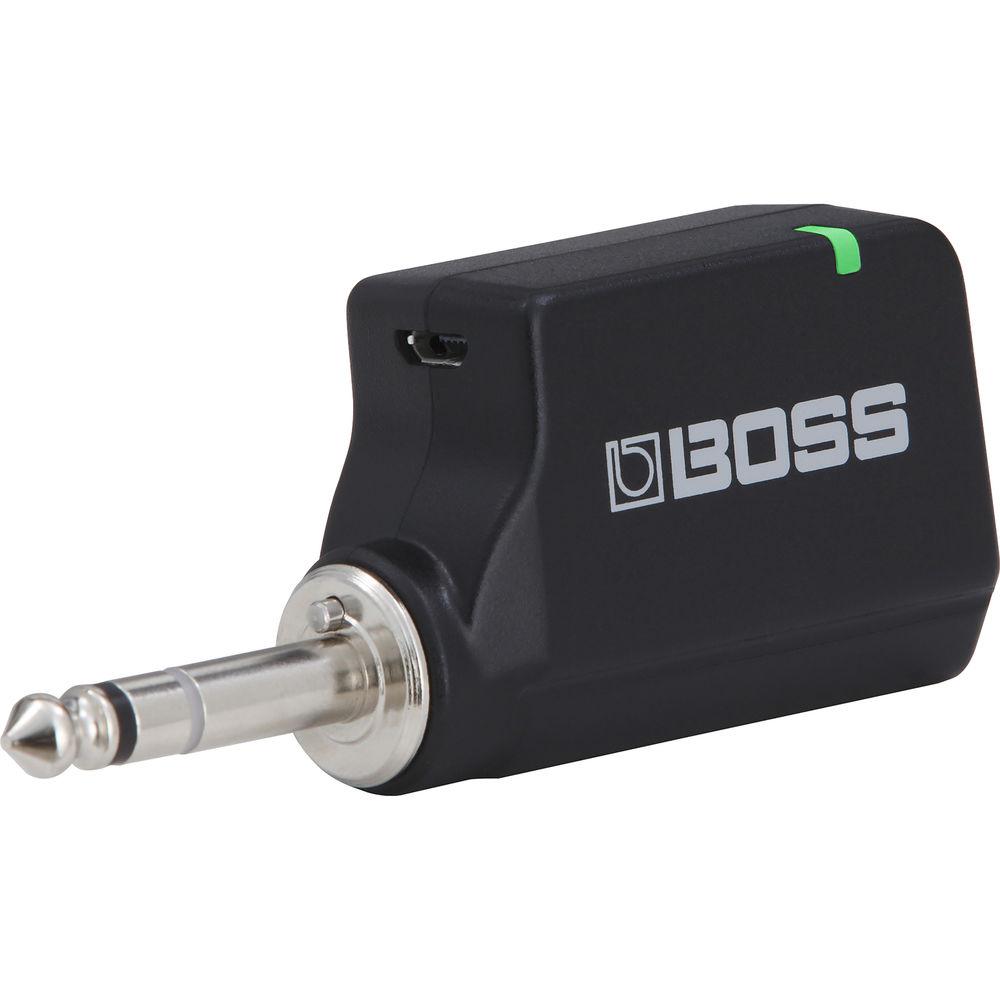
Product description The BOSS Katana-Air is a portable combo amplifier that allows you to take 30W of stereo guitar tone with you wherever you may roam. Simply plug the included wireless transmitter into your guitar, dial in your favorite tone (with five models on hand, there’s many to choose from), and you’re ready to go. If you want, you can load high-quality, BOSS-style effects into your chain utilizing a corresponding app for iOS and Android devices; this app, which gives you full control over the amplifier—as well as access to a bevy of choruses, delays, reverbs, and more—can organize your favorite amp setups and beam them straight into the Katana-Air over Bluetooth. If you want to leave the phone at home, you can load up to six user presets in the amplifier itself, and cycle between them at will. The included transmitter can be recharged straight from a docking station conveniently located in the amp when not in use. Moreover, it utilizes motion sensing technology to switch the whole rig into standby when you’re not playing, and to wake back up instantly when you are. Lasting approximately 10 hours on eight AA batteries, the rig can rock and/or roll for a while before you need to restock on batteries. Or, you can use the included AC adapter to plug into the wall, if that’s your preference. Connections are on hand for wired devices by means of an auxiliary input, and a stereo headphone jack lets you practice silently in stereo or record to your favorite app or DAW. For more information, please peruse the features section. - Key Features at a Glance
-
- Wireless guitar amplifier with proprietary BOSS transmitter for guitar
- Low-latency operation
- Custom wireless transmitter plugs into any electric guitar and charges while docked in the amp
- Transmitter provides 12 hours of playing time on a single charge
- Transmitter automatically enters standby mode to conserve the charge when no activity is detected
- Motion sensing transmitter instantly wakes the amp from power-saving standby mode
- Tones derived from the Katana stage amplifier series, with five unique amp characters and access to over 50 BOSS effects
- Six onboard memory slots for storing amp and effects setups
- 2 x 3" speakers for up to 30W of stereo power (20W, battery-powered)
- Edit/organize tones with the BOSS Tone Studio app for iOS and Android mobile devices
- Play along with music streamed wirelessly from a mobile device via Bluetooth
- Amplifier powered by 8 x AA-size batteries or included AC adapter
- Auxiliary input for wired devices
- Headphones/recording output for silent practice and music production
- Convenience
- With its Katana sound engine and wireless operation, the Katana-Air facilitates portable playing and practice. When you want to jam at home, there's no need to set up your big rig or rely on the dry, boxy sound of a mini practice amp. Just plug the Katana-Air's transmitter into your guitar and riff with great sound from anywhere in the room! Thanks to its portable size and ability to run on batteries, the Katana-Air is an equally great companion for travel, parties, jam sessions with friends, busking (where legal), and more.
- In-House Wireless Technology
- The Katana-Air uses low-latency digital-wireless guitar technology developed by BOSS to provide transparent sound without any lag or dropouts. The included custom wireless transmitter plugs into any electric guitar, and has indicators for power and battery status. A convenient docking port in the amp charges the battery in the transmitter, providing up to 12 hours of total playing time per charge.
- Intelligent Standby
- The Katana-Air operates in standby mode to conserve energy when idle, and instantly wakes when the transmitter senses motion. This means that you can leave the transmitter connected to your guitar, and then turn the amp on simply by picking up the instrument. Conversely, when you stop playing, the transmitter returns to standby mode to conserve your charge. The transmitter also establishes the best wireless connection automatically when you dock it for charging, so there's no complicated setup required.
- Amp and Effects Tones
- Equipped with the same tones and sound-shaping controls found in larger Katana amplifiers, the Katana-Air offers timbres for any style. Five amp characters provide a wide range of tones, from sparkling clean to a custom, high-gain Brown sound evocative of a Marshall stack. There's even an Acoustic character optimized for playing acoustic/electric guitar. The amp also provides integrated access to over 50 BOSS effects, including modulations, delays, and reverb effects optimized for the Katana-Air's stereo speaker system. With six onboard memories, you can store and recall your favorite amp and effects setups at any time.
- Compatible with BOSS Tone Studio for iOS & Android
- Available for both iOS and Android devices, a dedicated BOSS Tone Studio app gives you complete control of the Katana-Air right from your smartphone or tablet. You're able to adjust all the amp's panel controls, as well as access effects types and routings solely available from the app. You can also save setups to the amp's memories, organize sound libraries on your device, and download free patch collections directly from BOSS Tone Central. The app corresponds with the amp over Bluetooth
- Listen and Play
- The Katana-Air is a true stereo amplifier with two custom-tuned speakers and capable of delivering up to 30W of total power. Thus, it can give you a big, rich sound for full-range music reproduction as well as guitar amplification. Over Bluetooth, you can stream music from your mobile device and play along with popular songs, backing tracks, YouTube lessons, and more. And when you just want to kick back, the Katana-Air performs double-duty as a high-quality mobile Bluetooth speaker for enjoying tunes from your music library.
- Silent Practice or Recording
- The Katana-Air also includes a stereo headphones/recording output with guitar cabinet simulation. This lets you directly record the amp in your favorite app of DAW, or enjoy inspiring stereo sound when practicing quietly with headphones. It's even possible to adjust the cab simulation's mic position with the Air Feel control in the BOSS Tone Studio app.
UPC: 761294512579 In the Box BOSS Katana-Air 30W Stereo Combo Amplifier with Wireless Transmitter & Bluetooth Connectivity Bluetooth Plug-in Transmitter (1/4") AC Adapter Limited 1-Year Warranty on Parts Limited 90-Day Warranty on Labor Table of Contents
|
Upload User Manual
Have you got an user manual for the BOSS Katana-Air 30W Stereo Combo Amplifier with Wireless Transmitter & Bluetooth Connectivity in electronic form? Please send it to us and help us expand our library of instruction manuals.
Thank you, too, on behalf of other users.
To upload the product manual, we first need to check and make sure you are not a robot. After that, your "Submit Link" or "Upload File" will appear.
Technical parametersBOSS Katana-Air Specs | | | Amplifier Type | Modeling | | Output Power | 30 W RMS 20 W when running on batteries | | Channels | 2 | | Effects Loop | No | | Built-In Effects | Chorus, Delay, Digital Reverb, Distortion/Overdrive, Echo, Flanger, Phaser, Tremolo, Vibrato | | Presets & Storage | User Presets: 6
Storage: 6 | | Master Volume | Yes | | Inputs | 1 x 1/4" Mono Instrument
1 x 1/8" Stereo Aux | | Outputs | 1 x 1/4" Stereo Headphone
1 x USB Stereo Interface | | Tone Section | Channel 1: Bass, Channel Volume, Gain, Mid, Treble 5-Way amp-model selection switch | | | | Speaker Inputs | None | | Speaker Through/Output | None | | Configuration | 2 x 3" Speaker(s) | | Cabinet Type | Straight Closed Stereo | | Power Rating | 30 W RMS 20 W when running on batteries | | | | Dimensions (WxHxD) | 13.8 x 7.1 x 5.7" / 350.0 x 181.0 x 144.0 mm Combo | | Weight | 4.85 lb / 2.2 kg Combo | | | | Package Weight | 7.9 lb | | Box Dimensions (LxWxH) | 15.95 x 10.4 x 9.6" |
Rating70% users recommend this product to others. And what about you?

This product has already been rated by 54 owners. Add your rating and experience with the product.
Discussion
 Ask our technicians if you have a problem with your settings,
or if anything is unclear in the user manual you have downloaded.
You can make use of our moderated discussion.
The discussion is public and helps other users of our website who may be encountering similar problems.
Ask our technicians if you have a problem with your settings,
or if anything is unclear in the user manual you have downloaded.
You can make use of our moderated discussion.
The discussion is public and helps other users of our website who may be encountering similar problems.
The discussion is empty - enter the first post
Post a new topic / query / comment:
|
|
|
| Request for user manual |
You can’t find the operation manual you are looking for? Let us know and we will try to add the missing manual:
I’m looking for a manual / Request for manual
Current requests for instruction manuals:
Call Of Duty World War Two For Xbox...
controller stratus XL...
stratus XL...
smart whatch serie S11 42mm...
Allen & Heath SQ-6 manual...
|
| Discussion |
Latest contributions to the discussion:
AEW R 4100
Name: MAURICIO ANGARITA
Audio-Technica AEW-R4100 UHF Diversity Receiver for
AEW R 4100 has the mute function blocked and does not allow audio to pass. I tried several times to turn off the mute from the transmitter but it does nothing, the mute stays on. Solution?
Thank you...
Instructions for assembling the 2015 Forecast Image Master Consoles GC3-A
Name: mike elam
Forecast Consoles GC3-A ImageMaster Editing Console
Looking for instructions for assembling this console. ...
EMPTY TONER ERROR MESSAGE AFTER REPLACING TONER
Name: LINDA BAD YELLOW EYES
Brother TN223BK Standard-Yield Toner
I HAD TO CHANGE OUT ALL THREE TONERS DUE TO LEAKS IN THE YELLOW AND CYAN. AFTER I REPLACED THEM, THE MACHINE KEEPS GIVING ME AN EMPTY TONER ERROR MESSAGE. HELP!!...
PS480D 20/24 pin Switching 480W Power Supply
Name: swkargo
Logisys 480W Power Supply
This item states in can run -5vdc .It is NOT listed on the board or I beleive is r4 is missing the resitior. Any body have thid issue. Shawn
...
Help needed
Name: Ann Carter
SanDisk 1TB Extreme Portable USB 3.1
When I click the link to download the user manual for my Sandisk Extreme external hard drive, it gives me the manual for the LG Cricket. Can you please change the link so I can download the Sandisk manual and begin using this drive? Thank you....
|
|


