User Manual for BOSS MS-3 Multi-Effects Switcher with Onboard Processing Click to enlarge the picture
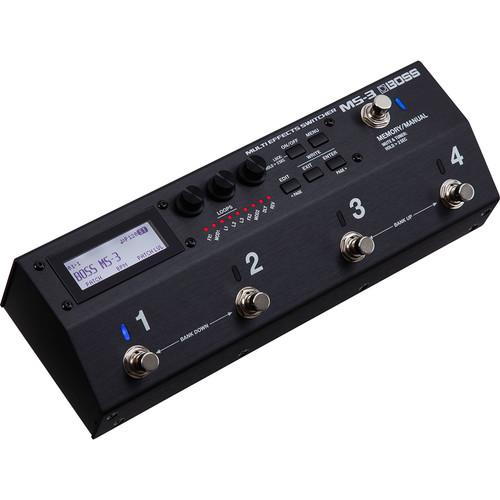 Contents of the user manual for the BOSS MS-3 Multi-Effects Switcher with Onboard
- Product category: Effects Pedal Accessories BOSS
- Brand: BOSS
- Description and content of package
- Technical information and basic settings
- Frequently asked questions – FAQ
- Troubleshooting (does not switch on, does not respond, error message, what do I do if...)
- Authorized service for BOSS Effects Pedal Accessories
 |
User manual for the BOSS MS-3 Multi-Effects Switcher with Onboard contain basic instructions
that need to be followed during installation and operation.
Before starting your appliance, the user manual should be read through carefully.
Follow all the safety instructions and warnings, and be guided by the given recommendations.
User manual is an integral part of any BOSS product,
and if it is sold or transferred, they should be handed over jointly with the product.
Following the instructions for use is an essential prerequisite for protecting
health and property during use, as well as recognition of liability on the part of the manufacturer
for possible defects should you make a warranty claim. Download an official BOSS user manual in which you will find instructions on how to install, use, maintain and service your product.
And do not forget – unsuitable use of a BOSS product will considerably shorten its lifespan!
|
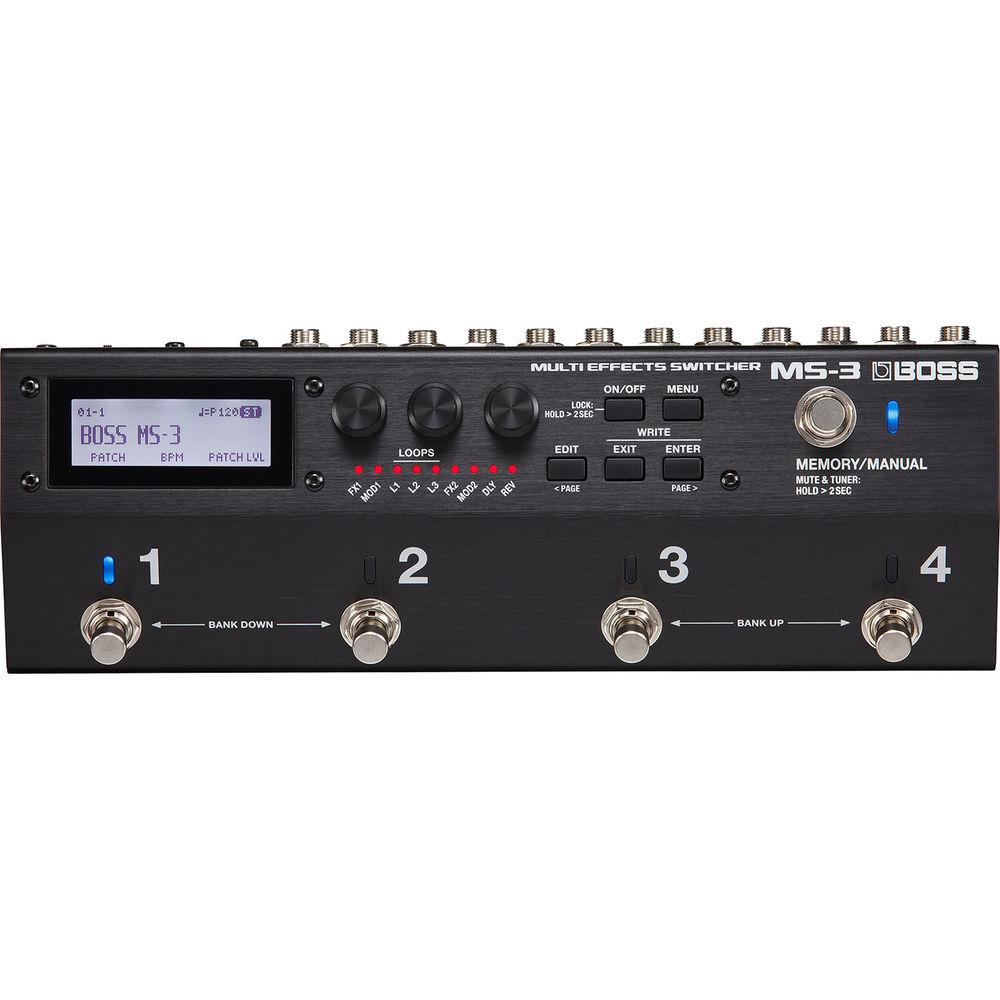
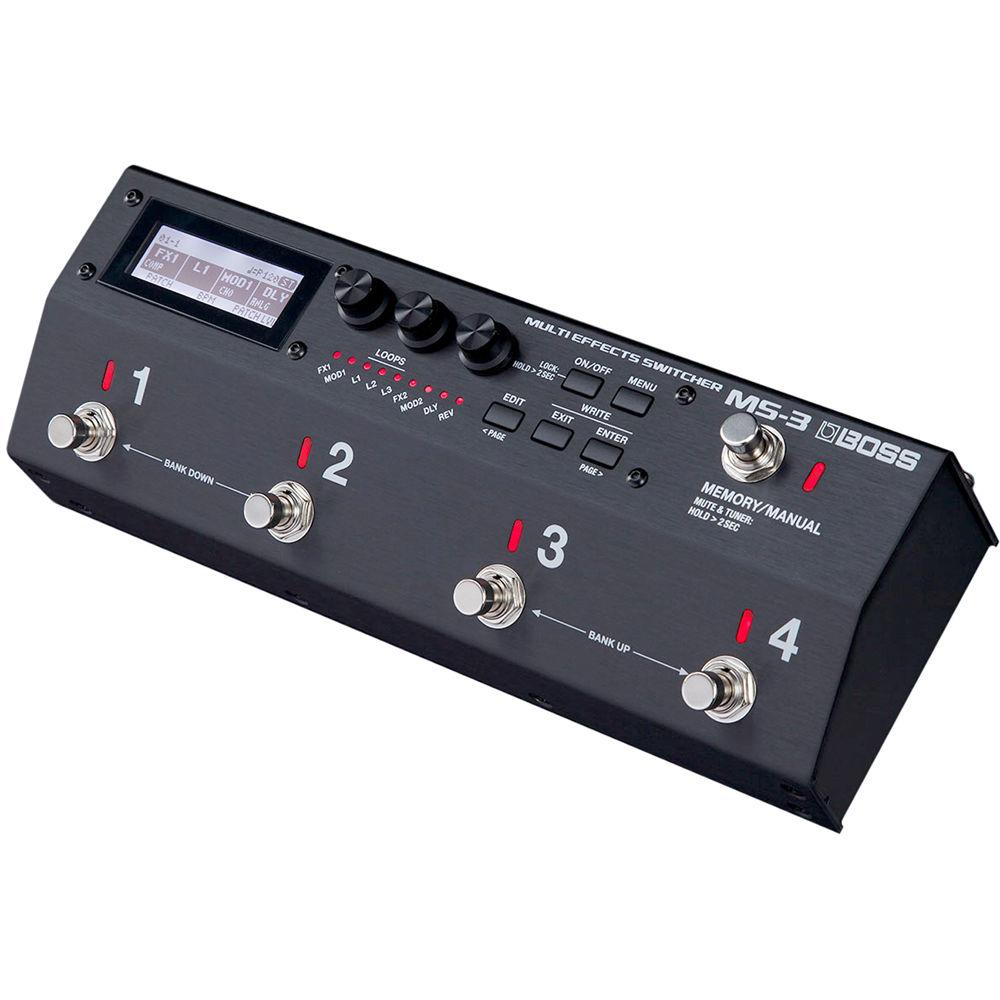
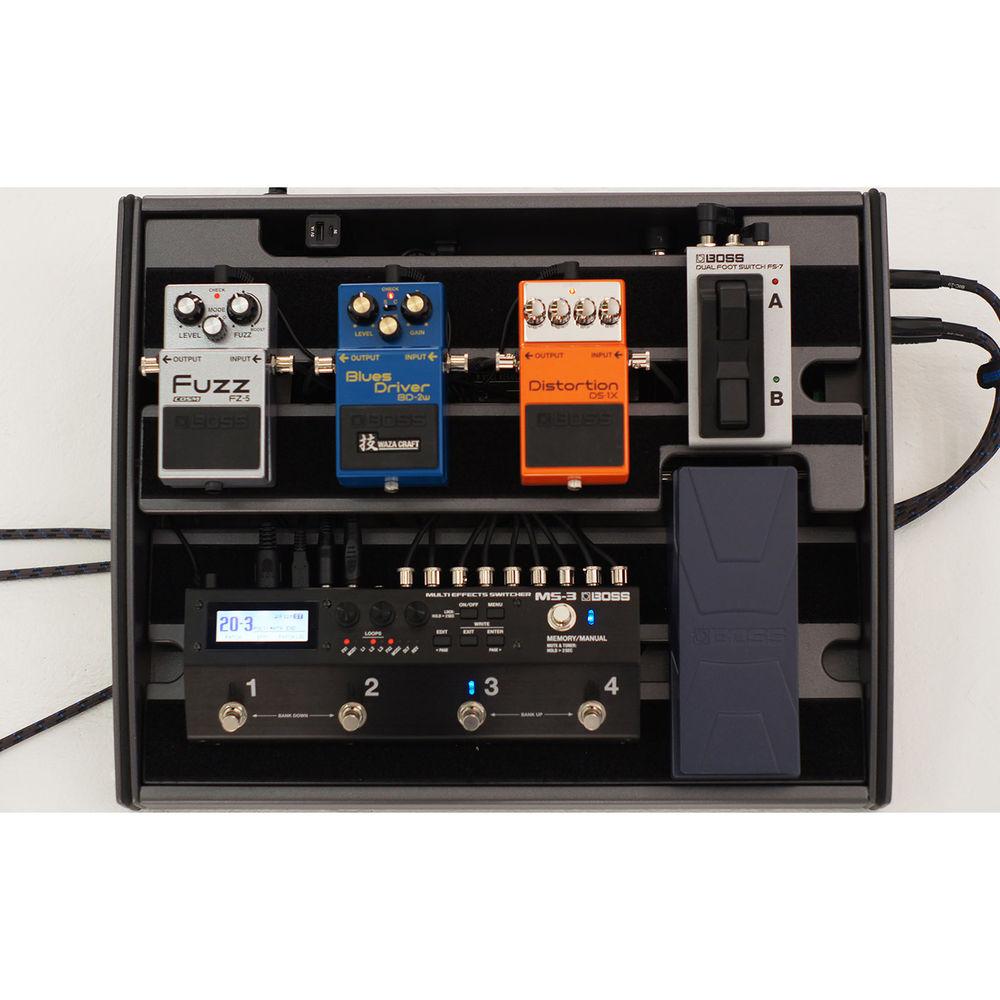
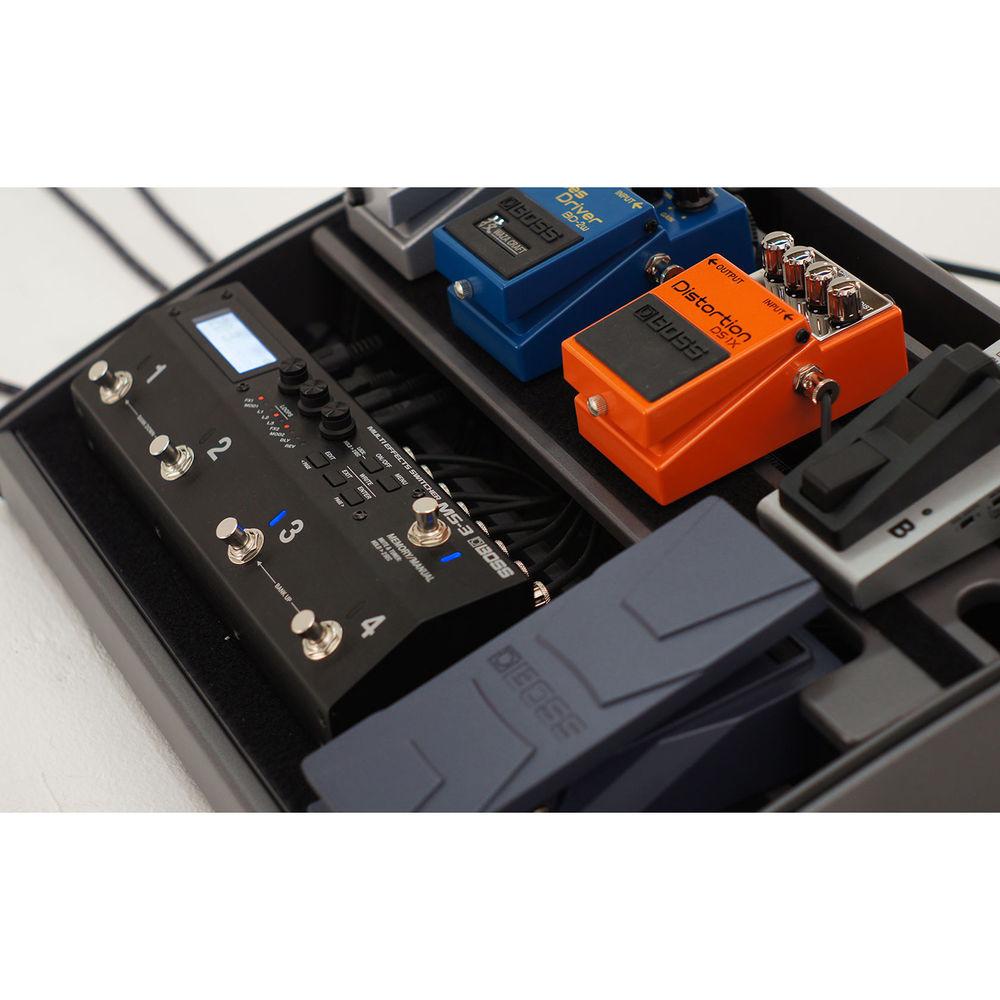
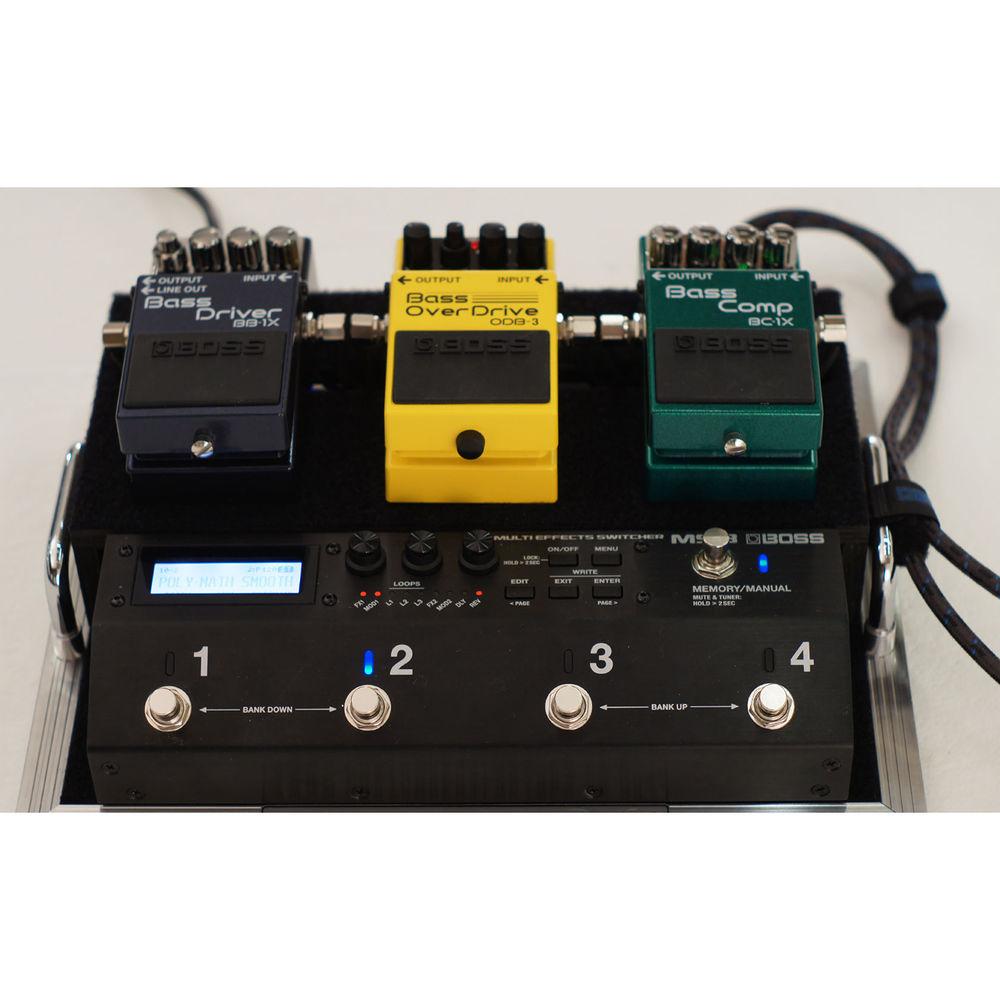
Product description The MS-3 from BOSS is a multi-effects switcher designed for electric guitar and bass. It combines the switching aspects of a multi-pedal switcher (so that you can turn whole effects-chains on and off with one footswitch) with a multi-effects engine equipped with BOSS processing, such as distortion, chorus, flanging, and more. With this pedal, you can activate and control six built-in pedal effects alongside—and woven between—three external pedals.If you utilize a dual-amp setup on stage, the pedal will let you select between your amplifiers or run them in stereo. Also provided is a MIDI output jack, so you can send tempo, CC, and PC messages to compatible devices.The MS-3 offers three different loop paths, each with its own send/return I/O. You’ll also note the TRS control I/O, which lets you integrate outboard switches and expression pedals for deeper modulation of onboard effects parameters. Two different modes are provided on the pedal: Memory and Manual. Memory mode allows you to use the four footswitches to select among patches and banks, while Manual mode gives you the ability to switch various loops on and off, and provides some control of processing parameters to boot.Measuring 9.7 x 3.8 x 2.7", the MS-3 is a relatively compact solution for sporting the feature-set it carries; you could place this pedal on a conventional board and still have room for three or more stompboxes. The unit ships with an AC adapter and four rubber feet. - Key Features at a Glance
-
- Integrated solution for creating a compact pedalboard
- Six simultaneous pedal effects and audio loops for connecting three external pedals/pedal loops
- 112 built-in effects types for guitar and bass, including delays, reverbs, mod/pitch effects, overdrives, distortions, and more
- Intuitive user interface for easy patch creation
- Backlit LCD, editing knobs, and panel LEDs for on/off status of loops and effects
- Control assign, wave pedal, and other functions for real-time expression
- Equipped with numerous jacks for amp channel switching, effects control, and more
- MIDI output for working with MIDI-enabled effects
- Built-in tuner, noise suppressor, and global EQ
- USB for patch creation and backup via free MS-3 Editor/Librarian software
- Three Onboard Loop Paths
- Via the MS-3's audio loops, you can connect three different effects devices to the system. Once your pedals are connected, you're able to switch the loops on/off individually, and position the MS-3's onboard effects around them any way you want.
- BOSS Effects Engine
- To complement the three external loops, the MS-3 is equipped 112 effects types on board, organized into six simultaneously available categories: FX1, FX2, Mod1, Mod2, Delay, and Reverb. FX1 and FX2 contain many different processors, including overdrives, distortions, compressors, pitch shifters, and more. Mod1 and Mod2 offer traditional BOSS chorus and vibrato effects, as well as tremolo, flanger, phaser, and more. All the effects are suitable for guitar, though there's also a large selection specially optimized for bass.
- Foot Control
- The MS-3's heavy-duty footswitches give you easy command of the entire system. In Memory mode, the footswitches allow you to select patches and banks. Changing to Manual mode lets you switch loops and effects on/off, and even control multiple effects parameters for intense real-time expression. Your Manual mode assignments can be stored in patches, letting you create dynamic custom setups for different songs and styles.
- Expanded Control Options
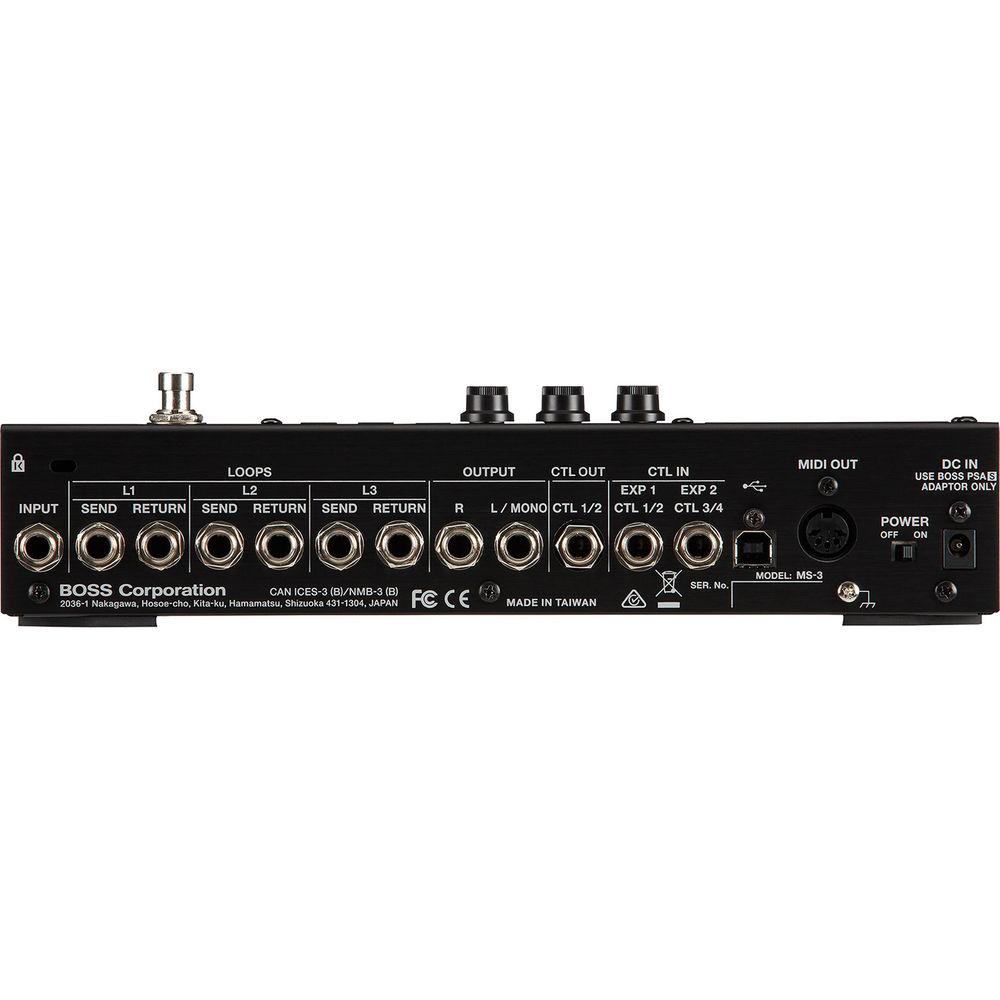
- The MS-3 lets you connect external footswitches for tap tempo, effects on/off, and parameter adjustment, as well as expression pedals for volume, wah, pitch shift, and more. Control out jacks are available for switching amp channels and controlling effects that support external input. A 5-pin DIN MIDI output jack allows you to send tempo, PC, and CC information to MIDI-enabled pedals, whether they're connected to loops or not. In addition, the MS-3's two audio outputs can be set for full stereo or selectable mono operation per patch, providing flexibility with dual amp rigs.
- Remote Editing via USB
- The MS-3 supports USB for accessing the free MS-3 Editor/Librarian software on Mac or Windows computers. This lets you edit effects, assign control parameters, set tempos, and accomplish more tasks by means of its convenient graphic interface. You can also create backups and restore individual patches, as well as organize groups of patches into Live Sets for various gigs.
UPC: 761294511350 In the Box BOSS MS-3 Multi-Effects Switcher with Onboard Processing AC Adapter 4 x Rubber Feet Limited 1-Year Warranty Table of Contents
|
Upload User Manual
Have you got an user manual for the BOSS MS-3 Multi-Effects Switcher with Onboard Processing in electronic form? Please send it to us and help us expand our library of instruction manuals.
Thank you, too, on behalf of other users.
To upload the product manual, we first need to check and make sure you are not a robot. After that, your "Submit Link" or "Upload File" will appear.
Technical parametersBOSS MS-3 Specs | Connectors | 1 x 1/4" instrument input, phone type
2 x 1/4" control inputs, TRS phone type
3 x 1/4" return inputs, phone type
3 x 1/4" send output, phone type
1 x 1/4" control output, TRS phone type
2 x 1/4" instrument outputs, phone type
1 x 5-pin DIN MIDI output
1 x USB computer port, USB type B | | Controls | 1 x ON/OFF Button
1 x MENU Button
1 x EDIT Button
1 x EXIT Button
1 x ENTER Button
1 x POWER Switch
1 x MEMORY/MANUAL Switch
3 x Multi-Function Knobs
4 x Multi-Function Footswitches | | Modes | Memory mode, Manual mode | | Loops | 3x | | AD Conversion | 24-bit + AF method (AF is a proprietary technology from Roland and BOSS) | | DA Conversion | 24-bit | | Sampling Frequency | 44.1 kHz | | Effects | 112x onboard | | Patches | 200x | | Level | Nominal input: -10 dBu
Maximum input (input and return jacks): +7 dBu
Nominal output (output and send jacks): -10 dBu | | Impedance | Input: 1 MOhm
Output (L, R/Mono): 1 kOhm | | Display | Graphic LCD (132 x 32 dots, backlit LCD) | | Indicators | Number indicators 1 through 4, memory/manual indicator, on/off indicators for FX1, MOD1, L1 through L3, MOD2, DLY, REV) | | Power Supply | AC adapter | | Current Draw | 280 mA | | Dimensions (W x D x H) | 9.7 x 3.8 x 2.7" / 24.6 x 9.7 x 6.8 cm | | Weight | 2.4 lb / 1.1 kg | | | | Package Weight | 4.0 lb | | Box Dimensions (LxWxH) | 15.0 x 8.0 x 5.0" |
Rating100% users recommend this product to others. And what about you?

This product has already been rated by 35 owners. Add your rating and experience with the product.
Discussion
 Ask our technicians if you have a problem with your settings,
or if anything is unclear in the user manual you have downloaded.
You can make use of our moderated discussion.
The discussion is public and helps other users of our website who may be encountering similar problems.
Ask our technicians if you have a problem with your settings,
or if anything is unclear in the user manual you have downloaded.
You can make use of our moderated discussion.
The discussion is public and helps other users of our website who may be encountering similar problems.
The discussion is empty - enter the first post
Post a new topic / query / comment:
|
|


