User Manual for BOSS VE-8 Acoustic Singer Click to enlarge the picture
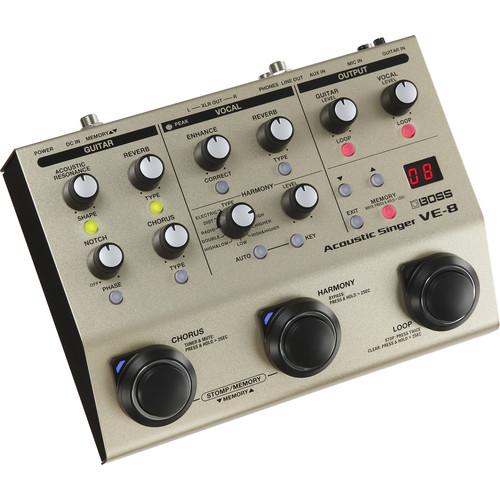 Contents of the user manual for the BOSS VE-8 Acoustic Singer
- Product category: Vocal Processors BOSS
- Brand: BOSS
- Description and content of package
- Technical information and basic settings
- Frequently asked questions – FAQ
- Troubleshooting (does not switch on, does not respond, error message, what do I do if...)
- Authorized service for BOSS Vocal Processors
 |
User manual for the BOSS VE-8 Acoustic Singer contain basic instructions
that need to be followed during installation and operation.
Before starting your appliance, the user manual should be read through carefully.
Follow all the safety instructions and warnings, and be guided by the given recommendations.
User manual is an integral part of any BOSS product,
and if it is sold or transferred, they should be handed over jointly with the product.
Following the instructions for use is an essential prerequisite for protecting
health and property during use, as well as recognition of liability on the part of the manufacturer
for possible defects should you make a warranty claim. Download an official BOSS user manual in which you will find instructions on how to install, use, maintain and service your product.
And do not forget – unsuitable use of a BOSS product will considerably shorten its lifespan!
|
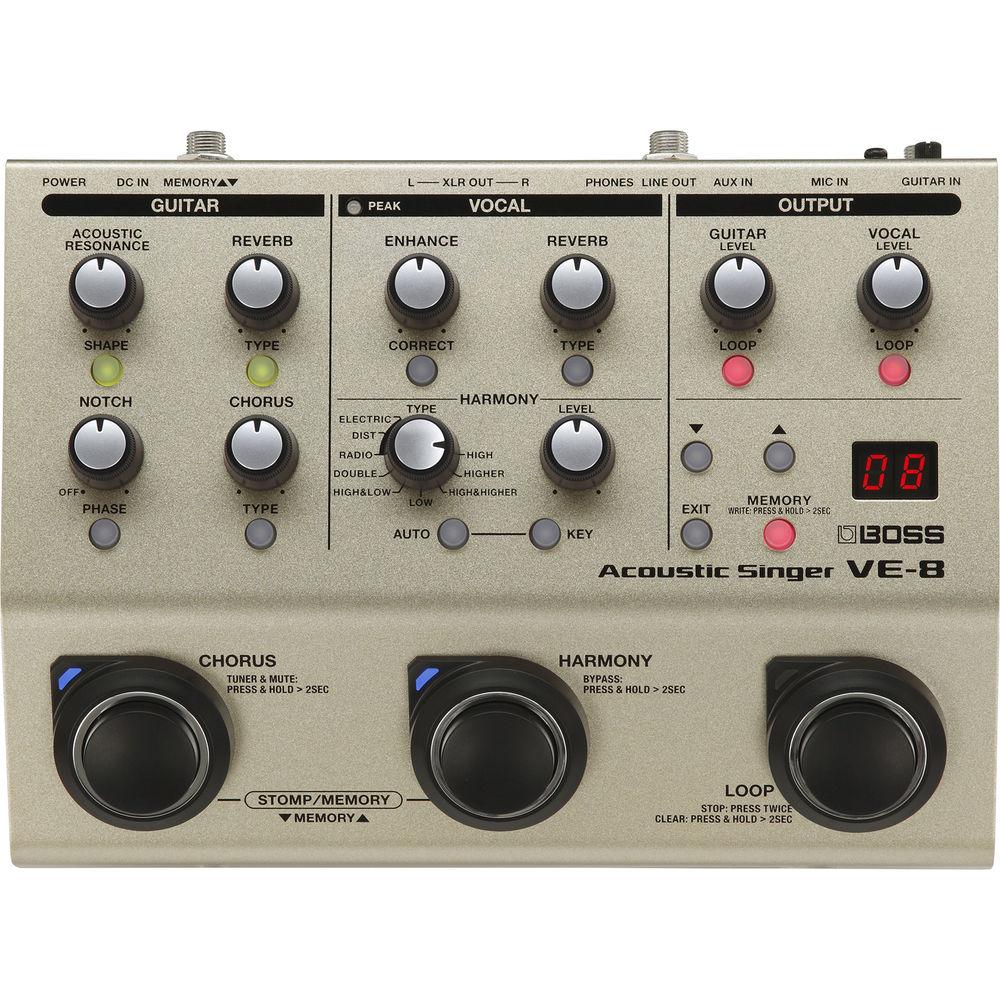
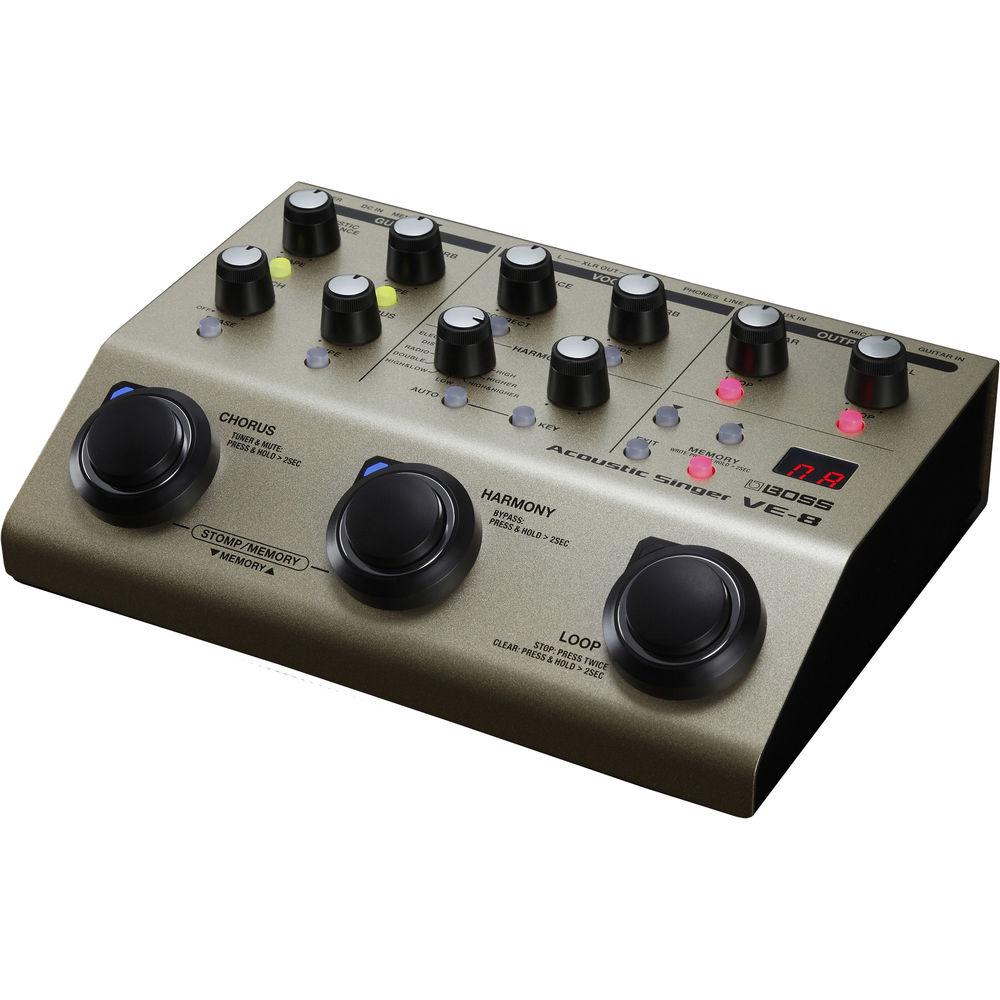
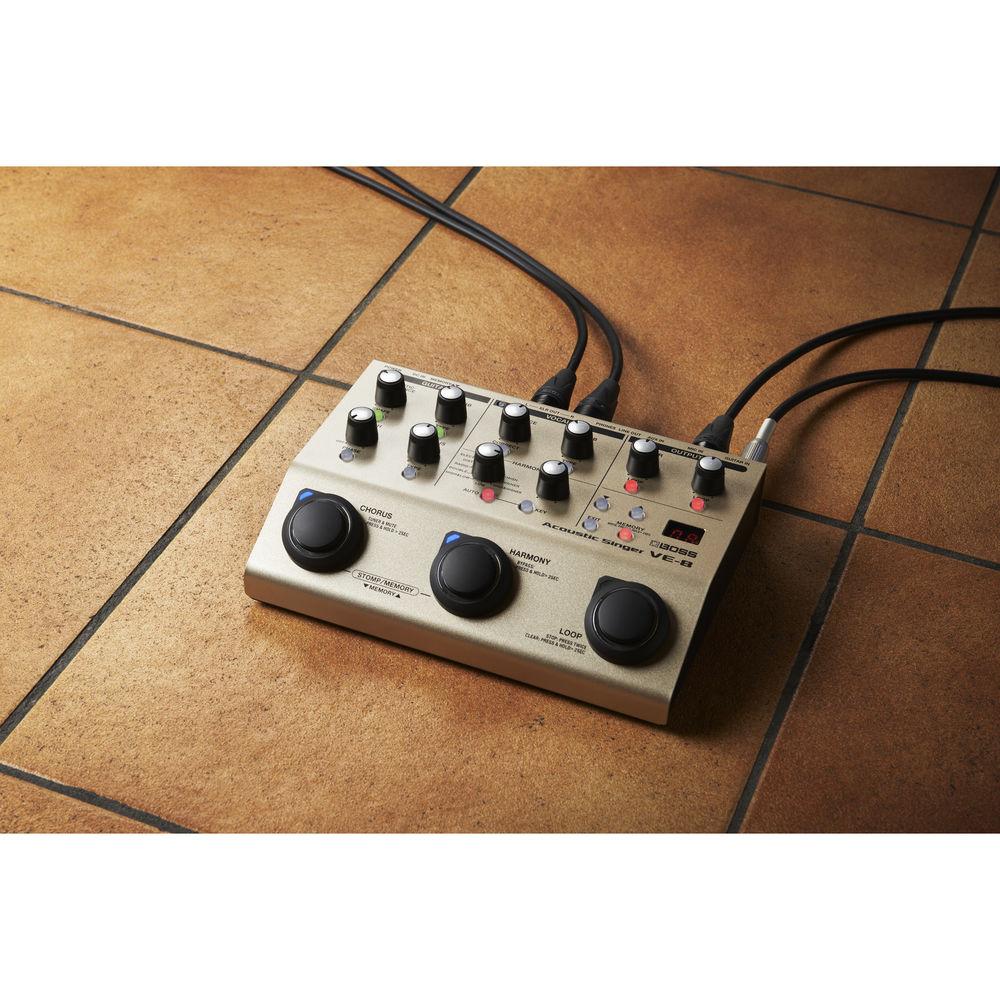
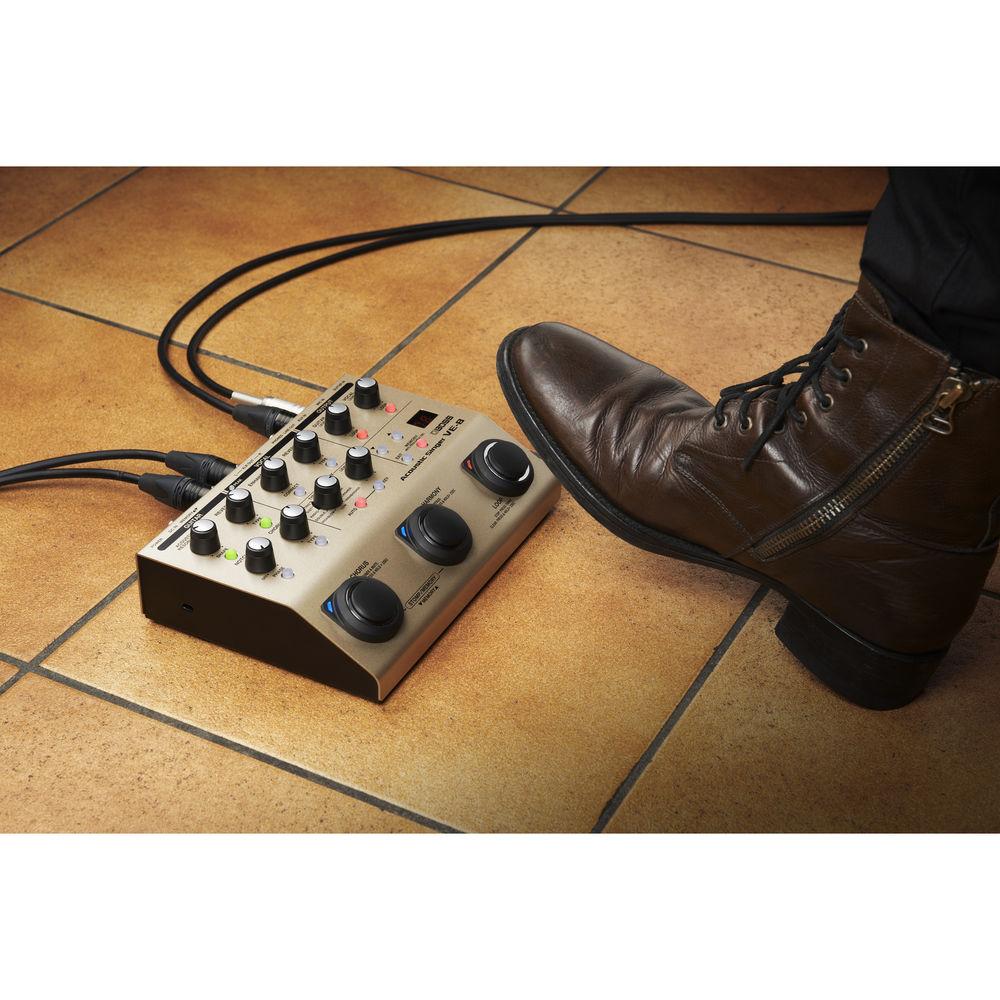
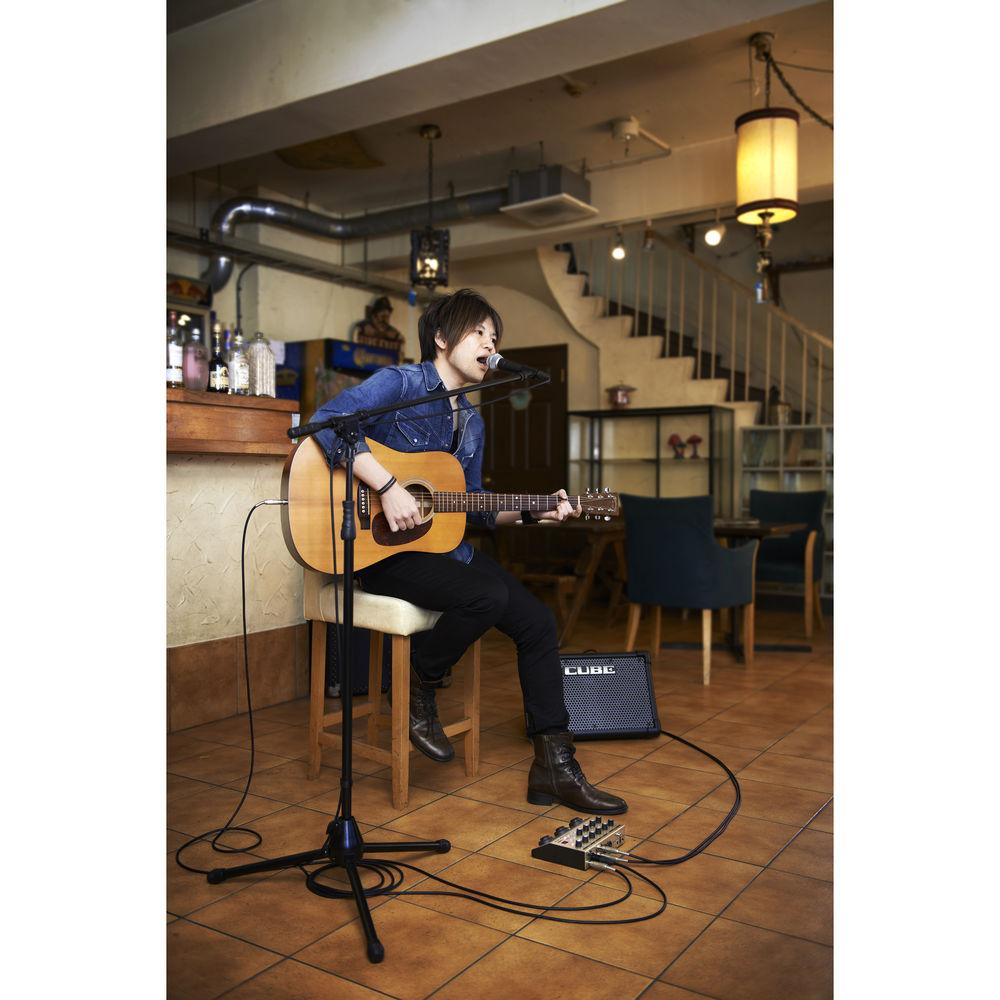
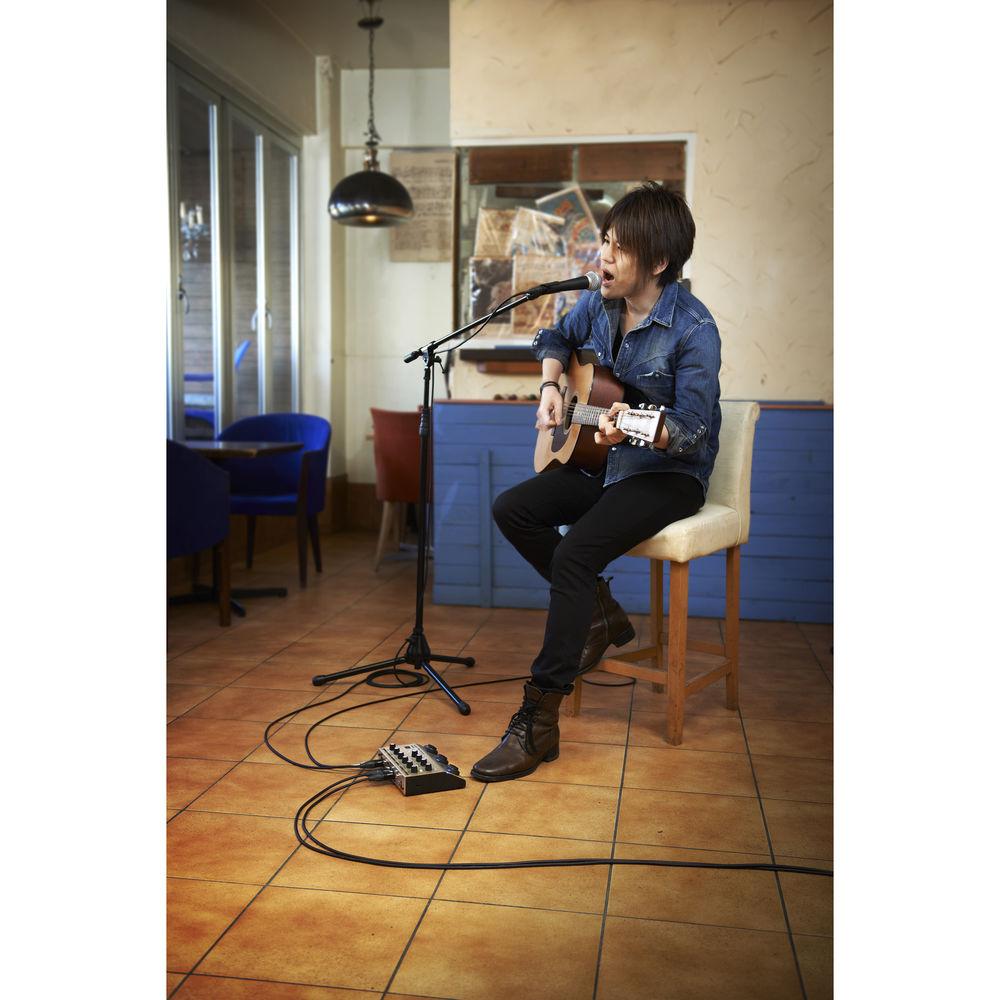
Product description The V-8 from BOSS is a preamp, an effects unit, and a USB interface all rolled into one. It's primarily intended for singer/songwriters looking for a multipurpose solution to handle their vocals and acoustic guitars in one device. The unit provides independent effect channels, as well as an 80-second phrase looper, expandable expression-pedal options, and a USB output for recording straight to a computer.
On-board effects allow you to apply not only reverb, delays, and other ambiences to your sound, but to harmonize with yourself in real time, depending on the preselected key of your song, or in a manner determined by the input of the guitar. On the guitar side, you can mitigate the quack of undersaddle pickups with an acoustic-resonance option, apply reverbs, delays, and pitch shifts, or simply tune your axe. - Notable features
-
- All-in-one preamp and effects unit for singers who play acoustic guitar
- 4x ambience effects plus enhance, chromatic pitch correction for live vocal tuning, vocal doubling, hard-tuned electronic voices, distortion, radio voice effect, and more
- Create vocal harmonies in real time based on guitar input or manual key settings
- Dedicated guitar channel including acoustic-resonance effects, reverb, chorus, tuner, phase inverter, feedback notch filter, and more
- 80-second looper with the ability to loop guitar and vocals independently
- Memory mode for storing and recalling 50 favorite settings
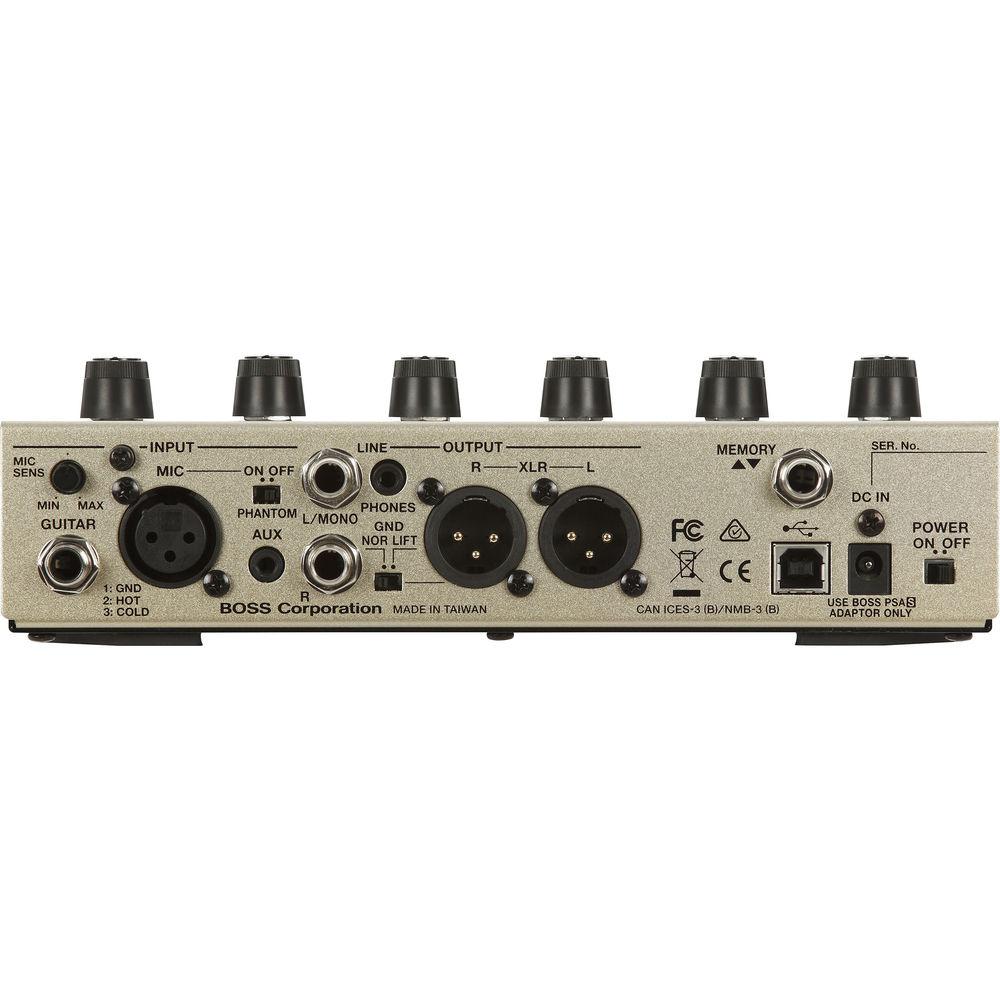
- Flexible connections for integrating with a PA and stage monitors, plus USB for computer recording
- Runs on 6x AA batteries or included AC adapter
UPC: 761294508824 In the Box BOSS VE-8 Acoustic Singer AC Adapter Limited 5-Year Warranty Table of Contents
|
Upload User Manual
Have you got an user manual for the BOSS VE-8 Acoustic Singer in electronic form? Please send it to us and help us expand our library of instruction manuals.
Thank you, too, on behalf of other users.
To upload the product manual, we first need to check and make sure you are not a robot. After that, your "Submit Link" or "Upload File" will appear.
Technical parametersBOSS VE-8 Specs | Nominal Input Level | Mic input: -40 dBu (MIC SENS = Center)
Guitar input: -10 dBu Auxiliary input: -20 dBu | | Input Impedance | Mic input: 4 kOhms
Guitar input: 20 MOhms
Auxiliary input: 18 kOhms | | Nominal Output Level | 2x line out (L/Mono, R): -10 dBu
2x XLR out: -10 dBu (Vocal & Guitar, Guitar), -40 dBu (Vocal) | | Output Impedance | 2x line out (L/Mono, R): 1 kOhm
2x XLR out: 600 Ohms
1x headphones: 44 Ohms | | Mode | Manual
Memory (memory change/stomp) | | Number of Memory Channels | 50x | | Effects | Vocals: - Enhance
- Pitch correct
- Harmony/FX (high, higher, high & higher, low, high & low, double, radio, distortion, electric)
- Reverb
- 3 band EQ
- Low cut
Guitars: - Acoustic resonance
- Chorus/FX (chorus, tremolo, phaser, delay, mod delay, octave, slow gear, ring mod)
- Reverb
- 3 band EQ
- Low cut
- Notch filter, phase
| | Phrase Looper | 80 seconds | | Display | 7 segments, 2 digits LED | | Connectors | MIC IN connector: XLR type, balanced, phantom power (48 VDC, 10 mA max)
GUITAR IN jack: 1/4-inch phone type
AUX IN jack: 3.5mm stereo
XLR OUT L, R connectors: XLR type
LINE OUT L/MONO, R jacks: 1/4" phone type
PHONES jack: 3.5mm stereo
MEMORY INC/DEC jack: 1/4" TRS phone type
USB COMPUTER port: USB type B
DC IN jack | | Power Supply | AC adaptor
6x Alkaline batteries (AA, LR6) | | Current Draw | 360 mA | | Battery Life (In Use) | Alkaline battery: Approximately 4.5 hours (phantom power off), approximately 2.5 hours (phantom power on) | | | | Package Weight | 4.2 lb | | Box Dimensions (LxWxH) | 13.0 x 8.5 x 4.8" |
Rating100% users recommend this product to others. And what about you?

This product has already been rated by 71 owners. Add your rating and experience with the product.
Discussion
 Ask our technicians if you have a problem with your settings,
or if anything is unclear in the user manual you have downloaded.
You can make use of our moderated discussion.
The discussion is public and helps other users of our website who may be encountering similar problems.
Ask our technicians if you have a problem with your settings,
or if anything is unclear in the user manual you have downloaded.
You can make use of our moderated discussion.
The discussion is public and helps other users of our website who may be encountering similar problems.
Post new comment to BOSS VE-8 Acoustic Singer
| Subject: BOSS VE-8 Acoustic Singer | | Date: 27.03.2022 13:23:14 | Name: David Wheeler | | There are a number of presets in the machine - where can I find a detailed description of the presets describing their configuration. I believe there are about 50 presets | | Post reply |
Post a new topic / query / comment:
|
|


