User Manual for Brother MFC-L5700DW All-in-One Monochrome Laser Printer Click to enlarge the picture
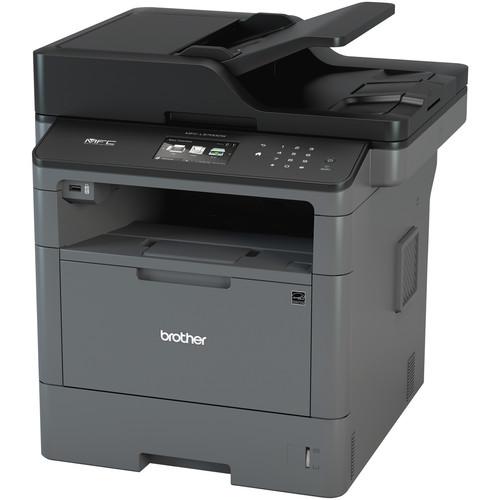 Contents of the user manual for the Brother MFC-L5700DW All-in-One Monochrome Laser Printer
- Product category: Laser Printers Brother
- Brand: Brother
- Description and content of package
- Technical information and basic settings
- Frequently asked questions – FAQ
- Troubleshooting (does not switch on, does not respond, error message, what do I do if...)
- Authorized service for Brother Laser Printers
 |
User manual for the Brother MFC-L5700DW All-in-One Monochrome Laser Printer contain basic instructions
that need to be followed during installation and operation.
Before starting your appliance, the user manual should be read through carefully.
Follow all the safety instructions and warnings, and be guided by the given recommendations.
User manual is an integral part of any Brother product,
and if it is sold or transferred, they should be handed over jointly with the product.
Following the instructions for use is an essential prerequisite for protecting
health and property during use, as well as recognition of liability on the part of the manufacturer
for possible defects should you make a warranty claim. Download an official Brother user manual in which you will find instructions on how to install, use, maintain and service your product.
And do not forget – unsuitable use of a Brother product will considerably shorten its lifespan!
|
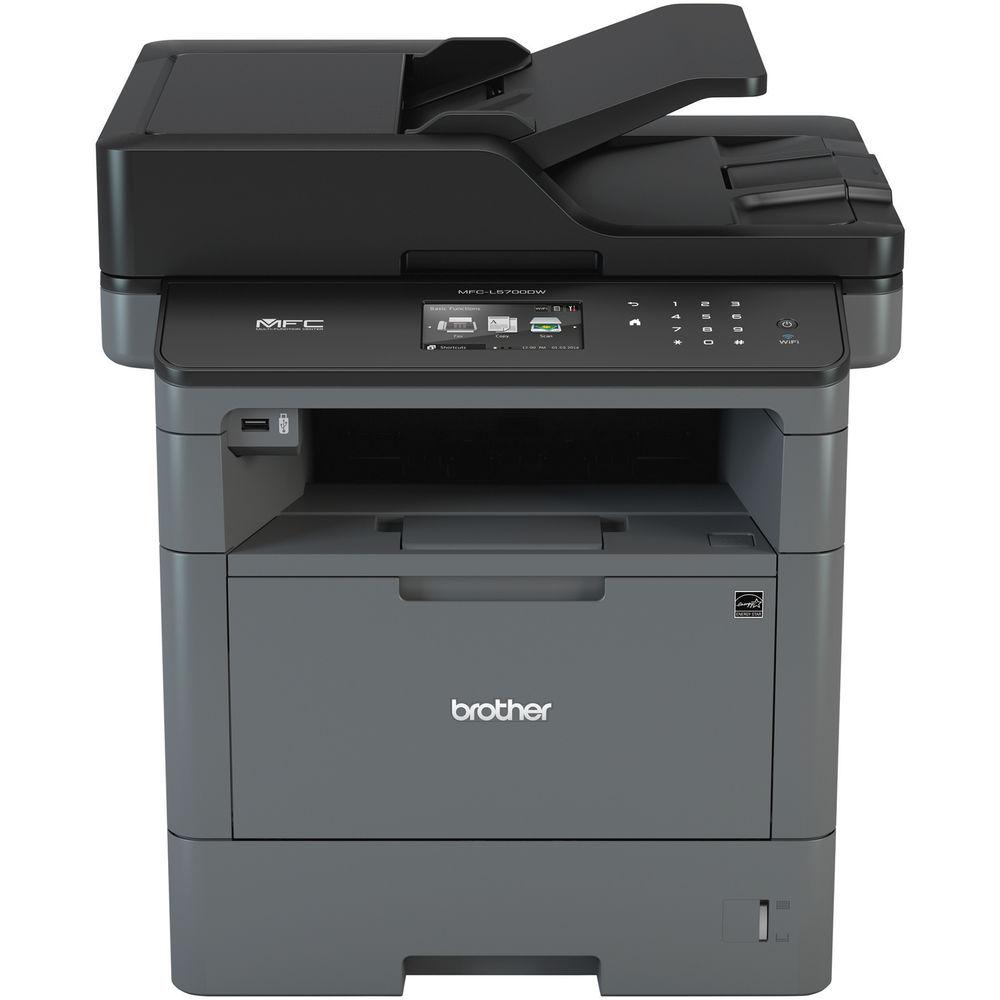
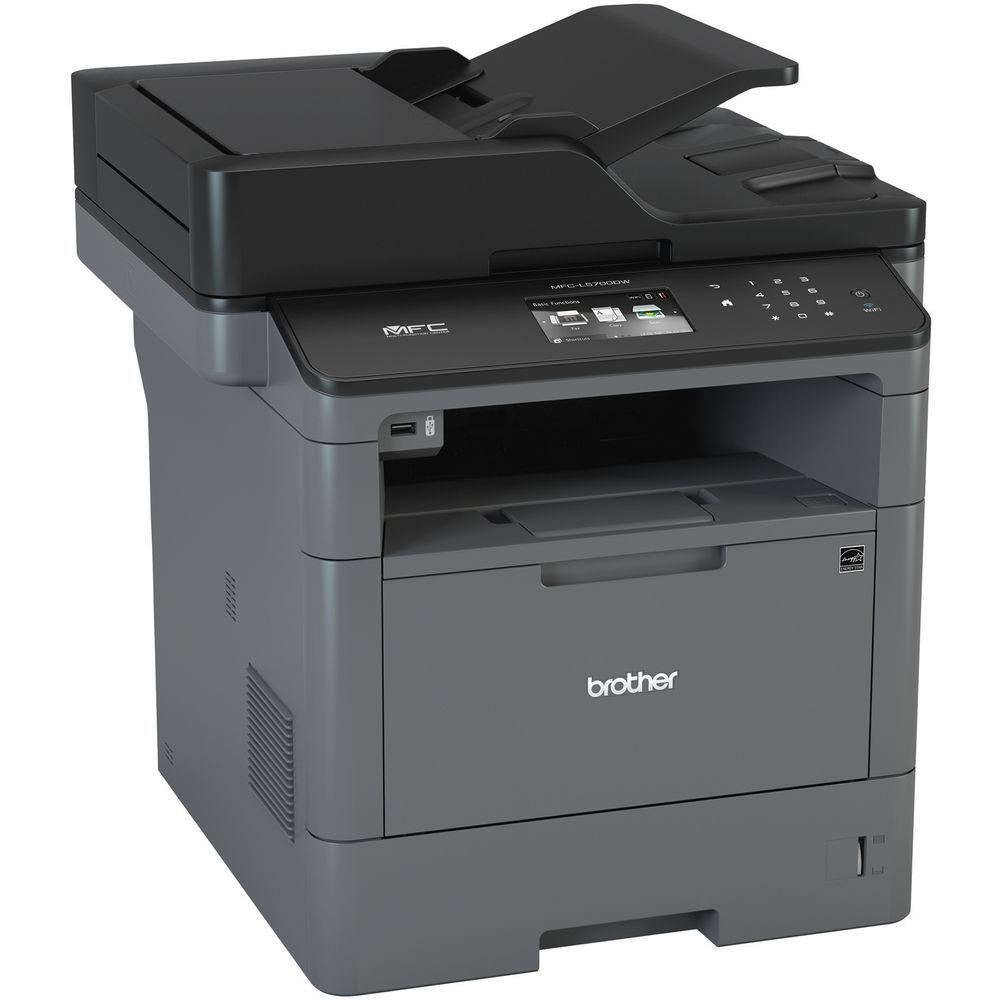
Product description Small-to-medium workgroups looking for one piece of equipment to fill all of their needs can look to the MFC-L5700DW All-in-One Monochrome Laser Printer from Brother to help them print, scan, copy, and fax documents. This quick, wireless-capable printer has an exceptional print speed of 42 ppm, which also applies to copy speed, and it has a resolution of 1200 x 1200 dpi. Users will also be able to easily produce documents ranging in size up to 8.5 x 14" with ease using either the 250-sheet main input tray or the 50-sheet multipurpose tray.
Both a 50-sheet ADF and a standard letter-size flatbed are available for scanning and copying. Scanning benefits from a great optical resolution of 1200 x 1200 dpi and it can work in simplex at 24 ipm in black or 20 ipm in color. For ease of use, there is a 3.7" color touchscreen for checking status and manipulating settings. A USB port on the front can be used for direct printing and scanning and the printer does have standard USB 2.0 and Ethernet connections. In addition to this, the MFC-L5700DW has Wi-Fi connectivity for wireless access from a computer or mobile device. - Scan resolution can be interpolated to maximum of 19200 x 19200 dpi
- Input capacity can be expanded to 1,340 sheets using optional trays
- Scan to capability includes file, image, OCR, email, SSH server, USB SharePoint, cloud services, email servers, network folders, and more
- When networked, the printer can print via a mobile device using Apple AirPrint, Google Cloud Print 2.0, Brother iPrint&Scan, Cortado Workplace, or Mopria
- Web Connect feature provides direct access to Google Drive, Evernote, OneDrive, OneNote, Dropbox, Box, Facebook, Flickr, and Picasa Web Albums
- Monthly duty cycle of 50,000 pages with a recommended monthly volume of 3,500 pages
UPC: 012502642381 In the Box Brother MFC-L5700DW All-in-One Monochrome Laser Printer TN820 Standard Toner Cartridge DR820 Drum Unit Telephone Line Cord Power Cord Installation CD-ROM Limited 1-Year Warranty Brochure PDF 2.4mb Table of Contents
|
Upload User Manual
Have you got an user manual for the Brother MFC-L5700DW All-in-One Monochrome Laser Printer in electronic form? Please send it to us and help us expand our library of instruction manuals.
Thank you, too, on behalf of other users.
To upload the product manual, we first need to check and make sure you are not a robot. After that, your "Submit Link" or "Upload File" will appear.
Technical parametersBrother MFC-L5700Dw Specs | Functions | Print, scan, copy, fax | | | | Printing Technology | Black & white laser technology | | Maximum Resolution | 1200 x 1200 dpi | | Print Speed | 42 ppm | | Print Color | Monochrome | | Duplex Printing | Yes | | Printer Duty Cycle | Monthly: 50,000 pages
Recommended Monthly Volume: 3,500 pages | | | | Type | Flatbed, ADF | | Optical Resolution | Flatbed: 1200 x 1200 dpi | | Interpolated Resolution | 19200 x 19200 dpi | | Scan Speed | Black: 24 ipm
Color: 20 ipm | | Maximum Scan Size | 8.5 x 11" / 21.6 x 27.9 cm | | Duplex Scanning | No | | Scanner Features | Scan To: File, image, email, OCR, FTP, SSH server (SFTP), USB, SharePoint, Cloud (Web Connect), email server, network folder (CIFS), easy scan to email | | | | Copy Resolution | 1200 x 600 dpi | | Copy Speed | 42 cpm | | Reduction/Enlargement | 25-400% in 1% increments | | Number of Copies | Up to 99 | | Duplex Copying | No | | Copy Features | Sorting, N-in-1, ID copy | | | | Modem | 33.6 kbps | | Memory | 500 pages | | Fax Features | PC Fax capability | | | | Paper Handling | Input tray
Multipurpose tray
Automatic document feeder | | Paper Sizes | Up to 8.5 x 14" / 21.6 x 35.6 cm | | Paper Capacity | Input Tray: 250 sheets
Multipurpose Tray: 50 sheets
ADF: 50 sheets
Output Tray: 150 sheets face down, 1 sheet face up | | | | Interface | USB 2.0
Ethernet
802.11b/g/n Wi-Fi
1 x USB host (front) | | Mobile Printing Features | Apple AirPrint, Google Cloud Print 2.0, Brother iPrint&Scan, Cortado Workplace, Mopria, Wi-Fi Direct | | OS Compatibility | Windows, Mac OS, and Linux | | Memory | 256 MB | | Printer Language | PCL6, BR-Script3, IBM ProPrinter, Epson FX, PDF v1.7, XPS Version 1.0 | | Security Features | Secure Function Lock, Active Directory, Enterprise Security (802.1x), Slot Lock, Secure Print, SSL/TLS, IPSec | | | | Display | 3.7" / 9.4 cm color touchscreen | | Power Requirements | 120 VAC, 50/60 Hz | | Dimensions | 17.1 x 16.8 x 19.1" / 43.4 x 42.7 x 48.5 cm | | Weight | 36.2 lb / 16.4 kg | | | | Package Weight | 44.0 lb | | Box Dimensions (LxWxH) | 25.0 x 21.0 x 20.0" |
Rating86% users recommend this product to others. And what about you?

This product has already been rated by 02 owners. Add your rating and experience with the product.
Discussion
 Ask our technicians if you have a problem with your settings,
or if anything is unclear in the user manual you have downloaded.
You can make use of our moderated discussion.
The discussion is public and helps other users of our website who may be encountering similar problems.
Ask our technicians if you have a problem with your settings,
or if anything is unclear in the user manual you have downloaded.
You can make use of our moderated discussion.
The discussion is public and helps other users of our website who may be encountering similar problems.
The discussion is empty - enter the first post
Post a new topic / query / comment:
|
|


