|
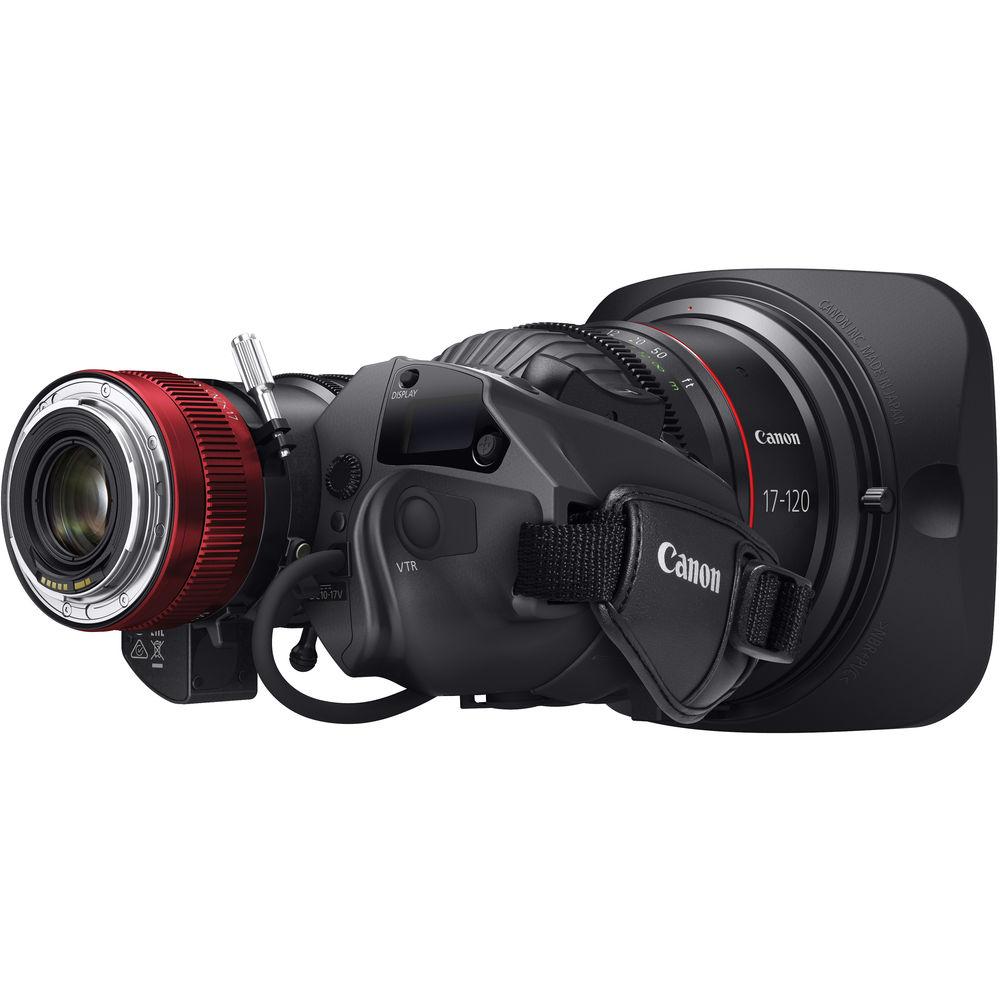
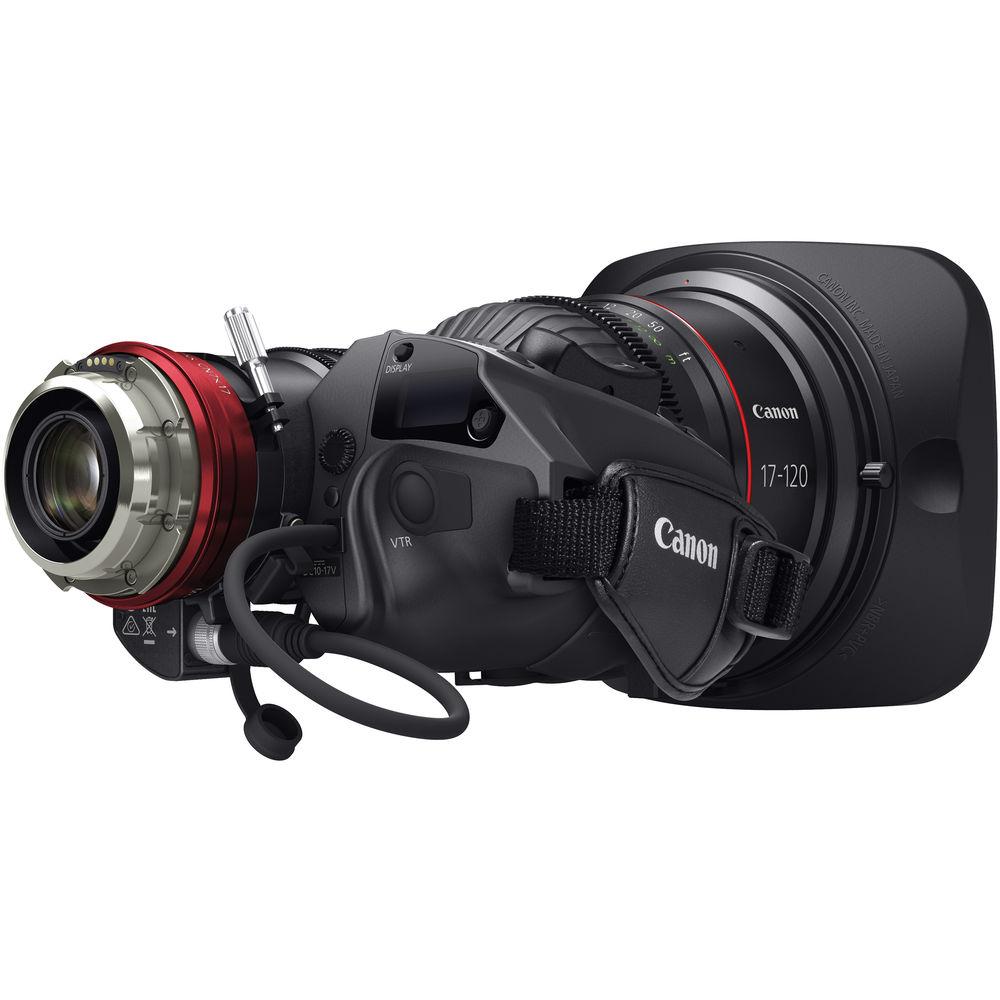
User Manual for Canon CN7x17 KAS S Cine-Servo 17-120mm T2.95 Click to enlarge the picture
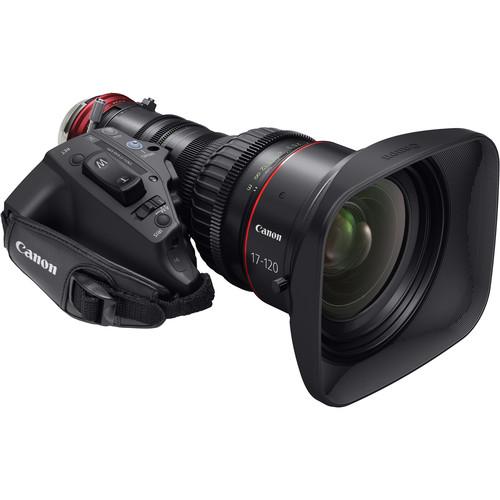 Contents of the user manual for the Canon CN7x17 KAS S Cine-Servo 17-120mm
- Product category: Digital Cine Lenses Canon
- Brand: Canon
- Description and content of package
- Technical information and basic settings
- Frequently asked questions – FAQ
- Troubleshooting (does not switch on, does not respond, error message, what do I do if...)
- Authorized service for Canon Digital Cine Lenses
 |
User manual for the Canon CN7x17 KAS S Cine-Servo 17-120mm contain basic instructions
that need to be followed during installation and operation.
Before starting your appliance, the user manual should be read through carefully.
Follow all the safety instructions and warnings, and be guided by the given recommendations.
User manual is an integral part of any Canon product,
and if it is sold or transferred, they should be handed over jointly with the product.
Following the instructions for use is an essential prerequisite for protecting
health and property during use, as well as recognition of liability on the part of the manufacturer
for possible defects should you make a warranty claim. Download an official Canon user manual in which you will find instructions on how to install, use, maintain and service your product.
And do not forget – unsuitable use of a Canon product will considerably shorten its lifespan!
|
Product description Cinema Lens Care and Maintenance Read More - CANON Cine-Servo 17-120 T2.95 Demo
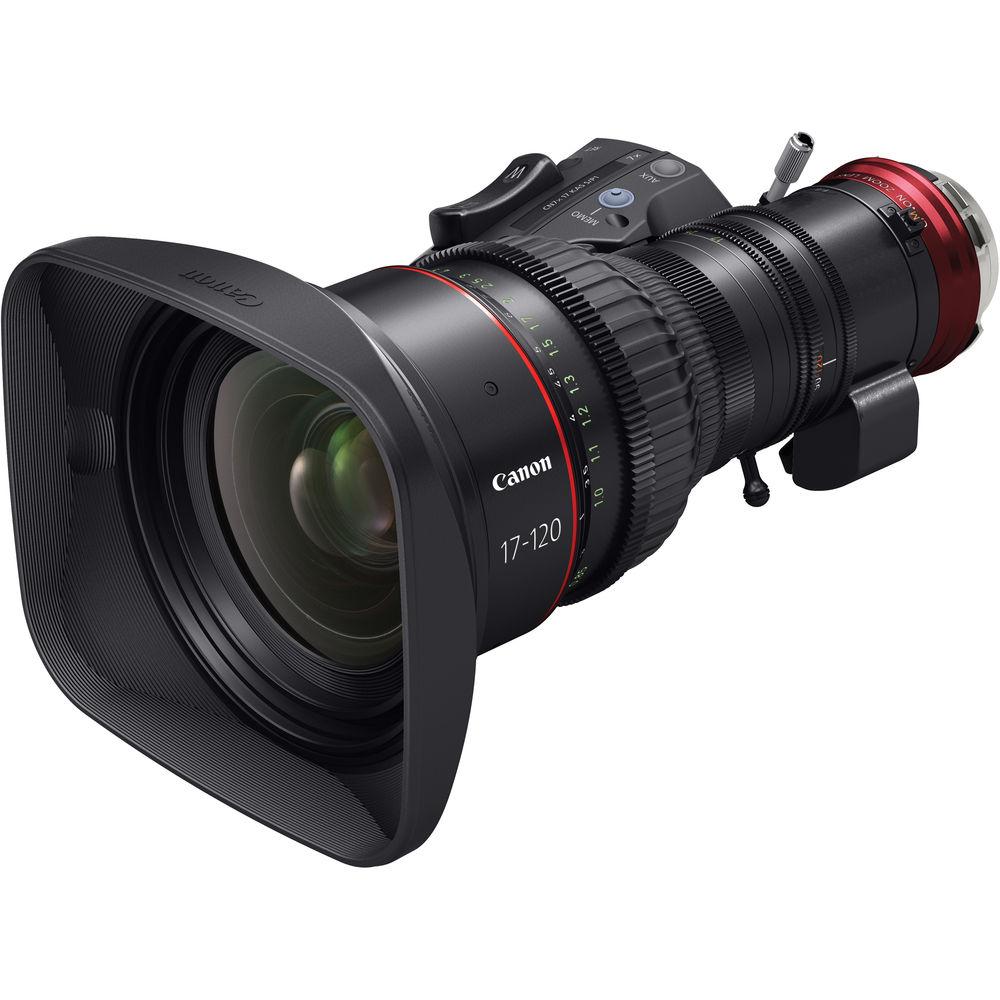
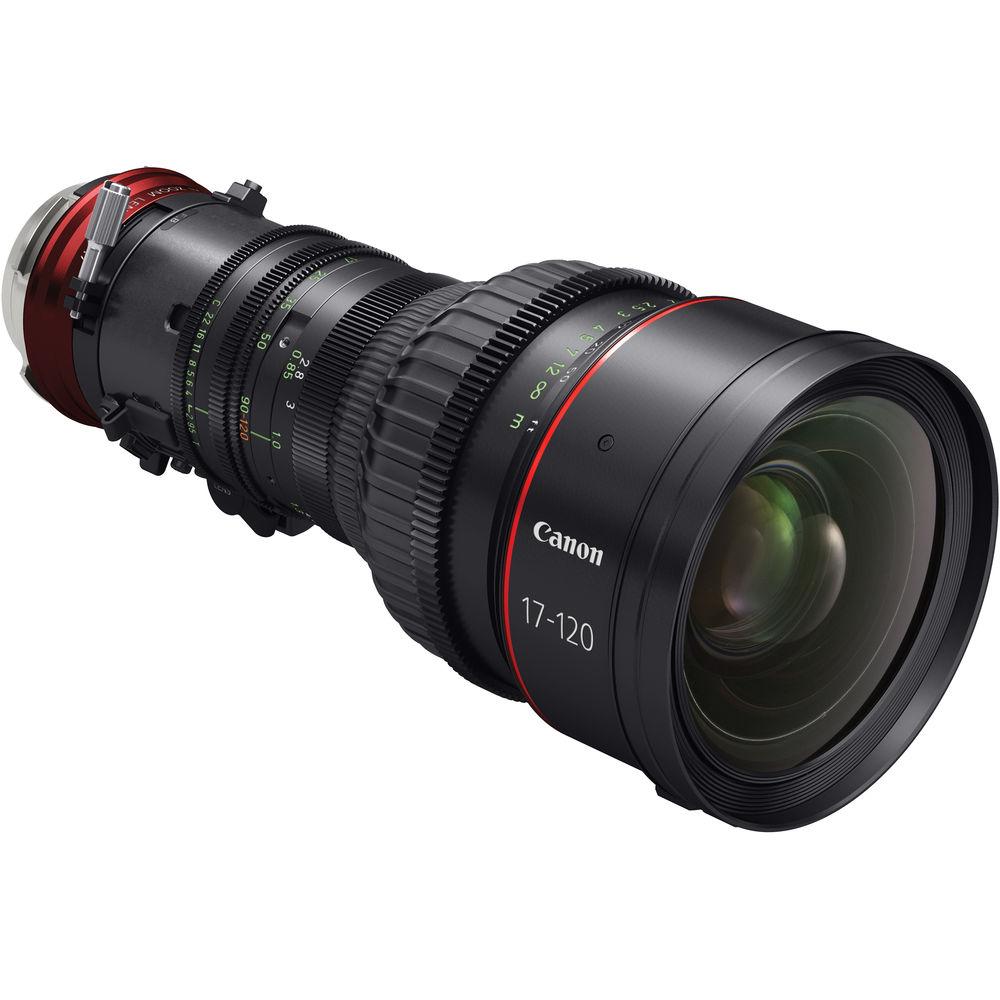
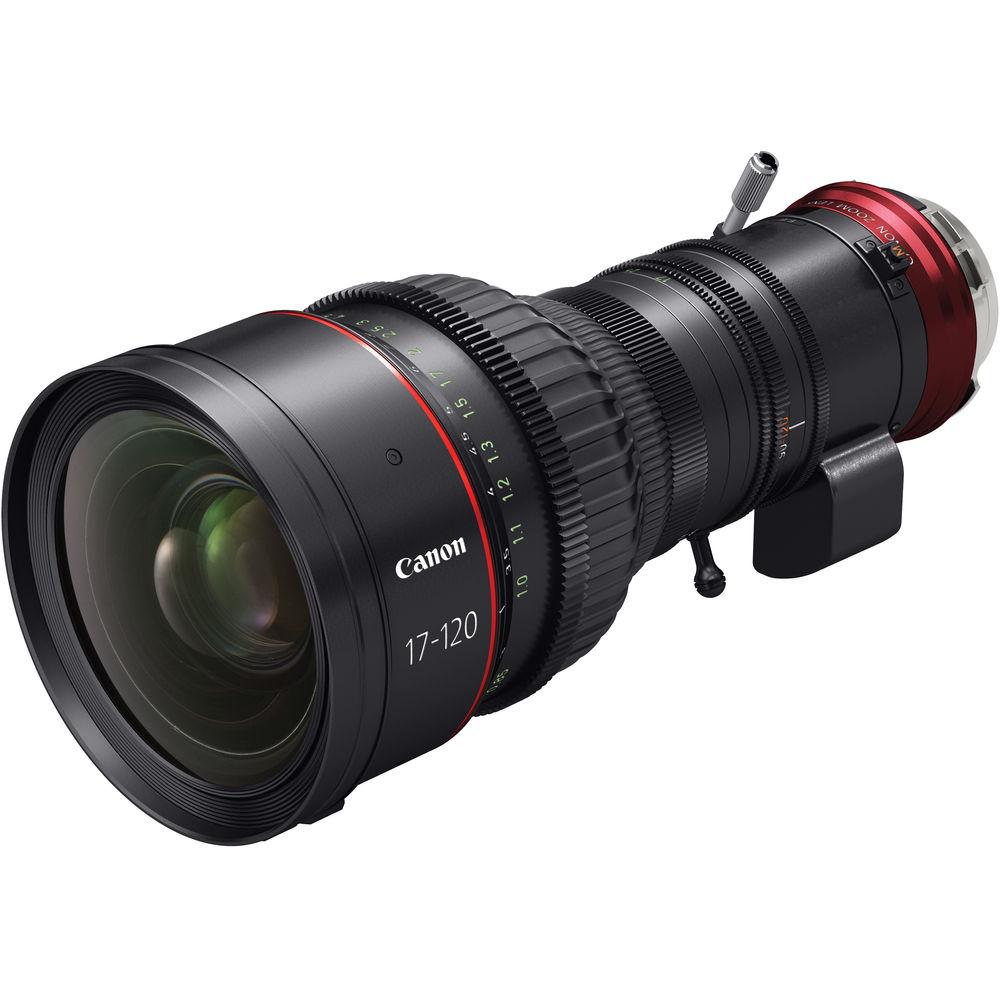
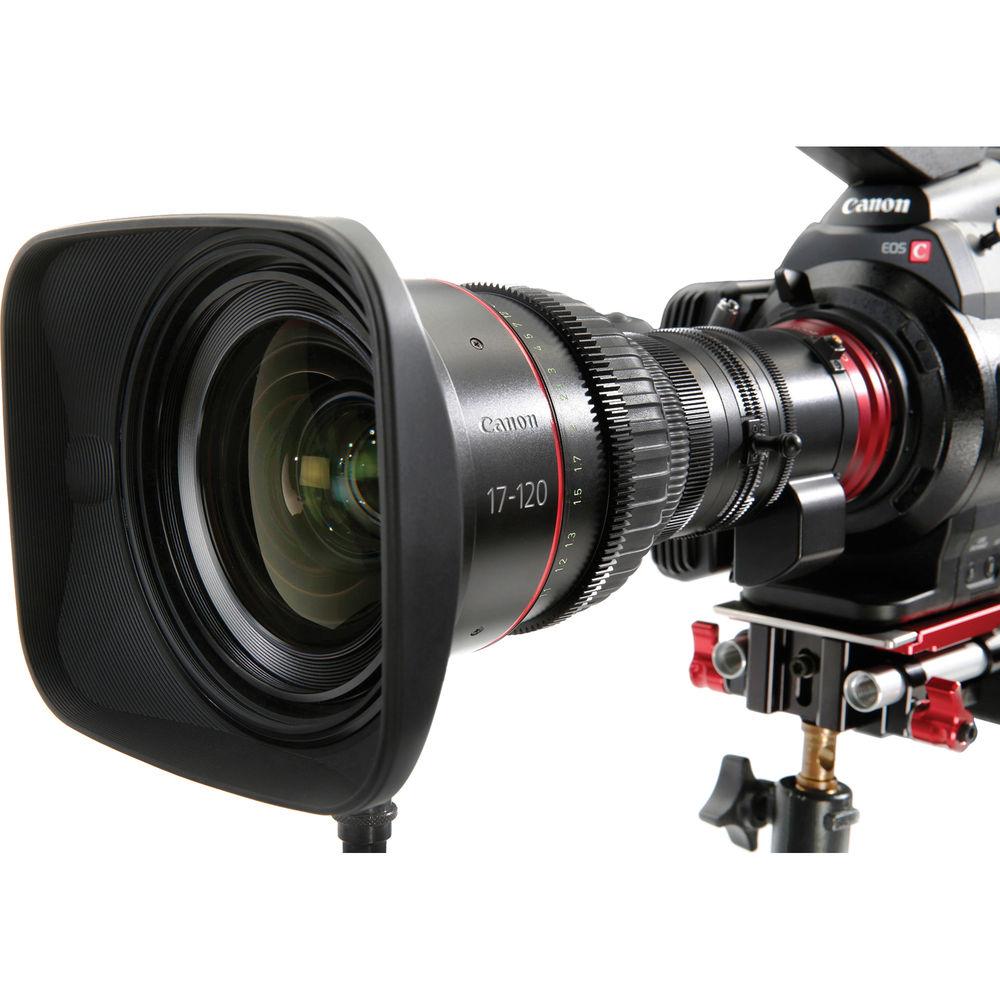
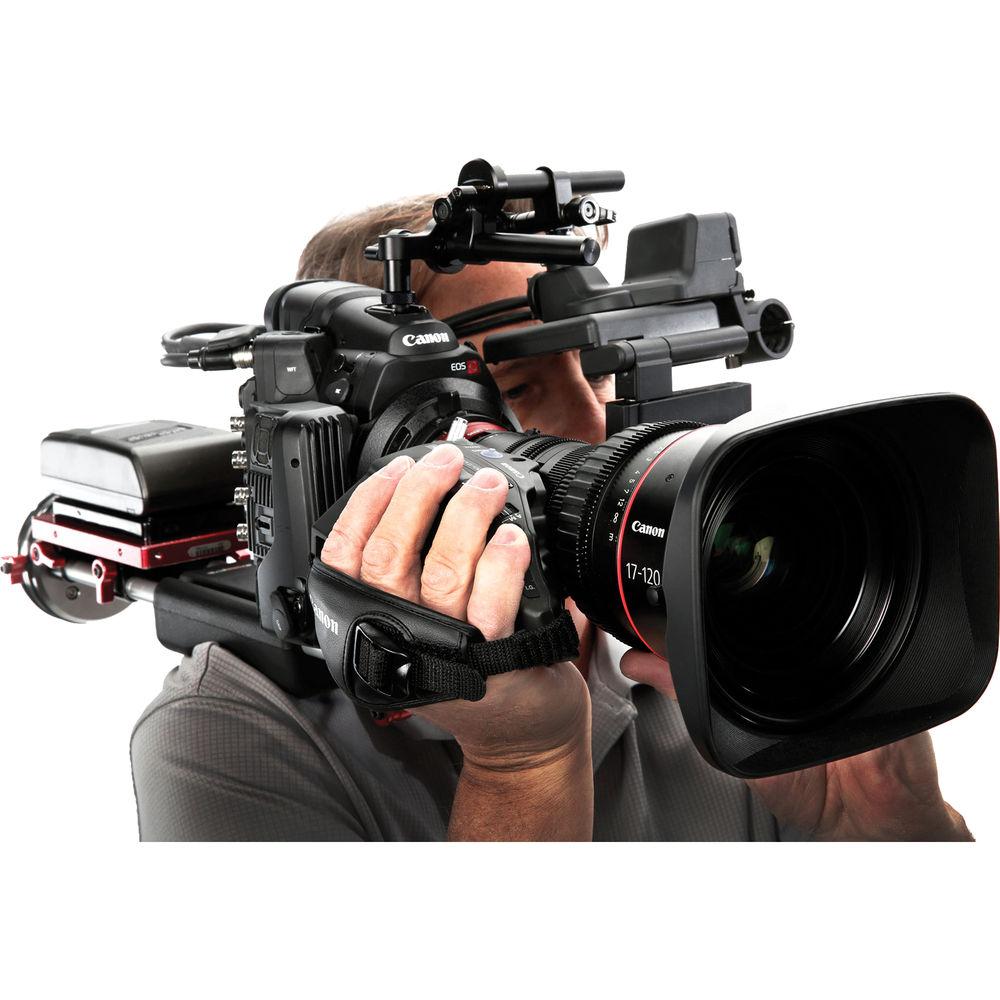
The Cine-Servo 17-120mm T2.95 with PL mount from Canon is designed to combine the functionality and form factor of a broadcast, ENG-style motorized zoom lens with the optical precision of a cinema zoom. The lens is designed for use on cinema cameras with sensors up to Super 35mm (26.2 x 13.8mm) in size and is suitable for 4K acquisition. With a detachable drive mechanism and support for rod attachment, it is designed to be equally at home whether being used by a solo camera operator or a full production team.
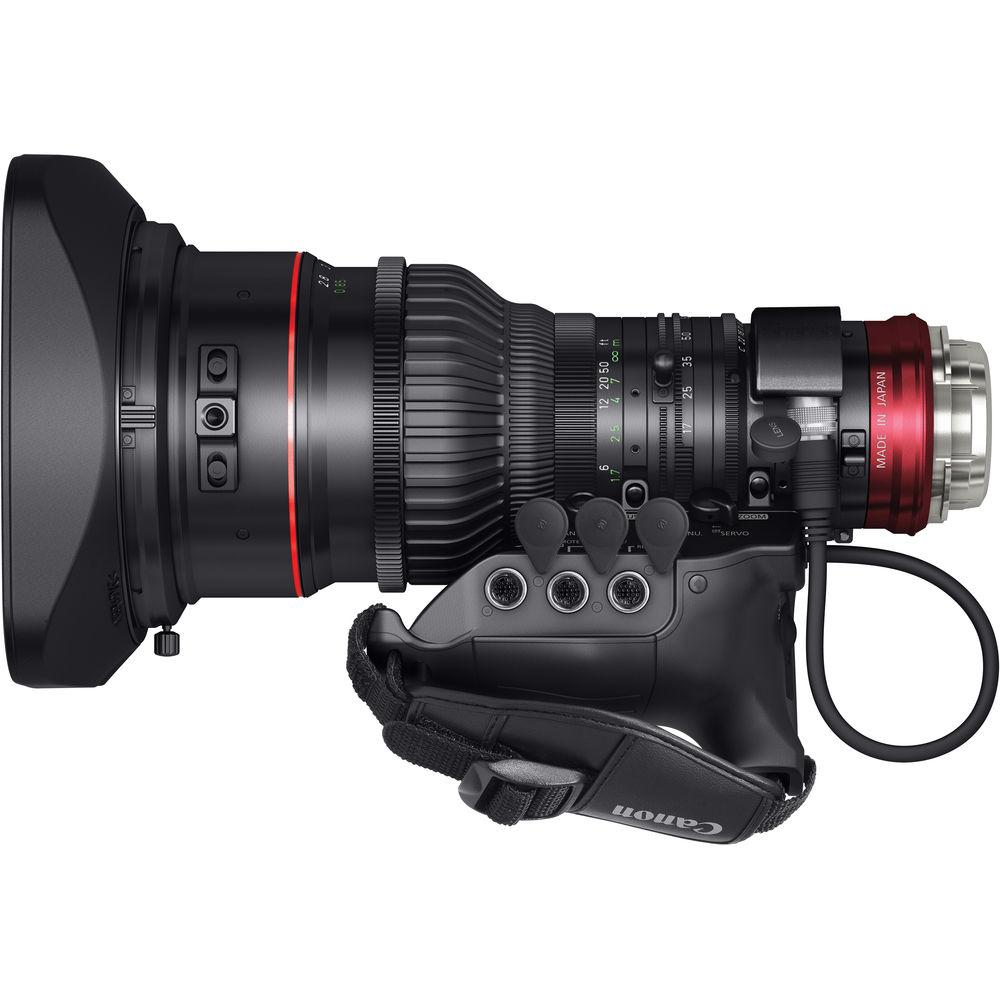
With a 17 to 120mm focal length, the lens features 7x zoom and has a maximum aperture of T 2.95 when set to 91mm or wider. Additionally, it features an 11 blade iris to create circular bokeh patterns as well as to reduce refraction. For ENG-style shooters the lens drive features servo motors powering zoom, focus, and iris. The lens can be connected to the camera either using a standard 12-pin connector or will communicate directly through the lens mount when attached to compatible cameras. Three 20-pin connectors below the servo housing allow many Canon and third-party zoom, focus, and iris controllers to be connected. Broadcast-Style Shooting - Suitable for Shoulder Mounted Camera Operation
- The CN7x17KAS S features the form factor and control layout of typical ENG lenses, and is designed to be friendly for a single camera operator to control while using the camera shoulder mounted. The zoom servo is controlled by rocker with the right hand and focus and iris can be operated manually with the left hand
- Support for Standard Broadcast Lens Controllers
- The lens is compatible with many 20-pin zoom and focus controllers, allowing the lens to be operated comfortably in a studio tripod or pedestal configuration or remotely, say while mounted on a jib or crane. Compatible controllers include the Canon FPD-400D focus control and the Canon ZSD-300D zoom control
- Variable Speed Servo
- High speed servo-driven zoom and iris is available for critical situations such as while filming sports or fast action. Meanwhile, slower speed settings are available for more expressive work. With this variability, the zoom duration can be set to last anywhere from 0.5 to 300 seconds
- Immediate System Startup
- The drive unit features a high-performance encoder so that the lens requires no initialization. This means the system can be used immediately without any delay waiting for it to boot up
- Supports Virtual Image Data Output
- Via three 20-pin connectors below the servo it is possible to connect an external system to collect 16-bit virtual image data
- Standard Broadcast 12-Pin Camera Interface Cable
- The lens features the same 12-pin camera interface for power and serial data as found on regular Canon broadcast lenses
- Broadcast Lens-Style Focus Ring
- In addition to servo zoom, focus, and iris another ENG-derived feature is the knurled focus ring, which is limited to a 180° rotation
- Angle of View Shift Suppression
- The lens features a three-group inner focus system that is designed to minimize angle of view shift (breathing) that occurs when focusing the lens to ensure stable framing even during rack focus
- Flange-Back Adjustment
- The flange back may be adjusted in the same manner as on broadcast lenses to simplify the transition between different camera systems with different flange focal distances
- Macro Function
- The zoom ring features a broadcast lens-style release allowing the lens to quickly set to macro or back again
- Fully Closing Iris
- The iris may be closed fully for setting camera black balance or other calibration procedures
Cinema-Style Shooting - Detachable Drive Unit
- The motor unit housing the servo motors and zoom rocker may be removed for cinema style shooting where full manual control is preferred
- Supports Super 35mm Image Sensors
- The CN7x17KAS S provides a sufficiently large image circle to cover a Super 35mm sensor
- Easier-to-Read Ring Markings
- The lens incorporates the following features designed to make the markings easier to read:
- The focus ring markings are placed on an angled surface so that they can be seen even by an operator sitting behind the camera
- Each ring marking is printed on both sides of a lens allowing focus-pullers or camera assistants to operate the lens from various positions. Additionally, the markings on one side of the lens have a luminous coating so that they can be read even in the dark
- The focus ring features both metric and imperial scales (meters and feet) so that you do not have to replace the lens ring to suit users accustomed to different units of measure
- Support for Cinema Lens Accessories
- The lens is compatible with a wide array of accessories common in the cine industry, including matte boxes, follow focuses, and electronic and wireless controllers. The focus ring features both a 0.8mm pitch cine standard gear ring as well as a 0.5mm Canon pitch ring, the zoom feature a 0.5mm Canon pitch, and there is also a 0.4mm pitch iris gear
- Compatible with Lens Support
- Because of the weight of the lens it is often deemed helpful or necessary to support the lens using a 15mm or 19mm rod system. This lens makes that possible by allowing you to attach a lens support
- Lens-to-Camera Metadata Transmission
- The lens communicates directly with Cinema EOS camera through the lens interface. This allows lens metadata such as zoom setting and iris to recorded in the camera. Note that a firmware update may be required for proper communications between the lens and the camera.
In addition the lens features a standard 12-pin broadcast camera interface and can also transmit zoom, focus, and iris data to a camera or other device via this connection - 11-Blade Aperture Design
- The lens features 11 aperture blades to make lens flares and orbs causes by the bokeh effect as close to round as possible. With fewer blades it is often possible to see the geometric shape of the aperture. Additionally, using an odd number of blades helps prevent diffraction effects that can cause pin-points of light to produce an unwanted "staring" effect
Lens Design - Aspherical Lens Technology
- Since spherical lenses refract more in the periphery than the center it is essentially impossible for an image to be sharp across the entire frame. Aspherical lenses, on the other hand, are able to maintain much more even focusing across the image area for more uniform focusing. In addition, it means less elements are required in the lens design helping make it not only sharper, but reducing the size and weight as well
- Canon Fluorite Coating
- Because glass lenses can never be totally free from chromatic aberration Canon applies a special coating, fluorite, which has an anomalous dispersion characteristic effectively reducing the aberration below what is possible with glass alone
- UD and Hi-UD Glasses
- In addition to fluorite, the use of ultra-low dispersion (UD) glass helps reduce the chromatic aberration that is a normal part of glass lenses. Additionally Hi-UD offers high refraction in addition to low dispersion to help combat spherical as well as chromatic aberration, including the aberration fluctuation normally caused by zooming
UPC: 013803248104 Table of Contents
|
Upload User Manual
Have you got an user manual for the Canon CN7x17 KAS S Cine-Servo 17-120mm T2.95 in electronic form? Please send it to us and help us expand our library of instruction manuals.
Thank you, too, on behalf of other users.
To upload the product manual, we first need to check and make sure you are not a robot. After that, your "Submit Link" or "Upload File" will appear.
Technical parametersCanon Cine-Servo 17-120mm T2.95 Specs | Focal Length | 17 to 120mm | | Lens Mount | ARRI PL | | Format | Super35/APS-C | | Maximum T-Stop | T2.95 to 3.9 | | Diagonal Angle of View | Super35: 87.2 to 14.1° | | Minimum Focus Distance from Image Plane | 2.8' / 0.85 m | | Iris Blades | 11 | | Gear MOD & Pitch | Focus: 0.8 MOD / 32 Pitch
Focus: 0.4 MOD / 64 Pitch
Zoom: 0.5 MOD / 51 Pitch | | Front Diameter | 114 mm | | Zoom Ratio | 7x | | Dimensions (W x H) | 6.9 x 4.9" / 175.3 x 124.5 mm | | Length | 10" / 255 mm | | Weight | 6.4 lb / 2.9 kg | | | | Package Weight | 14.0 lb | | Box Dimensions (LxWxH) | 21.181 x 13.543 x 13.386" |
Rating100% users recommend this product to others. And what about you?

This product has already been rated by 66 owners. Add your rating and experience with the product.
Discussion
 Ask our technicians if you have a problem with your settings,
or if anything is unclear in the user manual you have downloaded.
You can make use of our moderated discussion.
The discussion is public and helps other users of our website who may be encountering similar problems.
Ask our technicians if you have a problem with your settings,
or if anything is unclear in the user manual you have downloaded.
You can make use of our moderated discussion.
The discussion is public and helps other users of our website who may be encountering similar problems.
The discussion is empty - enter the first post
Post a new topic / query / comment:
|
|
|
| Request for user manual |
You can’t find the operation manual you are looking for? Let us know and we will try to add the missing manual:
I’m looking for a manual / Request for manual
Current requests for instruction manuals:
Call Of Duty World War Two For Xbox...
controller stratus XL...
stratus XL...
smart whatch serie S11 42mm...
Allen & Heath SQ-6 manual...
|
| Discussion |
Latest contributions to the discussion:
AEW R 4100
Name: MAURICIO ANGARITA
Audio-Technica AEW-R4100 UHF Diversity Receiver for
AEW R 4100 has the mute function blocked and does not allow audio to pass. I tried several times to turn off the mute from the transmitter but it does nothing, the mute stays on. Solution?
Thank you...
Instructions for assembling the 2015 Forecast Image Master Consoles GC3-A
Name: mike elam
Forecast Consoles GC3-A ImageMaster Editing Console
Looking for instructions for assembling this console. ...
EMPTY TONER ERROR MESSAGE AFTER REPLACING TONER
Name: LINDA BAD YELLOW EYES
Brother TN223BK Standard-Yield Toner
I HAD TO CHANGE OUT ALL THREE TONERS DUE TO LEAKS IN THE YELLOW AND CYAN. AFTER I REPLACED THEM, THE MACHINE KEEPS GIVING ME AN EMPTY TONER ERROR MESSAGE. HELP!!...
PS480D 20/24 pin Switching 480W Power Supply
Name: swkargo
Logisys 480W Power Supply
This item states in can run -5vdc .It is NOT listed on the board or I beleive is r4 is missing the resitior. Any body have thid issue. Shawn
...
Help needed
Name: Ann Carter
SanDisk 1TB Extreme Portable USB 3.1
When I click the link to download the user manual for my Sandisk Extreme external hard drive, it gives me the manual for the LG Cricket. Can you please change the link so I can download the Sandisk manual and begin using this drive? Thank you....
|
|


