|
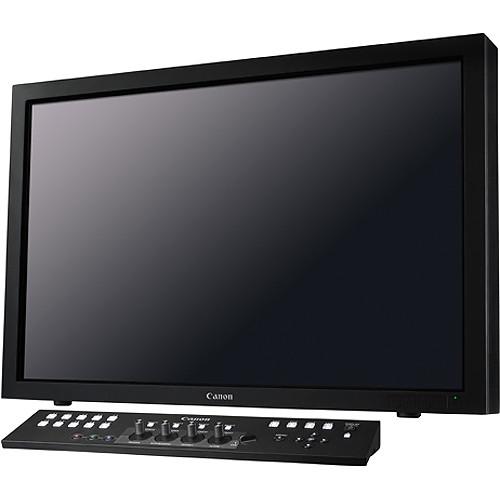
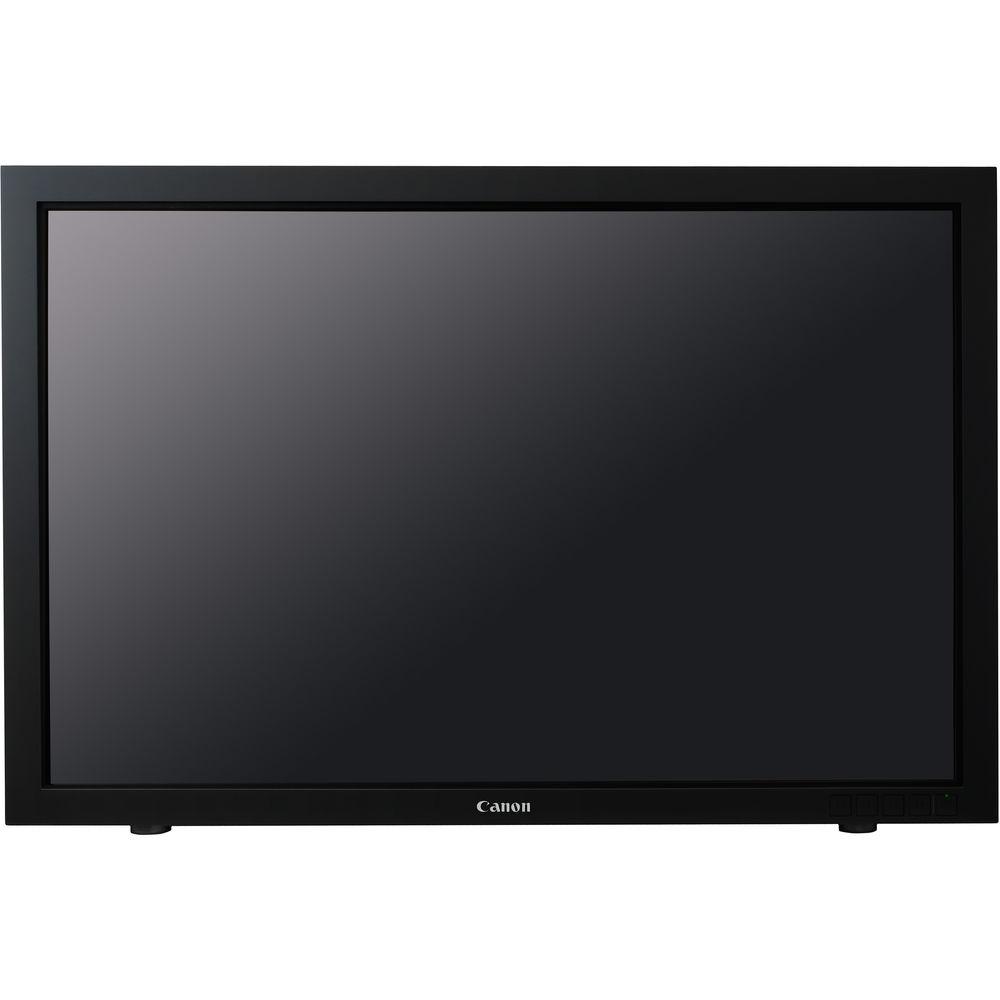
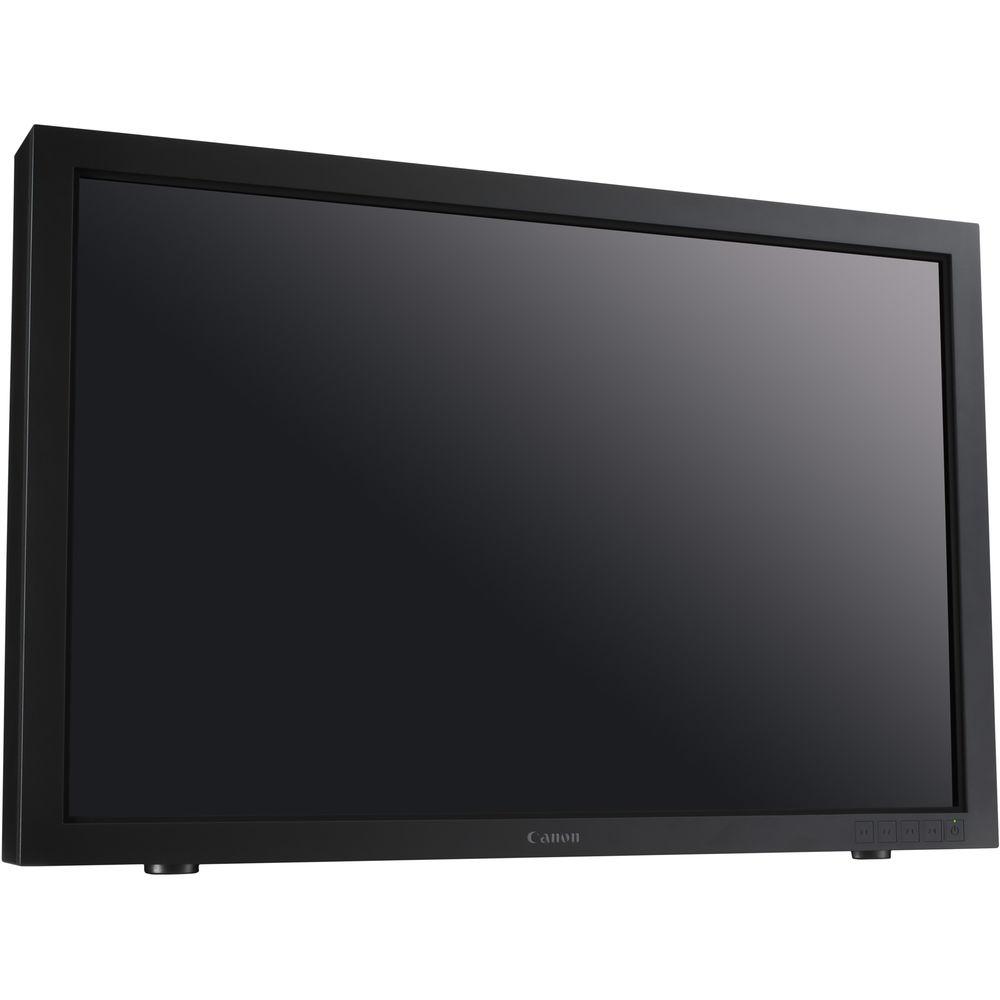
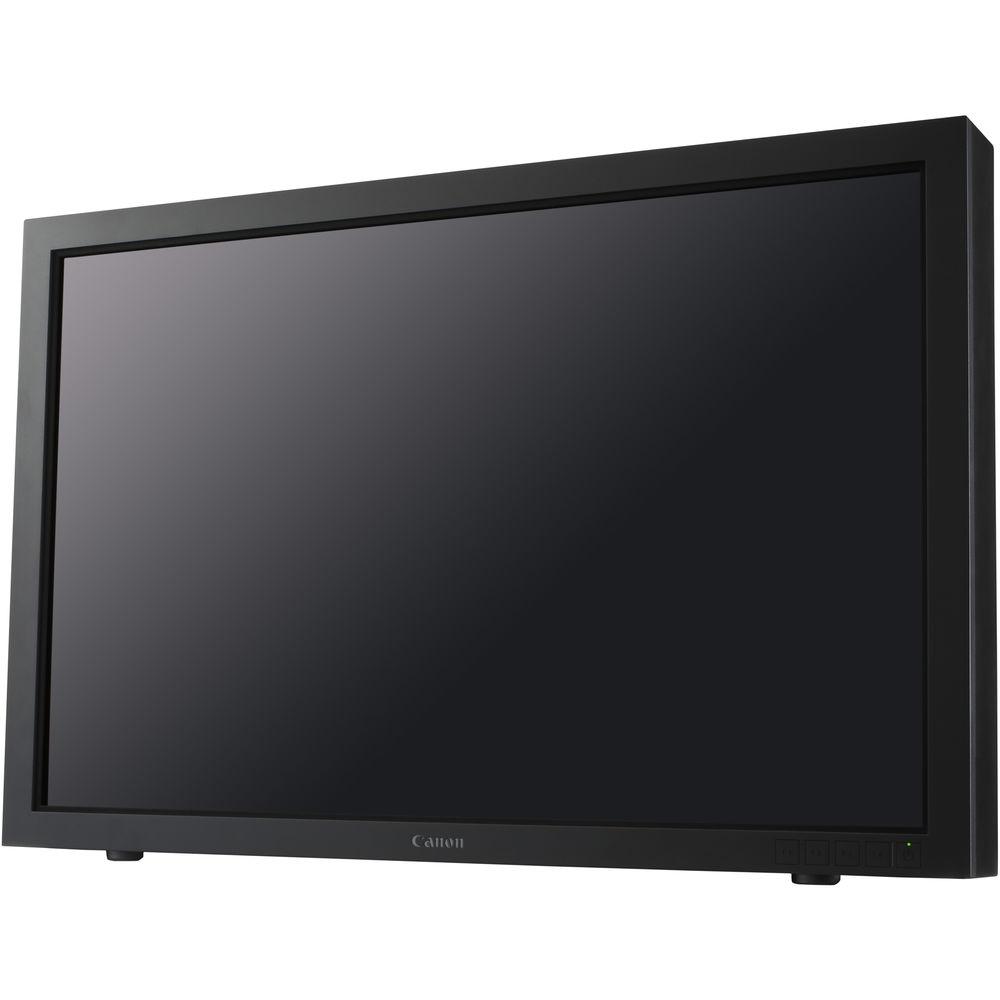
User Manual for Canon DP-V3010 30" 4K Reference Display Click to enlarge the picture
 Contents of the user manual for the Canon DP-V3010 30" 4K Reference Display
- Product category: Production Monitors Canon
- Brand: Canon
- Description and content of package
- Technical information and basic settings
- Frequently asked questions – FAQ
- Troubleshooting (does not switch on, does not respond, error message, what do I do if...)
- Authorized service for Canon Production Monitors
 |
User manual for the Canon DP-V3010 30" 4K Reference Display contain basic instructions
that need to be followed during installation and operation.
Before starting your appliance, the user manual should be read through carefully.
Follow all the safety instructions and warnings, and be guided by the given recommendations.
User manual is an integral part of any Canon product,
and if it is sold or transferred, they should be handed over jointly with the product.
Following the instructions for use is an essential prerequisite for protecting
health and property during use, as well as recognition of liability on the part of the manufacturer
for possible defects should you make a warranty claim. Download an official Canon user manual in which you will find instructions on how to install, use, maintain and service your product.
And do not forget – unsuitable use of a Canon product will considerably shorten its lifespan!
|
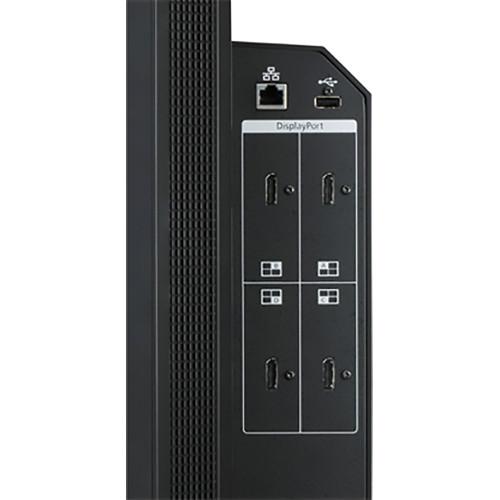
Product description Announcing Canon 4K Reference Displays Read More tzfebfsswexcbdsvuxtxuv Canon's DP-V3010 30" 4K Reference Display provides you with a stable, high-resolution display for you to review 4K footage during all phases of production and postproduction. It features two sets of four BNC connectors and four DisplayPort connectors for 3840 x 2160 graphics input. The monitor supports both DCI and UHD video at 10-bit and an IPS screen for good off-axis viewing. The 10-bit panel is DCI contrast and color compliant, allowing it to accurately display images with a wider palette than an 8-bit panel, providing you with a more accurate representation of your actual footage.
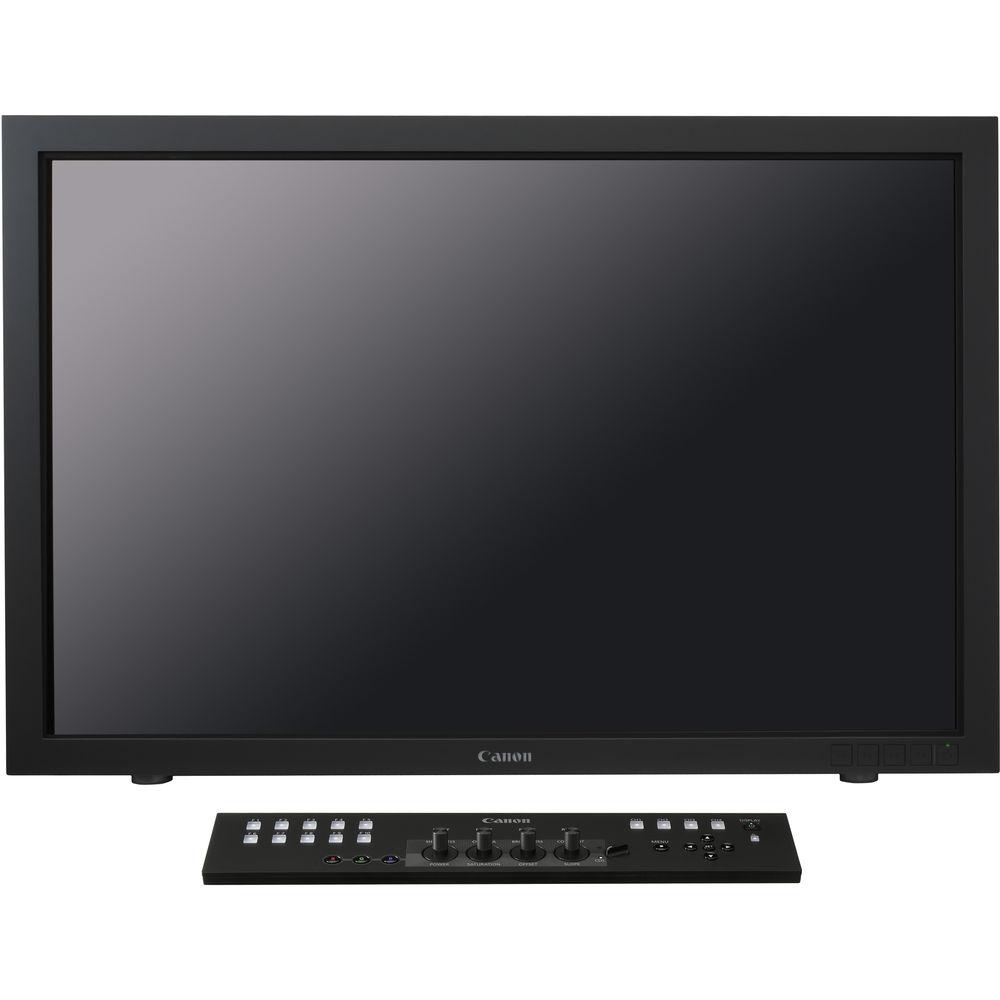
The monitor incorporates a variety of image enhancement functions such as Backlight Scanning and Shape Trace that allows you to adjust how the monitor displays your images. LUT support allows you to see an approximation of how your graded footage will look, which can help you zero in on your lighting. The controls normally found on the front panel of a monitor are instead found on a detachable control panel, allowing you to control the monitor's settings remotely. The timecode display allows you to accurately track your footage to confirm you are looking at the shot you want. - 4K DCI/UHD Workflow
- DCI 4K: The DP-V3010 4K Reference Display was designed to accept 4K inputs that conform with the digital sampling structure of 4096 (H) x 2160 (V) at 24, 25, 30, and 60 frames per second with a 1.896:1 aspect ratio (SMPTE ST 2048-1:2012).
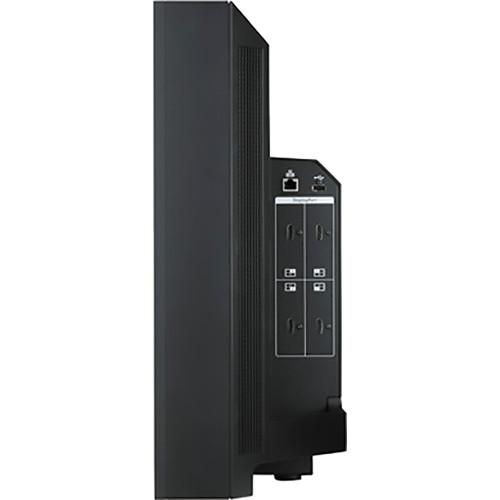
UHD 4K: The DP-V3010 also accepts 4K inputs that conform to the alternative sampling structure 3840 (H) x 2160 (V) with a 16:9 aspect ratio at all standard frame rates up to 60P, known as ITU-R BT.2020 and SMPTE ST 2036-1:2009. This allows the DP-V3010 to be used in live 4K television productions. It can monitor live 4K motion imaging directly from camera systems that deliver real-time outputs via their 3G-SDI Quad interfaces, or it can view digital 4K recorded playback delivered from recorders via Quad 3G-SDI. The DP-V3010 can accept inputs from two separate 4K sources via eight 3G-SDI interfaces. Monitoring outputs for each are also included. - Design and Function
- The DP-V3010 4K Reference Display is designed for on set use in the studio, on remote locations, and in editorial and post-production environments. Convenient carrying handles allow the 30-inch display to be moved easily and positioned on top of a desk or a counter, or it can be wall/rack mounted. Easy-to-navigate on-screen commands can be controlled via the included Display Controller. The comprehensive Display Controller can be installed almost anywhere, and is designed for use both as a convenient desktop controller or rack-mounted for easy integration within DI suites, VFX suites, production control rooms and mobile applications. Control buttons are grouped into zones for easy operation, with rotary dials for intuitive operational adjustment of certain image parameters. The inclusion of multiple interfaces helps ensure that the DP-V3010 offers the type of flexibility operators need within a variety of production and post-production workflows.
- DCI-Compliant Contrast Ratio
- The monitor can achieve a contrast ratio of 2000:1, which is compliant with DCI standards.
- 4K ACES Support
- The DP-V3010 4K Reference Display supports the ACES (Academy Color Encoding System) color management standard (Version 1.0). It is capable of providing RAW format image de-bayering and IDT (input device transform), enabling the reference display to transfer RAW format images to the ACES color space, as well as supporting any source input that complies with ACESproxy.
- ASC-CDL Format Support
- Incorporating support for ASC-CDL (American Society of Cinematographers' Color Decision List) formats, the DP-V3010 4K Reference Display accepts color correction input directly using slope, offset, power and saturation parameter adjustments to the overall RGB image, and/or separately to the individual red, green and blue channels. It is also possible to save all and recall all CDL settings using a USB flash drive.
- 1D/3D LUT Support
- The monitor supports direct importing of both 1D and 3D Look-up Tables (LUTs) for accurate and consistent color matching between individual displays, as well as using customized 'looks' that have been created by third-party color-grading applications. Multiple LUTS can be setup per picture mode giving users the ability to rapidly compare up to 8 different LUTs without having to change the picture mode.
- Consistent Color Image Quality
- The DP-V3010 4K Reference Display utilizes built-in auto-correct functions that consistently monitor color, brightness, and other parameters that keep the display at a high level of uniformity at all times. These functions include the following:
- Precise Color Adjustment Prior to Shipment :In order to achieve high color uniformity, each DP-V3010 4K Reference Display undergoes a high-precision calibration process before shipping from the factory. External calibration allows users to maintain factory settings as well as make adjustments for specific display applications.
- Automatic Color and Brightness Correction System:A special control system within the DP-V3010 4K Reference Display constantly measures ambient lighting conditions, as well as internal display changes - including color temperature and brightness - to help reduce fluctuations in light levels and color, thereby helping to ensure long-term image stability and consistency.
- Calibration Without a PC: The DP-V3010 4K Reference Display can be calibrated easily and conveniently without the need for an external PC workstation. Using third-party external sensors, users can calibrate the display in accordance with viewing environment and application.
- Backlight Scanning
- The DP-V3010 4K Reference Display's Backlight Scanning with full array RGB backlight allows individual backlight areas to be partially turned off. This feature helps reduce the image-hold period inherent to LED technology while images are being displayed, and results in crisp video playback without the perception of blurring between video frames. It also enhances static image contrast ratio.
- Cinema EOS Canon Log Gamma Support
- The DP-V3010 4K Reference Display comes pre-installed with a Cinema EOS Canon Log viewing LUT (Look-up Table), enabling it to be integrated with a Cinema EOS digital camera in order to help provide optimal monitoring on location or within the studio.
- Professional Display Functionality
- The DP-V3010 4K Reference Display also supports a variety of key operational functions for cinematographers, DITs, videographers, and colorists, including the following:
- Markers
- Timecode
- I/P Conversion
- Monochrome
- Red/Green/Blue OFF
- Export/Import Settings
- Test Pattern
- Color Range
- PsF
- Blue-Only
- H Delay/V Delay
UPC: 013803161519 In the Box Canon DP-V3010 30" 4K Reference Display Display Controller AC Power Cord Compact Power Adapter AC Cable Tip Prevention Fitting LAN Cable Rackmount Bracket Rackmount Bracket Screws Hex Key Limited 1-Year Warranty Table of Contents
|
Upload User Manual
Have you got an user manual for the Canon DP-V3010 30" 4K Reference Display in electronic form? Please send it to us and help us expand our library of instruction manuals.
Thank you, too, on behalf of other users.
To upload the product manual, we first need to check and make sure you are not a robot. After that, your "Submit Link" or "Upload File" will appear.
Technical parametersCanon DP-V3010 Specs | | | Broadcast System Compatibility | NTSC
PAL | | Panel Type | IPS LCD | | Screen Size (Diagonal) | 30" / 76.1 cm | | Active Display Area | Approx. 25.4 x 15.9" (645.1 x 403.2 mm) | | Resolution | 4096 x 2560 | | Backlight Type | RGB LED, Direct Down Type | | Pixel Pitch | 157.5 µm | | Bit Depth | 10-bit | | Aspect Ratio | 16:10 | | Brightness | DCI: 48 cd/m2
Standard: 100 cd/m2 | | Viewing Angle (CR≥10) | 178° (L/R, U/D) | | Surface Treatment | Low-reflection glare | | Signal Formats | 4096 x 2160
4:4:4 RGB 12/10-bit, 4:4:4 X'Y'Z' 12-bit: 24p/25p/30/24PsF/25PsF/30PsF
4:2:2 YCbCr 10-bit: 60p
3840 x 2160
4:4:4 RGB 12/10-bit, 4:2:2 YCbCr 12-bit: 24p/25p/30/24PsF/25PsF/30PsF
4:2:2 YCbCr 10-bit: 50p/60p
2048 x 1080
4:4:4 RGB 12/10-bit, 4:4:4 X'Y'Z' 12-bit: 24p/25p/30/24PsF/25PsF/30PsF
4:2:2 YCbCr 10-bit: 60p
1920 x 1080
4:4:4 RGB 12/10-bit, 4:2:2 YCbCr 12-bit: 24p/25p/30/24PsF/25PsF/30PsF
4:2:2 YCbCr 10-bit: 50p/60p | | Input and Output Connectors | Input
SDI: 8 x BNC
DisplayPort: 4 x DisplayPort connectors (1 system, version 1.1a compliant)
Output
SDI: 8 x BNC (pass-thru)
USB: 1 x USB 2.0 type A receptacle terminal
LAN: 1 x RJ-45 | | Power Requirements | 100 to 240 VAC, 50/60 Hz | | Power Consumption | Maximum Load: Approx. 370 W (including change in brightness through aging) At Factory Shipment: Approx. 130 W | | Temperature / Humidity | Recommended
59 to 86°F / 15 to 30°C / 20 to 80% RH (no condensation)
Operating
41 to 95°F / 5 to 35°C / 20 to 80% RH (no condensation)
Storage
-4 to 104°F / -20 to 40°C / 10-85%RH (no condensation)
105 to 140°F / 41 to 60°C / 10-40%RH (no condensation) | | Atmosphere Pressure | Pressure: 700-1060 hPa | | Mounting Hole Pitch | VESA Standard: 200 x 200 mm | | Dimensions (WxHxD) | 27.9 x 18.7 x 7.4" / 708 x 474 x 189 mm | | Weight | Approx. 52.8 lb. / 24kg | | | | Control | 1 x RJ-45 | | Power Requirement | 100 to 240 VAC, 50/60 Hz | | Power Consumption | 2 W | | Temperature / Humidity | Operating
41 to 95°F / 5-35°C / 20-80% RH (no condensation)
Storage/Transporting
-4 to 104°F / -20-40°C), 10-85% RH (no condensation); 105-140°F (41 - 60°C), 10-40% RH (no condensation) | | Mounting Hole Pitch | EIA2U Standard: 3.0 x 18.3" / 76.2 x 465.9 mm | | Dimensions | Approx. 16.5 x 2.2 x 3.5" / 419 x 56 x 88 mm | | Weight | Approx. 16.2 oz / 460 g | | | | Package Weight | 68.0 lb | | Box Dimensions (LxWxH) | 34.0 x 26.5 x 15.0" |
Rating80% users recommend this product to others. And what about you?

This product has already been rated by 42 owners. Add your rating and experience with the product.
Discussion
 Ask our technicians if you have a problem with your settings,
or if anything is unclear in the user manual you have downloaded.
You can make use of our moderated discussion.
The discussion is public and helps other users of our website who may be encountering similar problems.
Ask our technicians if you have a problem with your settings,
or if anything is unclear in the user manual you have downloaded.
You can make use of our moderated discussion.
The discussion is public and helps other users of our website who may be encountering similar problems.
The discussion is empty - enter the first post
Post a new topic / query / comment:
|
|
|
| Request for user manual |
You can’t find the operation manual you are looking for? Let us know and we will try to add the missing manual:
I’m looking for a manual / Request for manual
Current requests for instruction manuals:
Call Of Duty World War Two For Xbox...
controller stratus XL...
stratus XL...
smart whatch serie S11 42mm...
Allen & Heath SQ-6 manual...
|
| Discussion |
Latest contributions to the discussion:
AEW R 4100
Name: MAURICIO ANGARITA
Audio-Technica AEW-R4100 UHF Diversity Receiver for
AEW R 4100 has the mute function blocked and does not allow audio to pass. I tried several times to turn off the mute from the transmitter but it does nothing, the mute stays on. Solution?
Thank you...
Instructions for assembling the 2015 Forecast Image Master Consoles GC3-A
Name: mike elam
Forecast Consoles GC3-A ImageMaster Editing Console
Looking for instructions for assembling this console. ...
EMPTY TONER ERROR MESSAGE AFTER REPLACING TONER
Name: LINDA BAD YELLOW EYES
Brother TN223BK Standard-Yield Toner
I HAD TO CHANGE OUT ALL THREE TONERS DUE TO LEAKS IN THE YELLOW AND CYAN. AFTER I REPLACED THEM, THE MACHINE KEEPS GIVING ME AN EMPTY TONER ERROR MESSAGE. HELP!!...
PS480D 20/24 pin Switching 480W Power Supply
Name: swkargo
Logisys 480W Power Supply
This item states in can run -5vdc .It is NOT listed on the board or I beleive is r4 is missing the resitior. Any body have thid issue. Shawn
...
Help needed
Name: Ann Carter
SanDisk 1TB Extreme Portable USB 3.1
When I click the link to download the user manual for my Sandisk Extreme external hard drive, it gives me the manual for the LG Cricket. Can you please change the link so I can download the Sandisk manual and begin using this drive? Thank you....
|
|


