|
User Manual for Canon EOS Rebel T6s DSLR Camera Click to enlarge the picture
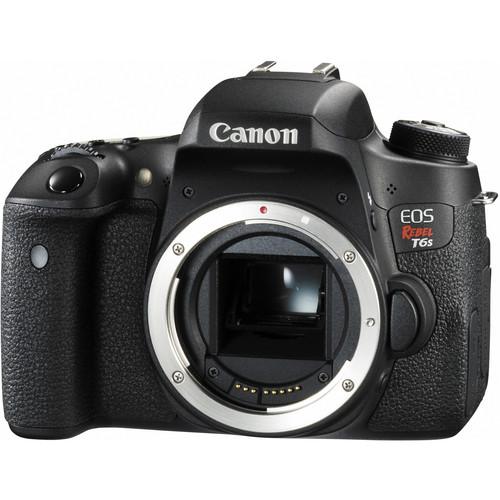 Contents of the user manual for the Canon EOS Rebel T6s DSLR Camera
- Product category: DSLR Cameras Canon
- Brand: Canon
- Description and content of package
- Technical information and basic settings
- Frequently asked questions – FAQ
- Troubleshooting (does not switch on, does not respond, error message, what do I do if...)
- Authorized service for Canon DSLR Cameras


 |
User manual for the Canon EOS Rebel T6s DSLR Camera contain basic instructions
that need to be followed during installation and operation.
Before starting your appliance, the user manual should be read through carefully.
Follow all the safety instructions and warnings, and be guided by the given recommendations.
User manual is an integral part of any Canon product,
and if it is sold or transferred, they should be handed over jointly with the product.
Following the instructions for use is an essential prerequisite for protecting
health and property during use, as well as recognition of liability on the part of the manufacturer
for possible defects should you make a warranty claim. Download an official Canon user manual in which you will find instructions on how to install, use, maintain and service your product.
And do not forget – unsuitable use of a Canon product will considerably shorten its lifespan!
|
Product description - Canon EOS Rebel T6i and T6s: Hands-On Review
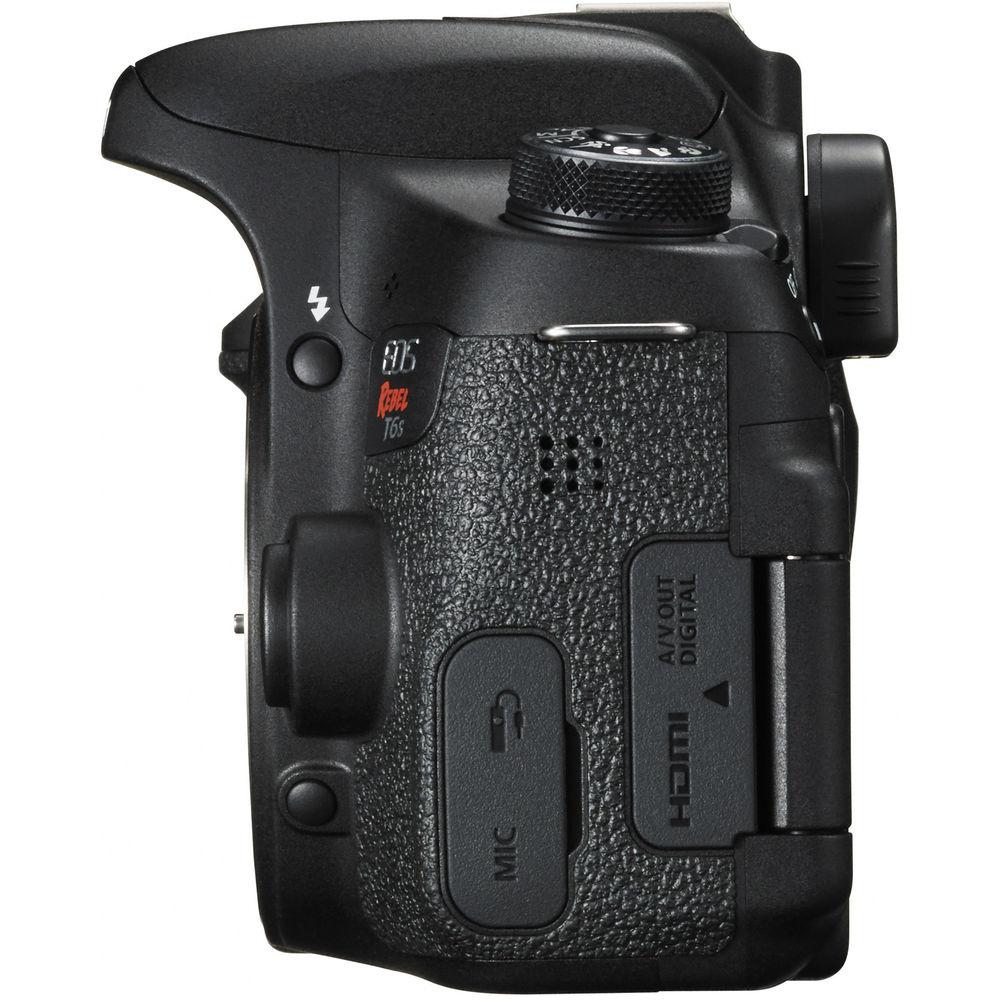
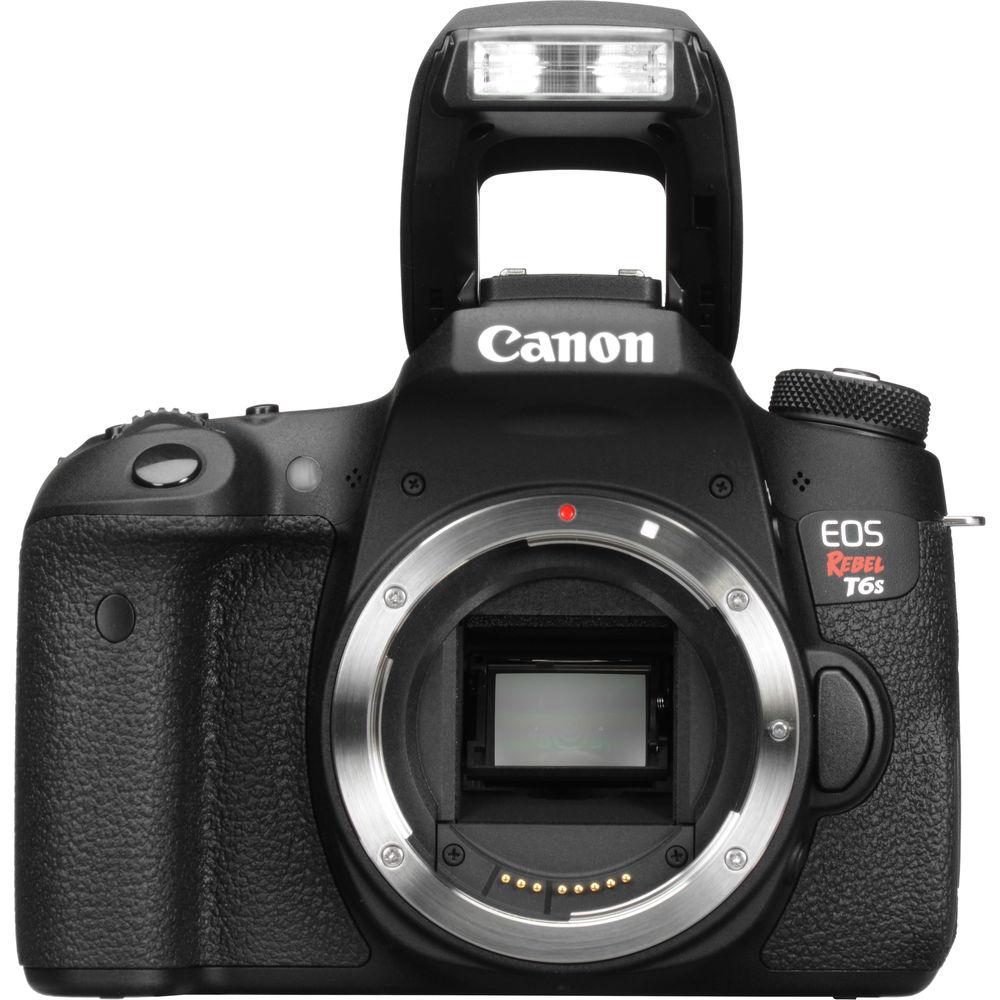
Adding much more control over previous models, the EOS Rebel T6s DSLR Camera from Canon is the first of its class to feature a top LCD panel, a Quick Control dial, and horizontal level. This camera also packs a high resolution 24.2-megapixel CMOS sensor and the DIGIC 6 Image Processor into a compact body, enabling shooting in a wide variety of conditions, from bright sunlight to dim indoor scenarios due to ISO performance of up to 12,800, which can be expanded to 25,600. The APS-C camera has built-in Wi-Fi connectivity with NFC that allows for wireless transfer of images and video to social networks and cloud storage via the Camera Connect mobile app. Also, NFC enables fast connection to mobile devices as well as the CS100 Connect Station.
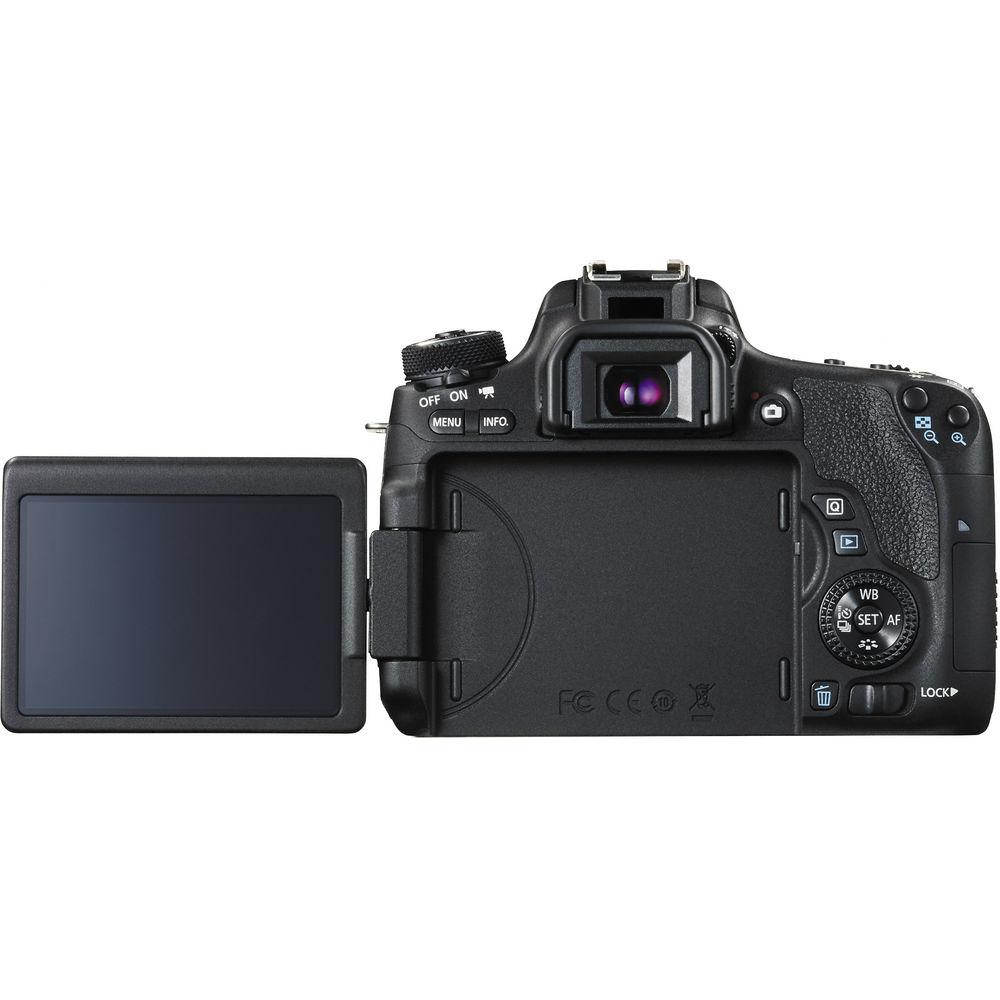
Full HD video in MP4 format is possible with the T6s in addition to stills and it has Hybrid CMOS AF III for fast, accurate autofocus during movie shooting and during Live View. There is also a built-in HDR movie mode for improved shadow and highlight detail. A vari-angle 3.0" 1.04M-dot ClearView II touchscreen LCD monitor on the rear of the camera allows for versatile positioning of the camera and clear viewing, even outdoors. Additionally, the EOS scene analysis system can detect near-infrared light and flickering light sources to provide the best information for metering the scene.
High speed continuous shooting at up to 5 fps ensures you will not miss a shot during fast action and this is benefited by the use of a 19-point all cross-type autofocus system. Creative filters are also available for preset looks for your photos and videos.
Product Advisory: In some units of the EOS Rebel T6s white spots may exist on the optical layer which may result in the appearance of dark circular patterns on the capture image under certain shooting conditions. Potentially affected units include cameras with serials numbers of "XXnnnnnnnnnn" in which XX is 01 or 02. These cameras will be inspected and repaired free of charge by Canon USA. - 24.2MP APS-C CMOS Sensor & DIGIC 6 Image Processor
- At the core of the T6s are the 24.2-megapixel APS-C CMOS sensor and the DIGIC 6 Image Processor, both of which work together to produce high resolution images in a variety of shooting conditions. This is possible through a native sensitivity of ISO 100-12,800, which is expandable to 25,600 for situations that demand it.
- Top LCD Panel, Quick Control Dial, & Horizontal Level
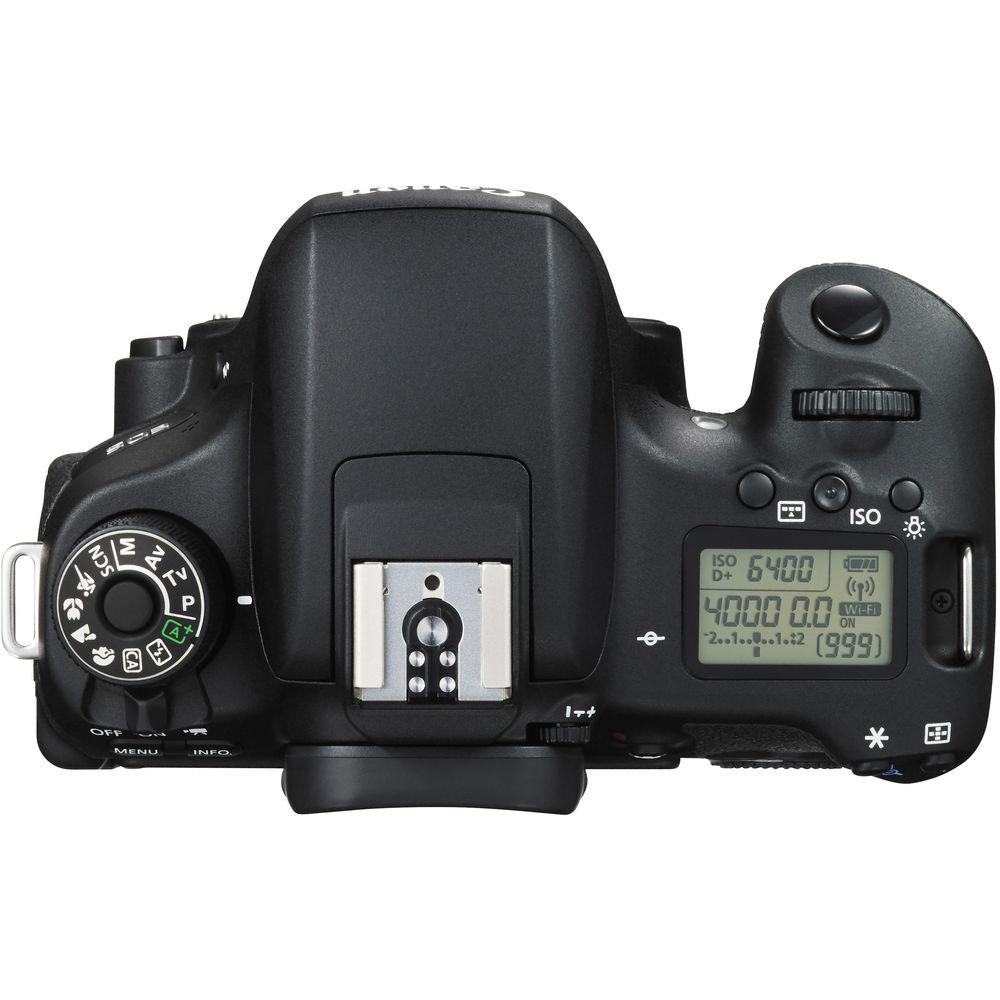
- The T6s is the first of the EOS Rebel class to feature a top LCD panel, Quick Control Dial, and horizontal level. These all contribute to improved operability of the camera. The top panel allows users to quickly and easily review settings without having to resort to the rear LCD screen or viewfinder while the Quick Control Dial enables quickly changing of settings. Also, the horizontal level ensures that your images are straight with the horizon.
- 3.0" Vari-Angle Touchscreen LCD Monitor
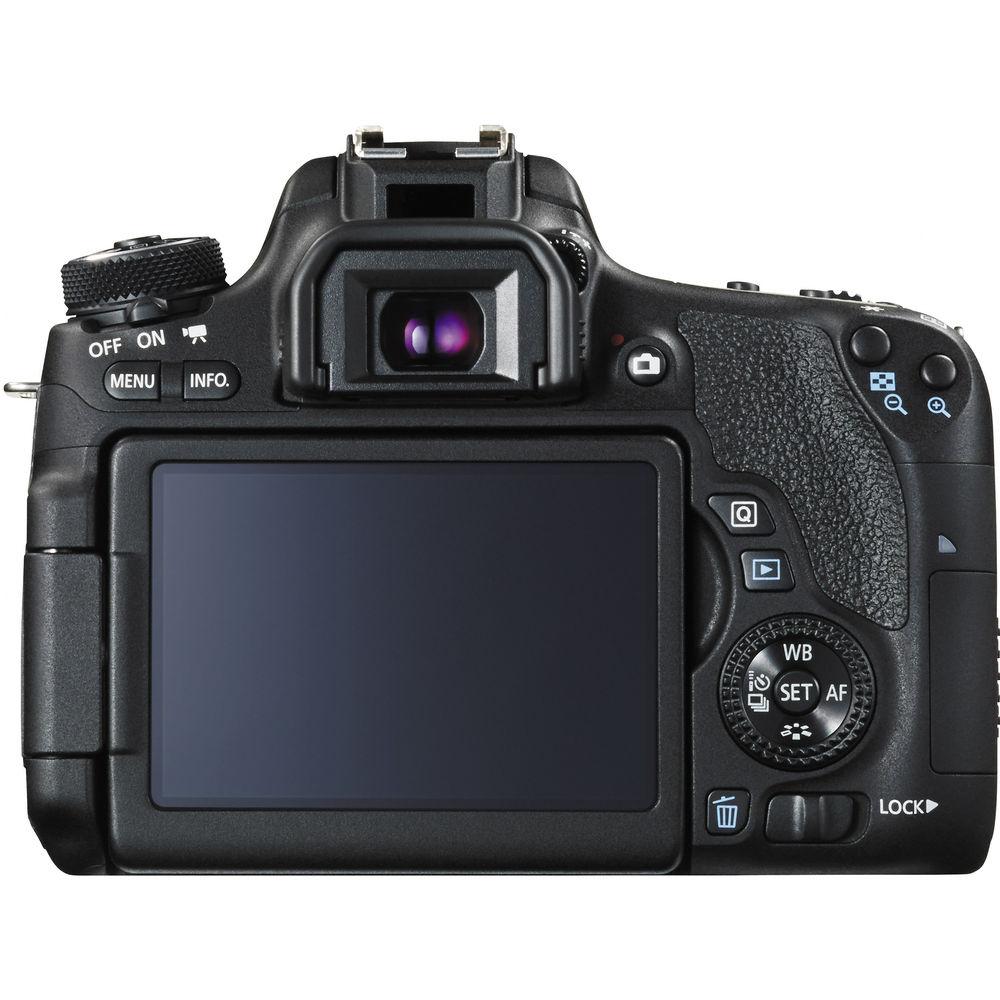
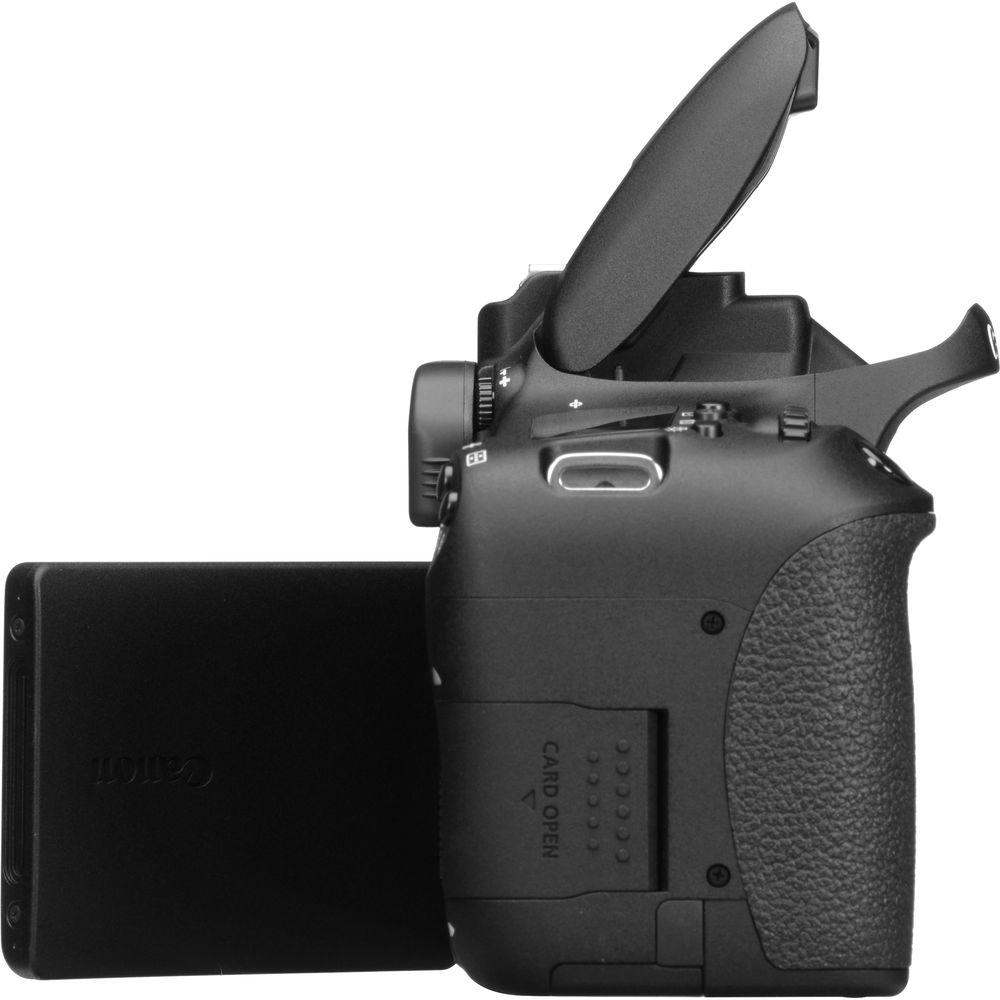
- A 3.0" Clear View II Vari-angle Touchscreen LCD monitor with 1,040k-dot resolution provides clear composition and playback viewing even in bright light. Its tilt and swivel capability makes shooting at odd angles easy, and a smudge-resistant coating keeps the monitor clear. Seven-level brightness control is available, and intuitive touchscreen control makes menu control simple, and offers Touch Autofocus.
- Full HD 1080p Video Capture
- Full HD Movie mode supports Movie Servo for continuous focus tracking of moving subjects during recording. Manual exposure control and a built-in stereo microphone with manual audio level adjustment provide high-quality control over your shooting, and multiple frame rates and resolutions provide quality-level and stylistic shooting options. Stills can be recorded during video shooting simply by pressing the camera's shutter button. Also, a built-in HDR movie mode will record alternating exposures at 60 fps and combine them to generate a 30 fps movie.
- 19-Point All Cross-Type AF System
- For fast, accurate focusing in a variety of situations, the T6s features a 19-point all cross-type AF system. This allows for speedy focusing performance when using the viewfinder as well as in area selection modes.
- Hybrid CMOS AF III
- The Hybrid CMOS AF III System is utilized when shooting photos and video in Live View. Combining two different kinds of AF-phase and contrast detection-continuous focus tracking becomes faster and more accurate than ever before in Live View.
- Built-In Wi-Fi Connectivity with NFC
- Wirelessly transfer images and videos with the built-in Wi-Fi connectivity of the T6s. When used with the Camera Connect mobile app users will be able to quickly and effectively upload files directly to social networking sites. Also, with NFC the camera can be paired to compatible mobile devices quickly, as well as to the CS100 Connect Station.
- Other Features
-
- Continuous shooting rate of up to 5 fps.
- Creative filters during stills, video, and Live View shooting.
- Electronic level.
- Microphone jack for audio recording.
UPC: 013803249477 In the Box Canon EOS Rebel T6s DSLR Camera (Body Only) - Eyecup EF
- RF-3 Body Cap for Canon EOS Cameras
- EW-100DBV Wide Strap
- LP-E17 Battery Pack
- LC-E17 Charger for LP-E17 Battery Pack
- IFC-130U Interface Cable
- EOS DIGITAL Solution Disc
- Limited 1-Year Warranty
User Manual PDF 21.3mb Table of Contents
|
Upload User Manual
Have you got an user manual for the Canon EOS Rebel T6s DSLR Camera in electronic form? Please send it to us and help us expand our library of instruction manuals.
Thank you, too, on behalf of other users.
To upload the product manual, we first need to check and make sure you are not a robot. After that, your "Submit Link" or "Upload File" will appear.
Technical parametersCanon Rebel T6s Specs | | | Lens Mount | Canon EF-S | | Camera Format | APS-C (1.6x Crop Factor) | | Pixels | Actual: 24.7 Megapixel
Effective: 24.2 Megapixel | | Maximum Resolution | 6000 x 4000 | | Aspect Ratio | 3:2 | | Sensor Type | CMOS | | Sensor Size | 22.3 x 14.9 mm | | Image File Format | JPEG, RAW | | Bit Depth | 14-Bit | | Image Stabilization | None | | | | ISO Sensitivity | 100 to 12800 (Extended: 100 to 25600) | | Shutter Speed | Electronic Front Curtain Shutter
1/4000 to 30 Seconds | | Metering Method | Center-Weighted Average, Evaluative, Partial, Spot | | Exposure Modes | Aperture Priority, Manual, Program, Shutter Priority | | Exposure Compensation | -5 to +5 EV (1/3, 1/2 EV Steps) | | Metering Range | 1 to 20 EV | | White Balance | Auto, Cloudy, Custom, Daylight, Flash, Fluorescent (White), Shade, Sunset, Tungsten, Twilight | | Interval Recording | None | | Self Timer | 2/10-Second Delay | | Mirror Lock-Up | Yes | | | | Recording Modes | MP4
Full HD (1920 x 1080) at 23.976p/25p/29.97p
HD (1280 x 720) at 50p/59.94p
SD (640 x 480) at 25p/29.97p | | External Recording Modes | Full HD (1920 x 1080)
SD (640 x 480) | | Recording Limit | Up to 29 Minutes, 59 Seconds for Full HD (1920 x 1080) | | Video Encoding | NTSC/PAL | | ISO Sensitivity | Auto: 100 to 12800 (Extended: 25600) | | Audio Recording | Built-In Microphone | | Audio File Format | AAC | | | | Focus Type | Auto and Manual Focus | | Focus Mode | Automatic (A), Continuous-Servo AF (C), Manual Focus (M), Single-Servo AF (S) | | Autofocus Points | Phase Detection: 19 (19 Cross-Type) | | Autofocus Sensitivity | -0.5 to +18 EV | | | | Viewfinder Type | Optical (Pentamirror) | | Viewfinder Eye Point | 19 mm | | Viewfinder Coverage | 95% | | Viewfinder Magnification | Approx. 0.82x | | Diopter Adjustment | -3 to +1 m | | Monitor Size | 3" | | Monitor Resolution | 1,040,000 Dot | | Monitor Type | Tilting Touchscreen LCD | | | | Built-in Flash | Yes | | Maximum Sync Speed | 1/200 Second | | Flash Compensation | -2 to +2 EV (1/3, 1/2 EV Steps) | | Dedicated Flash System | eTTL | | External Flash Connection | Hot Shoe | | | | Memory Card Slot | 1 x SD/SDHC/SDXC | | Connectivity | 3.5mm Microphone, HDMI C (Mini) | | Wireless | Wi-Fi | | GPS | None | | | | Operating Temperature | 32 to 104°F / 0 to 40°C | | Operating Humidity | 0 to 85% | | | | Battery | 1 x LP-E17 Rechargeable Lithium-Ion Battery Pack | | Dimensions (W x H x D) | 5.2 x 4.0 x 3.1" / 13.2 x 10.2 x 7.9 cm | | Weight | 19.93 oz / 565.02 g | | | | Package Weight | 3.05 lb | | Box Dimensions (LxWxH) | 8.8 x 6.6 x 5.8" |
Rating96% users recommend this product to others. And what about you?

This product has already been rated by 62 owners. Add your rating and experience with the product.
Discussion
 Ask our technicians if you have a problem with your settings,
or if anything is unclear in the user manual you have downloaded.
You can make use of our moderated discussion.
The discussion is public and helps other users of our website who may be encountering similar problems.
Ask our technicians if you have a problem with your settings,
or if anything is unclear in the user manual you have downloaded.
You can make use of our moderated discussion.
The discussion is public and helps other users of our website who may be encountering similar problems.
The discussion is empty - enter the first post
Post a new topic / query / comment:
|
|
|
| Request for user manual |
You can’t find the operation manual you are looking for? Let us know and we will try to add the missing manual:
I’m looking for a manual / Request for manual
Current requests for instruction manuals:
Call Of Duty World War Two For Xbox...
controller stratus XL...
stratus XL...
smart whatch serie S11 42mm...
Allen & Heath SQ-6 manual...
|
| Discussion |
Latest contributions to the discussion:
AEW R 4100
Name: MAURICIO ANGARITA
Audio-Technica AEW-R4100 UHF Diversity Receiver for
AEW R 4100 has the mute function blocked and does not allow audio to pass. I tried several times to turn off the mute from the transmitter but it does nothing, the mute stays on. Solution?
Thank you...
Instructions for assembling the 2015 Forecast Image Master Consoles GC3-A
Name: mike elam
Forecast Consoles GC3-A ImageMaster Editing Console
Looking for instructions for assembling this console. ...
EMPTY TONER ERROR MESSAGE AFTER REPLACING TONER
Name: LINDA BAD YELLOW EYES
Brother TN223BK Standard-Yield Toner
I HAD TO CHANGE OUT ALL THREE TONERS DUE TO LEAKS IN THE YELLOW AND CYAN. AFTER I REPLACED THEM, THE MACHINE KEEPS GIVING ME AN EMPTY TONER ERROR MESSAGE. HELP!!...
PS480D 20/24 pin Switching 480W Power Supply
Name: swkargo
Logisys 480W Power Supply
This item states in can run -5vdc .It is NOT listed on the board or I beleive is r4 is missing the resitior. Any body have thid issue. Shawn
...
Help needed
Name: Ann Carter
SanDisk 1TB Extreme Portable USB 3.1
When I click the link to download the user manual for my Sandisk Extreme external hard drive, it gives me the manual for the LG Cricket. Can you please change the link so I can download the Sandisk manual and begin using this drive? Thank you....
|
|


