|
User Manual for Canon GL2 MiniDV 3CCD Camcorder - Refurbished Click to enlarge the picture
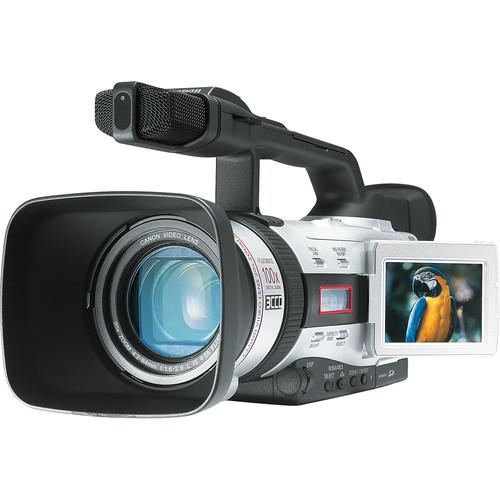 Contents of the user manual for the Canon GL2 MiniDV 3CCD Camcorder -
- Product category: Uncategorized Canon
- Brand: Canon
- Description and content of package
- Technical information and basic settings
- Frequently asked questions – FAQ
- Troubleshooting (does not switch on, does not respond, error message, what do I do if...)
- Authorized service for Canon Uncategorized
 |
User manual for the Canon GL2 MiniDV 3CCD Camcorder - contain basic instructions
that need to be followed during installation and operation.
Before starting your appliance, the user manual should be read through carefully.
Follow all the safety instructions and warnings, and be guided by the given recommendations.
User manual is an integral part of any Canon product,
and if it is sold or transferred, they should be handed over jointly with the product.
Following the instructions for use is an essential prerequisite for protecting
health and property during use, as well as recognition of liability on the part of the manufacturer
for possible defects should you make a warranty claim. Download an official Canon user manual in which you will find instructions on how to install, use, maintain and service your product.
And do not forget – unsuitable use of a Canon product will considerably shorten its lifespan!
|
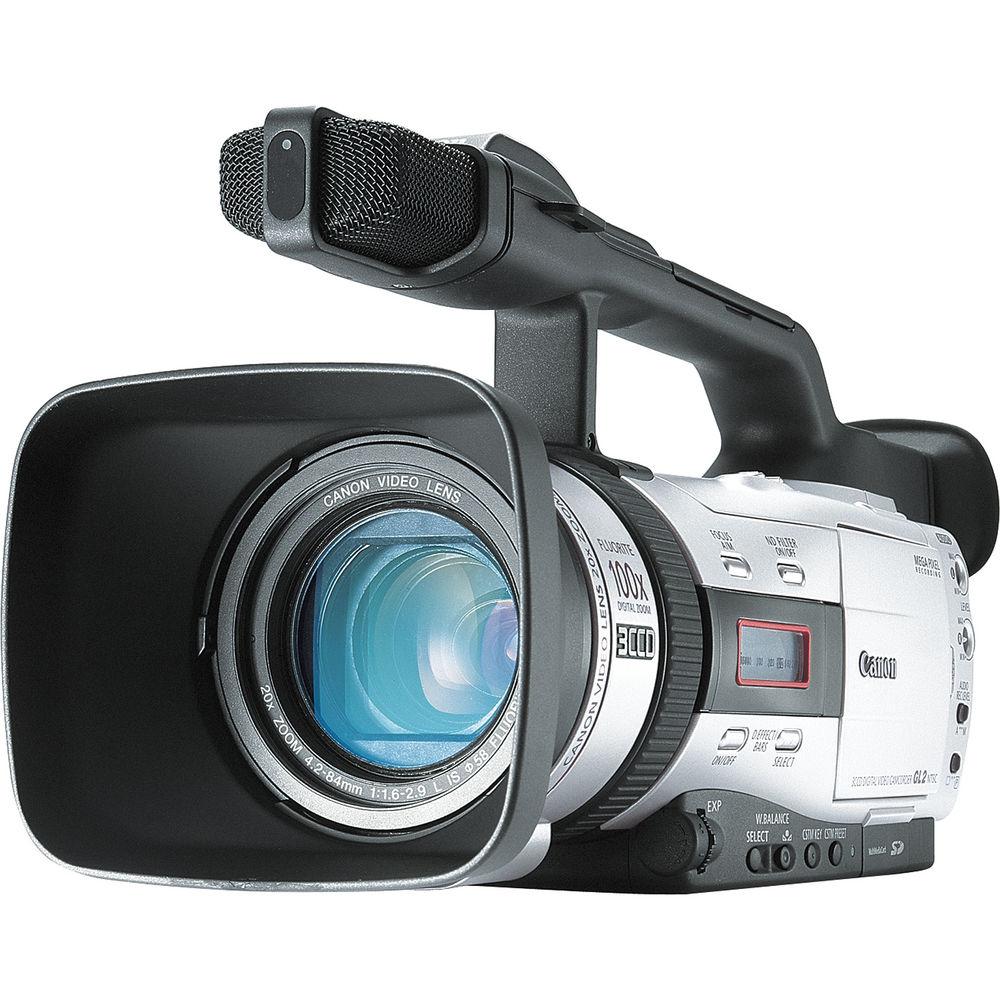
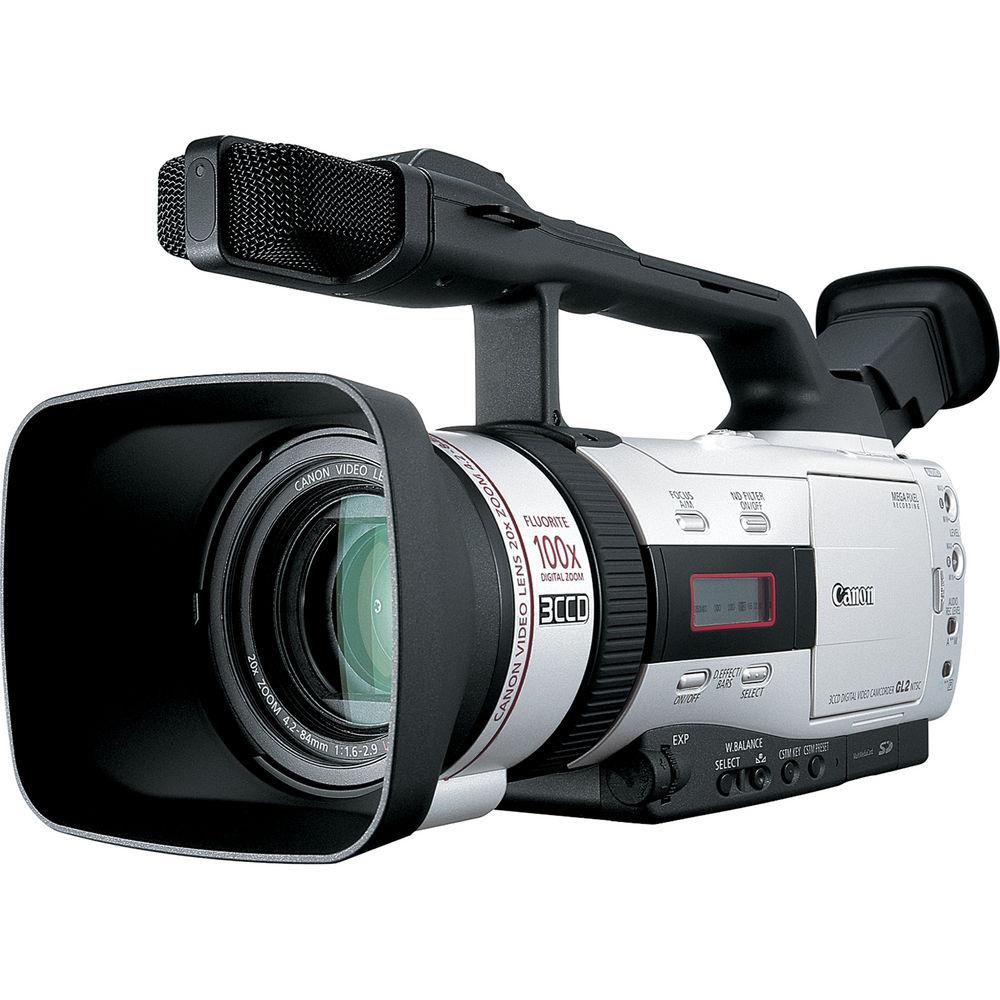
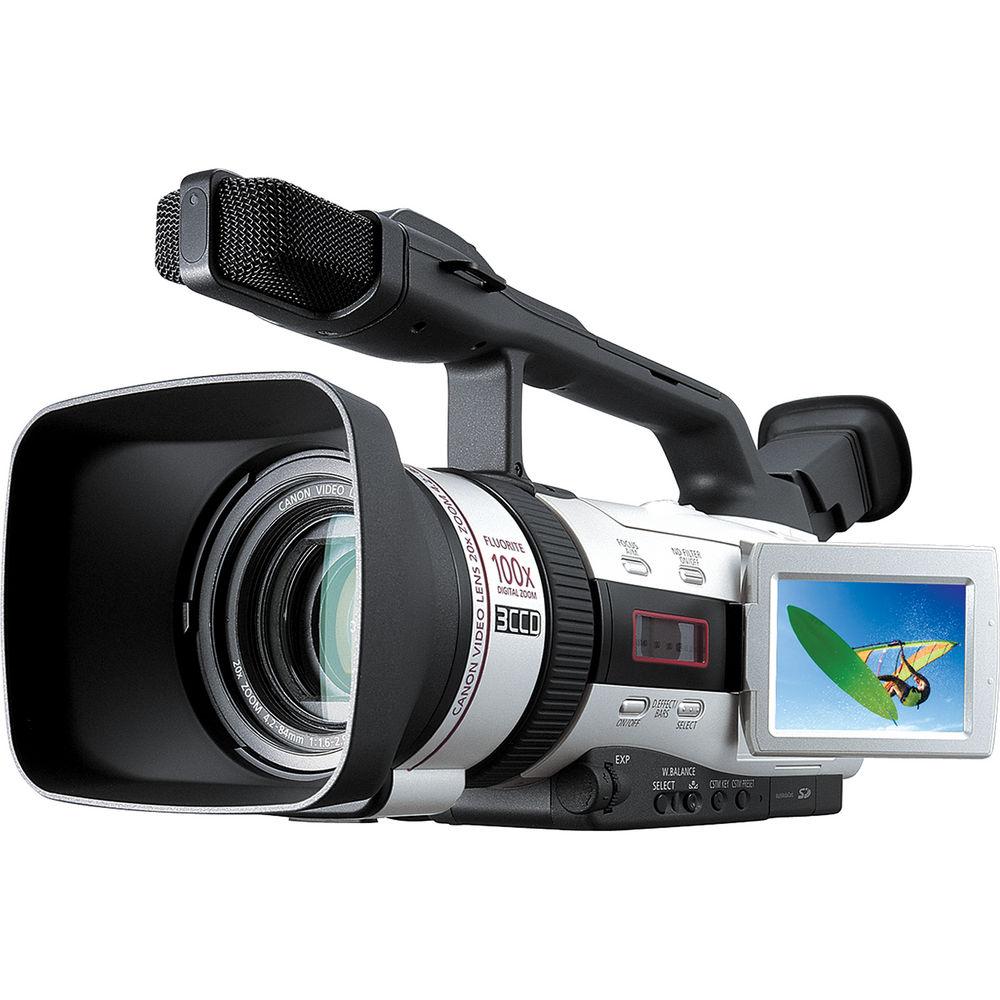
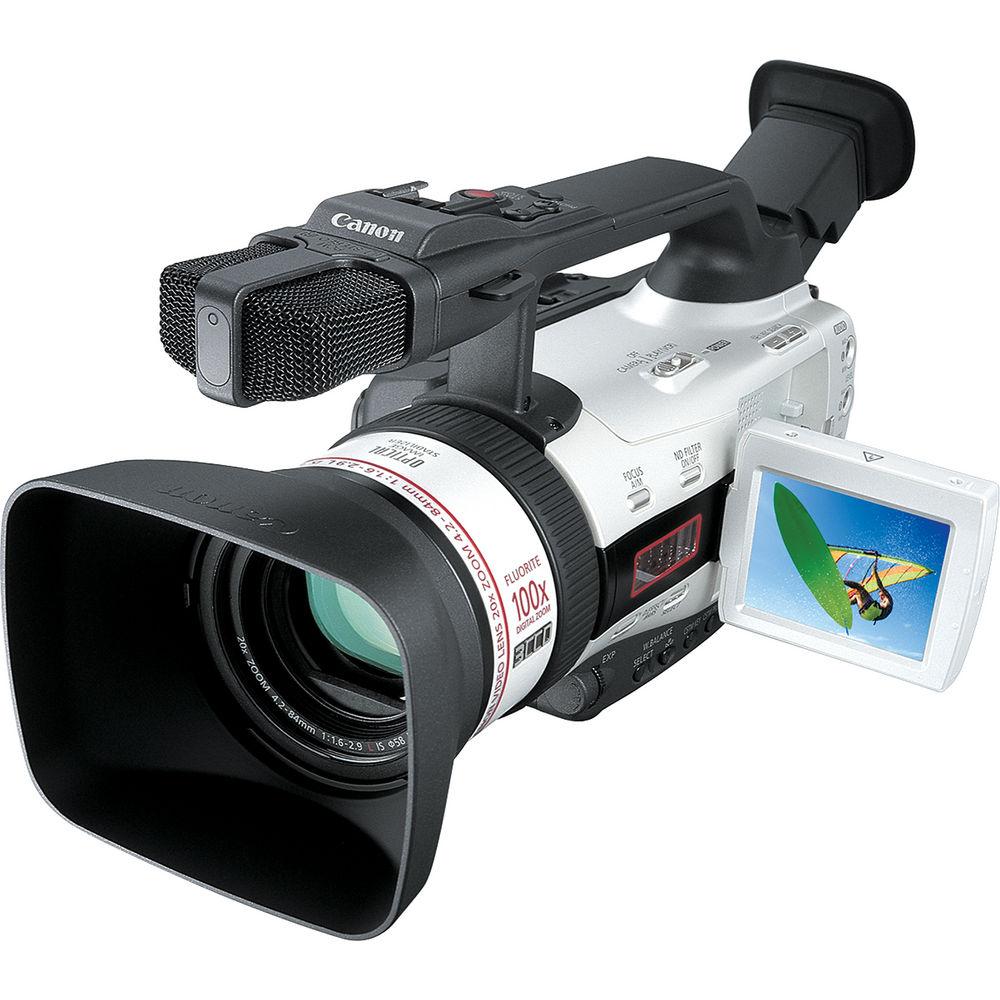
Product description Setting a performance benchmark for a prosumer-level standard-def camcorder, the Canon GL2 offers high-quality digital video with up to 530 lines of resolution. Building on Canon's expertise in 35mm photographic and broadcast TV lenses, the GL2 is equipped with Canon's exclusive L-Series Fluorite optical technology for outstanding imaging power and shooting versatility in a lightweight, portable design.
The camcorder's 3 CCDs deliver outstanding picture quality, accurate color reproduction and a wide dynamic range with virtually no color noise. Canon has improved a broadcast technology to create a new form of Pixel Shift technology, producing higher picture quality than that of camcorders using CCDs with almost twice the number of pixels. In addition to its enhanced quality, the camera incorporates a built-in digital photo mode for capturing crisp photos up to 1488 x 1128 pixels. - Achieve Super High Resolution
- The camcorder maximizes the capability of the DV format by using a 3 CCD system, assigning a separate CCD to each primary color (red, green, blue). A beam-splitting prism precisely separates the light passing through the lens into individual color components, and each is sent to its own CCD. This process achieves outstanding detail with highly accurate color reproduction, suitable for the demands of the high-end production field - wide dynamic range, low color noise, natural color resolution and low aliasing.
- L-Series Fluorite Lens
- Canon has satisfied the demands of experienced image makers for years through the power, design and quality of their 35mm and broadcast TV lenses. The professional L-Series lenses utilize Fluorite, a material which provides outstanding resolution, contrast and color reproduction, especially in lightweight, high-magnification lenses. Now incorporated into the lens on the GL-2, Fluorite delivers the ultimate clarity and image quality. The Fluorite element inside of the lens defeats color aberration - the effect when components of light stray from one another within a lens, causing a reduction in sharpness, contrast and color. The Fluorite lens precisely controls components of light, providing an excellent balance of these three critical ingredients of picture quality. This is unobtainable with conventional optical glass.
- Image Stabilization
- Canon's superb optical stabilization system eliminates image shake due to a wide range of movement and/or high wind conditions. It corrects camera shake instantly. Even hand-held shots at full telephoto, and shots taken from a moving car, are smooth and steady. And since it is optical, there is no loss of image quality as with electronic image stabilizers.
- Pixel Shift
- This feature solves common shooting dilemmas by using a signal processing technique called Pixel Shift, which has been used in professional grade video cameras for many years. It achieves wider dynamic range, reduced vertical smearing and sharper digital still images. The green component of a video signal contains 60% of the picture detail, and the red and blue components comprise only 40%. The green CCD in the camcorder is shifted vertically and horizontally the equivalent distance of 1/2 pixel from the red and blue CCD. The green signal is then sampled more frequently to extract the maximum picture detail from the video signal. This allows the camcorder to achieve resolution equal to camcorders with nearly twice as many pixels in video recording.
- Direction Accurate Microphone
- This camcorder's built-in microphone incorporates two pairs of pick-up elements each for left and right. This arrangement realizes a superior directional ability and fuller, richer stereo sound. Also, you can change the microphone frequency characteristics to match the recording condition (normal, voice, windscreen).
- Top Grip with Recording Controls
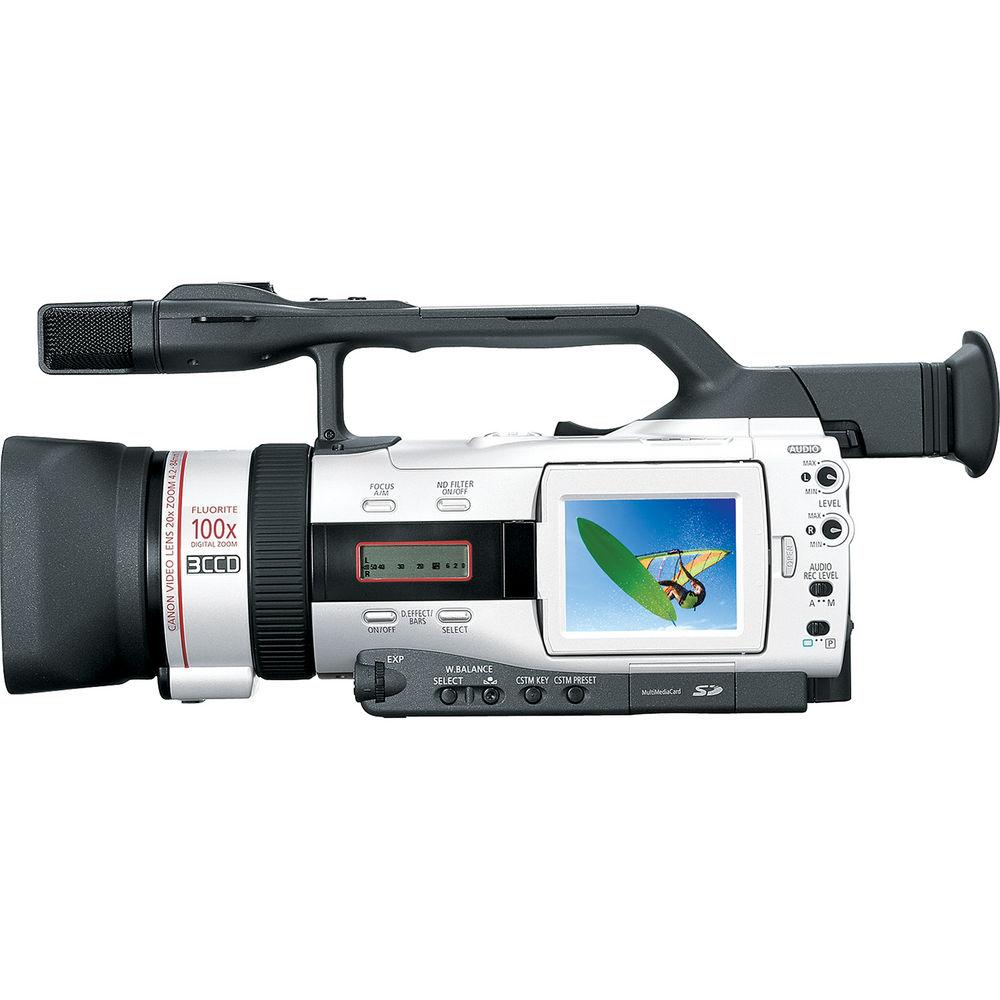
- In addition to the side hand grip, the GL2 features a top carrying handle, complete with a duplicate set of recording and zoom controls. Now you can accommodate your individual shooting style, as well as make mid to low angle shooting comfortable and easy.
- Photo Search
- Remember that you can put hundreds of still images on a DV tape when using the GL2 in Photo Mode. So having a way to find a particular image is a necessity. Using the GL2's Remote Control, Easy Photo Search lets you scan through the still pictures, even if they're recorded between sections of moving footage.
- Special Effects
- This feature offers you a variety of scene transition effects, producing smooth, professional-looking dissolve and wipe transitions between scenes as you record. Effects include: Black & White, which removes color from the video images; Sepia, Art, Mirror, Trail and Strobe, for a stop-and-go type of motion effect.
- Manual Audio Level Control with VU Meters
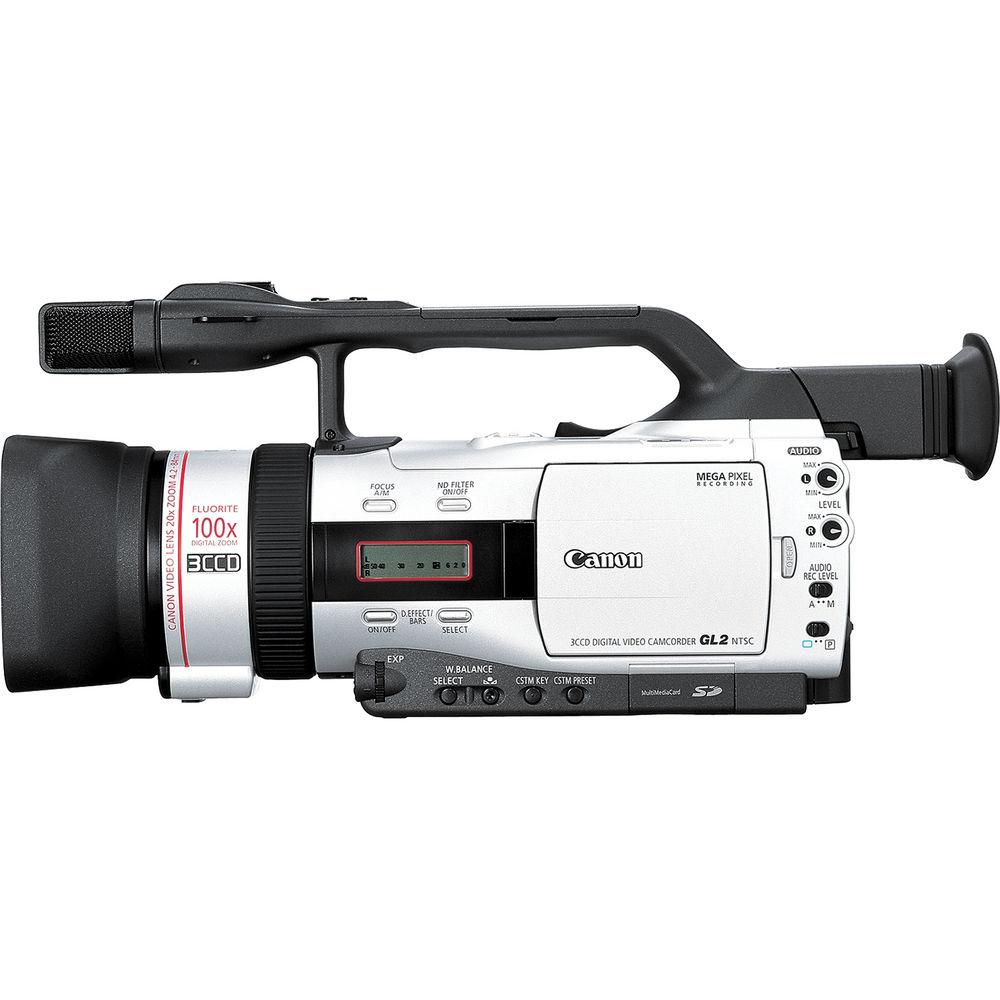
- For complete control, the GL2 offers 2-channel manual audio adjustment (2 mechanical, dedicated controls). The audio level can be monitored by an external illuminated VU meter or in the viewfinder/LCD view screen.
- Clear Scan
- When shooting the display screen of a personal computer or a TV, a noticeable rolling black bar or flickering may appear. This can be eliminated by adjusting the scanning frequency setting on the camcorder.
- Character Recording
- Some video applications (such as law enforcement, including interrogations, crime scene documentation, depositions and court room proceedings) require identification of date, time and time code of each recording. To accommodate this, the GL2 can be set to permanently record this information by superimposing it over the video image.
- Analog to Digital Conversion with Pass-Through
- For instant editing, simply connect your TV, VCR, or analog camcorder to the camcorder, and send the analog signal directly to your computer's IEEE-1394 terminal, without recording to tape. If you choose, you may first record the analog signal to DV tape, allowing you to create a high-quality master of your original.
- Interval Recording
- Continuous recording with intervals is possible for users who are seeking to capture a compressed version of real time (such as sunsets, flowers blooming), or create animation. Users may select a recording time of 0.5, 1.5, or 2 seconds, which will be recorded at an interval of 30 seconds, one, five, or 10 minutes.
- Advanced Accessory Shoe
- The shoe transmits power directly from the GL2. You can choose to attach the optional DM-50 Directional Stereo Microphone, shotgun mic with high sensitivity and super directional pick-up. Use when recording or dubbing audio. Or, attach the optional VL-3 Video Light, which can either stay on continuously or turn on/off automatically, in response to changes in the brightness of the shooting situation.
- Power Save
- This feature allows you to turn the recorder section off, leaving the camera section turned on, so you can adjust the camera section without worrying about the automatic shut-off (5-minute timer).
- LANC
- The LANC terminal on the GL2 permits easy connection of compatible edit controllers.
In the Box Canon GL2 MiniDV 3CCD Camcorder AC Power/Charger (CA-920) DC Coupler (DC-920) Battery Pack (BP-915) Remote Control (WL-D77) S-Video Cable Audio/Video Cable Mini-3 RCA Lens Hood Large Eyecup Shoulder Strap CD-ROM Software 90-Day Refurbished Warranty Guides & Manuals Table of Contents
|
Upload User Manual
Have you got an user manual for the Canon GL2 MiniDV 3CCD Camcorder - Refurbished in electronic form? Please send it to us and help us expand our library of instruction manuals.
Thank you, too, on behalf of other users.
To upload the product manual, we first need to check and make sure you are not a robot. After that, your "Submit Link" or "Upload File" will appear.
Download User ManualThe user manual for the Canon GL2 MiniDV 3CCD Camcorder - Refurbished can be downloaded in PDF format at the link stated below.
Technical parametersCanon 7920A003AA Specs | System | NTSC | | Format | Mini DV | | CCD | 1/4" 3CCD, 410,000 Gross Pixels, 380,000 Effective Pixels, using Pixel Shift Technology | | Audio | PCM Digital Stereo
12-bit/32kHz/4ch
16-bit/48khz/2ch | | Zoom | 20x Optical
40/100x Digital (for 35mm conversion 39.5-790mm) | | Lens | 4.2-84mm, f/1.6-2.9 (L-Series Fluorite Lens) | | Filter Size | 58mm | | Image Stabilization | Yes, Optical Image Stabilization (OIS) | | Lux | 6 Lux, 0.37 Lux (Slow Shutter at 1/8) | | Viewfinder | 0.44" Color (180,000 Pixels) | | LCD Monitor | 2.5" LCD Monitor | | Manual Controls | Focus (Ring), Exposure, White Balance, TV/AV Image Control, Picture Control, Shutter Speed (1/8 - 1/15,000), Audio Level Control | | Date & Time | Yes | | Time Code | Yes | | A/V Dubbing | Yes | | Line In Recording | Yes, Analog/Digital | | Input/Output Interface | A/V input/output: 3.5 mm mini-jack(x1 Input, x1 Output)
S-Video: 4-Pin MINI DIN
Analog Audio L/R: RCA (x1 Input, x1 Output)
FireWire: IEEE-1394 4-Pin
Headphones: Mini Stereo
Microphone: Mini Stereo
LANC Terminal | | Card Slot | SD (Secure Digital)/MM (MultiMedia) | | Special Effects | B/W, Sepia, Art, Mirror, Trail and Strobe | | Fade Resistance | Yes | | Titler | No | | Accessory Shoe | Yes, Advanced Shoe (Hot Shoe) | | Built-in Light | No, Optional VL-3 Light | | Tape Loading | Side Top Loading | | Power Requirements | 110-240 VAC, 50/60 Hz
7.2 VDC | | Power Consumption | With Viewfinder: 4.8W
With LCD: 5.7W | | Dimensions (WxHxD) | 4.6 x 5.4 x 12" (11.8 x 13.6 x 30.6 cm) | | Weight | 2.5 lb (1.13 kg) | | | | Package Weight | 8.2 lb | | Box Dimensions (LxWxH) | 14.5 x 10.0 x 10.0" |
Rating84% users recommend this product to others. And what about you?

This product has already been rated by 01 owners. Add your rating and experience with the product.
Discussion
 Ask our technicians if you have a problem with your settings,
or if anything is unclear in the user manual you have downloaded.
You can make use of our moderated discussion.
The discussion is public and helps other users of our website who may be encountering similar problems.
Ask our technicians if you have a problem with your settings,
or if anything is unclear in the user manual you have downloaded.
You can make use of our moderated discussion.
The discussion is public and helps other users of our website who may be encountering similar problems.
The discussion is empty - enter the first post
Post a new topic / query / comment:
|
|
|
| Request for user manual |
You can’t find the operation manual you are looking for? Let us know and we will try to add the missing manual:
I’m looking for a manual / Request for manual
Current requests for instruction manuals:
Call Of Duty World War Two For Xbox...
controller stratus XL...
stratus XL...
smart whatch serie S11 42mm...
Allen & Heath SQ-6 manual...
|
| Discussion |
Latest contributions to the discussion:
AEW R 4100
Name: MAURICIO ANGARITA
Audio-Technica AEW-R4100 UHF Diversity Receiver for
AEW R 4100 has the mute function blocked and does not allow audio to pass. I tried several times to turn off the mute from the transmitter but it does nothing, the mute stays on. Solution?
Thank you...
Instructions for assembling the 2015 Forecast Image Master Consoles GC3-A
Name: mike elam
Forecast Consoles GC3-A ImageMaster Editing Console
Looking for instructions for assembling this console. ...
EMPTY TONER ERROR MESSAGE AFTER REPLACING TONER
Name: LINDA BAD YELLOW EYES
Brother TN223BK Standard-Yield Toner
I HAD TO CHANGE OUT ALL THREE TONERS DUE TO LEAKS IN THE YELLOW AND CYAN. AFTER I REPLACED THEM, THE MACHINE KEEPS GIVING ME AN EMPTY TONER ERROR MESSAGE. HELP!!...
PS480D 20/24 pin Switching 480W Power Supply
Name: swkargo
Logisys 480W Power Supply
This item states in can run -5vdc .It is NOT listed on the board or I beleive is r4 is missing the resitior. Any body have thid issue. Shawn
...
Help needed
Name: Ann Carter
SanDisk 1TB Extreme Portable USB 3.1
When I click the link to download the user manual for my Sandisk Extreme external hard drive, it gives me the manual for the LG Cricket. Can you please change the link so I can download the Sandisk manual and begin using this drive? Thank you....
|
|



