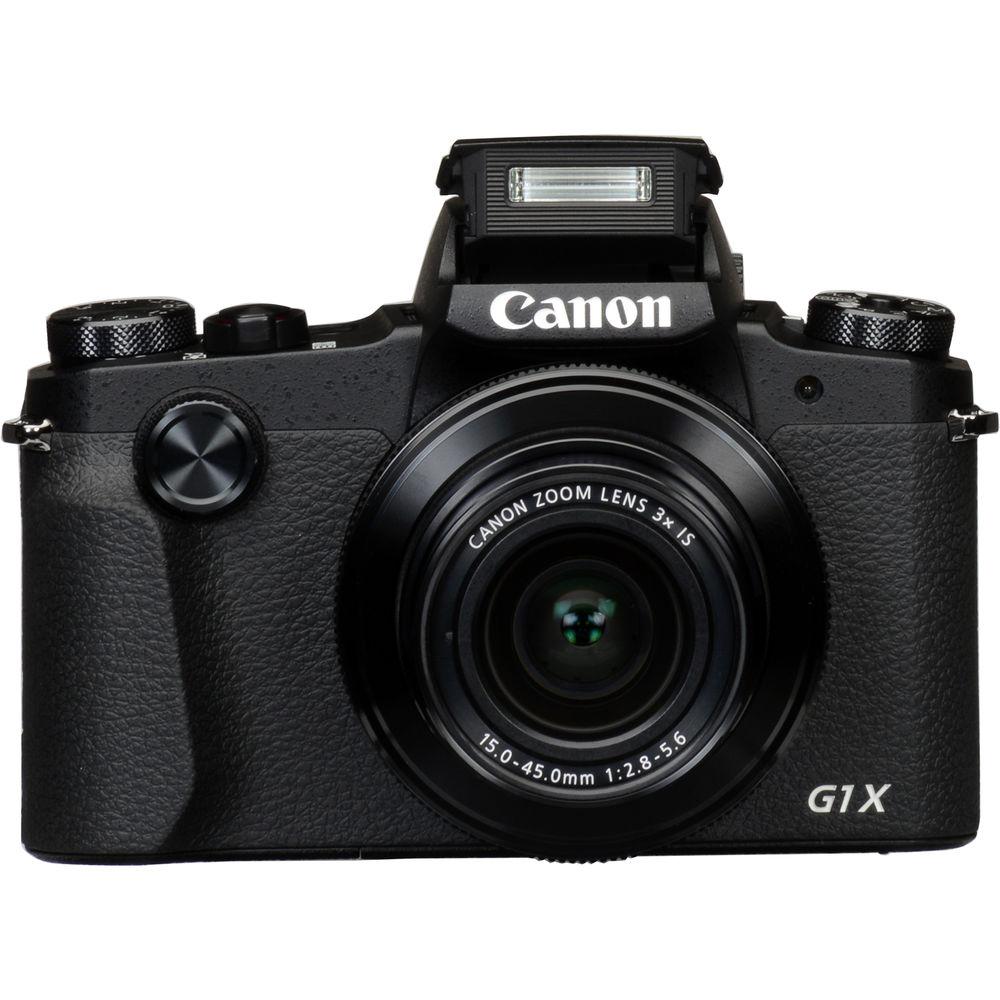
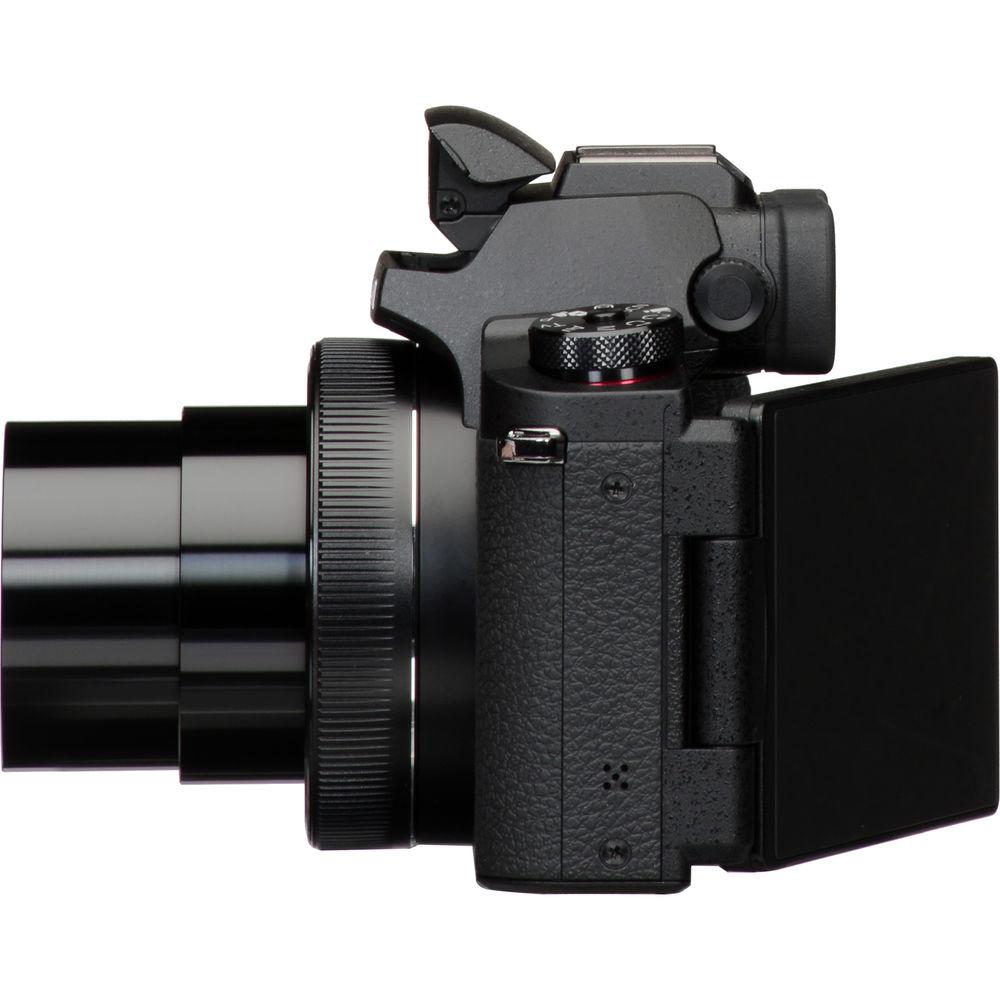
User Manual for Canon PowerShot G1 X Mark III Digital Camera Click to enlarge the picture
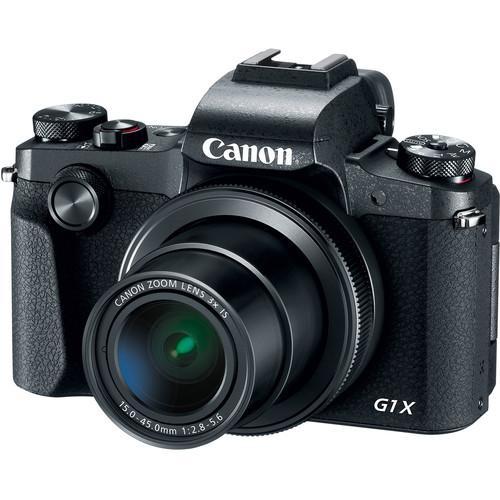 Contents of the user manual for the Canon PowerShot G1 X Mark III
- Product category: Point & Shoot Cameras Canon
- Brand: Canon
- Description and content of package
- Technical information and basic settings
- Frequently asked questions – FAQ
- Troubleshooting (does not switch on, does not respond, error message, what do I do if...)
- Authorized service for Canon Point & Shoot Cameras
 |
User manual for the Canon PowerShot G1 X Mark III contain basic instructions
that need to be followed during installation and operation.
Before starting your appliance, the user manual should be read through carefully.
Follow all the safety instructions and warnings, and be guided by the given recommendations.
User manual is an integral part of any Canon product,
and if it is sold or transferred, they should be handed over jointly with the product.
Following the instructions for use is an essential prerequisite for protecting
health and property during use, as well as recognition of liability on the part of the manufacturer
for possible defects should you make a warranty claim. Download an official Canon user manual in which you will find instructions on how to install, use, maintain and service your product.
And do not forget – unsuitable use of a Canon product will considerably shorten its lifespan!
|
Product description Canon Goes APS-C with PowerShot G1 X Mark III Read More - Announcing the Canon Powershot G1 X Mark III
- Introducing the Canon PowerShot G1 X Mark III
- Experience the PowerShot G1 X Mark III Digital Camera
Raising the imaging bar for Canon's series of advanced compact cameras once again, the PowerShot G1 X Mark III is distinguished by its larger sensor and versatile all-around imaging capabilities. A first for a PowerShot, the G1 X Mark III sports a 24.2MP APS-C CMOS sensor and a DIGIC 7 processor to realize notable image clarity, a wide sensitivity range from ISO 100-25600, an impressive continuous shooting rate up to 9 fps, and Full HD 1080p/60 video recording. The sensor's design also facilitates Dual Pixel CMOS AF, which offers quick and accurate phase-detection autofocus that benefits both stills and video applications. Balancing the improved sensor design is a versatile 3x zoom lens, which covers a 24-72mm equivalent focal length range to suit working in a variety of situations. An Optical Image Stabilizer is also featured, to minimize the appearance of camera shake for sharper imagery when shooting handheld.
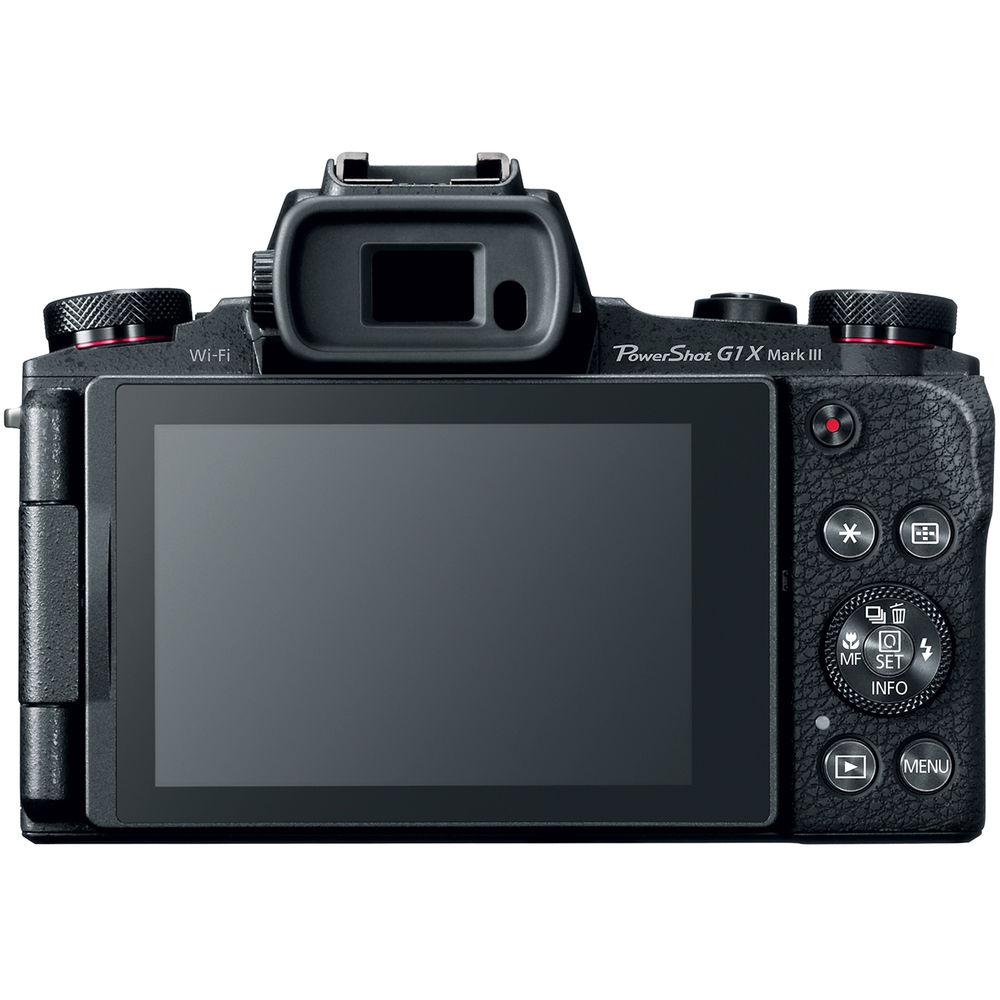
In addition to the updated sensor and processor capabilities, the G1 X Mark III also features a refined physical design complete with a built-in 2.36m-dot OLED electronic viewfinder and a 3.0" vari-angle touchscreen for easier, more intuitive control. Dedicated dials about the camera body afford direct adjustment of shooting settings and modes, and both a pop-up flash and a hot shoe are available. Additionally, built-in Wi-Fi with NFC and Bluetooth connectivity enable wireless pairing with a mobile device for remote live view shooting and image transferring. - 24.2MP APS-C CMOS Sensor and DIGIC 7 Image Processor
- Both a 24.2MP APS-C CMOS sensor and DIGIC 7 image processor are used to deliver high sensitivity and fast camera performance to suit both stills and video applications. A flexible ISO 100-25600 range suits working in a variety of lighting conditions, and the processing capabilities minimize noise for notable clarity. The processor also contributes to a fast 7 fps continuous shooting rate, which can be quickened to 9 fps with AF lock, for photographing fast-moving subjects. Full HD 1080p video recording is also supported at up to a 60-fps frame rate.
- Dual Pixel CMOS AF
- Dual Pixel CMOS AF offers smooth and fast focusing performance in a similar manner to how a camcorder acquires focus. This system integrates two separate photodiodes within each pixel to provide a broad and dense network of phase-detection gathering elements across a majority of the image sensor to reduce focus hunting for faster, more direct control of focus placement. When working with still imagery, this focusing system works to acquire focus quickly and accurately, making it ideally suited to shooting and tracking moving subjects so that critical focus is attained with each shot. When shooting video, a Movie Servo AF mode offers smooth and natural focusing when changing from different subjects or different distances within the scene, as well as the ability to specify tracking sensitivity, AF speed, and Face Tracking priority. Benefited by the Touch AF system, rack focus is possible simply by touching elements within the scene on the touchscreen in order to change focus in an intuitive manner. Subject tracking in movies is also heightened due to the Dual Pixel CMOS AF system's ability to recognize subjects and maintain focus when working within changing or cluttered scenery.
- 3x Optical Zoom Lens and Image Stabilizer
- A built-in 3x zoom lens offers a versatile 24-72mm equivalent focal length range, covering a wide-angle to portrait-length reach. This f/2.8-5.6 lens also incorporates a Dual Sensing Optical Image Stabilizer system to minimize the appearance of camera shake by up to four stops for sharper handheld shooting.
- Body Design and Wireless Connectivity
-
- Integrated 2.36m-dot OLED electronic viewfinder offers a bright, clear eye-level means for composing imagery.
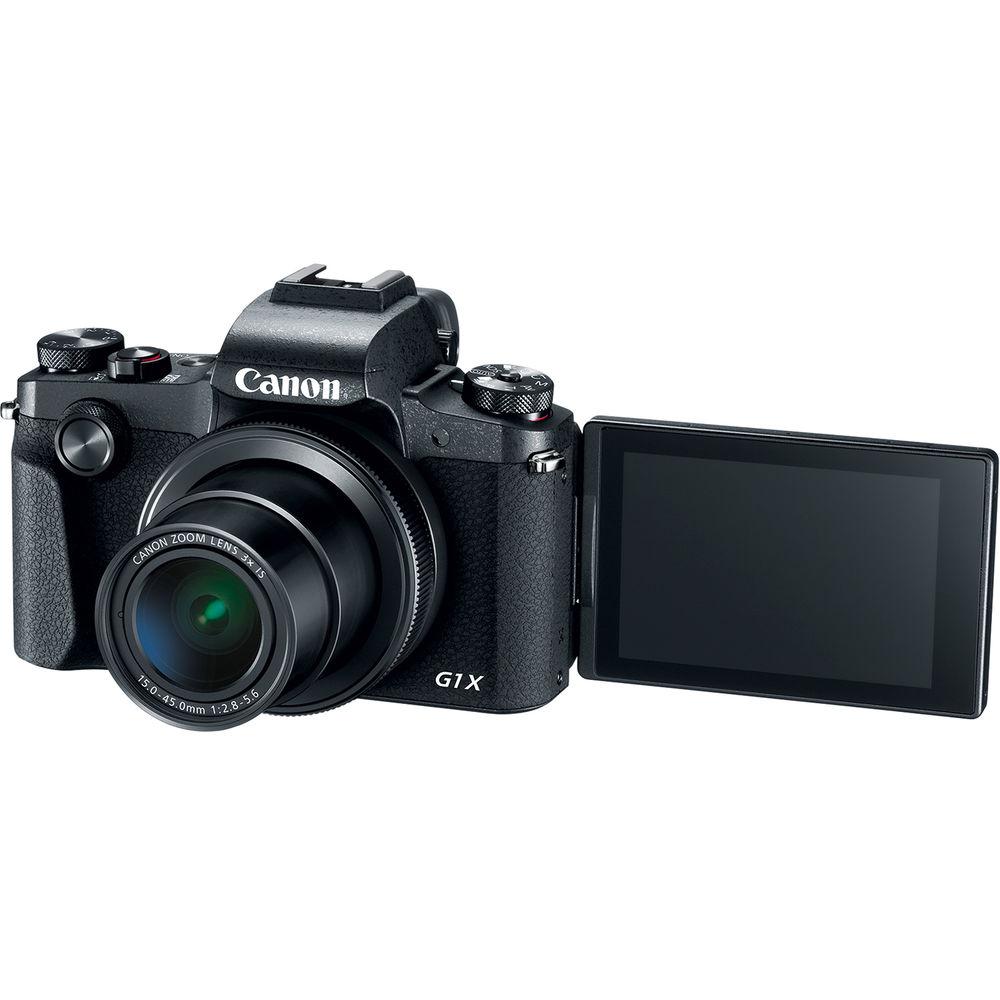
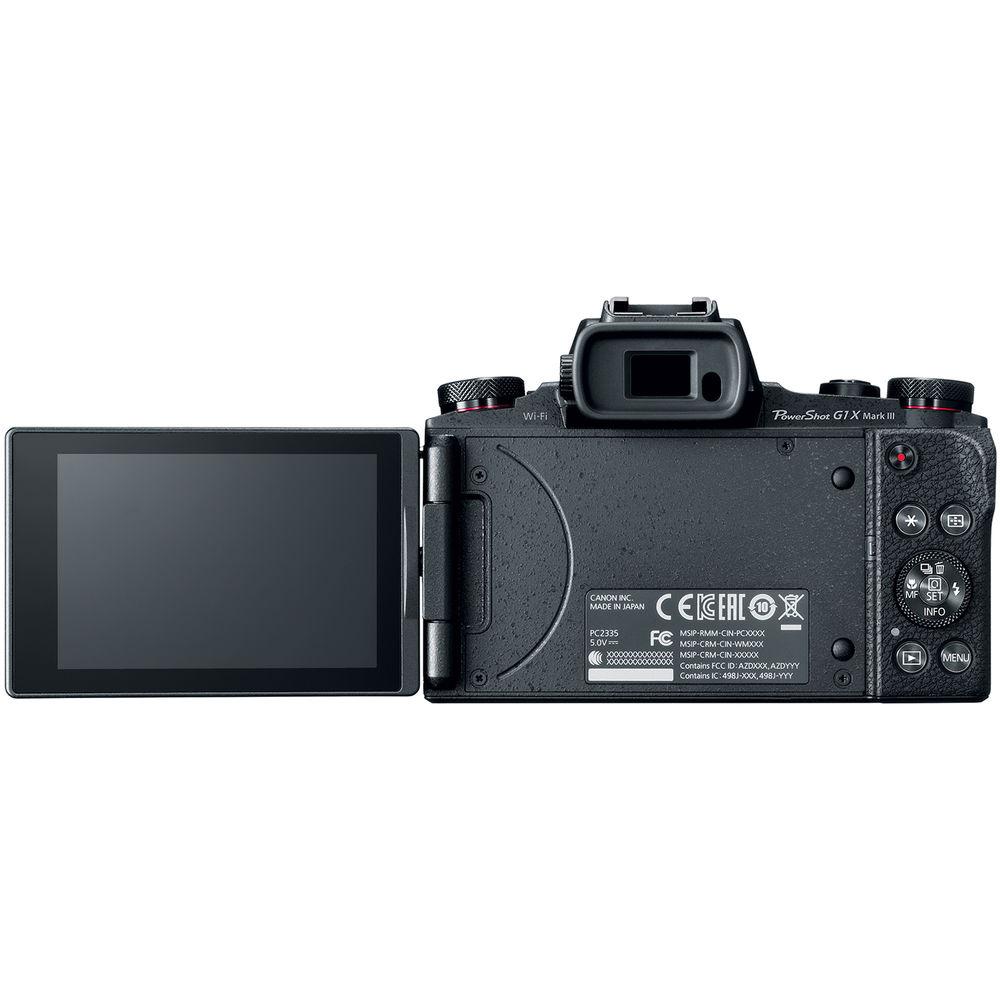
- Rear 3.0" touchscreen is also available for intuitive playback, menu navigation, and live view shooting, and its vari-angle design benefits working from high and low angles.
- When working with the electronic viewfinder, Touch and Drag AF lets you manually move the AF point selection using the rear touchscreen while keeping your eye to the finder.
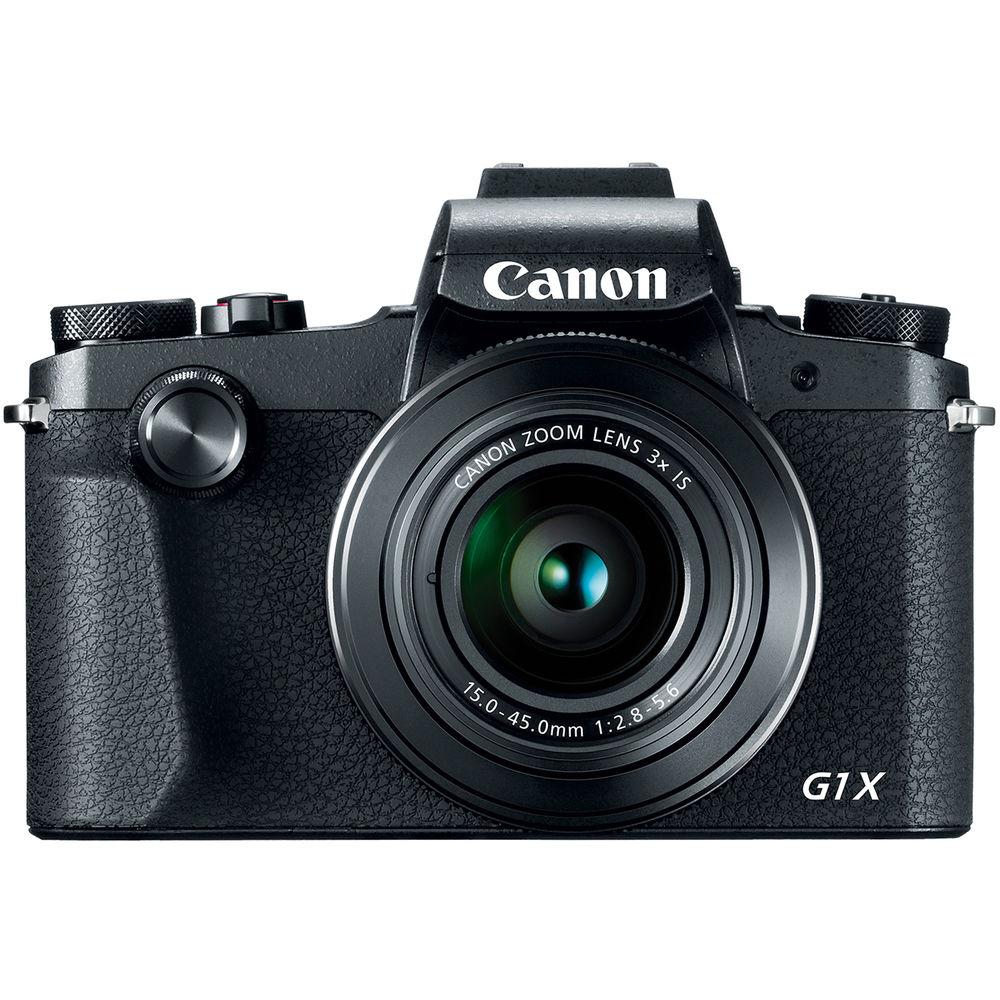
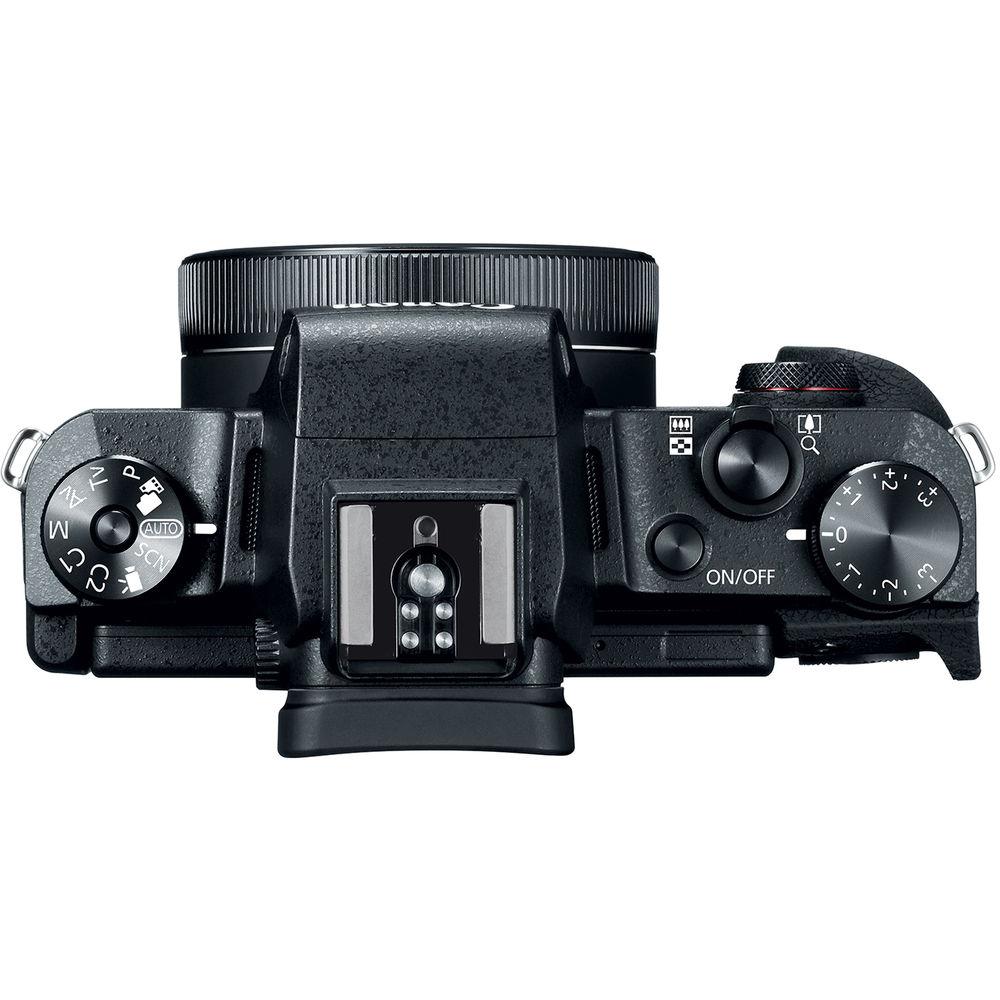
- Physical controls allow for intuitive settings adjustments, and include a front dial, an exposure compensation dial, and a top mode dial, as well as dedicated rear buttons and dials.
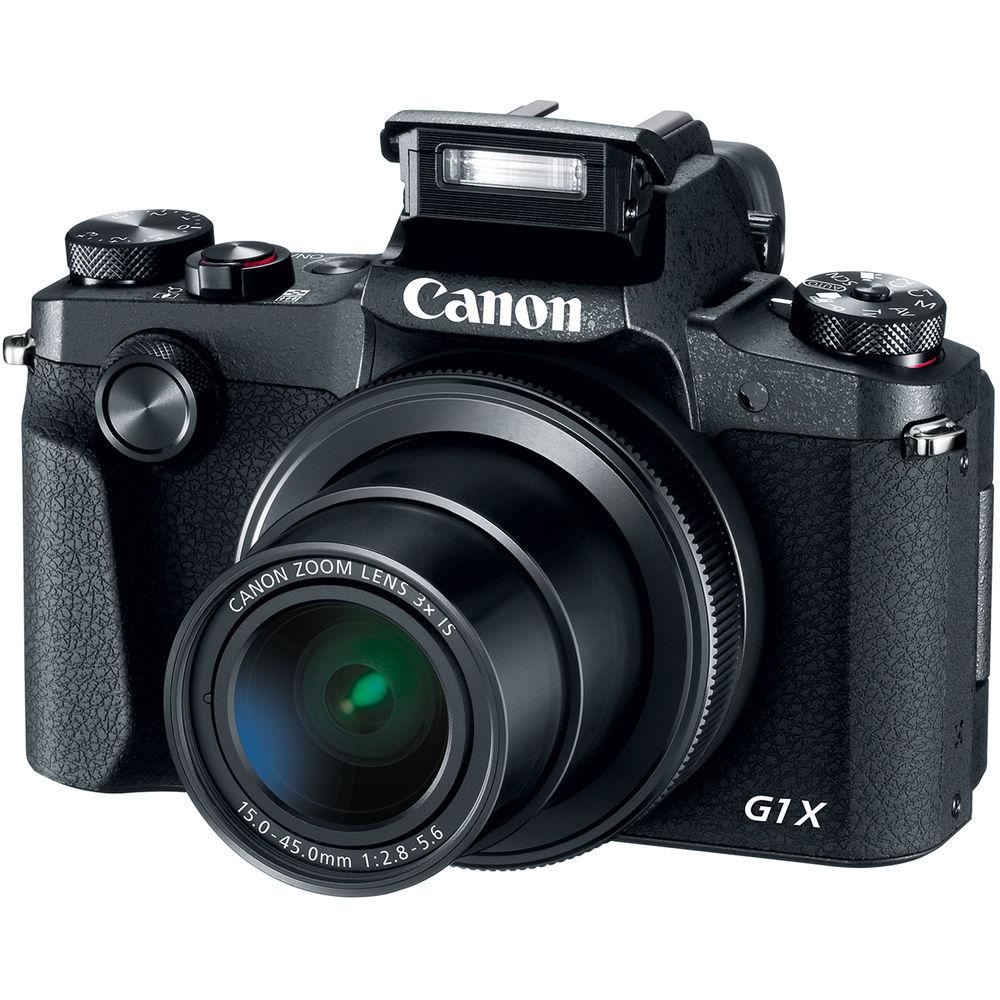
- Built-in pop-up flash can be used for additional illumination and a hot shoe is also featured for working with an optional external flash or other shoe-mounted accessory.
- The body has a dust- and moisture-resistant physical design to permit its use in trying environmental conditions.
- Built-in Wi-Fi with NFC allows for easy wireless sharing of both photos and movies to a linked mobile device.
- Bluetooth permits linking a smartphone or tablet for quick image sharing between devices as well as remote control capabilities.
- Other Camera Features
-
- Shooting Modes: Smart Auto (58 scenes detected), Hybrid Auto, Program AE, Shutter priority AE, Aperture priority AE, Manual, Custom 1, Custom 2, SCN (Self-Portrait, Portrait, Smooth Skin, Panoramic Shot, Panning, Star (Star Nightscape, Star Trails, Star Time-Lapse Movie), Handheld Night Scene, Grainy B/W, Soft Focus, Fish-Eye effect, Art Bold effect, Water Painting effect, Toy Camera effect, Miniature effect, HDR, Underwater, Fireworks), and Movie (Standard, Short Clip, Manual, Time-Lapse Movie).
- Photo Effects: Auto, Standard, Portrait, Landscape, Fine Detail, Neutral, Faithful, Monochrome, and User Defined.
- Language Support: English, German, French, Dutch, Danish, Finnish, Italian, Greek, Norwegian, Portuguese, Russian, Swedish, Spanish, Ukrainian, Polish, Czech, Hungarian, Turkish, Simplified Chinese, Chinese (traditional), Japanese, Korean, Thai, Arabic, Romanian, Farsi, Hindi, Malay, Indonesian, Vietnamese, and Hebrew.
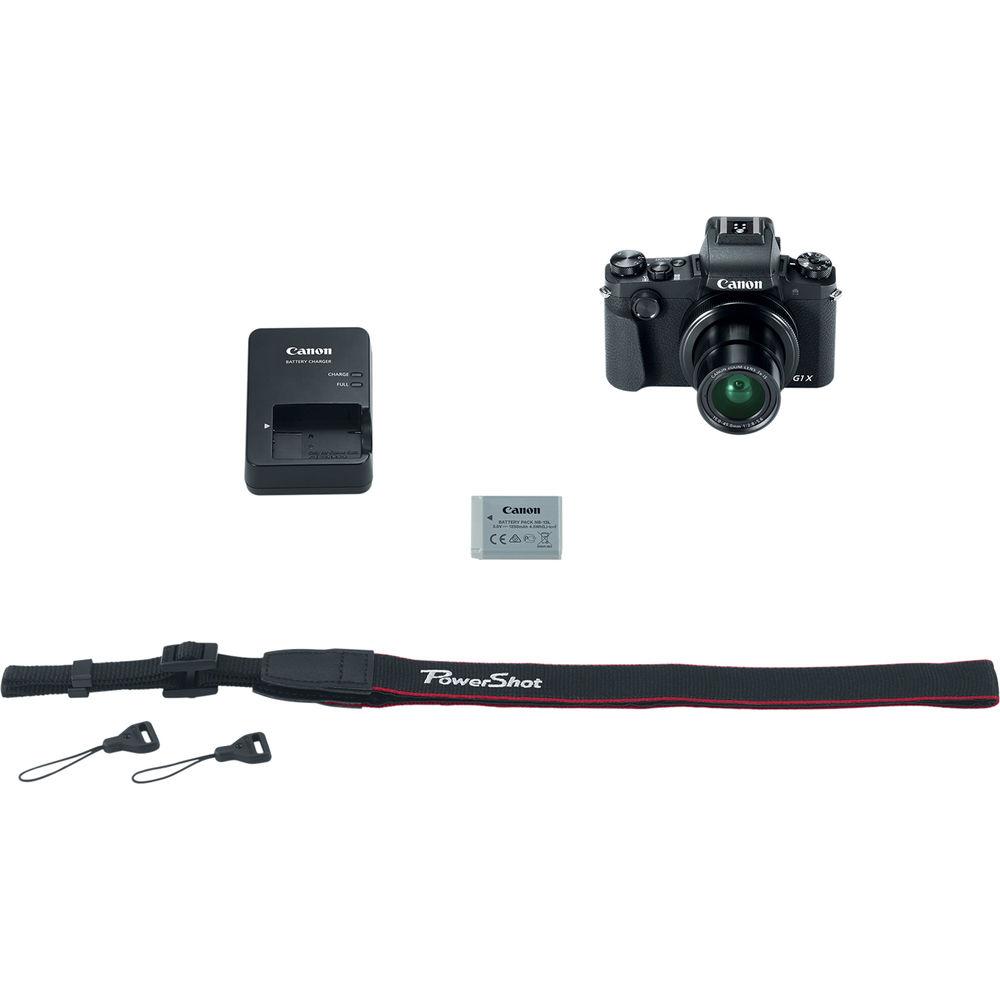
UPC: 013803295597 In the Box Canon PowerShot G1 X Mark III Digital Camera NB-13L Lithium-Ion Battery Pack (3.6V, 1250mAh) CB-2LH Battery Charger for NB-13L Li-Ion Batteries Lens Cap Lens Cap String NS-DC12 Neck Strap Strap Adapter for NS-DC12 Limited 1-Year Warranty User Manual PDF 9.4mb Table of Contents
|
Upload User Manual
Have you got an user manual for the Canon PowerShot G1 X Mark III Digital Camera in electronic form? Please send it to us and help us expand our library of instruction manuals.
Thank you, too, on behalf of other users.
To upload the product manual, we first need to check and make sure you are not a robot. After that, your "Submit Link" or "Upload File" will appear.
Technical parametersCanon G1X Mark III Specs | | | Pixels | Actual: 25.8 Megapixel
Effective: 24.2 Megapixel | | Sensor | APS-C (22.3 x 14.9 mm) CMOS | | Bit Depth | 14-Bit | | File Formats | Still Images: JPEG, RAW
Movies: MP4,
Audio: AAC LC | | Aspect Ratio | 3:2 | | Image Stabilization | Optical | | | | Lens | Effective Focal Length: 15 to 45mm (35 mm Equivalent: 24 to 72mm)
Aperture: f/2.8 (W) to f/5.6 (T) | | Filter Thread | 37mm | | Zoom | Optical: 3x
Digital: 4x | | | | ISO Sensitivity | Auto, 100 to 25600 | | Shutter | 30 to 1/2000 Second
1 to 1/2000 Second in Auto Mode
30 to 1 Second in Bulb Mode
1/8 to 1/8 Second in Movie Mode | | Exposure Metering | Center-Weighted, Evaluative, Spot | | Exposure Modes | Modes: Aperture Priority, Manual, Program, Shutter Priority
Compensation: -3 EV to +3 EV (in 1/3 EV Steps) | | White Balance | Auto, Cloudy, Color Temperature, Daylight, Flash, Fluorescent, Shade, Tungsten, Underwater | | Continuous Shooting | Up to 9 fps at 24.2 MP
Up to 7 fps at 24.2 MP | | Self-Timer | 2, 10 Sec | | | | Flash Modes | Auto
Flash On
Off
Slow Sync | | Built-In Flash | Yes | | Effective Flash Range | Wide:1.6 to 29.5' / 0.5 to 9 m
Telephoto:1.6 to 14.8' / 0.5 to 4.5 m | | External Flash Connection | Hot Shoe | | | | Memory Card Type | SD
SDHC
SDXC | | | | Video Recording | Yes, NTSC | | Resolution | 1920 x 1080p: 60 fps | | | | Video Clip Length | Up to 29 Minutes 59 Seconds | | Audio Recording | Built-In Mic: With Video (Stereo) | | | | Viewfinder Type | Electronic | | Screen | 3.0" LCD Rear Touchscreen Swivel (1,040,000 Pixels) | | Screen Coverage | 100% | | | | Connectivity | HDMI D (Micro), USB 2.0 Micro-B, USB 2.0 | | Wi-Fi | Yes, Wi-Fi 4 (802.11n) Built In | | | | Operating Temperature | 32 to 104°F / 0 to 40°C | | Operating Humidity | 10 to 90% | | | | Battery | 1 x NB-13L Rechargeable Lithium-Ion Battery Pack, 3.6 VDC, 1250 mAh | | AC Power Adapter | ACK-DC100 (Not Included) | | | | Dimensions (W x H x D) | 4.5 x 3.1 x 2.0" / 115.0 x 77.9 x 51.4 mm | | Weight | 14.07 oz / 399 g | | | | Package Weight | 2.0 lb | | Box Dimensions (LxWxH) | 6.3 x 5.7 x 4.2" |
Rating84% users recommend this product to others. And what about you?

This product has already been rated by 23 owners. Add your rating and experience with the product.
Discussion
 Ask our technicians if you have a problem with your settings,
or if anything is unclear in the user manual you have downloaded.
You can make use of our moderated discussion.
The discussion is public and helps other users of our website who may be encountering similar problems.
Ask our technicians if you have a problem with your settings,
or if anything is unclear in the user manual you have downloaded.
You can make use of our moderated discussion.
The discussion is public and helps other users of our website who may be encountering similar problems.
The discussion is empty - enter the first post
Post a new topic / query / comment:
|
|


