|
User Manual for Canon PowerShot G12 Digital Camera - Refurbished Click to enlarge the picture
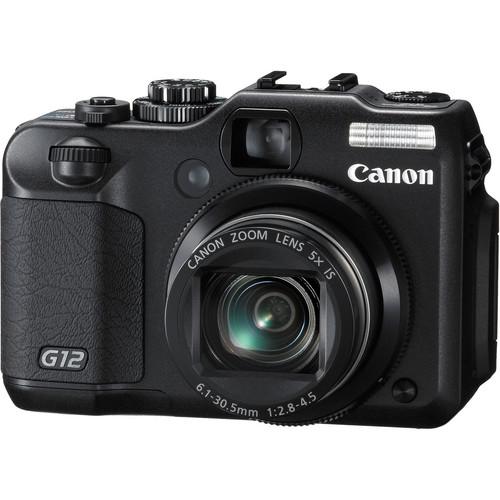 Contents of the user manual for the Canon PowerShot G12 Digital Camera -
- Product category: Uncategorized Canon
- Brand: Canon
- Description and content of package
- Technical information and basic settings
- Frequently asked questions – FAQ
- Troubleshooting (does not switch on, does not respond, error message, what do I do if...)
- Authorized service for Canon Uncategorized
 |
User manual for the Canon PowerShot G12 Digital Camera - contain basic instructions
that need to be followed during installation and operation.
Before starting your appliance, the user manual should be read through carefully.
Follow all the safety instructions and warnings, and be guided by the given recommendations.
User manual is an integral part of any Canon product,
and if it is sold or transferred, they should be handed over jointly with the product.
Following the instructions for use is an essential prerequisite for protecting
health and property during use, as well as recognition of liability on the part of the manufacturer
for possible defects should you make a warranty claim. Download an official Canon user manual in which you will find instructions on how to install, use, maintain and service your product.
And do not forget – unsuitable use of a Canon product will considerably shorten its lifespan!
|
Product description - Advanced Point and Shoot Cameras
- Canon Powershot G12 Demo
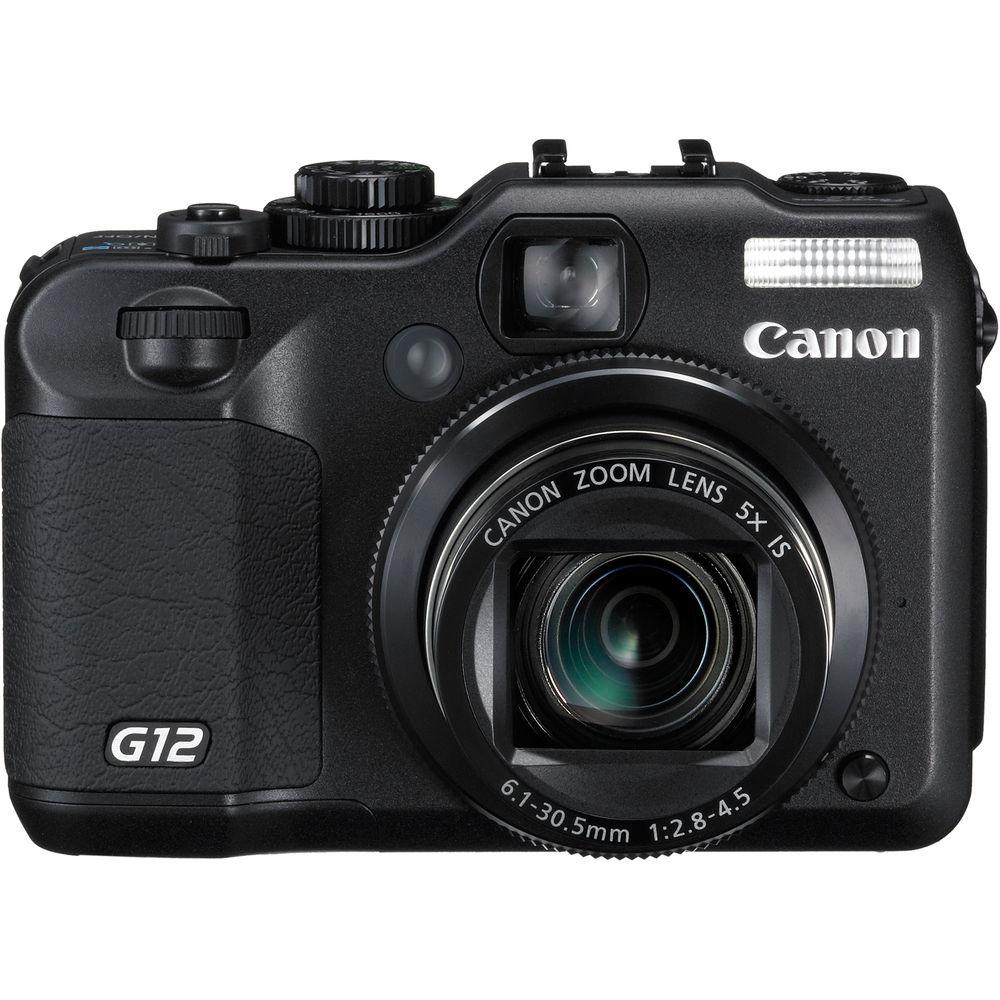
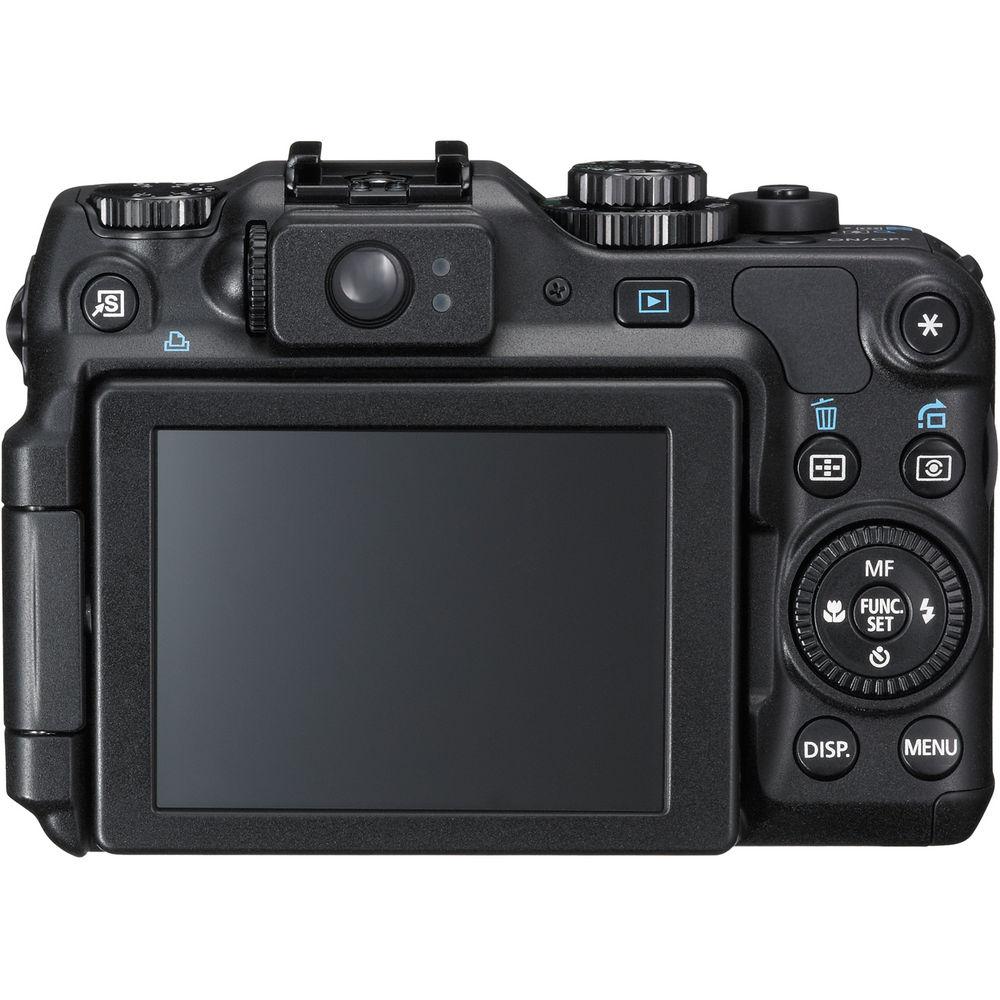
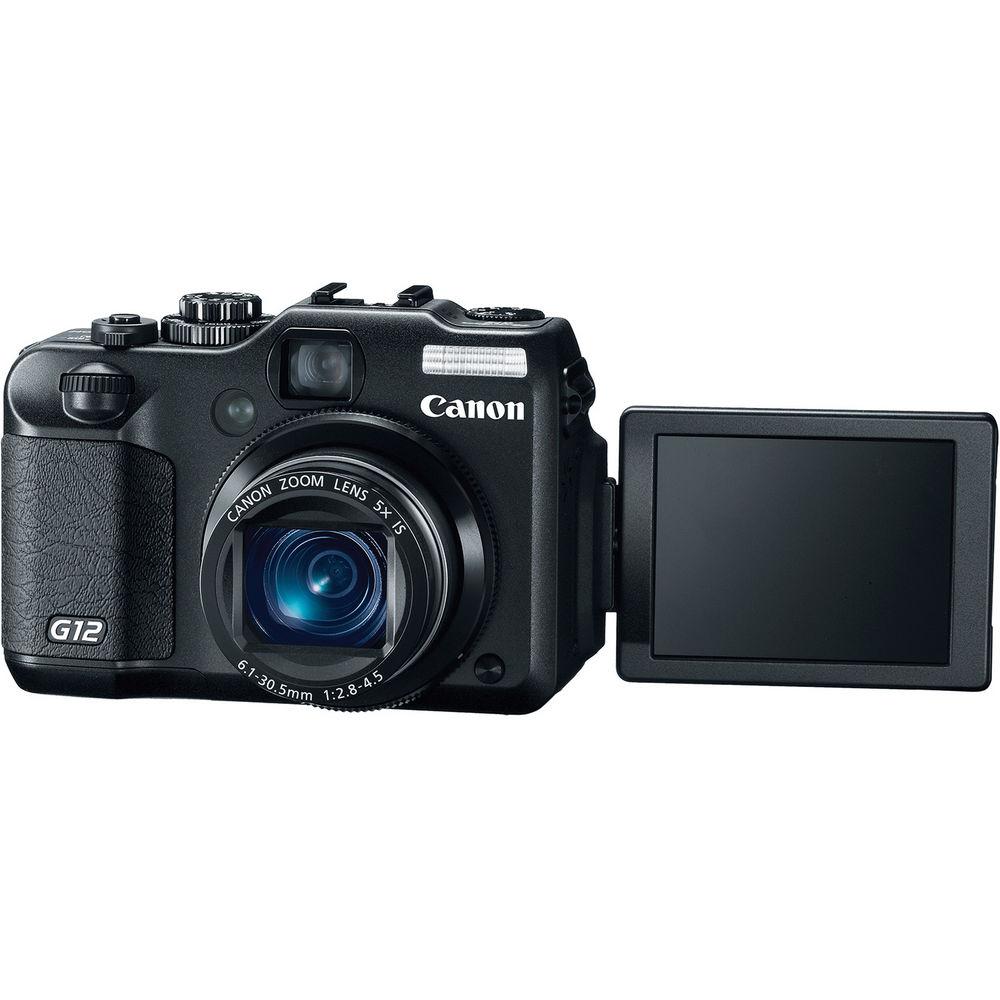
Canon has given its popular PowerShot series a face lift with the addition of the PowerShot G12 Digital Camera. While remaining true to many of its predecessor's features, the G12 comes busting out of the gate with what's fast becoming a standard on digital cameras: digital video (with stereo sound no less!). Shoot 1280 x 720p HD video with stereo audio using this compact, yet versatile camera. Awesome, right? In addition to riding the video tide the G12 also stays competitive with its 10MP still image capture. Shoot RAW and JPEG files to SD/SDHC/SDXC memory cards, among others, with the help of the camera's 1/1.7" CCD image sensor and DIGIC 4 image processor, otherwise referred to as Canon's HS System. The G12 additionally sports a 3200 ISO setting for excellent shooting in low light settings. Long loved for its unobtrusive nature, the PowerShot series of cameras are excellent for the pro or amateur alike - it's no behemoth Pro DSLR, but it still manages to pack in many of the exciting and appreciated features of one. That being said, the G12's a heck of a lot easier to carry around in your bag. Some additional features pros, or anyone looking to make great photos, will appreciate include, the option for manual control, along with Canon's much celebrated Hybrid IS function which is the combination of the genuine Canon 28mm lens, 5x optical zoom, and optical image stabilization. Hybrid IS is particularly touted to make easy work of capturing stunning macro shots. Another notable feature on the G12 is its High Dynamic Range. Based on the principle of bracketing, HDR helps you capture a well balanced image that presents both highlights and low lights (AKA: shadow) in an appealing manner - giving your images that pop factor! This function also has an aspect to it named, i-Contrast. i-Contrast lets the user determine the amount of HDR correction that's applied to the image, which can be helpful in avoiding highlight blowout and keeping details from getting lost in the shadows. Canon's Tracking AF also comes into play here by allowing the shooter to select a subject to 'track' in case of movement while shooting. You'll be happy to hear that Canon kept its well-received Vari-Angled LCD screen as well - giving you a whole 2.8" of flip-out, multi-angled flexibility for composition and playback of all your video and still images. As a step up from the previous permutation the G12 features a number of aspect ratios, including: 1:1, 3:2, 4:3, 4:5, and 16:9. Other notable features include Canon's Smart AUTO, electronic leveling, a high dynamic range, AF tracking, and a front dial - all of which are designed to help make your shooting enjoyable and successful. - 10MP CCD Image Sensor + DIGIC 4 Image Processor
- The PowerShot G12 employs the HS SYSTEM by combining a powerful 10MP CCD sensor and Canon's DIGIC 4 Image Processor. Thanks to this technological advancement, the G12 is reported to be more sensitive than cameras with identical megapixel counts - delivering spectacular images with minimal noise. Increased sensitivity demands a higher ISO speed, and the G12 delivers with a new maximum ISO setting of 3200. Blur and camera shake are notably reduced for sharpness and clarity In addition, a low light mode, new to the G series, lets you capture images in an astonishing range of conditions. The camera automatically adjusts the ISO speed from 3200 up to an enhanced 12800 when reacting to ambient brightness, subject movement, and camera shake
- 720p HD Video with Stereo Sound
- The PowerShot G12 lets you record video in beautiful high definition (1280 x 720/24p). The camera also makes it easy to display HD videos, and still photos, on your HDTV with a mini HDMI connector. Using the mini HDMI you'll have a direct, one-cable connection to your HDTV for an enjoyable HD experience with no degradation of image; not to mention the ability to display up to 130 still images at once. The PowerShot G12 also includes 5x optical zoom for shooting video. Simply set the zoom at 5x optical and then start recording video for quality, close-up scenes. Additionally, the camera's Smart AUTO technology helps ensure high quality video files
- RAW + JPEG Still Images
- The PowerShot G12's RAW mode lets you shoot images without JPEG compression. RAW gives you clearer images and complete creative control in editing. RAW images are transferred directly to your computer where they can be edited using image adjustment software or a processing application. The camera can also be set to allow simultaneous recording of both RAW and JPEG images while shooting
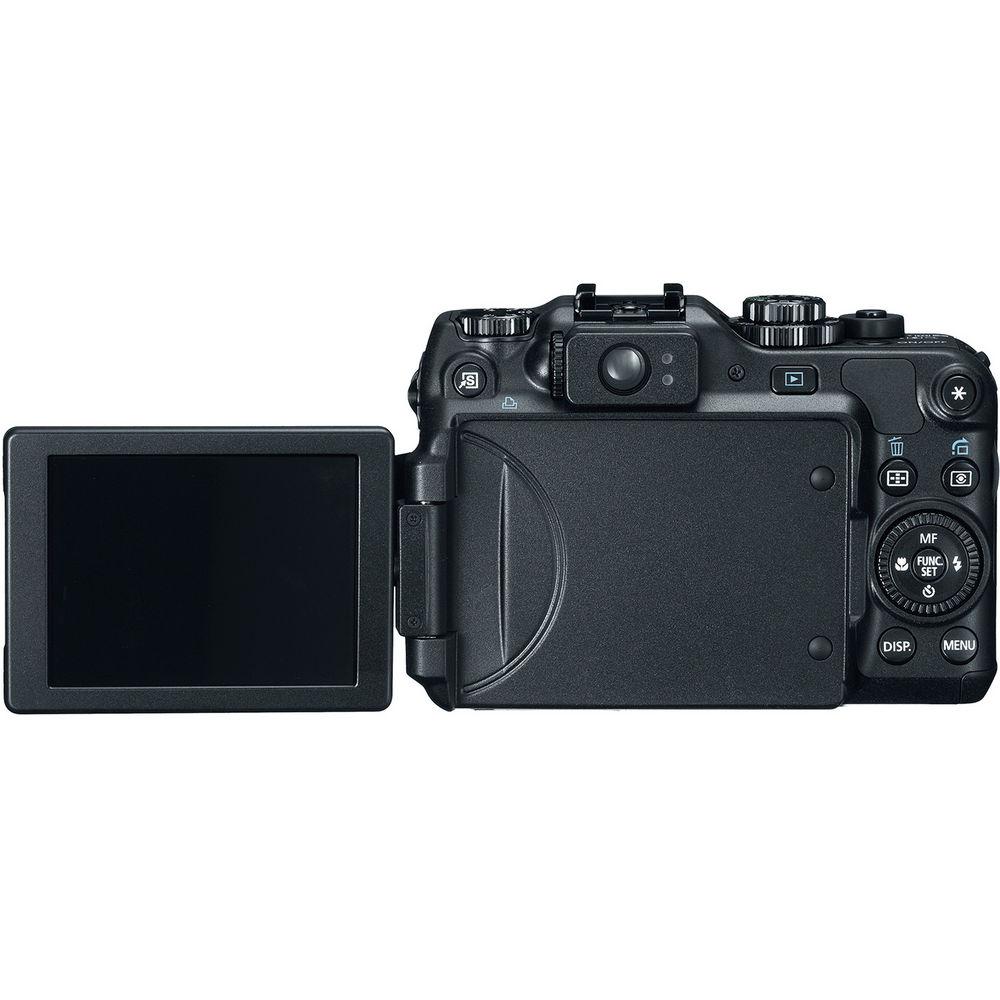
- 2.8" Vari-Angle LCD
- The PowerShot G12 gives you a large 2.8" PureColor System LCD screen for excellent control when framing your shots. But size is only part of the story. Canon's PureColor System LCD offers spectacular color, resolution, and contrast even at an angle. The screen is durable and easy to see. It is a great for gathering friends and family around to see your images
- Hybrid IS
- The PowerShot G12 is equipped with Canon's advanced Hybrid IS function, which corrects camera shake from two sources to deliver sharp, blur-free images - even when you zoom in close to your subject. Hybrid IS employs both an angular sensor and an accelerometer, enabling it to suppress both the blur caused by the angle of the camera and the 'shift blur' that happens when your subject moves parallel to the camera - a problem that is especially noticeable at large zoom factors
- 28mm Wide Angle Zoom Lens
- The G12 is a highly versatile camera with a wide angle zoom lens that reaches all the way from 28mm at the wide end to 140mm at the telephoto end (35mm format equivalent). You'll capture more image in every shot, and add greater depth to your photography overall
- 5x Optical Zoom
- The G12 is equipped with a long, 5x optical zoom - and Canon's own optical image stabilizer technology which keeps images steady and blur-free all through the zoom range - even in low light - by detecting motion and generating a corrective signal. Because it's an optical system, more corrective movement is allowed with no degradation of image quality
- Storage Options
- The G12 records to external flash memory - making it easy to store and transfer your stills videos. The camera is compatible with the following storage options: SD, SDHC, SDXC, MMC, MMC+, HCMMC+
- Host of Optional Compatible Accessories
- The PowerShot G12 is compatible with the Speedlite flash series intended for all EOS series SLR cameras. Attach a Speedlite flash to the hot shoe, and you can set and control the flash on the "Flash Control" menu in the camera. With a Speedlight, the G12 is given extra functions such as autoflash metering, FE lock and Flash exposure compensation - continuous shooting with external flash. Also Canon's Speedlite Transmitter ST-E2 enables you to have multiple slave flashes and wireless control. A Tele-Converter lens designed for the G12, Filter Adapter FCA-DC58DB and WP-DC34 Waterproof Case is also available
- Smart AUTO
- Just set the G12 to Smart AUTO and you're ready for maximum enjoyment from your picture taking every time. It's a relaxing and satisfying way to shoot because you can completely concentrate on your subject knowing that the camera has the technical details covered. Advanced Canon technology intelligently analyzes your situation and shooting conditions. Then it automatically selects an appropriate setting from specially defined settings. So whether you're photographing flowers, a captivating sunset, or your friends at the park, you can be confident that you're getting dramatic, memorable images
- Additional Connectivity
- The G12 provides you with direct connection to Canon SELPHY Compact Photo Printers, PIXMA Inkjet Photo Printers, and PictBridge-compatible printers using the camera's USB 2.0 connection and included cable
- 26 Languages to Choose From
- The display of the G12 can be read in any of the following 26 languages: English, German, French, Dutch, Danish, Finnish, Italian, Norwegian, Swedish, Spanish, Simplified/Traditional Chinese, Japanese, Russian, Portuguese, Korean, Greek, Polish, Czech, Hungarian, Turkish, Thai, Arabic, Romanian, Ukrainian, and Farsi
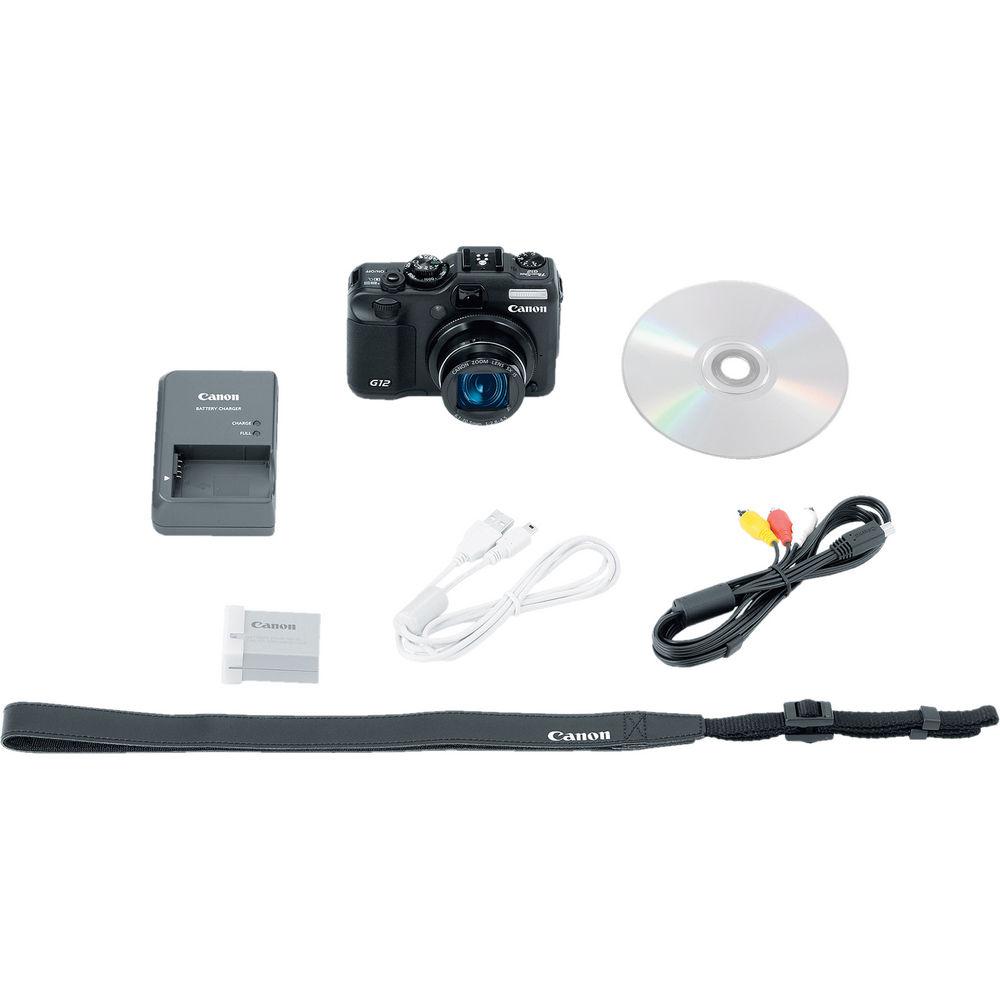
In the Box Canon PowerShot G12 Digital Camera NB-7L Lithium-Ion Battery Pack (7.4V, 1050mAh) dewxadsttcrwrfxcferrrucxyrzeyxuv CB-2LZ Battery Charger for Canon NB-7L Lithium-Ion Battery Stereo AV Cable USB Interface Cable Neck Strap Digital Camera Solution CD-ROM 90-Day Refurbished Warranty User Manual PDF 12.3mb Table of Contents
|
Upload User Manual
Have you got an user manual for the Canon PowerShot G12 Digital Camera - Refurbished in electronic form? Please send it to us and help us expand our library of instruction manuals.
Thank you, too, on behalf of other users.
To upload the product manual, we first need to check and make sure you are not a robot. After that, your "Submit Link" or "Upload File" will appear.
Technical parametersCanon 4342B026AA Specs | | | Pixels | Actual: 10.4 Megapixel
Effective: 10 Megapixel | | Sensor | 1/1.7" CCD | | File Formats | Still Images: JPEG, RAW
Movies: MOV
Audio: Linear PCM | | Max Resolution | 10 MP: 3648 x 2736 | | Aspect Ratio | 1:1, 3:2, 4:3, 4:5, 16:9 | | Image Stabilization | Optical | | Color Spaces | sRGB | | | | Lens | Effective Focal Length: 6.1 to 30.5mm (35 mm Equivalent: 28 to 140mm)
Aperture: f/2.8 (W) to f/4.5 (T) | | Zoom | Digital: 4x
Optical: 5x | | Focus Range | Macro: 0.4" to 1.6" / 1.02 cm to 4.06 cm
Auto: 2" to Infinity / 5.08 cm to Infinity | | | | ISO Sensitivity | Auto, 80 to 3200 | | Shutter | 15 to 1/4000 | | Exposure Metering | Center-Weighted, Evaluative, Spot | | Exposure Modes | Modes: AE Lock, Aperture Priority, Auto ISO Shift, Manual, Shutter Priority
Compensation: -2 EV to +2 EV (in 1/3 EV Steps) | | White Balance | Auto, Cloudy, Custom, Daylight, Flash, Fluorescent, Fluorescent H, Tungsten, Underwater | | Continuous Shooting | Up to 2 fps for up to Exposures | | | | Flash Modes | Auto
FE Lock
Flash On
Off
Red-Eye Reduction
Slow Sync | | Built-In Flash | Yes | | Effective Flash Range | 1.6 to 23' / 0.5 to 7.01 m | | External Flash Connection | Hot Shoe | | | | Memory Card Type | SD
SDHC
SDXC
MMC
MMCplus
HC MMCplus | | | | Video Recording | Yes, NTSC/PAL | | | | Video Clip Length | Up to 4 GB or 2 | | Audio Recording | With Video (Stereo) | | | | Viewfinder Type | Optical | | Screen | 2.8" LCD Rear Screen (461,000 Pixels) | | | | Connectivity | HDMI C (Mini)
Audio Out
AV Output
HDMI C (Mini) Audio out= stereo audio out | | | | Battery | NB-7l Rechargeable Lithium-Ion Battery Pack | | AC Power Adapter | ACK-DC50 (Not Included) | | | | Dimensions (W x H x D) | 4.4 x 3.0 x 1.9" / 111.8 x 76.2 x 48.3 mm | | Weight | 12.4 oz / 351.5 g Camera only | | | | Package Weight | 2.0 lb | | Box Dimensions (LxWxH) | 10.0 x 6.5 x 3.5" |
Rating92% users recommend this product to others. And what about you?

This product has already been rated by 87 owners. Add your rating and experience with the product.
Discussion
 Ask our technicians if you have a problem with your settings,
or if anything is unclear in the user manual you have downloaded.
You can make use of our moderated discussion.
The discussion is public and helps other users of our website who may be encountering similar problems.
Ask our technicians if you have a problem with your settings,
or if anything is unclear in the user manual you have downloaded.
You can make use of our moderated discussion.
The discussion is public and helps other users of our website who may be encountering similar problems.
The discussion is empty - enter the first post
Post a new topic / query / comment:
|
|
|
| Request for user manual |
You can’t find the operation manual you are looking for? Let us know and we will try to add the missing manual:
I’m looking for a manual / Request for manual
Current requests for instruction manuals:
Call Of Duty World War Two For Xbox...
controller stratus XL...
stratus XL...
smart whatch serie S11 42mm...
Allen & Heath SQ-6 manual...
|
| Discussion |
Latest contributions to the discussion:
AEW R 4100
Name: MAURICIO ANGARITA
Audio-Technica AEW-R4100 UHF Diversity Receiver for
AEW R 4100 has the mute function blocked and does not allow audio to pass. I tried several times to turn off the mute from the transmitter but it does nothing, the mute stays on. Solution?
Thank you...
Instructions for assembling the 2015 Forecast Image Master Consoles GC3-A
Name: mike elam
Forecast Consoles GC3-A ImageMaster Editing Console
Looking for instructions for assembling this console. ...
EMPTY TONER ERROR MESSAGE AFTER REPLACING TONER
Name: LINDA BAD YELLOW EYES
Brother TN223BK Standard-Yield Toner
I HAD TO CHANGE OUT ALL THREE TONERS DUE TO LEAKS IN THE YELLOW AND CYAN. AFTER I REPLACED THEM, THE MACHINE KEEPS GIVING ME AN EMPTY TONER ERROR MESSAGE. HELP!!...
PS480D 20/24 pin Switching 480W Power Supply
Name: swkargo
Logisys 480W Power Supply
This item states in can run -5vdc .It is NOT listed on the board or I beleive is r4 is missing the resitior. Any body have thid issue. Shawn
...
Help needed
Name: Ann Carter
SanDisk 1TB Extreme Portable USB 3.1
When I click the link to download the user manual for my Sandisk Extreme external hard drive, it gives me the manual for the LG Cricket. Can you please change the link so I can download the Sandisk manual and begin using this drive? Thank you....
|
|


