User Manual for Canon REALiS WUX5800Z 5800-Lumen Projector and RS-SL01ST Lens Kit Click to enlarge the picture
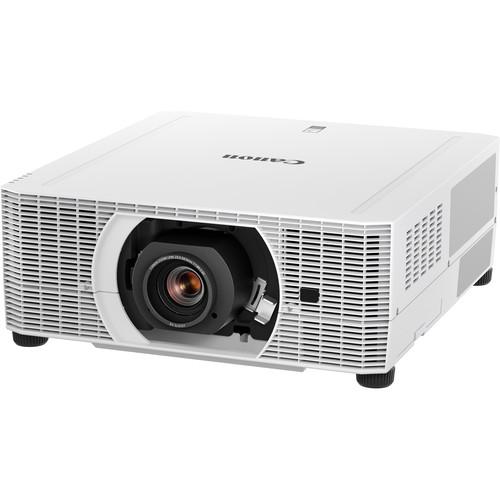 Contents of the user manual for the Canon REALiS WUX5800Z 5800-Lumen Projector and
- Product category: Multimedia Projectors Canon
- Brand: Canon
- Description and content of package
- Technical information and basic settings
- Frequently asked questions – FAQ
- Troubleshooting (does not switch on, does not respond, error message, what do I do if...)
- Authorized service for Canon Multimedia Projectors
 |
User manual for the Canon REALiS WUX5800Z 5800-Lumen Projector and contain basic instructions
that need to be followed during installation and operation.
Before starting your appliance, the user manual should be read through carefully.
Follow all the safety instructions and warnings, and be guided by the given recommendations.
User manual is an integral part of any Canon product,
and if it is sold or transferred, they should be handed over jointly with the product.
Following the instructions for use is an essential prerequisite for protecting
health and property during use, as well as recognition of liability on the part of the manufacturer
for possible defects should you make a warranty claim. Download an official Canon user manual in which you will find instructions on how to install, use, maintain and service your product.
And do not forget – unsuitable use of a Canon product will considerably shorten its lifespan!
|
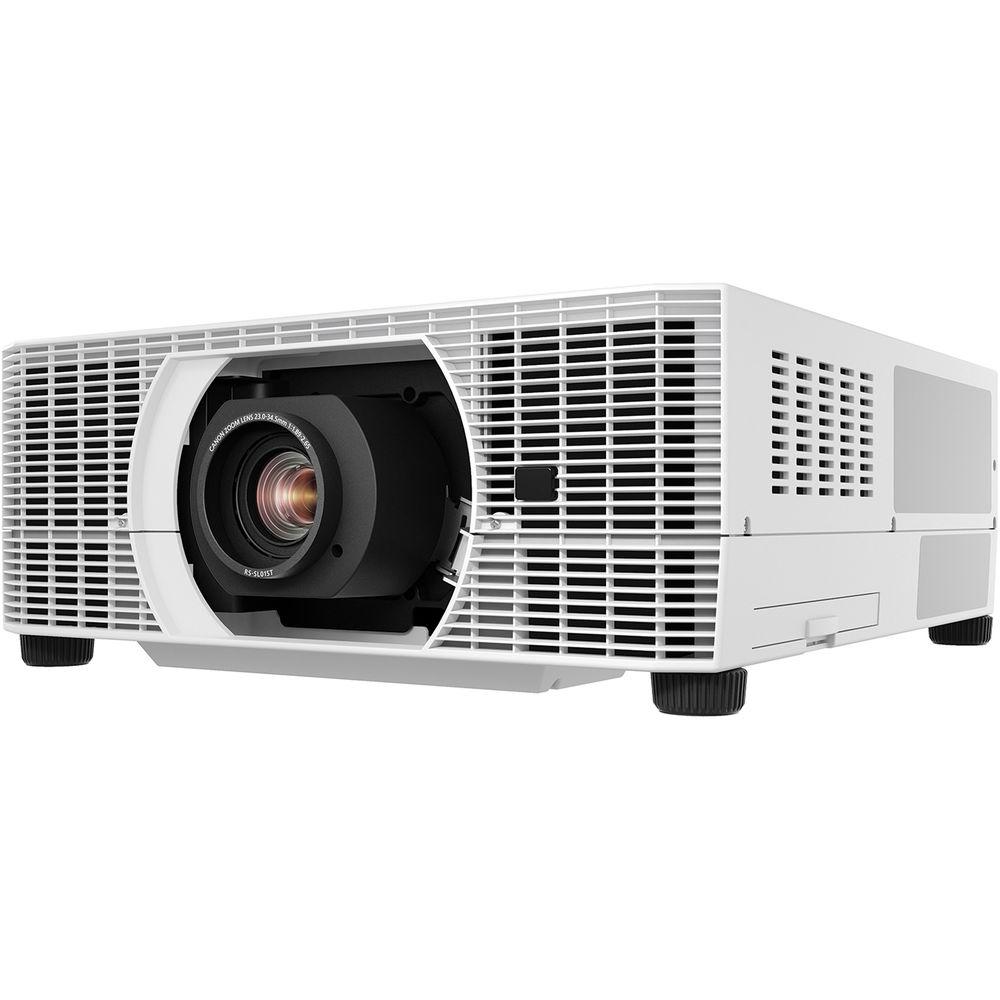
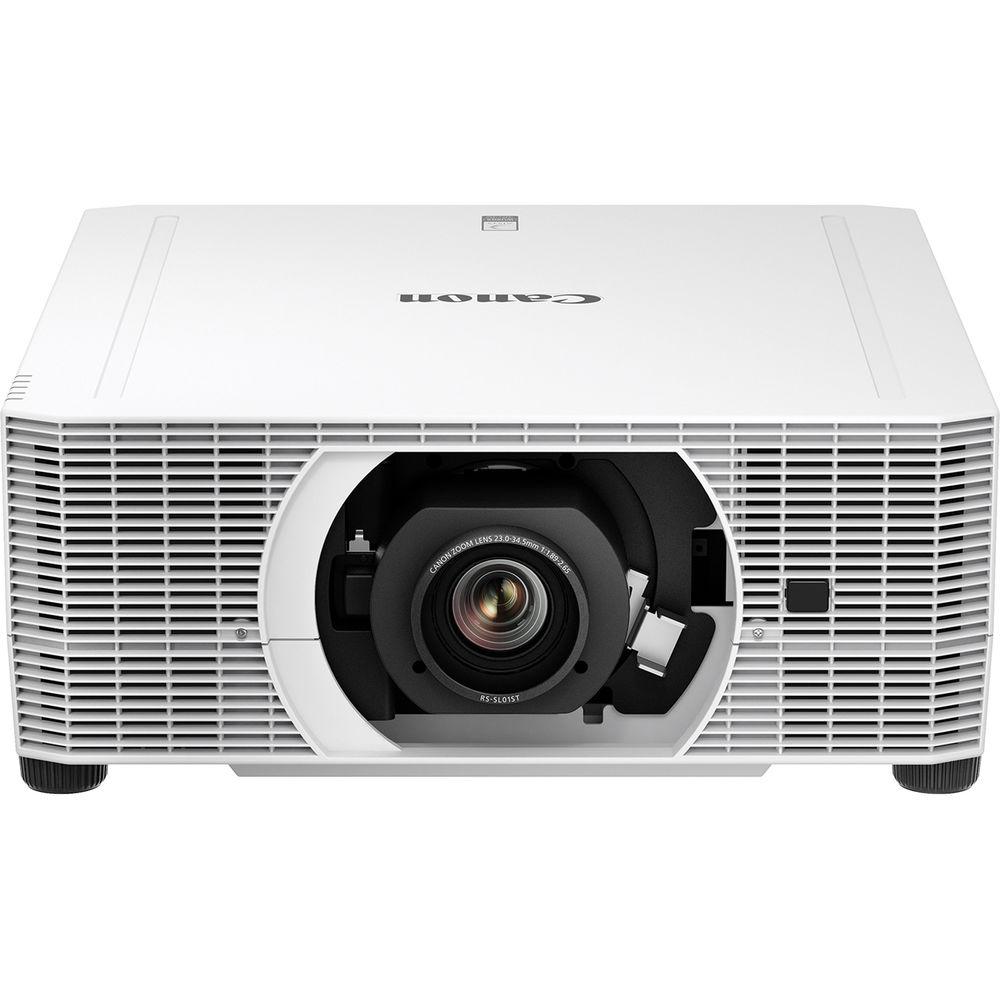
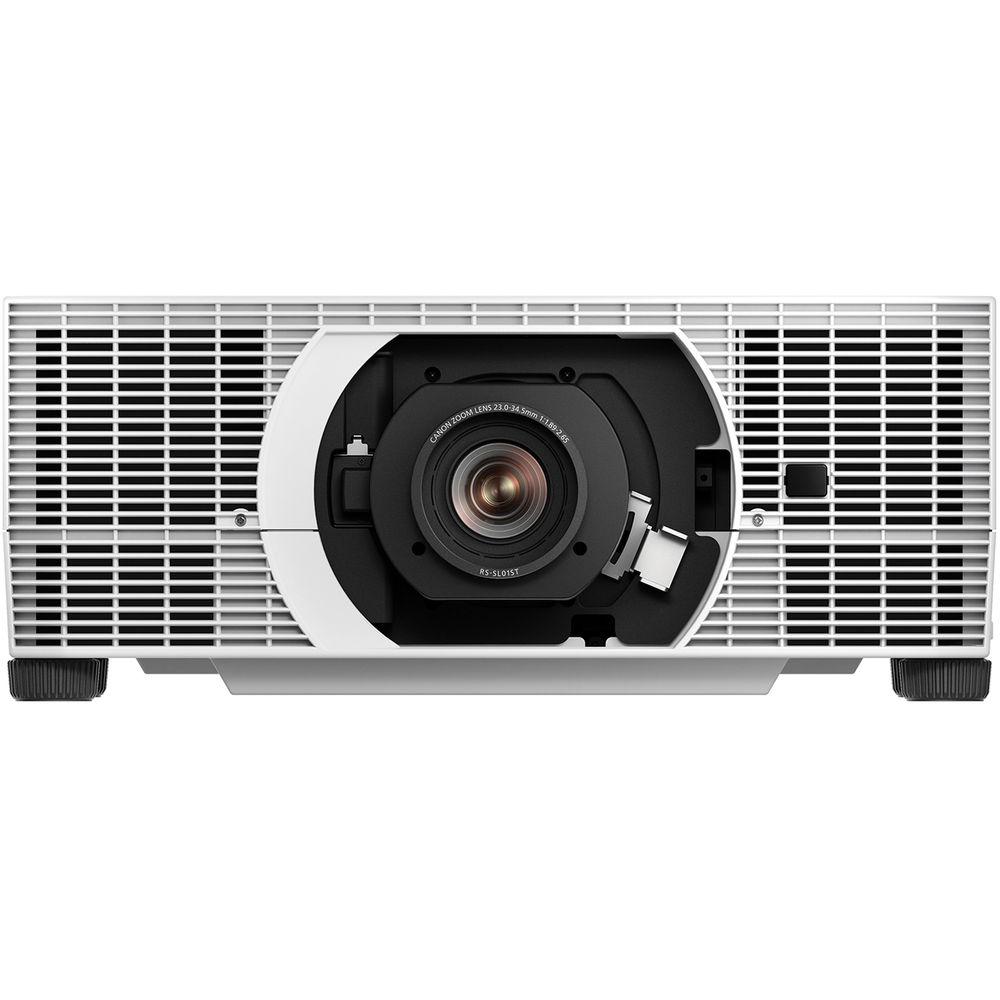
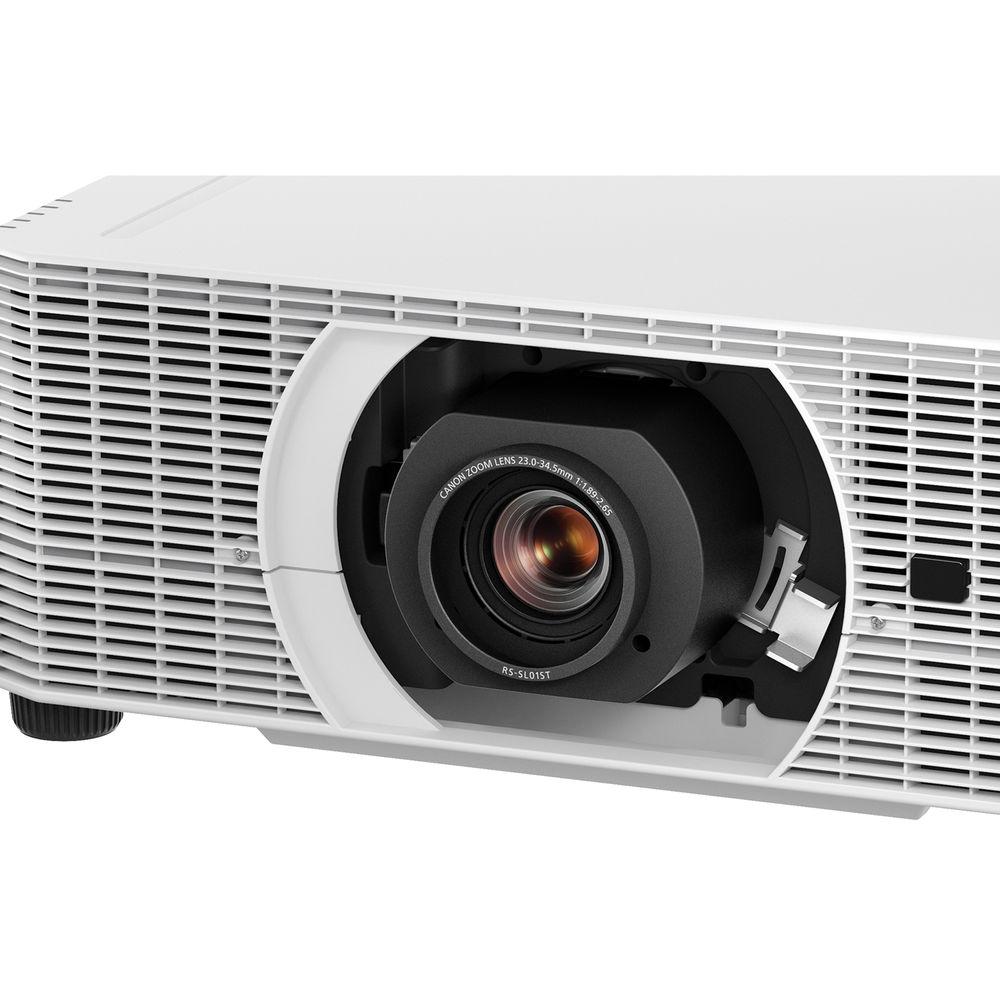
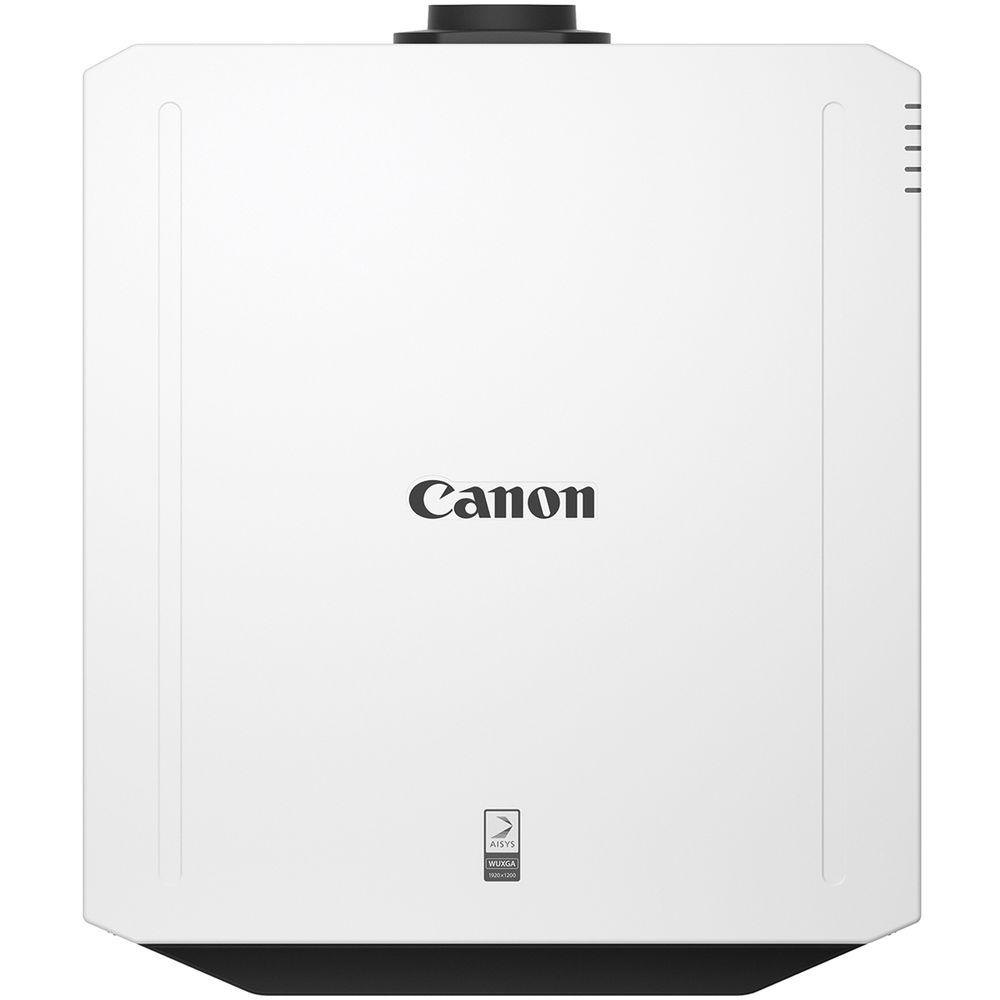
Product description The REALiS WUX5800Z Projector and RS-SL01ST Lens Kit from Canon includes the WUX5800Z 5800-Lumen Projector and the RS-SL01ST Standard Zoom Lens. The projector features native WUXGA (1920 x 1200) resolution, a high contrast ratio of 4000:1, high dynamic range (HDR) compatibility, and advanced features for high-quality images. The lens features a 1.49-2.24:1 throw ratio and a throw distance of 10.5 to 15.7'. - Canon REALiS WUX5800Z 5800-Lumen WUXGA Laser LCoS Projector (No Lens) The REALiS WUX5800Z 5800-Lumen WUXGA Laser LCoS Projector from Canon combines a long-lasting laser light source and a compact, innovative design for flexible installation. The projector provides a high brightness of 5800 lumens, native WUXGA (1920 x 1200) resolution, a high contrast ratio of 4000:1, high dynamic range (HDR) compatibility, and advanced features for high-quality images. The laser light source produces 20,000 hours of continued projection, while a vertical 360° rotation allows convenient, omnidirectional projection as well as portrait orientation.
The WUX5800Z includes HDBaseT, HDMI, DVI-I, DisplayPort, USB, RJ45, RS-232, and audio inputs, as well as Network Multi Projection (NMPJ) over Wi-Fi. A 1W speaker is built into the projector.The projector is compatible with six interchangeable Genuine Canon lens options that can be quickly and easily installed. With high versatility and a compact size, this projector is ideal for a variety of fields including higher education, corporate applications, advertising and marketing, houses of worship, training, museums, and galleries. - 5800 Lumens with up to 4000:1 Contrast Ratio
- The projector projects bright 5800 lumen images with up to a 4000:1 contrast ratio that helps ensure deep blacks, bright whites, and outstanding color. The results are images with crisp depth and dimension, and enhanced color accuracy, which is critical to those with discerning needs.
- Native WUXGA Resolution (1920 x 1200)
- Canon's WUXGA resolution brings bright, true widescreen display of highly detailed HD video content and still images with enhanced color richness to large-room installations in high resolution WUXGA (1920 x 1200). Widescreen graphics, text, and other visual content from laptops and desktop computers are shown in accurate proportions from edge to edge with sharp detail.
- Laser Light Source
- The projector's laser light source provides up to 20,000 hours in standard use of continuous, reliable, high-quality projection. The hours of operation can be nearly doubled when utilizing the Long Duration modes to up to 20 times longer than a conventional lamp's life. Operation is virtually maintenance-free with minimal downtime, as the light source doesn't require routine replacement.
- LCOS Technology with AISYS Enhancement
- The imaging performance of the projector starts with Canon's proprietary AISYS (Aspectual Illumination System) Optical Engine. This engine utilizes advanced light management technology to maximize the contrast and brightness benefits of the projector's LCOS (Liquid Crystal on Silicon) display panels, which deliver enhanced reflectivity and durability while accomplishing high luminance. The result is highly detailed, seamless, ultra-sharp image projection in virtually any environment.
- Six Optional Genuine Canon Interchangeable Lenses
- Six optional interchangeable Genuine Canon lenses enable a wide variety of applications for exceptional image quality and flexibility. A spigot lens mount system is designed so that the lens can be quickly and securely installed in virtually seconds. Optional lenses include the Ultra Short Fixed Lens RS-SL06UW, which features compatibility with Marginal Focus for accurate projection onto a spherical surface, a 0.54:1 throw ratio and a generous vertical lens shift of V: -15 - 75%, H: ±30%.
- High Dynamic Range (HDR)
- The projector supports High Dynamic Range (HDR) exhibiting bright highlights and deep blacks for a wider dynamic range. The wider dynamic range expands the contrast and the color, both extremely important factors when it comes to the image.
- Multiple Image Modes
- The projector includes pre-set image modes and additional customizable image modes to suit a wide range of user preferences and projection environments. The various image modes provide different variations of color reproduction characteristics suitable for the image type and projection environment. They include: Standard, Presentation, Dynamic, Photo/sRGB, Video, Cinema, 5 Customizable Modes, and DICOM Simulation Mode.
- Image Adjustment and Advanced Adjustment Options
- The projector offers extensive image quality adjustments to help users customize the image to meet their specific projection needs. These include: brightness, contrast, sharpness, gamma, and color adjustments.
Advanced Image Adjustments provide greater flexibility to professional users with more options to adjust the image as desired. These settings include: Ambient Light, Random Noise Reduction, MPEG Noise Reduction, Mosquito Noise Reduction, Dynamic Gamma, Memory Color Correction, 6-Axis Color Adjust, and Fine-tune Gamma. - Motion Blur Reduction
- The projector includes Canon's Motion Blur Reduction feature for improved visibility when movement is fast. By inserting extra frames to video content, motion blur is reduced and the clarity of graphics and text on fast-moving objects is preserved. Three different modes (Strong, Low, and Off) are included for flexibility, with each depending on the level of movement and type of video content.
- Installation Versatility
- Operating Mode: Four work modes allow adjustment to maximize projector life.
Light Source Mode: To reduce projector noise and cooling fan speed, different light modes can be selected.
Position Lock: Ensures specific installation settings such as Image Flip, Keystone Correction and Lens Position are not accidentally disturbed, saving users time from the inconvenience of reconfiguration.
360° Vertical Installation: Allows the projector to be positioned anywhere on the vertical axis.
4-Point Keystone Correction: Allows the corners of the image to be independently adjusted to help ensure optimal image reproduction.
Lens Position Memory: Up to three different custom lens presets can be stored and memorized.
Screen Color Correction: Enables users to fine-tune the colors of images based on the color of the projection surface.
Test Patterns: Up to 27 test patterns are provided to enable smooth installation and adjustment. - Advanced Professional Installation
- High Altitude: If the projector sits in high land over 7546' above sea level, High Altitude mode enables faster fan speeds to prevent overheating.
Edge Blending: Enables the user to combine multiple images to create a seamless, extra-wide projection. Advanced functions allow for color blending and black level adjustments to maximize image quality.
Micro-Digital Image Shift: Shifts the image electrically, using the surplus pixels on the LCoS panel.
Registration: Modifies the registration by electronically correcting color shift due to changes in alignment of each RGB panel position.
Fan Mode: Gives the user the ability to adjust the fan speed to support different environmental work spaces.
Vertical Projection: Automatically adjusts fan speeds and other configurations to support vertical installations. - Network Multi Projection (NMPJ) over Wi-Fi
- Built-in network multi projection (NMPJ) function and Wi-Fi connectivity enable selective sharing of visual content from one or more PCs and laptops, wirelessly, or over LAN. Four NMPJ modes enable selective sharing of visual information: Direct Mode, Meeting Mode, Classroom Mode, and Broadcast Mode.
- Network Management
- Compatibility with Crestron, Extron XTP, and AMX Device Discovery helps ensure seamless integration into many systems or infrastructures and smooth network management. Support for PJLink also makes it possible to control and monitor the projector over a network. This feature is ideal for observing lamp hours, usage, and much more.
- Built-In Real-Time Clock
- The built-in real-time clock allows scheduling of specific operations such as set startup and shutdown at chosen times. This helps to manage power consumption by creating operating schedules which can result in extended projection life. For convenience, real-time clock settings can be accessed via the projector's own user-friendly graphical interface.
- Simplified Maintenance
- Multiple power-management settings help to conserve projector life, allowing the user to preset stand-by durations and execute power on and off operations - all with the benefit of a Real-Time Clock, accessible via Web UI or internal GUI.
- Canon Service Tool for PJ
- Canon's free PJ App makes it possible to control Canon projectors remotely and conveniently from iOS devices. Wi-Fi connection enables the clear display of the projector menu on the screen of your tablet or smartphone - supporting simplified set-up, operation, and maintenance. It's the ideal solution for making adjustments to spherical or domed surface projections, on which menus may be difficult to view and navigate. The app also brings speed and clarity to error correction and allows multi-projection across up to nine projectors independently and simultaneously.
UPC: 013803300079 - RS-SL01ST 1.49 to 2.24:1 Standard Zoom Lens for Select REALiS Projectors The RS-SL01ST 1.49-2.24:1 Standard Zoom Lens from Canon features a throw distance of 10.5 to 15.7'. The lens is designed for use with select REALiS projectors providing enhanced color, clarity, and performance, as well as eliminating brightness variation. With a one-touch spigot type design, the lens can be installed quickly and securely.
- Easy and secure installation
UPC: 013803299335 In the Box Bundle Items Canon REALiS WUX5800Z 5800-Lumen WUXGA Laser LCoS Projector (No Lens) bucvweev - RS-RC07 Remote Controller and Batteries
RS-SL01ST 1.49 to 2.24:1 Standard Zoom Lens for Select REALiS Projectors Table of Contents
|
Upload User Manual
Have you got an user manual for the Canon REALiS WUX5800Z 5800-Lumen Projector and RS-SL01ST Lens Kit in electronic form? Please send it to us and help us expand our library of instruction manuals.
Thank you, too, on behalf of other users.
To upload the product manual, we first need to check and make sure you are not a robot. After that, your "Submit Link" or "Upload File" will appear.
Technical parameters - Canon REALiS WUX5800Z 5800-Lumen WUXGA Laser LCoS Projector (No Lens)
| | | Display System | 3-Chip 0.71" LCoS | | Native Chip Resolution | 1920 x 1200 (WUXGA) | | Supported Resolutions | WUXGA
UXGA
WSXGA+
SXGA+
WXGA+
FWXGA
WXGA
SXGA
XGA
SVGA
VGA | | Max Brightness | 5800 Lumens | | Uniformity | 90% | | Contrast Ratio | 4000:1 | | Scan | Horizontal: 15.625 to 75 kHz
Vertical: 24 to 60 Hz | | | | Projection Size | 40 - 600" / 1.02 - 15.24 m When standard RS-SL01ST projection lens used | | | | Keystone Correction | Vertical: ± 20°
Horizontal: ± 20° | | Ceiling Mountable | Yes | | Built-In Speaker | Yes | | Speaker Power | 1W | | | | Inputs/Outputs | 1 x DVI-I Video (Input)
1 x HDMI Audio/Video (Input)
1 x DisplayPort Audio/Video (Input)
1 x 1/8" (3.5 mm) Mini Audio (Input)
1 x 1/8" (3.5 mm) Mini Audio (Output)
1 x USB Control (Input)
1 x HDBaseT (RJ45) LAN (Input)
1 x RS-232C (DE-9) Control (Input)
1 x 1/8" (3.5 mm) Mini Control/Service (Input) | | Inputs/Outputs | 1 x Component (DE-15) Video Input | | Memory Card Slot | None | | | | Light Source | Laser Phosphor | | Expected Lamp Life | Full Brightness: 20,000 Hours | | Fan Noise | Full Brightness: 35 dB
Medium Brightness: 32 dB
Low Brightness: 29 dB | | AC Input Power | 100 to 240 VAC, 50 / 60 Hz | | Heat Dissipation | 1655 BTU | | Power Consumption | Full Brightness: 485 W
Standby Mode (Lamp Off): 1.6 W | | Operating Temperature | 32 to 104°F / 0 to 40°C | | Storage Temperature | -4 to 140°F / -20 to 60°C | | Dimensions (W x H x D) | 19.0 x 7.7 x 21.4" / 48.3 x 19.6 x 54.4 cm | | Weight | 37.4 lb / 16.96 kg | | | | Box Dimensions (LxWxH) | 29.5 x 25.3 x 17.0" | - RS-SL01ST 1.49 to 2.24:1 Standard Zoom Lens for Select REALiS Projectors
| | | Compatibility | Canon REALiS WUX7000Z
Canon REALiS WUX6600Z
Canon REALiS WUX5800Z
Canon REALiS WUX7500
Canon REALiS WUX6700
Canon REALiS WUX5800 | | | | Throw Ratio | 1.49 to 2.24:1 | | Aperture | f/1.89 to 2.65 | | Focal Length | f = 23 to 34.5mm | | Throw Distance | 10.5 to 15.7' / 3.2 to 4.8 m | | Projection Size | 40 to 600" / 1.0 to 15.2 m | | Lens Shift Percentage |
Vertical: -15 to 55%
Horizontal:
Rating80% users recommend this product to others. And what about you?

This product has already been rated by 57 owners. Add your rating and experience with the product.
Discussion
 Ask our technicians if you have a problem with your settings,
or if anything is unclear in the user manual you have downloaded.
You can make use of our moderated discussion.
The discussion is public and helps other users of our website who may be encountering similar problems.
Ask our technicians if you have a problem with your settings,
or if anything is unclear in the user manual you have downloaded.
You can make use of our moderated discussion.
The discussion is public and helps other users of our website who may be encountering similar problems.
The discussion is empty - enter the first post
Post a new topic / query / comment:
|
|
|
| Request for user manual |
You can’t find the operation manual you are looking for? Let us know and we will try to add the missing manual:
I’m looking for a manual / Request for manual
Current requests for instruction manuals:
Call Of Duty World War Two For Xbox...
controller stratus XL...
stratus XL...
smart whatch serie S11 42mm...
Allen & Heath SQ-6 manual...
|
| Discussion |
Latest contributions to the discussion:
AEW R 4100
Name: MAURICIO ANGARITA
Audio-Technica AEW-R4100 UHF Diversity Receiver for
AEW R 4100 has the mute function blocked and does not allow audio to pass. I tried several times to turn off the mute from the transmitter but it does nothing, the mute stays on. Solution?
Thank you...
Instructions for assembling the 2015 Forecast Image Master Consoles GC3-A
Name: mike elam
Forecast Consoles GC3-A ImageMaster Editing Console
Looking for instructions for assembling this console. ...
EMPTY TONER ERROR MESSAGE AFTER REPLACING TONER
Name: LINDA BAD YELLOW EYES
Brother TN223BK Standard-Yield Toner
I HAD TO CHANGE OUT ALL THREE TONERS DUE TO LEAKS IN THE YELLOW AND CYAN. AFTER I REPLACED THEM, THE MACHINE KEEPS GIVING ME AN EMPTY TONER ERROR MESSAGE. HELP!!...
PS480D 20/24 pin Switching 480W Power Supply
Name: swkargo
Logisys 480W Power Supply
This item states in can run -5vdc .It is NOT listed on the board or I beleive is r4 is missing the resitior. Any body have thid issue. Shawn
...
Help needed
Name: Ann Carter
SanDisk 1TB Extreme Portable USB 3.1
When I click the link to download the user manual for my Sandisk Extreme external hard drive, it gives me the manual for the LG Cricket. Can you please change the link so I can download the Sandisk manual and begin using this drive? Thank you....
|
|


