|
User Manual for Canon REALiS WUX6500 D WUXGA 6500-Lumens Pro AV LCOS Projector Click to enlarge the picture
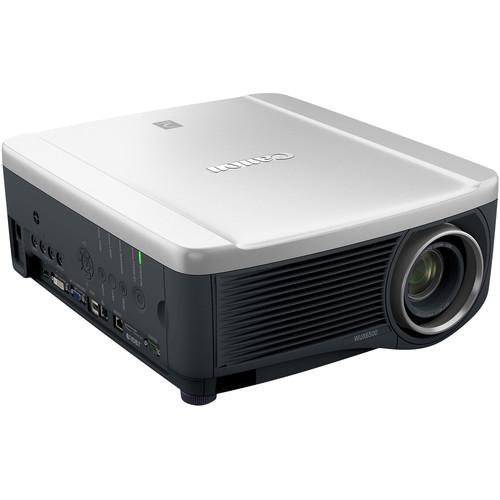 Contents of the user manual for the Canon REALiS WUX6500 D WUXGA 6500-Lumens
- Product category: Multimedia Projectors Canon
- Brand: Canon
- Description and content of package
- Technical information and basic settings
- Frequently asked questions – FAQ
- Troubleshooting (does not switch on, does not respond, error message, what do I do if...)
- Authorized service for Canon Multimedia Projectors
 |
User manual for the Canon REALiS WUX6500 D WUXGA 6500-Lumens contain basic instructions
that need to be followed during installation and operation.
Before starting your appliance, the user manual should be read through carefully.
Follow all the safety instructions and warnings, and be guided by the given recommendations.
User manual is an integral part of any Canon product,
and if it is sold or transferred, they should be handed over jointly with the product.
Following the instructions for use is an essential prerequisite for protecting
health and property during use, as well as recognition of liability on the part of the manufacturer
for possible defects should you make a warranty claim. Download an official Canon user manual in which you will find instructions on how to install, use, maintain and service your product.
And do not forget – unsuitable use of a Canon product will considerably shorten its lifespan!
|
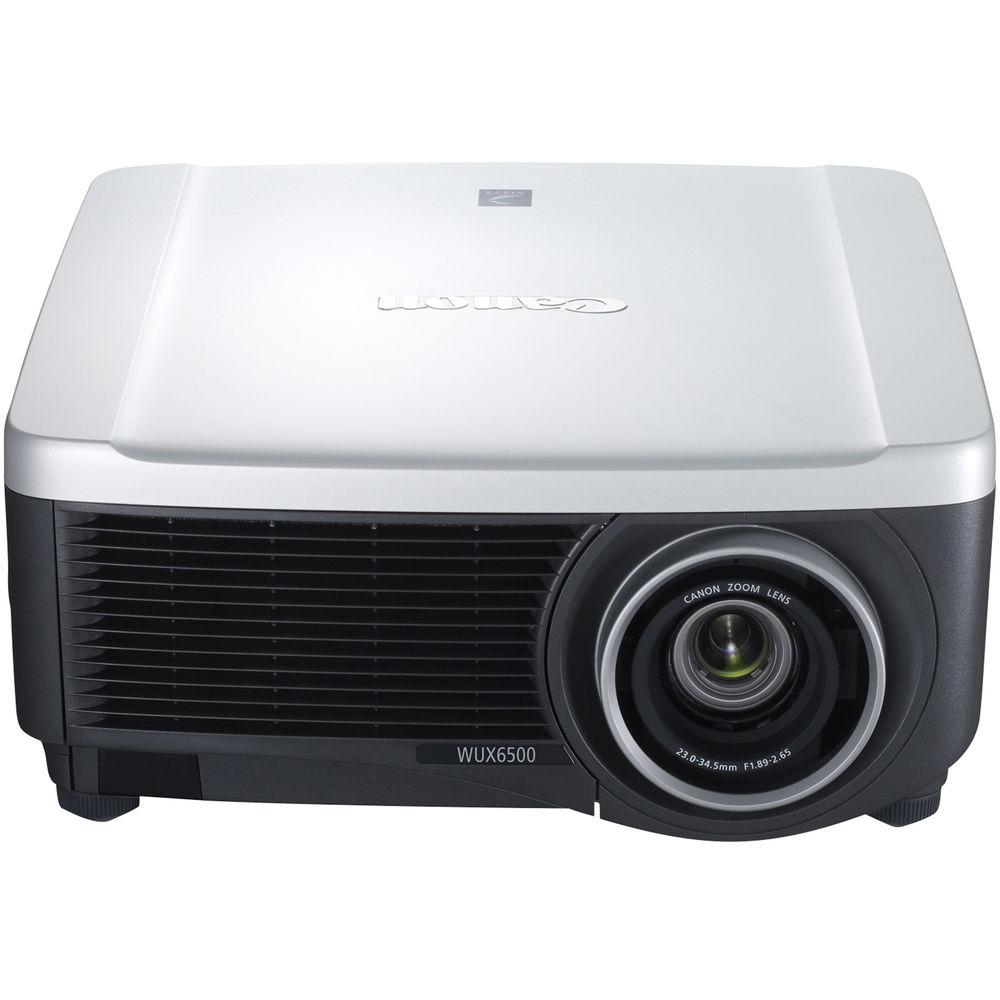
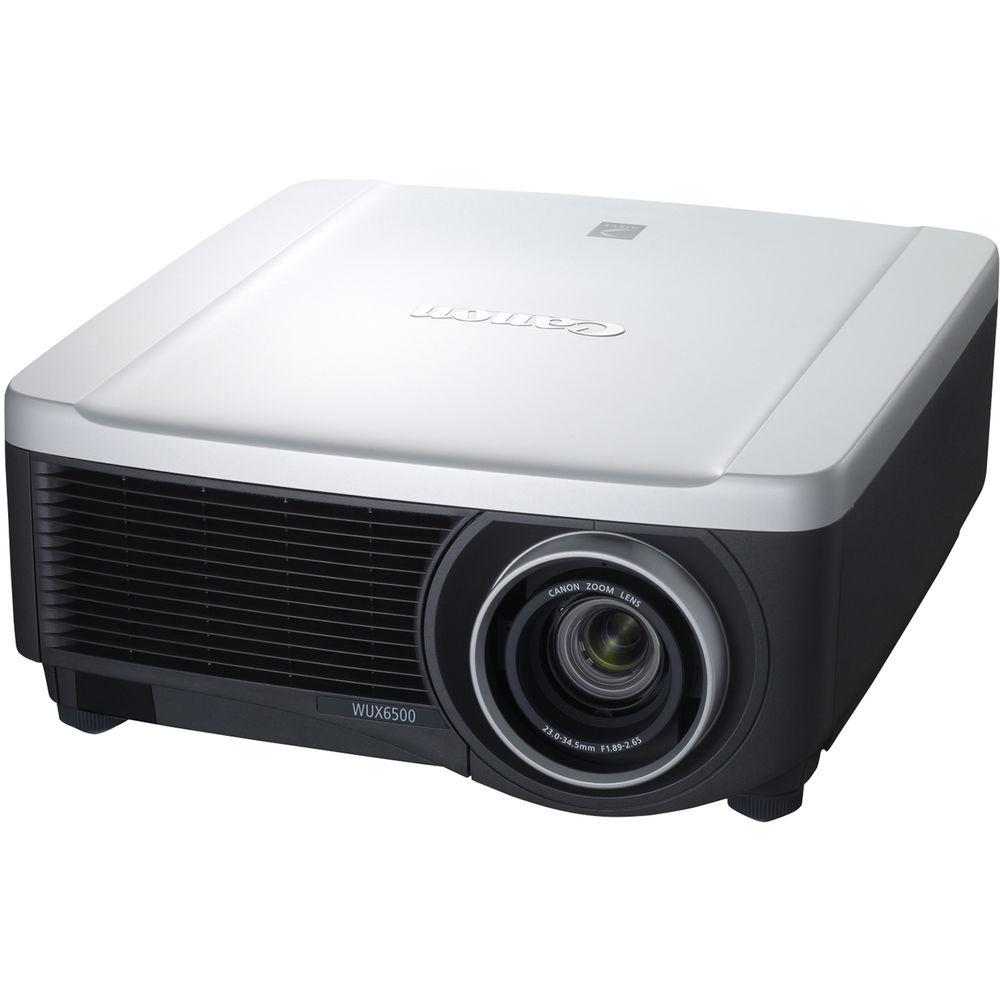
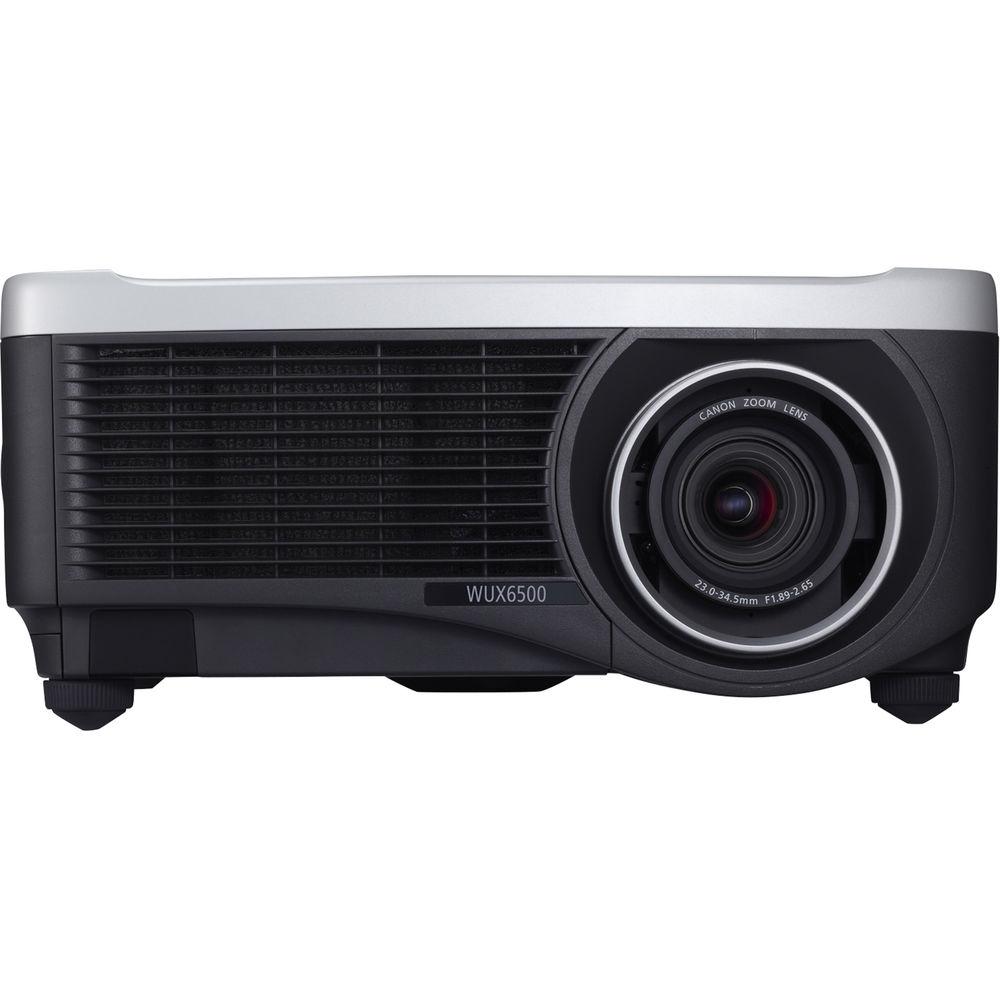
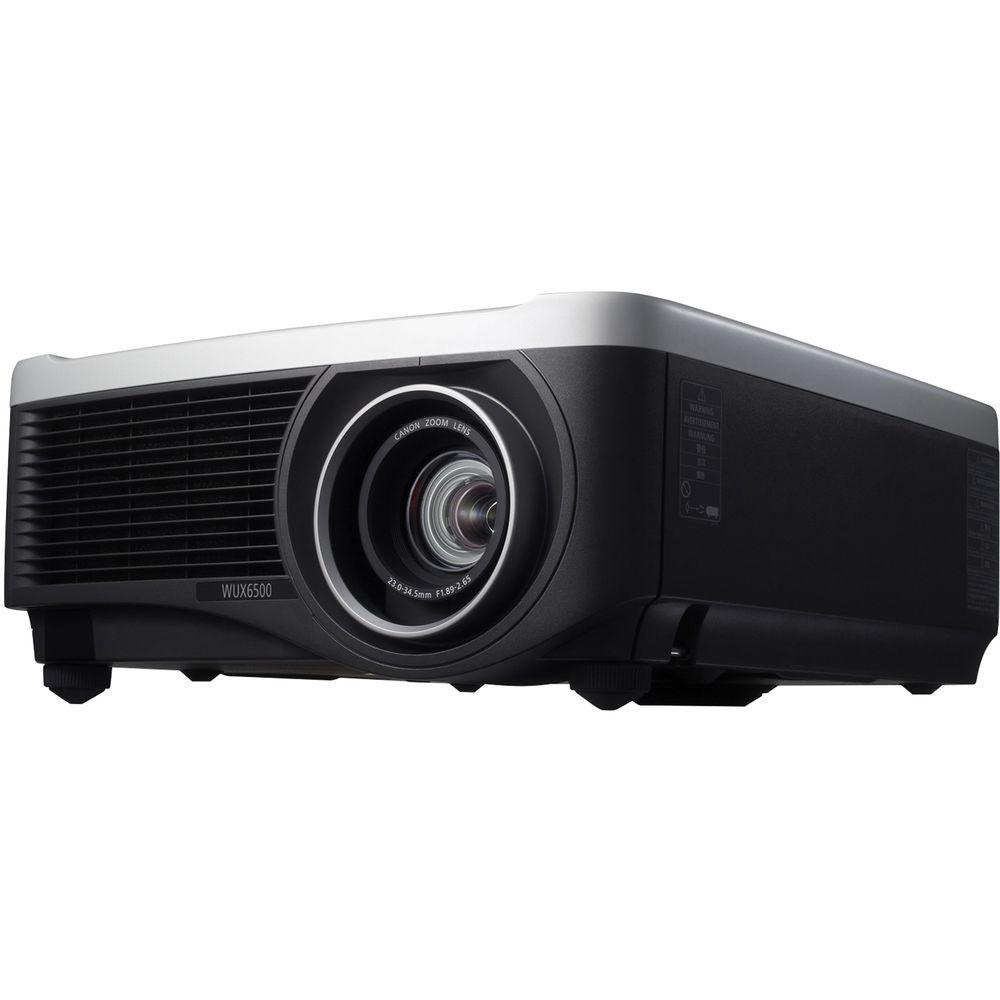
Product description The REALiS WUX6500 D WUXGA 6500-Lumens Pro AV LCOS Projector from Canon delivers bright, 6500-lumen high-resolution WUXGA (1920 x 1200) widescreen video and still images in a variety of environments. It features a DICOM Simulation Mode to display medical images such as X-rays for non-diagnostic purposes. It is equipped with Canon’s LCOS Technology with AISYS-enhancement, where the space between pixels is relatively small for a smooth, realistic film-like quality, so details are sharp and motion is natural. The projector features an advanced image processing engine. This projector displays vivid, seamless images with intricate detail, accurate color, high contrast, and deep blacks. Its connection options include industry standards such as HDBaseT, HDMI, and DVI. - DICOM Simulation Mode
- The projector offers a DICOM Simulation Mode to simulate the results of devices compliant with the DICOM standardized display function for display of gray scale images. The DICOM Simulation Mode adjusts the gradation between the minimum and the maximum luminance so gradation is distributed optimally. This feature is optimized for displaying medical images such as X-rays, CAT scans and MRIs, which makes this projector ideal for non-diagnostic purposes such as lectures, academic meetings and in-hospital conferences. This feature is recommended for use in medical schools for training and educational use only.
- Blue Base, Clear Base Settings as Well as User-defined Settings
- To optimize color and detail for medical imaging, this projector supports both Blue Base and Clear Base color temperature settings. This feature allows adjustment to achieve the same colors used for DICOM SIM standards, and gives educators the opportunity to adjust color tone according to the type of medical image being shown. In addition to these two settings, presenters have the ability to alter the color temperature between 3 user defined color temperatures, for a total of five presets.
- Picture-by-Picture Mode
- Presentations can be enhanced with split-screen functionality, allowing you to see two images side by side from two different viewing sources simultaneously. An advantage of the Picture-by-Picture Mode is that it also allows both DICOM Simulation images and sRGB Modes to be shown together, meaning a CAT scan, for example, can be simultaneously viewed alongside a live surgery video to bring training to life.
- Image Quality
- Offering a native, highly detailed WUXGA (1920 x 1200) resolution image, the WUX6500 produces bold widescreen images. Genuine Canon optics combined with Canon's advanced LCOS technology with AISYS-enhancement provide a high brightness of 6500 lumens, a 2000:1 contrast ratio, and color reproduction. With LCOS technology, the space between pixels is relatively small for a smooth, realistic film-like quality, so details are sharp and motion is natural.
- Installation Convenience
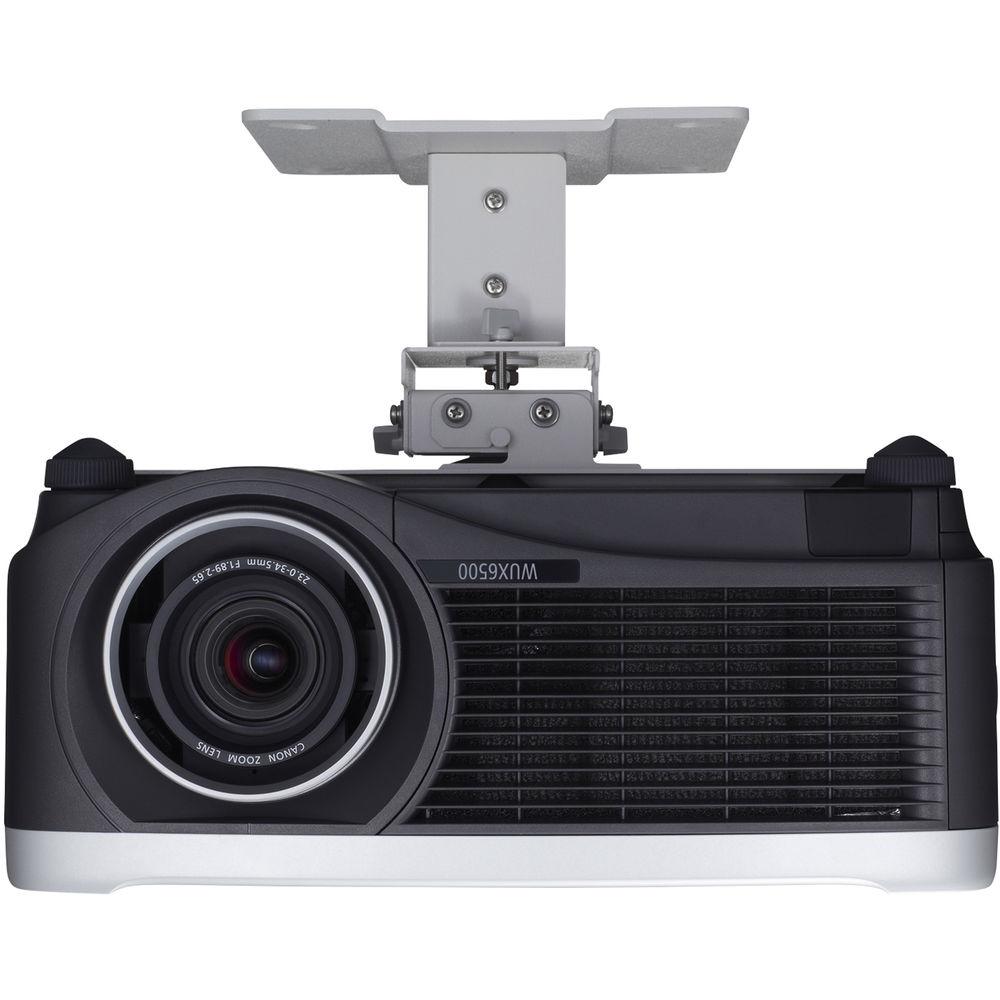
- The WUX6500 provides versatility for installation. The advanced 4-point keystone correction allows independent corner adjustment for optimized performance. Built-in edge blending also makes it possible to create impressive displays by joining multiple images from different projectors seamlessly.
- Versatile Connectivity and Network Management
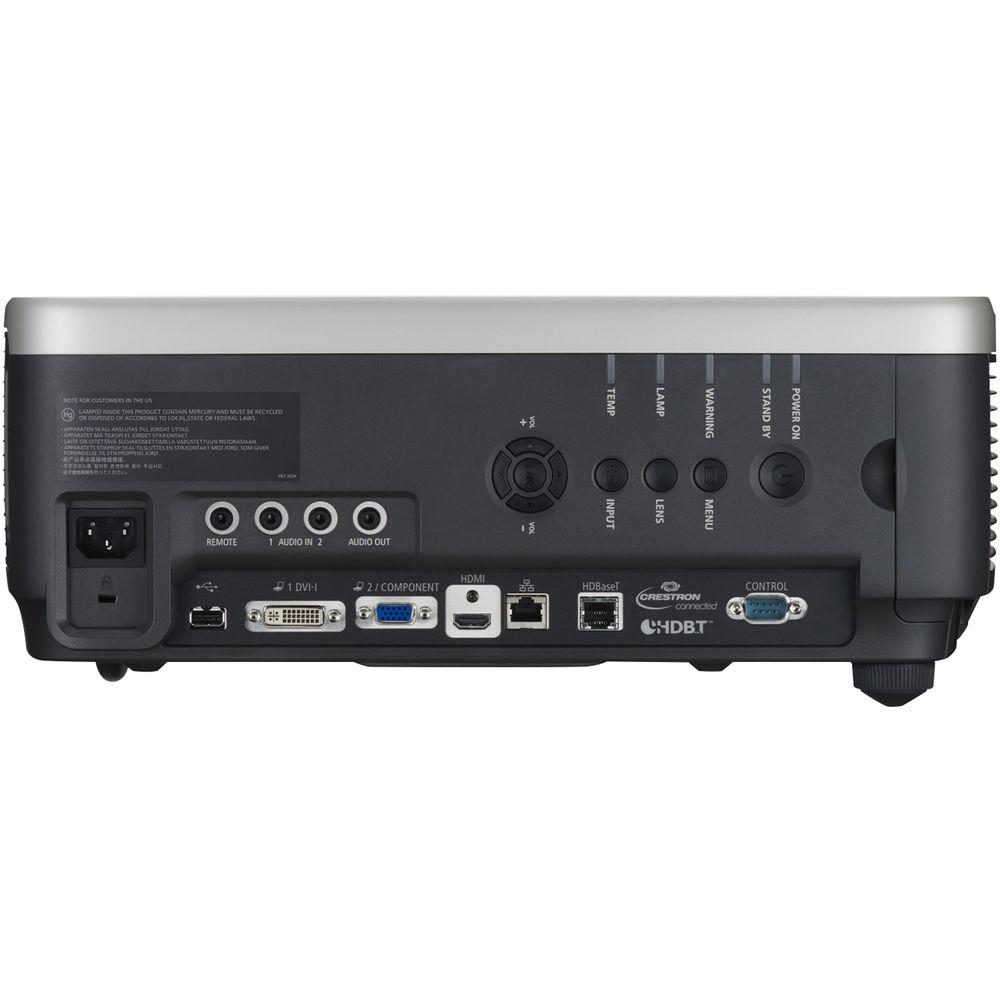
- Connectivity is simple and versatile with comprehensive inputs covering multiple industry standard interfaces. As well as connecting video and sound via HDMI, DVI-I, and audio inputs, the WUX6500 is equipped with a built-in HDBase receiver so uncompressed HD video, audio, and control signals can be transmitted over a single network cable of up to 100 meters.
There are inputs for RS-232 control as well as RJ-45. A USB Type-A input makes installing firmware updates simple. The WUX6500 is also compatible with network management systems including PJLink, Extron, Crestron RoomView, and AMX Device Discovery, allowing integration with existing systems to provide additional control and monitoring. - Multiple Image Modes for Optimal Image Quality Reproduction
- This projector includes pre-set Image Modes and additional customizable Image Modes to suit a wide range of user preferences and projection environments.
Multiple Image Modes: The Image Adjustment settings allow you to customize the image and color characteristics to fulfill their specific imaging needs. These include:- Standard: Ideal for bright rooms, and when using content from computer screens or motion picture content
- Presentation: Ideal for somewhat bright rooms when text needs to be clear, such as when part of a video presentation
- Dynamic: Ideal for rooms that are somewhat bright, and when showing motion picture content
- Vivid Photo: Ideal for rendering rich color brilliantly and reproducing skin tones naturally
- Photo/sRGB: Ideal for projecting images from sRGB-supported digital cameras
- Video: Ideal for rooms that are somewhat dark, and for video content
- Cinema: Ideal for viewing theatrical image content in a room without lighting
- 5 Customizable Modes: Suitable for custom set-ups, it provides up to 5 user-selected combinations of image quality settings that can be stored in the memory and selected as an image mode
- Image Adjustment
- The Image Adjustment settings allow you to customize the image and color characteristics to fulfill their specific imaging needs. These include:
- Brightness
- Contrast
- Sharpness
- Gamma
- Color Adjustments: Color Level, Color Balance, Color Temperature, Gain (RGB), Offset (RGB)
- Advanced Image Adjustments
- These adjustments provide flexibility to professional users with more options to adjust the image as desired. These settings include:
- Ambient Light: This technology allows you to select the color temperature, lamp type, and other characteristics that are in the active environment.
- Random Noise Reduction: This feature eliminates minute noise that may appear in the image.
- MPEG Noise Reduction: This feature eliminates block noise that may appear when playing back compressed digital images and "mosquito noise" that may appear in a dot pattern near the edges.
- Mosquito Noise Reduction: This feature eliminates "mosquito noise" exclusively from still images.
- Dynamic Gamma: When applied, this feature analyzes individual areas of the image for specific, independent contrast adjustment so light and dark areas do not appear over or under exposed.
- Memory Color Correction: This Canon technology can be used to enhance skin tones and other color features for rich, vivid results that look striking to the human eye.
- 6-Axis Color Adjust: This technology lets you fine-tune the hue and saturation of each of the primary and secondary colors, providing a high degree of control that can make each projected image a masterpiece.
- Fine-Tune Gamma: This setting enables the adjustment of gamma curve, allowing the user to adjust white, red, green and blue.
- Lamp Control: This setting suppresses the amount of luminance by reducing the lamp power when the input image signal is of an all-black image. It will also improve the contrast ratio.
- Lamp Mode
- It allows you to select either Full Power to project images at full brightness, or Power Saver which reduces lamp brightness to save energy.
- Motion Blur Reduction
- This projector includes Canon's Motion Blur Reduction feature for improved visibility when movement is fast. By inserting extra frames to video content, motion blur is reduced and the clarity of graphics and text on fast-moving objects is preserved. Three different modes (Strong, Low and Off) are included for flexibility, with each depending on the level of movement and type of video content.
- Advanced Professional Installation Settings including Built-in Edge Blending and Advanced Registrati
-
- Edge Blending: The Edge Blending function enables the user to combine multiple images to create a seamless, extra-wide projection. Advanced functions allow for color blending and black level adjustments to maximize image quality.
- Advanced Registration: Advanced Registration allows independent position adjustment of the three primary colors (RGB) with high accuracy (0.1 pixel) ultimately reducing blurred colors or lines often projected at the edge of an image.
- Micro-Digital Image Shift: The Micro-Digital Image Shift function shifts the image electrically, using the surplus pixels on the LCOS panel.
- Registration: The Registration function modifies the registration by electronically correcting color shift due to changes in alignment of each RGB panel position.
- Fan Mode: Fan Mode gives the user the ability to adjust the fan speed to support different environmental workspaces.
- Vertical Projection:The Vertical Projection function automatically adjusts fan speeds and other configurations to support vertical installations.
- Network Multi Projection (NMPJ)
- A built-in network multi-projection (NMPJ) function enables this projector to project the output of one or more locally or remotely networked computers. Four NMPJ modes enable selective sharing of visual information:
- Direct Mode: In this mode the user can connect directly to the projector using a network cable or can connect directly to the network where the projector is located. The user can connect 1 computer and use 1 projector.
- Meeting Mode: This mode is for sharing materials among all meeting attendees. It also enables remote operation and sharing via the internet between bases in different locations. The benefit of this mode is that each computer can select multiple projectors as projector operation is enabled from each computer. This mode allows the user to connect up to 10 computers and 6 projectors.
- Classroom Mode: The instructor can decide which attendee's computers will connect with which projectors and can switch the attendee projections as the class progresses. The benefit of this mode is that one computer (instructor) selects which computers (students) to project from and controls the projectors. Certain operations are enabled from the client computers (students), however they're limited. In this mode the user can connect up to 10 computers and 6 projectors.
- Broadcast Mode: This mode enables one computer to connect up to 12 projectors.
- Low Power Consumption
- Uses a relatively low amount of power per lumens. It offers multiple power-management settings that allow the user to preset stand-by duration, execute power operations, and auto-assign functions to the power button.
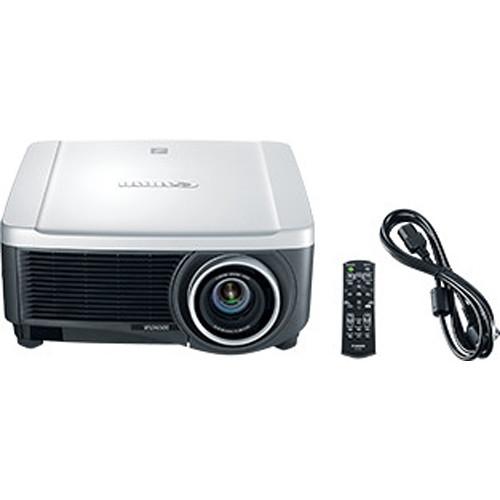
UPC: 660685168640 In the Box Canon REALiS WUX6500 D WUXGA 6500-Lumens Pro AV LCOS Projector (No Lens) Power Cord VGA to VGA Connection Cable (Mini D-Sub 15-Pin) RS-RC04 Remote Controller fvbbzff Limited 120-Day Warranty on Lamp Limited 3-Year Warranty on Projector Table of Contents
|
Upload User Manual
Have you got an user manual for the Canon REALiS WUX6500 D WUXGA 6500-Lumens Pro AV LCOS Projector in electronic form? Please send it to us and help us expand our library of instruction manuals.
Thank you, too, on behalf of other users.
To upload the product manual, we first need to check and make sure you are not a robot. After that, your "Submit Link" or "Upload File" will appear.
Technical parametersCanon 1876C005 Specs | | | Display System | 3-Chip 0.71" LCoS | | Native Chip Resolution | 1920 x 1200 (WUXGA) | | Max Brightness | 6500 Lumens
5270 Lumens | | Uniformity | 88% | | Aspect Ratio | 16:10 | | Contrast Ratio | 2000:1 | | Scan | Horizontal: 27 to 75 kHz
Vertical: 24 to 60 Hz | | | | Keystone Correction | Vertical: ± 20°
Horizontal: ± 20° | | | | Inputs/Outputs | 1 x DVI-I Video (Input)
1 x HDMI Video (Input)
1 x VGA (DE-15) Video (Input)
3 x 1/8" (3.5 mm) Mini Audio (Input/Output)
1 x 1/8" (3.5 mm) Mini Control (Input)
1 x Unspecified Signal (DE-9) Video (Input)
1 x HDBaseT (RJ45) Control/Service (Input)
1 x Ethernet (RJ45) LAN | | | | Lamp Power | 370 W
300 W | | Expected Lamp Life | Medium Brightness: 3000 Hours
Low Brightness: 4000 Hours | | Fan Noise | Medium Brightness: 43 dB
Medium Brightness: 39 dB | | Heat Dissipation | 1706 BTU | | Power Consumption | Medium Brightness: 500 W
Low Brightness: 410 W | | Temperature | Operating
32 to 104°F (0 to 40°C)
Humidity: 20 - 85%
Storage
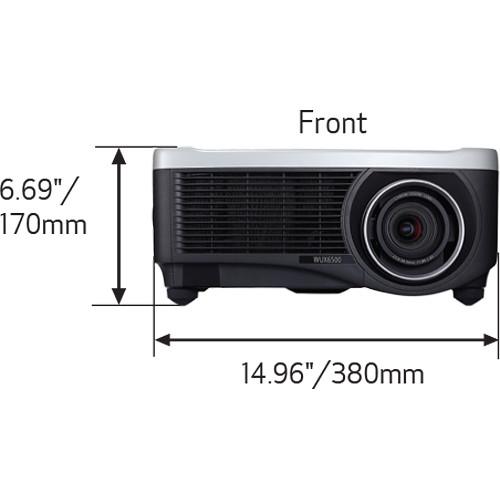
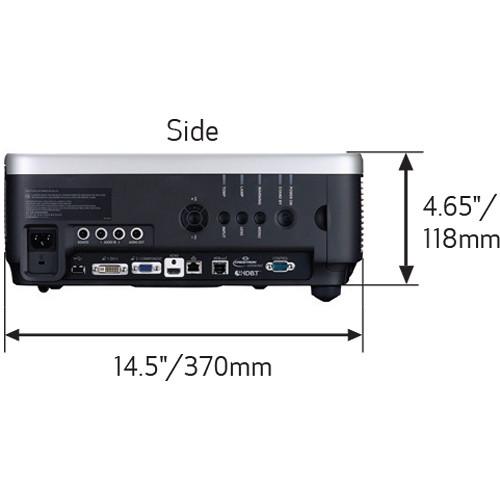
-22 to 140°F (-30 to 60°C) | | Dimensions (W x H x D) | 15.0 x 7.0 x 17.0" / 38.1 x 17.8 x 43.2 cm including protrusion | | Weight | 18.7 lb / 8.5 kg |
Rating60% users recommend this product to others. And what about you?

This product has already been rated by 59 owners. Add your rating and experience with the product.
Discussion
 Ask our technicians if you have a problem with your settings,
or if anything is unclear in the user manual you have downloaded.
You can make use of our moderated discussion.
The discussion is public and helps other users of our website who may be encountering similar problems.
Ask our technicians if you have a problem with your settings,
or if anything is unclear in the user manual you have downloaded.
You can make use of our moderated discussion.
The discussion is public and helps other users of our website who may be encountering similar problems.
The discussion is empty - enter the first post
Post a new topic / query / comment:
|
|
|
| Request for user manual |
You can’t find the operation manual you are looking for? Let us know and we will try to add the missing manual:
I’m looking for a manual / Request for manual
Current requests for instruction manuals:
Call Of Duty World War Two For Xbox...
controller stratus XL...
stratus XL...
smart whatch serie S11 42mm...
Allen & Heath SQ-6 manual...
|
| Discussion |
Latest contributions to the discussion:
AEW R 4100
Name: MAURICIO ANGARITA
Audio-Technica AEW-R4100 UHF Diversity Receiver for
AEW R 4100 has the mute function blocked and does not allow audio to pass. I tried several times to turn off the mute from the transmitter but it does nothing, the mute stays on. Solution?
Thank you...
Instructions for assembling the 2015 Forecast Image Master Consoles GC3-A
Name: mike elam
Forecast Consoles GC3-A ImageMaster Editing Console
Looking for instructions for assembling this console. ...
EMPTY TONER ERROR MESSAGE AFTER REPLACING TONER
Name: LINDA BAD YELLOW EYES
Brother TN223BK Standard-Yield Toner
I HAD TO CHANGE OUT ALL THREE TONERS DUE TO LEAKS IN THE YELLOW AND CYAN. AFTER I REPLACED THEM, THE MACHINE KEEPS GIVING ME AN EMPTY TONER ERROR MESSAGE. HELP!!...
PS480D 20/24 pin Switching 480W Power Supply
Name: swkargo
Logisys 480W Power Supply
This item states in can run -5vdc .It is NOT listed on the board or I beleive is r4 is missing the resitior. Any body have thid issue. Shawn
...
Help needed
Name: Ann Carter
SanDisk 1TB Extreme Portable USB 3.1
When I click the link to download the user manual for my Sandisk Extreme external hard drive, it gives me the manual for the LG Cricket. Can you please change the link so I can download the Sandisk manual and begin using this drive? Thank you....
|
|


