User Manual for Canon SELPHY CP1300 Compact Photo Printer Click to enlarge the picture
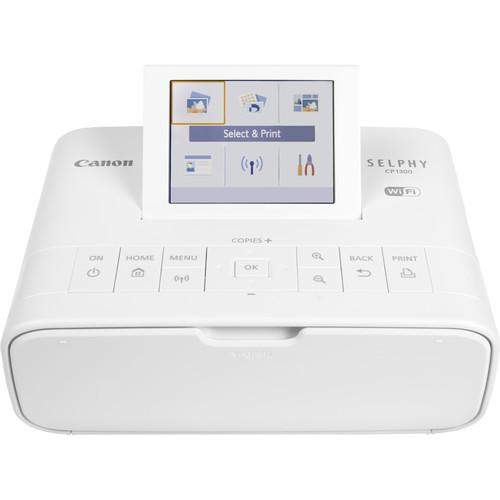 Contents of the user manual for the Canon SELPHY CP1300 Compact Photo Printer
- Product category: Dye Sub & Thermal Printers Canon
- Brand: Canon
- Description and content of package
- Technical information and basic settings
- Frequently asked questions – FAQ
- Troubleshooting (does not switch on, does not respond, error message, what do I do if...)
- Authorized service for Canon Dye Sub & Thermal Printers

 |
User manual for the Canon SELPHY CP1300 Compact Photo Printer contain basic instructions
that need to be followed during installation and operation.
Before starting your appliance, the user manual should be read through carefully.
Follow all the safety instructions and warnings, and be guided by the given recommendations.
User manual is an integral part of any Canon product,
and if it is sold or transferred, they should be handed over jointly with the product.
Following the instructions for use is an essential prerequisite for protecting
health and property during use, as well as recognition of liability on the part of the manufacturer
for possible defects should you make a warranty claim. Download an official Canon user manual in which you will find instructions on how to install, use, maintain and service your product.
And do not forget – unsuitable use of a Canon product will considerably shorten its lifespan!
|
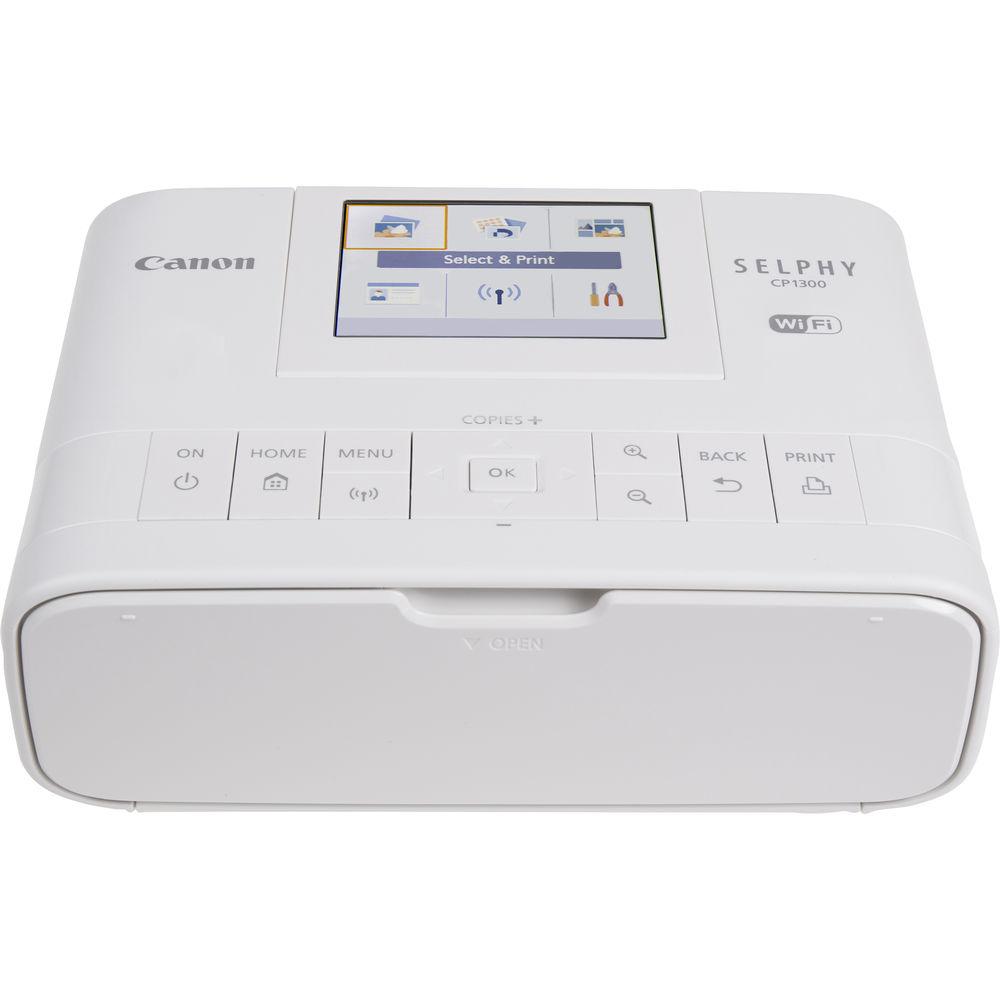
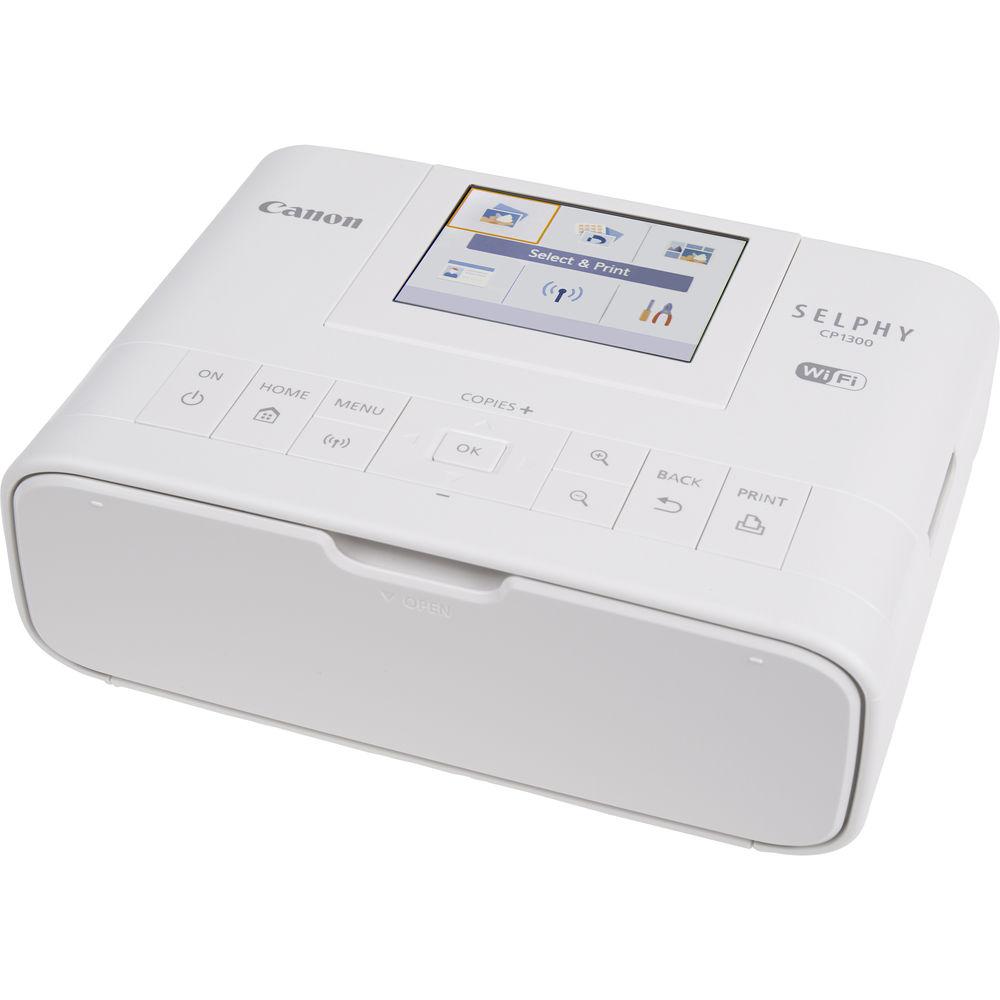
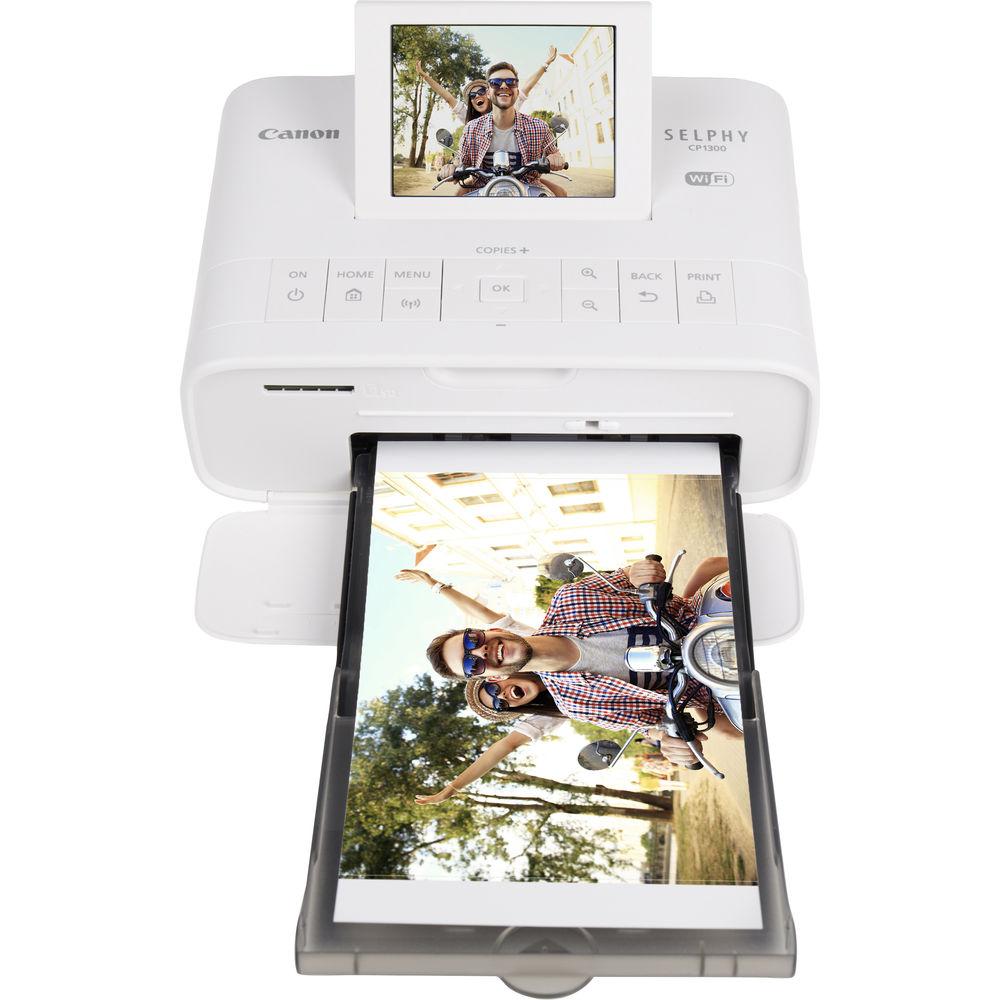
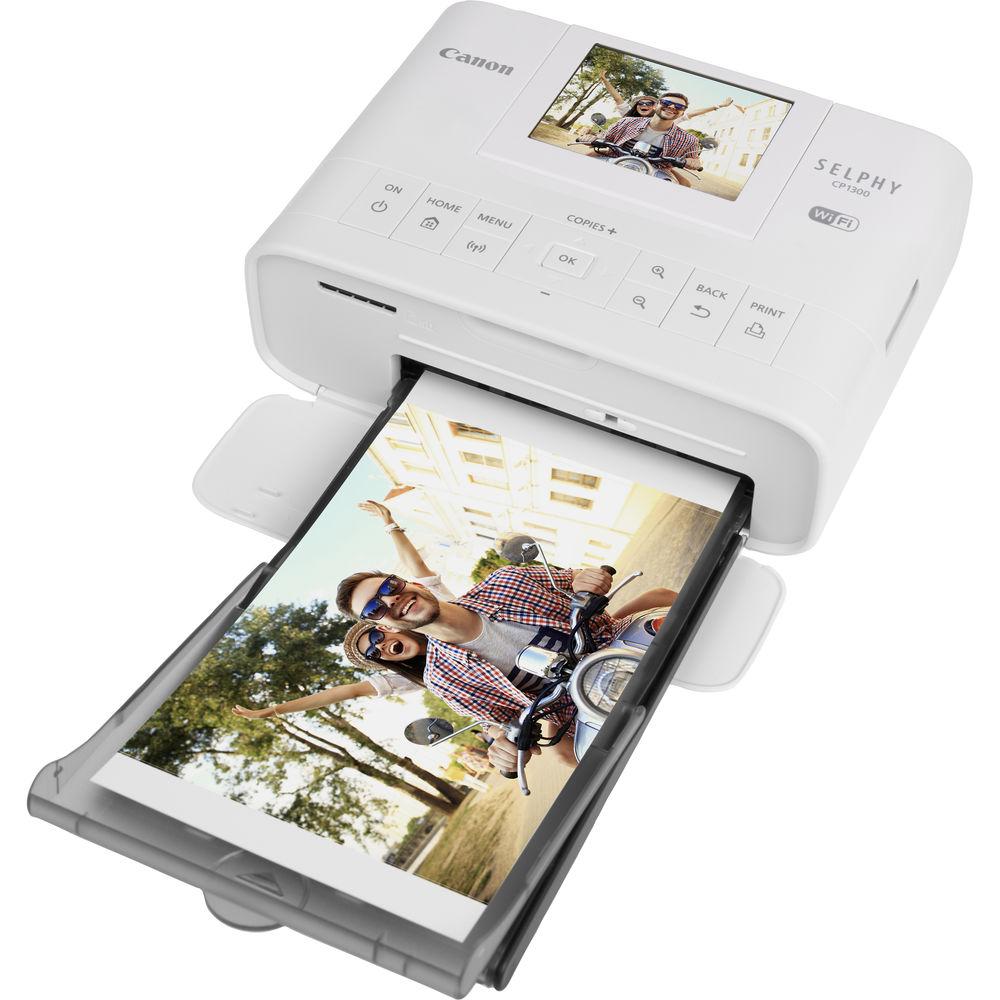
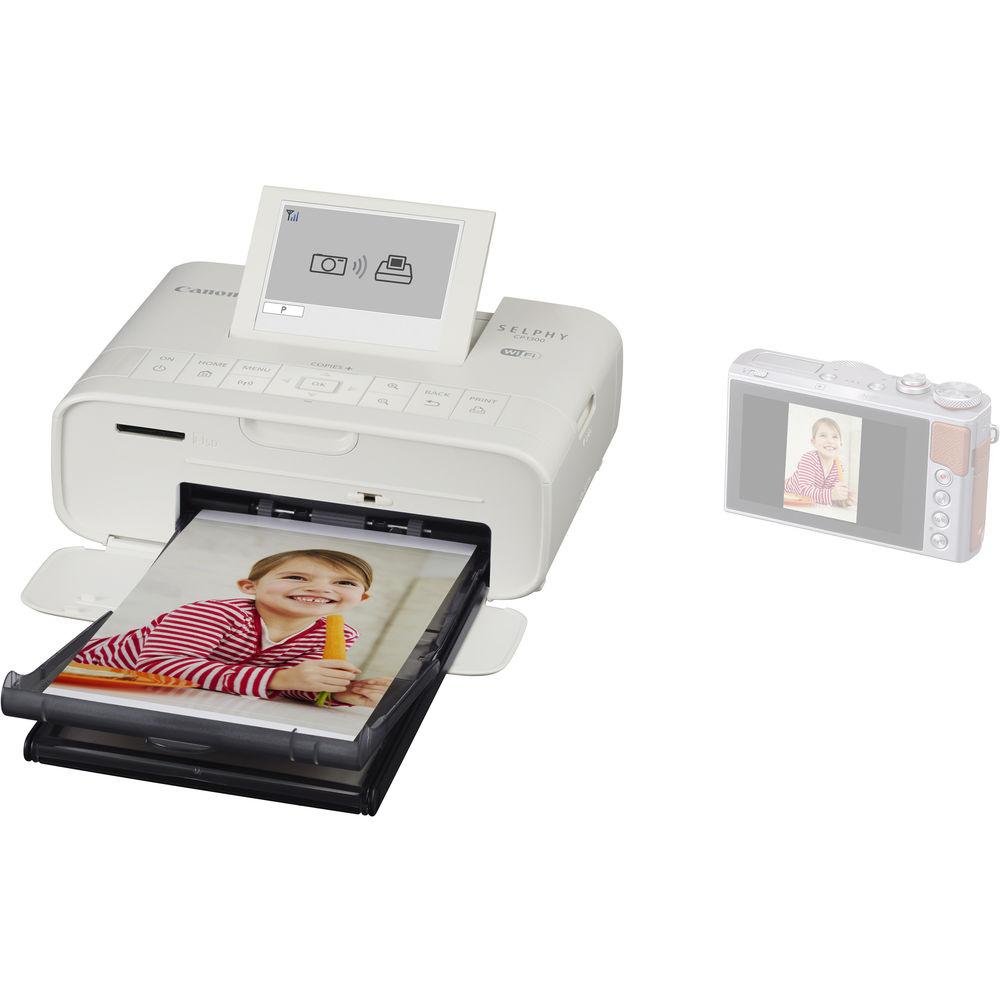
Product description A Perfect Personal Photo Printer: The Canon SELPHY CP1300 Read More Share physical prints of all your latest memories with the portable white SELPHY CP1300 Compact Photo Printer from Canon. Using dye sublimation technology, you can quickly and easily produce vivid and sharp photographs with a resolution of 300 x 300 dpi. Also, the Wi-Fi-enabled CP1300 is quite versatile, as it is able to work with a variety of media, including 2.1 x 2.1" stickers and 4 x 6" postcards. It's fast as well, with the printer able to create a 4 x 6" photo in just 47 seconds, getting your prints ready to share in no time at all.
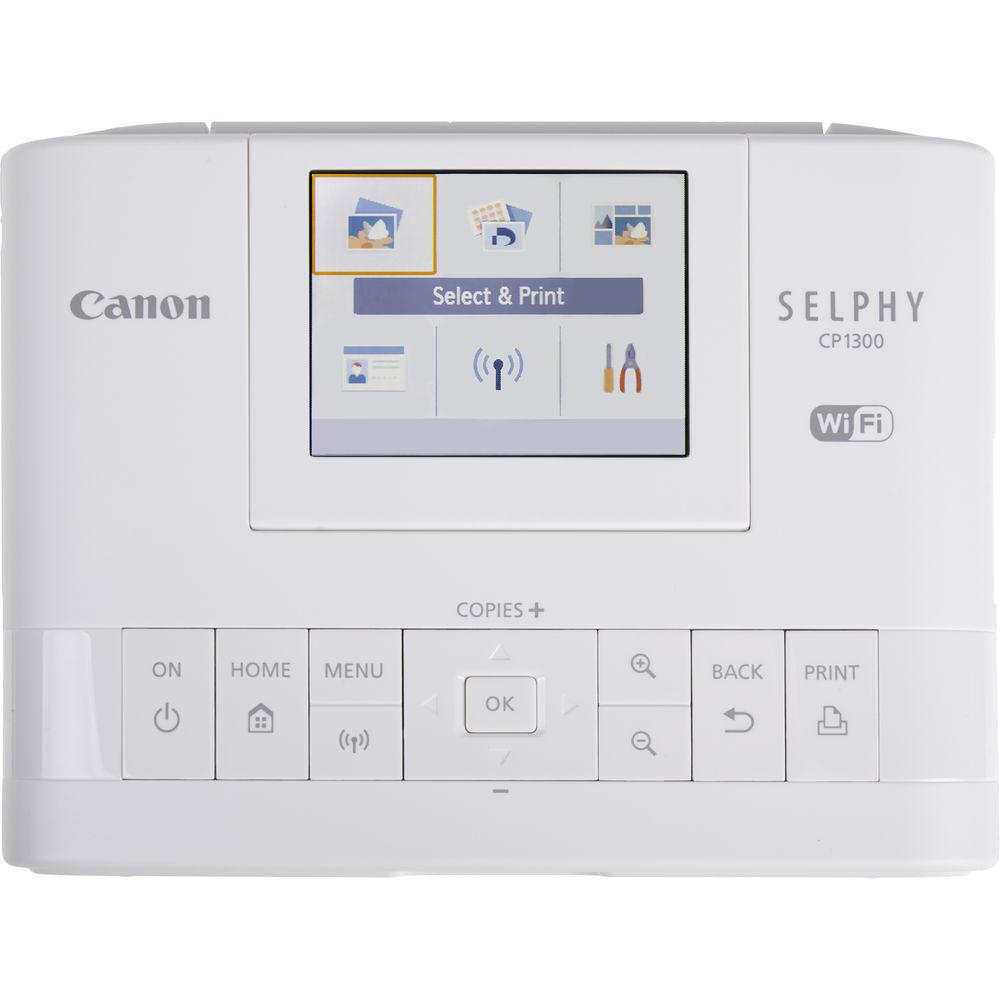
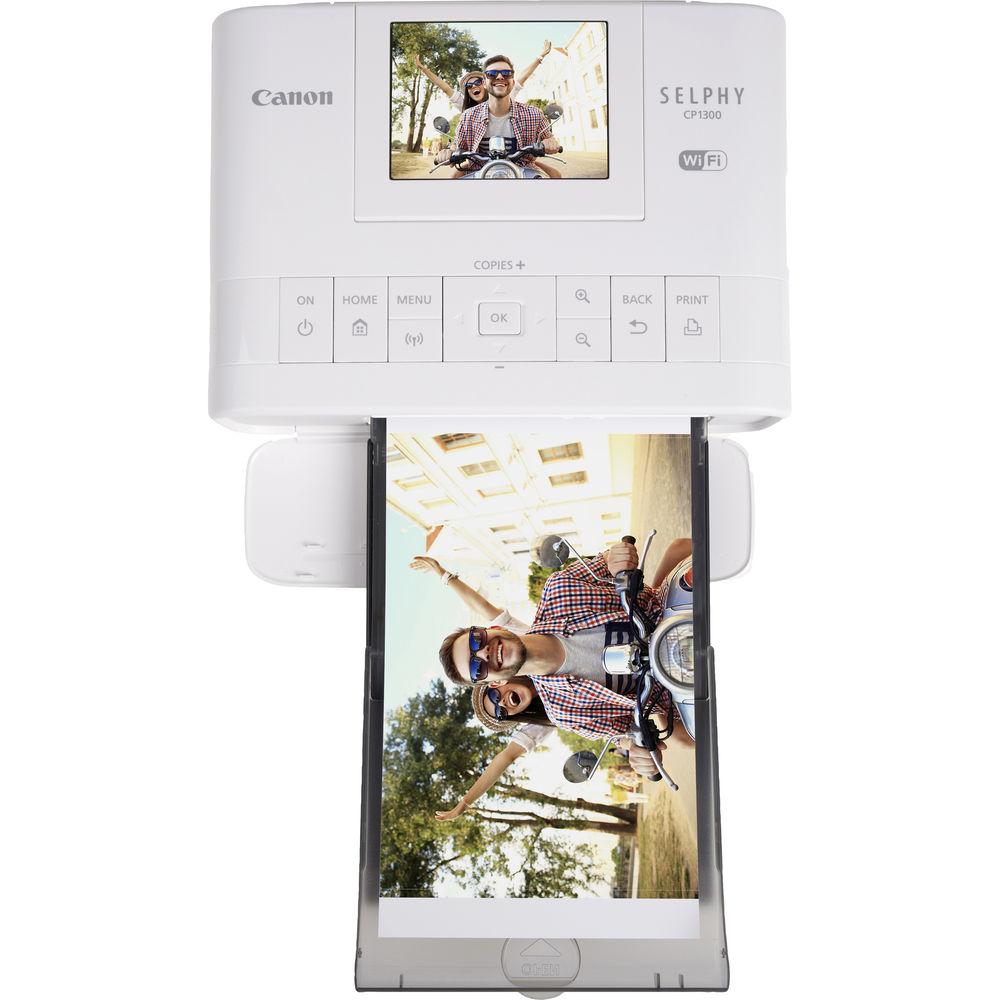
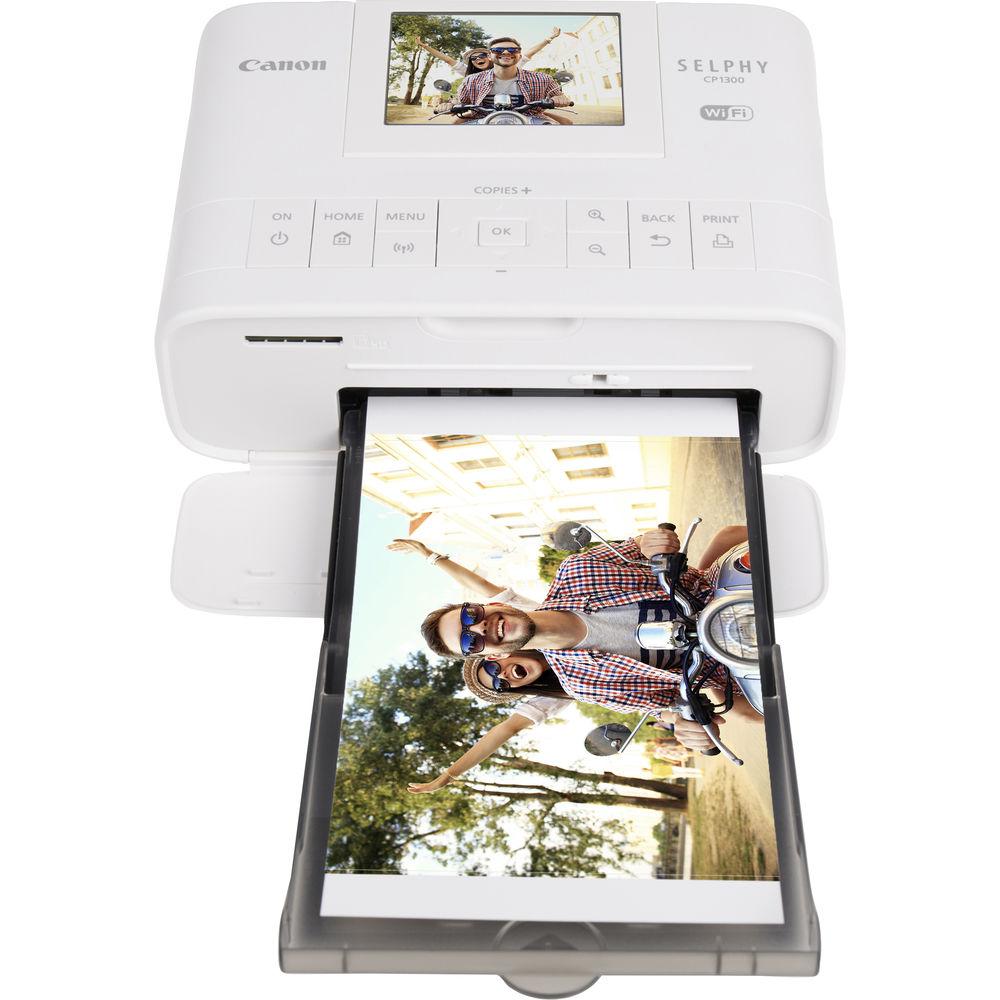
For ease of use, the CP1300 is equipped with a large 3.2" tilting LCD screen that can be used to check settings, apply effects, and preview images before printing. It also provides access to direct printing from the USB host port and SD card slot. For wireless operation, the printer has multiple options for connectivity, including through a Wi-Fi network, Apple AirPrint, the Canon PRINT mobile app, and wireless PictBridge. There are even new functions, such as Party Shuffle Print, which allows multiple people to connect to the printer at once to create unique collages. Additionally, it has USB 2.0 for a wired connection to a computer and runs on either AC power or on an optional battery pack. - Dye sublimation technology helps produce sharp, long-lasting prints at a 300 x 300 dpi resolution and with a rated lifetime of about 100 years when stored properly.
- Print a 4 x 6" postcard in 47 seconds or a 2.1 x 3.4" card in 39 seconds.
- Print various sizes, including 2.1 x 2.1" labels, 2.1 x 3.4" cards, 3.5 x 4.7" L size, and 4 x 6" postcards.
- Apple AirPrint and Mopria certified mobile printing protocols are supported.
- Print over Wi-Fi or the USB connection.
- Built-in Wi-Fi connectivity allows for direct connection to devices via the Canon PRINT app or connection to a network.
- SD card slot supports SD, SDHC, and SDXC cards as well as miniSD, miniSDHC, microSD, microSDHC, and microSDXC via an optional adapter.
- Print features include borderless/bordered printing, brightness correction, color adjustment, cropping, date print, DPOF, ID photo print, index print, image optimize (brightness correction, scene detection), layout print (photo booth 2 x 6" size, fixed size, 1-up, 2-up, 4-up, 8-up, 2-up fixed size, party shuffle, shuffle, Mopria device printing, My Colors, PictBridge/Wireless PictBridge, portrait image optimize, reprinting, smooth skin, red-eye correction, and wireless printing.
- 3.2" tilting LCD provides clear method for checking settings and previewing images.
- Runs on either AC power or an optional battery pack.
- ENERGY STAR certified and a power save function.
- Anti-theft wire lock slot.
UPC: 013803290776 In the Box Canon SELPHY CP1300 Compact Photo Printer (White) PCP-CP400 Postcard Size Paper Cassette (4 x 6") Compact Power Adapter Sample Ink & Paper Set (5 Sheets) Limited 1-Year Warranty Table of Contents
|
Upload User Manual
Have you got an user manual for the Canon SELPHY CP1300 Compact Photo Printer in electronic form? Please send it to us and help us expand our library of instruction manuals.
Thank you, too, on behalf of other users.
To upload the product manual, we first need to check and make sure you are not a robot. After that, your "Submit Link" or "Upload File" will appear.
Technical parametersCanon CP1300 Specs | | | Printing Technology | Dye Sublimation / Thermal Transfer | | Color Type | Color | | Print Resolution | 300 x 300 dpi | | Color Depth | 8-Bit | | | | Surface Finish | Glossy | | Supported Media | Cassette | | Media Sizes | 2.1 x 2.1" / 5.3 x 5.3 cm
2.1 x 3.4" / 5.3 x 8.6 cm
3.5 x 4.7" / 8.9 x 11.9 cm
4 x 6" / 10.2 x 15.2 cm | | Print Speed | 4 x 6" / 10.2 x 15.2 cm: 47 Seconds
2.1 x 3.4" / 5.3 x 8.6 cm: 39 Seconds | | | | Operating System Support | Android, Windows, iOS, macOS/OS X | | Direct Printing | Memory Card Slot, PictBridge, USB Port, Wi-Fi Direct | | Interface | Wi-Fi | | Compatible Memory Cards | SD | | | | Control Panel | 3.2" / 8.1 cm LCD | | Power Source | AC Adapter
Rechargeable Battery (Optional) | | Dimensions (W x H x D) | 7.1 x 5.4 x 2.5" / 18.0 x 13.7 x 6.4 cm | | Weight | 1.9 lb / 0.9 kg | | | | Package Weight | 3.95 lb | | Box Dimensions (LxWxH) | 9.8 x 8.6 x 5.4" |
Rating90% users recommend this product to others. And what about you?

This product has already been rated by 51 owners. Add your rating and experience with the product.
Discussion
 Ask our technicians if you have a problem with your settings,
or if anything is unclear in the user manual you have downloaded.
You can make use of our moderated discussion.
The discussion is public and helps other users of our website who may be encountering similar problems.
Ask our technicians if you have a problem with your settings,
or if anything is unclear in the user manual you have downloaded.
You can make use of our moderated discussion.
The discussion is public and helps other users of our website who may be encountering similar problems.
The discussion is empty - enter the first post
Post a new topic / query / comment:
|
|


