|
User Manual for Canon VIXIA HF R10 Dual Flash Memory Camcorder - Refurbished Click to enlarge the picture
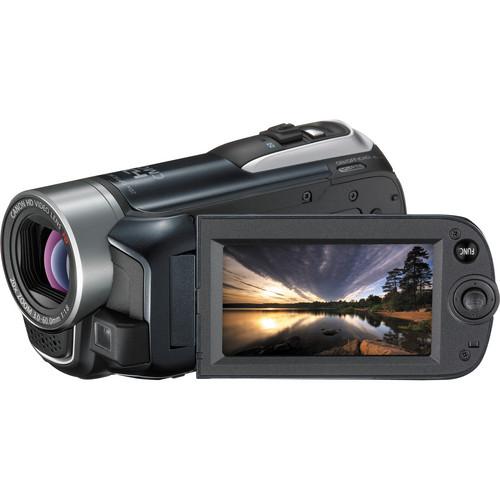 Contents of the user manual for the Canon VIXIA HF R10 Dual Flash
- Product category: Uncategorized Canon
- Brand: Canon
- Description and content of package
- Technical information and basic settings
- Frequently asked questions – FAQ
- Troubleshooting (does not switch on, does not respond, error message, what do I do if...)
- Authorized service for Canon Uncategorized
 |
User manual for the Canon VIXIA HF R10 Dual Flash contain basic instructions
that need to be followed during installation and operation.
Before starting your appliance, the user manual should be read through carefully.
Follow all the safety instructions and warnings, and be guided by the given recommendations.
User manual is an integral part of any Canon product,
and if it is sold or transferred, they should be handed over jointly with the product.
Following the instructions for use is an essential prerequisite for protecting
health and property during use, as well as recognition of liability on the part of the manufacturer
for possible defects should you make a warranty claim. Download an official Canon user manual in which you will find instructions on how to install, use, maintain and service your product.
And do not forget – unsuitable use of a Canon product will considerably shorten its lifespan!
|
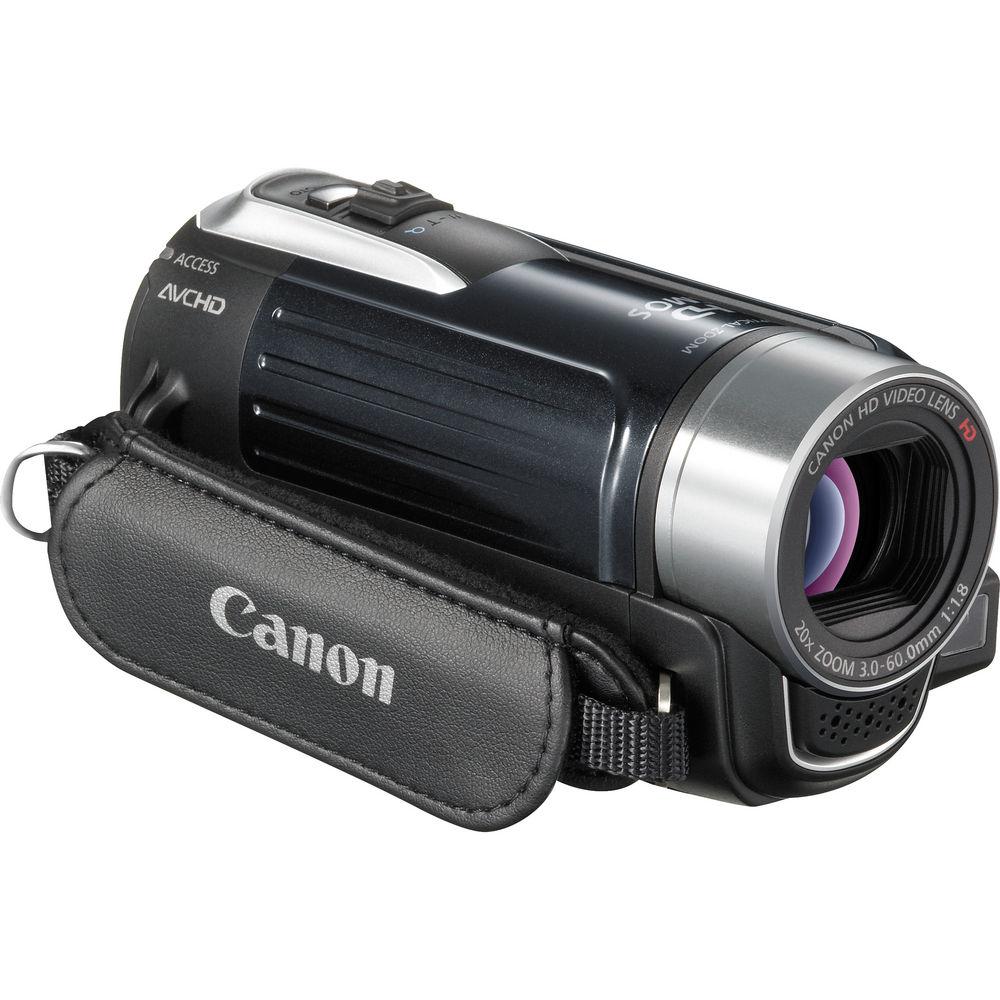
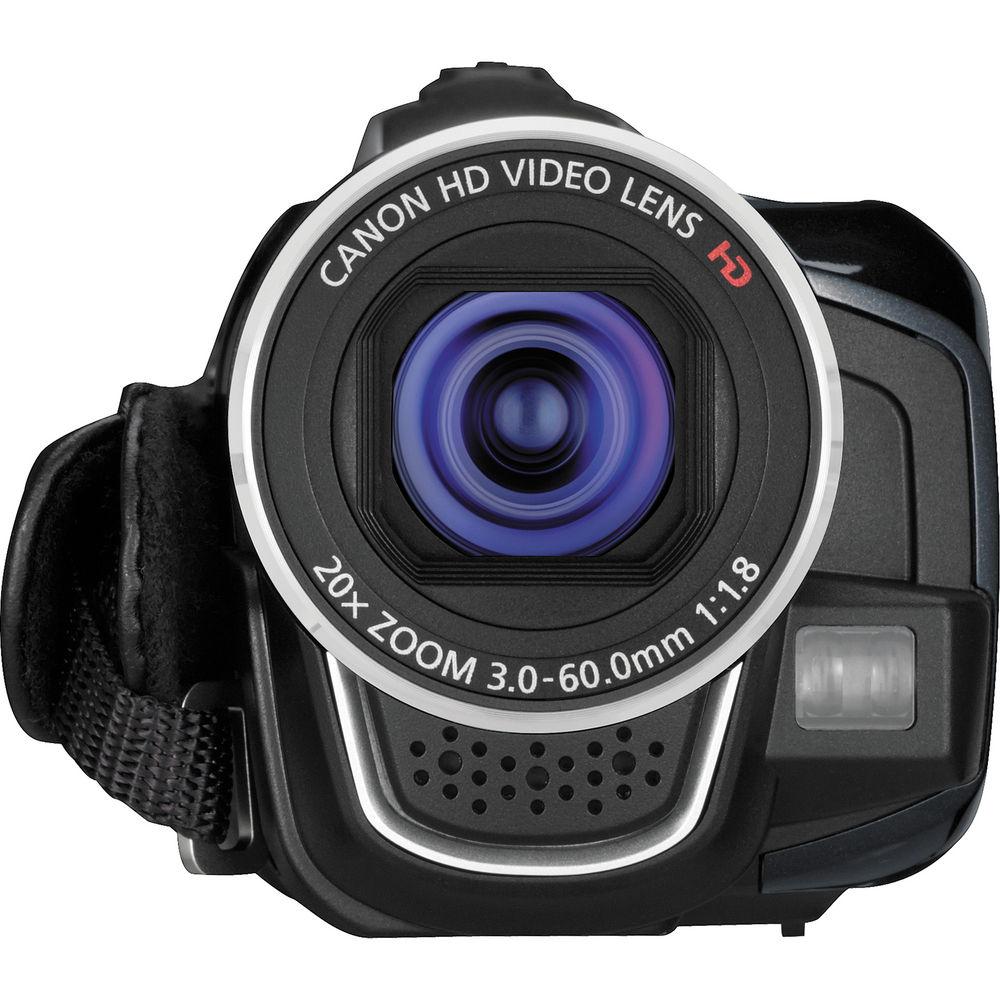
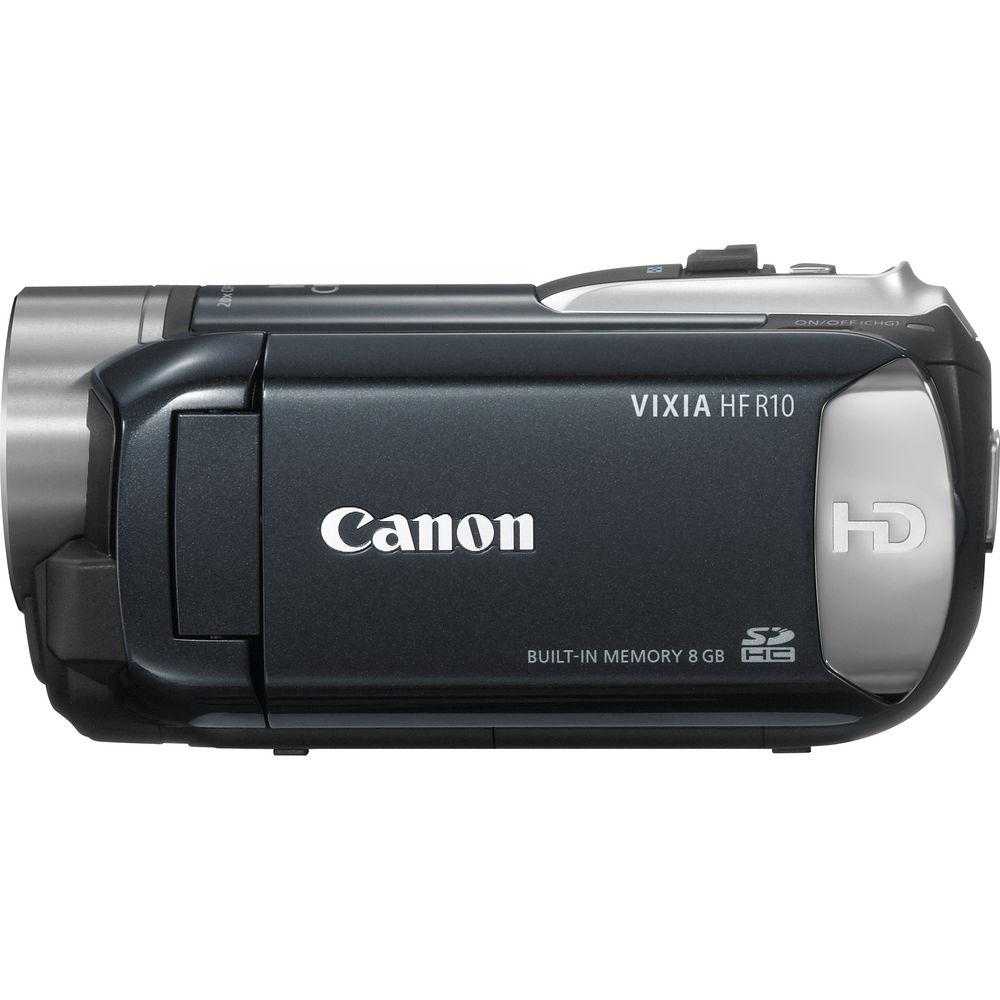
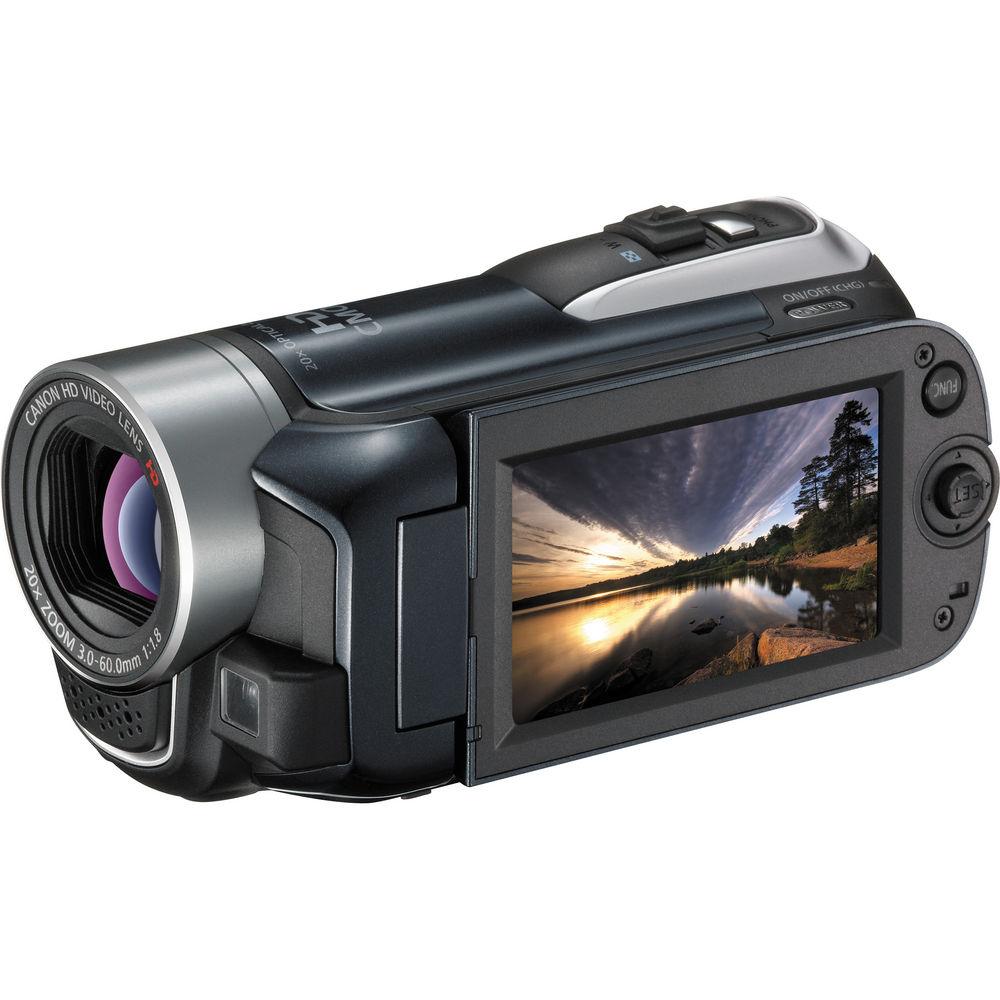
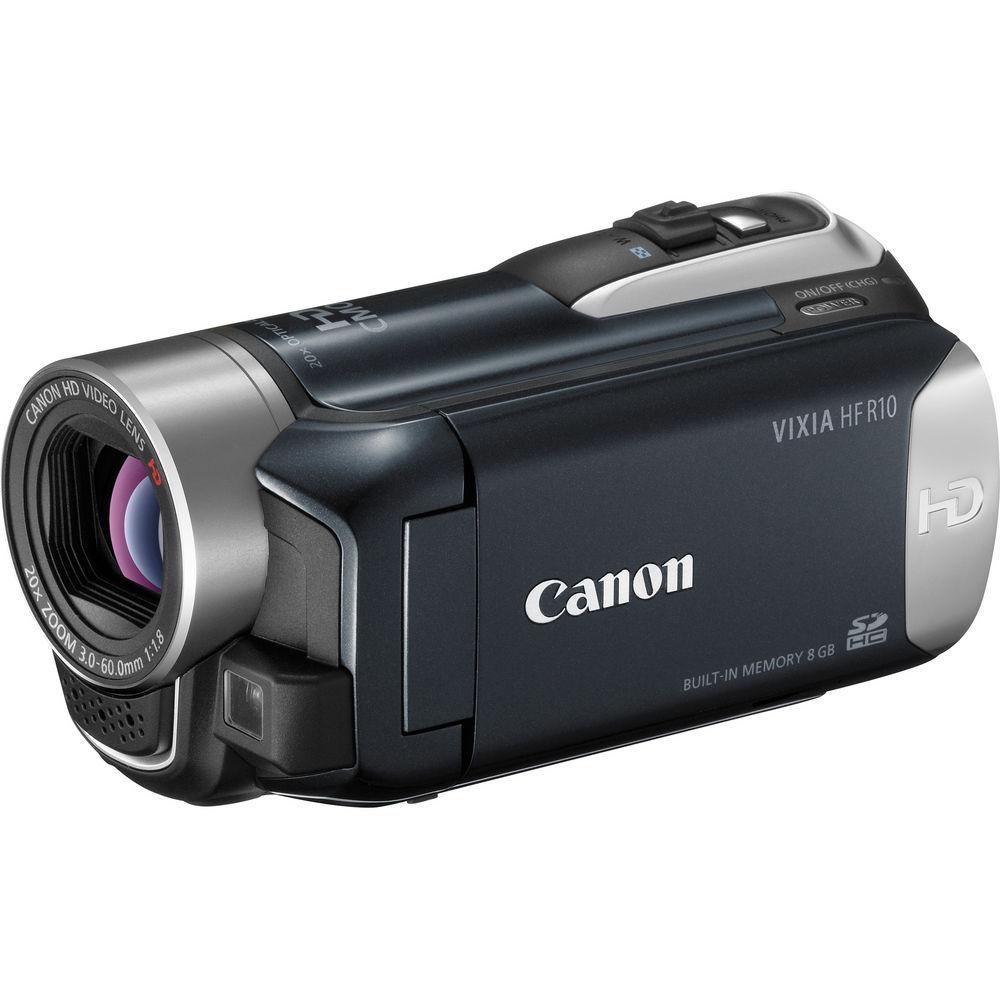
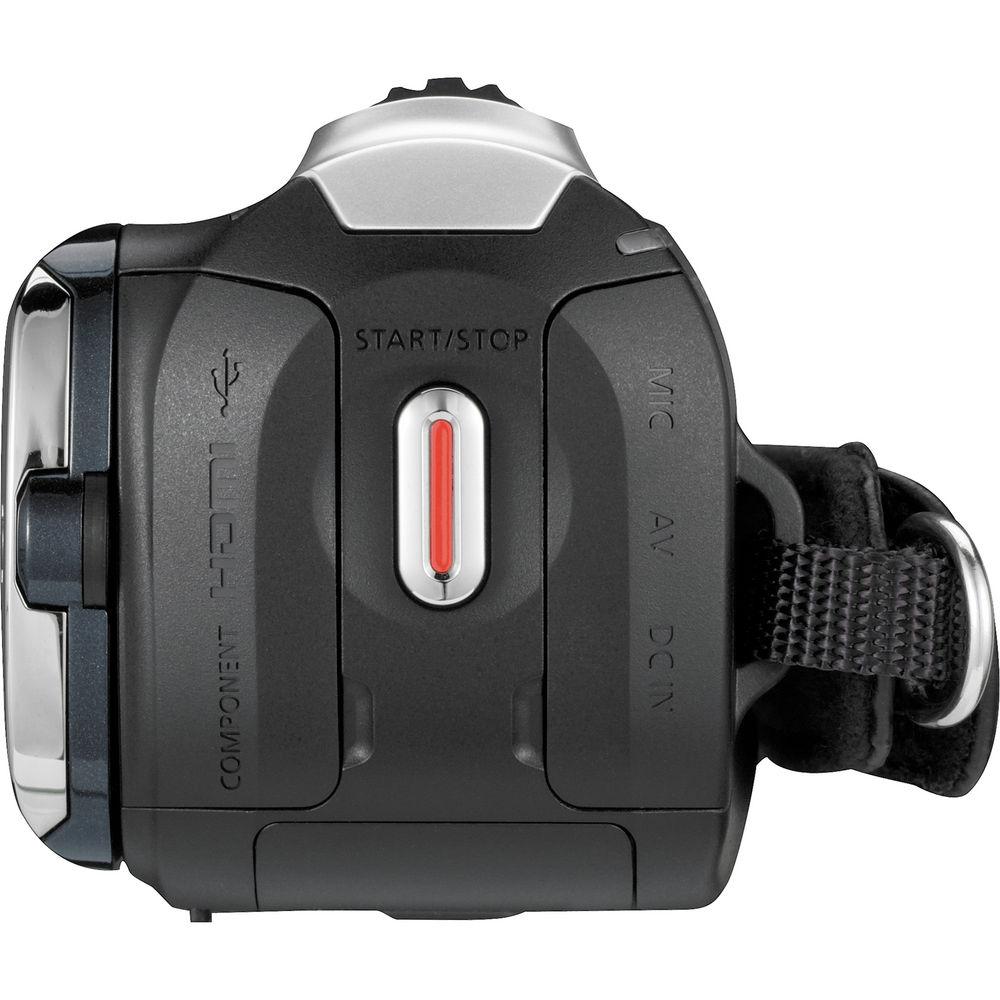
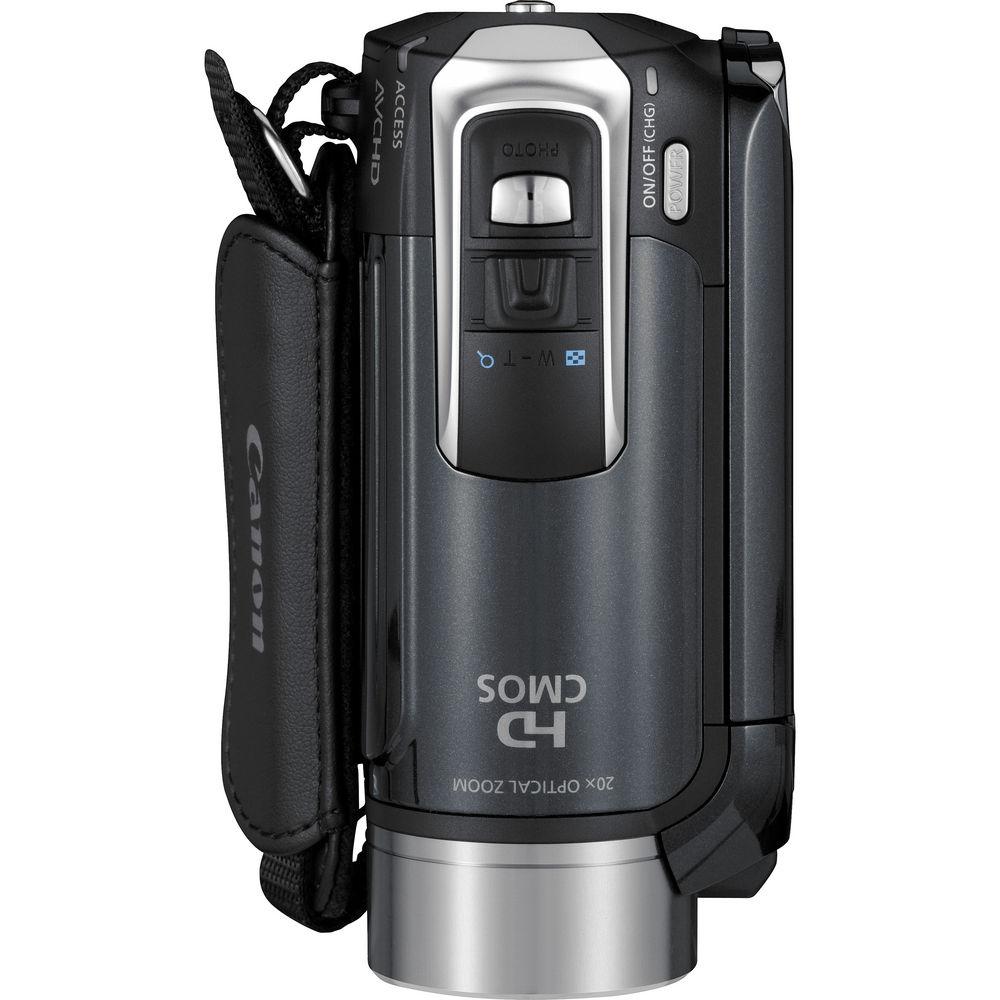
Product description Canon's VIXIA HF R10 Dual Flash Memory Camcorder is an entry-level HD camcorder with numerous features and functions to help you with the recording process every step of the way. The HF R10 captures 1920 x 1080 HD video to an internal 8GB flash memory or to SD/SDHC memory cards, including Eye-Fi SD memory cards. In addition to recording MPEG-4 AVC/H.264 video, the HF R10 also captures 2MP digital stills. At the core of the HF R10 you'll find a Genuine Canon 20x HD Video Lens, a 2.39MP HD CMOS Image Sensor, and Canon's DIGIC DV III Image Processor. Other features, like 20x optical zoom, Dynamic Image Stabilization, and a 2.7" LCD give you the tools you need to record your video with accuracy. Among the numerous user-friendly applications of the HF R10 you'll find 24p and 30p recording. 24p gives your video a film-look, while 30p is ideal for shooting action footage and posting to social networking sites. Other beneficial applications include Face Detection, Quick Start, and Pre-Record modes. And last, but certainly not least, the HF R10 features microphone and headphone connections for recording quality audio using an optional external mic and headphones. - Flash Memory Recording
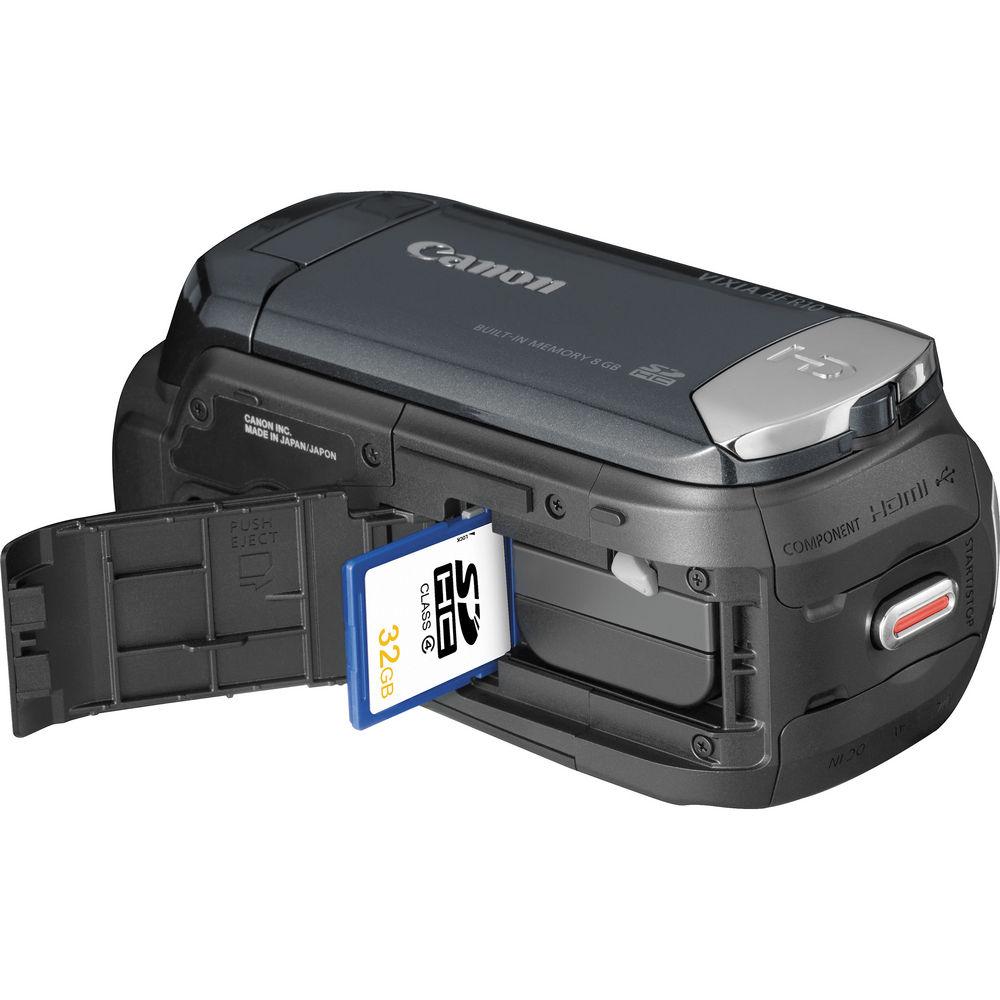
- The VIXIA HF R10 allows you to record up to 3 hours of video to an 8GB internal flash drive or to a removable SD memory card. With Relay Recording, the camcorder automatically switches video recording from the internal drive to the SD memory card when the memory becomes full. There's no need to worry about running out of recording time during a thrilling, once-in-a-lifetime shot. You'll also have the flexibility of copying video from your VIXIA HF R10's internal drive to the removable SD memory card. That makes it easy to insert the card into your computer or HDTV's card reader and view your recorded footage immediately.The advantages of flash memory go beyond the added recording time. You'll also appreciate the quick response time, because there are no moving parts. In addition, when you review, you'll have quick access to your footage. Another plus is the VIXIA HF R10's low power consumption rate, allowing your battery to last longer. And if your HF R10 happens to slip, or you accidentally knock it against something, you'll be happy to know that flash memory makes your camcorder more shock-resistant than other recording storage systems. It also minimizes the chance of data loss if there is damage to your recording media or to the moving parts found in other camcorders 1
Please Note: The maximum memory capacity and recording time can be increased by the combination of the internal memory and the size of the SD memory card chosen. For example, the VIXIA HF R10's 8GB of internal memory, combined with a removable 32GB memory card, would give 40GB in total memory capacity, and 15 hours, 15 minutes of recording time at the LP setting close - Stunning HD Image Quality
- A Genuine Canon 20x HD Video Lens delivers excellent image quality, while the Canon Exclusive 2.39MP HD CMOS Image Sensor captures video at 1920 x 1080 resolution and photos with astonishing detail, while the Canon Exclusive DIGIC DV III Image Processor provides impressive color and imaging performance, with enhanced reproduction of difficult to capture purple and blue tones
- 2.7" Widescreen LCD Display
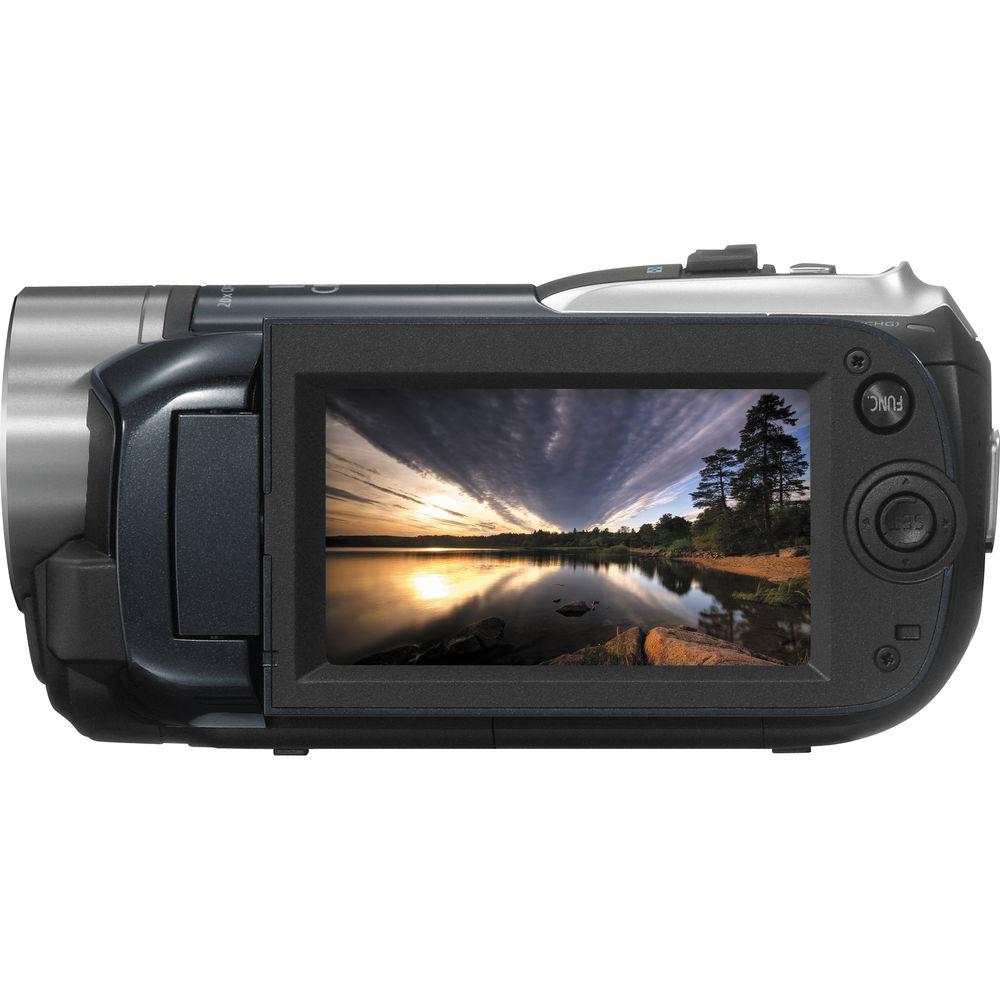
- The 2.7" LCD on the HF R10 lets you see more of what your camcorder is recording. The screen delivers bright, clear detail and the widescreen format means there's no need to imagine what your final image will look like on your widescreen television because it's not squeezed into a small space while you're shooting. What you see will be what you get
- Dynamic Image Stabilization
- With the Canon HF R10, you can be sure that even on the move your video will be smooth and steady. Dynamic IS provides continuous adjustment throughout the entire zoom range to correct a broader range of motion. In comparison to conventional electronic image stabilization systems, extra compensation is applied at wide-angle focal lengths to eliminate unwanted vibration that is common when walking
- Built-In Digital Camera
- The VIXIA HF R10, in addition to being a camcorder, is also a digital camera. The VIXIA HF R10's Dual Shot makes it easier than ever to capture both video and photos. Shoot up to 3 frames per second in the Continuous Mode, or a blazing 5 frames per second in the High Speed Continuous Mode. The versatile VIXIA HF R10 even lets you capture a still image from an already recorded movie. While playing the movie in your camcorder, simply press the photo button to capture a 1920 x 1080 photo onto an SD card or to internal memory. Additionally, the VIXIA HF R10 allows you to capture 30 photos from one second of video.
- Auto Intelligent Auto Focus
- Auto Intelligent Auto Focus, AiAF, ensures sharp images and gives creative flexibility. Even when your subject isn't in the center of the frame, the VIXIA HF R10's 9-Point AiAF will automatically select from 9 metering frames on the screen to help bring images into sharp focus
- Selectable Metering Patterns
- For optimal still image exposure, the VIXIA HF R10 offers selectable metering patterns: Evaluative, Center-Weighted Average, and Spot
- AE Bracketing Feature
- The AE Bracketing feature of the VIXIA HF R10 automatically takes three versions of the shot, with 'dark,' 'normal' and 'light' settings in 1/2 exposure steps so you may choose the one that best suits you
- Histogram Display
- For the advanced digital photographer, the VIXIA HF R10 comes with a Histogram Display - a feature found in Canon's line of digital SLR cameras. The display allows you to see the brightness information of your still images, so you can adjust your exposures as you shoot
- Smart Auto
- Smart Auto makes shooting great video easy. Using the power of Canon's DIGIC DV III Image Processor, the VIXIA HF R10 intelligently detects and analyzes faces, brightness, color, distance, and movement, then automatically selects the best settings for the scene
- Genuine Canon Face Detection
- The same Face Detection technology used in Canon digital cameras is available in the VIXIA HF R10 high definition camcorder. Up to 35 faces can be tracked automatically, ensuring razor-sharp focus and natural, accurate exposure. Of the faces tracked, 9 detection frames can be displayed at one time. The system is in fact so smart that it will recognize faces turned downwards or sideways. In addition, a specific face may be selected as the main subject for continuous tracking. This feature can be used to search for clips featuring that specific subject's face. In search and playback, use of the Face Index will display frames with the chosen face as a thumbnail in each shot in which it appears. The selected face can be linked as a timeline to further identify footage containing that subject
- Advanced Video Snapshot
- Advanced Video Snapshot allows you to capture the highlights of your adventures with the same ease as taking photos. Simply record a series of short video clips - or select your favorite clips while in Playback Mode - and blend in your favorite background music to create an exciting movie that will grab everyone's attention. This version of Advanced Video Snapshot allows selectable recording time (2, 4, or 8 seconds). Additionally, audio from an external source such as an MP3 player can be played along with the Snapshot movie, and playback can be controlled from that source
- Easy Web Sharing
- HD-to-SD Downconversion allows you to convert recorded high definition video to standard definition files while safely preserving the original HD video. These standard definition files make it even more convenient to edit, share video online, or create a DVD. The downconverted video can be transferred to your computer via traditional methods - i.e. USB connection, card slot - or wirelessly to sharing sites with an Eye-Fi SD memory card
- Eye-Fi SD Memory Card Compatible
- The VIXIA HF R10 is compatible with the Eye-Fi SD Memory Card. It's possible to wirelessly transfer your down-converted video and photos to your computer, or upload them directly to online sharing sites in a few simple steps. Insert an Eye-Fi SD Memory Card into the SD card slot on the camcorder, configure your computer to select the target site (e.g., Facebook, YouTube, Shutterfly, Flickr) and you're ready to share your standard definition files with family, friends, and the world 2
Please Note: Canon camcorders are not guaranteed to support Eye-Fi card functions (including wireless transfer). In case of an issue with an Eye-Fi card, please check with Eye-Fi, Inc. Outside of the United States and Canada, government approval is required to use Eye-Fi cards in many countries or regions. If it is unclear whether the card has been approved for use in the area, please check with Eye-Fi, Inc close - 24p & 30p Frame Modes
- 24p Cinema Mode enables all aspiring moviemakers to achieve a professional "film-look." You can change the camcorder's frame capture rate to 24p (recorded at 60i), which provides the appearance of the same frame rate as movie film. In addition, you can use the VIXIA HF R10's CINE setting, which changes the color and tonal characteristics, evoking the look and feel of a movie shown in a theater. For added flexibility, these settings can be used together or independently. In addition to the standard interlaced video frame rate of 60i, you may choose to set the VIXIA HF R10 to capture video in 30p Progressive Mode, (30 progressive frames, recorded at 60i) which is particularly useful for footage to be used on the Internet. Excellent for action and sports shots, this setting gives enhanced quality to still images captured after recording
- Terminals
- To maximize the usefulness and versatility of the VIXIA HF R10, you'll find a range of terminals to extend the capabilities of your camcorder. Easy, one-cable connectivity to your HDTV is achieved through the VIXIA HF R10's HDMI Terminal which also supports CEC and x.v.Color. A Microphone terminal with manual audio level control and Headphone terminal provide audio flexibility
- Pre-Record
- The Pre-record feature places your HF R10 in a stand-by "pre-roll" mode. With this feature the camcorder continuously records three seconds of video to memory before you even press the record button. When you start recording, the additional video is recorded too
- Quick Start
- With Quick Start, you'll never miss a quickly unfolding shot again. When the HF R10 is in Camera Mode and the LCD panel is closed, it is placed in standby. When the action starts, open the LCD panel and you'll begin recording in less than one second. You'll also help extend your battery life as compared to leaving the camcorder in regular recording mode
- Creative Control and Workflow Features
-
- Ultra-sleek, compact and lightweight design
- Burn DVDs of your video with the optional DW-100 DVD Burner and one-cable connection
- Built-in electronic lens cover automatically opens when the camcorder turns on and closes when it turns off
In the Box Canon VIXIA HF R10 Dual Flash Memory Camcorder (Black) Stereo Video Cable USB Cable Compact Power Adapter BP-2L5 Battery Pack Component Cable Pixela ImageMixer 3SE Video Editing Software Music CD Digital Video Solution Disc 90-Day Refurbished Warranty Table of Contents
|
Upload User Manual
Have you got an user manual for the Canon VIXIA HF R10 Dual Flash Memory Camcorder - Refurbished in electronic form? Please send it to us and help us expand our library of instruction manuals.
Thank you, too, on behalf of other users.
To upload the product manual, we first need to check and make sure you are not a robot. After that, your "Submit Link" or "Upload File" will appear.
Technical parametersCanon 4387B003AA Specs | | | Zoom | Optical: 20x
Digital: 400x | | Filter Size | None | | | | System | NTSC | | Recording Media | x Internal Flash Memory (8 GB Maximum)
x SD/SDHC | | Recording Time | Internal Flash Memory GB
LP: 3 hours
XP+: 1 hour, 25 minutes
FXP: 1 hour | | Still Image Resolution | JPEG: 2 Megapixel | | Channels | 2.0-Channel Stereo | | | | Display Type | LCD | | Touchscreen | No | | Screen Size | 2.7" | | | | Image Stabilization | Digital | | Lux | .4 (Low Light Mode) | | Built-In Mic | Yes | | Built-In Speaker | Yes | | Built-In Light/Flash | Light - No
Flash - No | | Accessory Shoe | None | | Tripod Mount | 1/4" | | | | Inputs | 1 x 1/8" / 3.5 mm Stereo | | Outputs | 1 x Mini-HDMI (Type C)
1 x A/V
1 x USB 2.0
1 x Component Video
1 x Composite Video A/V out for headphone connection | | Microphone Input | Yes | | Headphone Jack | Yes | | Supported Languages | English
Spanish
French
German
Portuguese
Japanese
Dutch
Russian
Simplified Chinese
Traditional Chinese
Korean
Italian
Polish
Romanian
Turkish
Ukrainian
Arabic
Persian
Thai
Greek
Czech
Hungarian Also displays Malay | | Battery | Rechargeable Lithium-Ion Battery Pack | | Power Adapter | 100 - 240 VAC | | Dimensions (W x H x D) | 2.4 x 2.5 x 4.9" / 61.0 x 63.5 x 124.5 mm | | Weight | 11.5 oz / 326.0 g | | | | Package Weight | 2.4 lb | | Box Dimensions (LxWxH) | 10.5 x 9.2 x 6.0" |
Rating86% users recommend this product to others. And what about you?

This product has already been rated by 06 owners. Add your rating and experience with the product.
Discussion
 Ask our technicians if you have a problem with your settings,
or if anything is unclear in the user manual you have downloaded.
You can make use of our moderated discussion.
The discussion is public and helps other users of our website who may be encountering similar problems.
Ask our technicians if you have a problem with your settings,
or if anything is unclear in the user manual you have downloaded.
You can make use of our moderated discussion.
The discussion is public and helps other users of our website who may be encountering similar problems.
The discussion is empty - enter the first post
Post a new topic / query / comment:
|
|
|
| Request for user manual |
You can’t find the operation manual you are looking for? Let us know and we will try to add the missing manual:
I’m looking for a manual / Request for manual
Current requests for instruction manuals:
Call Of Duty World War Two For Xbox...
controller stratus XL...
stratus XL...
smart whatch serie S11 42mm...
Allen & Heath SQ-6 manual...
|
| Discussion |
Latest contributions to the discussion:
AEW R 4100
Name: MAURICIO ANGARITA
Audio-Technica AEW-R4100 UHF Diversity Receiver for
AEW R 4100 has the mute function blocked and does not allow audio to pass. I tried several times to turn off the mute from the transmitter but it does nothing, the mute stays on. Solution?
Thank you...
Instructions for assembling the 2015 Forecast Image Master Consoles GC3-A
Name: mike elam
Forecast Consoles GC3-A ImageMaster Editing Console
Looking for instructions for assembling this console. ...
EMPTY TONER ERROR MESSAGE AFTER REPLACING TONER
Name: LINDA BAD YELLOW EYES
Brother TN223BK Standard-Yield Toner
I HAD TO CHANGE OUT ALL THREE TONERS DUE TO LEAKS IN THE YELLOW AND CYAN. AFTER I REPLACED THEM, THE MACHINE KEEPS GIVING ME AN EMPTY TONER ERROR MESSAGE. HELP!!...
PS480D 20/24 pin Switching 480W Power Supply
Name: swkargo
Logisys 480W Power Supply
This item states in can run -5vdc .It is NOT listed on the board or I beleive is r4 is missing the resitior. Any body have thid issue. Shawn
...
Help needed
Name: Ann Carter
SanDisk 1TB Extreme Portable USB 3.1
When I click the link to download the user manual for my Sandisk Extreme external hard drive, it gives me the manual for the LG Cricket. Can you please change the link so I can download the Sandisk manual and begin using this drive? Thank you....
|
|


