User Manual for Casio CT-X3000 Keyboard with Editable Tones and Rhythms Click to enlarge the picture
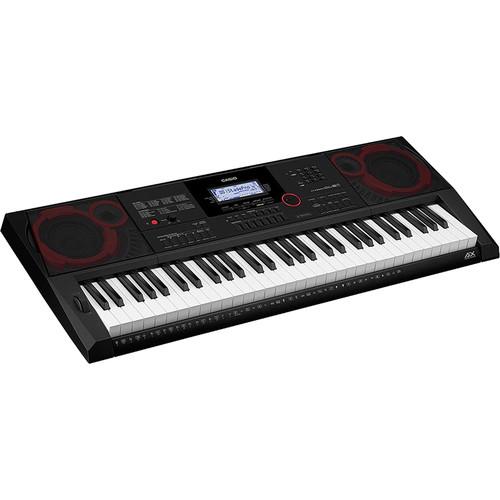 Contents of the user manual for the Casio CT-X3000 Keyboard with Editable Tones
- Product category: Portable Keyboards Casio
- Brand: Casio
- Description and content of package
- Technical information and basic settings
- Frequently asked questions – FAQ
- Troubleshooting (does not switch on, does not respond, error message, what do I do if...)
- Authorized service for Casio Portable Keyboards
 |
User manual for the Casio CT-X3000 Keyboard with Editable Tones contain basic instructions
that need to be followed during installation and operation.
Before starting your appliance, the user manual should be read through carefully.
Follow all the safety instructions and warnings, and be guided by the given recommendations.
User manual is an integral part of any Casio product,
and if it is sold or transferred, they should be handed over jointly with the product.
Following the instructions for use is an essential prerequisite for protecting
health and property during use, as well as recognition of liability on the part of the manufacturer
for possible defects should you make a warranty claim. Download an official Casio user manual in which you will find instructions on how to install, use, maintain and service your product.
And do not forget – unsuitable use of a Casio product will considerably shorten its lifespan!
|
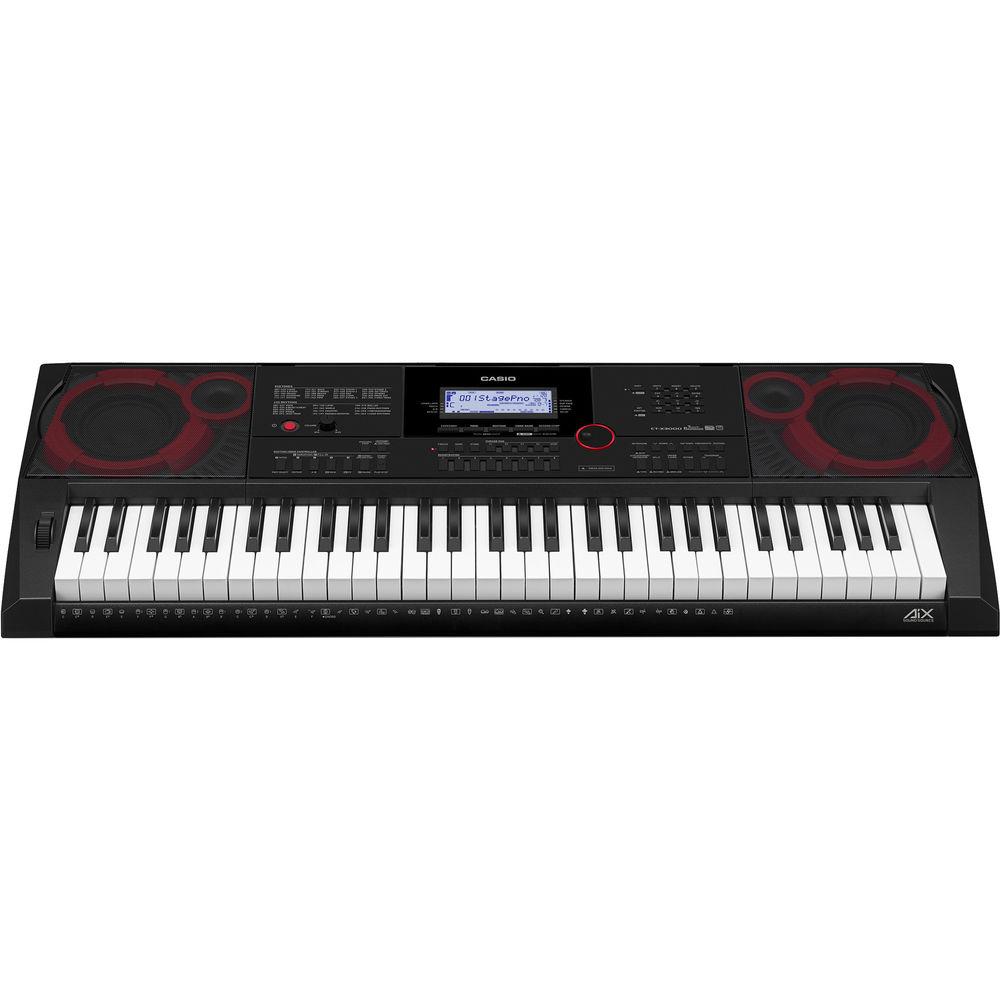
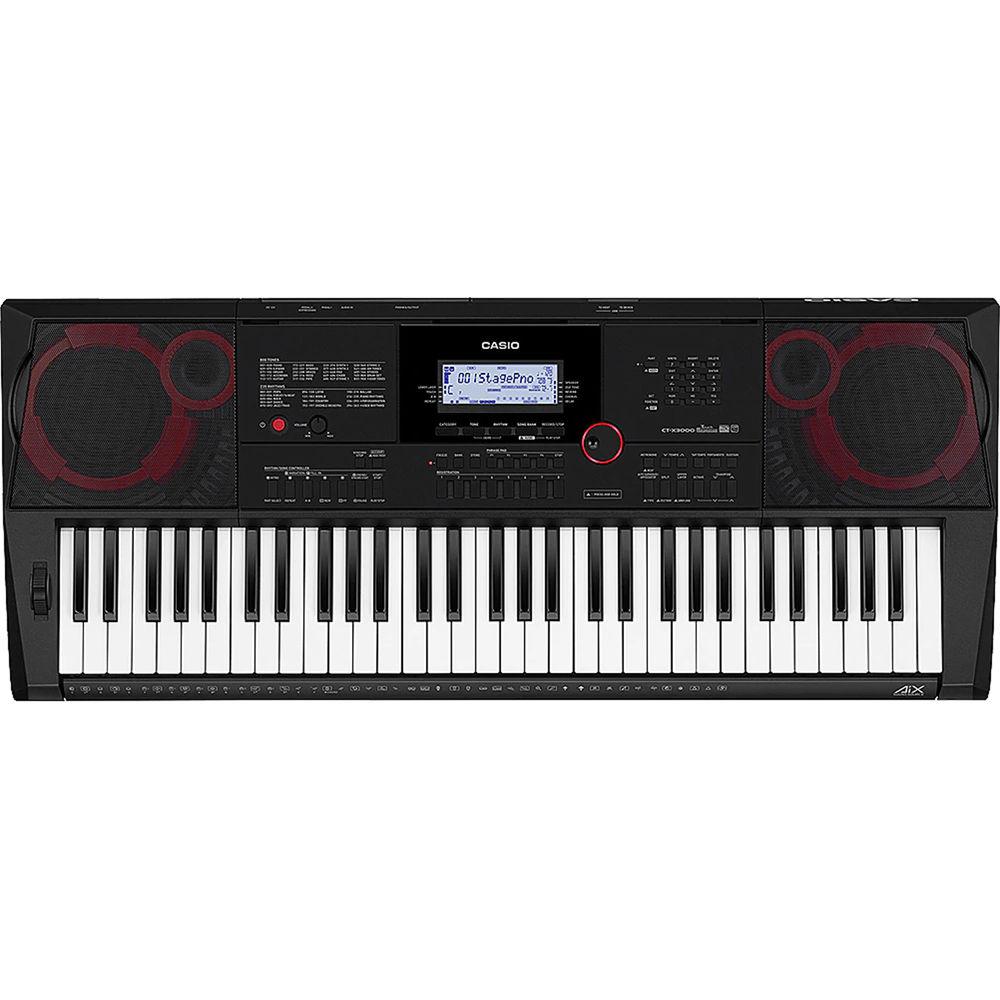
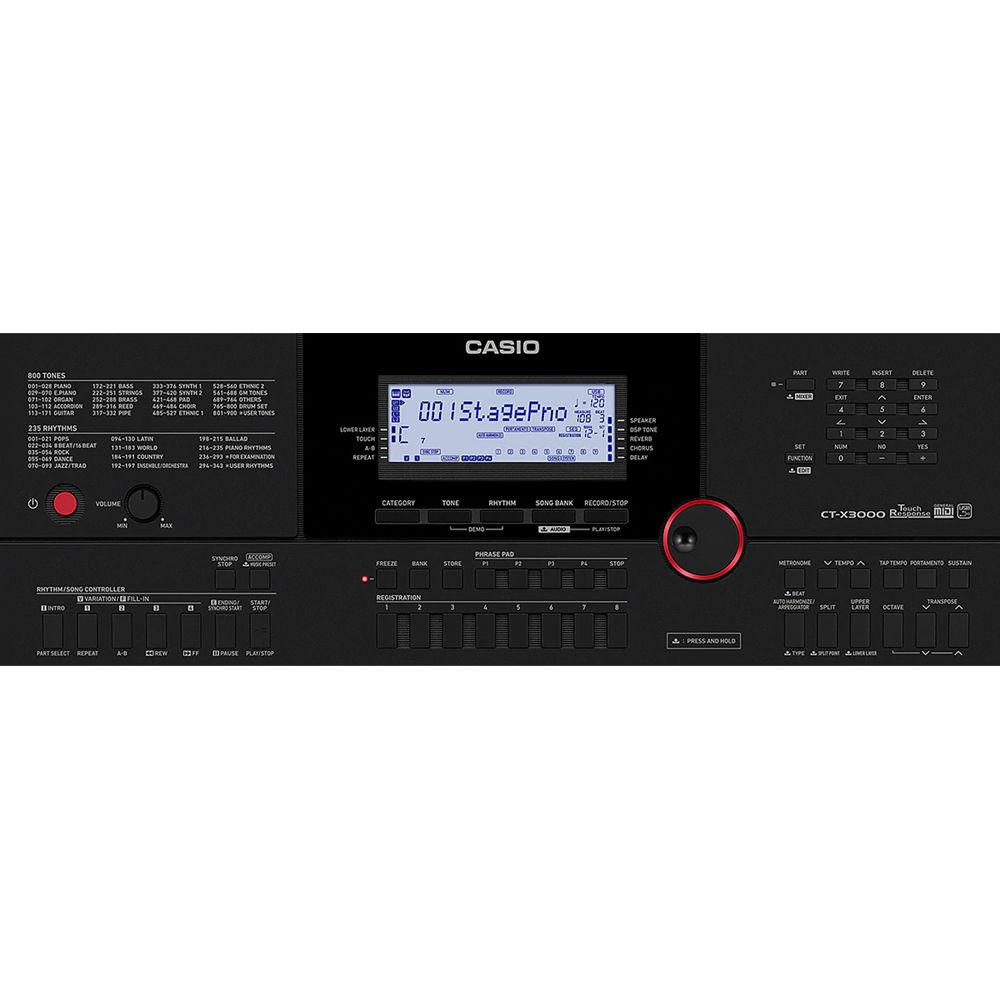
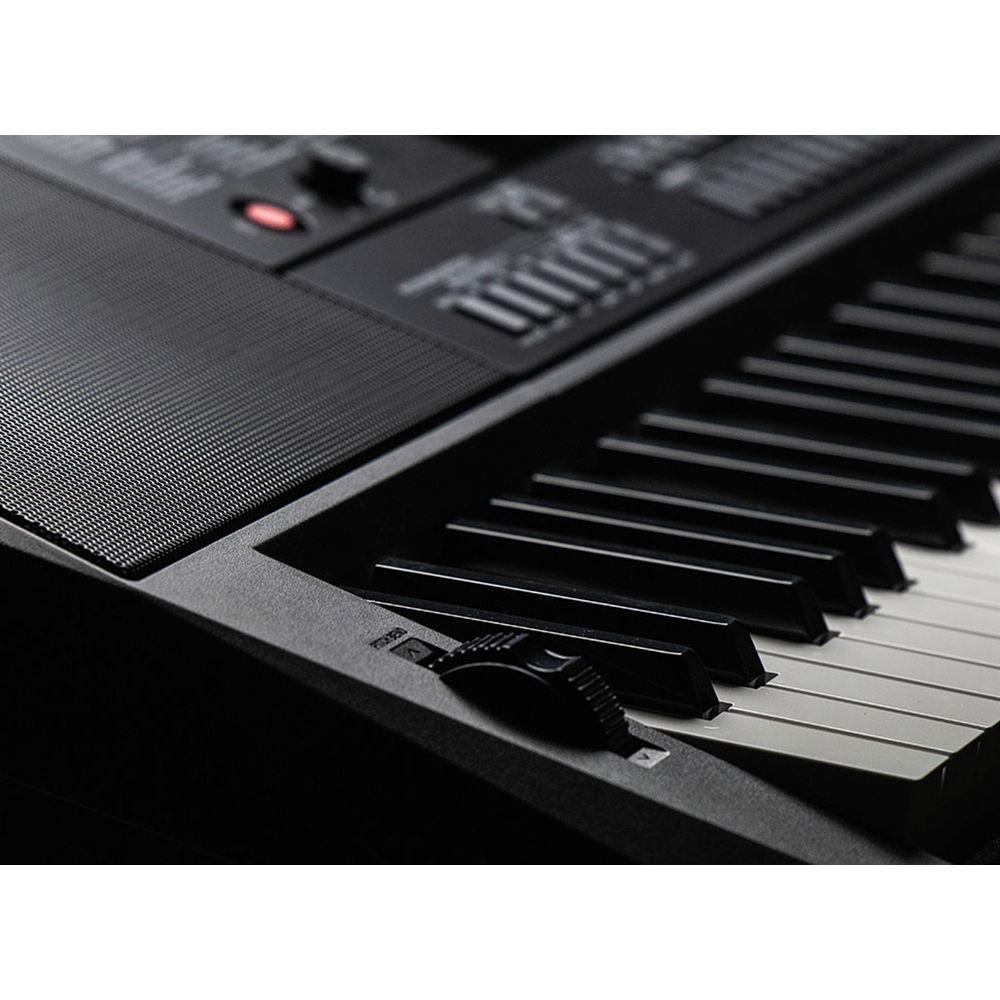
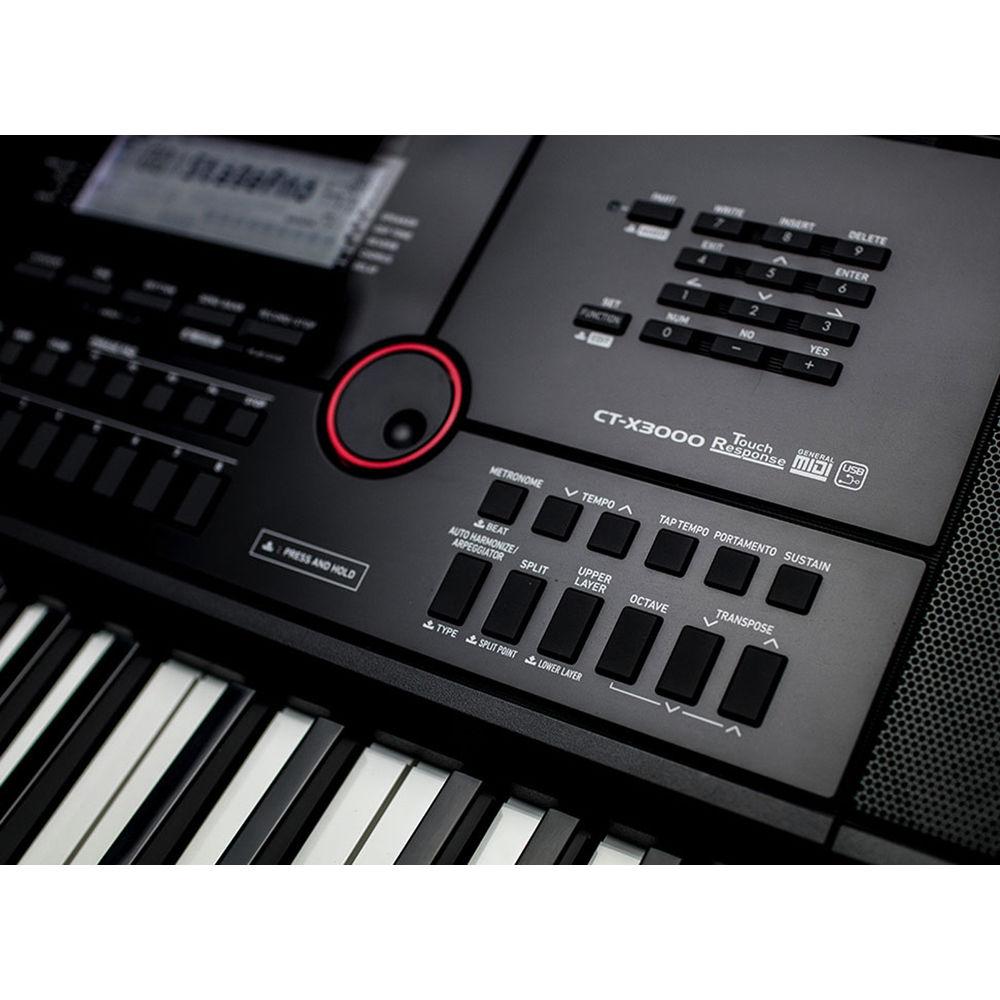
Product description The CT-X3000 Keyboard with Editable Tones and Rhythms from Casio is a standard keyboard with 61 piano-style keys, AiX tone generator, touch response, 64-note polyphony, and built-in amplifier and speakers. The 4.3 x 1.5" backlight LCD screen provides access to 800 tones, 235 rhythms, and numerous digital effects including: 24 reverbs, 12 choruses, 15 delays, and 100 other DSP effects. This portable keyboard can be used for sounds covering a wide variety of instruments including piano, strings, and rhythm variations. So, wherever you are on your musical journey, and no matter your budget, you shouldn't have to compromise on sound quality. - Standard keyboard: 61 piano-style keys
- Powered by AiX tone generator
- Touch response, 64-note polyphony, 800 tones, 235 rhythms
- Digital effects: reverb (24 types), chorus (12 types), delay (15 types), DSP (100 types)
- Virtual hall, master EQ (10 types + 1 user), metronome, arpeggiator, portamento, panel sustain
- 310 music presets, 30 built-in songs plus lesson function, 8 sets x 16 banks, mixer, transpose, octave shift, 17 preset scale settings, 17-tracks x 10-song MIDI recorder
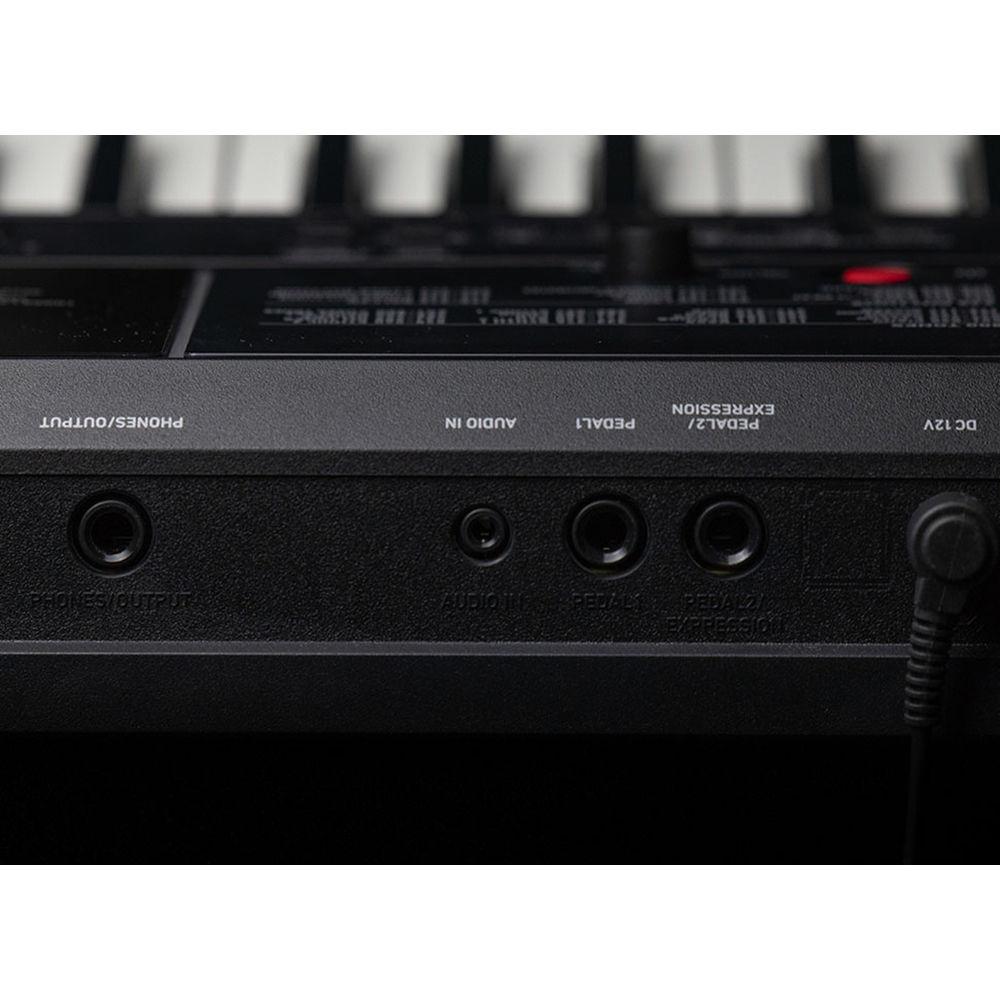
- Phrase recorder, 4 phrase pads, pitchbend wheel, headphone jack, audio in, USB to host, USB to device, and 2 pedals (one is assignable)
- Two speakers with bass reflex, 12W amplifier, operates on 6D batteries or included ADA12150P adapter
UPC: 079767314859 In the Box Casio CT-X3000 Keyboard with Editable Tones and Rhythms AC Adapter Limited 1-Year Warranty Table of Contents
|
Upload User Manual
Have you got an user manual for the Casio CT-X3000 Keyboard with Editable Tones and Rhythms in electronic form? Please send it to us and help us expand our library of instruction manuals.
Thank you, too, on behalf of other users.
To upload the product manual, we first need to check and make sure you are not a robot. After that, your "Submit Link" or "Upload File" will appear.
Technical parametersCasio CTX-3000 Specs | | | Keyboard | 61 Piano Keys, Unweighted Action | | Touch Response | 3 Levels of Sensitivity | | Expression Controls | 1 x Pitch Bend | | | | Number of Sound Presets | 310 x Sounds | | Number of Song Presets | 30 x Factory | | Effects | Chorus, Delay, Reverb | | Maximum Polyphony | 64 Notes | | Performance Functions | Arpeggiator, Octave Shift, Transpose, Tuning Adjustment | | | | Supported MIDI Standards | GM | | MIDI Note Memory and Resolution | 40,000 Notes per Song | | | | I/O | 1 x 1/4" (6.3 mm) TS Headphone Output | | Pedal Support | 2 x 1/4" TS Footswitch | | Data Port | 1 x USB Type-A (MIDI)
1 x USB Type-A (Computer Transfer) | | Bluetooth | No | | | | AC/DC Power Adapter | AD-A12150, 12 VDC (Included) | | Battery Type | 6 x D | | | | Display | LCD (Backlit) | | Included Accessories | None | | Dimensions | 37.3 x 15.1 x 4.6" / 94.7 x 38.4 x 11.7 cm | | Weight | 15.2 lb / 6.9 kg (without Batteries) | | | | Package Weight | 22.79 lb | | Box Dimensions (LxWxH) | 39.0 x 17.5 x 6.0" |
Rating50% users recommend this product to others. And what about you?

This product has already been rated by 70 owners. Add your rating and experience with the product.
Discussion
 Ask our technicians if you have a problem with your settings,
or if anything is unclear in the user manual you have downloaded.
You can make use of our moderated discussion.
The discussion is public and helps other users of our website who may be encountering similar problems.
Ask our technicians if you have a problem with your settings,
or if anything is unclear in the user manual you have downloaded.
You can make use of our moderated discussion.
The discussion is public and helps other users of our website who may be encountering similar problems.
The discussion is empty - enter the first post
Post a new topic / query / comment:
|
|


