User Manual for Celestron 80LCM 80mm f 11.25 Computerized GoTo Refractor Telescope Click to enlarge the picture
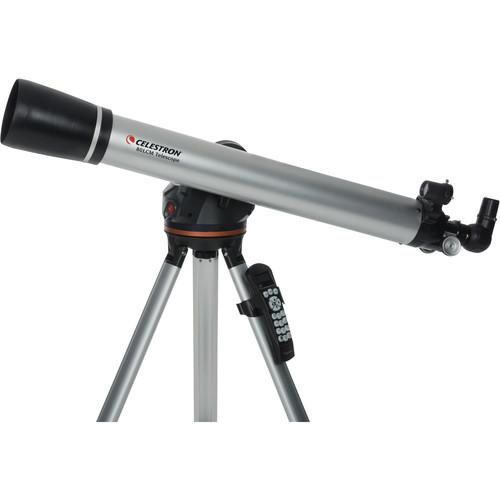 Contents of the user manual for the Celestron 80LCM 80mm f 11.25 Computerized
- Product category: Refractors Celestron
- Brand: Celestron
- Description and content of package
- Technical information and basic settings
- Frequently asked questions – FAQ
- Troubleshooting (does not switch on, does not respond, error message, what do I do if...)
- Authorized service for Celestron Refractors
 |
User manual for the Celestron 80LCM 80mm f 11.25 Computerized contain basic instructions
that need to be followed during installation and operation.
Before starting your appliance, the user manual should be read through carefully.
Follow all the safety instructions and warnings, and be guided by the given recommendations.
User manual is an integral part of any Celestron product,
and if it is sold or transferred, they should be handed over jointly with the product.
Following the instructions for use is an essential prerequisite for protecting
health and property during use, as well as recognition of liability on the part of the manufacturer
for possible defects should you make a warranty claim. Download an official Celestron user manual in which you will find instructions on how to install, use, maintain and service your product.
And do not forget – unsuitable use of a Celestron product will considerably shorten its lifespan!
|
Product description - Celestron 80LCM Computerized Telescope Product Overview
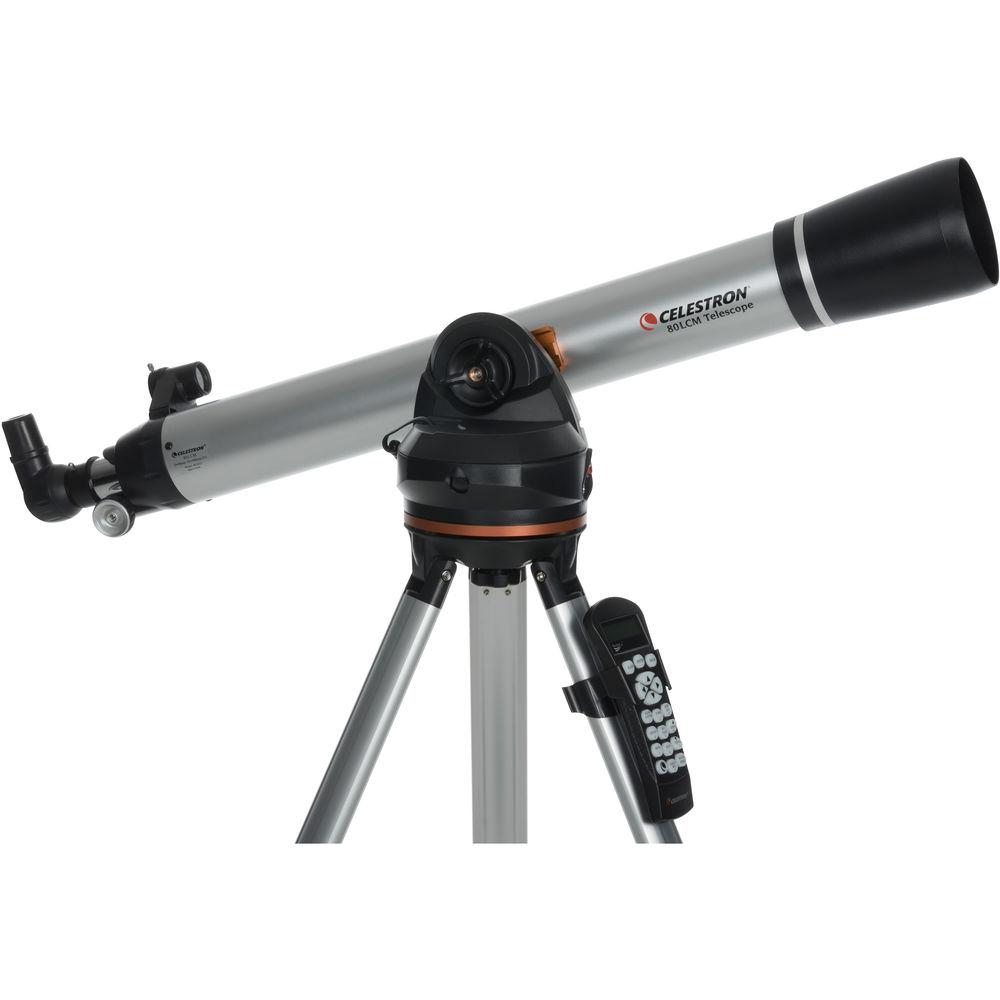
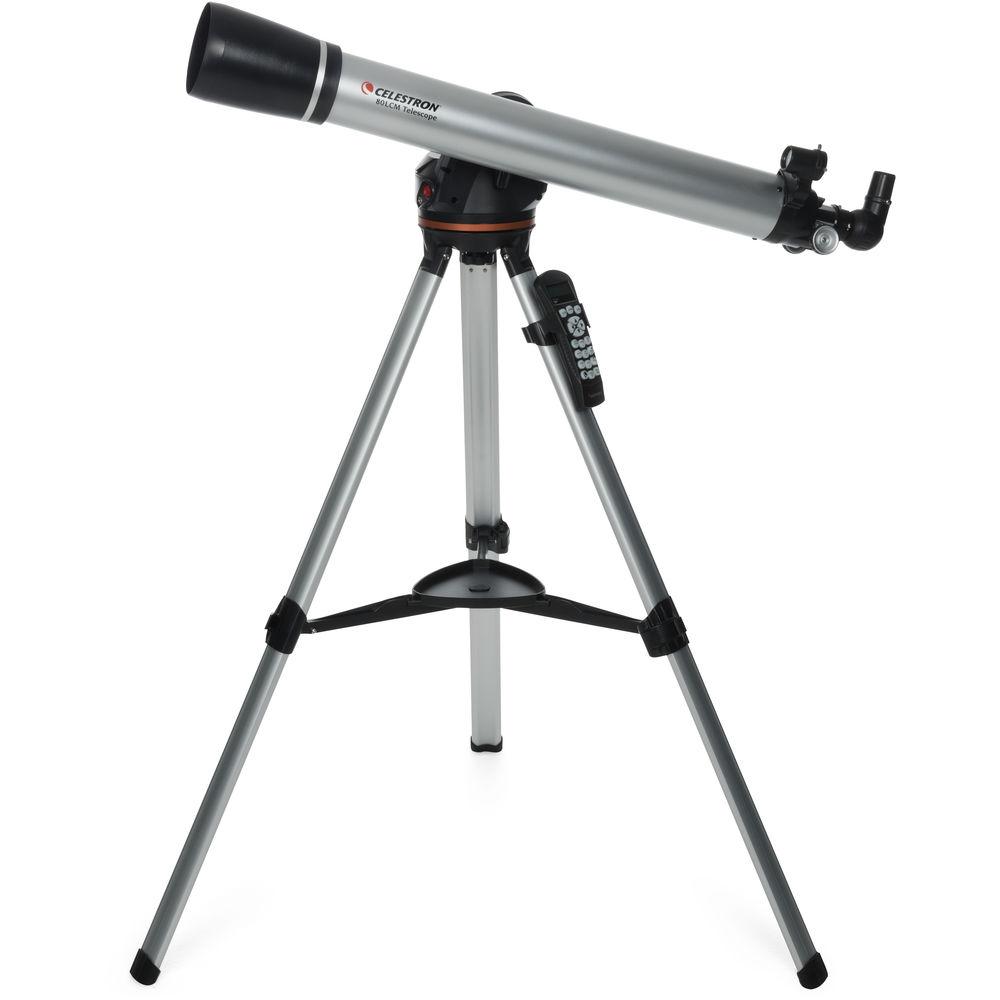
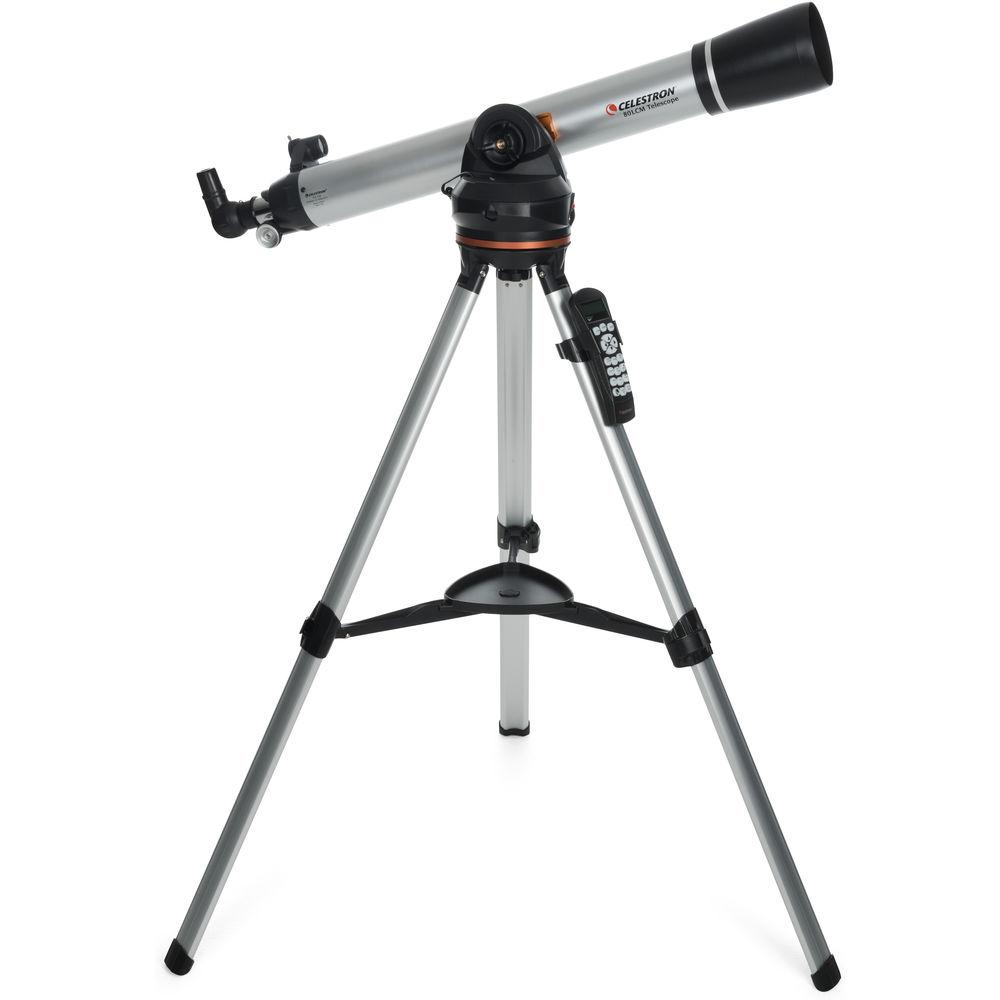
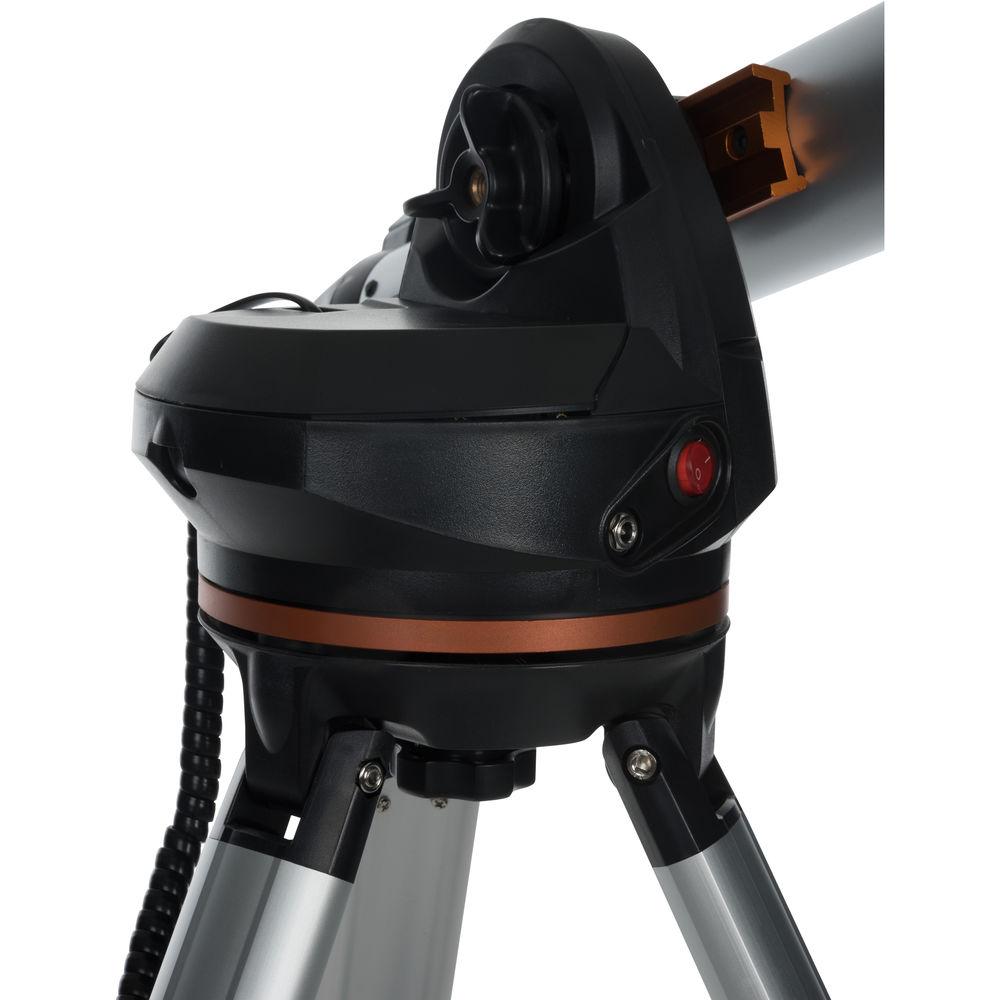
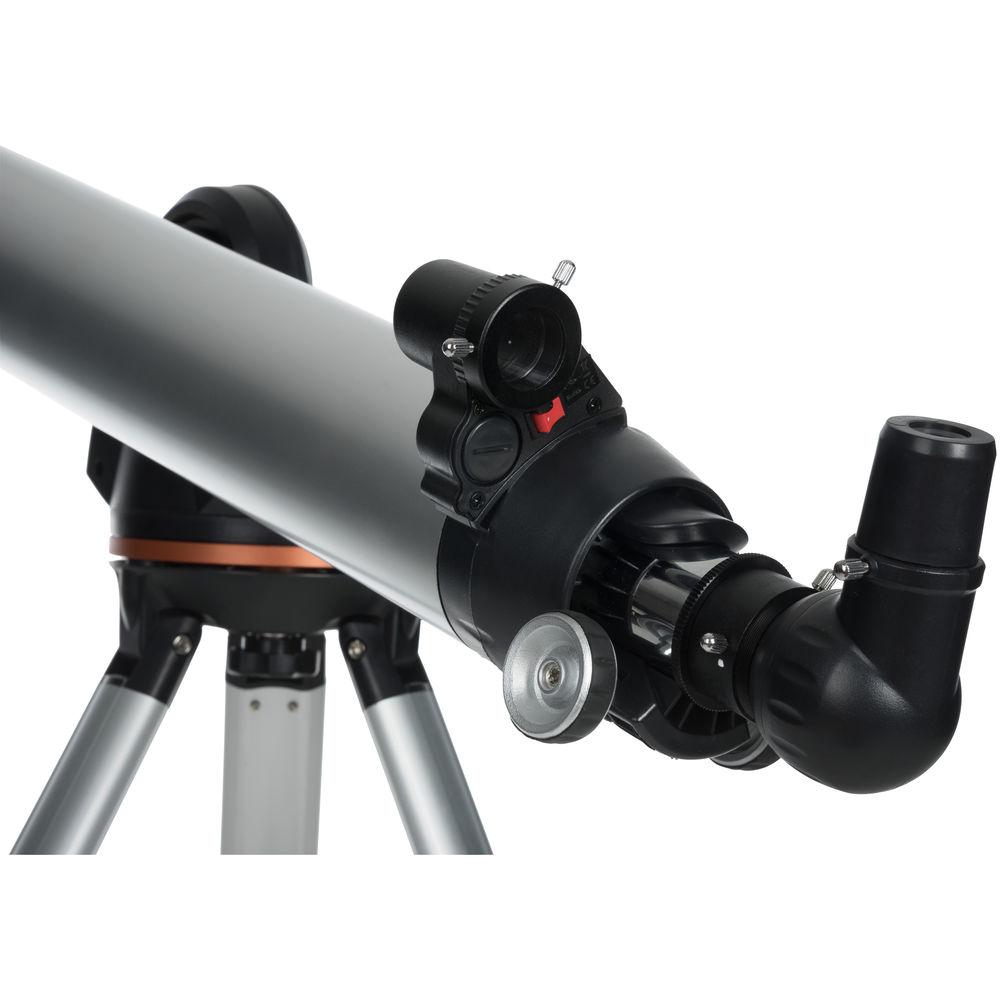
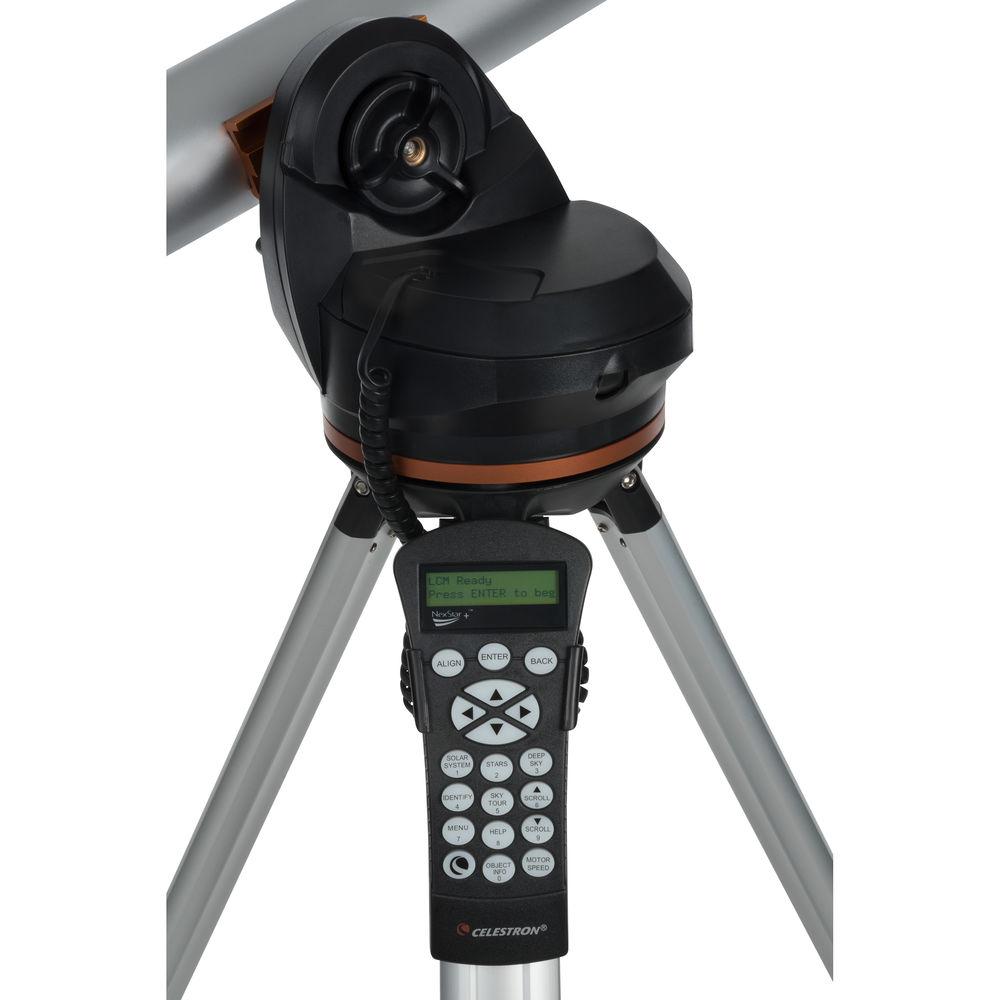
The Celestron 80LCM 80mm f/11 Computerized GoTo Reflector Telescope features an 80mm objective lens configured in a refractor optical path that allows for detailed observation of the Moon and planets with true color rendition and very little distortion across the entire field of view. This complete observation platform includes a motorized fork mount, a computer controller, two eyepieces, a 90° star diagonal, and a red-dot finderscope.The brain of the 80LCM is the venerable NexStar controller. Equipped with a database of over 4000 objects, with the ability for users to program up to 99 of their own objects, the controller is a feature-rich GoTo system with multiple alignment aids including the Sky Align system. Simply enter in the day, time, and coordinates where the scope is set up, and the Sky Align algorithms will go to where three prominent objects should be in the sky. Simply confirm each one is in the center of the eyepiece and the scope is aligned with the GoTo system orientated. Don't know what to view? Use the Sky or Constellation Tours to see the best objects overhead, or in your favorite constellation. - Optical Tube
-
- 80mm aperture
- f/11.25 focal ratio
- 900mm focal length
- Refractor optical design
- Anti-reflection fully coated optics improve light transmission, color rendition, and contrast
- Resolution: 1.74 arcsec, Rayleigh; 1.45 arc sec, Dawes
- 1.25" rack-and-pinion focuser
- NexStar Hand Controller
-
- Simple and intuitive menu-driven button interface
- 4033 object database
- Database Includes: Moon and planets; variable and double stars; IC, Caldwell, Messier, NGC and SAO catalogs; and constellations
- 99 programmable user-defined objects, including land-based objects
- Expanded information on over 100 objects
- 'Identify' feature used to identify an unknown object in the field of view, or to find other celestial objects that are close to the objects currently being observed
- Alignment Procedures: Sky Align, Auto Two-Star, Two-Star, One-Star, Solar System Align
- Sky Align Alignment: Point the telescope at three bright objects in the sky, and the telescope tells you what the objects are
- 'Sky Tour' generates a list of the best objects currently visible
- 'Constellation Tour' allows the user to take a tour of all the best objects within a particular constellation
- Tracking rates: Sidereal, Solar, and Lunar
- Nine slew speeds: 3°/sec, 2°/sec, 1°/sec, 64x, 32x, 16x, 8x, 4x, 2x
- Anti-backlash compensation programs-out play common in gear systems
- Two-line/16 character Liquid Crystal Display (LCD)
- 19 red fiber optic backlit LED buttons
- Mount and Tripod
-
Mount:- Motorized single-arm alt-az
- Dual-axis DC servo motors with encoders to improve accuracy, 0.691 arc sec resolution
- Dovetail plate and saddle makes set up and breakdown quick and easy without tools
- Integrated button level aids in set up
- Runs on eight user-supplied AA batteries
Tripod:- Adjustable-height for easy use by most people
- Tray for accessories such as eyepieces, filters, and flashlights
- Tray locks into place to add stability to tripod
- Hand controller holder can be moved to avoid cord-wrap during long tracking sessions
- Spiked feet provide additional stability in rough or soft ground
- Included Accessories
-
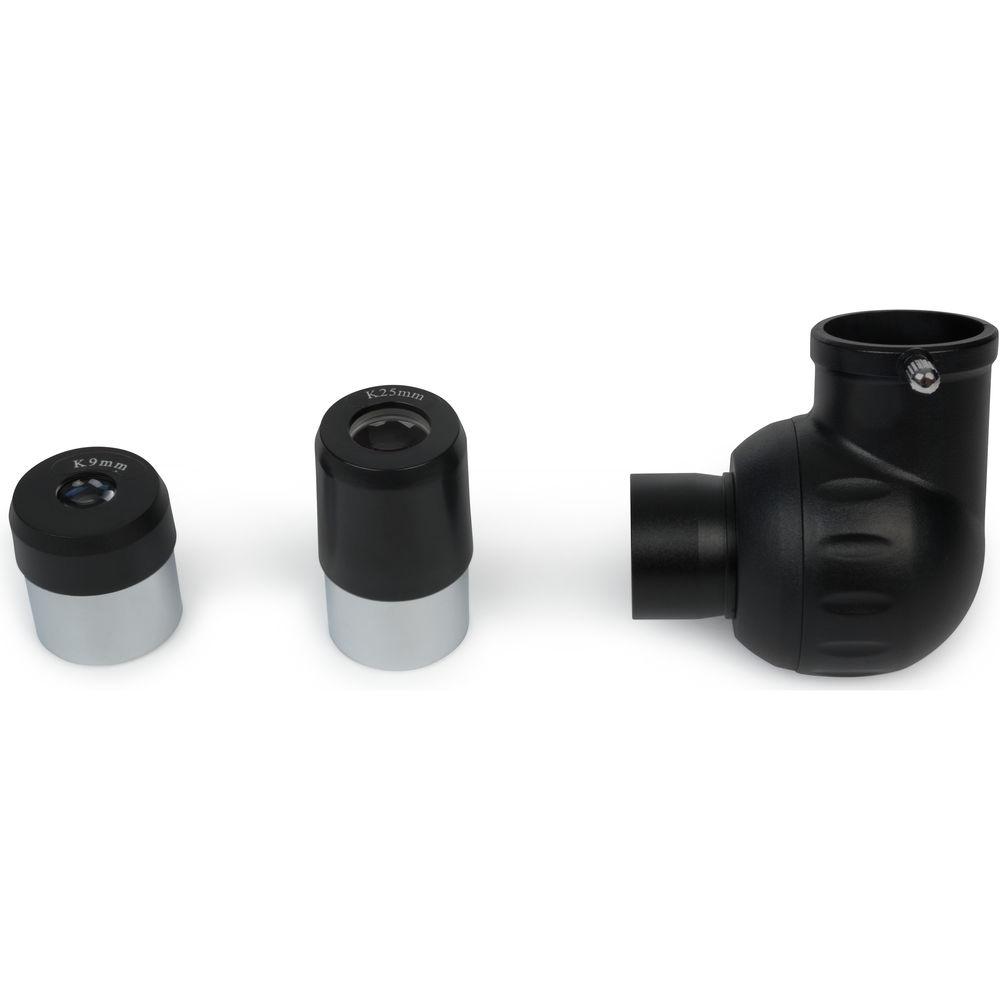
Eyepieces:- 1.25" diameter barrel
- Accepts most 1.25" astronomical eyepiece filters
- 25mm eyepiece produces 36x power
- 9mm eyepiece produces 100x magnification
Diagonal:- 1.25" snout
- 90° angle puts head in comfortable position when scope is aimed at or near the zenith
- Star diagonal corrects image horizontally, but not vertically, for terrestrial use
Finderscope:- Red-dot StarPointer
- Red center aiming-dot is easy to see in all conditions without affecting night-adjusted vision or obscuring target objects
- Pre-mounted for easier assembly
- Unmagnified design provides a wide field of view to make set up and alignment faster
UPC: 050234220514 In the Box Celestron 80LCM 80mm f/11.25 Computerized GoTo Refractor Telescope 9mm Eyepiece 25mm Eyepiece 90° Star Diagonal StarPointer Finder Tripod with Accessory Tray NexStar Hand Controller with Cord Limited 2-Year Warranty User Manual PDF 6mb More from Manufacturer Table of Contents
|
Upload User Manual
Have you got an user manual for the Celestron 80LCM 80mm f 11.25 Computerized GoTo Refractor Telescope in electronic form? Please send it to us and help us expand our library of instruction manuals.
Thank you, too, on behalf of other users.
To upload the product manual, we first need to check and make sure you are not a robot. After that, your "Submit Link" or "Upload File" will appear.
Technical parametersCelestron 80LCM Specs | | | Optical Design | Refractor | | Aperture | 80 mm / 3.2" | | Focal Length | 900 mm | | Focal Ratio | f/11.2 | | Resolution | 1.74 Arcsec (Rayleigh)
1.45 Arcsec (Dawes) | | Focuser | Single-Speed Rack-and-Pinion | | Eyepiece Barrel Diameter | 1.25" | | Diagonal | 90
Rating90% users recommend this product to others. And what about you?

This product has already been rated by 85 owners. Add your rating and experience with the product.
Discussion
 Ask our technicians if you have a problem with your settings,
or if anything is unclear in the user manual you have downloaded.
You can make use of our moderated discussion.
The discussion is public and helps other users of our website who may be encountering similar problems.
Ask our technicians if you have a problem with your settings,
or if anything is unclear in the user manual you have downloaded.
You can make use of our moderated discussion.
The discussion is public and helps other users of our website who may be encountering similar problems.
The discussion is empty - enter the first post
Post a new topic / query / comment:
|
|
|
| Request for user manual |
You can’t find the operation manual you are looking for? Let us know and we will try to add the missing manual:
I’m looking for a manual / Request for manual
Current requests for instruction manuals:
Call Of Duty World War Two For Xbox...
controller stratus XL...
stratus XL...
smart whatch serie S11 42mm...
Allen & Heath SQ-6 manual...
|
| Discussion |
Latest contributions to the discussion:
AEW R 4100
Name: MAURICIO ANGARITA
Audio-Technica AEW-R4100 UHF Diversity Receiver for
AEW R 4100 has the mute function blocked and does not allow audio to pass. I tried several times to turn off the mute from the transmitter but it does nothing, the mute stays on. Solution?
Thank you...
Instructions for assembling the 2015 Forecast Image Master Consoles GC3-A
Name: mike elam
Forecast Consoles GC3-A ImageMaster Editing Console
Looking for instructions for assembling this console. ...
EMPTY TONER ERROR MESSAGE AFTER REPLACING TONER
Name: LINDA BAD YELLOW EYES
Brother TN223BK Standard-Yield Toner
I HAD TO CHANGE OUT ALL THREE TONERS DUE TO LEAKS IN THE YELLOW AND CYAN. AFTER I REPLACED THEM, THE MACHINE KEEPS GIVING ME AN EMPTY TONER ERROR MESSAGE. HELP!!...
PS480D 20/24 pin Switching 480W Power Supply
Name: swkargo
Logisys 480W Power Supply
This item states in can run -5vdc .It is NOT listed on the board or I beleive is r4 is missing the resitior. Any body have thid issue. Shawn
...
Help needed
Name: Ann Carter
SanDisk 1TB Extreme Portable USB 3.1
When I click the link to download the user manual for my Sandisk Extreme external hard drive, it gives me the manual for the LG Cricket. Can you please change the link so I can download the Sandisk manual and begin using this drive? Thank you....
|
|


