|
User Manual for Corel CorelDRAW Graphics Suite 2018 Click to enlarge the picture
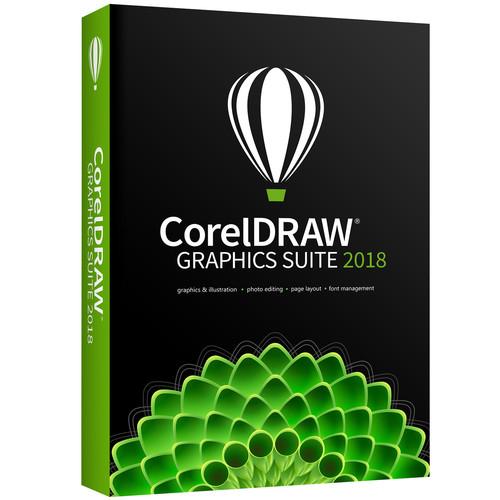 Contents of the user manual for the Corel CorelDRAW Graphics Suite 2018
- Product category: Graphic Design Corel
- Brand: Corel
- Description and content of package
- Technical information and basic settings
- Frequently asked questions – FAQ
- Troubleshooting (does not switch on, does not respond, error message, what do I do if...)
- Authorized service for Corel Graphic Design
 |
User manual for the Corel CorelDRAW Graphics Suite 2018 contain basic instructions
that need to be followed during installation and operation.
Before starting your appliance, the user manual should be read through carefully.
Follow all the safety instructions and warnings, and be guided by the given recommendations.
User manual is an integral part of any Corel product,
and if it is sold or transferred, they should be handed over jointly with the product.
Following the instructions for use is an essential prerequisite for protecting
health and property during use, as well as recognition of liability on the part of the manufacturer
for possible defects should you make a warranty claim. Download an official Corel user manual in which you will find instructions on how to install, use, maintain and service your product.
And do not forget – unsuitable use of a Corel product will considerably shorten its lifespan!
|
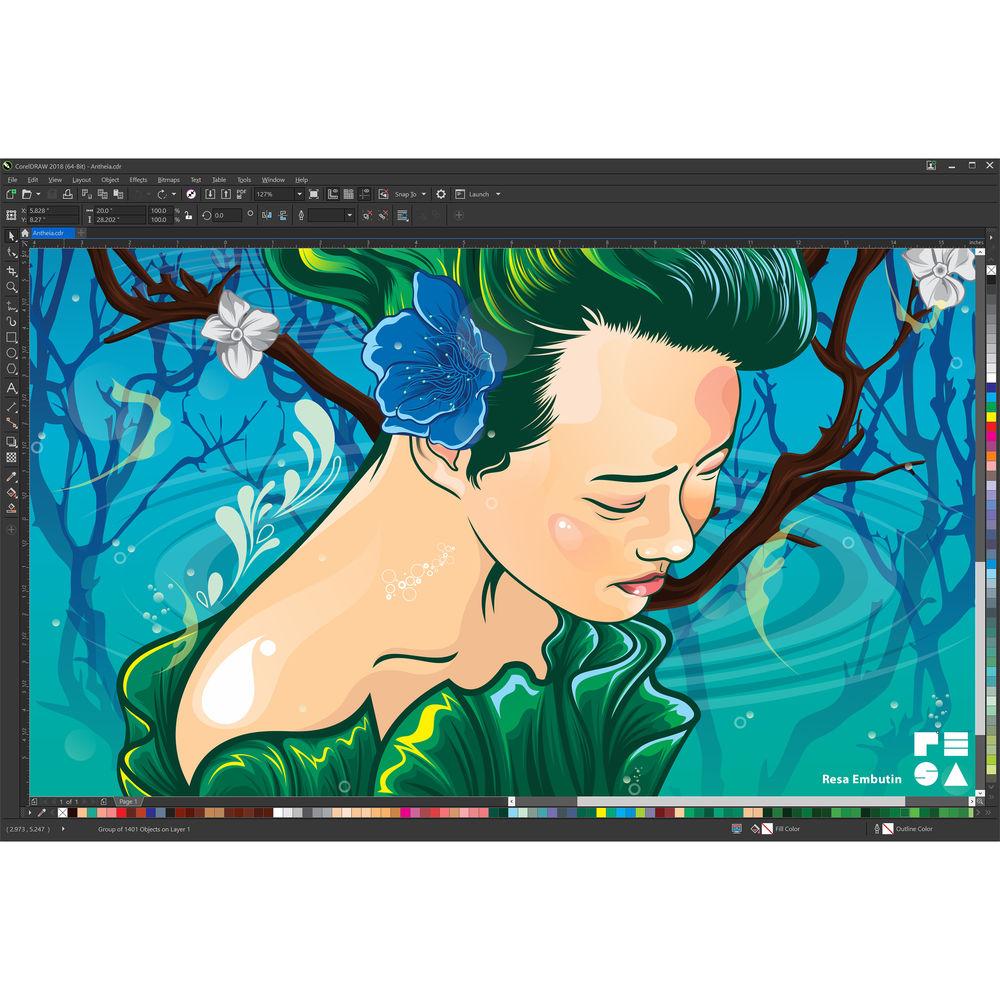
Product description CorelDRAW Graphics Suite 2018 is a graphic design software enjoyed by millions of professionals, small business owners, and design enthusiasts worldwide. It offers a seamless design experience for graphics, layout, illustration, photo editing, tracing, web images, print projects, art, typography, and more. Design with confidence and achieve stunning results. 2018 Features - Drawing Tools
-
- Symmetry Mode
- Create a range of symmetrical designs, from simple objects to complex kaleidoscopic effects in real-time, and boost your productivity by automating what is usually a very time-consuming workflow.
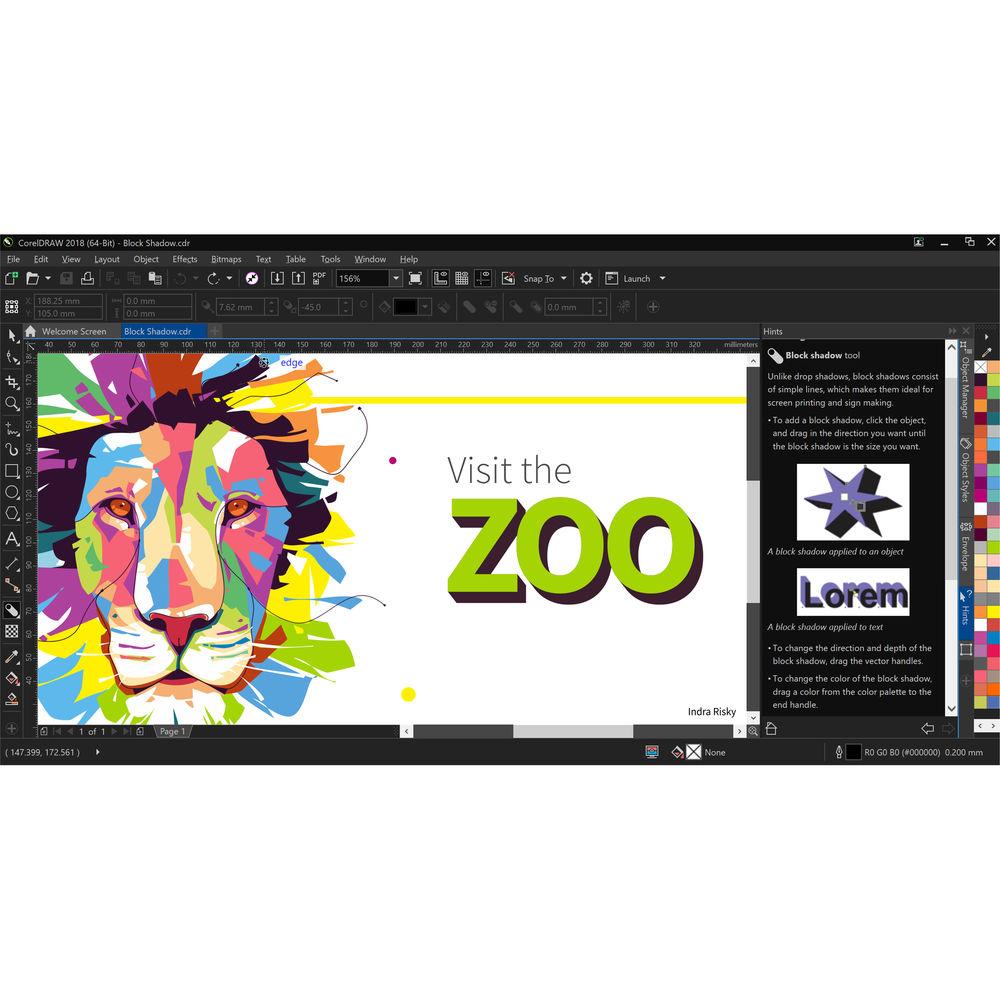
- Block Shadow Tool
- Add solid vector shadows to objects and text with this interactive feature that reduces the time getting a file ready for output. It accelerates reprographic workflows by greatly reducing the number of lines and nodes in shadows.
- Corner Control in Dashed Lines and Outlines
- Gain more control over the appearance of corners in objects, text, and symbols that use dashed lines in CorelDRAW 2018. In addition to the existing default setting, you can choose from two new options to create perfectly designed and defined corners.
- Pointillizer
- Generate high-quality vector mosaics from any number of selected vector or bitmap objects with just a few clicks. Inspired by the Pointillism painting technique, it's great for creating vehicle wraps, window decor projects, and more.
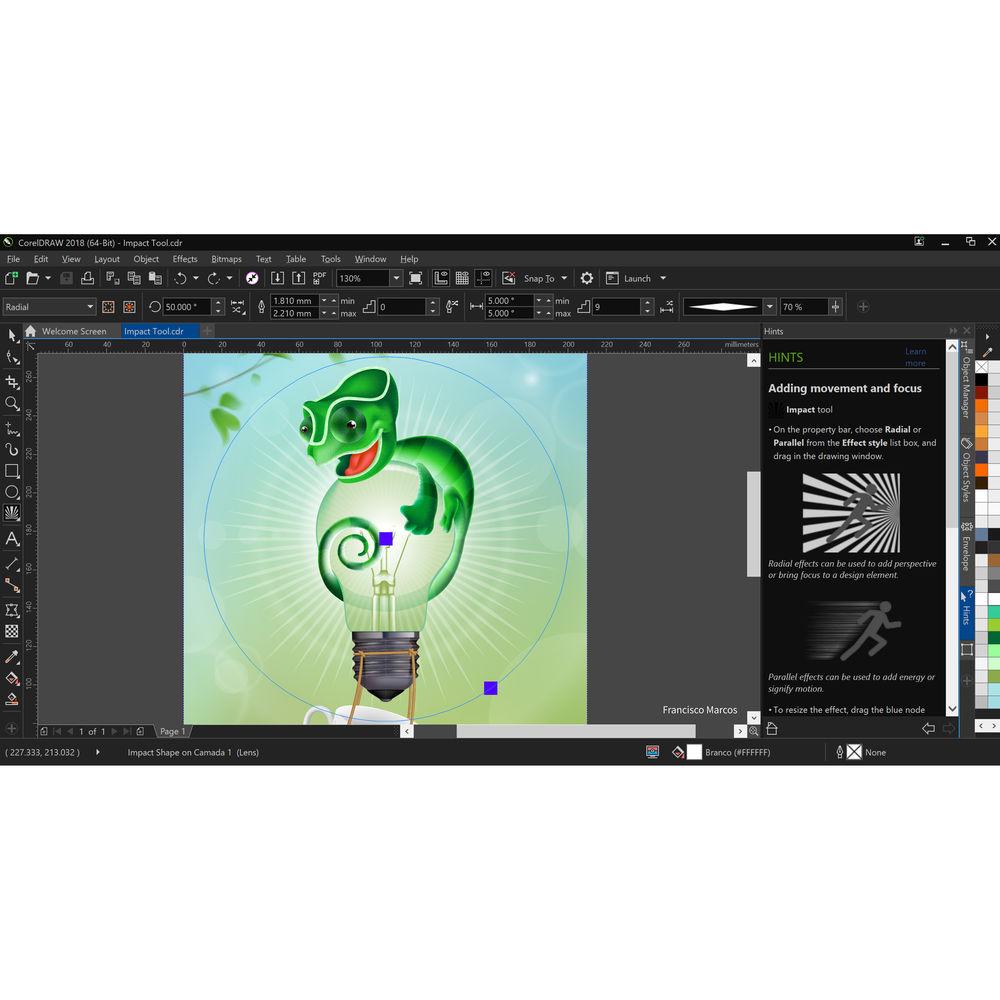
- Impact Tool
- Give your designs a little more spark. It's perfect for effortlessly adding movement or focus to an element in a drawing. Effects are nondestructive, highly customizable vector objects that can be edited with other tools.
- Align and Distribute Nodes
- Align and distribute nodes using the bounding box of a selection, the page edge or center, the closest grid line, or a specified point. Distributing nodes is just as easy, adding equal spacing between them horizontally or vertically.
- Straighten Photos Interactively
- Rotate crooked images by interactively aligning a straightening bar to an element in the photo or specifying an angle of rotation. All controls are easily accessible on screen or on the property bar for perfect results in minutes.
- Customize Curve Preview and Editing
- Use a keyboard shortcut to replace the main color with the secondary color or vice versa and make node and handle preview easier, even in the most complex designs.
- User Interface
-
- File Save Indicator
- See which files contain unsaved changes when working with multiple documents simultaneously in CorelDRAW and Corel PHOTO-PAINT.
- Apply and Manage Fills and Transparencies
- Enjoy the totally redesigned Fill and Transparency pickers that will help increase your productivity and deliver improved performance when working with and managing fills and transparencies in CorelDRAW and Corel PHOTO-PAINT.
- Image Editing
-
- PhotoCocktail
- Create stunning photo collages. Start with a photo or vector object as the foundation of your mosaic, then choose a library of bitmap images as the mosaic tiles, and let PhotoCocktail do the rest.
- Bilinear Zooming
- Get another magnification option with the introduction of bilinear zooming. It adds pixels by averaging the color values of surrounding pixels when zooming out, which prevents jagged edges and improves the display quality of sharp images that have fine detail.
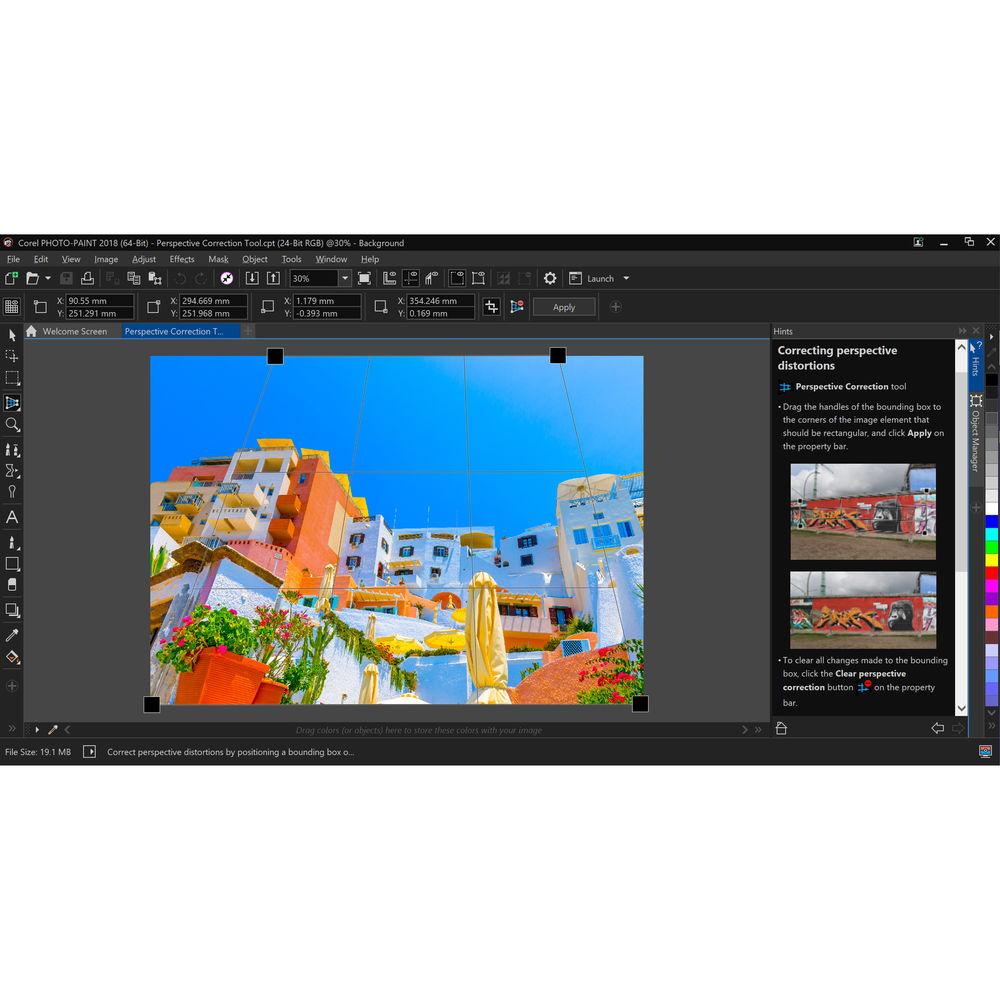
- Adjust Photo Perspective Interactively
- Use the interactive Perspective Correction tool to adjust the perspective of buildings, landmarks, or objects in photos. Simply line up the four corner points with a shape that should be rectangular to adjust the entire shot.
- AfterShot 3 HDR
- Download Corel AfterShot 3 HDR from within CorelDRAW and Corel PHOTO-PAINT, to make professional-grade corrections and enhancements to raw or JPEG photos.
- HDR Merge
- Create high dynamic range (HDR) images with the HDR module included in AfterShot 3 HDR.
- Typography
-
- Embedding Rights Font Filter
- Ensure hassle-free file sharing with the new Embedding Rights font filter to sort fonts based on four common font-embedding permissions and identify which fonts to use or avoid when choosing text styles. Use the font filtering feature to find specific fonts.
- Corel Font Manager
- Organize and manage your font library with the intuitive Corel Font Manager and user your favorite fonts without installing them, and work faster with fonts using the network storage feature.
- Accessing Design Assets
-
- Default Folder Location
- Find and share design assets with ease! You choose where to store content rather than use the default folders.
- Layout Tools
-
- Toggle Snapping
- Turn off snapping options with a click of the Snap Off button, or use keyboard shortcuts to toggle snapping on or off. Disable snapping as you're repositioning without having to release the cursor.
- Fit Objects to a Path
- Fit any type and number of objects to a path of your choice. Smart spacing and rotation settings help you customize the arrangement of objects along the path.
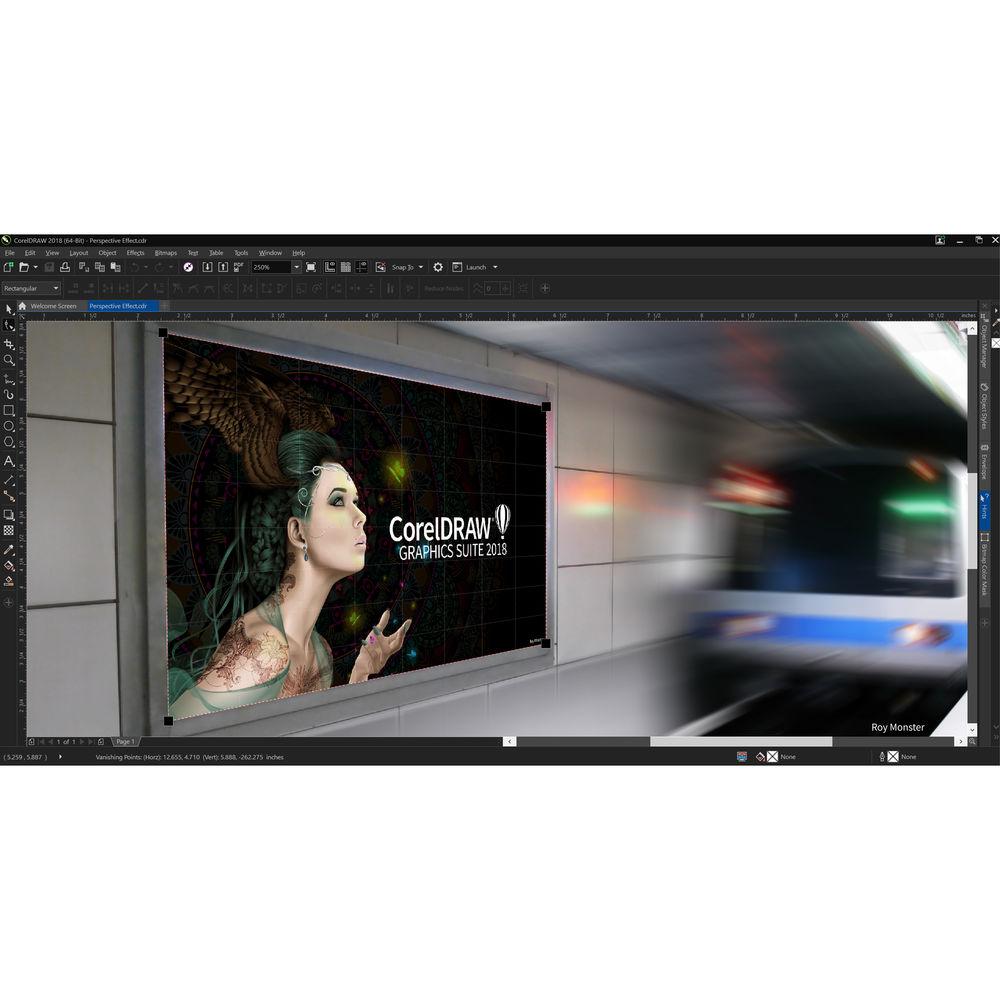
- Add Perspective Effect
- Quickly create the illusion of distance and depth by applying perspective to bitmaps, vector objects or both directly in the drawing window. It's an ingenious tool to showcase artwork in real world scenarios.
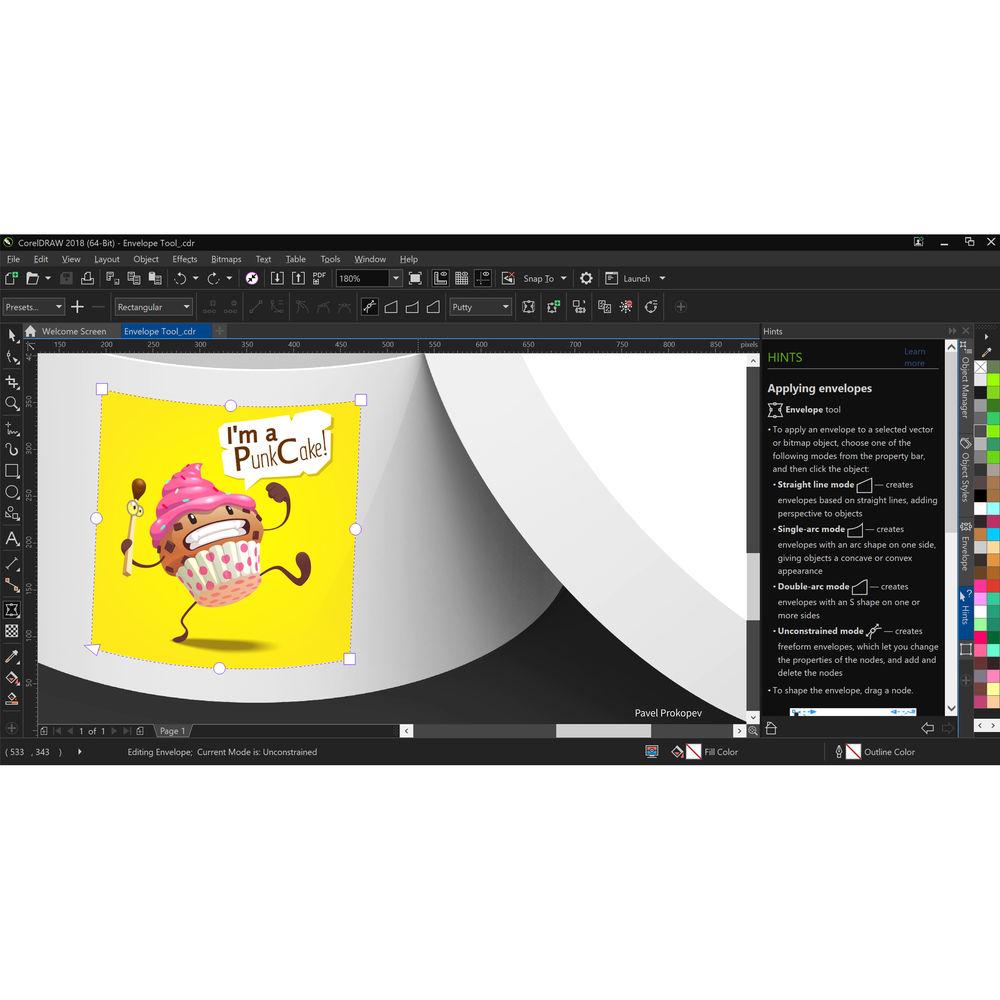
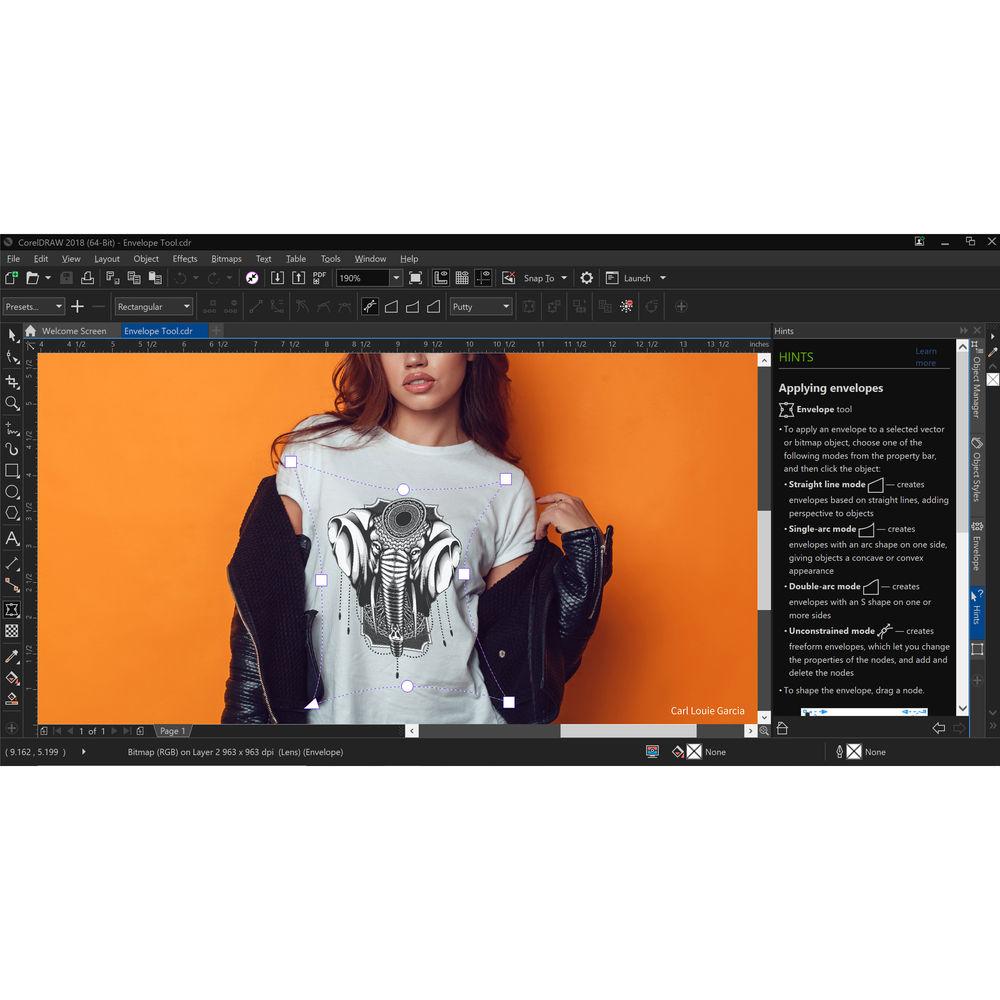
- Apply Envelopes to Bitmaps
- Shape a bitmap interactively by placing it in an envelope and dragging its nodes. Quickly and seamlessly blend a bitmap into an illustration by using envelope presets or crafting a custom envelope from scratch.
- Web
-
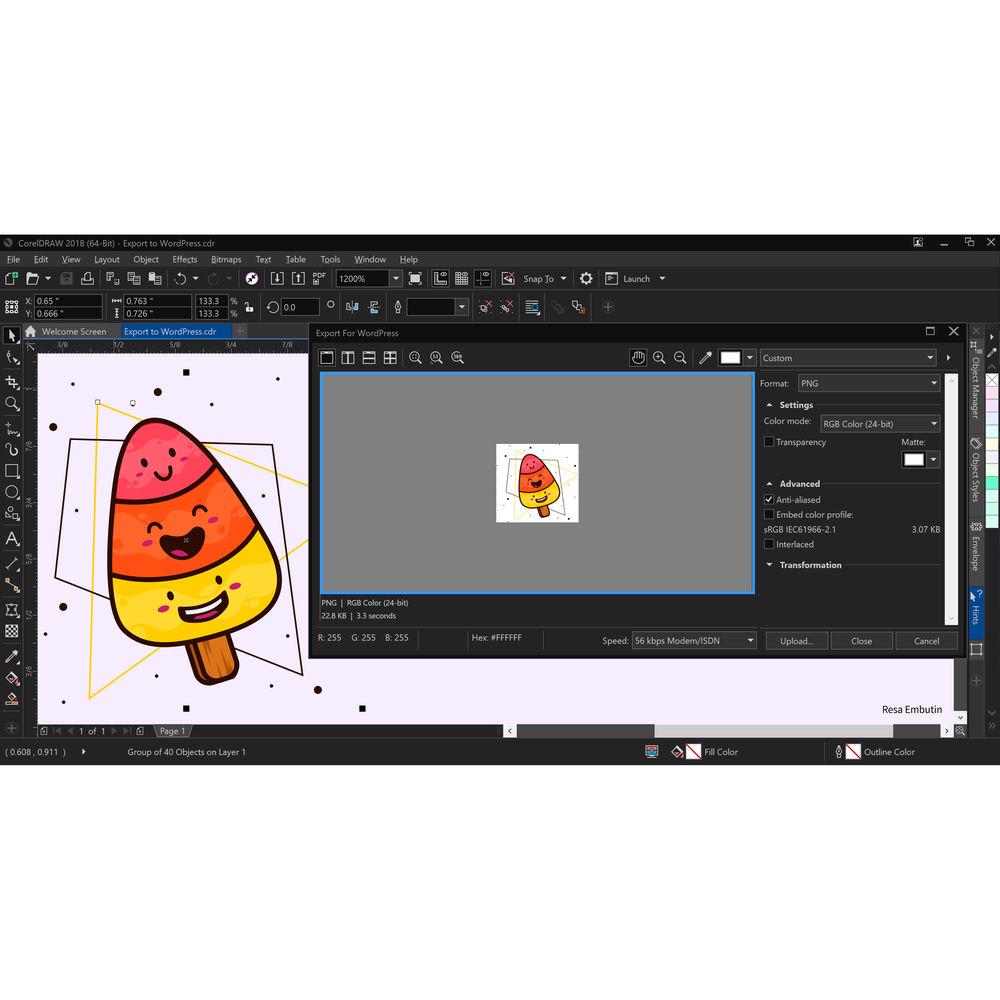
- Publish to WordPress
- Send your work directly to a WordPress media library from within the application. This new functionality lets you convert selected objects or an entire project to a JPEG, GIF, or PNG file and then upload to a WordPress account.
- Design Workflow
-
- Project Timer
- Keep organized, bill clients, and gain time management insight with an accurate, non-intrusive way to track project time. Appearing as a discreet toolbar above the drawing window, the Project Timer is fully customizable to match your workflow.
- Powerful Stylus Capabilities
- Use pressure to vary the size of the eraser nib, and also link the tilt and bearing to its flatness and rotation. Flipping the stylus or pen activates the Eraser tool to erase on the fly without using the toolbox.
- Microsoft Surface Dial Support
- Get enhanced support for wheel devices, such as the Microsoft Surface Dial. Experience an alternative and more intuitive way of working in CorelDRAW by using touch and dial alone. Put your keyboard aside and try the contextual onscreen UI.
- Performance
-
- Reduced Launch Time
- Get right to work with a quicker start! The launch time has been reduced thanks to performance enhancements so you can get to work faster than ever.
- Faster Rendering of Text
- Accelerate your design workflow with a faster rendering of text, especially artistic text. What's more, the performance of the Font List in CorelDRAW 2018 has been enhanced so you can quickly find what you're looking for.
- Vector Previews
- Boost productivity with a faster rendering of tool previews, curve previews, nodes, and handles, effect controls and sliders, and text. Open large files quicker and enjoy smoother editing of complex curves.
- GPU Accelerated Vector Preview
- Reposition and edit complex vector shapes without taxing your system's resources. Choosing to use the GPU may deliver faster rendering of tool previews, curves and other effects in CorelDRAW and Corel PHOTO-PAINT on some machines.
UPC: 735163152333 Table of Contents
|
Upload User Manual
Have you got an user manual for the Corel CorelDRAW Graphics Suite 2018 in electronic form? Please send it to us and help us expand our library of instruction manuals.
Thank you, too, on behalf of other users.
To upload the product manual, we first need to check and make sure you are not a robot. After that, your "Submit Link" or "Upload File" will appear.
Technical parametersCorel CorelDRAW Graphics Suite 2018 Specs | | | Supported Operating Systems | Windows 7
Windows 8.1
Windows 10 | | Memory Requirement | 2 GB | | Storage Requirement | 1 GB | | CPU Requirement | Intel Core i3 and Faster or
AMD Athlon64 and Faster | | Display Resolution Requirement | 1280 x 720 | | Internet Connection Required | Yes | | | | Package Weight | 0.3 lb | | Box Dimensions (LxWxH) | 7.2 x 5.5 x 5.5" |
Rating70% users recommend this product to others. And what about you?

This product has already been rated by 78 owners. Add your rating and experience with the product.
Discussion
 Ask our technicians if you have a problem with your settings,
or if anything is unclear in the user manual you have downloaded.
You can make use of our moderated discussion.
The discussion is public and helps other users of our website who may be encountering similar problems.
Ask our technicians if you have a problem with your settings,
or if anything is unclear in the user manual you have downloaded.
You can make use of our moderated discussion.
The discussion is public and helps other users of our website who may be encountering similar problems.
The discussion is empty - enter the first post
Post a new topic / query / comment:
|
|
|
| Request for user manual |
You can’t find the operation manual you are looking for? Let us know and we will try to add the missing manual:
I’m looking for a manual / Request for manual
Current requests for instruction manuals:
Call Of Duty World War Two For Xbox...
controller stratus XL...
stratus XL...
smart whatch serie S11 42mm...
Allen & Heath SQ-6 manual...
|
| Discussion |
Latest contributions to the discussion:
AEW R 4100
Name: MAURICIO ANGARITA
Audio-Technica AEW-R4100 UHF Diversity Receiver for
AEW R 4100 has the mute function blocked and does not allow audio to pass. I tried several times to turn off the mute from the transmitter but it does nothing, the mute stays on. Solution?
Thank you...
Instructions for assembling the 2015 Forecast Image Master Consoles GC3-A
Name: mike elam
Forecast Consoles GC3-A ImageMaster Editing Console
Looking for instructions for assembling this console. ...
EMPTY TONER ERROR MESSAGE AFTER REPLACING TONER
Name: LINDA BAD YELLOW EYES
Brother TN223BK Standard-Yield Toner
I HAD TO CHANGE OUT ALL THREE TONERS DUE TO LEAKS IN THE YELLOW AND CYAN. AFTER I REPLACED THEM, THE MACHINE KEEPS GIVING ME AN EMPTY TONER ERROR MESSAGE. HELP!!...
PS480D 20/24 pin Switching 480W Power Supply
Name: swkargo
Logisys 480W Power Supply
This item states in can run -5vdc .It is NOT listed on the board or I beleive is r4 is missing the resitior. Any body have thid issue. Shawn
...
Help needed
Name: Ann Carter
SanDisk 1TB Extreme Portable USB 3.1
When I click the link to download the user manual for my Sandisk Extreme external hard drive, it gives me the manual for the LG Cricket. Can you please change the link so I can download the Sandisk manual and begin using this drive? Thank you....
|
|


