|
User Manual for Corel Painter 2018 Click to enlarge the picture
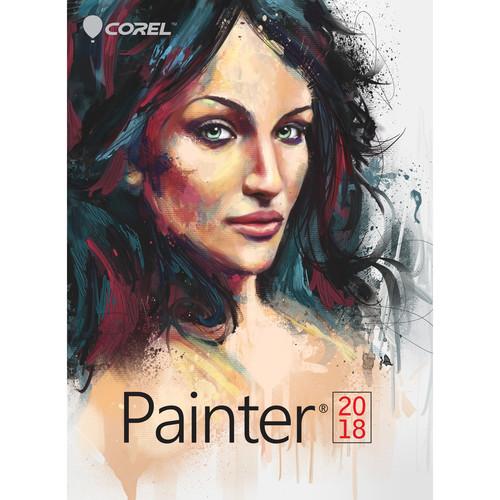 Contents of the user manual for the Corel Painter 2018
- Product category: Graphic Design Corel
- Brand: Corel
- Description and content of package
- Technical information and basic settings
- Frequently asked questions – FAQ
- Troubleshooting (does not switch on, does not respond, error message, what do I do if...)
- Authorized service for Corel Graphic Design

 |
User manual for the Corel Painter 2018 contain basic instructions
that need to be followed during installation and operation.
Before starting your appliance, the user manual should be read through carefully.
Follow all the safety instructions and warnings, and be guided by the given recommendations.
User manual is an integral part of any Corel product,
and if it is sold or transferred, they should be handed over jointly with the product.
Following the instructions for use is an essential prerequisite for protecting
health and property during use, as well as recognition of liability on the part of the manufacturer
for possible defects should you make a warranty claim. Download an official Corel user manual in which you will find instructions on how to install, use, maintain and service your product.
And do not forget – unsuitable use of a Corel product will considerably shorten its lifespan!
|
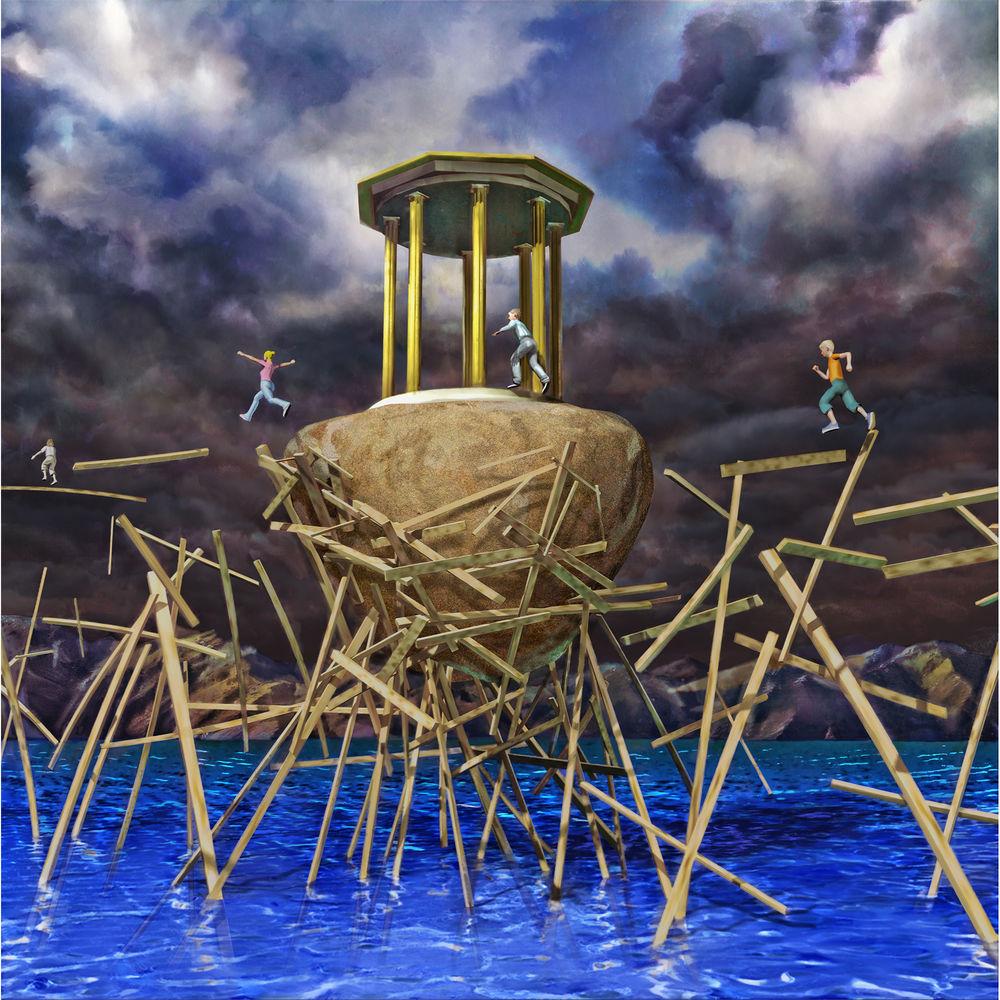
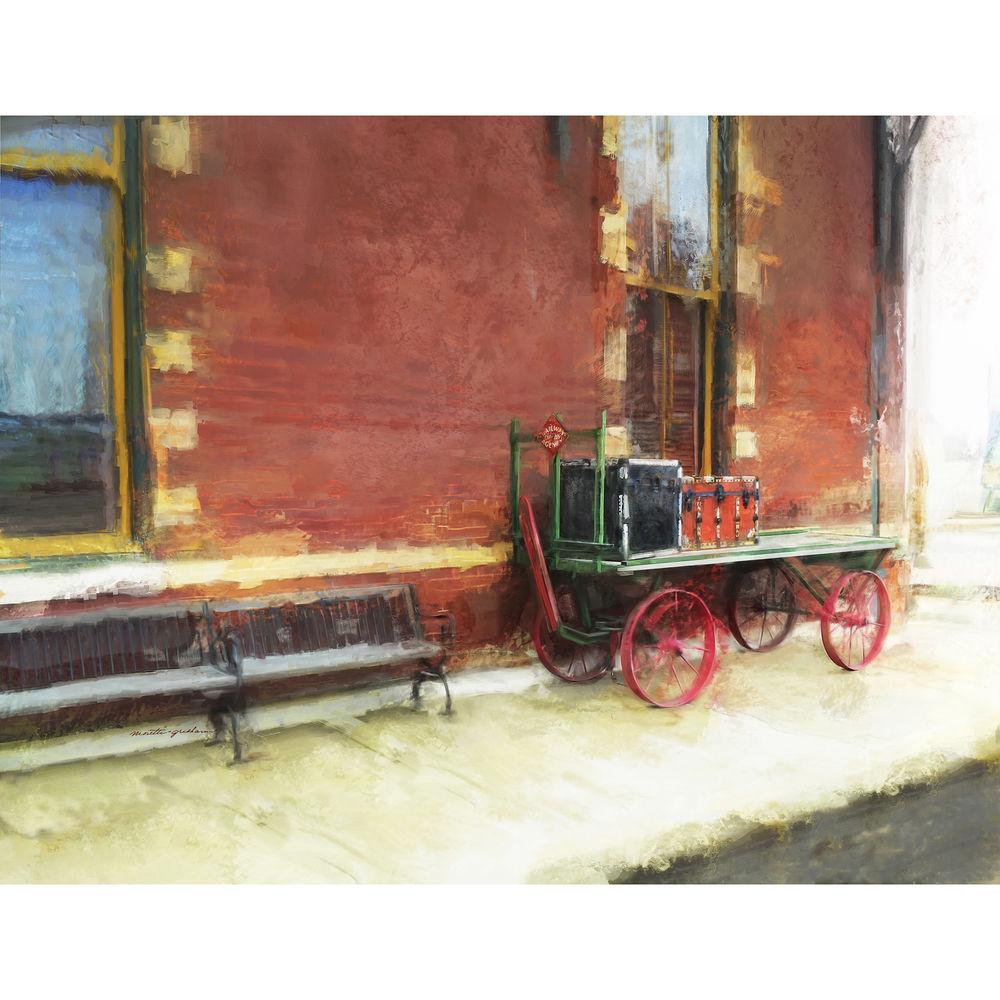
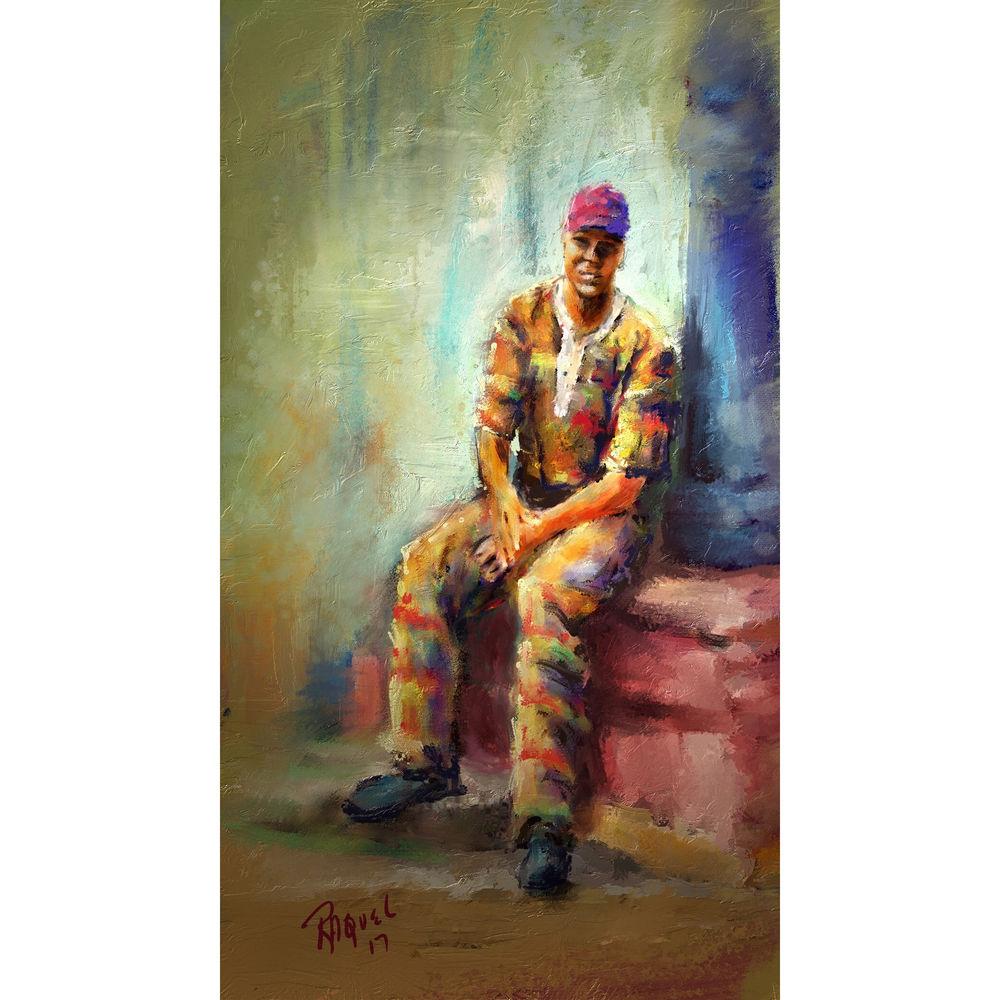
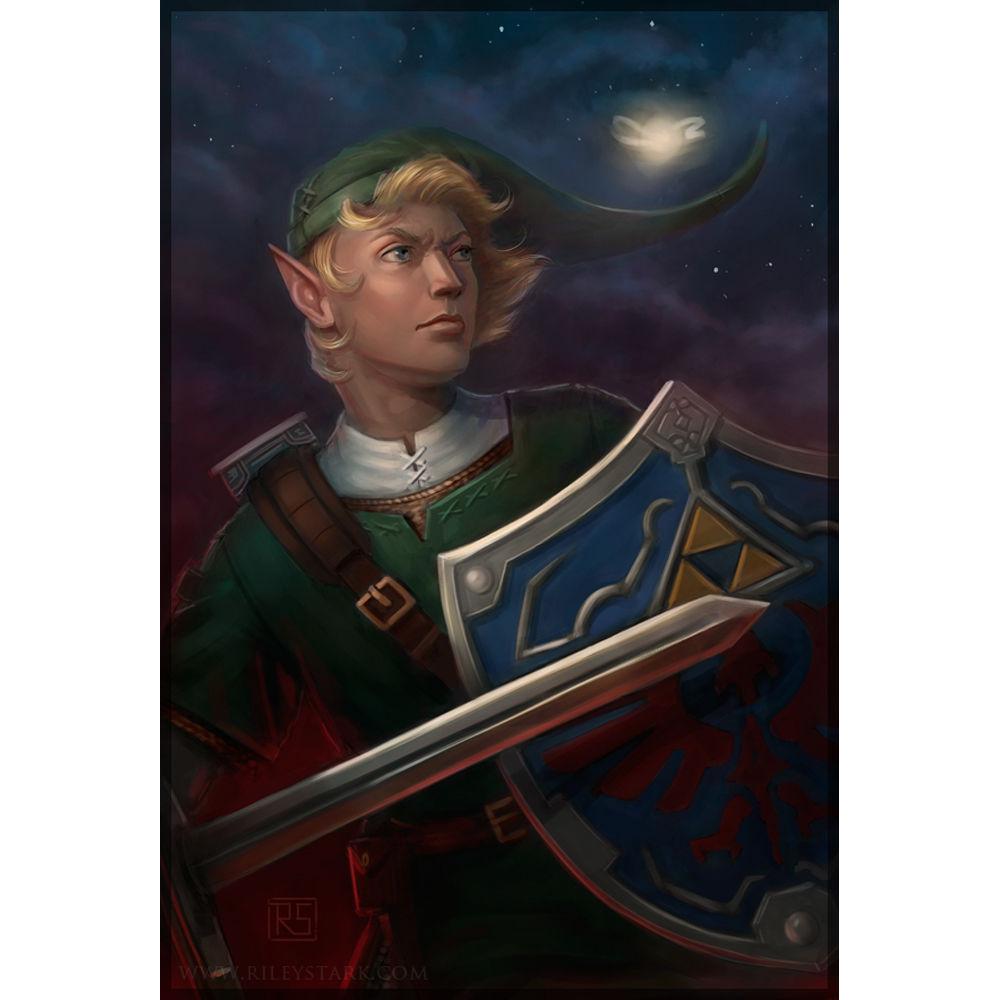
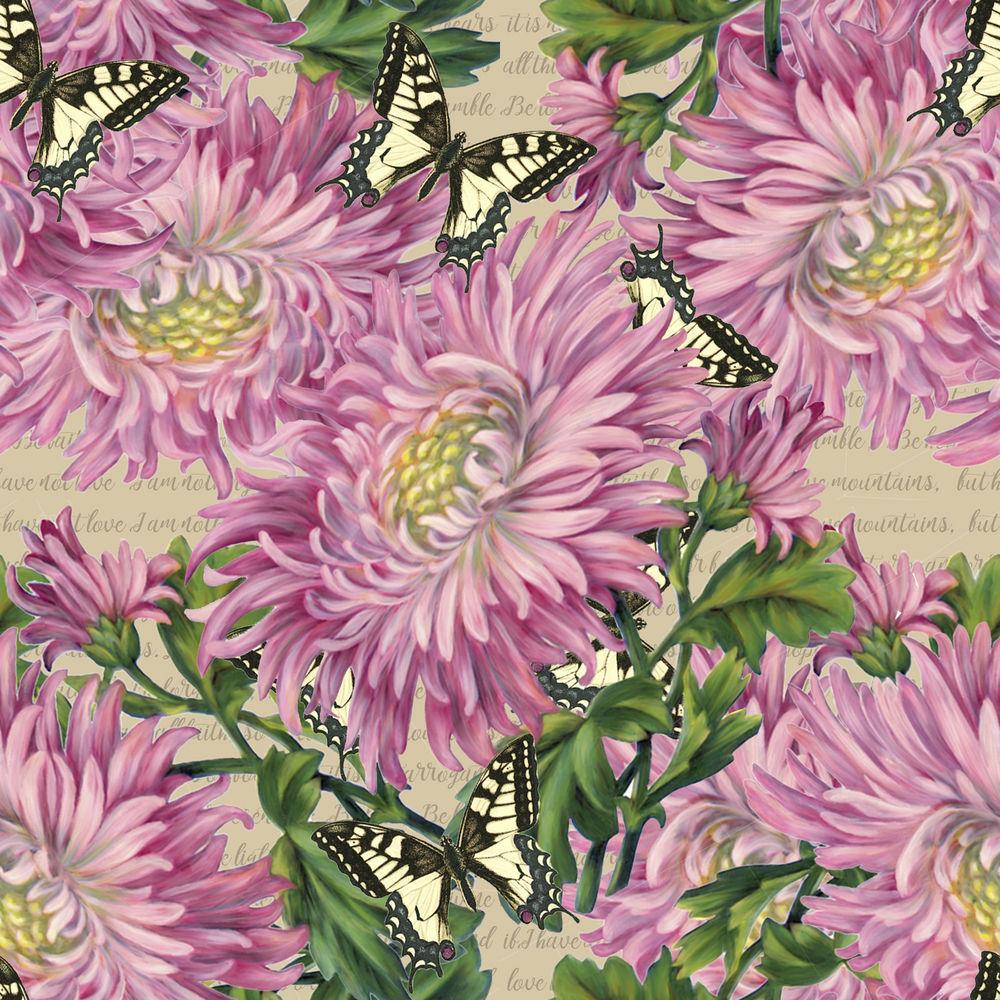
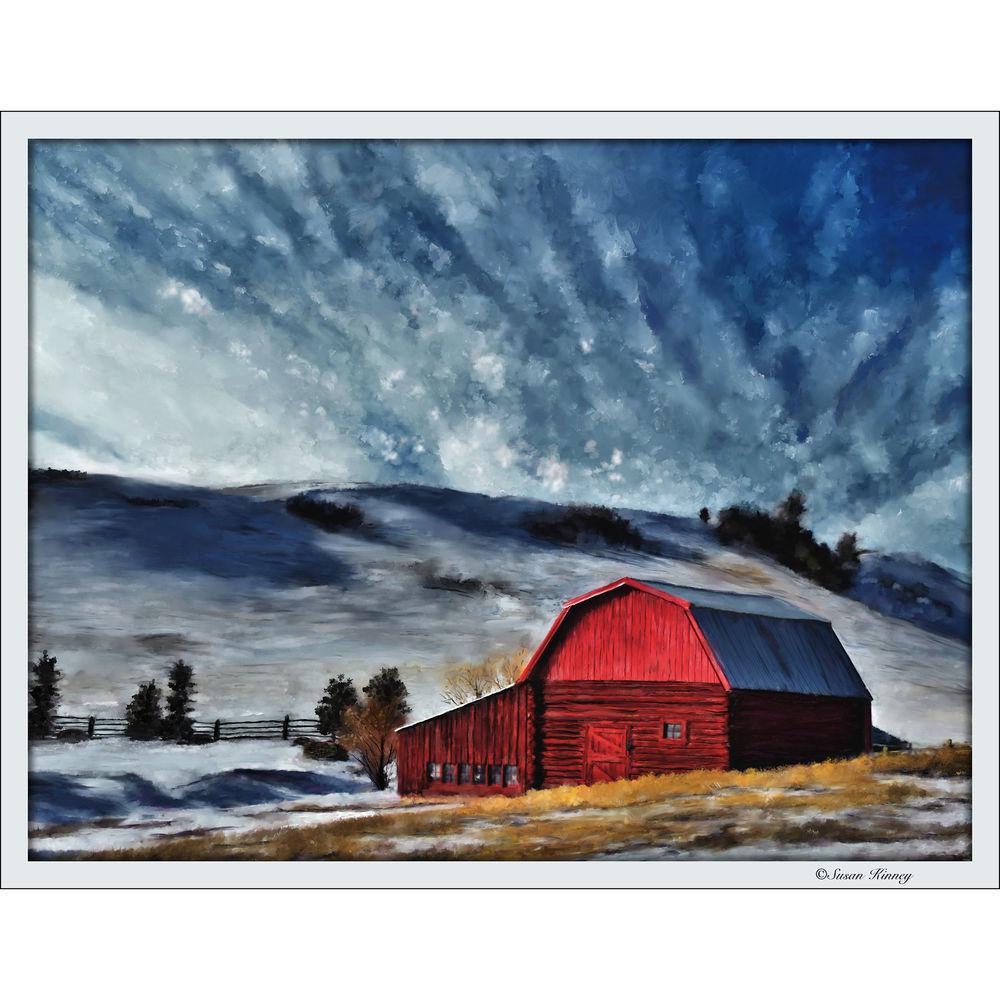
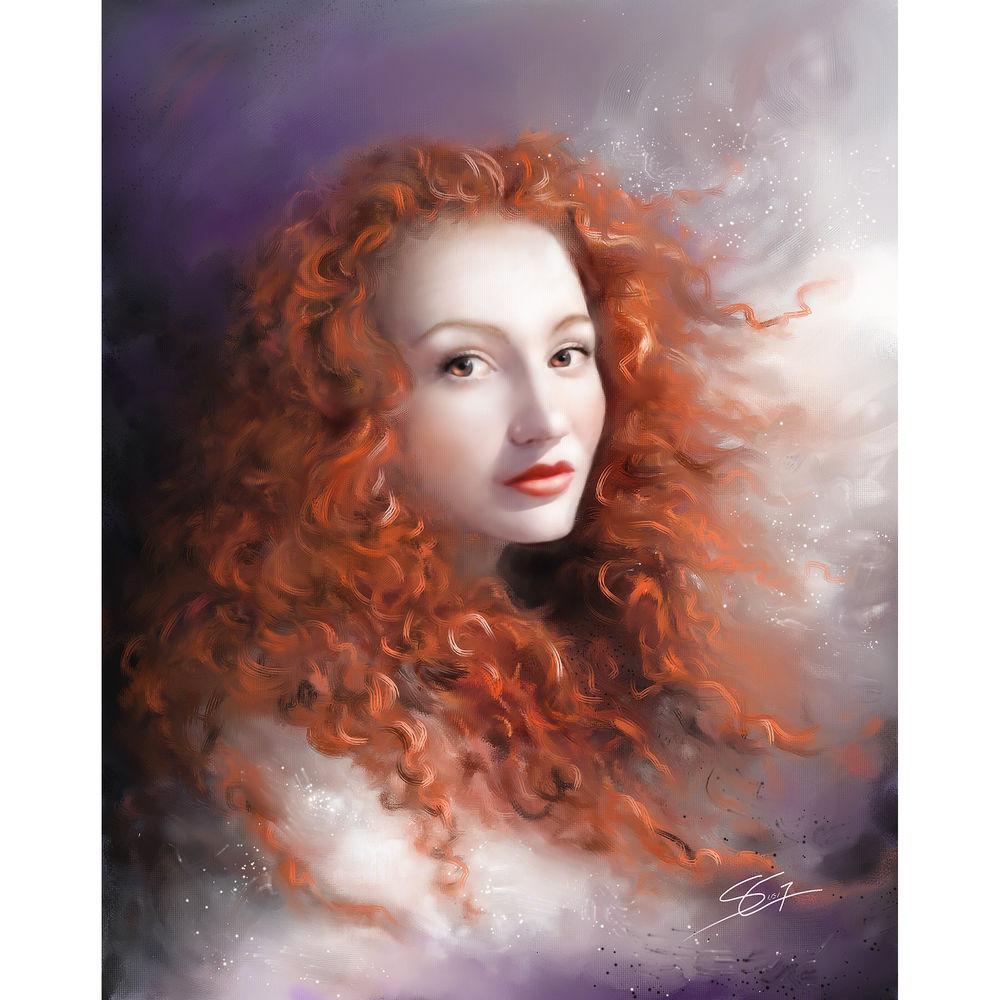
Product description This downloadable version of the multi-lingual education edition of Painter 2018 from Corel will allow users to expand their artistic capabilities and experiment with art materials trusted by professionals. Using a collection of digital progressive art materials and Natural-Media brushes, users will be able to transition from traditional to digital art with thick oils, flowing watercolors, and texture-filled media types that can help bring projects to life. Using workflow layouts such as concept art, illustration, magna & comics, photo art, and fine art, and more, users will have access to a variety of built-in layouts to suit their creative needs.
Features new to Corel Painter 2019 include Thick Paint Brushes, Thick Paint Palette Knives, Thick Paint Color Mixing, Thick Paint Lighting Control, 2.5D Texture Brushes, Embedded Impasto Support, Interactive Brush Loading, Texture Synthesis, Selection Brushes, Brush Presets, Quick Switch Clone Source, Transparency Cloning Support, Cloning with Textures, Selection Brush Tool, and Brush Hints. Enhanced features include Document Lighting Control, Natural Media Brushes (96 new brushes), Drip, Sargent, Layer Blending, Welcomebook Learning Content, Unique Textures, Layouts, Tracing Papers, Cloning Workflow, Fill Effect Tool, Fill Dialogue, Selections, Visual Tooltips, Brush Speed, and Crash Reduction.
Note: To purchase education versions of shrink-wrapped software, or take advantage of the Corel Education License Program, purchasers must be one of the following: accredited schools, faculties, full- or part-time registered students, academic supervisory organizations, hospitals, libraries, museums, or non-profit charitable and religious organizations. Please also note that you will be required to provide proof of eligibility in the form of a student/employee card, and/or relevant documentation from a qualifying institution. General Features Painter. Keeping It Real. Naturally. - Thick Paint
- Plunge into a digital painting experience with voluminous media that lets you pile up, push around, carve into, scrape, and blend your way to realistic painted environments. Apply pressure, tilt, and rotation using Bristle Brushes, and work with Palette Knives to achieve realistic brushstrokes.
- Cloning Capabilities
- Photo art tools has been improved, and the ability to collage and edit photo art is now even more user-friendly. Create clone sources in Painter 2018, or import and adjust the size and shape of your clone source on the fly. Experience the freedom of painting from transparent clone sources that seamlessly blend into your composition. You can also save your favorite clone sources with transparency to your library for use in future masterpieces.
- Texture Synthesis
- Select an area of your canvas or a favorite texture and allow Painter to use its DNA to automatically generate a larger image for you. Use this texture fingerprint to add depth and detail to your final works of art. Best of all, you can save these expanded textures for use in your future works of art.
- 2.5D Texture Brushes
- Paint with 2.5D texture brushes that lift paint off the canvas. Import a 2D rendering of a 3D model and use source blending to brush on thick scales, pores, or nubby textures. Or, paint directly onto your canvas to add character to your art. Finish things off by adjusting the ambient surface lighting of the painted result.
- Drip and Liquid Technologies
- Artist-favorite brushes that use drip or liquid technologies are now even more versatile. Paint with the Sargent brush on an empty layer while blending with underlying brushstrokes. Plus, with a wide range of fresh Natural-Media brushes, you'll find more inspiration for your canvas creations.
- Selection Brushes
- Use Painter's selection brush tool, including the ability to customize unique brush shapes, in order to rapidly add or subtract from selections with precision and control. Once you select and customize the brush, you can save it to use repeatedly in forthcoming artwork.
- Texture Fill
- Fill your canvas with dramatic textures. Whether using the Paint Bucket or the Fill Effect menu, your entire texture library is waiting to be artistically transferred to your canvas.
- Random Grain Rotation
- Select your favorite grainy brush, enable the random grain rotation, and Painter will slightly rotate the grain in each individual stroke, creating a more natural and organic look to your work.
- Included Content
- Explore the Natural-Media brush library for easy access to brushes that mimic traditional media, plus additional textures to add structure to your art. Find just what you need by exploring these 2018 brushes. Simply enter "2018" into the search window and your list of results will instantly appear.
- Blank Canvas
- Painter includes all of the wet and dry media types you will need to easily transfer the vision in your head onto canvas. Sketch with pencils, pens, pastels, and markers. Paint with realistic airbrushes, gouache, oils, sumi-e, and watercolors.
- Photo Art
- Cloning and photo-painting tools offer a productivity edge. Any brush that can be used on a blank canvas can also be dipped into an image to transform a photo into a work of art.
Canvas Textures - Papers
- Choose from a library of included canvas Paper textures. Adjust, import, or create your own and either cover or reveal texture using a variety of media types.
- Flow Maps
- Flow maps are textures designed to maximize the creative potential of the Real Watercolor and Particle brushes by helping direct the flow of paint.
- Textures
- Integrate intricate surface textures into your projects by selectively painting portions of the canvas or filling a selection with the texture of your choice.
Artist-Favorite Natural Media Categories - Artists Favorites
- Draw using the pressure sensitive Scratchboard Tool that produces controlled thick to thin strokes and use the Sargent brush to produce bold multi-shaded brushstrokes.
- Chalk, Pastel, and Pencils
- Use hard media that reacts to pressure on the drawing tablet to produce highly textured marks that react to paper grain and shaded magic with the tilt of the stylus.
- Real Watercolor
- Enjoy wet brushes that interact with paper texture and grain - flowing, mixing, and absorbing into the paper just like the real thing.
Professional Photo-Painting - Auto-Painting Panels
- No experience required. Open a photo, launch the Auto-Painting Panels and prep, auto-paint, and restore details with ease.
- Clone Source
- Use the Clone Source Panel to open the clone sources of your choosing, change size and shape if desired, and paint from the embedded opaque or transparent images.
- Clone Brushes
- These brushes are built to grab and paint. Choose the Cloners brush category and any brush variant and paint direct from the photo.
Painter Signature Brushes - Image Hose
- Artfully spray the objects of your imagination onto the canvas. Paint your own custom hose or choose from the included library to quickly populate your canvas.
- Particles
- Physics-inspired brushes that spring, flow, glow, and gravitate onto the canvas, offering a large number of creative possibilities.
- Pattern Pens
- These brushes produce visionary strokes incorporating exciting patterns. Choose from the existing library or create your own pattern to paint with.
- Texture Source Blending
- These brushes seamlessly blend the texture source directly into your rendered 3D output, or let you paint with full control over the texture color, luminance, location, and distortion.
Composition Tools - Divine Proportion and Layout Grid
- Use guides & grids based on classical composition, creating a sense of proportion that guides the eye of the viewer across a painting.
- Mirror Painting & Kaleidoscope
- Create a symmetrical painting by allowing Painter to create a mirror image by reproducing brushstrokes on the opposite side of the canvas or multiple reflections of mirror planes.
- Perspective Guides
- Display non-printing Perspective Guides to create objects that give the impression that they are receding, or vanishing, from view.
The Joy of Painting - Videos: Paint Like Bob Ross Tutorials
- Recreating Bob's Wet-on-Wet Technique is now even easier when you paint on a digital canvas using Bob Ross approved digital brushes.
- Webinars: Mystic Mountain in 30 Minutes
- Now, you can watch Painter Master Elite Karen Bonaker emulate Bob's painting technique. Grab your brushes and paint along with this live, "easy-does-it" painting approach to see and feel the magic happen on canvas.
- Mystic Mountain Brush Pack
- Paint just like Bob Ross using this separately sold custom pack of 16 brushes that includes everything you need to paint the happy little clouds, trees, river and mountains that make up a Mystic Mountain.
Table of Contents
|
Upload User Manual
Have you got an user manual for the Corel Painter 2018 in electronic form? Please send it to us and help us expand our library of instruction manuals.
Thank you, too, on behalf of other users.
To upload the product manual, we first need to check and make sure you are not a robot. After that, your "Submit Link" or "Upload File" will appear.
Technical parametersCorel Painter 2018 Specs | | | Operating System | Windows 10, 8.1, or 7 (64-bit with the latest updates) | | Processor | Intel Core 2 or AMD Athlon 64 processor
2 GHz or faster
Four logical cores or higher (recommended) | | Memory | 2 GB RAM minimum (8 GB RAM or higher recommended) | | Hard Disk Space | 1 GB hard disk space for application files (SSD recommended, additional space may be required for Microsoft .NET Framework 4.6) | | Display | 1280 x 800 screen resolution (1920 x 1080 recommended) | | Input | Mouse or tablet | | Optical Drive | DVD drive required for box installation only | | Activation | To activate your product, you must connect to the Internet and register it first | | Internet Browser | Microsoft Internet Explorer 11 or higher, with the latest updates | | | | Operating System | macOS 10.12 or OS X 10.11 and 10.10, with the latest revisions | | Processor | Intel processor with 64-bit support
Four logical cores or higher (recommended) | | Memory | 2 GB RAM (8 GB RAM or higher recommended) | | Hard Disk Space | 750 MB hard disk space for application files (SSD recommended) | | Display | 1280 x 800 screen resolution (1920 x 1080 recommended) | | Input | Mouse or tablet | | Optical Drive | DVD drive required for box installation only | | Activation | To activate your product, you must connect to the Internet and register it first |
Rating20% users recommend this product to others. And what about you?

This product has already been rated by 46 owners. Add your rating and experience with the product.
Discussion
 Ask our technicians if you have a problem with your settings,
or if anything is unclear in the user manual you have downloaded.
You can make use of our moderated discussion.
The discussion is public and helps other users of our website who may be encountering similar problems.
Ask our technicians if you have a problem with your settings,
or if anything is unclear in the user manual you have downloaded.
You can make use of our moderated discussion.
The discussion is public and helps other users of our website who may be encountering similar problems.
The discussion is empty - enter the first post
Post a new topic / query / comment:
|
|
|
| Request for user manual |
You can’t find the operation manual you are looking for? Let us know and we will try to add the missing manual:
I’m looking for a manual / Request for manual
Current requests for instruction manuals:
Call Of Duty World War Two For Xbox...
controller stratus XL...
stratus XL...
smart whatch serie S11 42mm...
Allen & Heath SQ-6 manual...
|
| Discussion |
Latest contributions to the discussion:
AEW R 4100
Name: MAURICIO ANGARITA
Audio-Technica AEW-R4100 UHF Diversity Receiver for
AEW R 4100 has the mute function blocked and does not allow audio to pass. I tried several times to turn off the mute from the transmitter but it does nothing, the mute stays on. Solution?
Thank you...
Instructions for assembling the 2015 Forecast Image Master Consoles GC3-A
Name: mike elam
Forecast Consoles GC3-A ImageMaster Editing Console
Looking for instructions for assembling this console. ...
EMPTY TONER ERROR MESSAGE AFTER REPLACING TONER
Name: LINDA BAD YELLOW EYES
Brother TN223BK Standard-Yield Toner
I HAD TO CHANGE OUT ALL THREE TONERS DUE TO LEAKS IN THE YELLOW AND CYAN. AFTER I REPLACED THEM, THE MACHINE KEEPS GIVING ME AN EMPTY TONER ERROR MESSAGE. HELP!!...
PS480D 20/24 pin Switching 480W Power Supply
Name: swkargo
Logisys 480W Power Supply
This item states in can run -5vdc .It is NOT listed on the board or I beleive is r4 is missing the resitior. Any body have thid issue. Shawn
...
Help needed
Name: Ann Carter
SanDisk 1TB Extreme Portable USB 3.1
When I click the link to download the user manual for my Sandisk Extreme external hard drive, it gives me the manual for the LG Cricket. Can you please change the link so I can download the Sandisk manual and begin using this drive? Thank you....
|
|


