User Manual for Corel PaintShop Pro X9 Ultimate Click to enlarge the picture
 Contents of the user manual for the Corel PaintShop Pro X9 Ultimate
- Product category: Photo Software Corel
- Brand: Corel
- Description and content of package
- Technical information and basic settings
- Frequently asked questions – FAQ
- Troubleshooting (does not switch on, does not respond, error message, what do I do if...)
- Authorized service for Corel Photo Software

 |
User manual for the Corel PaintShop Pro X9 Ultimate contain basic instructions
that need to be followed during installation and operation.
Before starting your appliance, the user manual should be read through carefully.
Follow all the safety instructions and warnings, and be guided by the given recommendations.
User manual is an integral part of any Corel product,
and if it is sold or transferred, they should be handed over jointly with the product.
Following the instructions for use is an essential prerequisite for protecting
health and property during use, as well as recognition of liability on the part of the manufacturer
for possible defects should you make a warranty claim. Download an official Corel user manual in which you will find instructions on how to install, use, maintain and service your product.
And do not forget – unsuitable use of a Corel product will considerably shorten its lifespan!
|
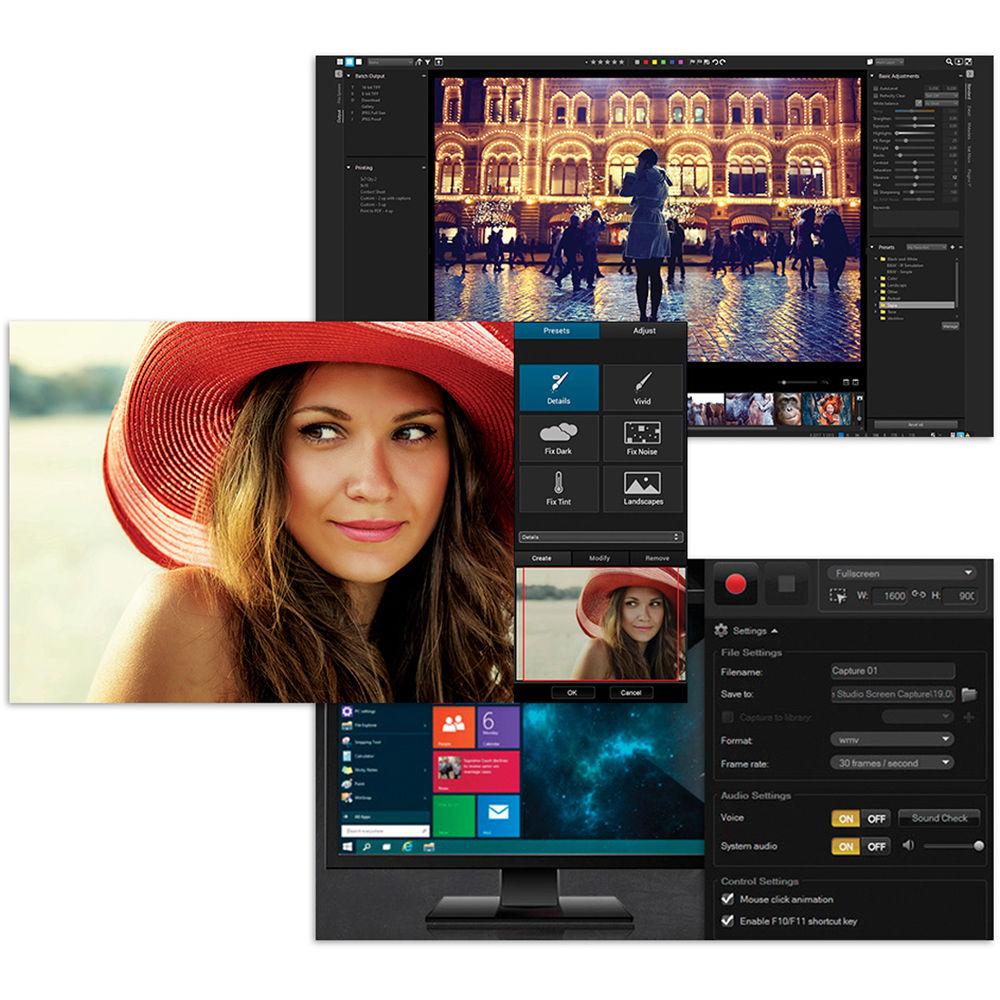
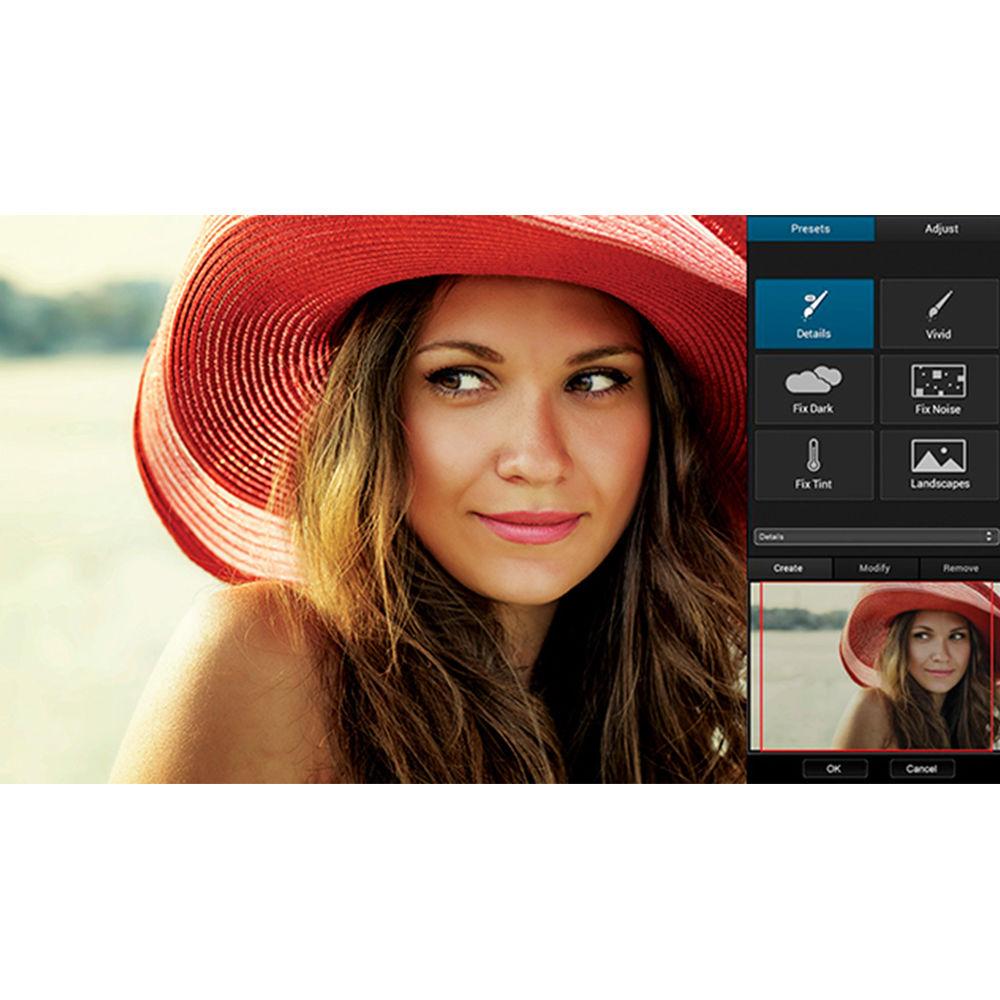
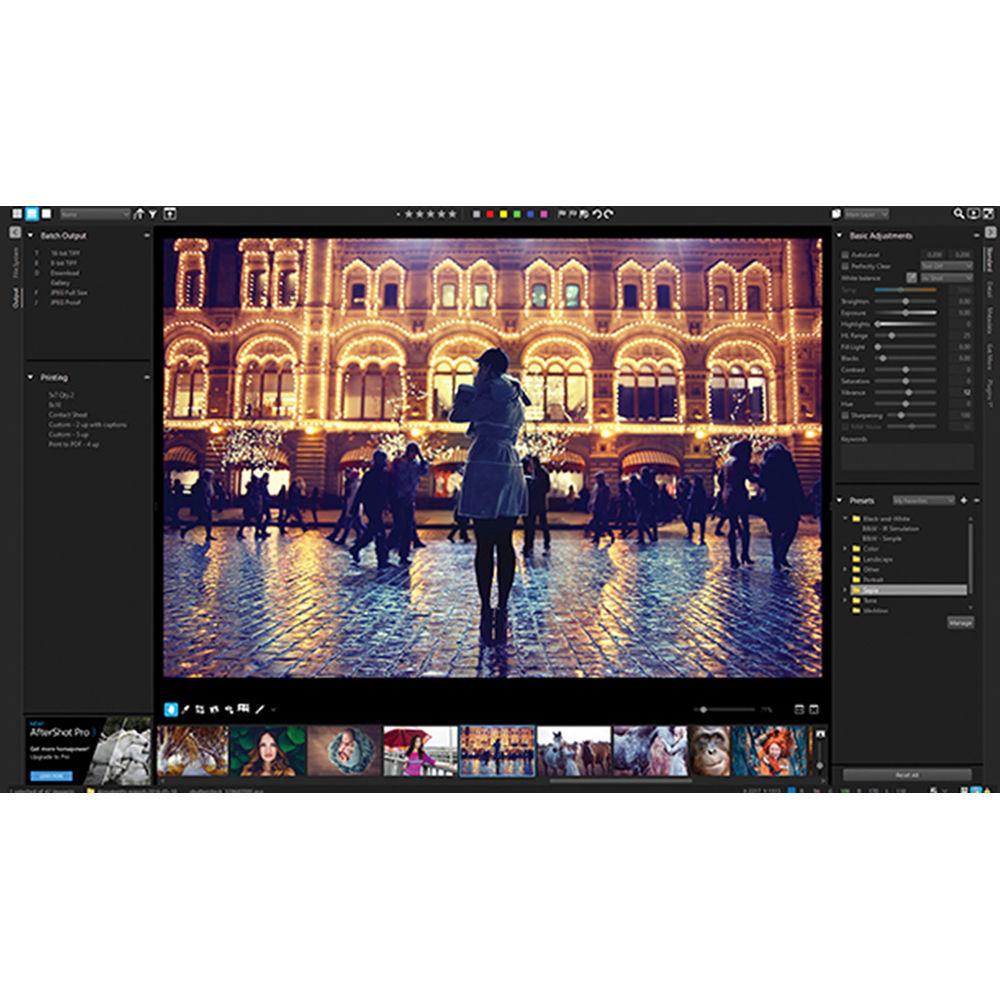
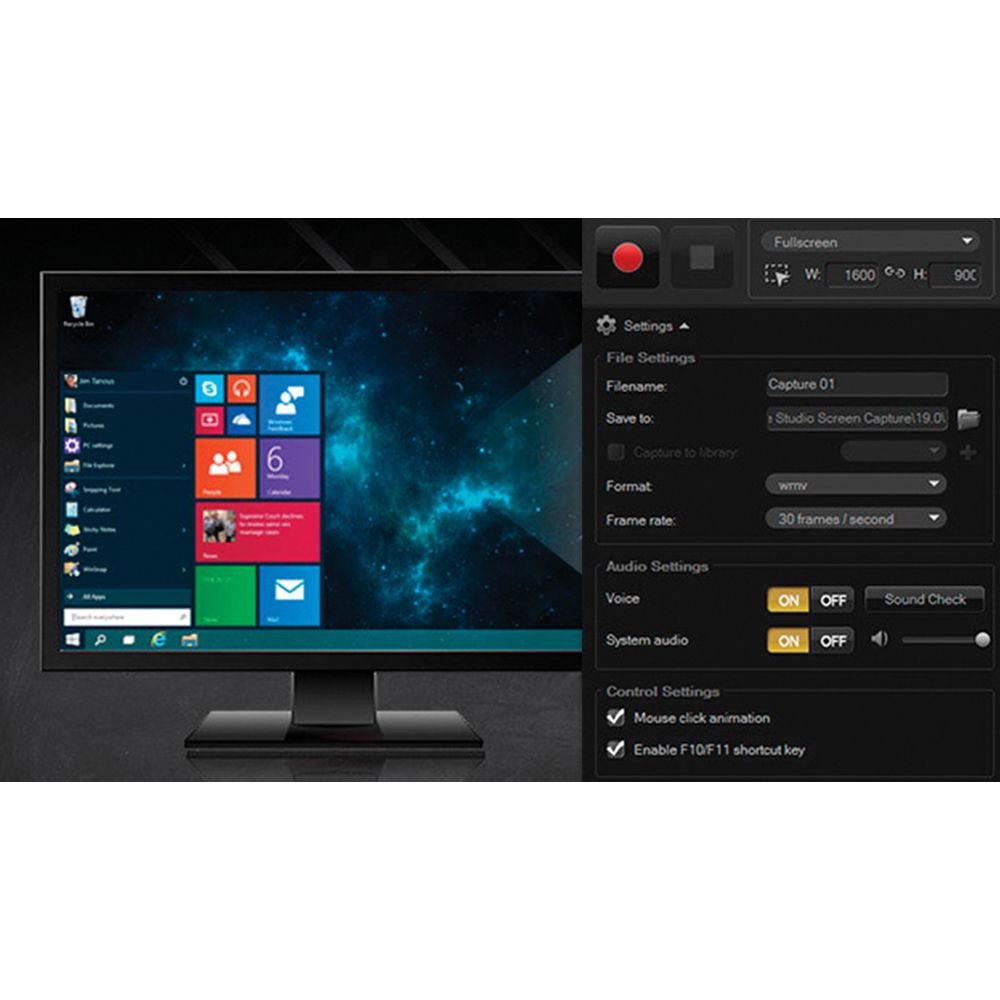
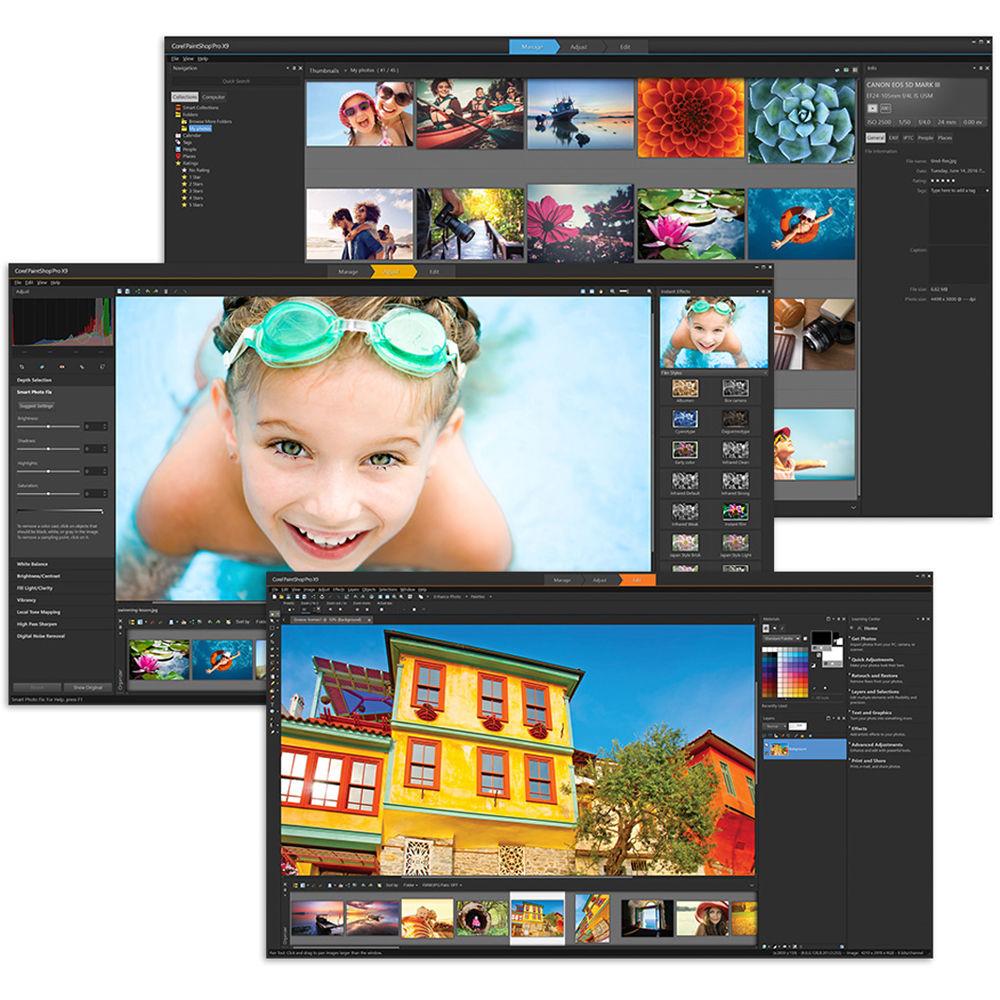
Product description Women of Influence: Katrin Eismann Read More PaintShop Pro X9 Ultimate from Corel is a comprehensive, multi-faceted program offering a breadth of control for photo editing, image management, and graphic design. For photo editing, the X9 Ultimate version includes a bonus collection of software, AfterShot 3, Perfectly Clear 2 SE, and Live Screen Capture. The X9 Ultimate allows you to save time with new templates for projects, improved text and gradient tools, and new Text Presets. These updates pair with the existing rich variety of tools available, including a non-destructive and composite editing with layers, raw file processing, and HDR image combining.
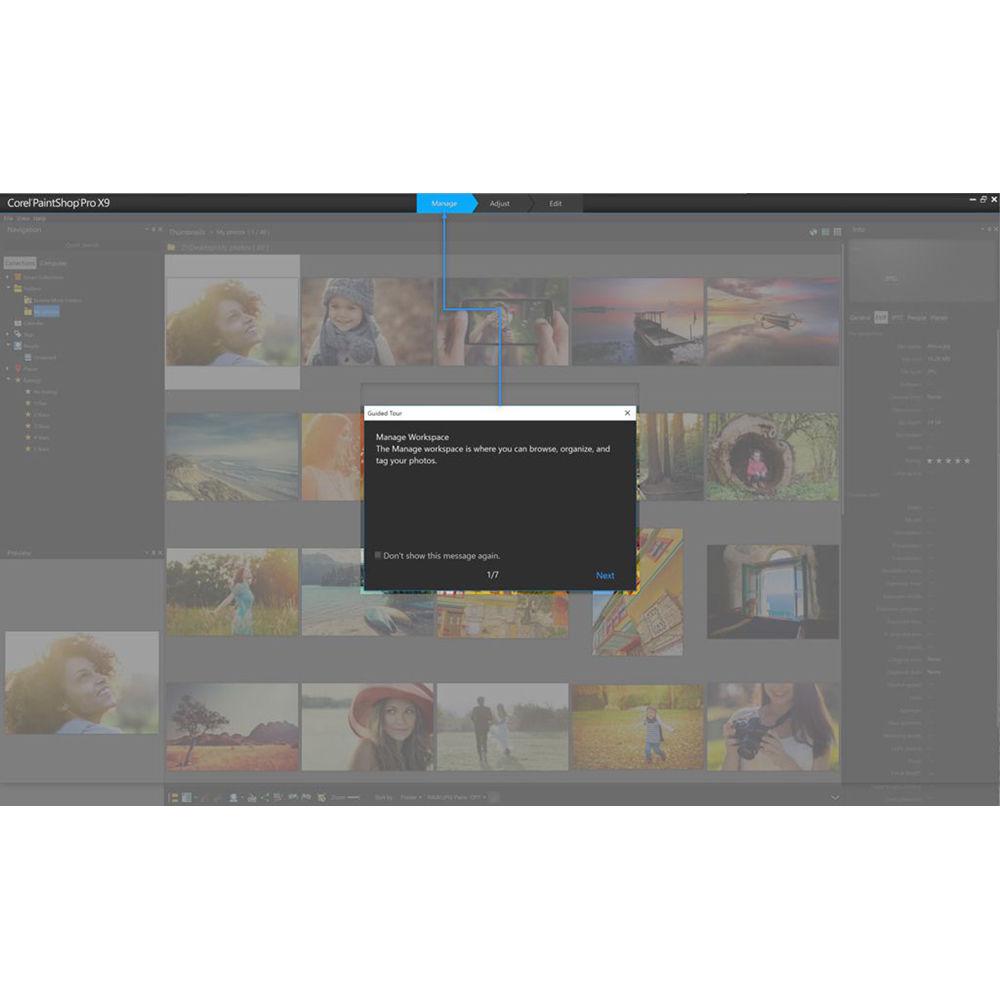
Performance speeds have also been increased in version X9 Ultimate to suit working with larger, more detailed imagery. A powerful scripting engine allows you to automate portions of your workflow for greater efficiency and compatibility with third-party plug-ins and brush files, extending the versatility of the application. Complementing the editing assets, access to Learning and Discovery Centers for familiarizing yourself with features is available and integrated social media sharing tools let you post your finished results directly to Facebook, Flickr, or Google+. - Time-Saving Tools
-
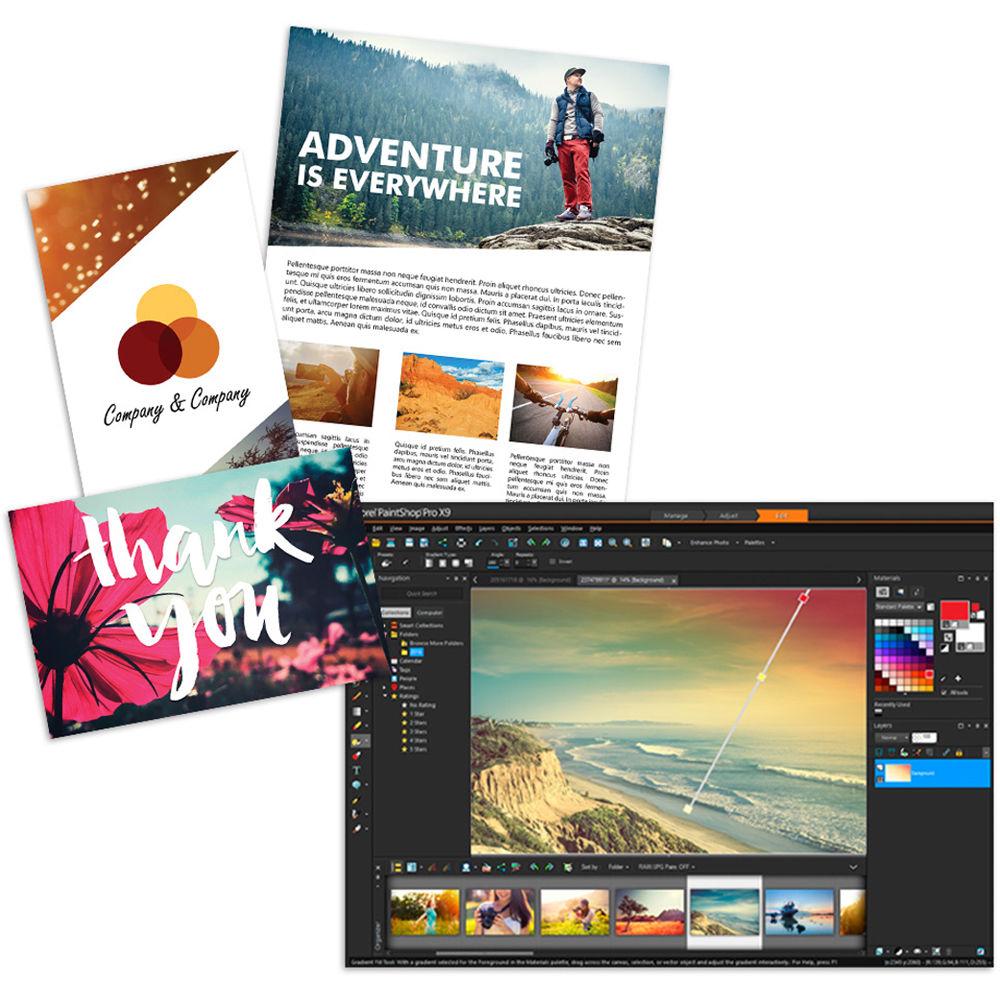
- Templates allow for professional, yet personal projects
- Smart Capture mode grabs an image by hovering over desired capture area
- New Gradient Fill tool drops gradient directly onto an image for drag and drop color changes
- Retro lab brings vintage looks to photos
- Selective Focus
- Text presets
- Improved text tools with a new text toolbar
- Enhanced scripts
- New Perfect Exposure Presets allow you to quickly improve 8 common photo problems with just one click
- Professional-Level Photo Editing
-
- Multiple layers allow for photo composites and enhanced imagery
- Camera RAW Lab allows for complete control over raw images
- The Smart Photo Fix tool allows for batch processing
- XDM and Intel RealSense support
- High Dynamic Range (HDR) tools
- Lens correcting tools
- Full-featured scripting engine speeds up repetitive tasks
- Export Edit History feature documents and shares edits
- Support for 64-bit versions of third-party plugins
- Raw file support for over 450 cameras
- Built-In Sharing & Social Media Features
-
- Face recognition technology identifies and tags people
- Photo mapping to real-world locations
- Share My Trip creates online slideshow
- Social Media integration with Facebook, Flickr, and Google+
- Includes Bonus Software
-
- Corel AfterShot 3
- Perfectly Clear 2 SE
- Live Screen Capture
In the Box Corel PaintShop Pro X9 Ultimate (Download) Corel AfterShot 3 Corel Perfectly Clear 2 SE Corel Live Screen Capture Table of Contents
|
Upload User Manual
Have you got an user manual for the Corel PaintShop Pro X9 Ultimate in electronic form? Please send it to us and help us expand our library of instruction manuals.
Thank you, too, on behalf of other users.
To upload the product manual, we first need to check and make sure you are not a robot. After that, your "Submit Link" or "Upload File" will appear.
Technical parametersCorel ESDPSPX9ULML Specs | | | Supported OS Versions | Windows 7, 8, 8.1, 10 (32/64-Bit) | | Storage Requirements | 1 GB | | Processor Requirement | 1.8 GHz Intel Core Duo
AMD Athlon 64 X2 | | | | RAM Requirement | 2 GB (Minimum)
4 GB (Recommended) | | Minimum Display Resolution | 1280 x 768 | | Internet Connection Required | Yes | | Image Formats Supported | AI, BMP, CAL, CALS, CGM, CLP, CUR, CUT, DCX, DIB, EMF, EPS, GIF, HDP, IFF, IMG, J2C, J2K, JIF, JPC, JPE, JPEG, JPEG 2000, JPS, JPX, MAC, MPO, MRW, MSP, PBM, PCD, PCT, PCX, PDF, PGM, PIC, PICT, PNG, PNS, PPM, PS, PSD, PSP, PSPIMAGE, RAS, RAW, RIF, RLE, SCT, SVG, SVGZ, TGA, TIF, UFO, WBM, WBMP, WDP, WEBP, WMF, WPG |
Rating80% users recommend this product to others. And what about you?

This product has already been rated by 32 owners. Add your rating and experience with the product.
Discussion
 Ask our technicians if you have a problem with your settings,
or if anything is unclear in the user manual you have downloaded.
You can make use of our moderated discussion.
The discussion is public and helps other users of our website who may be encountering similar problems.
Ask our technicians if you have a problem with your settings,
or if anything is unclear in the user manual you have downloaded.
You can make use of our moderated discussion.
The discussion is public and helps other users of our website who may be encountering similar problems.
The discussion is empty - enter the first post
Post a new topic / query / comment:
|
|


