User Manual for Corel Pinnacle Studio 22 Standard Click to enlarge the picture
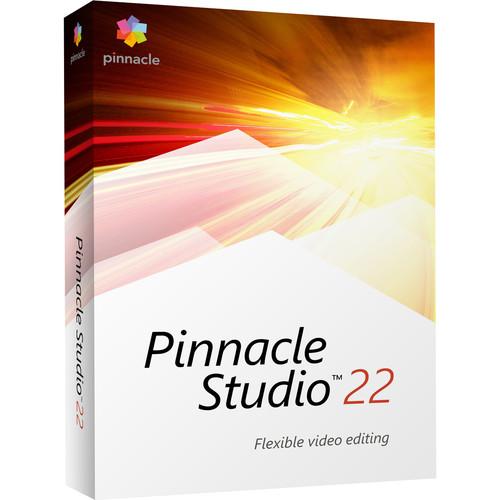 Contents of the user manual for the Corel Pinnacle Studio 22 Standard
- Product category: Video Editing Corel
- Brand: Corel
- Description and content of package
- Technical information and basic settings
- Frequently asked questions – FAQ
- Troubleshooting (does not switch on, does not respond, error message, what do I do if...)
- Authorized service for Corel Video Editing


 |
User manual for the Corel Pinnacle Studio 22 Standard contain basic instructions
that need to be followed during installation and operation.
Before starting your appliance, the user manual should be read through carefully.
Follow all the safety instructions and warnings, and be guided by the given recommendations.
User manual is an integral part of any Corel product,
and if it is sold or transferred, they should be handed over jointly with the product.
Following the instructions for use is an essential prerequisite for protecting
health and property during use, as well as recognition of liability on the part of the manufacturer
for possible defects should you make a warranty claim. Download an official Corel user manual in which you will find instructions on how to install, use, maintain and service your product.
And do not forget – unsuitable use of a Corel product will considerably shorten its lifespan!
|
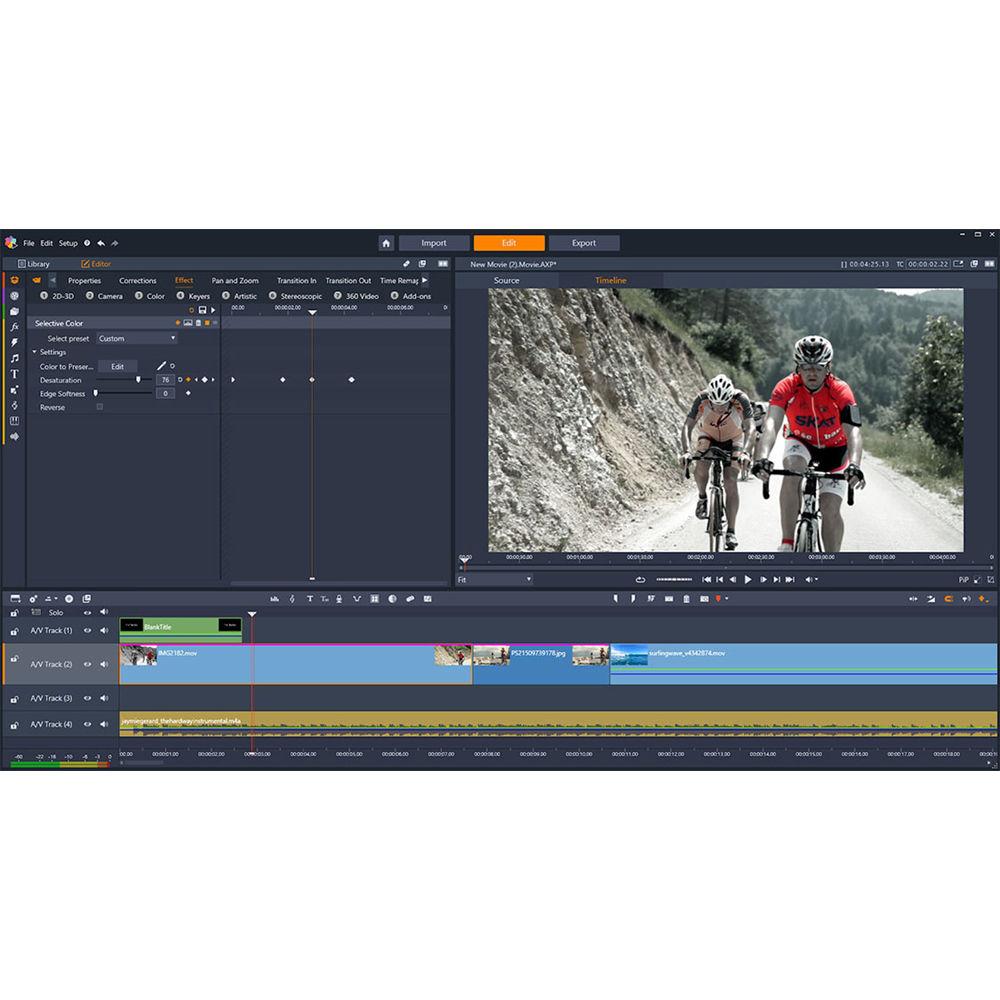
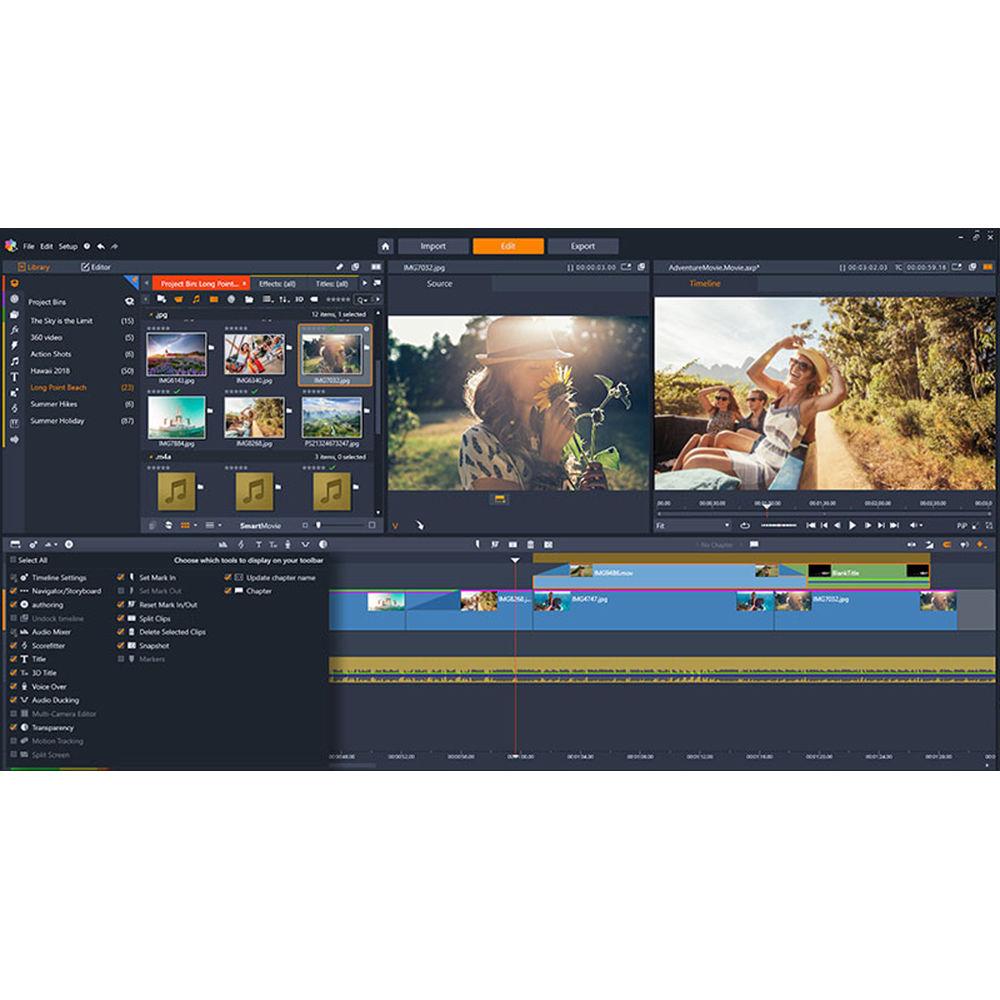
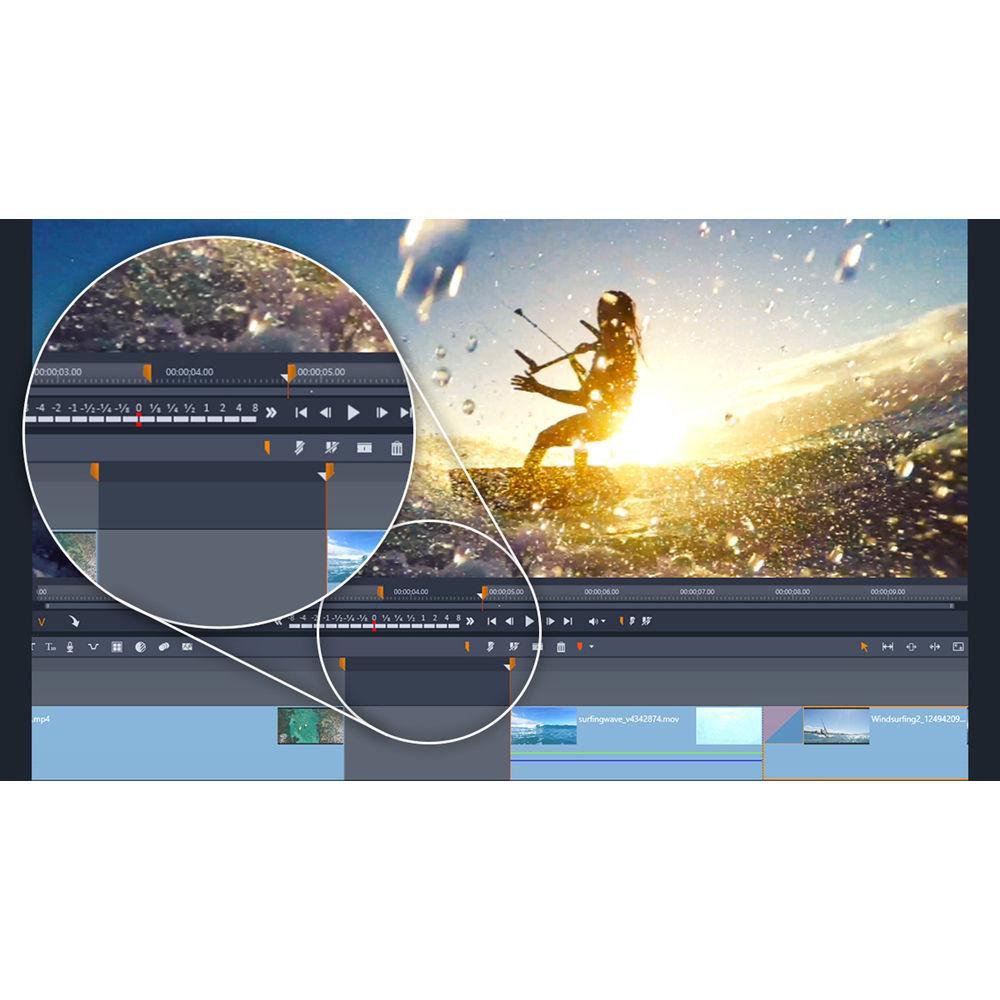
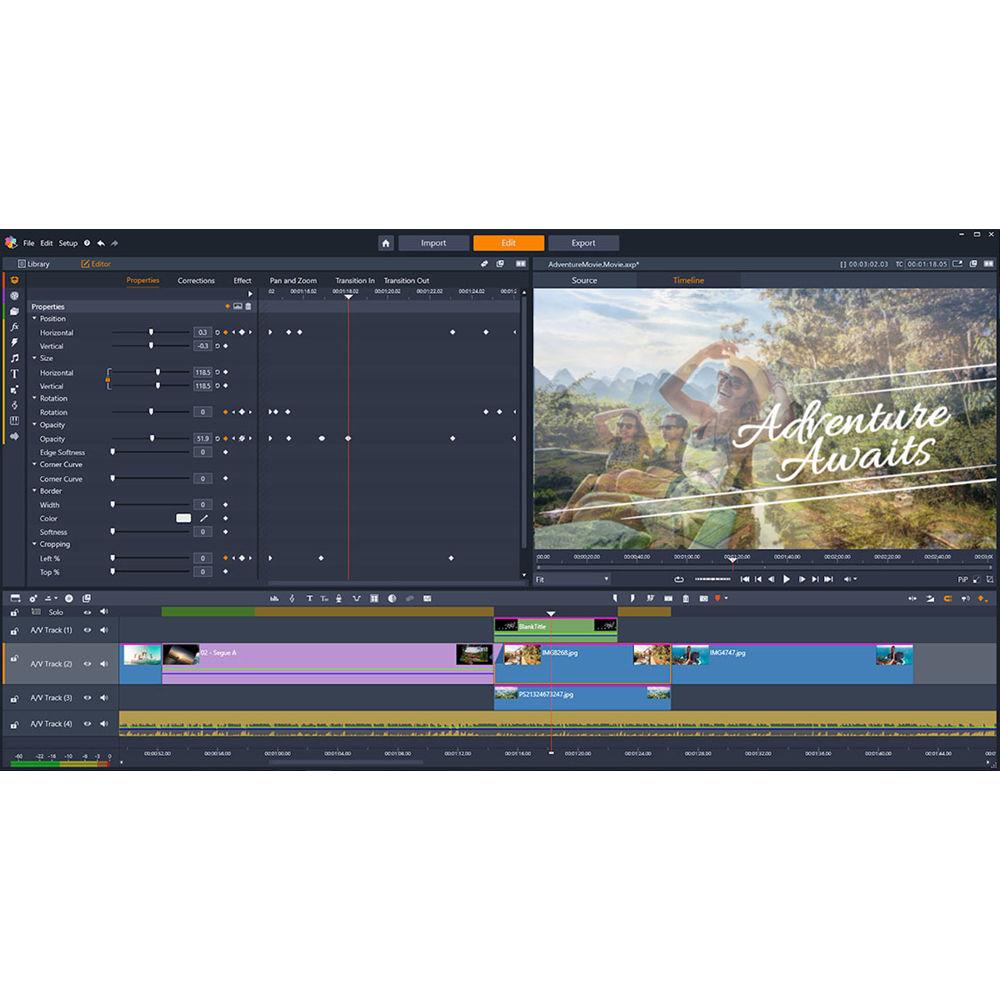
Product description Corel Pinnacle Studio 22 Standard is a fun and easy-to-use video editing system for enthusiasts. Pinnacle Studio 22 Standard is optimized for Full HD and 3D formats and offers 6 video and 6 audio tracks for mixing media, effects, transitions, and more. The application features 1500+ effects/filters, simplified color grading, 2-camera multicam editing, and much more.
The many tools and features include stop motion animation, motion 3D titles, wide angle lens correction, and audio ducking. You can instantly post your projects to social media as well as burn them to DVD discs complete with menus and titles. You can also add a Blu-ray burning option that's sold separately within the program.
Pinnacle Studio 22 Standard is Windows compatible. Please see the Features section below for a full list of features, including the new ones added in this release. All Features - Editing
-
- Full HD 1080p video editing
- 6 video/6 audio tracks
- Storyboard and timeline editing
- Frame-accurate timeline editing
- Drag-and-drop video editing
- Creative
-
- 1500+ video effects, transitions, titles, and templates
- (New) MultiCam Capture Lite (2 streams): Record your screen and webcam simultaneously and create engaging tutorial videos
- Multi-Camera Editing (2 cameras): Sync and align your clips and select which angle to show as the video plays
- (New) Color Grading (simplified): Enhance your motion picture with powerful color controls and stylize your image to set the tone and mood
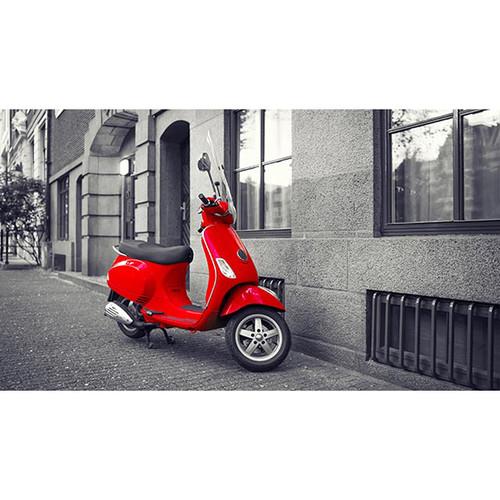
- (New) Selective Color: Highlight a single color in your picture, pushing everything else to black and white
- (New) Split Screen Video: Show multiple video streams simultaneously with pre-designed templates or create your own template with the Split Screen template creator
- (New) Motion 3D Titles: Add 3D title presets to your next project or create custom titles with the 3D Title Editor
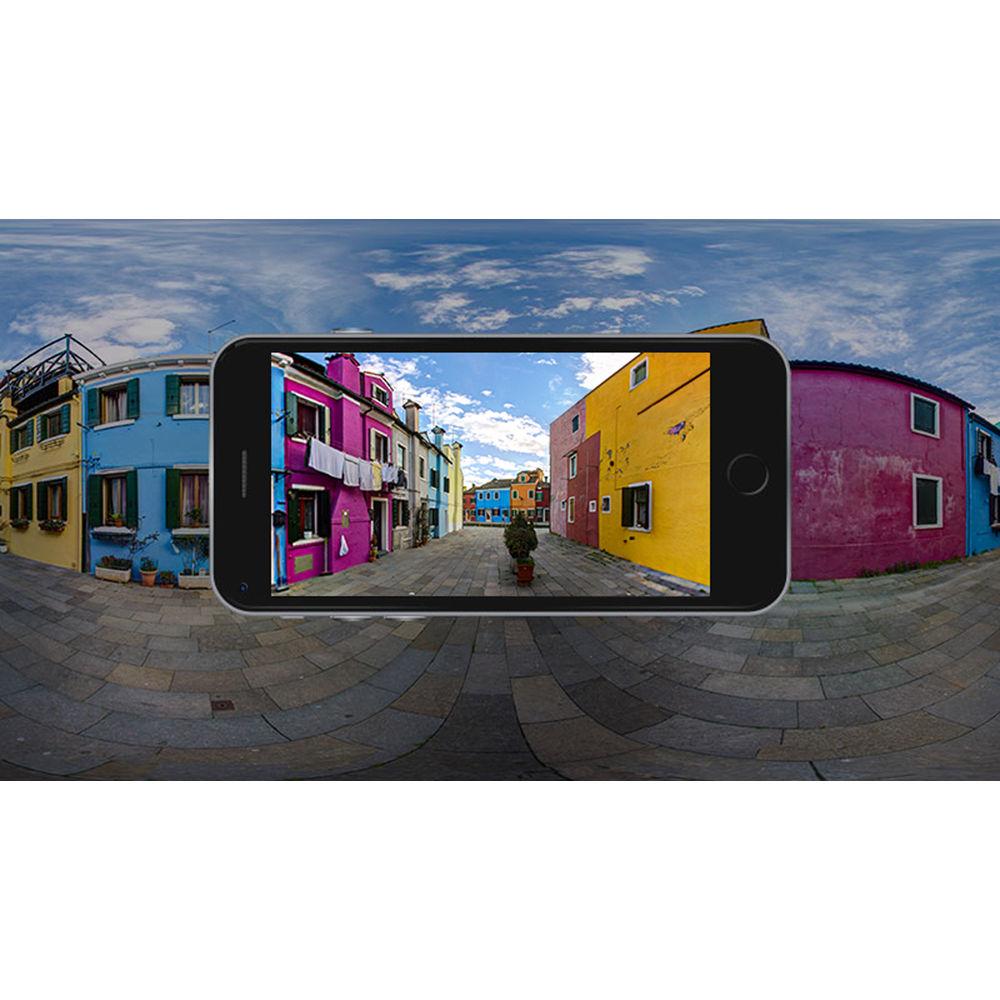
- Wide Angle Lens Correction: Remove distortion from wide-angle cameras and straighten the horizon
- Video Template Creator: Save your finished projects as a video template and select which media to replace with placeholders to fast-track future projects
- Video Templates: Start with a customized themed montage template to build your movie
- Stop Motion Animation: Create animated movies frame by frame starring your toys, food, art, and more with easy to use controls
- ScoreFitter Music Library: Add royalty-free music that automatically adjusts to fit the length of your video
- SmartMovie Automatic Moviemaking: Drag and drop video, images, and music from your library and create quick photo slideshows
- Green Screen/Chroma Key: Superimpose your subjects onto virtual backgrounds with the power of green screen
- Color Grading (Simplified)
-
- Hue and saturation
- HSL color tuning
- LUT
- Luminance
- Video Outputs & Sharing
-
- (New) Insert chapter points in timeline
- (Enhanced) Burn to DVD disc with chapters and menus with MyDVD (20+ templates)
- Export to all common video formats
- Export to specific video extensions
- Export to mobile devices
- Export to social media
- Project packages for easy archive/restore
- Formats & Support
-
- (New) GoPro LVR
- HEVC (H.265) import (supporting hardware or graphics card required)
- 2 channel Dolby Digital
- 64-bit architecture
- Intel Quick Sync Video hardware acceleration
- Support for VFR (variable frame rate) video from iPhone 6 (and higher) and other sources
Table of Contents
|
Upload User Manual
Have you got an user manual for the Corel Pinnacle Studio 22 Standard in electronic form? Please send it to us and help us expand our library of instruction manuals.
Thank you, too, on behalf of other users.
To upload the product manual, we first need to check and make sure you are not a robot. After that, your "Submit Link" or "Upload File" will appear.
Technical parametersCorel Pinnacle Studio 22 Standard Specs | | | Operating System | 64-Bit Required: Windows 10 recommended, Windows 8.x, Windows 7 | | CPU | Intel Core i3 or AMD A4 3.0 GHz or higher
Intel Core i5 or i7 1.06 GHz or higher required for AVCHD & Intel Quick Sync Video support
Intel Core i7 4th generation or later or AMD Athlon A10 or higher for UHD, multi-camera, or 360 video workflows | | RAM | 4 GB of RAM or higher, 8 GB+ recommended for UHD, multi-camera, or 360 video workflows | | Graphics | DirectX Graphics Device Recommended:
NVIDIA GeForce 700 series / Quadro 600 (Fermi-based) or newer (CUDA-enabled required for CUDA support)
ATI Radeon HD 5XXX series or higher Intel HD Graphics from Ivy Bridge or higher | | Other | HEVC (H.265) support requires Windows 10 and supporting PC hardware or graphics card
3D Titler requires DirectX 11
Minimum 256 MB VGA VRAM, 512 MB or higher recommended
Display Resolution: 1024 x 768 or higher
Windows-compatible sound card (multi-channel output required for surround preview)
8 GB HDD space for full installation | | | | Input Options | Capture from DV, HDV, and Digital8 camcorders or VCRs (requires a FireWire port)
Import from AVCHD and other file based camcorders, digital still cameras, mobile devices and webcams | | Import Formats | Video: AVCHD, DV, HDV, AVI, MPEG-1/-2/-4, Flash, 3GP (MPEG-4, H.263), WMV, Non-encrypted DVD titles (incl. DVD-VR/+VR), MOV (DV, MPEG-4, H.264), HEVC (H.265), DivX Plus MKV (requires download of DivX drivers from DivX), GoPro LRV
Audio: MP3, MPA, M4A, WAV, AMR, AC3, AAC, Vorbis, WMA
Graphic: JPS, BMP, GIF, JPG, PCX, PSD, TGA, TIF, WMF, PNG, J2K | | Export Formats | Disc: AVCHD, DVD (DVD-R, DVD-RW, DVD+R or DVD+RW, dual layer)
Video: DV, HDV, AVI, DivX, WMV, MPEG-1/-2/-4, Flash, 3GP, WAV, MP2, MP3, MP4, HEVC (H.264), DivX Plus MKV, JPEG, TIF, TGA, BMP
Audio: Dolby Digital 5.1-channel | | Disc Hardware | DVD burner required for creating DVD and AVCHD discs
Blu-ray burning requires purchase of a separate plug-in from within the product | | Supported Languages | English, Czech, Danish, Dutch, Finnish, French, German, Italian, Japanese, Polish, Russian, Spanish, and Swedish |
Rating60% users recommend this product to others. And what about you?

This product has already been rated by 79 owners. Add your rating and experience with the product.
Discussion
 Ask our technicians if you have a problem with your settings,
or if anything is unclear in the user manual you have downloaded.
You can make use of our moderated discussion.
The discussion is public and helps other users of our website who may be encountering similar problems.
Ask our technicians if you have a problem with your settings,
or if anything is unclear in the user manual you have downloaded.
You can make use of our moderated discussion.
The discussion is public and helps other users of our website who may be encountering similar problems.
The discussion is empty - enter the first post
Post a new topic / query / comment:
|
|


