|
User Manual for CyberPower M750L Medical-Grade UPS Click to enlarge the picture
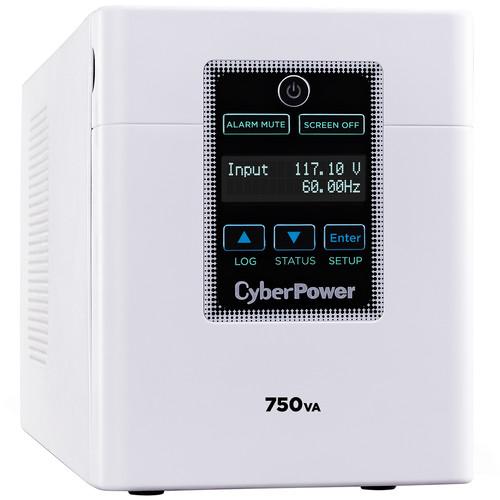 Contents of the user manual for the CyberPower M750L Medical-Grade UPS
- Product category: UPS Backup CyberPower
- Brand: CyberPower
- Description and content of package
- Technical information and basic settings
- Frequently asked questions – FAQ
- Troubleshooting (does not switch on, does not respond, error message, what do I do if...)
- Authorized service for CyberPower UPS Backup
 |
User manual for the CyberPower M750L Medical-Grade UPS contain basic instructions
that need to be followed during installation and operation.
Before starting your appliance, the user manual should be read through carefully.
Follow all the safety instructions and warnings, and be guided by the given recommendations.
User manual is an integral part of any CyberPower product,
and if it is sold or transferred, they should be handed over jointly with the product.
Following the instructions for use is an essential prerequisite for protecting
health and property during use, as well as recognition of liability on the part of the manufacturer
for possible defects should you make a warranty claim. Download an official CyberPower user manual in which you will find instructions on how to install, use, maintain and service your product.
And do not forget – unsuitable use of a CyberPower product will considerably shorten its lifespan!
|
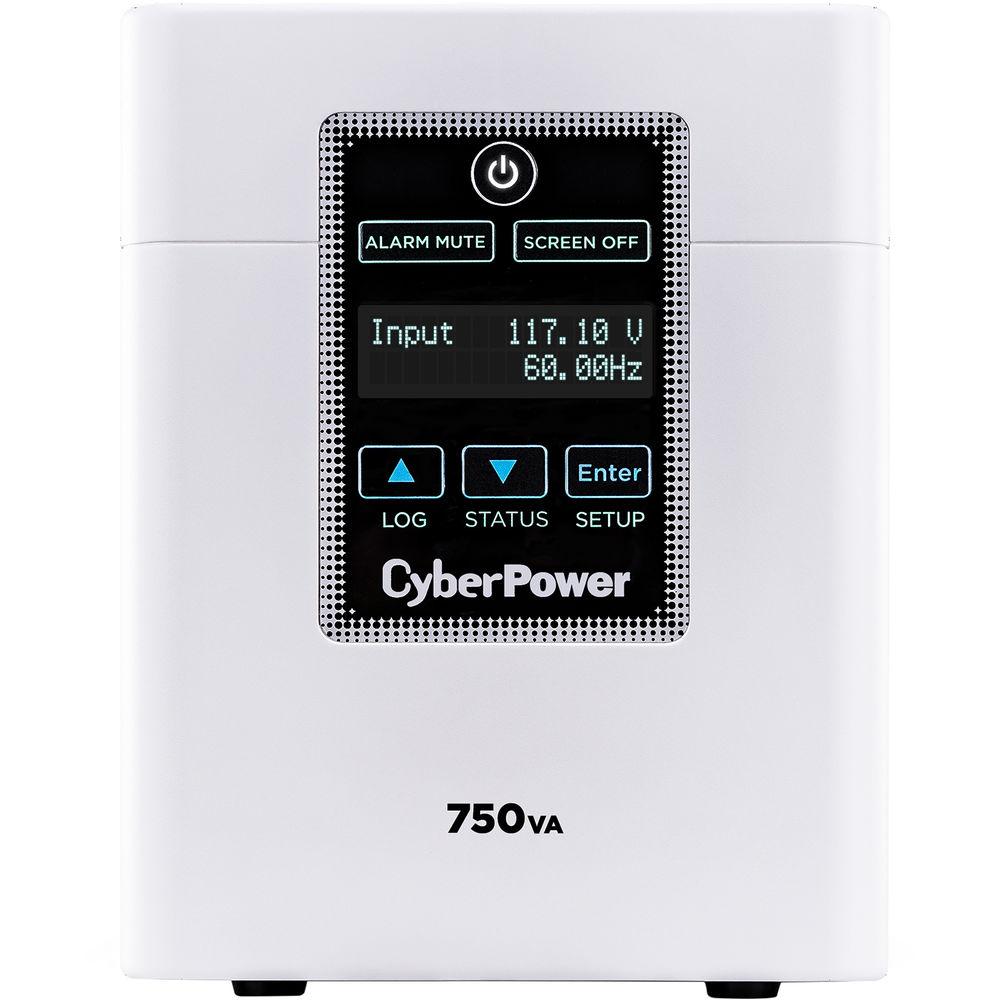
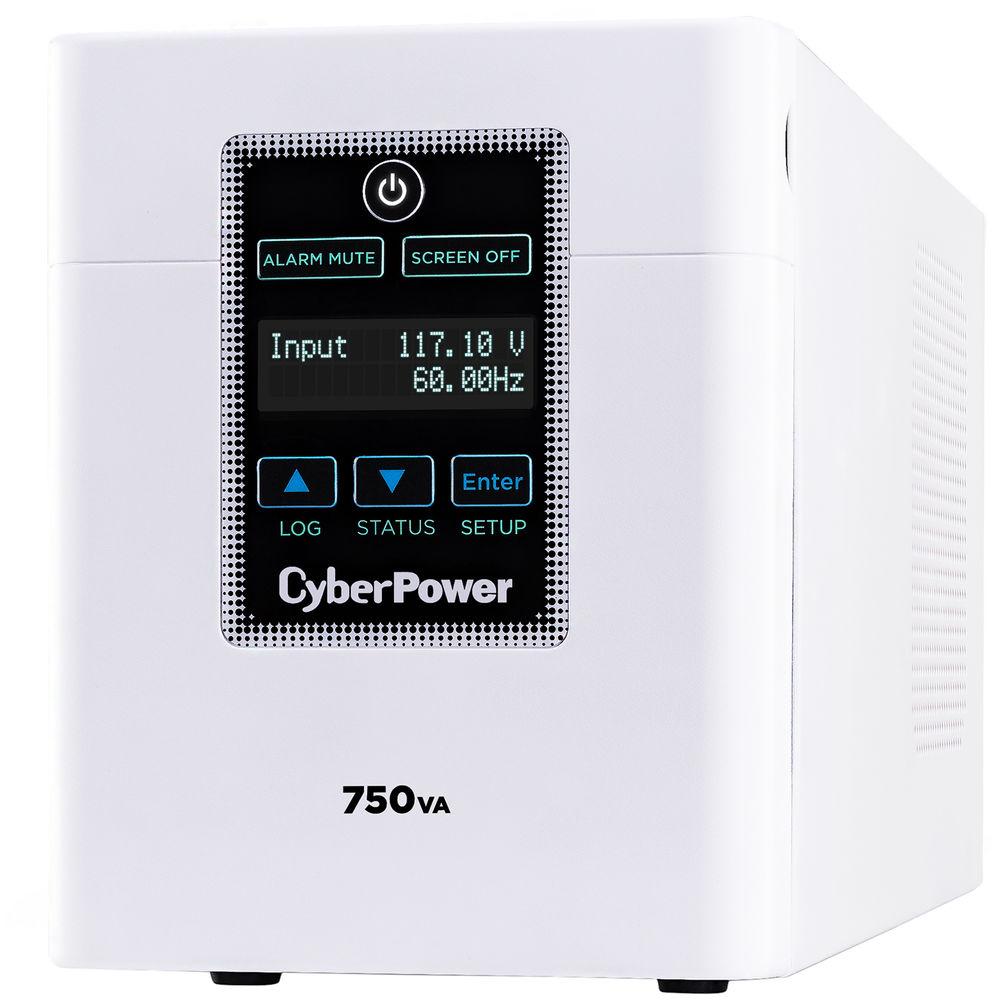
Product description The M750L Medical-Grade UPS from CyberPower delivers clean, consistent backup power to sensitive medical equipment in hospitals and healthcare facilities. Designed for use in patient care environments, the M750L has been tested to meet UL 60601-1 requirements and includes hospital-grade plugs and outlets. It also features a built-in isolation transformer to help minimize current leakage and eliminate line noise, plus a tip-resistant mini-tower design, replaceable batteries, and a sealed, spray-resistant LCD panel.
The M750L comes equipped with an output capacity of 750 VA / 600W, an input voltage range of 90-150 VAC @ 60 Hz, Automatic Voltage Regulation (AVR) to help correct minor power fluctuations, and also has integrated circuitry for EMI/RFI filters. The integrated LCD panel lets you monitor real-time UPS and battery vitals, alerting users to potential problems before they can affect critical equipment and cause downtime.
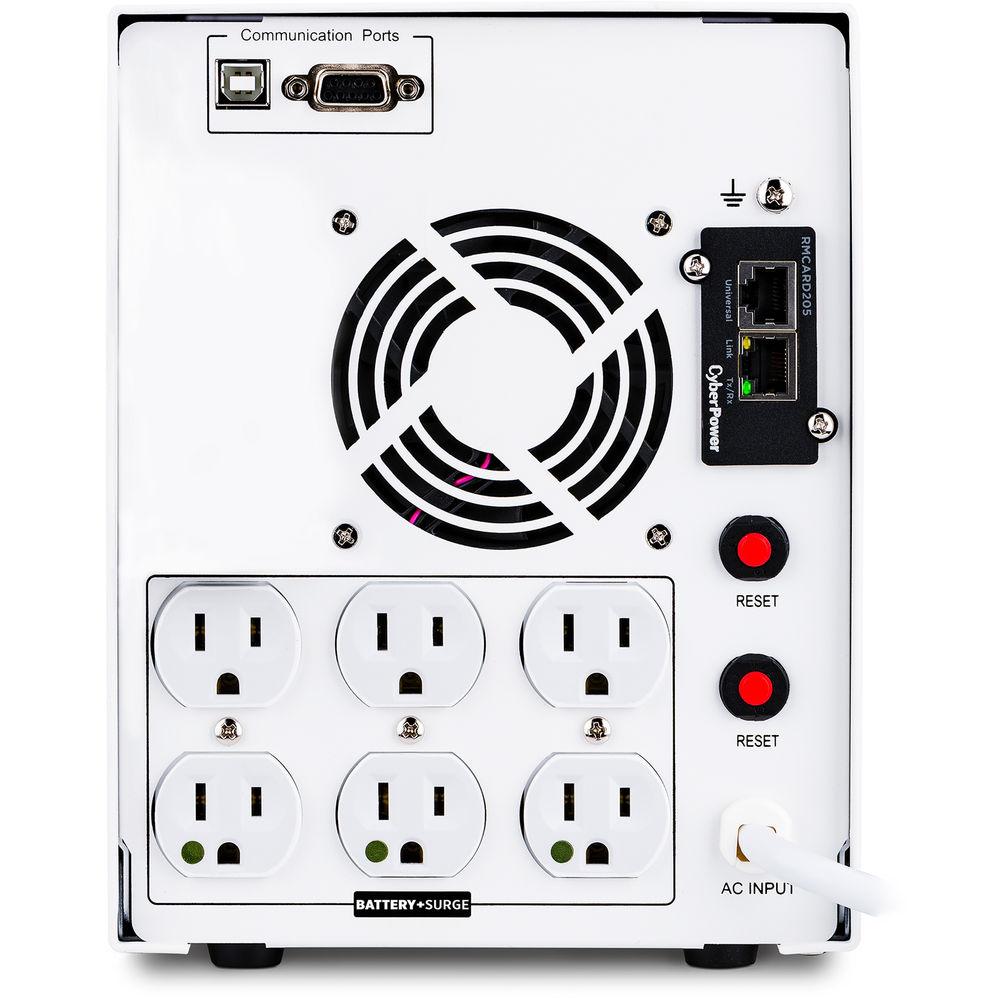
When running with a full load, this UPS can power devices for up to 12 minutes. When running with a half load, it can power devices for up to 30 minutes. It can be recharged up to 90% in around 8 hours and offers six total NEMA 5-15R-HG outlets, all of which are equipped with battery and surge protection and can absorb up to 1445 joules for keeping your devices safe against surges and spikes. Other connections offered are a NEMA 5-15P-HG input plug with a 6' cord, serial, and USB Type-B.
CyberPower's M750L Medical-Grade UPS is covered by a limited 3-year warranty, which covers the UPS and its batteries, and a limited lifetime $400,000 connected equipment guarantee. Included is a USB Type-B to Type-A cable and a serial cable. PowerPanel Business Edition UPS management software is available as a free download, which requires minimal system resources and monitors the status of the UPS to ensure it is working properly. When a power outage does occur, this software automatically saves open files and powers down the system into hibernation mode.
Please note that this UPS is not intended for use in critical care or life support applications. General Features Typical Applications - Battery Backup
- Provides power to cover shorter outages and supplies power long enough for equipment to properly shut down when utility power fails for longer periods of time. Helps prevent loss of data and minimizes the component stress caused by a hard shutdown.
- Surge Protection
- Diverts excess voltage away from sensitive electronic equipment during an AC power surge or power spike to prevent damage.
- Line Interactive Topology
- Exists when a UPS has an autotransformer that regulates low voltages (brownouts) and over voltages (spikes) without having to switch to battery.
- Automatic Voltage Regulation (AVR)
- Provides clean, consistent AC power by automatically regulating low voltages and over voltages, within defined tolerances, when incoming utility power has minor fluctuations.
- UL 60601-1 Tested
- Meets all UL 60601-1 requirements necessary for use in patient-care environments.
- Hospital-Grade Plugs & Outlets
- Offer an added degree of safety and reliability to the input/output connections of hospital-grade equipment.
- Isolation Transformer
- Minimizes the current leakage and cumulative shock potential of connected equipment to below 100μA and helps to alleviate line noise.
- Sealed LCD Screen
- Resists dirt, debris, and spray, and can withstand repeated cleaning procedures common to patient-care environments.
- Multifunction LCD Panel
- Displays detailed information on the UPS battery and power conditions, alerting users to potential problems before they can affect critical equipment and cause downtime.
- Quiet Design
- Minimizes noise during operation for a quieter patient environment.
- Replaceable Batteries
- Can be quickly accessed and replaced by a qualified technician. Batteries are hot-swappable to eliminate unnecessary downtime.
- PowerPanel Business Edition Software
- Available as a free software download, this provides a user-friendly dashboard interface for controlling and monitoring the UPS.
- Limited 3-Year Warranty
- CyberPower will repair or replace a defective UPS system, including the batteries, within three years of the purchase date.
- $400,000 Connected Equipment Guarantee
- CyberPower will repair or replace properly connected equipment if it is damaged by a power surge.
UPC: 649532618705 In the Box CyberPower M750L Medical-Grade UPS USB Type-B to Type-A Cable Serial Cable Limited Lifetime $400,000 Connected Equipment Guarantee Limited 3-Year Warranty from Date of Purchase (includes batteries) Table of Contents
|
Upload User Manual
Have you got an user manual for the CyberPower M750L Medical-Grade UPS in electronic form? Please send it to us and help us expand our library of instruction manuals.
Thank you, too, on behalf of other users.
To upload the product manual, we first need to check and make sure you are not a robot. After that, your "Submit Link" or "Upload File" will appear.
Technical parametersCyberPower M750L Specs | | | Total Outlets | 6 x NEMA 5-15R | | Protected Outlets | 6 x NEMA 5-15R (Battery and Surge) | | Plug Type | NEMA 5-15P | | USB Charging Ports | None | | Communications | USB, Serial | | Topology | Standby | | Transfer Time | 10 ms | | | | Surge Energy Rating | 1445 Joules | | Maximum Wattage | 600 W at 120 VAC | | Nominal Input Voltage | 120 VAC | | Input Voltage Range | 90 to 150 VAC | | Input Voltage Adjustable Range | 88 to 150 VAC | | Input Frequency | 60 Hz ± 3 Hz | | Nominal Output Voltage | 120 VAC | | Output Voltage Range | 114 to 126 VAC | | Output Frequency | 60 Hz | | Circuit Breaker Rating | 8 A | | Waveform | Simulated Sine Wave | | | | Capacity | 84 Wh (7 Ah / 12 V) | | Chemistry | Lead-Acid | | Full-Load Runtime | 12 Minutes | | Half-Load Runtime | 30 Minutes | | Charging Time | 8 Hours | | User Replaceable | No | | Hot-Swap Support | Yes | | | | Operating Temperature | 32 to 104°F / 0 to 40°C | | Operating Humidity | 0 to 95% | | Storage Temperature | 5 to 113°F / -15 to 45°C | | Operating Altitude | 10,000' / 3048 m | | Certifications | CSA, FCC, RoHS, UL, as per Manufacturer | | | | Cable Length | 6' / 1.83 m | | Dimensions (W x H x D) | 8.7 x 6.7 x 17.0" / 22.1 x 17.0 x 43.2 cm | | Weight | 52.8 lb / 23.9 kg | | | | Package Weight | 57.25 lb | | Box Dimensions (LxWxH) | 22.5 x 13.85 x 12.5" |
Rating70% users recommend this product to others. And what about you?

This product has already been rated by 28 owners. Add your rating and experience with the product.
Discussion
 Ask our technicians if you have a problem with your settings,
or if anything is unclear in the user manual you have downloaded.
You can make use of our moderated discussion.
The discussion is public and helps other users of our website who may be encountering similar problems.
Ask our technicians if you have a problem with your settings,
or if anything is unclear in the user manual you have downloaded.
You can make use of our moderated discussion.
The discussion is public and helps other users of our website who may be encountering similar problems.
The discussion is empty - enter the first post
Post a new topic / query / comment:
|
|
|
| Request for user manual |
You can’t find the operation manual you are looking for? Let us know and we will try to add the missing manual:
I’m looking for a manual / Request for manual
Current requests for instruction manuals:
Call Of Duty World War Two For Xbox...
controller stratus XL...
stratus XL...
smart whatch serie S11 42mm...
Allen & Heath SQ-6 manual...
|
| Discussion |
Latest contributions to the discussion:
AEW R 4100
Name: MAURICIO ANGARITA
Audio-Technica AEW-R4100 UHF Diversity Receiver for
AEW R 4100 has the mute function blocked and does not allow audio to pass. I tried several times to turn off the mute from the transmitter but it does nothing, the mute stays on. Solution?
Thank you...
Instructions for assembling the 2015 Forecast Image Master Consoles GC3-A
Name: mike elam
Forecast Consoles GC3-A ImageMaster Editing Console
Looking for instructions for assembling this console. ...
EMPTY TONER ERROR MESSAGE AFTER REPLACING TONER
Name: LINDA BAD YELLOW EYES
Brother TN223BK Standard-Yield Toner
I HAD TO CHANGE OUT ALL THREE TONERS DUE TO LEAKS IN THE YELLOW AND CYAN. AFTER I REPLACED THEM, THE MACHINE KEEPS GIVING ME AN EMPTY TONER ERROR MESSAGE. HELP!!...
PS480D 20/24 pin Switching 480W Power Supply
Name: swkargo
Logisys 480W Power Supply
This item states in can run -5vdc .It is NOT listed on the board or I beleive is r4 is missing the resitior. Any body have thid issue. Shawn
...
Help needed
Name: Ann Carter
SanDisk 1TB Extreme Portable USB 3.1
When I click the link to download the user manual for my Sandisk Extreme external hard drive, it gives me the manual for the LG Cricket. Can you please change the link so I can download the Sandisk manual and begin using this drive? Thank you....
|
|


