|
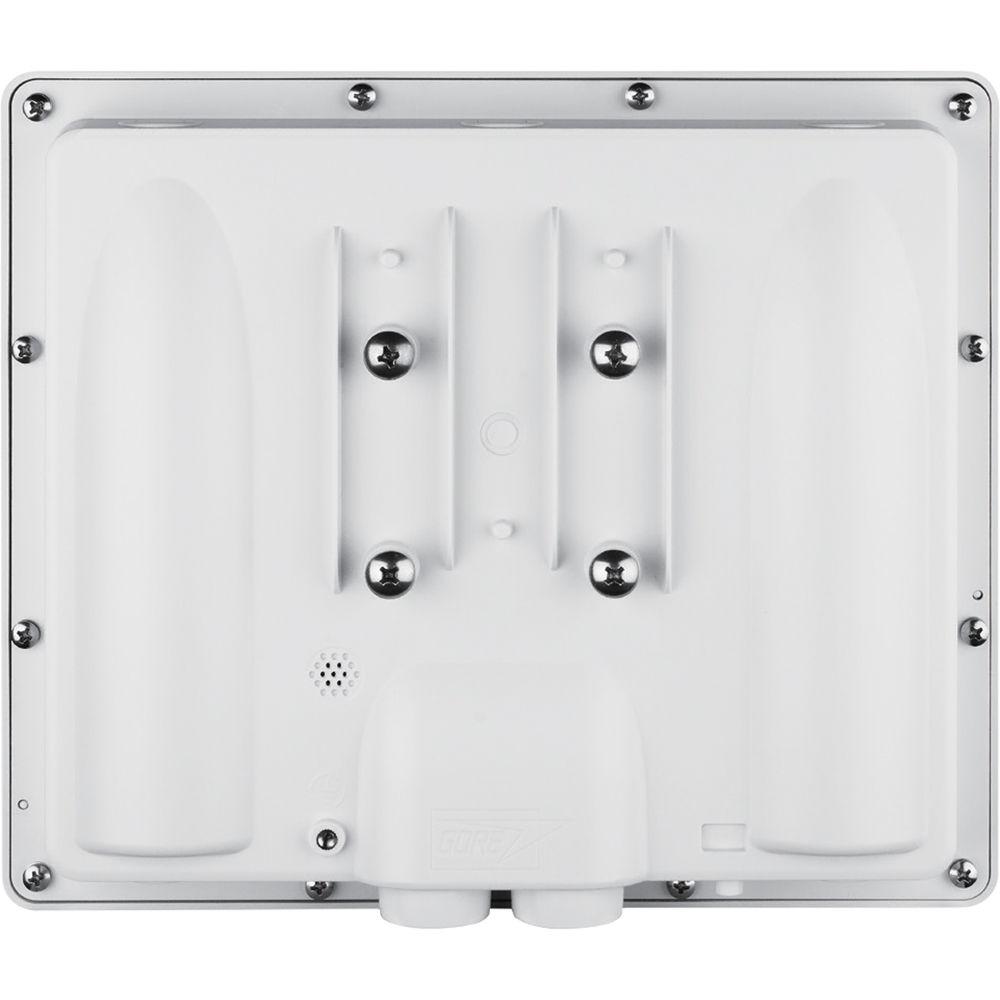
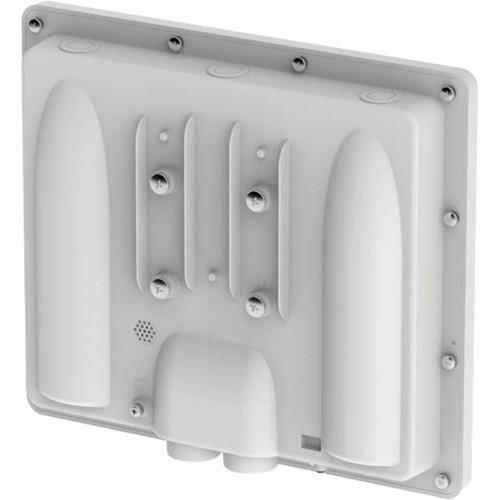
User Manual for D-Link DAP-1320 Wireless Dual-Band Outdoor PoE Access Point Click to enlarge the picture
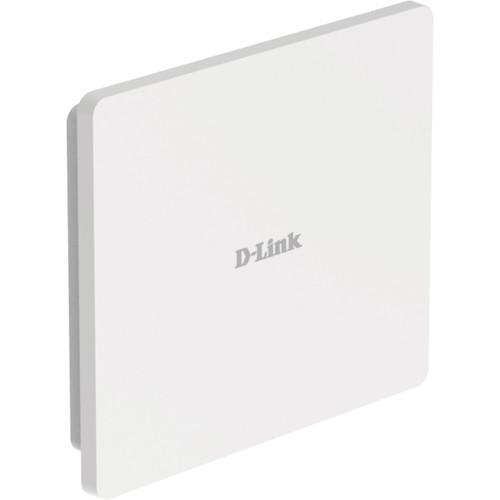 Contents of the user manual for the D-Link DAP-1320 Wireless Dual-Band Outdoor PoE
- Product category: Wireless Access Points D-Link
- Brand: D-Link
- Description and content of package
- Technical information and basic settings
- Frequently asked questions – FAQ
- Troubleshooting (does not switch on, does not respond, error message, what do I do if...)
- Authorized service for D-Link Wireless Access Points
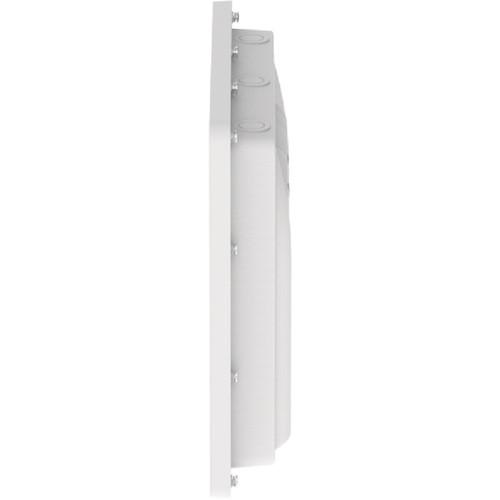
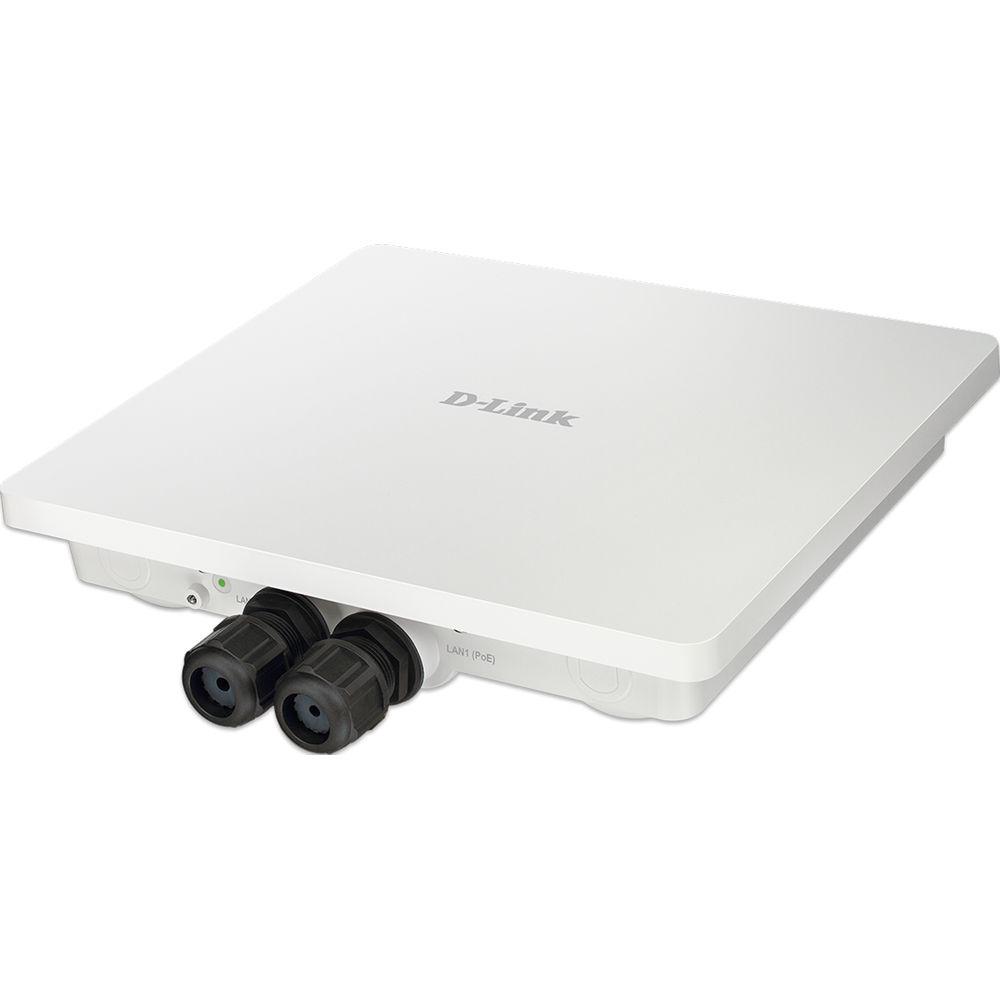 |
User manual for the D-Link DAP-1320 Wireless Dual-Band Outdoor PoE contain basic instructions
that need to be followed during installation and operation.
Before starting your appliance, the user manual should be read through carefully.
Follow all the safety instructions and warnings, and be guided by the given recommendations.
User manual is an integral part of any D-Link product,
and if it is sold or transferred, they should be handed over jointly with the product.
Following the instructions for use is an essential prerequisite for protecting
health and property during use, as well as recognition of liability on the part of the manufacturer
for possible defects should you make a warranty claim. Download an official D-Link user manual in which you will find instructions on how to install, use, maintain and service your product.
And do not forget – unsuitable use of a D-Link product will considerably shorten its lifespan!
|
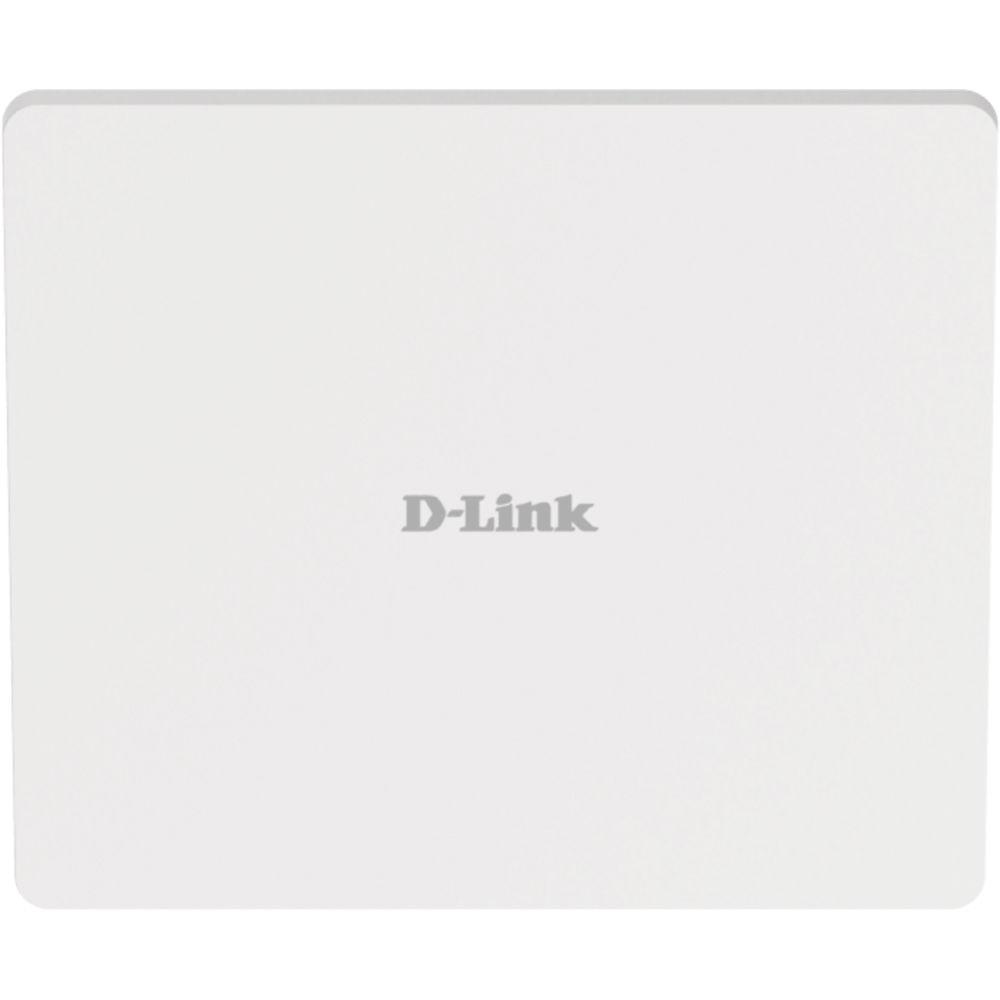
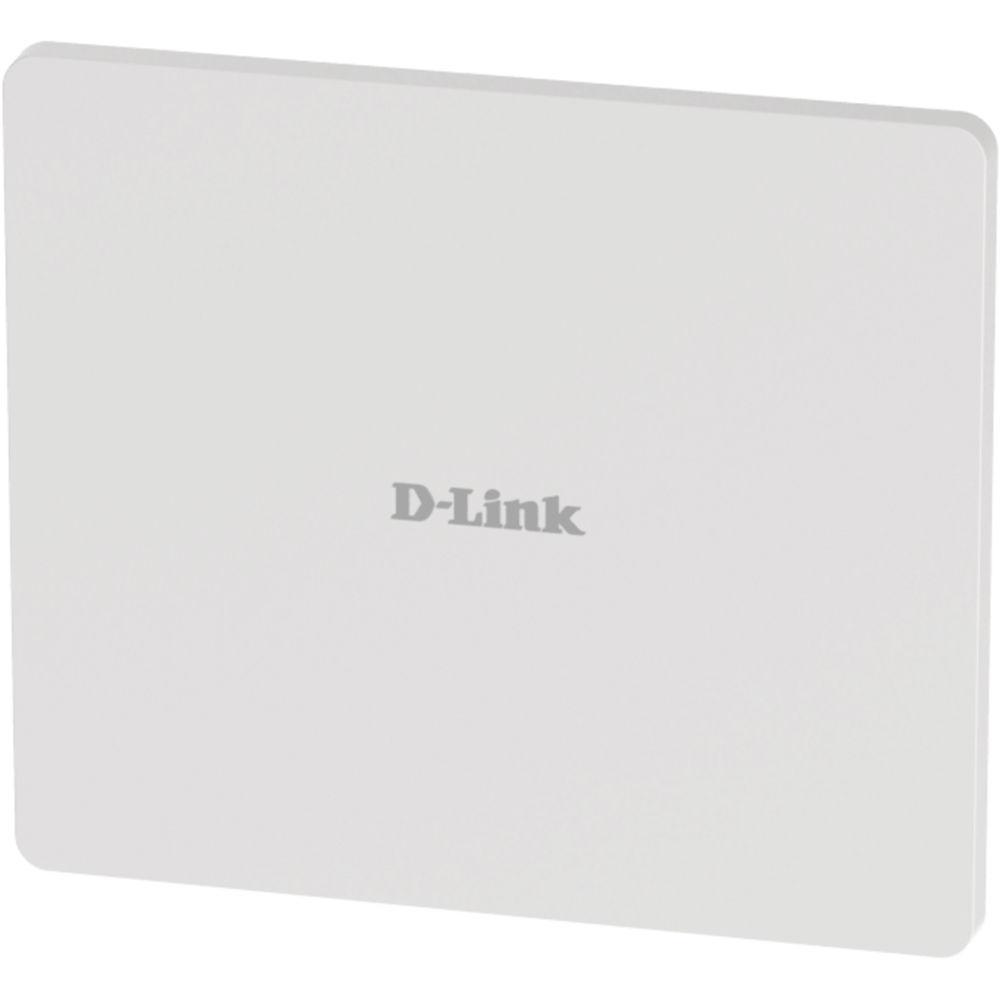
Product description The DAP-1320 Wireless Dual-Band Outdoor PoE Access Point from D-Link uses the 802.11ac standard with maximum wireless signal rates of up to 300 Mb/s over the 2.4 GHz band, and 900 Mb/s over the 5 GHz band. This, coupled with support for the Wi-Fi Multimedia (WMM) Quality of Service (QoS) feature, makes it suitable for audio, video, and voice applications. Enclosed in an IP67-rated weather-resistant housing, the access point can be used for both indoor and outdoor applications.
When enabled, QoS allows the DAP-3662 to automatically prioritize network traffic according to the level of interactive streaming, such as HD movies or VoIP. The QoS feature can be adjusted through the access point's web GUI using a drop-down menu option to select customized priority rules. Additionally, it supports load balancing to ensure maximum performance by limiting the maximum number of users per access point. The access point supports 802.3af PoE connections, allowing it to be installed in areas where power outlets are not readily available.To help maintain a secure wireless network, the DAP-3662 Access Point supports both Personal and Enterprise versions of WPA and WPA2 (802.11i) with support for RADIUS server backend and a built-in internal RADIUS server allowing users to create their accounts within the device itself. This access point also includes MAC address filtering, wireless LAN segmentation, SSID broadcast disable, rogue AP detection, and wireless broadcast scheduling to further protect your wireless network.
The access point includes support for up to eight VLANs per band for implementing multiple SSIDs to further help segment users on the network. It also includes a wireless client isolation mechanism, which limits direct client-to-client communication. Additionally, the device supports Network Access Protection (NAP), a feature of Windows Server 2008, allowing network administrators to define multiple levels of network access based on individual client’s need.
The access point comes with Access Point, Wireless Distribution System (WDS) with Access Point, WDS/Bridge (No AP Broadcasting), and Wireless Client operation modes. With WDS support, network administrators can set up multiple DAP-3662 throughout a facility and configure them to bridge with one another while also providing network access to individual clients. The access point also comes with features such as load balancing and redundancy for fail-safe wireless connectivity.Network administrators have multiple options for managing the DAP-3662, including web (HTTP), Secure Socket Layer (SSL), Secure Shell (SSH,), and Telnet. For network management, administrators can use the D-Link Central Wi-Fi Manager controller software to configure and manage multiple access points from a single location. Scalable and flexible, Central WiFiManager is accessible anytime, anywhere, though the Internet by using a web browser. In addition to a streamlined management process, Central Wi-Fi Manager software provides enterprise-level features, including bandwidth optimization, captive portal, and RF optimization. Also available is AP Array, allowing the management of a set of network devices as a single group for easy configuration and deployment. The access point features a wireless scheduler feature, which turns off wireless functionality when it isn’t needed, saving power. - Data rates up to 1200 Mb/s
- IP67-rated weather-resistant housing
- Can withstand temperatures between -22 to 140°F
- Venting technology repels water while ensuring pressure equalization
- Simultaneous dual-band connectivity for increased network capacity
- WPA/WPA2: Enterprise/Personal
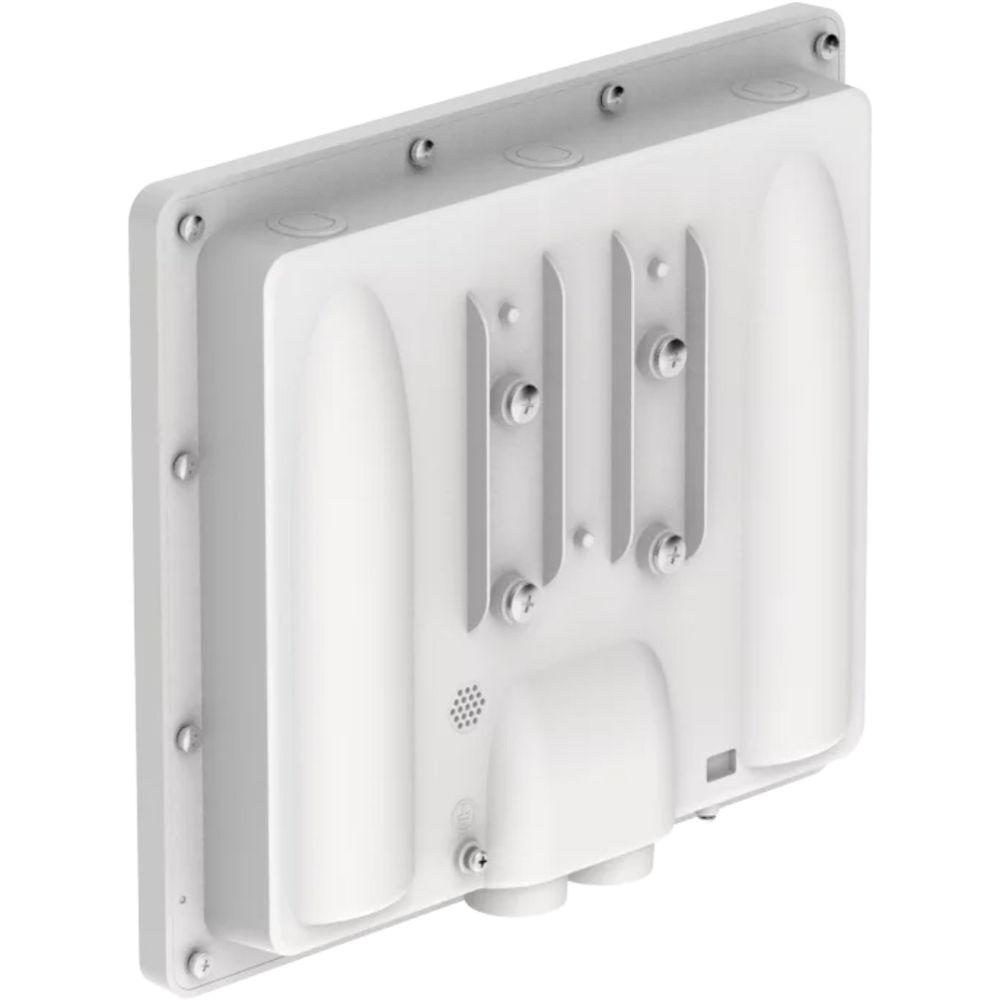
Ease of Installation - Wall and pole mounting hardware included
UPC: 790069413315 In the Box D-Link DAP-1320 Wireless Dual-Band Outdoor PoE Access Point PoE Injector Power Adapter (48V/ 0.5A) Wall Mounting Plate and Hardware Mounting Kit (Wall/Pole Mount) Hexagon Socket Spanner 2-LAN Port Water-Resistant Enclosure Grounding Wire Limited Lifetime Warranty More info from D-Link Table of Contents
|
Upload User Manual
Have you got an user manual for the D-Link DAP-1320 Wireless Dual-Band Outdoor PoE Access Point in electronic form? Please send it to us and help us expand our library of instruction manuals.
Thank you, too, on behalf of other users.
To upload the product manual, we first need to check and make sure you are not a robot. After that, your "Submit Link" or "Upload File" will appear.
Technical parametersD-Link Access Point DAP-3662 Specs | | | Standards | IEEE 802.11a/g/n/ac
IEEE 802.3u/ab/af | | Network Protocol | Telnet
Secure Telnet (SSH)
HTTP
Secure HTTP (HTTPS)
Traffic control
SNMP
D-Link Central Wi-Fi Manager
AP Array | | Data Rate | 2.4 GHz: Up to 300 Mb/s
5 GHz: 900 Mb/s | | Frequency Range | 2.4 GHz Band: 2.4 to 2.4835 GHz
5 GHz Band: 5.15 to 5.35 GHz, 5.47 to 5.85 GHz | | Security | WPA-Personal
WPA-Enterprise
WPA2-Personal
WPA2-Enterprise
WEP 64/128-bit encryption
SSID broadcast disable
MAC address access control
Network Access Protection (NAP)
Internal RADIUS server | | Antenna | 2 x internal 6 dBi for 2.4 GHz
2 x internal 6 dBi for 5 GHz | | Operation Distance | Not specified by the manufacturer | | Transmitted Power | 26 dbm for 2.4 GHz/ 5 GHz | | Power Over Ethernet | 802.3af | | Ports | 802.11a/g/n/ac wireless
2 x Gigabit LAN (LAN1 supports PoE) | | LEDs | Power | | | | System Requirements | Computer with Windows, Mac OS, or Linux-based operating system, and an Ethernet adapter installed
Internet Explorer 7.0, Mozilla Firefox version 12.0, Safari 4.0, or Chrome 20.0 or newer | | Power Requirements | 48 V DC +/- 10%, | | Maximum Power Consumption | 12.5 W | | Temperature | Operating: -22 to 140°F / -30 to 60°C
Storage: -22 to 149 °F / -30 to 65°C | | Humidity | Operating: 10 to 90% non-condensing
Storage: 5 to 95% non-condensing | | Certifications | FCC
IC
CE
C-Tick
UL
Wi-Fi certified
IP67 | | Dimensions | 10.91 x 9.45 x 1.97" / 277 x 240 x 50 mm | | Weight | 2.16 lb / 0.97 kg |
Rating60% users recommend this product to others. And what about you?

This product has already been rated by 39 owners. Add your rating and experience with the product.
Discussion
 Ask our technicians if you have a problem with your settings,
or if anything is unclear in the user manual you have downloaded.
You can make use of our moderated discussion.
The discussion is public and helps other users of our website who may be encountering similar problems.
Ask our technicians if you have a problem with your settings,
or if anything is unclear in the user manual you have downloaded.
You can make use of our moderated discussion.
The discussion is public and helps other users of our website who may be encountering similar problems.
The discussion is empty - enter the first post
Post a new topic / query / comment:
|
|
|
| Request for user manual |
You can’t find the operation manual you are looking for? Let us know and we will try to add the missing manual:
I’m looking for a manual / Request for manual
Current requests for instruction manuals:
Call Of Duty World War Two For Xbox...
controller stratus XL...
stratus XL...
smart whatch serie S11 42mm...
Allen & Heath SQ-6 manual...
|
| Discussion |
Latest contributions to the discussion:
AEW R 4100
Name: MAURICIO ANGARITA
Audio-Technica AEW-R4100 UHF Diversity Receiver for
AEW R 4100 has the mute function blocked and does not allow audio to pass. I tried several times to turn off the mute from the transmitter but it does nothing, the mute stays on. Solution?
Thank you...
Instructions for assembling the 2015 Forecast Image Master Consoles GC3-A
Name: mike elam
Forecast Consoles GC3-A ImageMaster Editing Console
Looking for instructions for assembling this console. ...
EMPTY TONER ERROR MESSAGE AFTER REPLACING TONER
Name: LINDA BAD YELLOW EYES
Brother TN223BK Standard-Yield Toner
I HAD TO CHANGE OUT ALL THREE TONERS DUE TO LEAKS IN THE YELLOW AND CYAN. AFTER I REPLACED THEM, THE MACHINE KEEPS GIVING ME AN EMPTY TONER ERROR MESSAGE. HELP!!...
PS480D 20/24 pin Switching 480W Power Supply
Name: swkargo
Logisys 480W Power Supply
This item states in can run -5vdc .It is NOT listed on the board or I beleive is r4 is missing the resitior. Any body have thid issue. Shawn
...
Help needed
Name: Ann Carter
SanDisk 1TB Extreme Portable USB 3.1
When I click the link to download the user manual for my Sandisk Extreme external hard drive, it gives me the manual for the LG Cricket. Can you please change the link so I can download the Sandisk manual and begin using this drive? Thank you....
|
|


