User Manual for DiCAPac WP-570 Waterproof Case Click to enlarge the picture
 Contents of the user manual for the DiCAPac WP-570 Waterproof Case
- Product category: Still Cameras & Housings DiCAPac
- Brand: DiCAPac
- Description and content of package
- Technical information and basic settings
- Frequently asked questions – FAQ
- Troubleshooting (does not switch on, does not respond, error message, what do I do if...)
- Authorized service for DiCAPac Still Cameras & Housings
 |
User manual for the DiCAPac WP-570 Waterproof Case contain basic instructions
that need to be followed during installation and operation.
Before starting your appliance, the user manual should be read through carefully.
Follow all the safety instructions and warnings, and be guided by the given recommendations.
User manual is an integral part of any DiCAPac product,
and if it is sold or transferred, they should be handed over jointly with the product.
Following the instructions for use is an essential prerequisite for protecting
health and property during use, as well as recognition of liability on the part of the manufacturer
for possible defects should you make a warranty claim. Download an official DiCAPac user manual in which you will find instructions on how to install, use, maintain and service your product.
And do not forget – unsuitable use of a DiCAPac product will considerably shorten its lifespan!
|
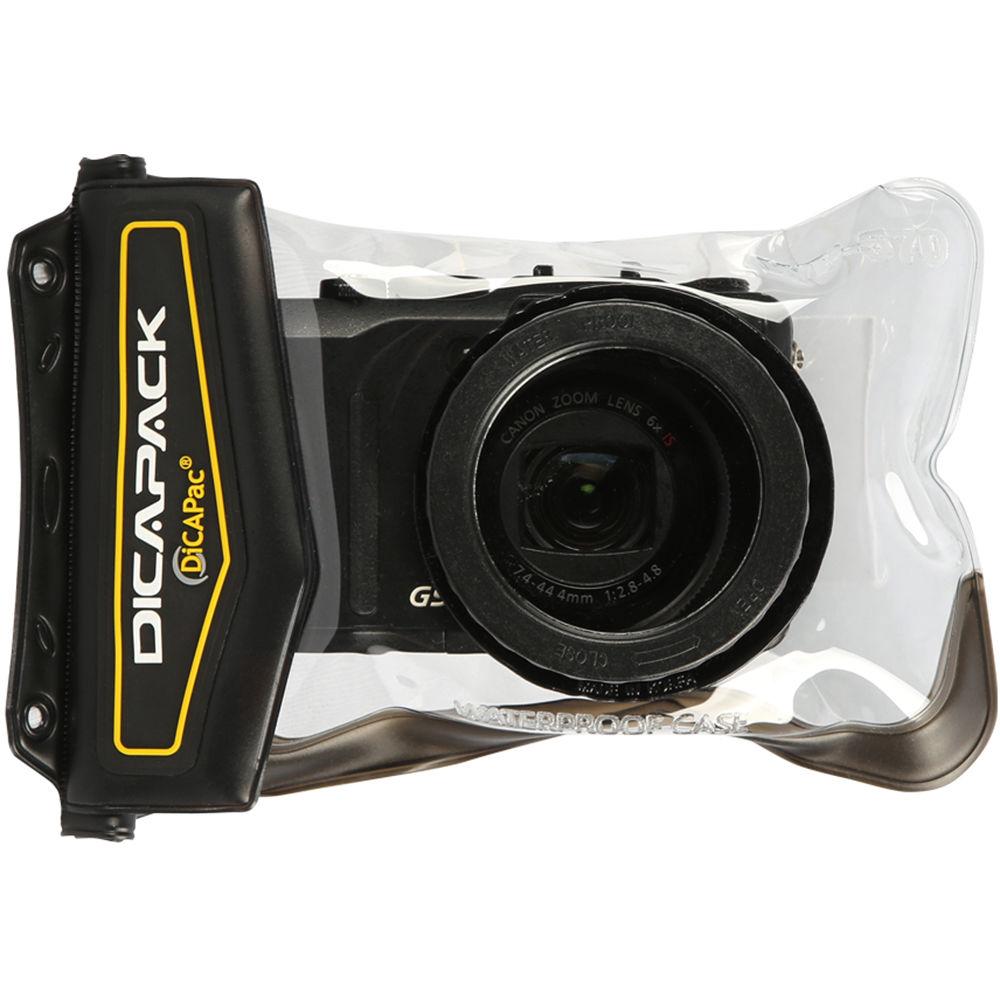
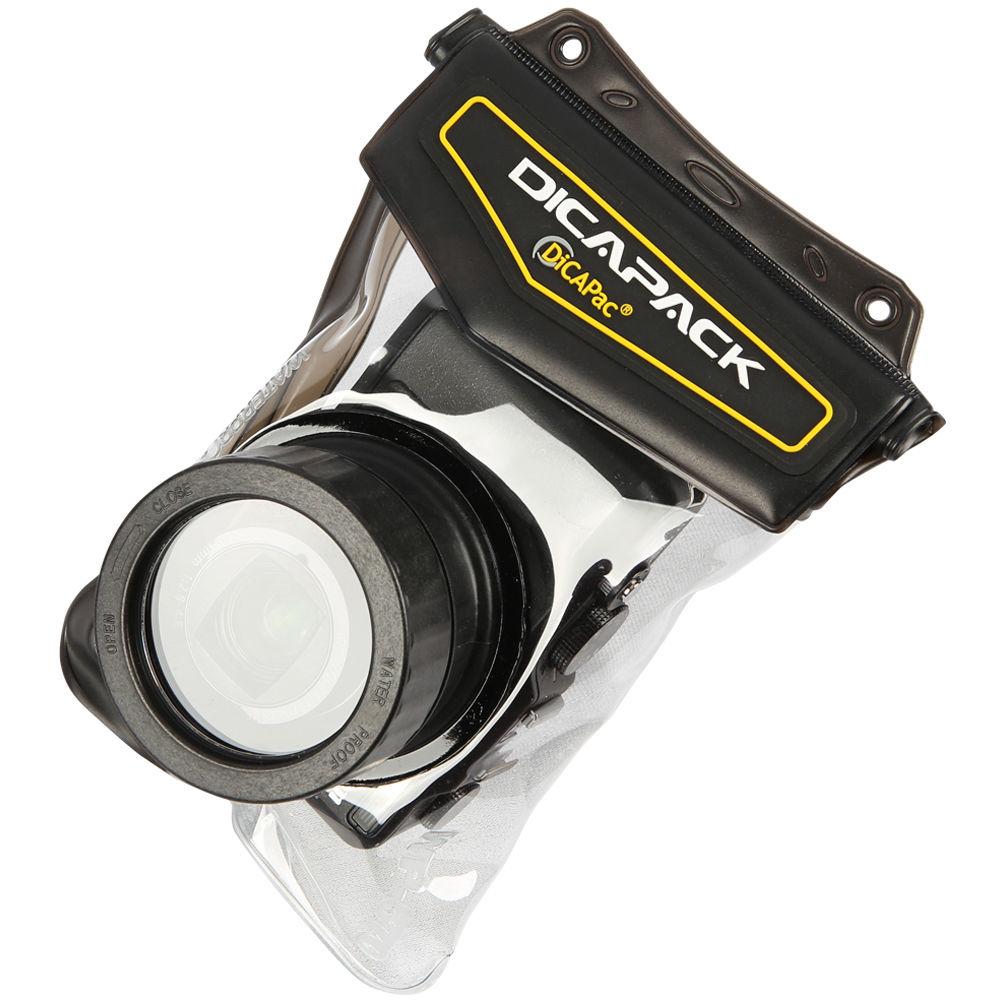
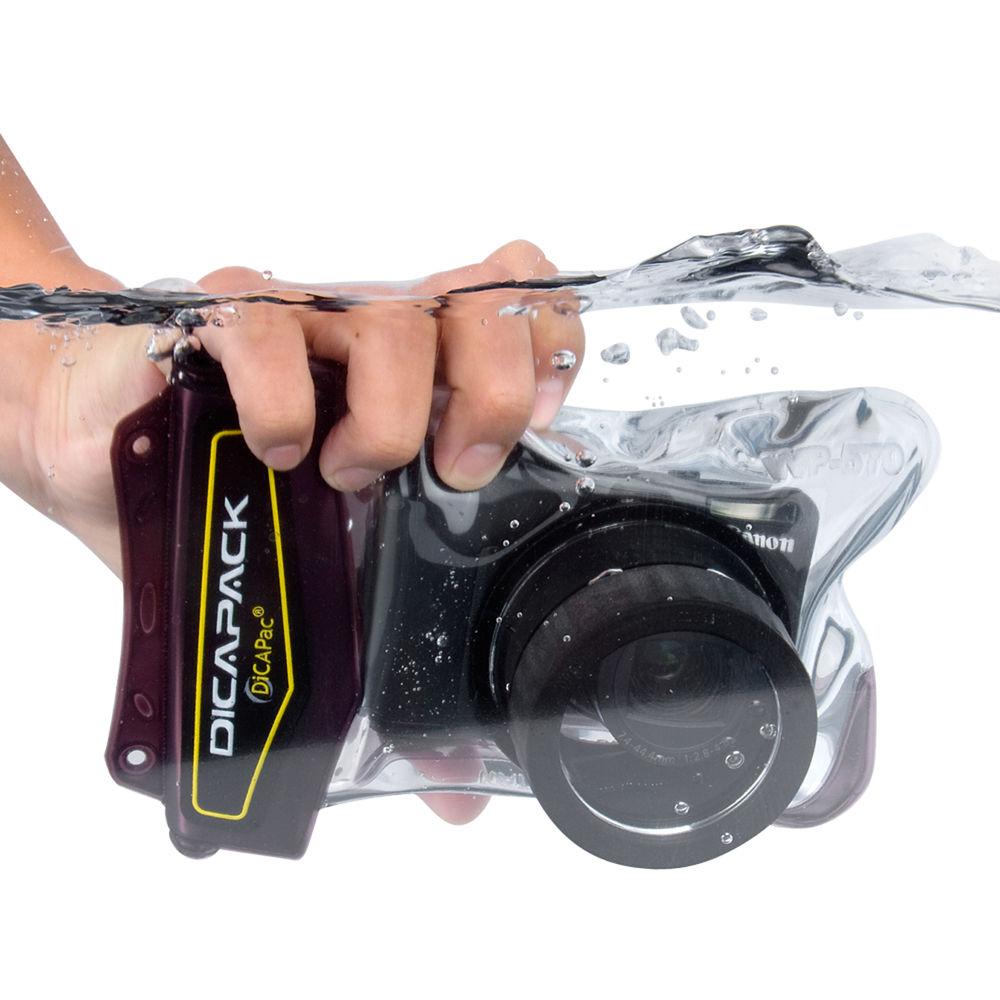
Product description The DiCAPac WP-570 Waterproof Case will protect your digital camera when you are using it at the beach, swimming, kayaking, skiing, fishing, sailing, snorkeling or diving down to 33' (10m). This is a PVC vinyl housing with a polycarbonate UV coated port that allows access to all camera controls. It can be used with larger point & shoot digital cameras such as the Canon G11. The lens port allows the lens to extend out to 1.4" (35mm) and has an internal diameter of 2.1" (54mm). The housing meets JIS IPX8 requirements for underwater usage. - Waterproof underwater housing usable up to 33' (10m)
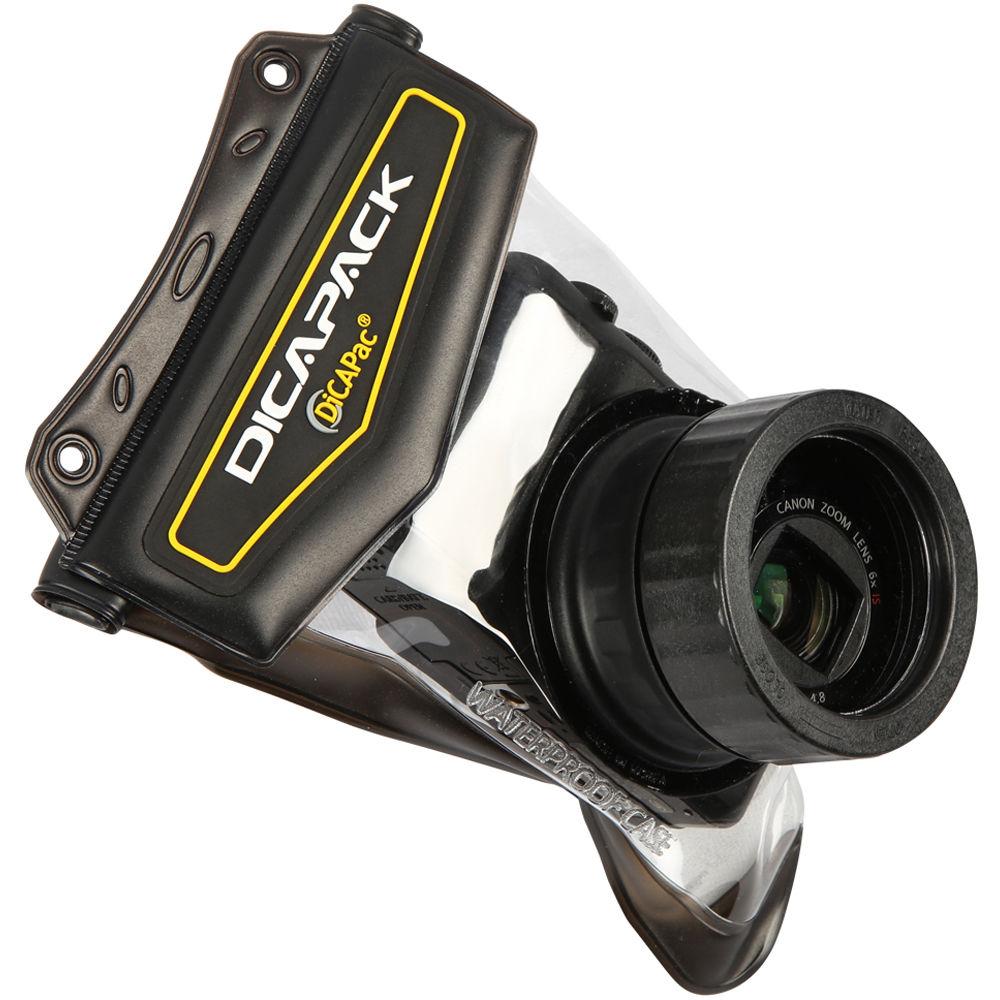
- Has port for zoom lens to extend out 1.4" (35mm)
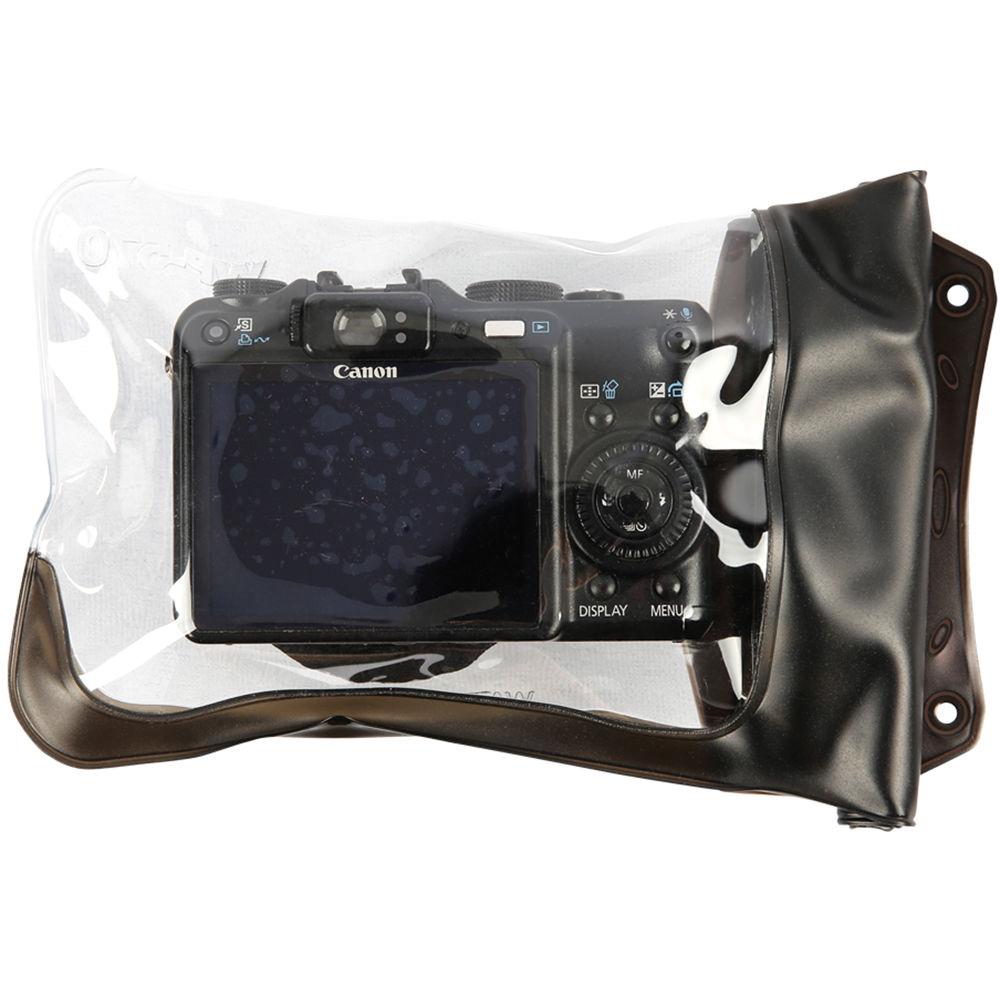
- All controls are accessible
- UV coating polycarbonate on the lens for clear pictures
- Ideal for taking pictures in the rain, at the beach, or on the ski slopes
- Compatible Camera Models
-
- Canon Powershot: G7, G9, G10, G11, SX100IS, SX120IS, SX200IS, SX210IS
- Nikon Coolpix: P5000, P51000, P6000, L5
- Olympus: C55z, C70z, C7000, C730, C740, C745, C750, C755, C760, C770
- Sony Cybershot: H3, H10, H20, H30, DSC-V1, HV-5V
- Panasonic: LX1, LX2, LX3, TZ1, TZ2, TZ3, TZ4, TZ5, TZ6, TZ7, TZ8, TZ10, TZ15, ZS1, ZS3, ZS5
- Kodak: Z915, Z950, Z148IS
- Samsung: S1050, S850, WB500, WB550, WB650, HZ10W, NV5, NV7 OPS, NV11
- Leica: D-Lux3
- Pentax: Optio 750Z
- Sigma: DP1, DP2
In the Box DiCAPac WP-570 Waterproof Case Neck Strap Silica-gel User Manual 1-Year Warranty Table of Contents
|
Upload User Manual
Have you got an user manual for the DiCAPac WP-570 Waterproof Case in electronic form? Please send it to us and help us expand our library of instruction manuals.
Thank you, too, on behalf of other users.
To upload the product manual, we first need to check and make sure you are not a robot. After that, your "Submit Link" or "Upload File" will appear.
Technical parametersDiCAPac WP-570 Specs | Construction | PVC vinyl plastic with polycarbonate lens port | | Control Type | Pressure through flexible material | | Controls | All | | Depth Rating | 33' (10m) | | Buoyancy | Positive | | Port | Polycarbonate flat lens port | | Internal Flash Usable | No | | External Strobe Connector | No | | TTL Compatible | No | | Moisture Alarm | No | | Color | Clear/dark brown | | Dimensions | 7.48 x 5.12" (190 x 130mm) | | Weight (without Camera) | 2.15 oz (100g) | | | | Package Weight | 0.4 lb | | Box Dimensions (LxWxH) | 9.8 x 5.8 x 2.7" |
Rating60% users recommend this product to others. And what about you?

This product has already been rated by 53 owners. Add your rating and experience with the product.
Discussion
 Ask our technicians if you have a problem with your settings,
or if anything is unclear in the user manual you have downloaded.
You can make use of our moderated discussion.
The discussion is public and helps other users of our website who may be encountering similar problems.
Ask our technicians if you have a problem with your settings,
or if anything is unclear in the user manual you have downloaded.
You can make use of our moderated discussion.
The discussion is public and helps other users of our website who may be encountering similar problems.
The discussion is empty - enter the first post
Post a new topic / query / comment:
|
|


