User Manual for DVDO AVLab TPG 4K Ultra HD Test Pattern Generator Click to enlarge the picture
 Contents of the user manual for the DVDO AVLab TPG 4K Ultra HD
- Product category: Video & Audio Signal Generators Others
- Brand: Others
- Description and content of package
- Technical information and basic settings
- Frequently asked questions – FAQ
- Troubleshooting (does not switch on, does not respond, error message, what do I do if...)
- Authorized service for Others Video & Audio Signal Generators
 |
User manual for the DVDO AVLab TPG 4K Ultra HD contain basic instructions
that need to be followed during installation and operation.
Before starting your appliance, the user manual should be read through carefully.
Follow all the safety instructions and warnings, and be guided by the given recommendations.
User manual is an integral part of any Others product,
and if it is sold or transferred, they should be handed over jointly with the product.
Following the instructions for use is an essential prerequisite for protecting
health and property during use, as well as recognition of liability on the part of the manufacturer
for possible defects should you make a warranty claim. Download an official Others user manual in which you will find instructions on how to install, use, maintain and service your product.
And do not forget – unsuitable use of a Others product will considerably shorten its lifespan!
|
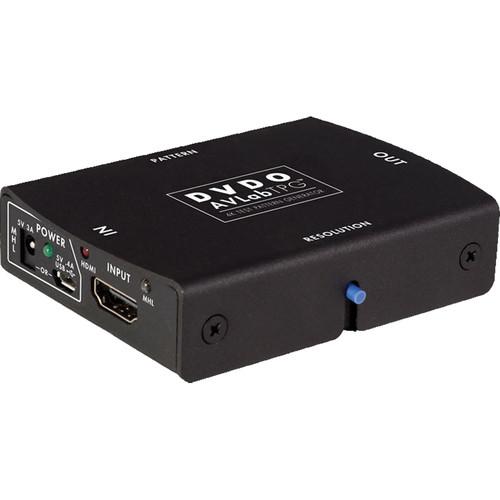
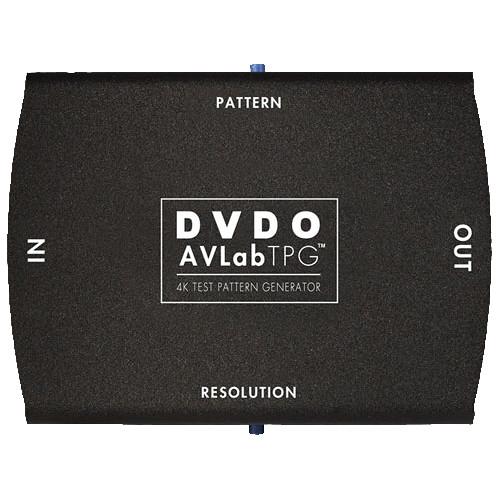
Product description The DVDO AVLab TPG Test Pattern Generator supports full 4K Ultra HD resolution at 50/60 Hz as outlined in version 2.0 of the HDMI specification. Designed specifically for use with Color Management System (CMS) software such as CalMAN, this pocket size test pattern generator is powered by USB and uses the USB interface to automatically control the video calibration workflow. It helps AV professionals to add lab-quality functionality to on-site display setup and calibration. - Full 4K (50/60 Hz) Patterns
- The test pattern generator matches test pattern quality to the capability of the 4K Ultra HD panel, which is critical to achieve optimum results. Professional AV installers can use custom 4K test patterns to verify format, sharpness, black levels, and color calibration.
- Direct PC Control
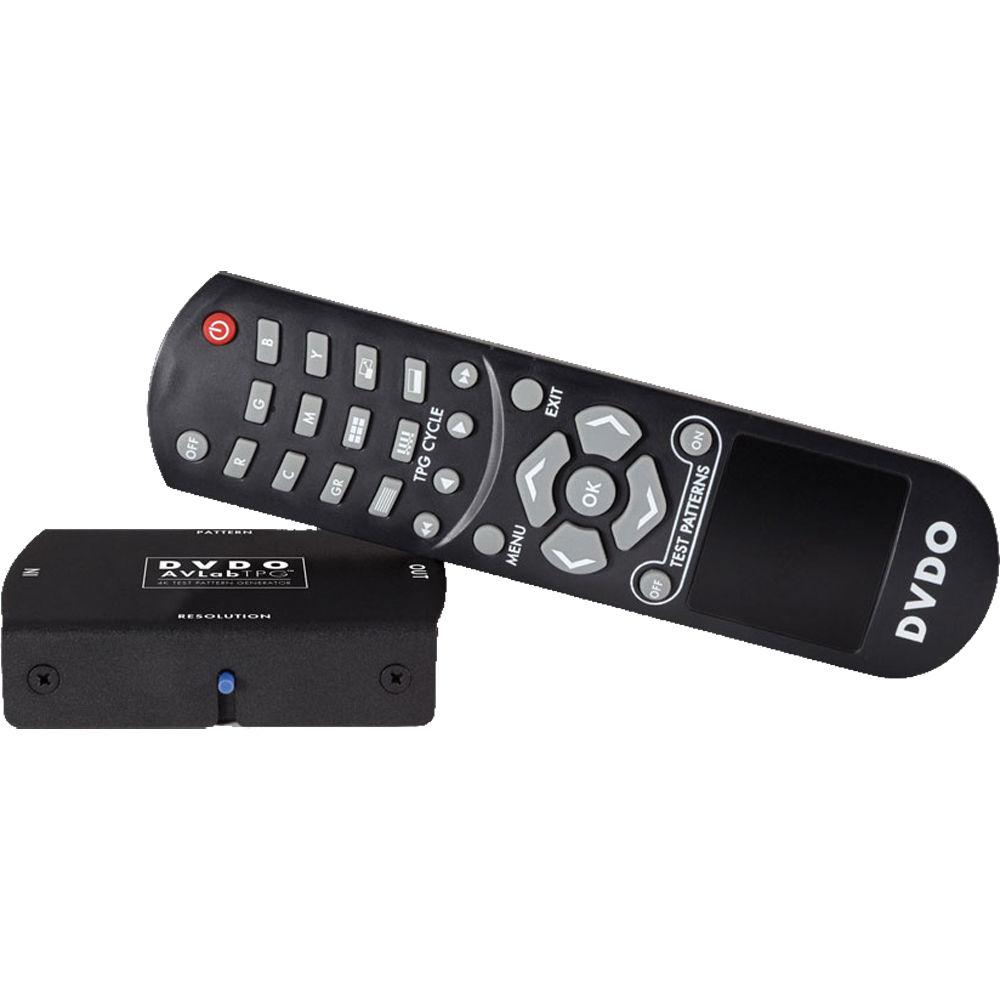
- Featuring a direct USB connection, the test pattern generator provides power and control for fast verification and calibration of a new panel in CalMAN or other video calibration software packages. It integrates into the workflow to dynamically generate new test patterns based on user and software control, and the included IR remote control allows fast jump-to pattern access for quick setups.
- Custom ISF Patterns
- A set of black and white PLUGE patterns is built-in for quick visual verification of black and white levels as well as contrast.
- Wide Range of Easily Accessible Patterns
- The test pattern generator features over 85 built-in test patterns (R, G, B, C, M, Y, K, Scale, Sharp, Focus, Bars, PLUGE, Half, etc.) to cover display setup and visual calibration. USB controlled custom patterns interface through USB with CMS software dynamically generates thousands of patterns. With HDMI/MHL pass-through, the test pattern generator accepts patterns via an MHL-enabled device (Android)
- MHL
- With built-in high quality patterns, installers can connect AVLab TPG to any MHL-enabled devices such as smartphones and tablets to integrate their favorite custom patterns into the workflow for direct high-definition display of custom test patterns. When powered by a 5V (3A) power supply, the AVLab TPG even charges the mobile device while in use.
- Other Features
- On-screen display for setup and pattern choice, audio stripping to S/PDIF, built-in IR receiver and dongle support, can be powered via USB or external power supply, field upgradeable firmware and patterns.
UPC: 880802000169 In the Box DVDO AVLab TPG 4K Ultra HD Test Pattern Generator IR Remote Control USB Cable AC Adapter Limited 1-Year Warranty Table of Contents
|
Upload User Manual
Have you got an user manual for the DVDO AVLab TPG 4K Ultra HD Test Pattern Generator in electronic form? Please send it to us and help us expand our library of instruction manuals.
Thank you, too, on behalf of other users.
To upload the product manual, we first need to check and make sure you are not a robot. After that, your "Submit Link" or "Upload File" will appear.
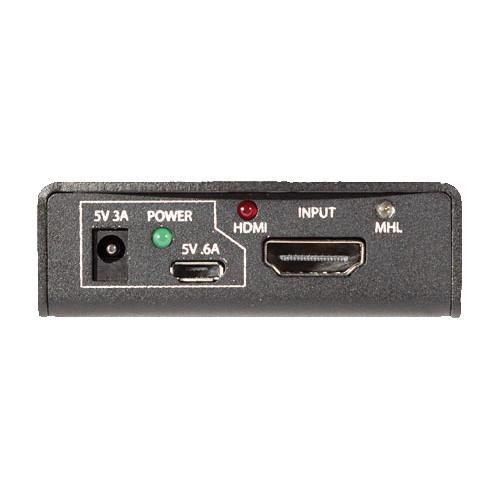
Technical parametersDVDO DVDO-AVLAB-TPG Specs | | | Video Format Output | VGA, SVGA, XGA, SXGA, 480i, 480p, 576i, 576p, 720p50, 720p60, 1080i50, 1080i60, 1080p24, 1080p25, 1080p50, 1080p60, 4K24 (3840), 4K24 (4096), 4K25 (3840), 4K30 (3840), 4K50 (3840) 4:2:0, 4K60 (3840) 4:2:0 | | Specifications | Standard: USB 2.0 | | Color Space | Limited YCbCr (BT.601 and BT.709), full range RGB | | Bit Depth | 8, 10, 12 | | Patterns | 85+ Built-In: Colors, PLUGE, sharp, focus, bars, ramp, multiburst, moving frame rate, etc | | Firmware Upgrade | Simple field upgrade via USB for features and pattern loading | | | | Side Panel | 1 x HDMI2.0 / MHL2.0 input
1 x USB 2.0 control and power
1 x DC input (1.7 x 4 mm), 5 V @ 3 A
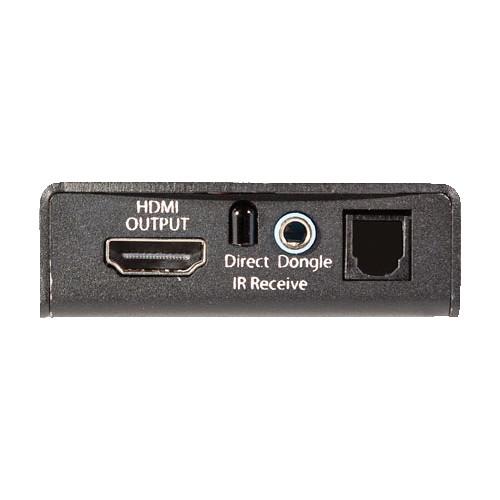
1 x HDMI 2.0 output
1 x 1.8" stereo mini jack IR receiver dongle
1 x direct IR receiver
1 x S/PDIF optical audio out
3 x control buttons (patterns, resolution, firmware update) | | Dimensions (L x W x H) | 3.1 x 2.5 x 0.8" (8.0 x 6.3 x 2.0 cm) | | Weight | 5.9 oz (168.0 g) | | | | Package Weight | 1.95 lb | | Box Dimensions (LxWxH) | 10.0 x 6.4 x 3.8" |
Rating60% users recommend this product to others. And what about you?

This product has already been rated by 19 owners. Add your rating and experience with the product.
Discussion
 Ask our technicians if you have a problem with your settings,
or if anything is unclear in the user manual you have downloaded.
You can make use of our moderated discussion.
The discussion is public and helps other users of our website who may be encountering similar problems.
Ask our technicians if you have a problem with your settings,
or if anything is unclear in the user manual you have downloaded.
You can make use of our moderated discussion.
The discussion is public and helps other users of our website who may be encountering similar problems.
The discussion is empty - enter the first post
Post a new topic / query / comment:
|
|


