|
User Manual for Electro-Harmonix Canyon Delay and Looper Pedal with 11 Individual Effects Click to enlarge the picture
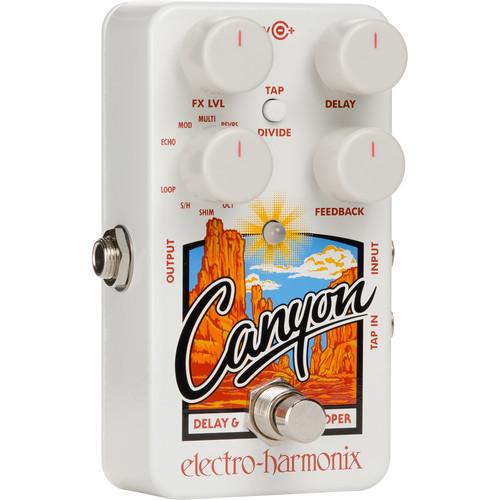 Contents of the user manual for the Electro-Harmonix Canyon Delay and Looper Pedal
- Product category: Effects Pedals Electro-Harmonix
- Brand: Electro-Harmonix
- Description and content of package
- Technical information and basic settings
- Frequently asked questions – FAQ
- Troubleshooting (does not switch on, does not respond, error message, what do I do if...)
- Authorized service for Electro-Harmonix Effects Pedals
 |
User manual for the Electro-Harmonix Canyon Delay and Looper Pedal contain basic instructions
that need to be followed during installation and operation.
Before starting your appliance, the user manual should be read through carefully.
Follow all the safety instructions and warnings, and be guided by the given recommendations.
User manual is an integral part of any Electro-Harmonix product,
and if it is sold or transferred, they should be handed over jointly with the product.
Following the instructions for use is an essential prerequisite for protecting
health and property during use, as well as recognition of liability on the part of the manufacturer
for possible defects should you make a warranty claim. Download an official Electro-Harmonix user manual in which you will find instructions on how to install, use, maintain and service your product.
And do not forget – unsuitable use of a Electro-Harmonix product will considerably shorten its lifespan!
|
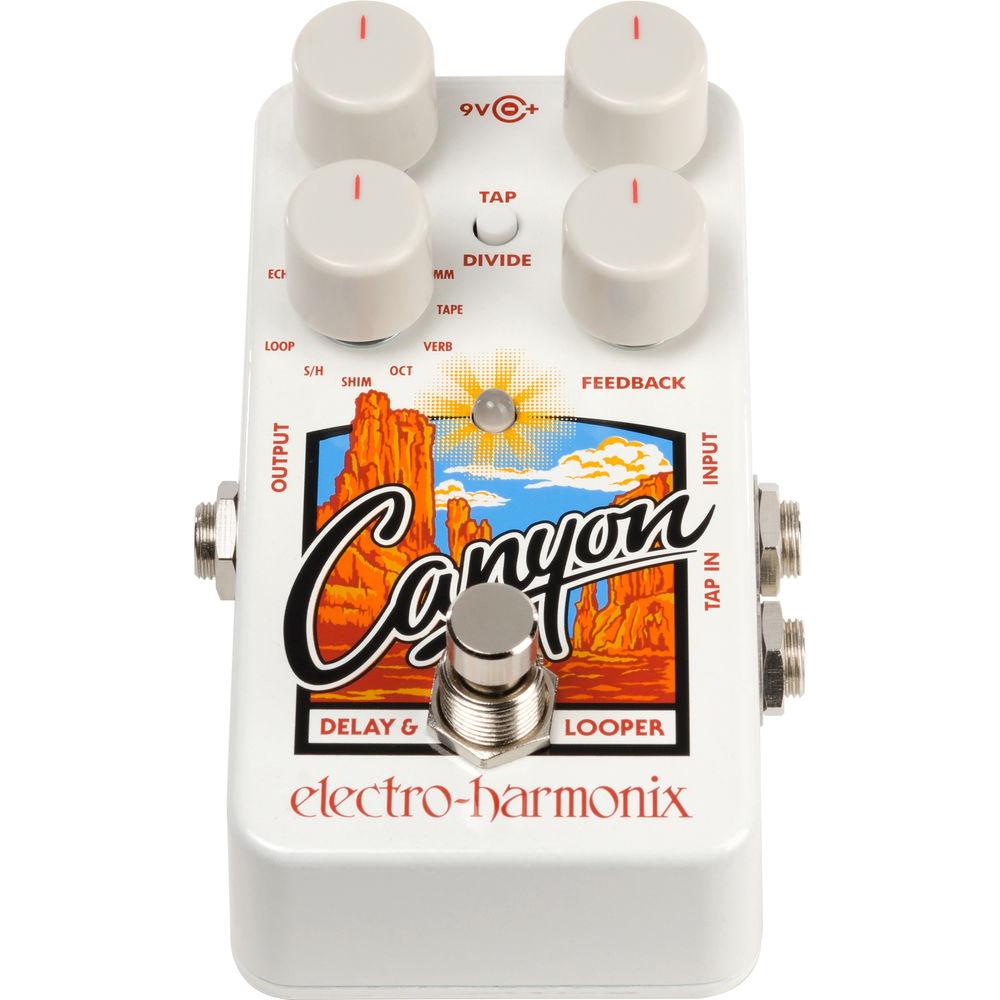
Product description - Electro-Harmonix Canyon Delay & Looper
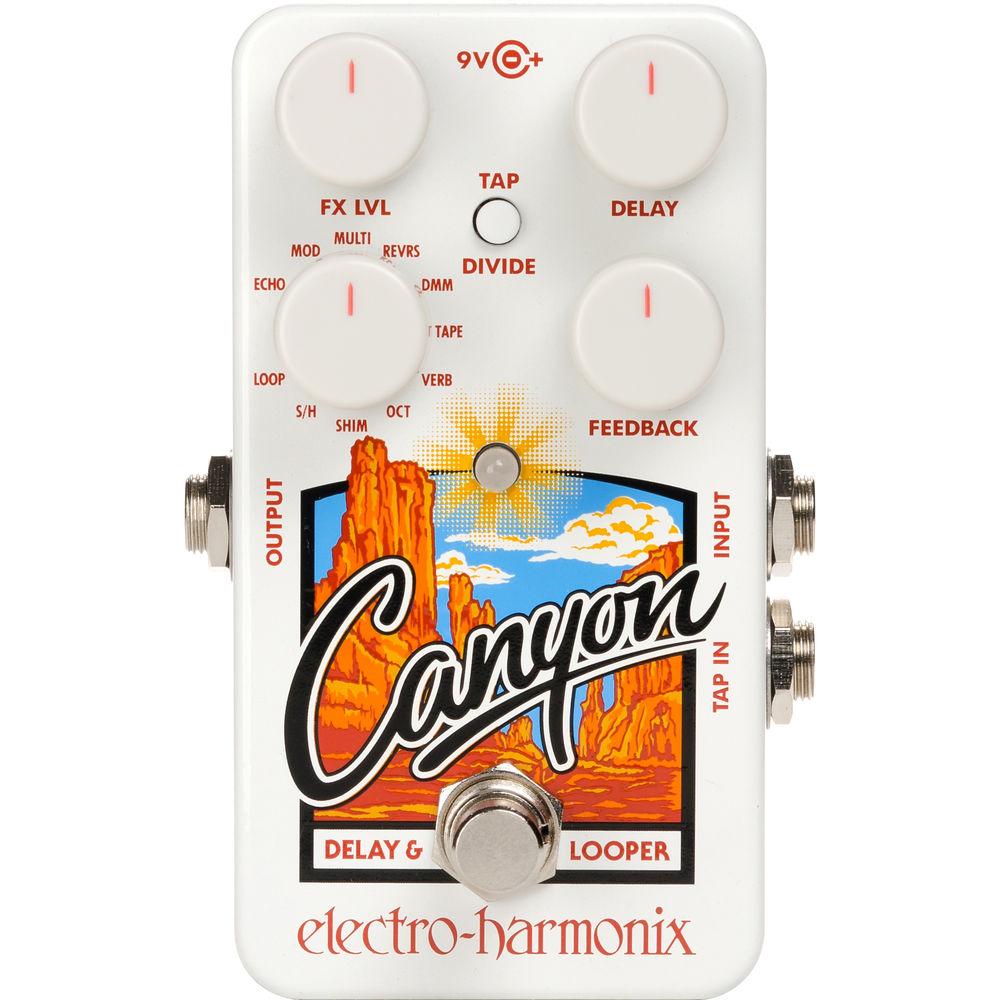
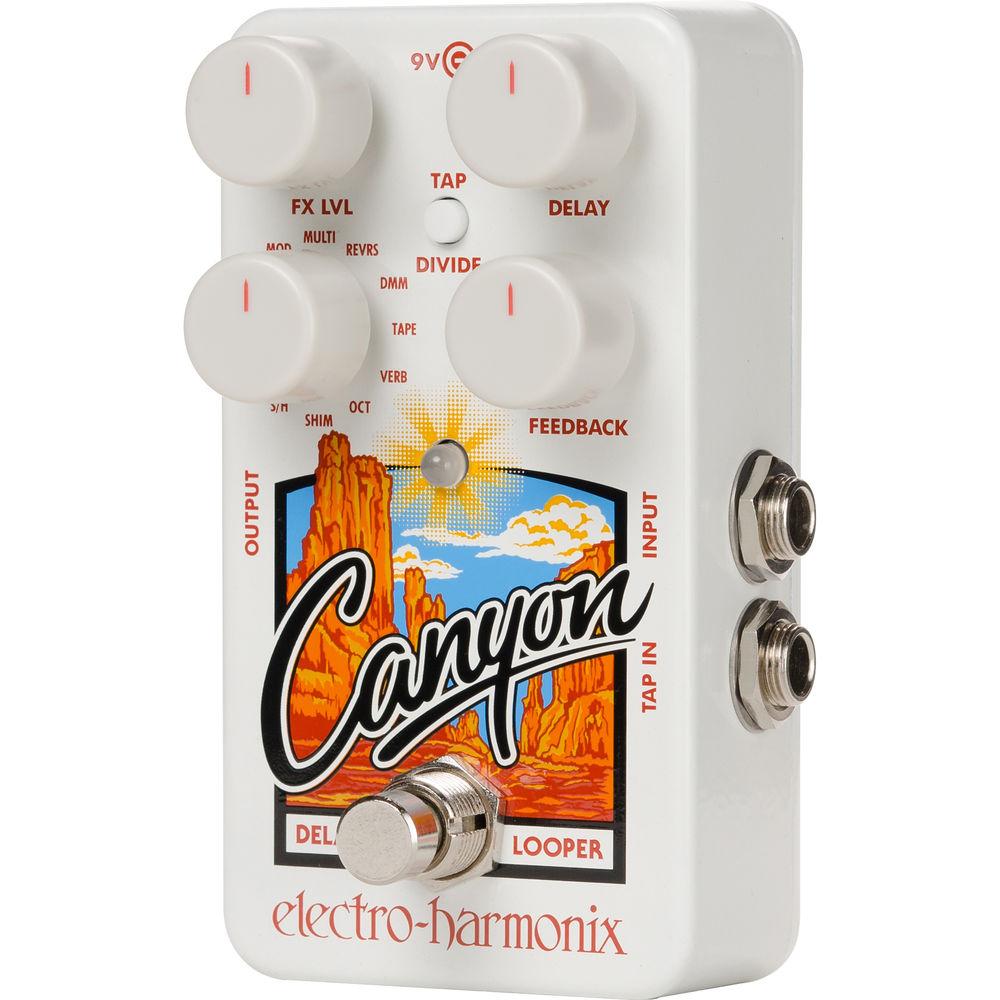
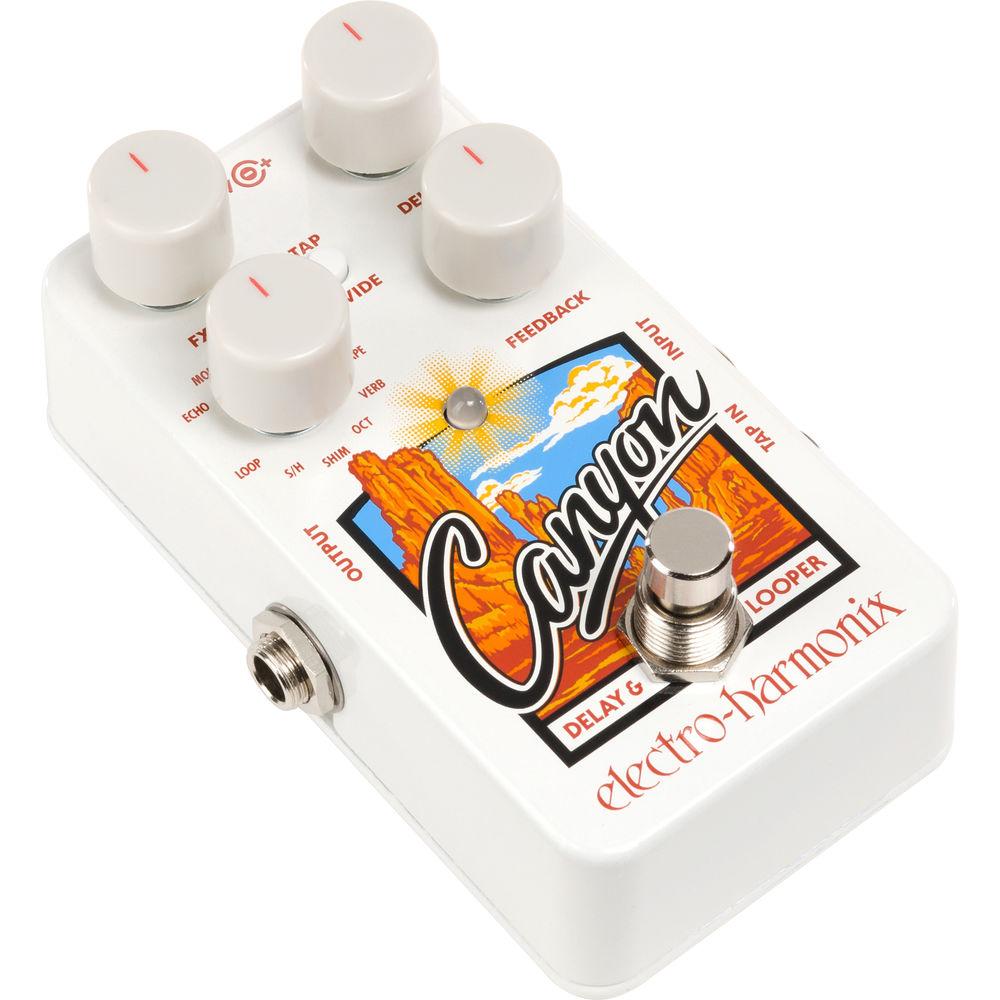
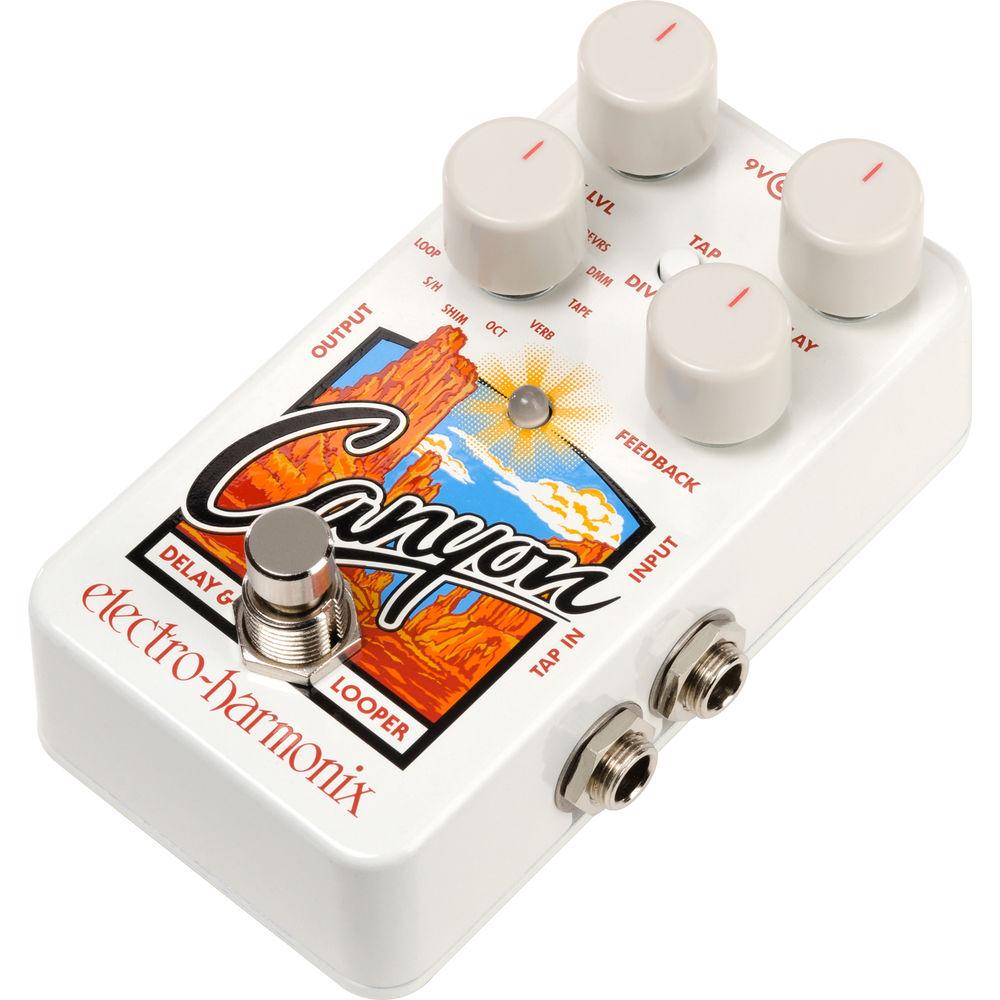
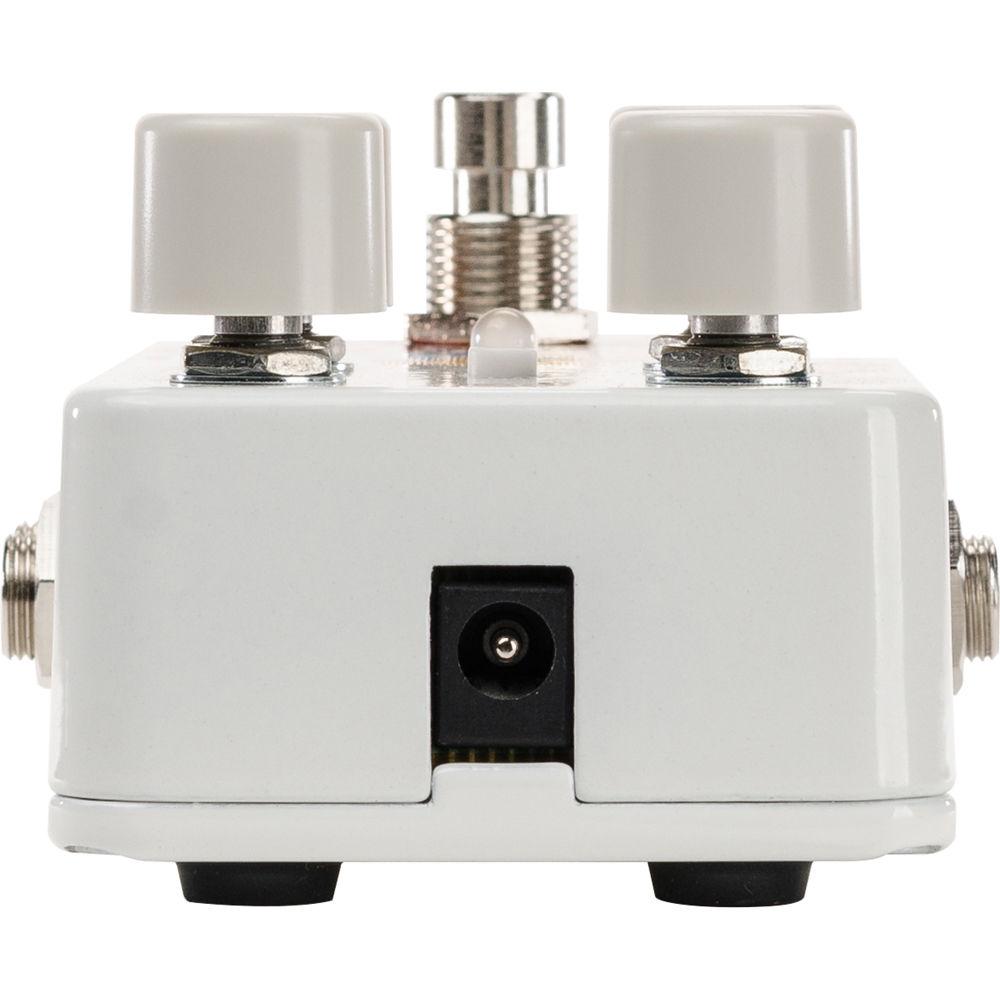
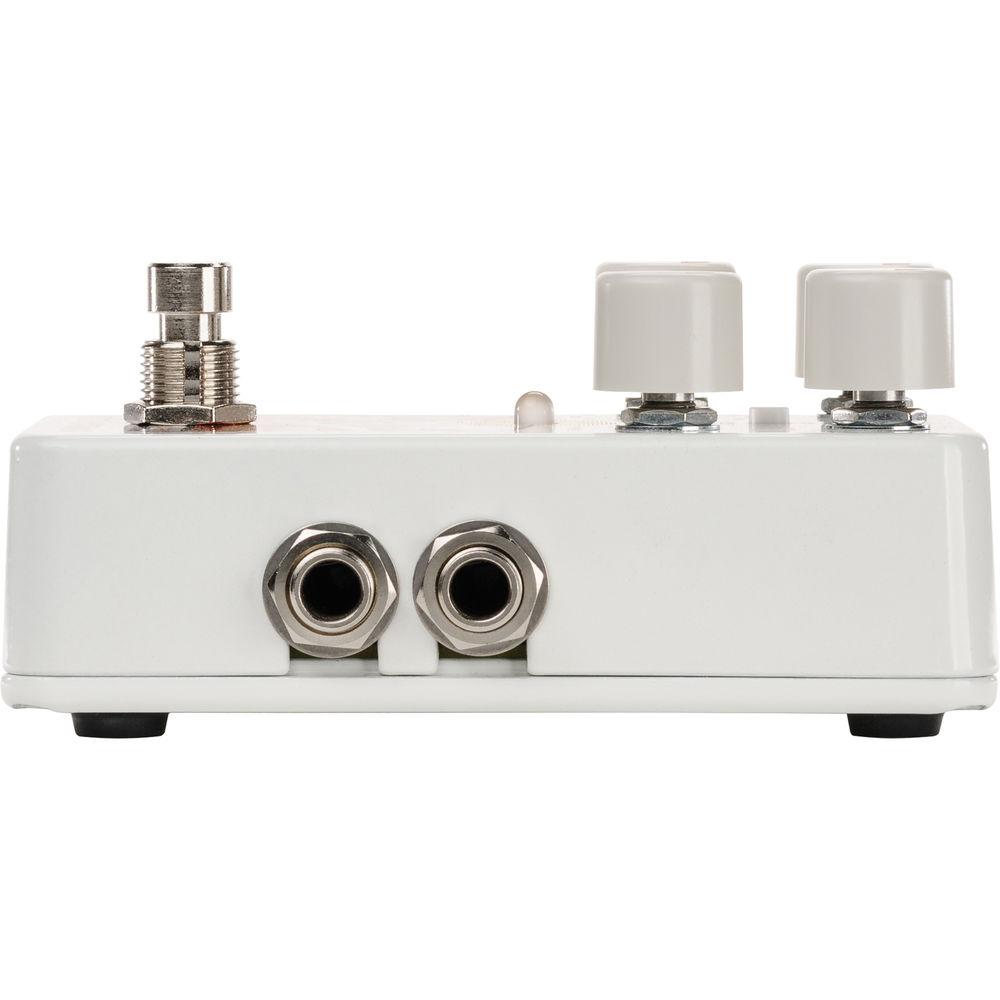
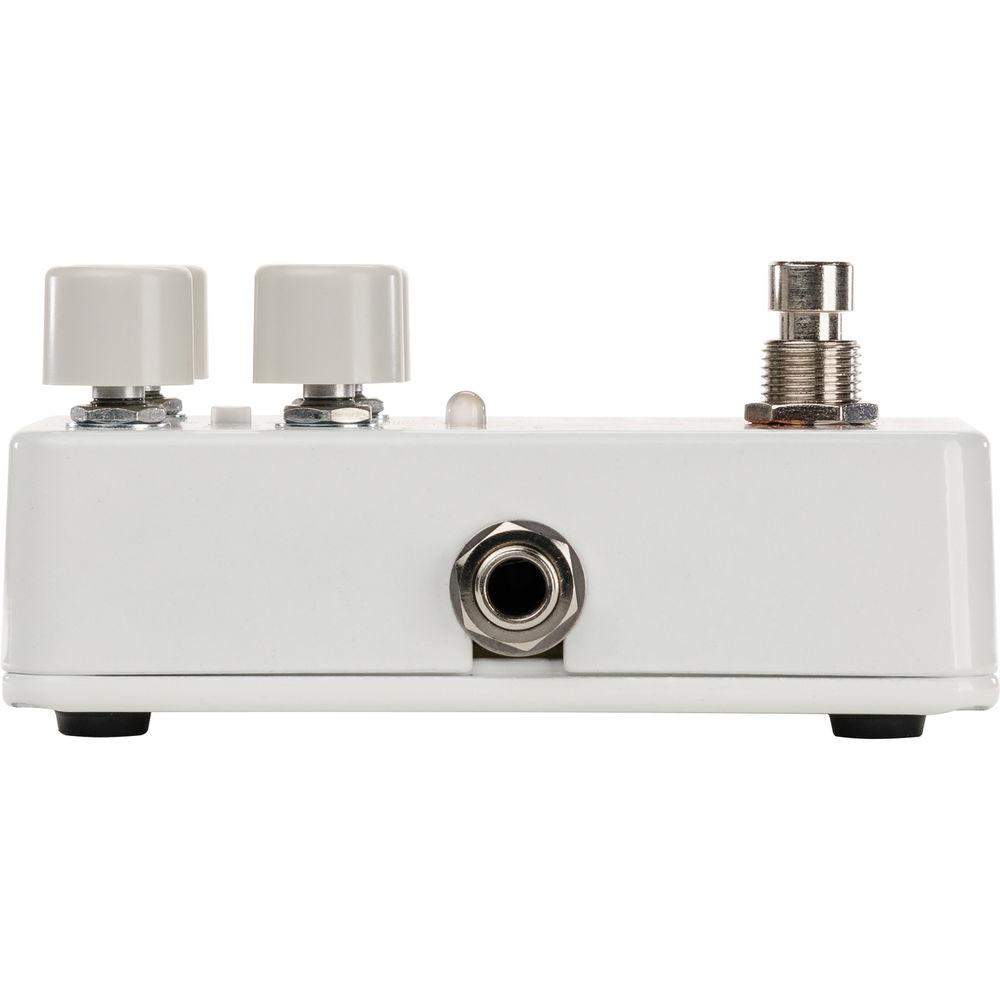
Compact in size at 2.8 x 4.5 x 2.1”, the Electro-Harmonix Canyon is a pedal designed for electric guitar which provides eleven different time-based effects, from clean digital delay to tape echoes filled with wow and flutter. Modulation delay, reverse delay, octave delay, and more are all possible by means of a single rotary mode controller; the pedal not only provides an individual emulation of the well-regarded Deluxe Memory Man pedal, but also a Soul Preacher, a POG 2, and a second Memory Man, all chained together to give you a shimmering, echoed wash of harmony.Indeed, many timbres and modulations are possible utilizing the Canyon’s relatively simple interface. You are provided with an FX level knob, a delay knob, a feedback controller, a tap/divide switch, and the aforementioned rotary mode controller. However, more controls are possible by selecting an effect and engaging the secondary knob mode, which gives you the ability to further tweak most of the individual effects. To create tap tempos to your liking, you can do so by stepping twice—or more—on the footswitch.In addition to its conventional delay modes, the Canyon offers a 62-second phrase looper, with control over how loud the loop will be upon adding overdubs into the mix. You also can make use of the sample/hold effect, which will grab onto plucked notes of pre-selected sensitivity and repeat them until you play another note similar in velocity. A momentary footswitch can be routed into the pedal via a 1/4" jack. This is a mono pedal, with one 1/4” instrument input and one 1/4" instrument output. A power supply is included. - 11 Different Modes
- ECHO: This is a digital delay, in which each delayed repeat sounds exactly like the previous one, and the repeats gradually decrease in volume.MOD: This is a modulated delay, giving you the same digital repeat structure as ECHO mode, but with added modulation to the delayed repeats to impart warmth and complexity on the echo.MULTI: In Multi-Tap Delay mode, each repeat of the delayed signal occurs at exactly the same volume. The FEEDBACK knob sets the total number of these constant-volume repeats.REVRS: In this Reverse Delay mode, your echoes will play in reverse, using an intelligent algorithm to study your playing so that it can produce reversed echoes that best suit the delay time setting. You can use the pedal’s Secondary Knob Mode to adjust the sensitivity of the intelligent pluck detection algorithm.DMM: This mode provides a faithful emulation of the Deluxe Memory Man bucket-brigade analog delay pedal—specifically, its tone. Organic echoes will transform as they repeat, and lush modulation is available using Secondary Knob Mode.TAPE: This mode simulates the prized analog tape echo units of the 1970s. Echoes degrade and distort as they repeat, as tape Wow and Flutter provide tape-like character.VERB: In this mode, each echo also has plate reverb applied to it. If you turn the FEEDBACK knob all the way down, you’ll get a pure reverb effect, and the DELAY knob will control the pre-delay of the reverb.OCT: In this octave delay, each repeat is progressively pitch shifted up one octave. You can also generate a sub-octave by using the Secondary Knob Mode.SHIM: This mode creates a shimmer effect, generating a rich octave-shifted wash of harmony with your guitar. The pedal achieves this by modeling a chain of four other EHX pedals: The Soul Preacher compressor, the POG 2 Pitch Shifter, and the Stereo Memory Man Delay/Mod unit—all looped into a second Stereo Memory Man.S/H: In sample/hold mode, the pedal senses each of pluck of your guitar, repeating them indefinitely until another pluck is sensed. The FEEDBACK knob will control the Canyon’s sensitivity to guitar plucks. At the minimum position, only the strongest plucks will trigger the S/H mode. As FEEDBACK is turned up, the sensitivity of this mode increases.LOOP: Built into the pedal is a 62-second phrase looper. A recorded loop will be stored permanently, even when the unit is removed from power. The FEEDBACK knob controls the level of the existing loop that is preserved when overdubbing. Turning it all the way up will keep every overdub audible, but decreases in feedback will result in loops from long ago fading away into a sonic sunset.
- Controls at a Glance
- FX LVL Knob: This controls the output volume of the delay effect. As the knob is turned up, the delay output increases in volume. As the knob is turned past 2 o’clock, the dry signal decreases in volume. When the knob is at the maximum position, the output is only the delay output. In S/H and LOOP modes, the dry signal remains at unity volume even as FX LVL is turned to maximum.DELAY Knob: This controls the delay time of the pedal, from a minimum position of 5 milliseconds to a maximum of 3 seconds.FEEDBACK Knob: This parameter controls the number of repeats in the delayed signal. As this knob is turned clockwise, the number of repeats increases. In S/H mode, this knob controls the pluck detection sensitivity. As the knob is turned clockwise, the sensitivity increases. In LOOP mode, this knob controls how much of the existing loop is preserved when overdubbing. As the knob is rotated clockwise, more of the existing loop is preserved. At the maximum position, the loop will stay the same volume while overdubbing.MODE Knob: This is an 11-position rotary switch that selects which of the pedal’s delay modes is active.TAP/DIVIDE Switch and LED: This switch controls the Tap Divide setting. When the delay time is set using tap tempo, this button controls the division of the tapped tempo. Press the switch to cycle through the Tap Divide options, which are indicated by the LED color. Red indicates quarter notes, orange indicates dotted-eighth notes, and green indicates eighth notes. If the LED does not change color when pressing this switch, tap tempo is disabled internally.BYPASS/ENGAGE/TAP Footswitch: Press this switch to toggle the pedal between bypass and effect modes. When the pedal is in effect mode, the LED will be lit. The footswitch can also be used to set the delay time by tapping it at least two times. This functionality is enabled from the factory, but can be disabled.TAILS Switch: The pedal allows you to choose whether delayed echoes continue to repeat or stop immediately after the pedal is switched to bypass. To control this, remove the Canyon’s bottom cover and locate the small slide switch on the bottom of the board labeled “TAILS.” When Tails are set to "on," the echoes will continue to repeat after the pedal is switched to bypass, with the number of repeats set by the FEEDBACK knob. Anything you play after entering bypass will not repeat. If the pedal is set for infinite feedback (i.e., if the FEEDBACK knob is set to maximum), the repeats will continue until you turn the FEEDBACK knob down or switch to a different mode. In Sample/Hold mode, repeats will not continue indefinitely when Tails are on. The repeats will fade out over half a second. When Tails are set to off, all repeats will stop as soon as the bypass switch is pressed, regardless of the FEEDBACK knob setting.
- Secondary Knob Mode
- The pedal allows you to edit each mode—except for Echo and Loop—and thus, sculpt a unique tone. This is achievable by selecting the desired mode with the rotary control and holding the TAP/DIVIDE switch for one second. Now you can use the DELAY and FEEDBACK knobs to edit a secondary set of controls for each effect. These controls change from effect to effect, and each individual instance of editing will be stored until you change it again, or until you initiate a factory reset.
UPC: 683274011882 In the Box Electro-Harmonix Canyon Delay and Looper Pedal with 11 Individual Effects AC Adapter Limited 1-Year Warranty Table of Contents
|
Upload User Manual
Have you got an user manual for the Electro-Harmonix Canyon Delay and Looper Pedal with 11 Individual Effects in electronic form? Please send it to us and help us expand our library of instruction manuals.
Thank you, too, on behalf of other users.
To upload the product manual, we first need to check and make sure you are not a robot. After that, your "Submit Link" or "Upload File" will appear.
Technical parametersElectro-Harmonix CANYON Specs | Audio Connections | 1 x 1/4" Instrument Input, Phone type
1 x 1/4" Instrument Input, Phone type
1 x 1/4" Momentary Footswitch Input, Phone type | | Controls | FX LVL knob
DELAY knob
FEEDBACK knob
MODE knob
TAILS switch
TAP/DIVIDE switch
TAP/DIVIDE LED
BYPASS/ENGAGE/TAP footswitch | | Phrase Looper | 62-second maximum with undo/redo | | Impedance | Input: 1 MOhm
Output: 680 Ohms | | Power Source | EHX 9.6 VDC 200 mA power adapter (included) | | Dimensions (W x L x H) | 2.8 x 4.5 x 2.1" / 7.0 x 11.4 x 5.3 cm | | Weight | Not specified by manufacturer | | | | Package Weight | 1.35 lb | | Box Dimensions (LxWxH) | 6.4 x 5.8 x 3.2" |
Rating90% users recommend this product to others. And what about you?

This product has already been rated by 16 owners. Add your rating and experience with the product.
Discussion
 Ask our technicians if you have a problem with your settings,
or if anything is unclear in the user manual you have downloaded.
You can make use of our moderated discussion.
The discussion is public and helps other users of our website who may be encountering similar problems.
Ask our technicians if you have a problem with your settings,
or if anything is unclear in the user manual you have downloaded.
You can make use of our moderated discussion.
The discussion is public and helps other users of our website who may be encountering similar problems.
Post new comment to Electro-Harmonix Canyon Delay and Looper Pedal with 11 Individual Effects
| Subject: WTF | | Date: 15.10.2022 18:20:31 | Name: george sheldon | i have had nothing but trouble with this echo where can i send it to get it fixed
| | Post reply |
| Subject: Same | | Date: 21.02.2021 05:49:58 | Name: Andrew | | Hey, Caleb! Same issue, but I'm having it even when not chained. You ever figure out a solve? | | Post reply |
| Subject: Issue with chaining | | Date: 16.11.2020 19:24:43 | Name: Caleb Kelso-Mitchell | | I've been using this pedal for a good year now and it's worked just fine in a chain with other pedals. However, I've now added two more small pedals to the chain and it no longer seems to work; it receives a signal but the light flickers rapidly and it makes a sputtering sound. When I press the switch it turns a solid red for a few seconds before going back to flashing. I cannot seem to turn the pedal off at all, is there a quick fix to get the pedal to work again? It'd be a shame to lose it as it's a decent piece of gear. | | Post reply |
Post a new topic / query / comment:
|
|
|
| Request for user manual |
You can’t find the operation manual you are looking for? Let us know and we will try to add the missing manual:
I’m looking for a manual / Request for manual
Current requests for instruction manuals:
Call Of Duty World War Two For Xbox...
controller stratus XL...
stratus XL...
smart whatch serie S11 42mm...
Allen & Heath SQ-6 manual...
|
| Discussion |
Latest contributions to the discussion:
AEW R 4100
Name: MAURICIO ANGARITA
Audio-Technica AEW-R4100 UHF Diversity Receiver for
AEW R 4100 has the mute function blocked and does not allow audio to pass. I tried several times to turn off the mute from the transmitter but it does nothing, the mute stays on. Solution?
Thank you...
Instructions for assembling the 2015 Forecast Image Master Consoles GC3-A
Name: mike elam
Forecast Consoles GC3-A ImageMaster Editing Console
Looking for instructions for assembling this console. ...
EMPTY TONER ERROR MESSAGE AFTER REPLACING TONER
Name: LINDA BAD YELLOW EYES
Brother TN223BK Standard-Yield Toner
I HAD TO CHANGE OUT ALL THREE TONERS DUE TO LEAKS IN THE YELLOW AND CYAN. AFTER I REPLACED THEM, THE MACHINE KEEPS GIVING ME AN EMPTY TONER ERROR MESSAGE. HELP!!...
PS480D 20/24 pin Switching 480W Power Supply
Name: swkargo
Logisys 480W Power Supply
This item states in can run -5vdc .It is NOT listed on the board or I beleive is r4 is missing the resitior. Any body have thid issue. Shawn
...
Help needed
Name: Ann Carter
SanDisk 1TB Extreme Portable USB 3.1
When I click the link to download the user manual for my Sandisk Extreme external hard drive, it gives me the manual for the LG Cricket. Can you please change the link so I can download the Sandisk manual and begin using this drive? Thank you....
|
|


