|
User Manual for EnGenius ENS500EXT-AC EnTurbo Advanced Wave 2 11ac 5GHz Wireless Outdoor Access Point Click to enlarge the picture
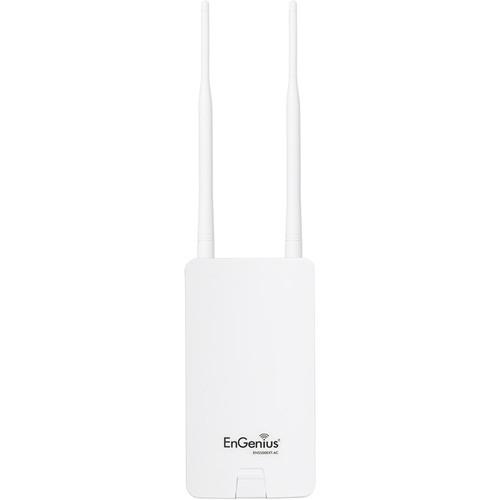 Contents of the user manual for the EnGenius ENS500EXT-AC EnTurbo Advanced Wave 2
- Product category: Wireless Access Points EnGenius
- Brand: EnGenius
- Description and content of package
- Technical information and basic settings
- Frequently asked questions – FAQ
- Troubleshooting (does not switch on, does not respond, error message, what do I do if...)
- Authorized service for EnGenius Wireless Access Points
 |
User manual for the EnGenius ENS500EXT-AC EnTurbo Advanced Wave 2 contain basic instructions
that need to be followed during installation and operation.
Before starting your appliance, the user manual should be read through carefully.
Follow all the safety instructions and warnings, and be guided by the given recommendations.
User manual is an integral part of any EnGenius product,
and if it is sold or transferred, they should be handed over jointly with the product.
Following the instructions for use is an essential prerequisite for protecting
health and property during use, as well as recognition of liability on the part of the manufacturer
for possible defects should you make a warranty claim. Download an official EnGenius user manual in which you will find instructions on how to install, use, maintain and service your product.
And do not forget – unsuitable use of a EnGenius product will considerably shorten its lifespan!
|
Product description Supporting the 802.11ac Wave 2 Wi-Fi standard, the ENS500EXT-AC EnTurbo Advanced Wave 2 11ac Dual-Band Wireless Outdoor Access Point from EnGenius is designed to offer enhanced wireless data transfer rates up to 30% faster than offered by 802.11ac Wave 1. This access point is easy to install as it comes with pole-mounting brackets and a wall-mount screw set making it easy to place the access point virtually anywhere.
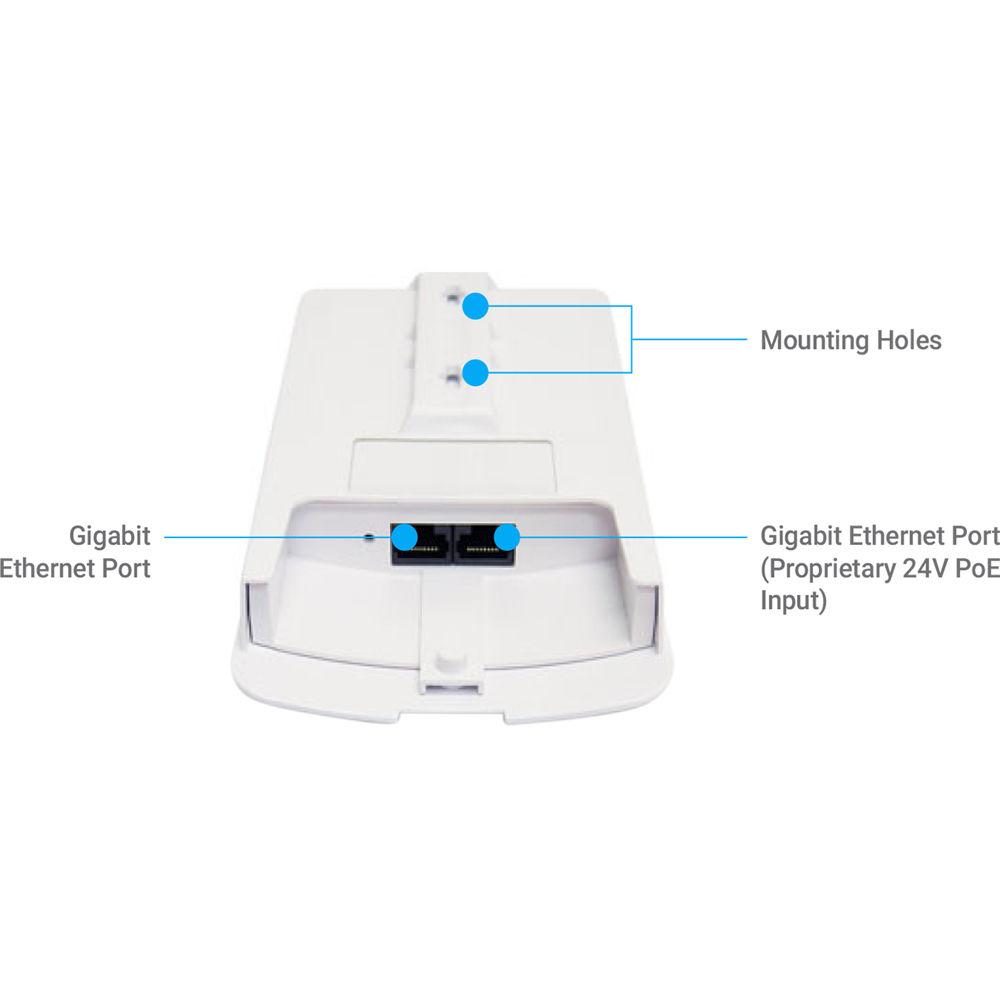
This EnGenius access point also supports 24 V proprietary PoE connectivity, eliminating the need for a standalone power source and further simplifying the installation process. In addition to support for the 802.11ac Wave 2 Wi-Fi standard, this access point operates the 5 GHz frequency offering enhanced wireless connectivity with less congestion when compared to the slower 2.4 GHz frequency.
The ENS500EXT-AC features an IP55-rated waterproof enclosure making it easy to install this access point outdoors in the elements. Install it on the side of buildings for long-range point-to-point connections, eliminating the hassle of installing wired connections. Additionally, this EnGenius access point can also be configured as a client bridge or set to WDS mode to suit the needs of nearly any network configuration.
This EnGenius access point comes with a variety of management utilities to simplify the process of administering your network. With the included ezMaster Software suite you can take advantage of centralized management functionality including the ability to configure, manage, and monitor your access points. - Outdoor Access Points
- Provide broad-reaching, fast 11ac Wave 2 access to users in a variety of settings. EnTurbo Outdoor APs are flexible and small enough for use in either indoor or outdoor environments. Achieve high-powered, long-range connections with integrated or detachable antenna options.
- Create Wi-Fi Hotspots
- Pair the ENS500EXT-AC with EnGenius' sector antennas to create a powerful wireless base station with 120° sector-wide coverage. Offer high-capacity, long-range, point-to multi-point coverage and create large Wi-Fi hotspots for:
• Outdoor Shopping Centers
• Warehouses & Arenas
• Campus Quads & Stadiums
• Campgrounds & Marinas
• Outdoor Theaters & Recreational Facilities
• Internet Service Providers - Outdoor Long-Range Bridges
- Extend the wireless network in locations where cabling is not possible or practical while eliminating the expense of extended cable runs. Connect a secondary device such as an IP surveillance camera or access point for greater deployment flexibility. Deliver precise short and long-range point-to-point links in settings such as:
• Between Buildings
• Across Large Campuses & Stadiums
• Over Vast Acreage: Parks, Golf Courses, Ranches
• City Blocks, Parking Lots & Marinas
• In Sizeable Indoor Structures: Distribution Centers & Arenas - PoE Supports Flexible Power Options
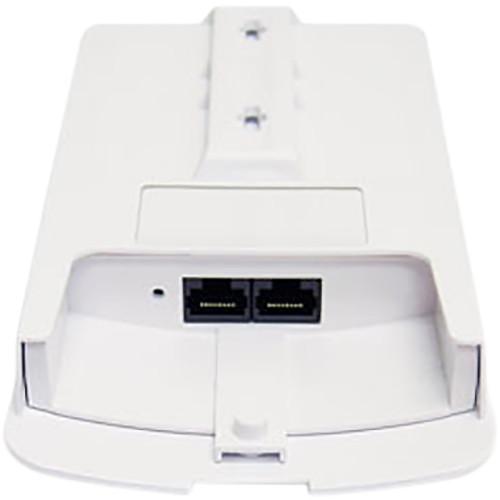
- Connect and power EnTurbo Outdoor APs and Bridges via their dual-PoE Gigabit ports and included PoE Adapter for placement in locations where power outlets are unavailable such as on roofs, poles or other remote areas.
- Flexible Operation & Configuration Options
- Access Point, Client Bridge, and WDS modes broaden the adaptability to your network needs. With multiple operation modes, these flexible devices offer versatility in point-to-point or point-to-multipoint deployments.
- Optimal Performance in Harsh Environments
- EnTurbo Outdoor APs and Bridges are designed to perform in harsh conditions and feature ruggedized IP55-rated enclosures. Ensure your network operates in extreme outdoor climates and indoor industrial environments where temperature is a factor. EnTurbo is protected from prolonged exposure to sunlight, cold, frost, snow, rain, hail, heat and humidity.
- Network Management
- The EnTurbo Outdoor APs and Bridges can operate as standalone devices or as part of a scalable EnGenius Wireless Network Management Solution. Manage EnTurbo APs and Bridges while in AP mode via Neutron Switches or remotely with ezMaster and expand easily as your network needs grow.
- Manage Up to 50 EnTurbo APs with EnGenius Managed Switches
- Any EnGenius Gigabit Managed Switch can also manage up to 50 EnTurbo APs or Bridges when in AP mode. Through the switch you can access all connected EnGenius devices operating in AP mode, as well as a full array of wireless and Layer 2 management tools. Choose between PoE+ and non-PoE switch models with flexible deployment and management options and no AP license or subscription fees.
- ezMaster Network Management Software
- EnGenius ezMaster Software's simple, intuitive Web-based interface allows flexible access point monitoring - locally or remotely. Quickly and easily set up, manage, monitor, and troubleshoot multiple APs at the same time. See real-time network performance and monitor AP traffic through ezMaster's at-a-glance dashboard.
EzMaster provides business-class features, unlimited scalability and centralized management of hundreds of EnTurbo Access Points and EnGenius Switches - locally, remotely, or via a cloud-based service, with no licensing or subscription fees. UPC: 655216008502 In the Box EnGenius ENS500EXT-AC EnTurbo Advanced Wave 2 11ac 5GHz Wireless Outdoor Access Point PoE Adapter Pole-Mounting Brackets Wall-Mount Screw Set 2 x 5 GHz 5 dBi SMA Antennas Power Cord Limited 1-Year Warranty More from Manufacturer Table of Contents
|
Upload User Manual
Have you got an user manual for the EnGenius ENS500EXT-AC EnTurbo Advanced Wave 2 11ac 5GHz Wireless Outdoor Access Point in electronic form? Please send it to us and help us expand our library of instruction manuals.
Thank you, too, on behalf of other users.
To upload the product manual, we first need to check and make sure you are not a robot. After that, your "Submit Link" or "Upload File" will appear.
Technical parametersEnGenius ENS500EXT-AC Specs | Standards | IEEE802.11a/n/ac on 5 GHz | | Processor | Qualcomm 717 MHz Quad-Core CPU
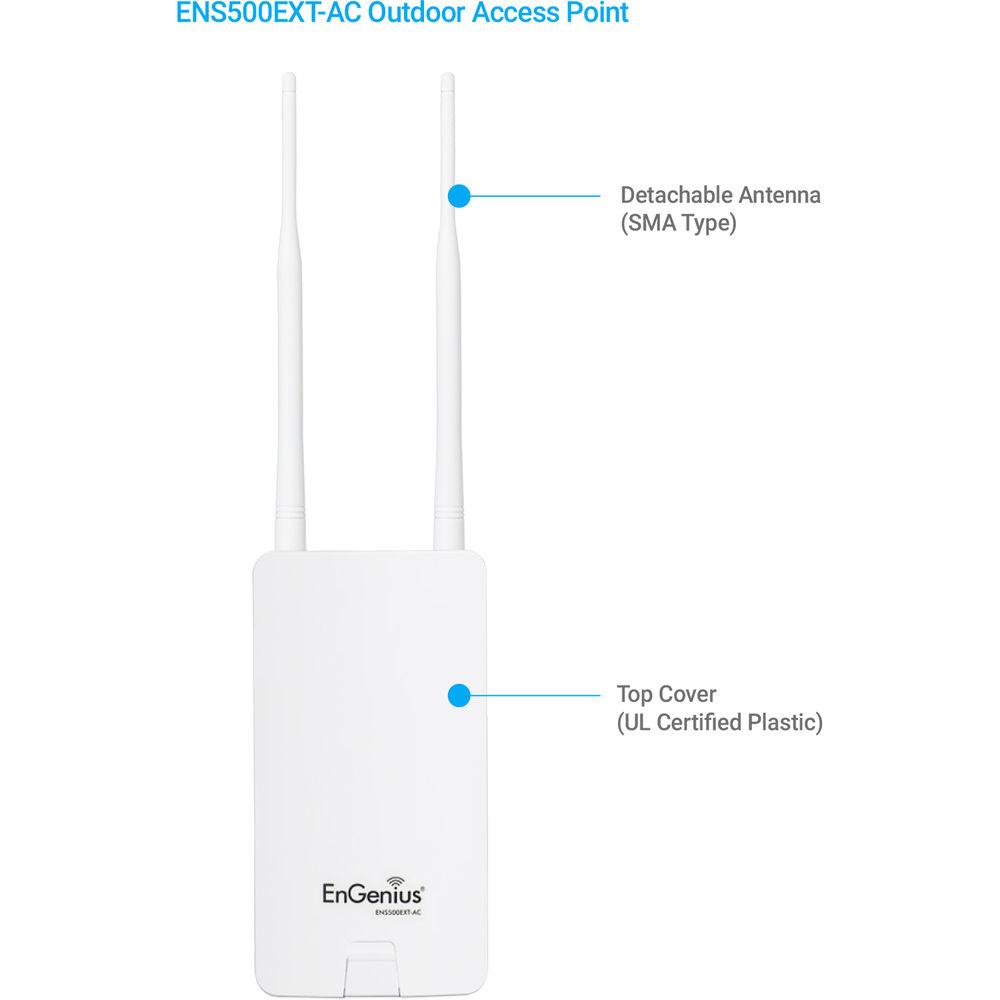
4x ARM Cortex A7 | | Antenna | 2 x 5 dBi Omni-Directional Detachable (SMA-Type) | | Physical Interfaces | 2 x 10/100/1000 Gigabit Ethernet ports
(Link Aggregation achieves 2 Gbps throughput)
Reset Button | | LED Indicators | Power
LAN 1
LAN 2
WLAN
Signal | | Power Source | Power-over-Ethernet: Proprietary 24 V PoE
IEEE 802.11e Compliant Source
Active Ethernet (PoE) | | Power Consumption | 7.5 W (minimum) | | Surge Protection | Line to Line: 1 KV
Line to Ground: 2 KV | | ESD Protection | Contact: 4 KV
Air: 8 KV | | Operating Frequency | 5 GHz | | Operation Modes | Access Point Mode (AP mode)
Client Bridge Mode (CB Mode)
WDS: WDS AP, WDS Bridge, WDS Station | | Radio | 5 GHz: 5150~5250 MHz, 5250~5350 MHz, 5470~5725 MHz, 5725~5850 MHz | | Transmit Power | 5 GHz: 23 dBm | | WLAN Spatial Streams | 2x2:2 | | MIMO Technology | SU-MIMO
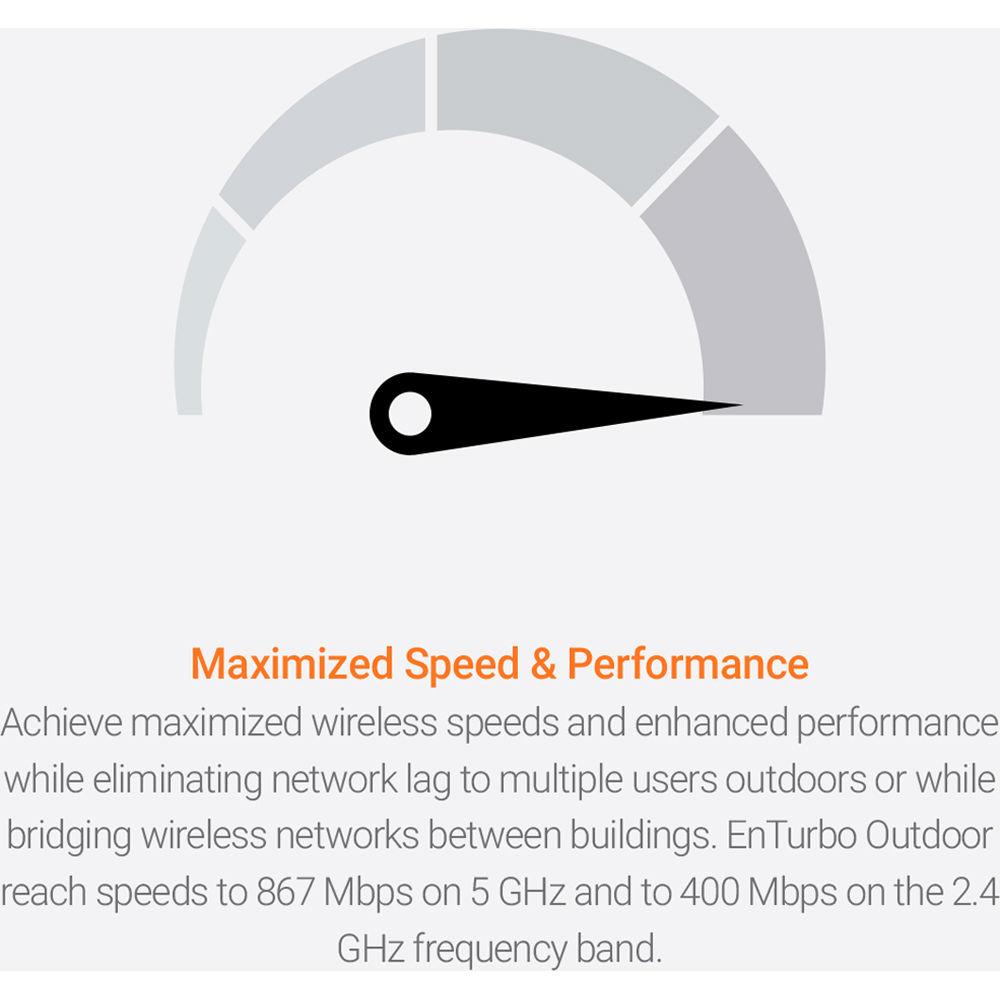
2 x Spatial Stream SU-MIMO up to 867 Mbps to a single client
MU-MIMI
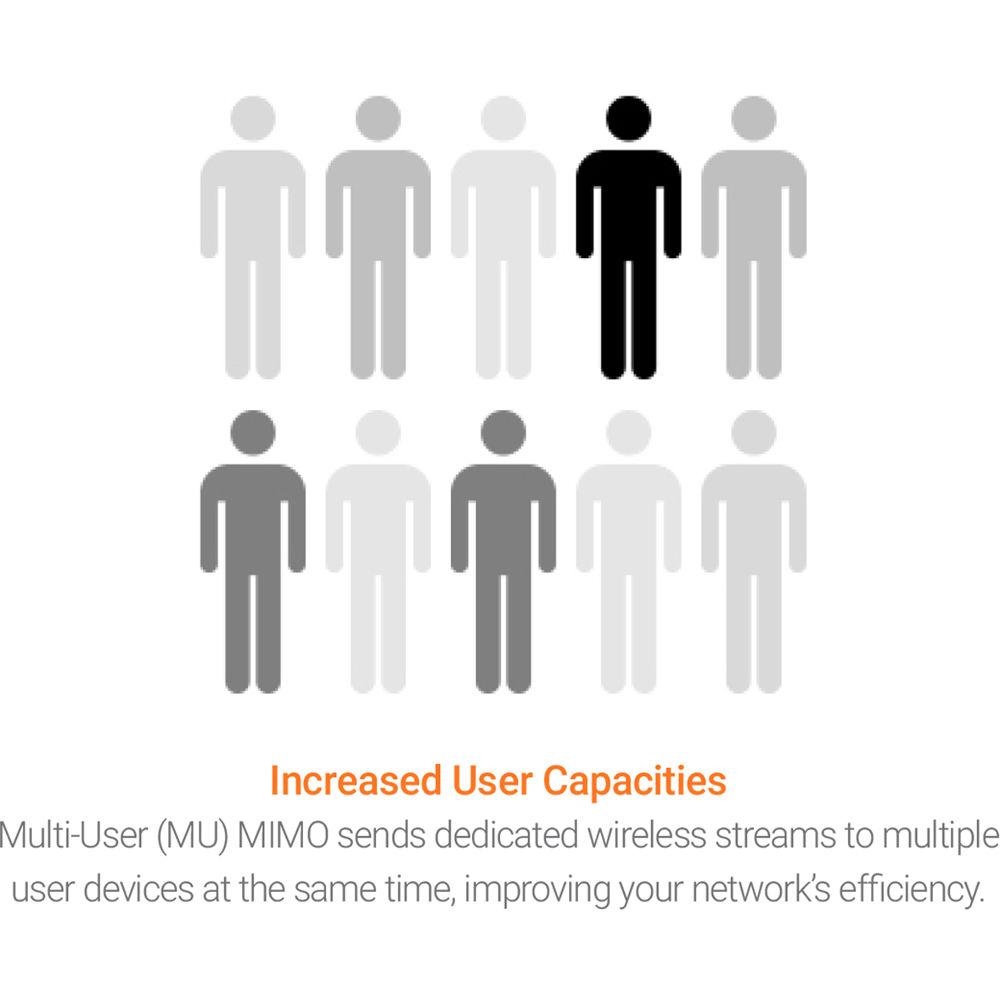
2 x Spatial Streams MU-MIMO up to 867 Mbps
2 x 1x1 wireless devices simultaneously | | Supported Data Rates | 5 GHz: Max 867
802.11a: 6, 9, 12, 18, 24, 36, 48, 54
802.11n: 6.5 to 300 Mbps (MCS0 to MCS15)
802.11ac: 6.5 to 867 Mbps (MCS0 to MCS9, NSS = 1 to 2) | | Supported Radio Technologies | 802.11a/n/ac: Orthogonal Frequency-Division Multiplexing (OFDM)
802.11n/ac: 2x2 MIMO with 2 streams | | Channels | Channelization
802.11ac Supports Very High Throughput (VHT)-VHT 20/40/80 MHz
802.11n Supports High Throughput (HT)-HT 20/40 MHz
802.11n/ac Packet Aggregation: AMPDU, ASPDU | | Modulation | 802.11a/n: BPSK, QPSK, 16-QAM, 64-QAM
802.11ac: BPSK, QPSK, 16-QAM, 64-QAM, 256-QAM | | Management | Multiple BSSID
Supports 8 SSIDs
VLAN Tagging
Supports 802.1q SSID-to-VLAN Tagging
Management VLAN
VLAN Pass-Through
Spanning Tree
Supports 802.1d Spanning Tree Protocol
QoS (Quality of Service)
Complaint With IEEE 802.11e Standard
WMM
SNMP
v1, v2c, v3
MIB
I/II, Private MIB | | Wireless Security | WEP Encryption 64/128/152 bit
WPA/WPA2 Enterprise (WPA-EAP using TKIP or AES)
Hide SSID in Beacons
MAC Address Filtering, Up to 32 MACs per SSID
Wireless STA (Client) Connected List
SSH Tunnel
Client Isolation | | Temperature & Humidity | Operating Temperature
-4 to 140°F / -20 to 60°C
Storage Temperature
-22 to 176°F / -30 to 60°C
Operating Humidity
90% or less
Storage Humidity
90% or less | | Waterproof | IP55-Rated Enclosure | | Certifications | FCC, CE | | Dimensions | 3.93 x 7.20 x 1.08" / 100 x 185 x 27 mm | | Weight | 0.65 lb / 0.29 kg | | | | Package Weight | 1.4 lb | | Box Dimensions (LxWxH) | 9.1 x 5.0 x 3.9" |
Rating60% users recommend this product to others. And what about you?

This product has already been rated by 19 owners. Add your rating and experience with the product.
Discussion
 Ask our technicians if you have a problem with your settings,
or if anything is unclear in the user manual you have downloaded.
You can make use of our moderated discussion.
The discussion is public and helps other users of our website who may be encountering similar problems.
Ask our technicians if you have a problem with your settings,
or if anything is unclear in the user manual you have downloaded.
You can make use of our moderated discussion.
The discussion is public and helps other users of our website who may be encountering similar problems.
The discussion is empty - enter the first post
Post a new topic / query / comment:
|
|
|
| Request for user manual |
You can’t find the operation manual you are looking for? Let us know and we will try to add the missing manual:
I’m looking for a manual / Request for manual
Current requests for instruction manuals:
Call Of Duty World War Two For Xbox...
controller stratus XL...
stratus XL...
smart whatch serie S11 42mm...
Allen & Heath SQ-6 manual...
|
| Discussion |
Latest contributions to the discussion:
AEW R 4100
Name: MAURICIO ANGARITA
Audio-Technica AEW-R4100 UHF Diversity Receiver for
AEW R 4100 has the mute function blocked and does not allow audio to pass. I tried several times to turn off the mute from the transmitter but it does nothing, the mute stays on. Solution?
Thank you...
Instructions for assembling the 2015 Forecast Image Master Consoles GC3-A
Name: mike elam
Forecast Consoles GC3-A ImageMaster Editing Console
Looking for instructions for assembling this console. ...
EMPTY TONER ERROR MESSAGE AFTER REPLACING TONER
Name: LINDA BAD YELLOW EYES
Brother TN223BK Standard-Yield Toner
I HAD TO CHANGE OUT ALL THREE TONERS DUE TO LEAKS IN THE YELLOW AND CYAN. AFTER I REPLACED THEM, THE MACHINE KEEPS GIVING ME AN EMPTY TONER ERROR MESSAGE. HELP!!...
PS480D 20/24 pin Switching 480W Power Supply
Name: swkargo
Logisys 480W Power Supply
This item states in can run -5vdc .It is NOT listed on the board or I beleive is r4 is missing the resitior. Any body have thid issue. Shawn
...
Help needed
Name: Ann Carter
SanDisk 1TB Extreme Portable USB 3.1
When I click the link to download the user manual for my Sandisk Extreme external hard drive, it gives me the manual for the LG Cricket. Can you please change the link so I can download the Sandisk manual and begin using this drive? Thank you....
|
|


