User Manual for Epson WorkForce Pro WF-6530 All-in-One Inkjet Printer Click to enlarge the picture
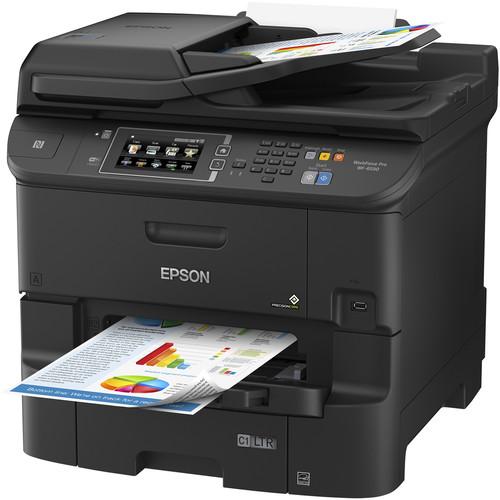 Contents of the user manual for the Epson WorkForce Pro WF-6530 All-in-One Inkjet
- Product category: Inkjet Printers Epson
- Brand: Epson
- Description and content of package
- Technical information and basic settings
- Frequently asked questions – FAQ
- Troubleshooting (does not switch on, does not respond, error message, what do I do if...)
- Authorized service for Epson Inkjet Printers
 |
User manual for the Epson WorkForce Pro WF-6530 All-in-One Inkjet contain basic instructions
that need to be followed during installation and operation.
Before starting your appliance, the user manual should be read through carefully.
Follow all the safety instructions and warnings, and be guided by the given recommendations.
User manual is an integral part of any Epson product,
and if it is sold or transferred, they should be handed over jointly with the product.
Following the instructions for use is an essential prerequisite for protecting
health and property during use, as well as recognition of liability on the part of the manufacturer
for possible defects should you make a warranty claim. Download an official Epson user manual in which you will find instructions on how to install, use, maintain and service your product.
And do not forget – unsuitable use of a Epson product will considerably shorten its lifespan!
|
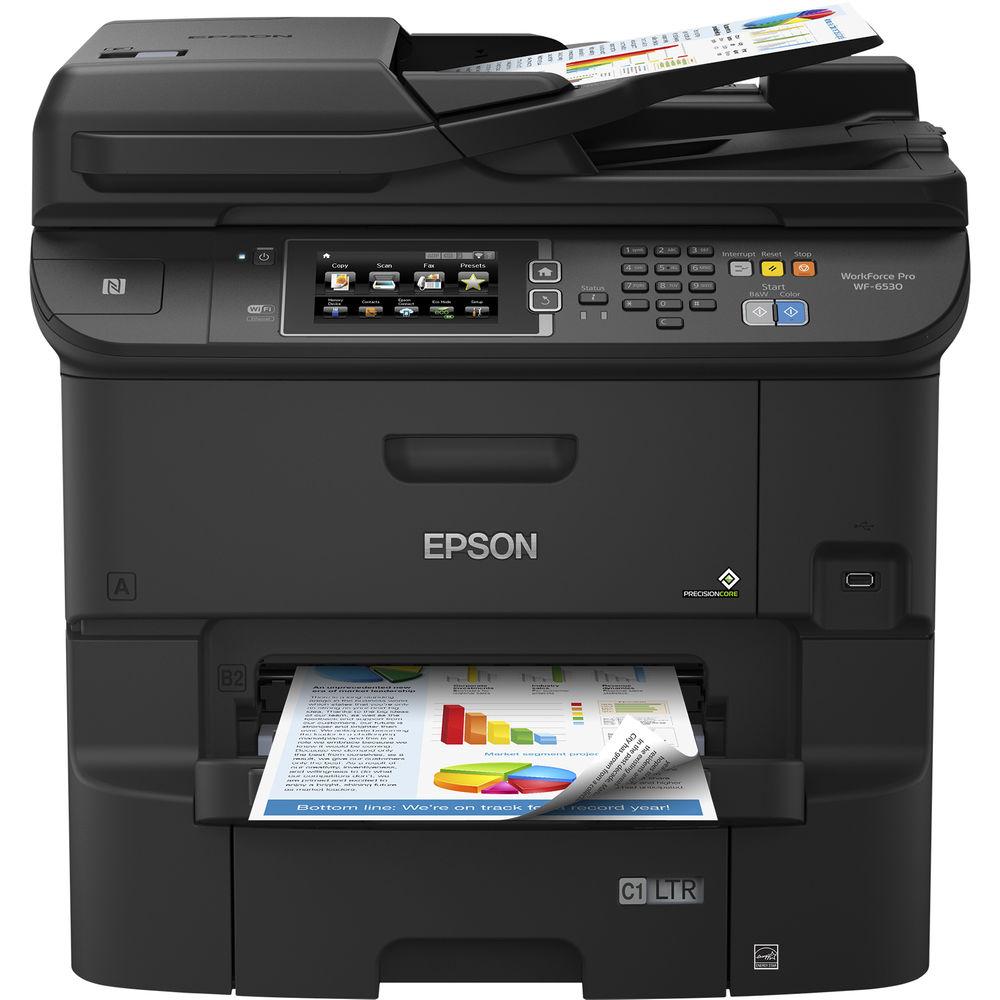
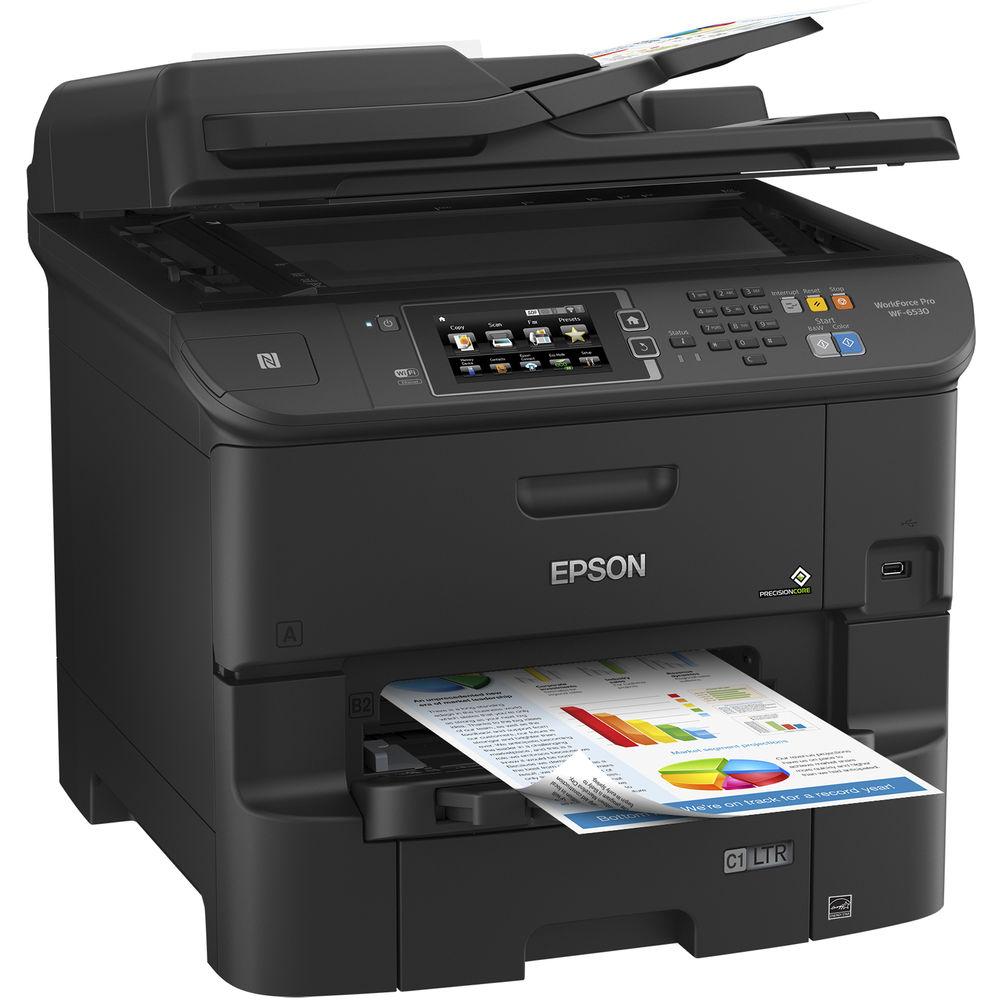
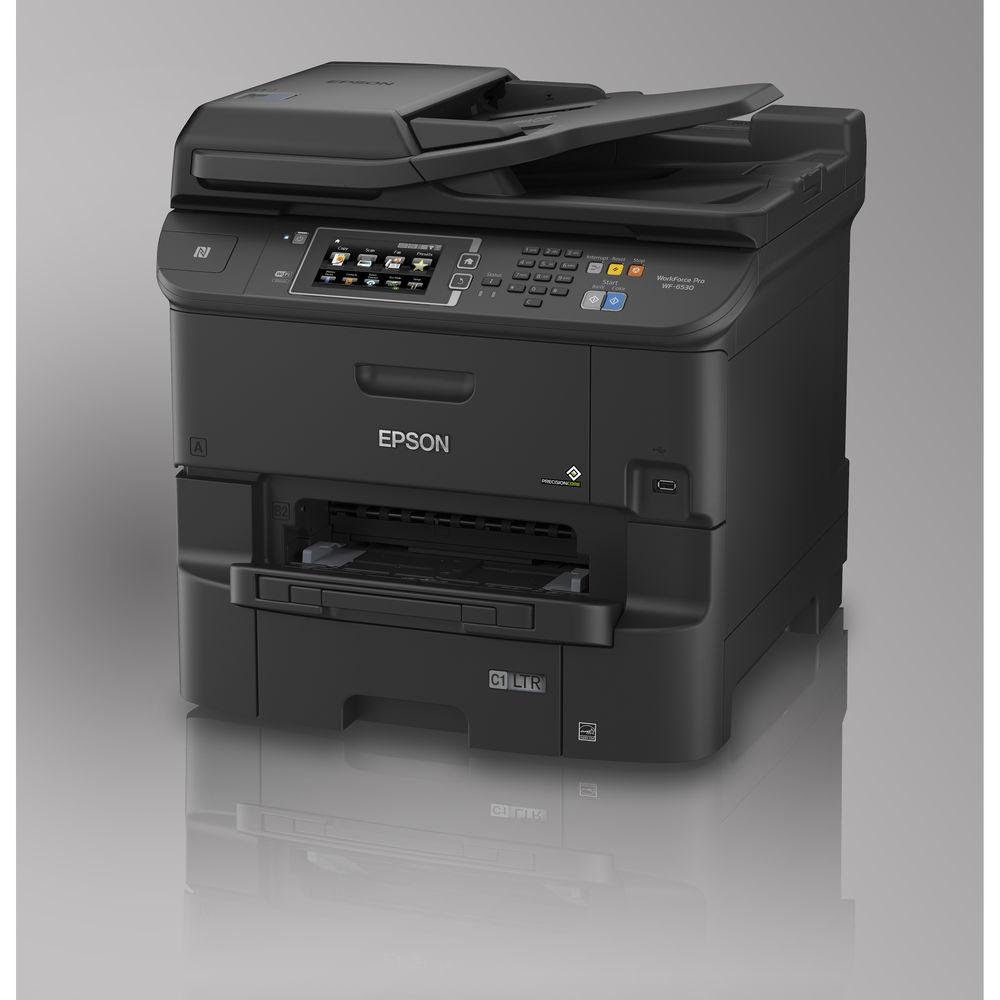
Product description Work quickly, efficiently, and with all the tools a small workgroup needs with the WorkForce Pro WF-6530 All-in-One Inkjet Printer from Epson. This multifunction unit offers printing, scanning, copying, and faxing along with excellent performance thanks to a PrecisionCore 4S printhead that delivers maximum detail and resolution with an optimized 4800 x 1200 dpi. Also, the WF-6530 is fast with ISO print speeds of up to 24 ppm in both black & white and color. On top of this, it can accept documents up to 8.5 x 47.2" in size, allowing users to create large poster-sized prints for presentations or display.
For scanning, copying, and faxing, the WF-6530 is equipped with both a color flatbed and duplexing 50-sheet ADF that allow for a maximum scan and copy size of 8.5 x 14". The optical resolution of 2400 dpi further benefits users by creating crisp, detailed images that can be interpolated up to 9600 x 9600 dpi.
In addition to an ADF, the printer has a 500-sheet input tray and an 80-sheet rear tray that handles special media such as envelopes. Also, the printer has a four-color DURABrite Pro pigment-based ink set that ensures print longevity with resistance to smudging and fading. Users will find USB 2.0, Ethernet, and Wi-Fi connectivity in this model to ensure their setup in exactly as they need. And, with Wi-Fi Direct and NFC, users can print directly from their smartphones and mobile devices. - Four-color drop-on-demand MicroPiezo inkjet technology with PrecisionCore 4S printhead
- Automatic duplexing will save on paper by up to 50% for print, scan, copy, and fax
- ISO print speeds of 24 ppm in black or color
- Replacement high-yield cartridges are available for up to 4000 full-color pages or 5000 black pages without changing ink
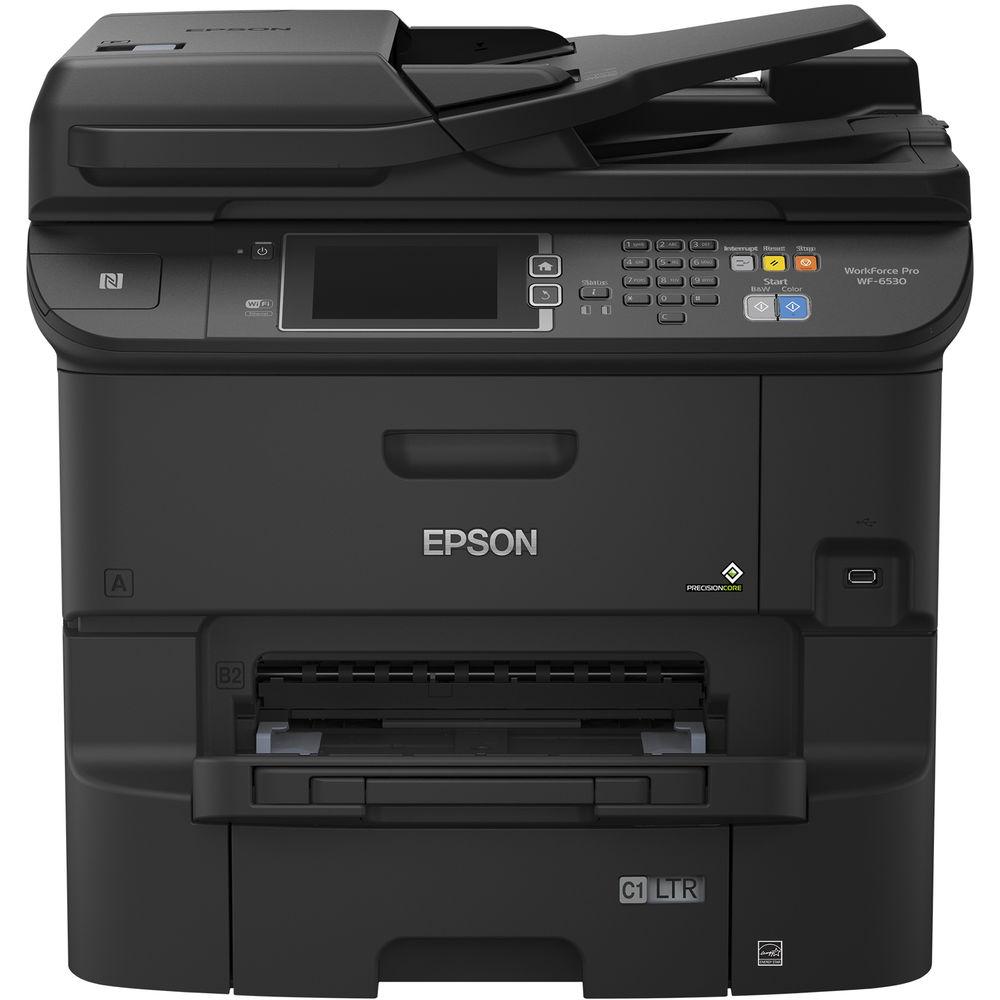
- Paper handling includes a 500-sheet input tray, 80-sheet rear tray, and 50-sheet ADF
- 4.3" color touchscreen provides intuitive controls and easy viewing of settings
- Built-in Wi-Fi connectivity with Wi-Fi Direct and NFC allows users to print directly from their mobile devices and smartphones, including accessing cloud services
- Monthly duty cycle of 50,000 pages
UPC: 010343920453 In the Box Epson WorkForce Pro WF-6530 All-in-One Inkjet Printer 748 Standard-Capacity Black Ink Cartridge 748 Standard-Capacity Cyan Ink Cartridge 748 Standard-Capacity Magenta Ink Cartridge 748 Standard-Capacity Yellow Ink Cartridge Power Cord Setup CD-ROM Limited 1-Year Warranty User Manual PDF 2.7mb More info from Epson Table of Contents
|
Upload User Manual
Have you got an user manual for the Epson WorkForce Pro WF-6530 All-in-One Inkjet Printer in electronic form? Please send it to us and help us expand our library of instruction manuals.
Thank you, too, on behalf of other users.
To upload the product manual, we first need to check and make sure you are not a robot. After that, your "Submit Link" or "Upload File" will appear.
Technical parametersEpson WF-6530 Specs | | | Printing Technology | 4-color drop-on-demand MicroPiezo inkjet technology / PrecisionCore 4S printhead | | Maximum Resolution | 4800 x 1200 dpi optimized | | Print Speed | Simplex: 24 ppm
Duplex: 15 ppm | | Minimum Ink Droplet Size | 3.7 pl | | Ink Type | DURABrite Pro pigment ink | | Ink Palette | CMYK (cyan, magenta, yellow, black) | | Ink Cartridge Configuration | 4 individual ink cartridges | | Compatible Ink Cartridges | 748 Standard-Capacity Black Ink Cartridge (~2,500 pages)
748 Standard-Capacity Cyan Ink Cartridge (~1,500 pages)
748 Standard-Capacity Magenta Ink Cartridge (~1,500 pages)
748 Standard-Capacity Yellow Ink Cartridge (~1,500 pages)
748XL High-Capacity Black Ink Cartridge (~5,500 pages)
748XL High-Capacity Cyan Ink Cartridge (~4,000 pages)
748XL High-Capacity Magenta Ink Cartridge (~4,000 pages)
748XL High-Capacity Yellow Ink Cartridge (~4,000 pages) | | Printer Duty Cycle | 50,000 pages
Recommended Monthly Volume: 4,000 pages | | Printer Language | Epson ESC/P-R | | | | Image Sensor | Color CIS line sensor | | Type | Flatbed, duplex ADF | | Optical Resolution | 2400 dpi | | Interpolated Resolution | 9600 x 9600 dpi | | Color Depth | 48-bit input / 24-bit output | | Hardware Resolution | 1200 x 2400 dpi | | Maximum Scan Size | 8.5 x 14.0" / 21.6 x 35.6 cm | | Scanner Features | Scan to PC via Document Capture Pro, Scan to Cloud (including email), Memory Device, Password Protected PDF | | | | Copy Speed | 19 cpm | | Number of Copies | 1-999 (PC-free) | | Maximum Copy Size | 8.5 x 14.0" / 21.6 x 35.6 cm | | Duplex Copying | Yes | | Copy Features | Preview, resize, collate, adjustable copy density, ID copy | | | | Modem Speed | 33.6 kbps | | Transmission Speed | 3 sec per page | | Memory | 550 pages | | Speed Dial Locations | 200 | | Fax Features | PC-Fax | | | | Paper Handling | Input tray
Rear feed
Automatic document feeder | | Paper Sizes | 3.5 x 5", 4 x 6", 5 x 7", 8 x 10", 8.5 x 11", A4, A6, half letter, executive, user definable 3.5-47.2" in length | | Maximum Paper Size | 8.5 x 47.2" / 21.6 x 119.9 cm | | Paper Types | Plain paper, Bright White Paper, Presentation Paper Matte, Premium Presentation Paper Matte, Premium Presentation Paper Matte Double-sided, Premium Photo Paper Glossy, Ultra Premium Photo Paper Glossy, Premium Photo Paper Semi-gloss | | Special Media Support | Envelopes: No. 10; plain paper, bond paper, air mail | | Paper Capacity | Input Tray: 500 sheets
Rear Feed: 80 sheets, 10 envelopes
ADF: 50 sheets | | | | Computer Interface | USB 2.0
Wi-Fi 802.11b/g/n
Ethernet (10/100/1000 Mbps) | | Direct Printing | Wi-Fi Direct
NFC | | Mobile Printing Features | Epson Connect: Epson Email Print, Epson iPrint Mobile App, Epson Remote Print
Other: Apple AirPrint, Google Cloud Print, Fire OS | | Compatible Operating Systems | Windows 10, 8.x (32/64-bit), 7 (32/64-bit), Vista (32/64-bit), XP SP3 (32-bit), XP Professional x64 Edition, Server 2012 R2, Server 2012, Server 2008 R2, Server 2008, Server 2003 R2, Server 2003
Mac OS X 10.5.8-10.10.x | | | | Front Panel Controls | 4.3" / 10.9 cm color touchscreen | | Acoustics | Power: 6.5 dB(A)
Pressure: 50 dB(A) | | Power Requirements | 100-240 VAC, 50-60 Hz, 1.2-0.6 A | | Power Consumption | Standalone Copy Printing: 36 W
Standby: 16 W
Sleep: 2.7 W
Power Off: 0.5 W | | Operating Conditions | Temperature: 50 to 95°F / 10 to 35°C
Humidity: 20 to 80% | | Storage Conditions | Temperature: -4 to 104°F / -20 to 40°C
Humidity: 5 to 85%, non-condensing | | Certifications | Environmental: ENERGY STAR qualified, RoHS compliant, recyclable
Safety: UL60950, CSA C22.2 No. 60950 EMI FCC Part 15 subpart B class B, CAN/CSA-CEI/IEC CISPR 22 class B
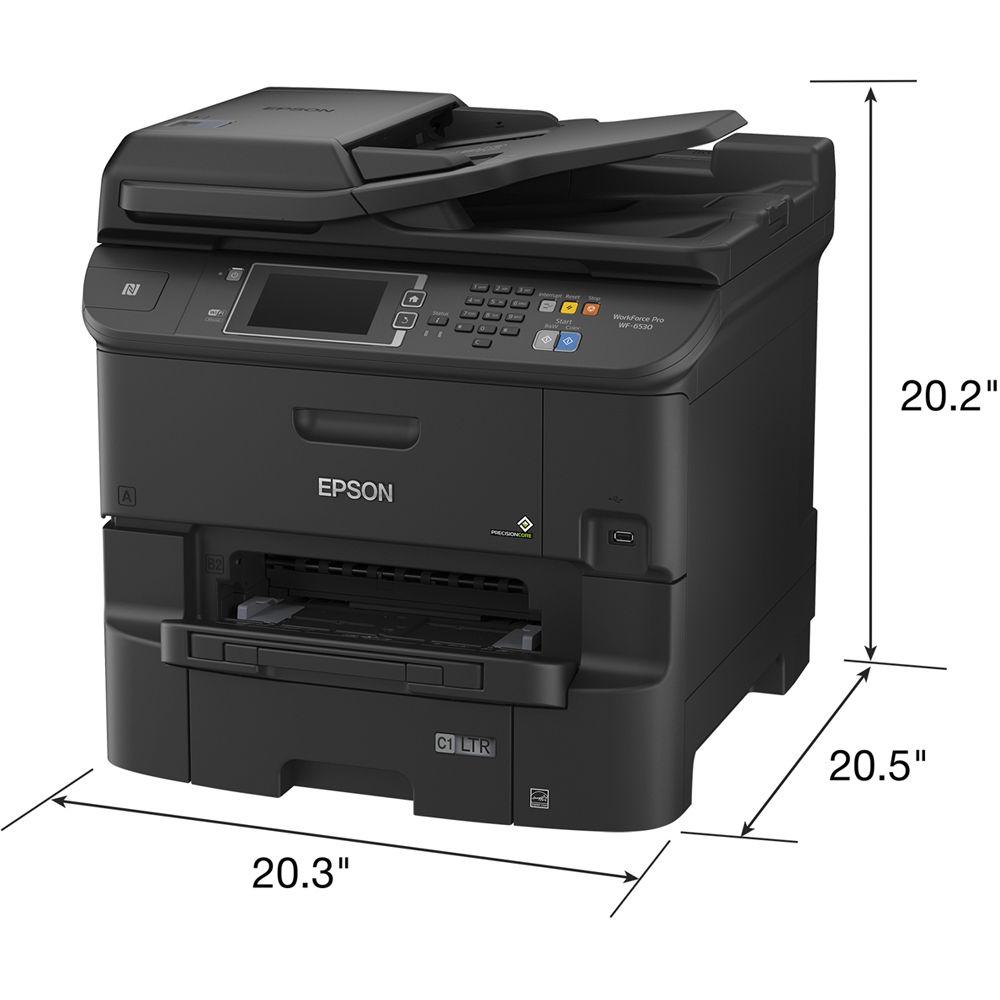
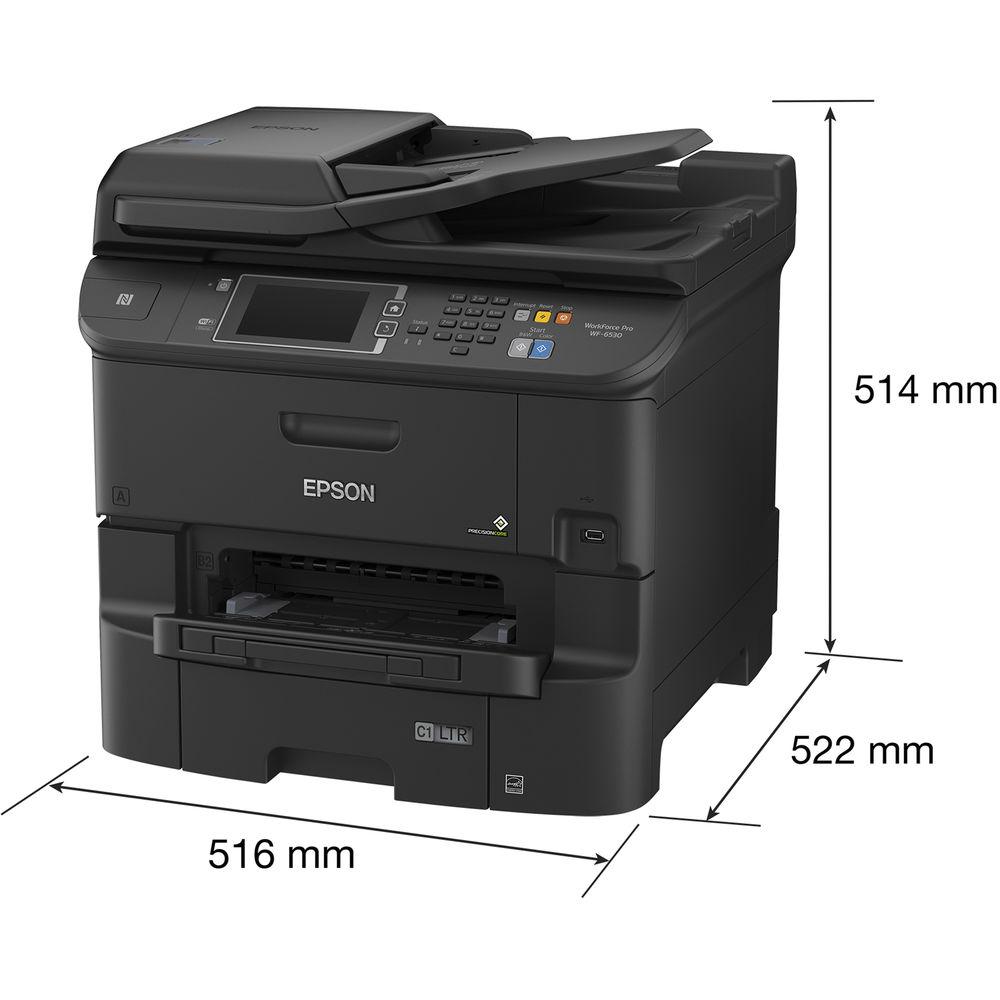
Telecom: FCC Part 68 (U.S.A.), IC/CS03 (Canada) | | Dimensions | Printing: 20.3 x 29.8 x 21.3" / 51.6 x 75.7 x 54.1 cm
Storage: 20.3 x 20.6 x 20.2" / 51.6 x 52.3 x 51.3 cm | | Weight | 68.3 lb / 31 kg | | | | Package Weight | 81.0 lb | | Box Dimensions (LxWxH) | 27.0 x 26.0 x 26.0" |
Rating84% users recommend this product to others. And what about you?

This product has already been rated by 10 owners. Add your rating and experience with the product.
Discussion
 Ask our technicians if you have a problem with your settings,
or if anything is unclear in the user manual you have downloaded.
You can make use of our moderated discussion.
The discussion is public and helps other users of our website who may be encountering similar problems.
Ask our technicians if you have a problem with your settings,
or if anything is unclear in the user manual you have downloaded.
You can make use of our moderated discussion.
The discussion is public and helps other users of our website who may be encountering similar problems.
The discussion is empty - enter the first post
Post a new topic / query / comment:
|
|


