User Manual for FotodioX Cell Phone Tripod Mount Adapter Click to enlarge the picture
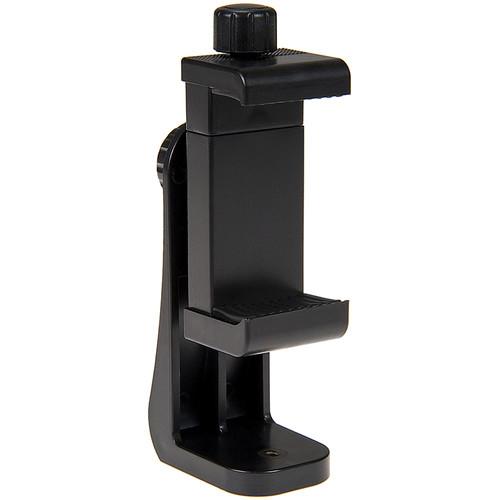 Contents of the user manual for the FotodioX Cell Phone Tripod Mount Adapter
- Product category: Grips & Support FotodioX
- Brand: FotodioX
- Description and content of package
- Technical information and basic settings
- Frequently asked questions – FAQ
- Troubleshooting (does not switch on, does not respond, error message, what do I do if...)
- Authorized service for FotodioX Grips & Support
 |
User manual for the FotodioX Cell Phone Tripod Mount Adapter contain basic instructions
that need to be followed during installation and operation.
Before starting your appliance, the user manual should be read through carefully.
Follow all the safety instructions and warnings, and be guided by the given recommendations.
User manual is an integral part of any FotodioX product,
and if it is sold or transferred, they should be handed over jointly with the product.
Following the instructions for use is an essential prerequisite for protecting
health and property during use, as well as recognition of liability on the part of the manufacturer
for possible defects should you make a warranty claim. Download an official FotodioX user manual in which you will find instructions on how to install, use, maintain and service your product.
And do not forget – unsuitable use of a FotodioX product will considerably shorten its lifespan!
|
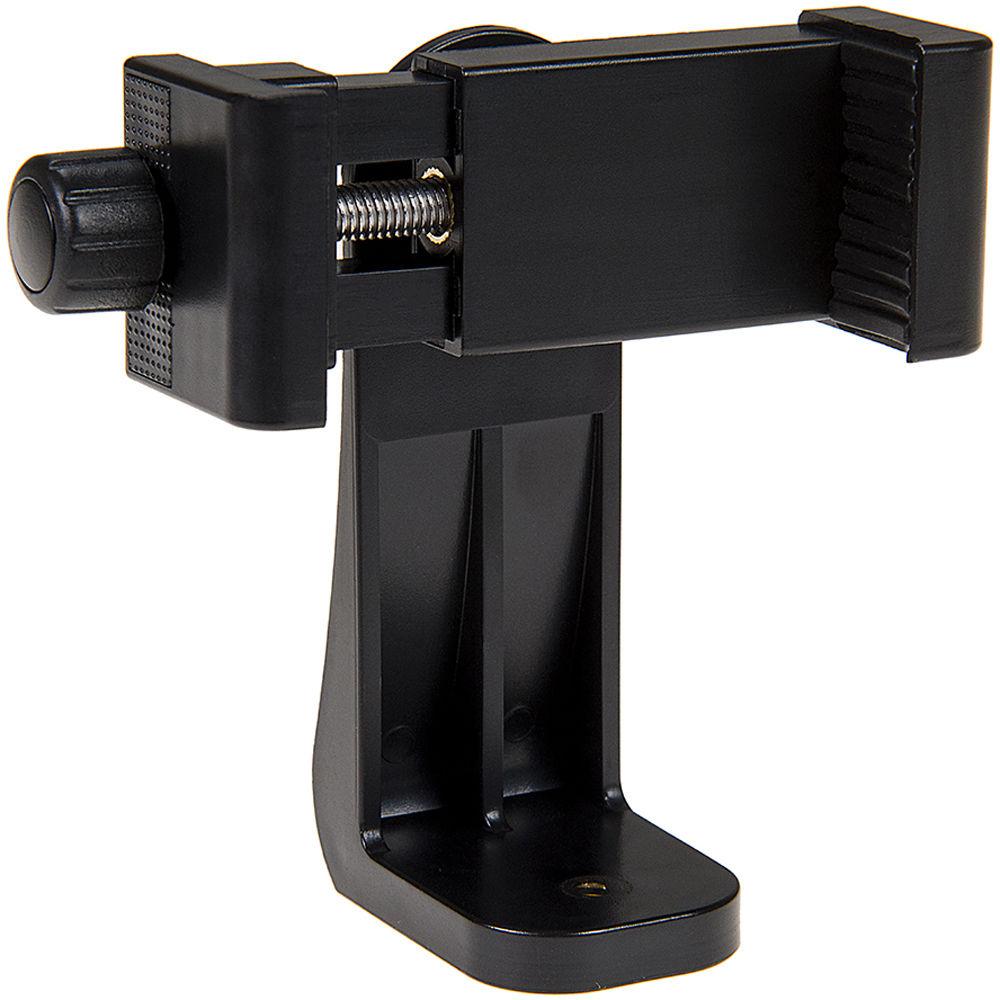
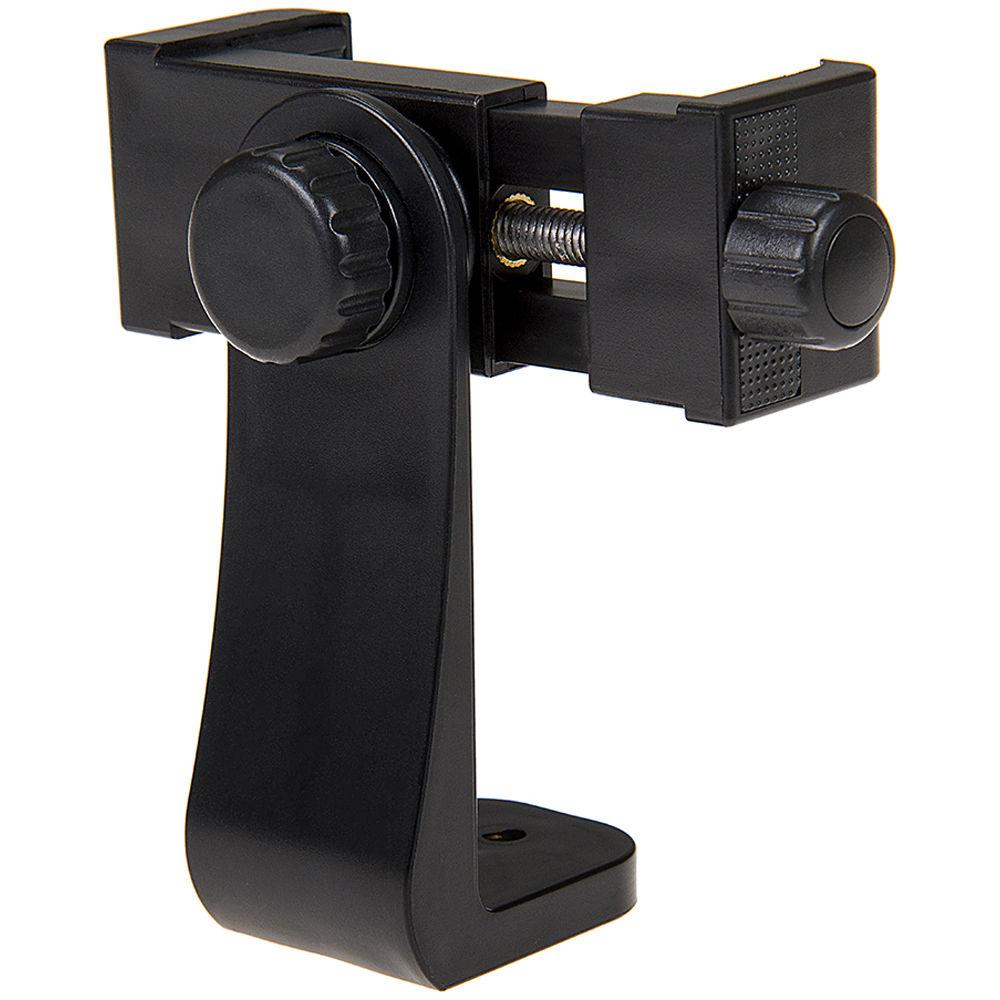
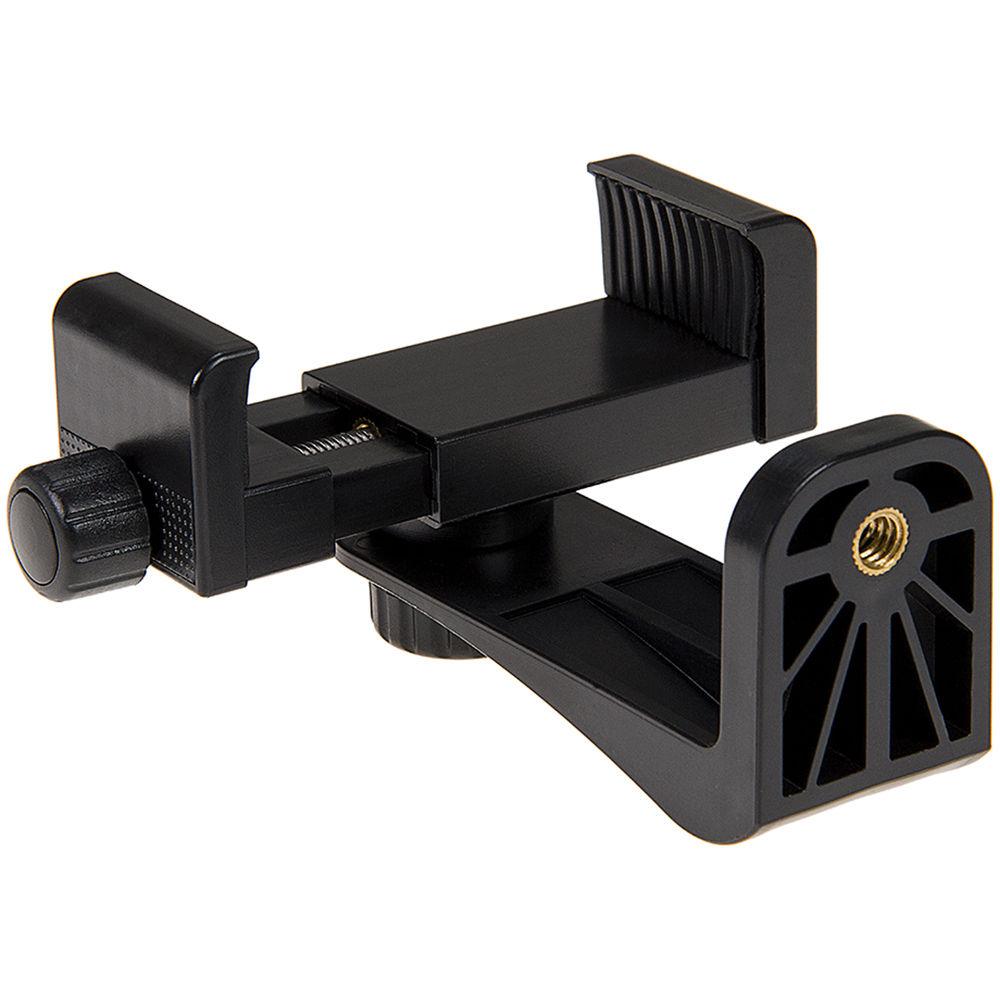
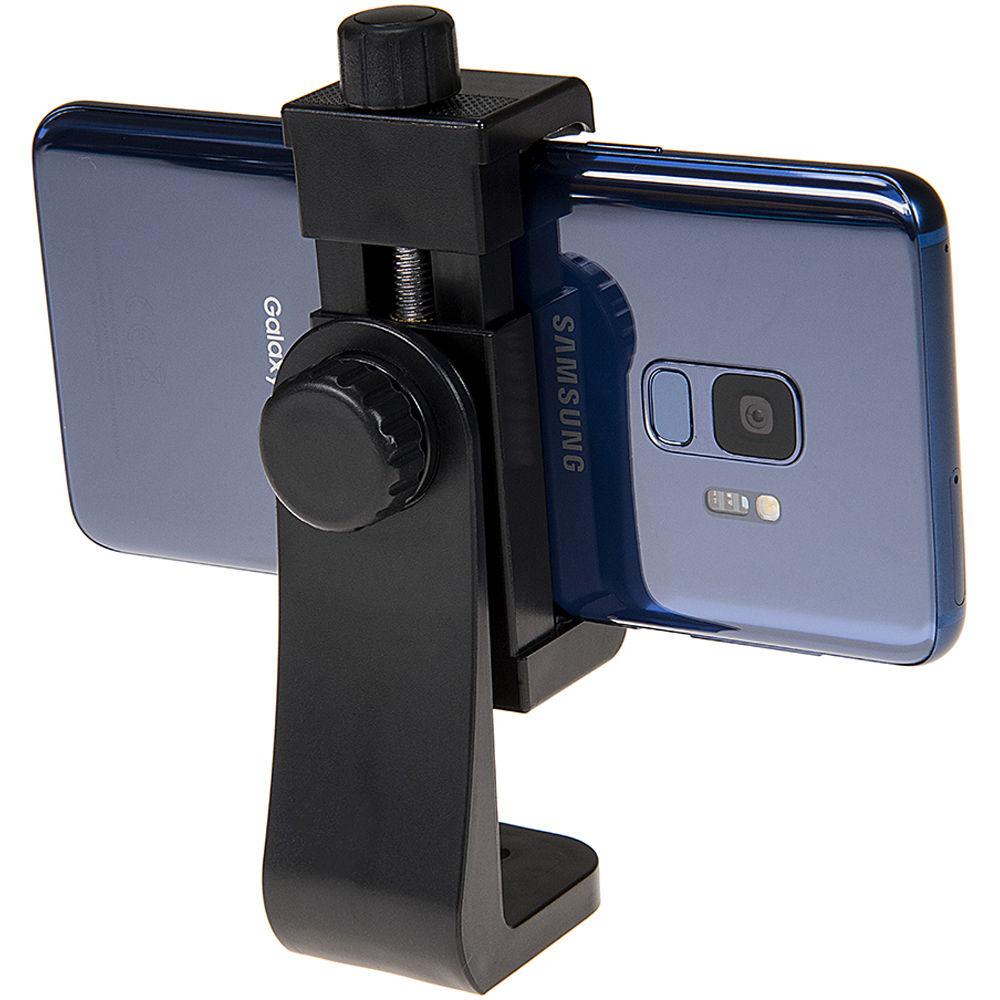
Product description Buying Guide: Smartphone Stabilizing Devices Read More yfvddcyayxaecbzsutxudutzyvzvrfxwudfsft Compatible with most phones that measure 2.2 to 4" wide, the Cell Phone Tripod Mount Adapter from Fotodiox can be mounted to tripods, monopods, selfie sticks, and other filming devices using its 1/4"-20 thread. Compact and lightweight, this adapter is made from durable plastic and soft, protective rubber that tightly grips and holds your device. Furthermore, a stable base helps reduce vibration and captures images with greater detail and less blur. A knob allows the adapter to rotate 360° so it can be positioned in landscape or portrait mode, plus most anything in between. When rotating between landscape and portrait mode, it is not necessary to remove your phone from the adapter. General Features - Fully Rotates 360°
- This adapter rotates 360° so you can put your phone in just about any position you want, whether it has a case or not. While other mounts require you to remove your phone and readjust the grip just to switch from landscape to portrait mode, this mount can easily be adjusted with the turn of a knob.
- Made from Plastic & Soft Protective Rubber
- Made from durable plastic and soft protective rubber, this adapter tightly grips and holds your device without damage.
- 1/4"-20 Mount
- This adapter can be mounted on most tripods, monopods, selfie sticks, or other filming devices that have a 1/4"-20 mount.
- Compact, Lightweight, and Portable
- This adapter is compact and lightweight design for easy portability. Take it everywhere you go to be ready for pictures when they arise.
- Compatibility
- Fits most phones 2.2 to 4" wide, with or without a case, including iPhone X, Xs, XR, Xs Max, 8, 7, 7+, 6, 6s, 6+, SE, 5, 5s, and 5c, plus the Samsung Galaxy S9, S9+, S8, S8+, S7, S6, S6 Edge, and Note 9, 8, 5, 4, 3, and more
UPC: 847372045532 In the Box FotodioX Cell Phone Tripod Mount Adapter Limited 2-Year Warranty Table of Contents
|
Upload User Manual
Have you got an user manual for the FotodioX Cell Phone Tripod Mount Adapter in electronic form? Please send it to us and help us expand our library of instruction manuals.
Thank you, too, on behalf of other users.
To upload the product manual, we first need to check and make sure you are not a robot. After that, your "Submit Link" or "Upload File" will appear.
Technical parametersFotodioX PHONE-CLAMP Specs | Clamp Opening | 2.2 to 4.0" / 5.6 to 10.2 cm | | Dimensions | 1.3 x 2.0 x 4.9" / 3.3 x 5.1 x 12.4 cm | | Weight | Not specified by manufacturer | | | | Package Weight | 0.21 lb | | Box Dimensions (LxWxH) | 4.8 x 3.7 x 2.25" |
Rating90% users recommend this product to others. And what about you?

This product has already been rated by 63 owners. Add your rating and experience with the product.
Discussion
 Ask our technicians if you have a problem with your settings,
or if anything is unclear in the user manual you have downloaded.
You can make use of our moderated discussion.
The discussion is public and helps other users of our website who may be encountering similar problems.
Ask our technicians if you have a problem with your settings,
or if anything is unclear in the user manual you have downloaded.
You can make use of our moderated discussion.
The discussion is public and helps other users of our website who may be encountering similar problems.
The discussion is empty - enter the first post
Post a new topic / query / comment:
|
|


