User Manual for Garmin Descent Mk1 Dive Watch Click to enlarge the picture
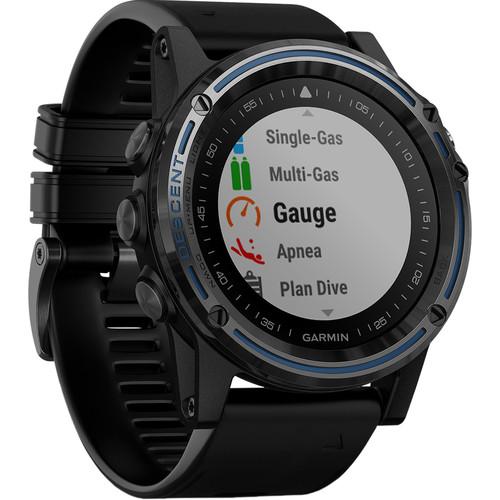 Contents of the user manual for the Garmin Descent Mk1 Dive Watch
- Product category: Sports/Training Watches Garmin
- Brand: Garmin
- Description and content of package
- Technical information and basic settings
- Frequently asked questions – FAQ
- Troubleshooting (does not switch on, does not respond, error message, what do I do if...)
- Authorized service for Garmin Sports/Training Watches
 |
User manual for the Garmin Descent Mk1 Dive Watch contain basic instructions
that need to be followed during installation and operation.
Before starting your appliance, the user manual should be read through carefully.
Follow all the safety instructions and warnings, and be guided by the given recommendations.
User manual is an integral part of any Garmin product,
and if it is sold or transferred, they should be handed over jointly with the product.
Following the instructions for use is an essential prerequisite for protecting
health and property during use, as well as recognition of liability on the part of the manufacturer
for possible defects should you make a warranty claim. Download an official Garmin user manual in which you will find instructions on how to install, use, maintain and service your product.
And do not forget – unsuitable use of a Garmin product will considerably shorten its lifespan!
|
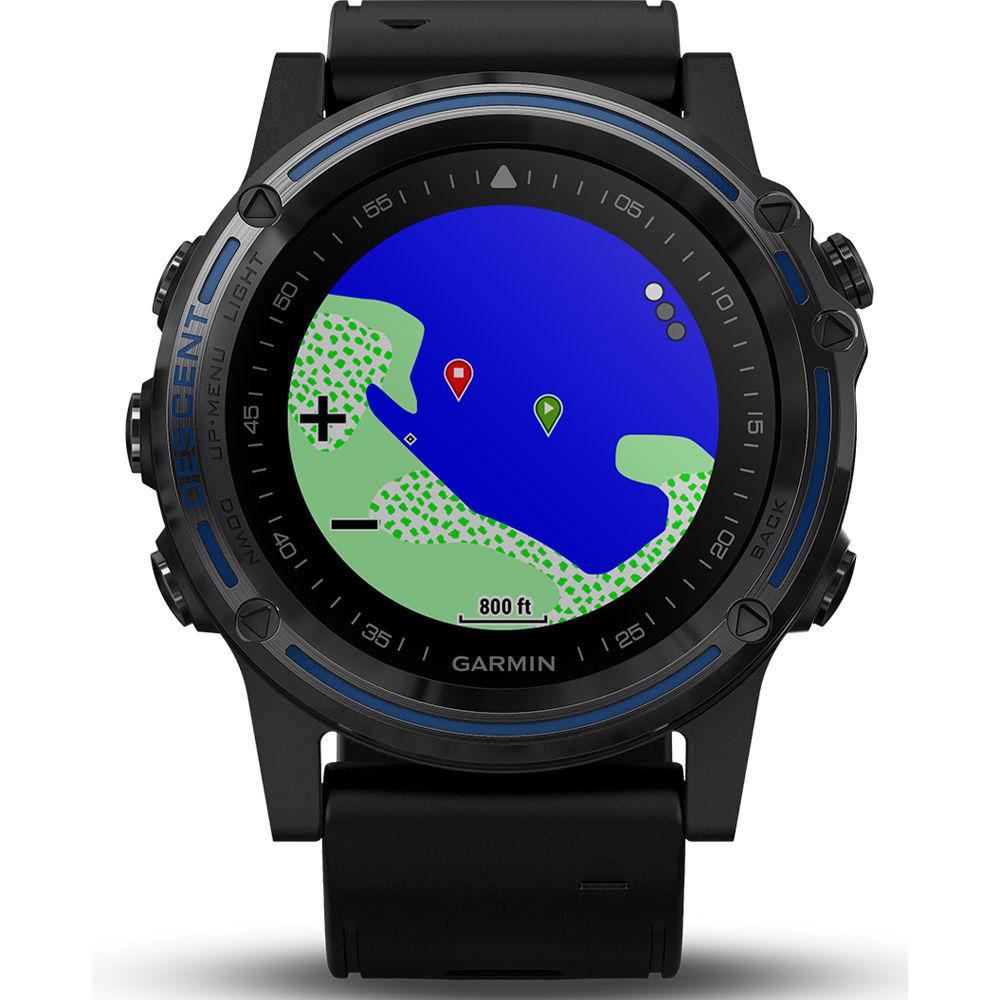
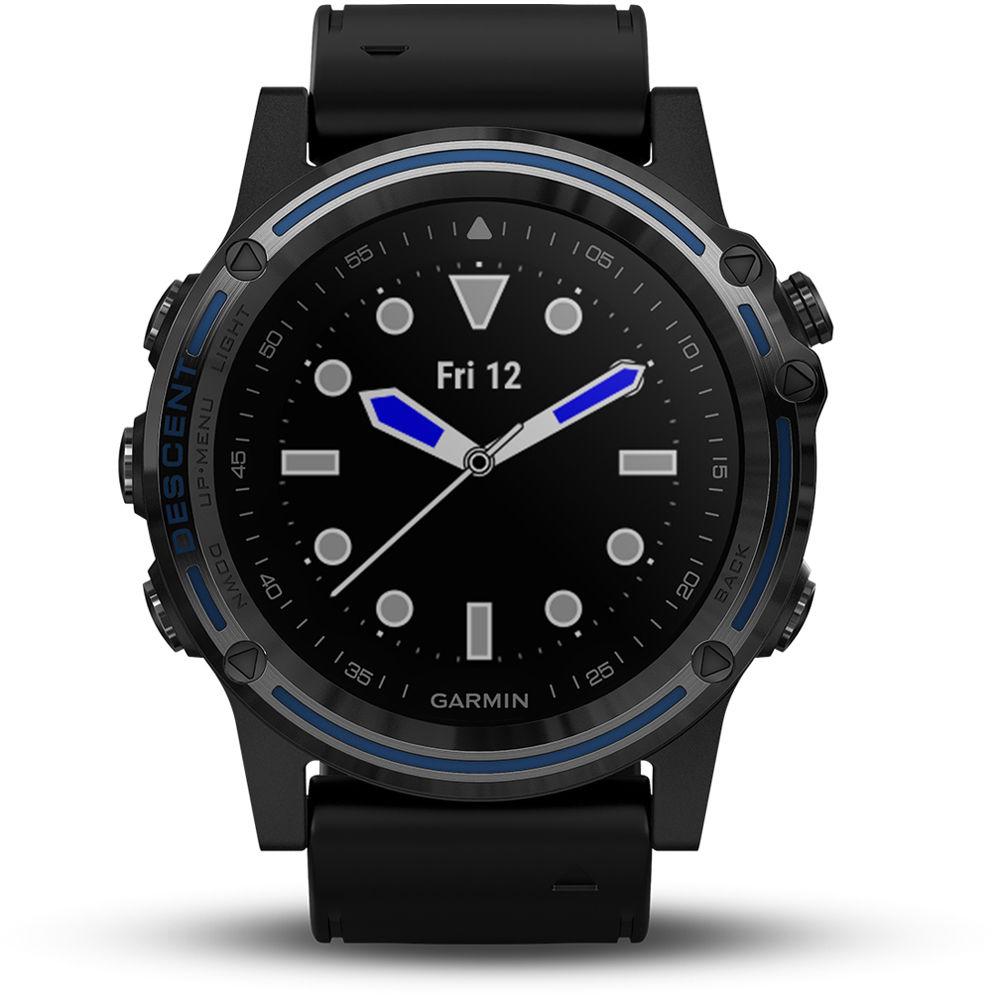
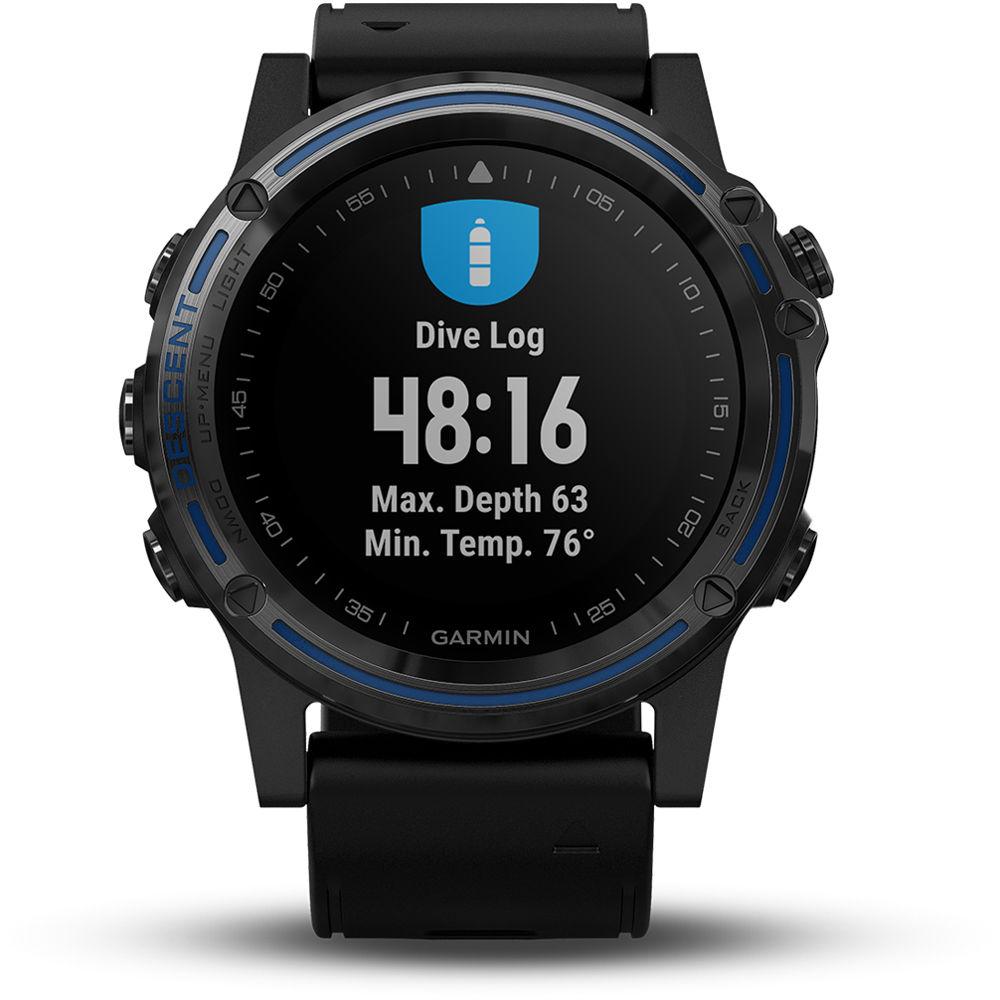
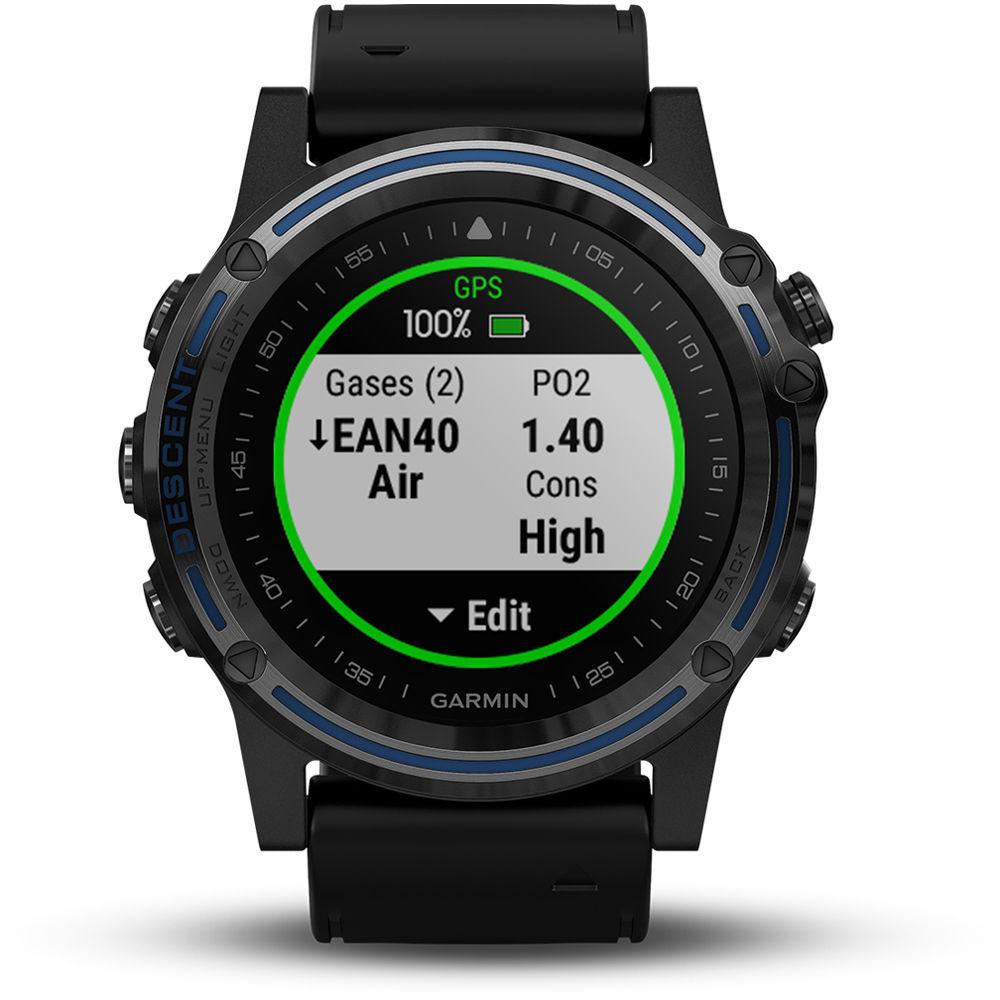
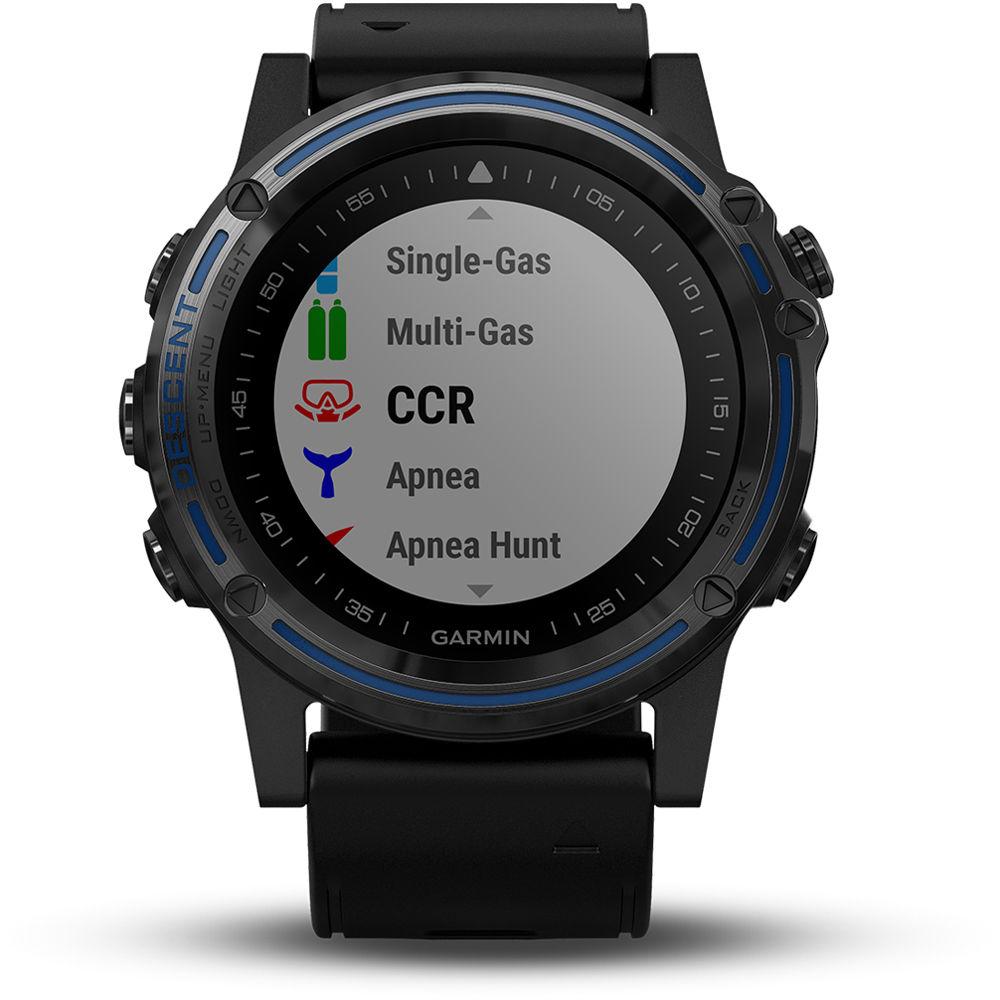
Product description The Garmin Descent Mk1 is a full-featured dive computer that comes in a sleek, watch-style design. The Mk1 features surface GPS navigation with full-color onscreen mapping and location reference you can easily read on its vivid 1.2" display. Designed to support every type of dive, the Descent Mk1 comes complete with a full sensor array that includes GPS, GLONASS, barometric altimeter, compass, gyroscope, accelerometer, thermometer, and depth sensor. It supports single-gas, multi-gas, gauge, and apnea diving, including nitrox and trimix, and you can set audible tones and vibration alarms to provide reminders at critical points in your dive.
On top of being a full-featured dive computer, the Descent Mk1 also features multi-sport training tools, so you can tap into an array of physiological metrics, running dynamics, fitness tracking features, and more. Bluetooth, ANT+, and Wi-Fi are all available for pairing with compatible devices and enabling wireless features, such as smart notifications and alerts. The Decent Mk1's integrated battery lasts between 20 hours and 19 days, depending on charge level, mode, and usage. - Breathe Easier, Dive Better
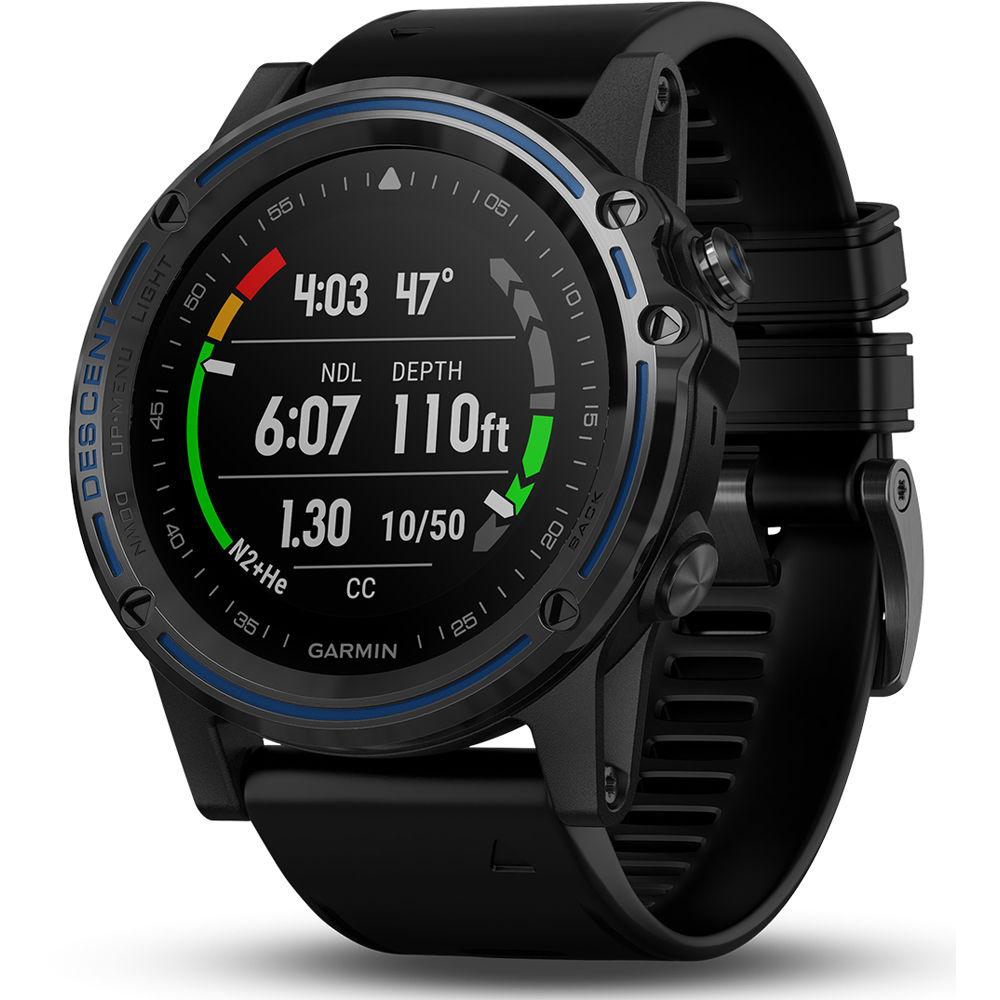
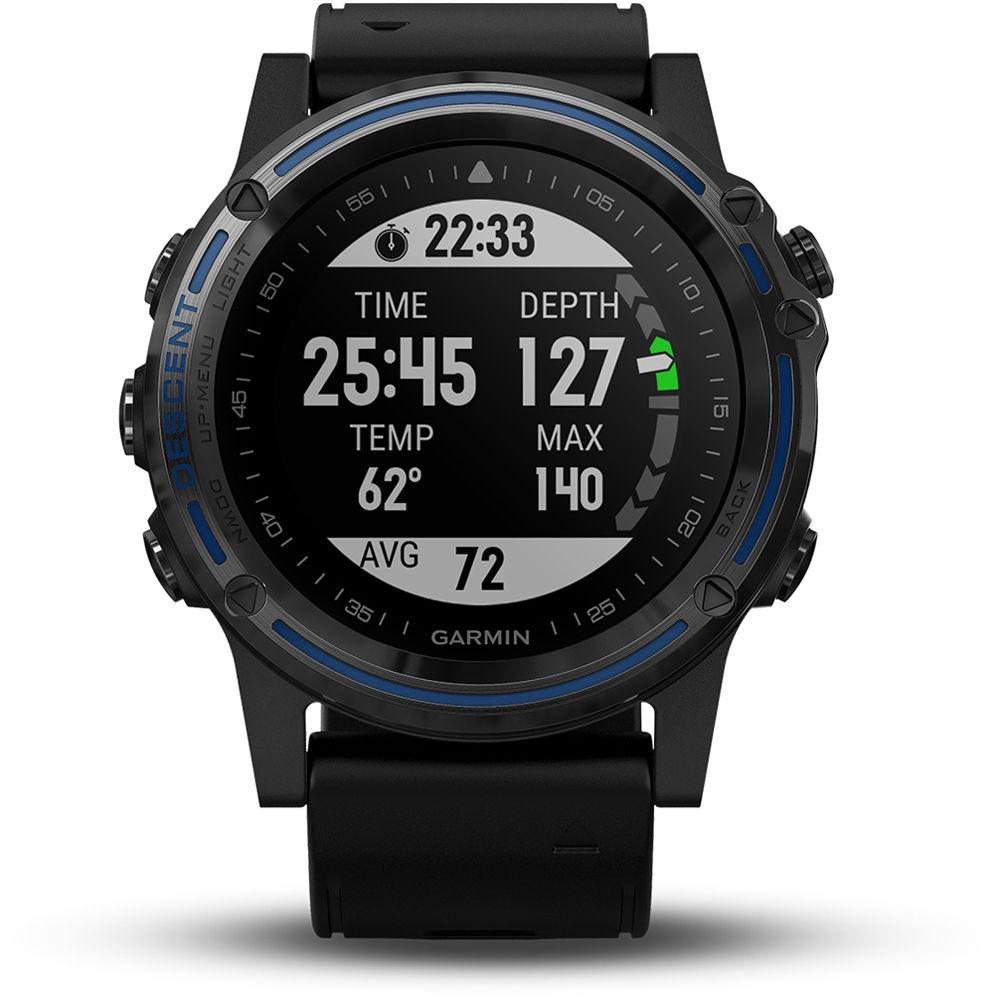
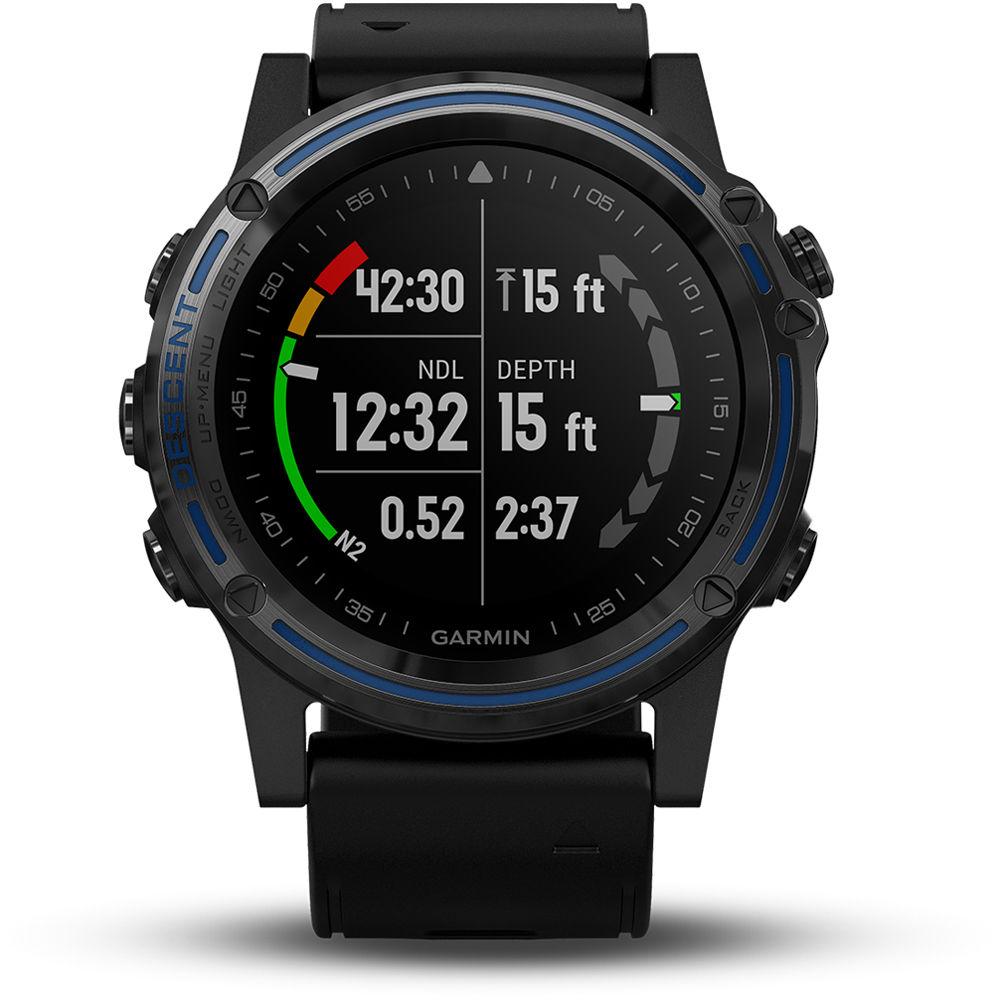
- Providing easy-to-access features for a range of diving activities, the Descent Mk1 provides all the real-time data you need for a confident dive. The Mk1's computer automatically activates as soon as you hit the water, instantly showing your current depth, dive time, water temperature, ascent/descent rate, no-deco time, decompression stop information, battery life, and more on the Mk1's vivid 1.2" color display.
- Multiple Navigation Sensors
- In addition to its high-sensitivity GPS and GLONASS satellite tracking, the Descent Mk1 also provides a full array of ABC (altimeter, barometer, and compass) sensor capabilities for topside navigation. The built-in altimeter provides elevation data, while the tilt-compensated 3-axis electronic compass keeps your bearing.
- Helpful Reminder and Alerts
- You can set audible tones and vibration alarms to provide reminders at critical points in your dive.
- Wrist-Based Heart Rate
- The Descent Mk1 use Elevate wrist-based heart rate technology to optically scan your pulse via skin contact.
- Multisport Watch Features
- More than an advanced dive computer, the Descent Mk1 also offers a complete feature set of sports/training, fitness, and outdoor navigation tools. You can tap into an array of physiological metrics, running dynamics, fitness tracking features, and much more. Preloaded activity profiles are provided for swimming, running, biking, hiking, skiing, rowing, paddle boarding, and more. Various timekeeping, lap counts, and map tracking functions are easily accessible. Plus, for added motivation, you can even download advanced workouts and training plans to your device from Garmin Connect
- Smart Connectivity
- When paired with your compatible smartphone, Descent Mk1 can receive text messages, emails, and smart notifications right on your watch. It also gives you access to automatic uploads with Garmin Connect, audio prompts, music controls and more. While you're topside, friends and family members can follow your location and adventures online, in real time, using the LiveTrack feature. Or you can use GroupTrack and your map display to keep tabs on your activity-sharing buddies as you go.
- Additional Features
-
- QuickFit Watch Band Compatible: 26mm
- Preloaded Boating Profiles
- Activity Tracking Features
- Preloaded Gym Activity Profiles
- Preloaded Run Profiles
- Preloaded Outdoor Recreation Profiles
- Preloaded Cycling Profiles
- Preloaded Swim Profiles
UPC: 753759222147 In the Box Garmin Descent Mk1 Dive Watch (Gray Sapphire with Black Band) Extra Long Adjustment Strap Charging/Data Cable Limited 1-Year Warranty Table of Contents
|
Upload User Manual
Have you got an user manual for the Garmin Descent Mk1 Dive Watch in electronic form? Please send it to us and help us expand our library of instruction manuals.
Thank you, too, on behalf of other users.
To upload the product manual, we first need to check and make sure you are not a robot. After that, your "Submit Link" or "Upload File" will appear.
Technical parametersGarmin Descent MK1 Specs | | | Display Size | 1.2" / 30.4 mm | | Screen Resolution | 240 x 240 | | Watch Crystal Material | Sapphire Crystal | | | | Wireless Connectivity | ANT+
Bluetooth
Wi-Fi | | Global Positioning | GPS, GLONASS | | | | Sensors | Accelerometer, Barometer (Altimeter), Compass, Depth, Gyroscope, Optical Heart Rate, Thermometer | | | | Estimated Battery Life | 40 Hours (Dive Mode)
30 Hours (UltraTrac Mode)
20 Hours (GPS On)
19 Days (Watch Mode)
10 Days (Smartwatch Mode) | | | | Material | Polymer, Stainless Steel | | | | Dimensions | 2 x 2 x 0.7" / 50.8 x 50.8 x 17.78 mm | | Weight | 3.6 oz / 101 g | | | | Package Weight | 0.92 lb | | Box Dimensions (LxWxH) | 4.0 x 3.9 x 3.9" |
Rating80% users recommend this product to others. And what about you?

This product has already been rated by 97 owners. Add your rating and experience with the product.
Discussion
 Ask our technicians if you have a problem with your settings,
or if anything is unclear in the user manual you have downloaded.
You can make use of our moderated discussion.
The discussion is public and helps other users of our website who may be encountering similar problems.
Ask our technicians if you have a problem with your settings,
or if anything is unclear in the user manual you have downloaded.
You can make use of our moderated discussion.
The discussion is public and helps other users of our website who may be encountering similar problems.
The discussion is empty - enter the first post
Post a new topic / query / comment:
|
|


