User Manual for Garmin Speak Plus with Amazon Alexa Click to enlarge the picture
 Contents of the user manual for the Garmin Speak Plus with Amazon Alexa
- Product category: Car GPS Others
- Brand: Others
- Description and content of package
- Technical information and basic settings
- Frequently asked questions – FAQ
- Troubleshooting (does not switch on, does not respond, error message, what do I do if...)
- Authorized service for Others Car GPS
 |
User manual for the Garmin Speak Plus with Amazon Alexa contain basic instructions
that need to be followed during installation and operation.
Before starting your appliance, the user manual should be read through carefully.
Follow all the safety instructions and warnings, and be guided by the given recommendations.
User manual is an integral part of any Others product,
and if it is sold or transferred, they should be handed over jointly with the product.
Following the instructions for use is an essential prerequisite for protecting
health and property during use, as well as recognition of liability on the part of the manufacturer
for possible defects should you make a warranty claim. Download an official Others user manual in which you will find instructions on how to install, use, maintain and service your product.
And do not forget – unsuitable use of a Others product will considerably shorten its lifespan!
|
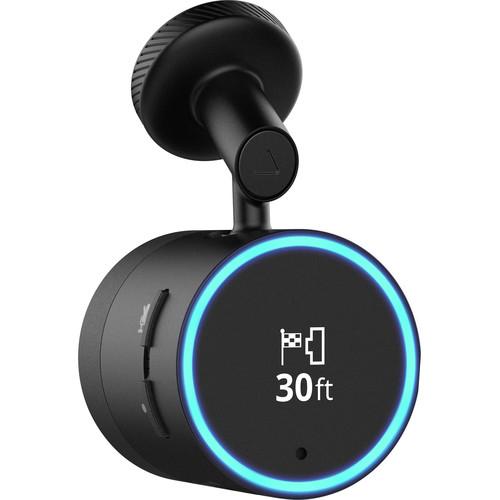
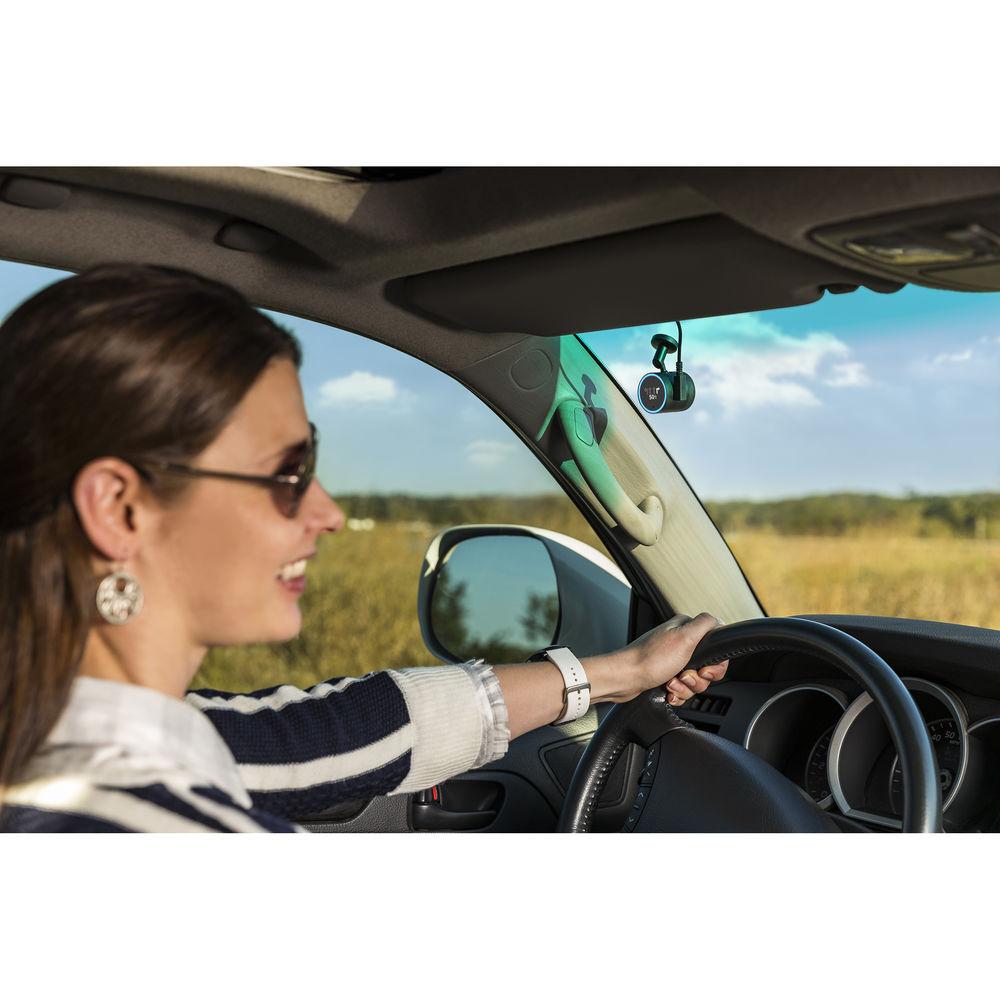
Product description Amazon's popular personal assistant can now come with you in the car, performing tasks and helping you drive safely, thanks to Garmin Speak Plus with Amazon Alexa. Interfacing with Alexa via the compact, windshield-mounted Garmin Speak Plus device, you'll get safety assistance such as forward collision and lane departure warnings, via the built-in dash cam. You can ask Alexa to play news, podcasts or traffic info through your vehicle's stereo; order goods and services; get turn-by-turn directions; stream Amazon Prime Music; make to-do lists and check your calendar; control "smart home" lights, appliances and locks – all with your hands safely on the wheel. Just download the free Garmin Speak app to your smartphone and connect it via Bluetooth to access all these features. - Making Your Drive Safer
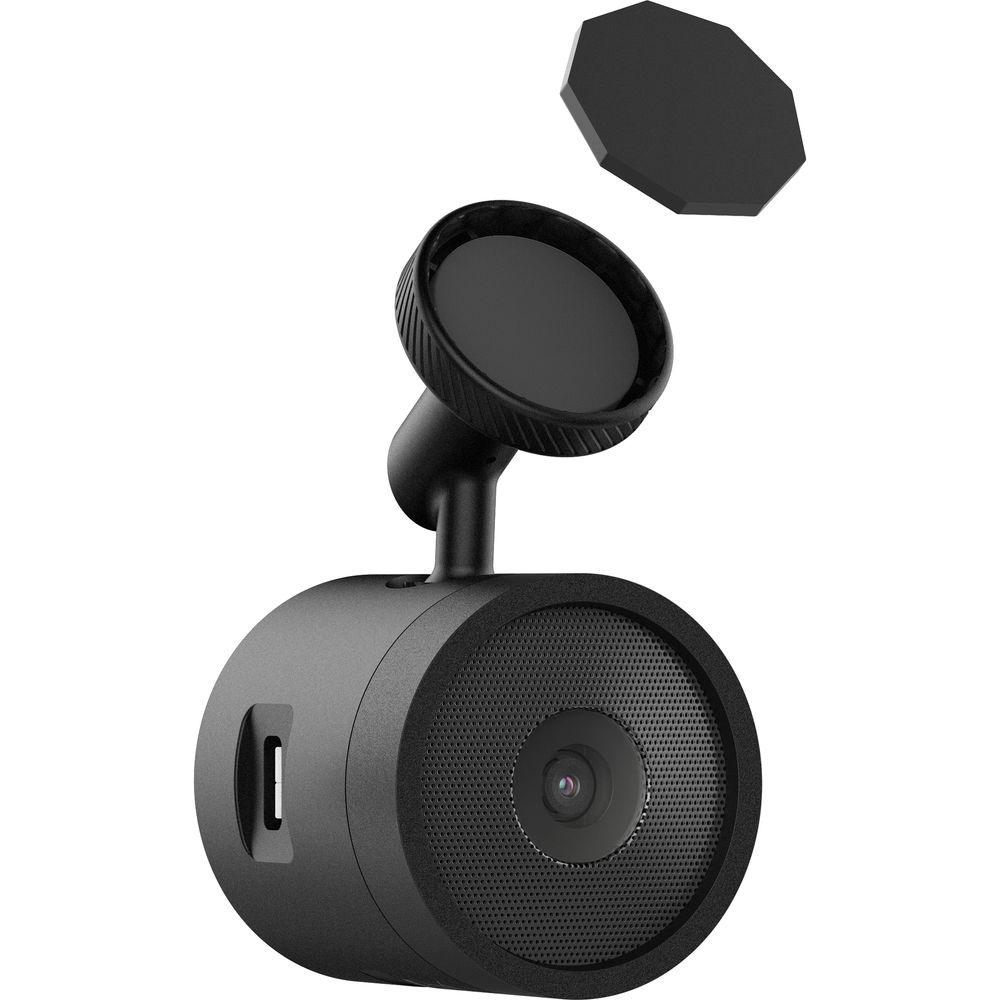
- The built-in dash cam will alert you if you're at risk of a forward collision or leaving your lane, and will automatically record incidents. The free VIRB Mobile app lets you edit, enhance, manage, and share the footage. The camera saves to an included microSD card.
- Music, Infotainment, and More
- From traffic reports to news and podcasts, Garmin Speak Plus with Alexa makes available a wide array of free and subscription-based services, including, naturally, Amazon Prime Music. You control it all with hands-free, spoken commands.
- Shopping, Scheduling, and Skills
- You can order goods and services, compose to-do lists, and coordinate with your calendar. You also have access to thousands of Alexa Skills, or voice-operated apps for businesses and activities.
- Garmin GPS Directions
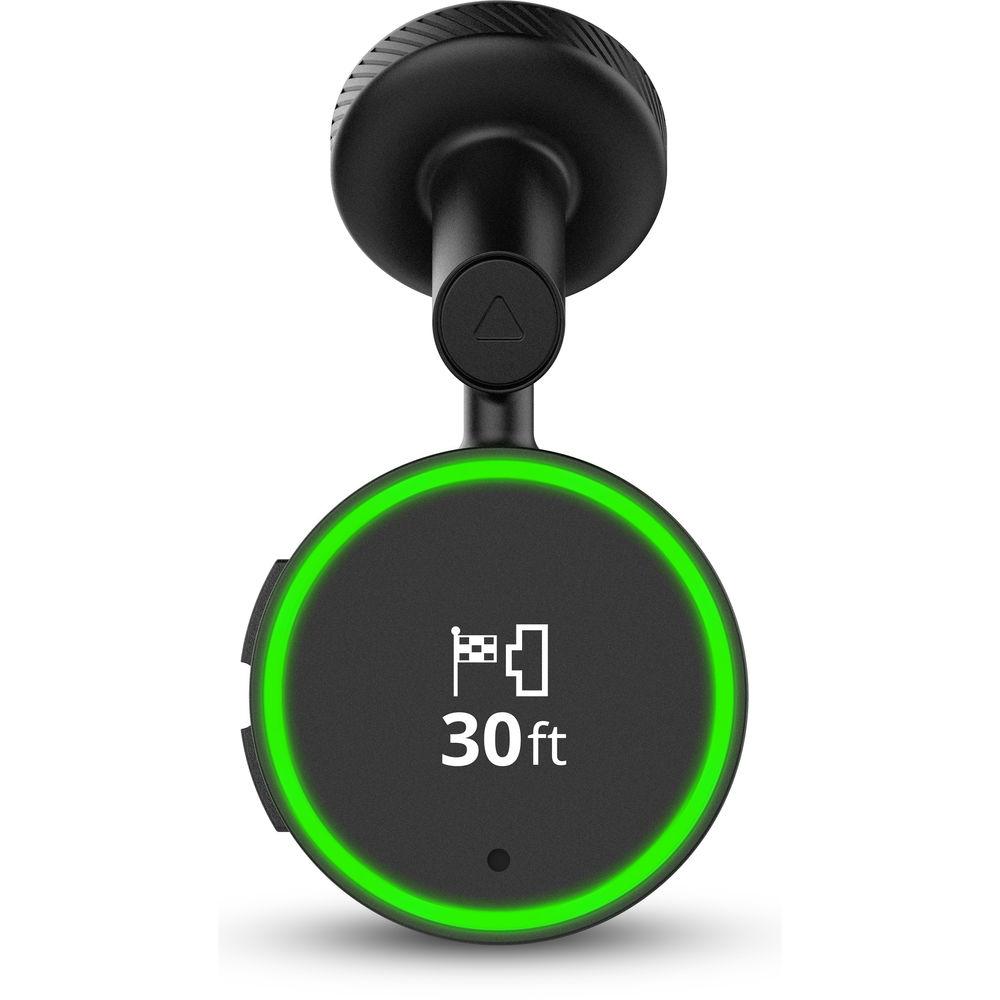
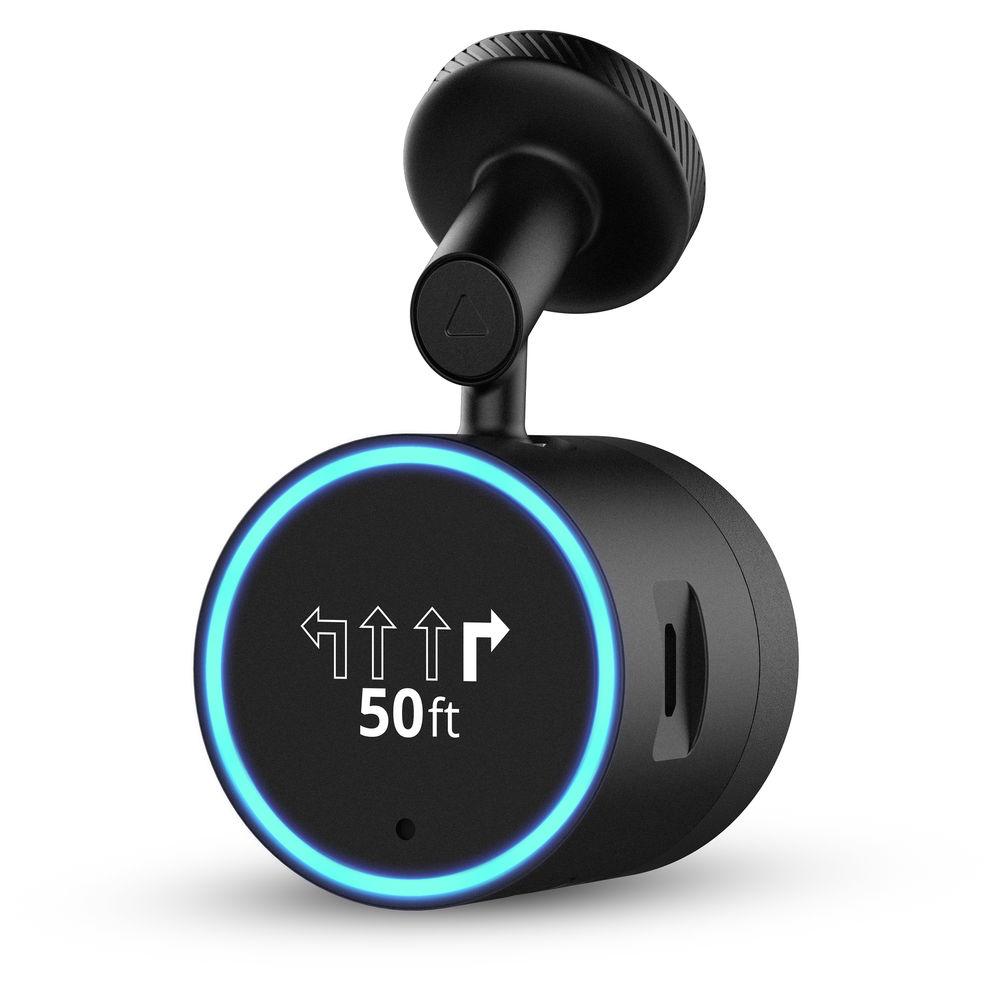
- From locating the nearest gas station to turn-by-turn directions to distant destinations, the Garmin Speak Plus with Alexa provides spoken directions with street names and displays arrows with audio prompts to indicate which lane you need to be in for your next turn or upcoming exit. No fees or subscriptions are required, map information is automatically kept up to date, and live traffic updates are yours for the asking.
- 'Smart' Home Connectivity
- If your home is outfitted with compatible appliances, outlets, or locks, you can control a wide range of functions remotely from behind the wheel by speaking instructions to Alexa. Adjust the thermostat, turn lights off or on, lock a door, etc.
- Entertain Traveling Companions
- Alexa has a sense of humor and a few tricks up her sleeve. Pass time on the road with jokes, trivia, and more.
- Play through Your Car Stereo
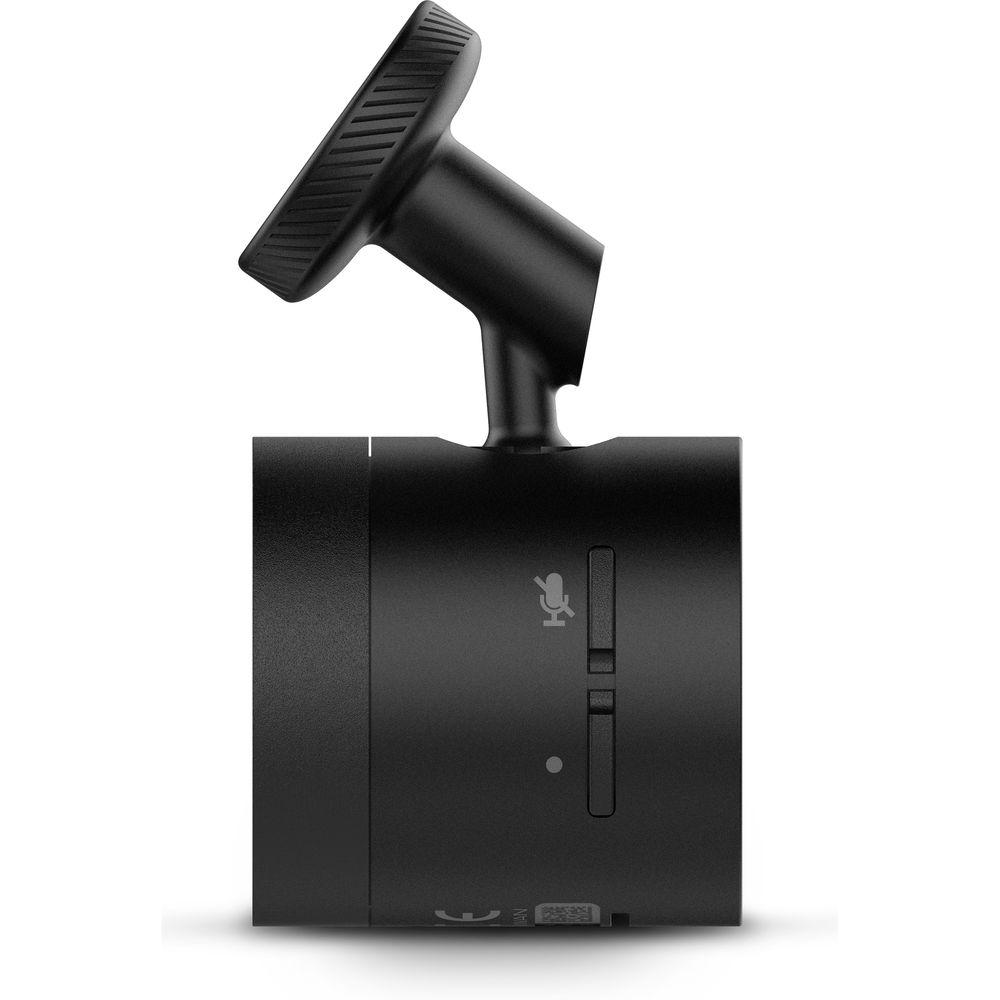
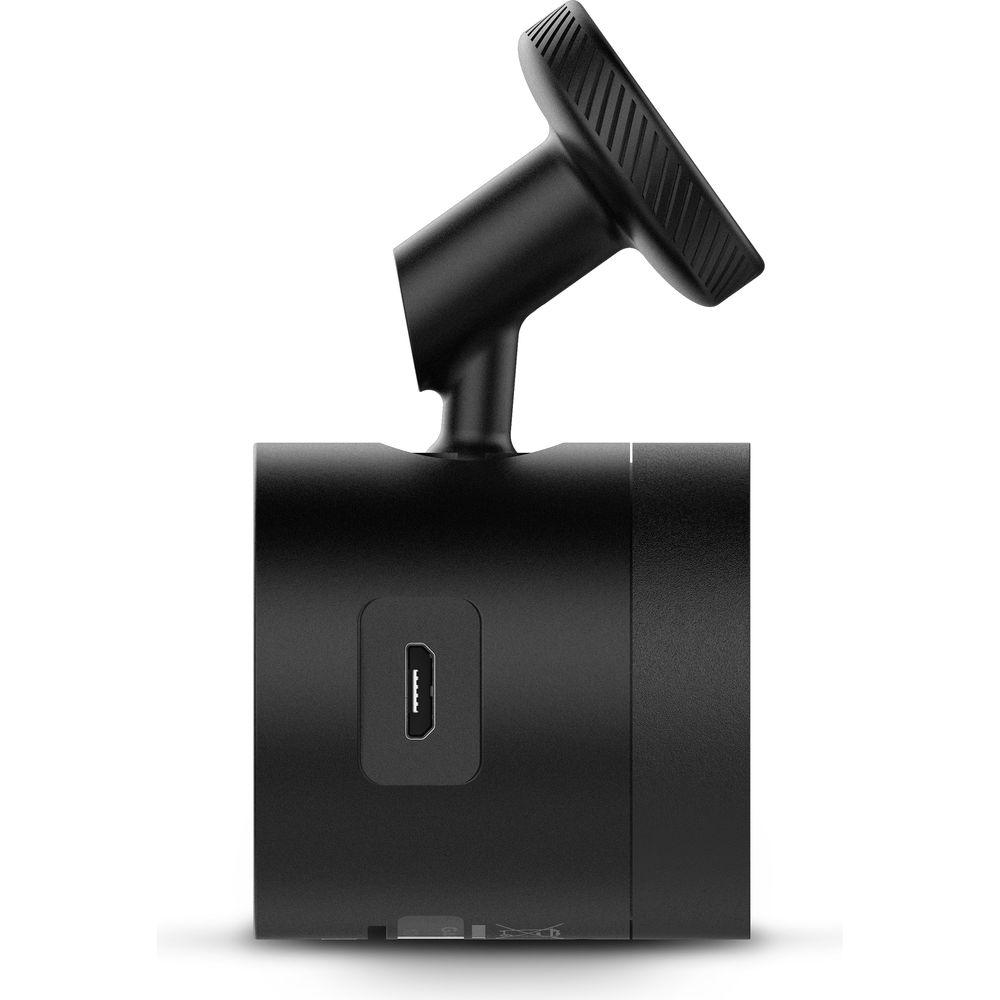
- Garmin Speak Plus with Alexa is less than 1.5" long and wide, and attaches unobtrusively to your windshield. By connecting to your vehicle by Bluetooth or the auxiliary cable input, you'll enjoy your music, news, directions, and traffic info through your sound system.
- Alexa is a digital ecosystem that enables you to interact with and control compatible devices simply by using your voice. Additionally, app control lets you use your smartphone to access functions on the go.
- Additional Features
-
- Automatic map updates
- Cloud-based navigation
- Lane guidance
- Hands-free calling (accept/decline incoming calls)
- Saved places
- Requires Bluetooth-enabled smartphone
- Requires cellular data connection
- Compatible with Android 5.0 and later. Made for iPhone 7 Plus, iPhone 7, iPhone SE, iPhone 6s Plus, iPhone 6s, iPhone 6 Plus, iPhone 6, iPhone 5s, iPhone 5c, iPhone 5; iPad Pro (12.9") 1st and 2nd generation, iPad Pro (10.5"), iPad Pro (9.7"); iPad mini 4, iPad mini 3, iPad mini 2, iPad mini, iPad Air 2, iPad Air, iPad 2 and iPad 3rd generation, 4th generation and 5th generation.
UPC: 753759195069 In the Box Garmin Speak Plus with Amazon Alexa - Windshield Mount
- Power Cable
- microSD Card
- Limited 1-Year Warranty
Table of Contents
|
Upload User Manual
Have you got an user manual for the Garmin Speak Plus with Amazon Alexa in electronic form? Please send it to us and help us expand our library of instruction manuals.
Thank you, too, on behalf of other users.
To upload the product manual, we first need to check and make sure you are not a robot. After that, your "Submit Link" or "Upload File" will appear.
Technical parametersGarmin Speak Plus Specs | Requirements | Requires Bluetooth-enabled smartphone
Requires cellular data connection
Requires download of Garmin Speak app to Bluetooth-enabled smartphone during setup | | Compatible Mobile Devices | Android 5.0 and later.
iPhone 7 Plus, iPhone 7, iPhone SE, iPhone 6s Plus, iPhone 6s, iPhone 6 Plus, iPhone 6, iPhone 5s, iPhone 5c, iPhone 5; iPad Pro (12.9") 1st and 2nd generation, iPad Pro (10.5"), iPad Pro (9.7"); iPad mini 4, iPad mini 3, iPad mini 2, iPad mini, iPad Air 2, iPad Air, iPad 2 and iPad 3rd generation, 4th generation, and 5th generation. | | Connectivity | Connects to vehicle stereo via Bluetooth or aux input with separately sold cable
Connects to smartphone via Bluetooth | | Display Size | 0.7 x 0.4" (1.7 x 1.0 cm) | | Display Resolution | 114 x 64 pixels | | Display Type | OLED with LED light ring | | Camera Resolution | 1920 x 1080 | | Frame Rate | 30 fps | | Field of View | 82° | | Storage | 4-64 GB microSD | | Audio Output | Built-in speaker, AUX | | Audio Input | Built-in mic, AUX | | Power | Vehicle power cable | | Dimensions | 1.5 x 1.5" (3.8 x 3.8 cm) | | Weight | 1.3 oz (38 g) | | | | Package Weight | 0.5 lb | | Box Dimensions (LxWxH) | 5.5 x 3.55 x 2.7" |
Rating20% users recommend this product to others. And what about you?

This product has already been rated by 76 owners. Add your rating and experience with the product.
Discussion
 Ask our technicians if you have a problem with your settings,
or if anything is unclear in the user manual you have downloaded.
You can make use of our moderated discussion.
The discussion is public and helps other users of our website who may be encountering similar problems.
Ask our technicians if you have a problem with your settings,
or if anything is unclear in the user manual you have downloaded.
You can make use of our moderated discussion.
The discussion is public and helps other users of our website who may be encountering similar problems.
The discussion is empty - enter the first post
Post a new topic / query / comment:
|
|


